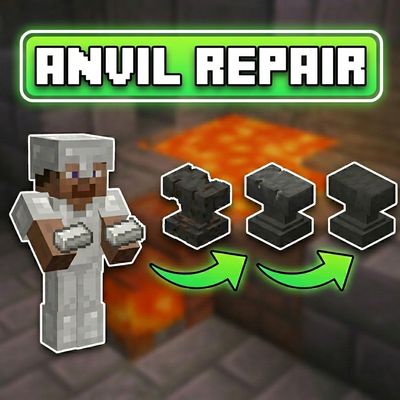
Creator Studio's Anvil Repair
Bedrock add-on listed for Minecraft 1.20–26.x (behavior + resource pack). File opened and checked on 5 Oct 2026; installs from the MC Bedrock Mods app on Android.
Your anvil is broken — not dead. Repair Anvil lets you fix damaged and chipped anvils on the spot using iron ingots, or toss them in a blast furnace and…
⬇ Download on CurseForge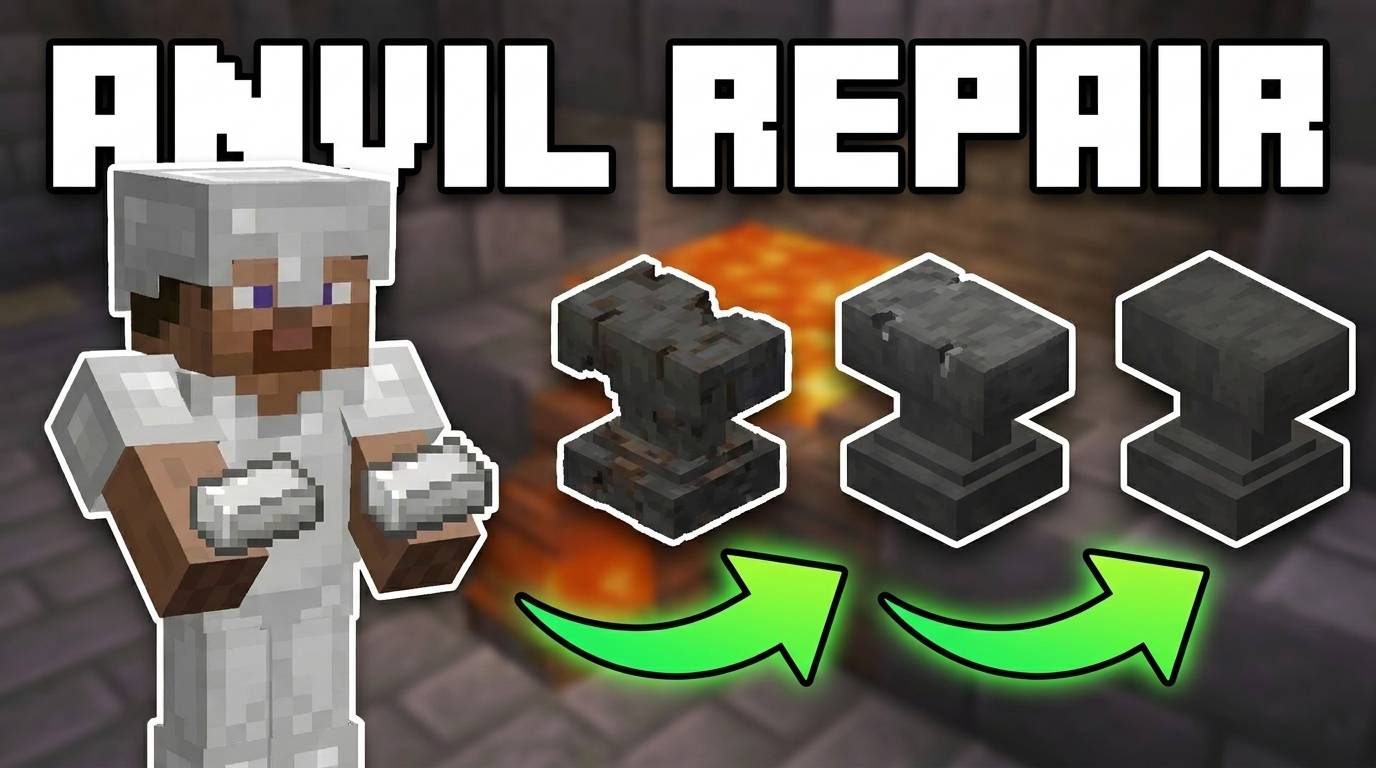
Repair Anvil by Creator Studios adds something Minecraft always should have had — the ability to actually fix your anvil instead of crafting a new one every time it breaks down.
There are two ways to repair:
Right-click repair — hold iron ingots in your hand and right-click the anvil.
Damaged Anvil costs 5 iron ingots and repairs to Chipped.
Chipped Anvil costs 3 iron ingots and repairs back to normal. Fast, simple, works anywhere.
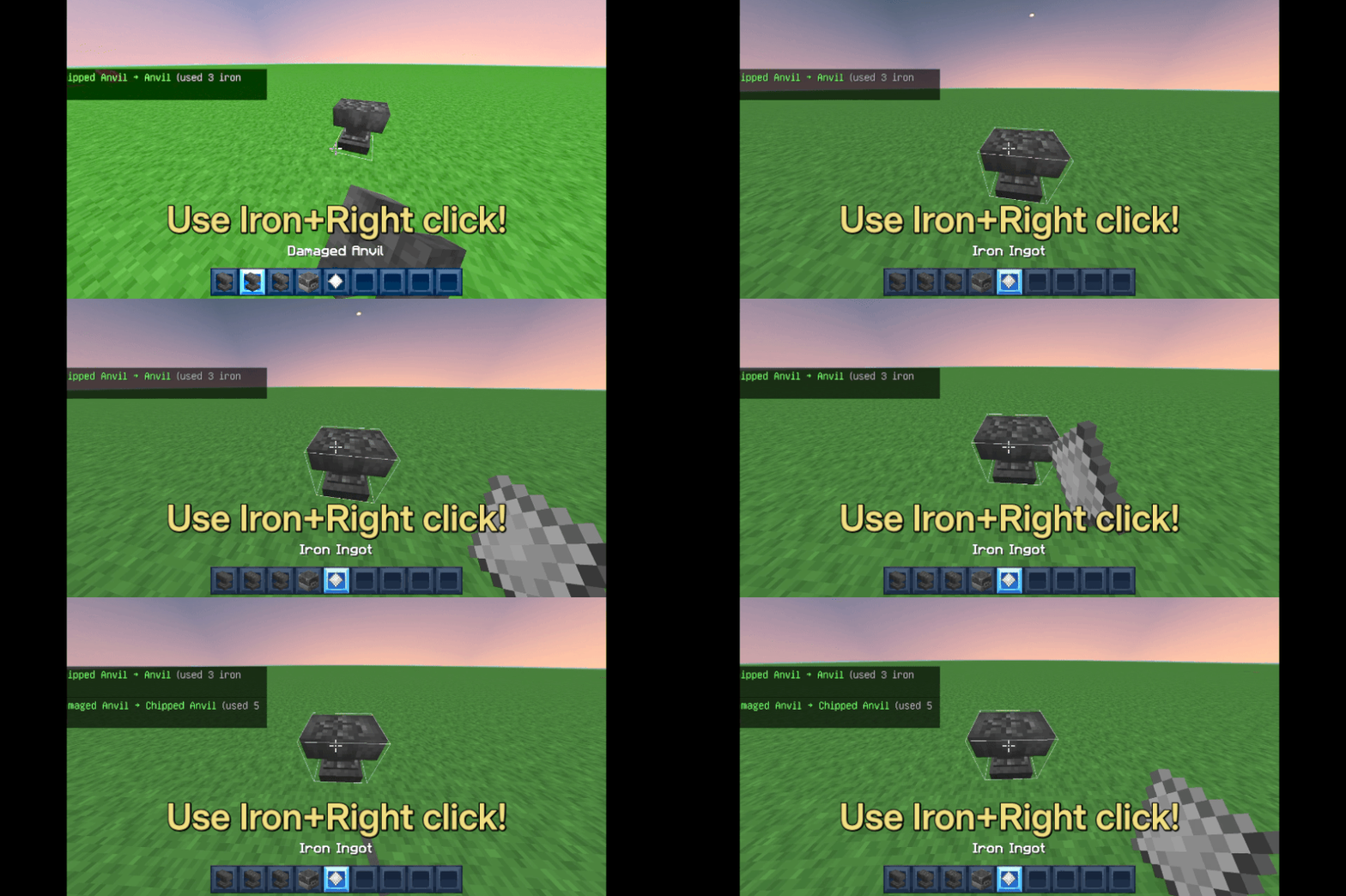
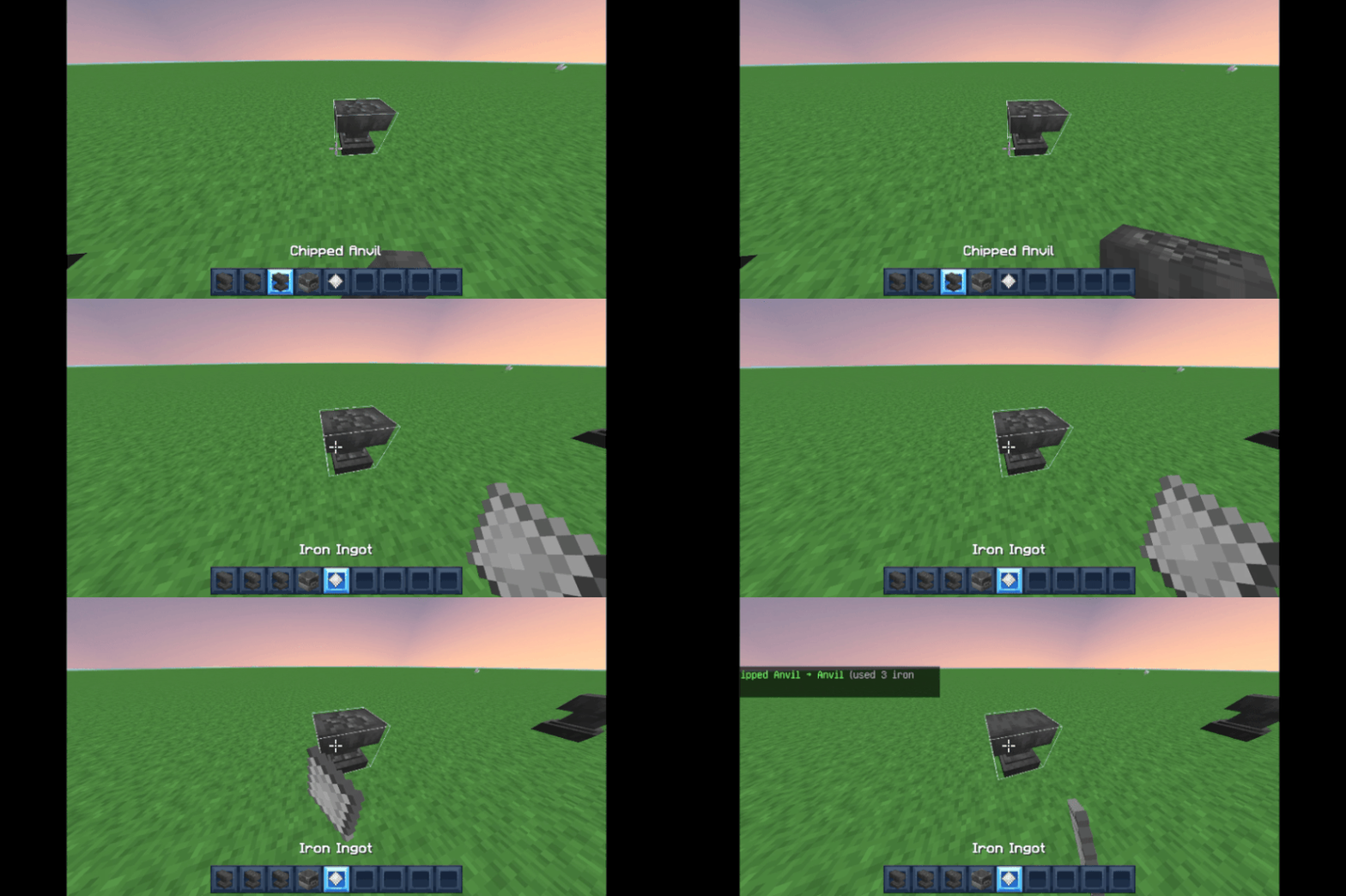
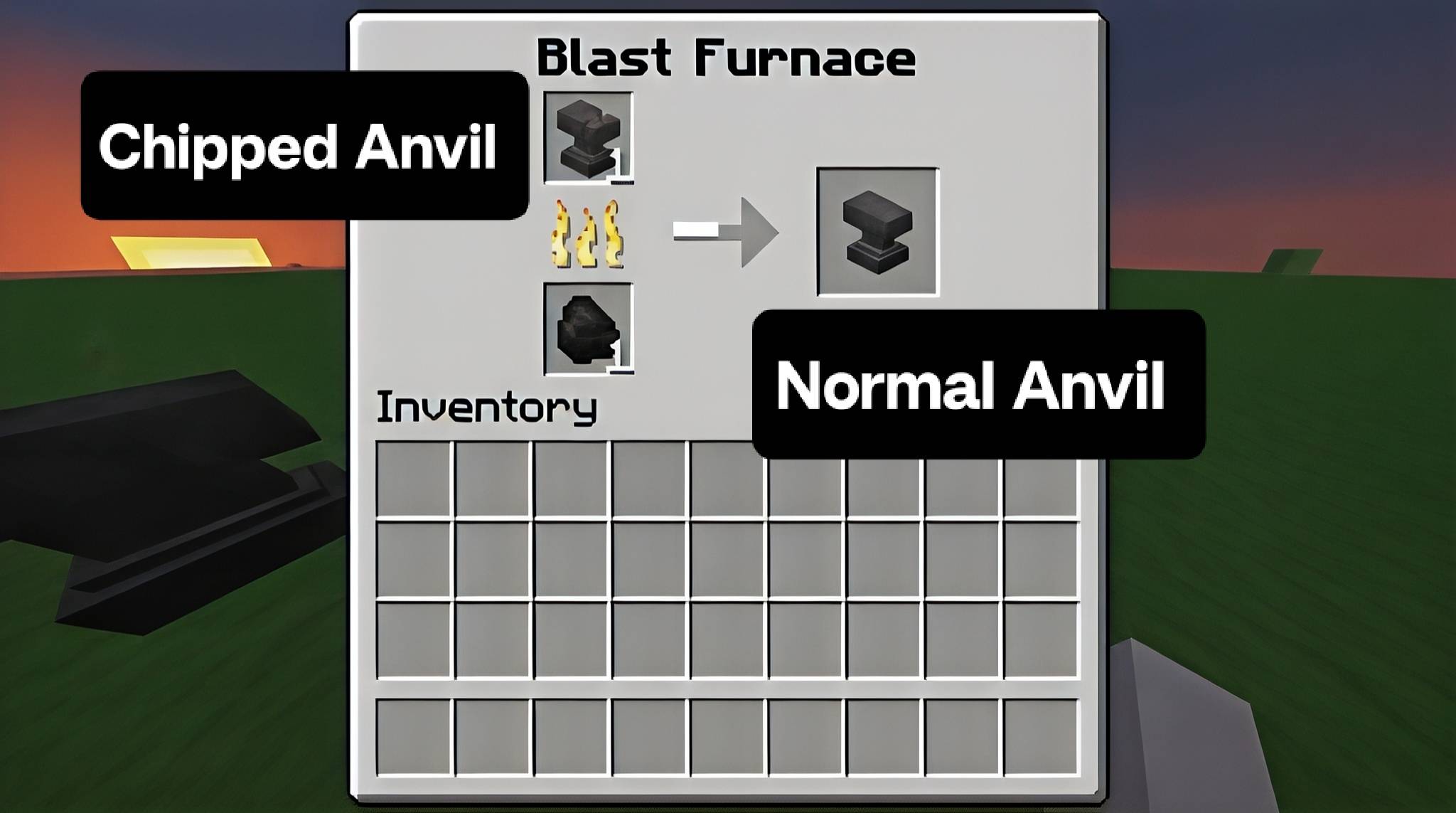
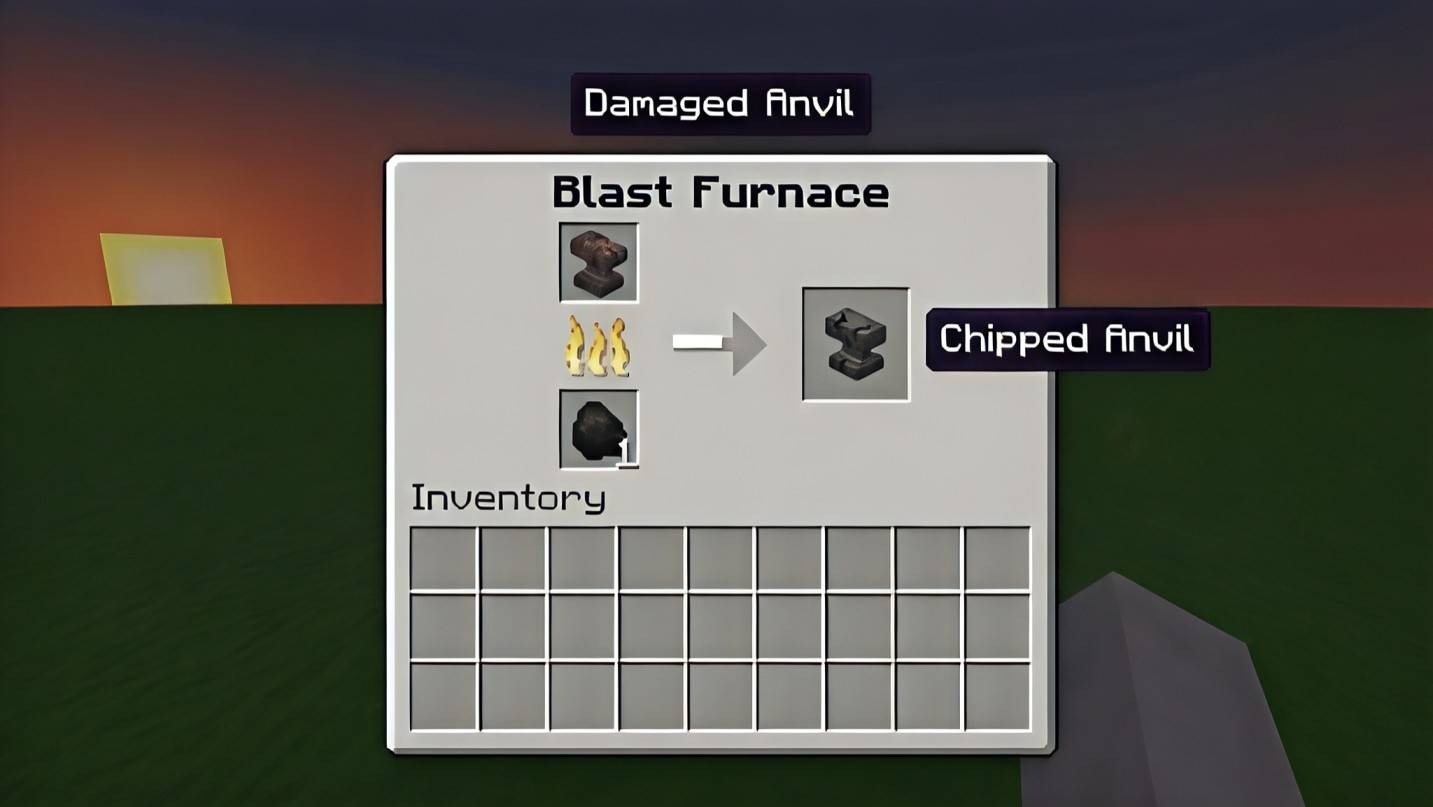
Blast furnace smelting — throw your Damaged or Chipped Anvil into a blast furnace and smelt it back up a stage. Great if you're already near a blast furnace or want a more survival-friendly approach.
Both methods work independently so you can use whichever fits your playstyle.
What you need:
Minecraft Bedrock 1.20.0 or higher. Apply both the Behavior Pack and Resource Pack together.
⚠ Enable Beta APIs — World Settings → Experiments → Beta APIs → ON. The addon won't work without it.
Installation:
Tap the .mcaddon file — Minecraft imports it automatically
Open or create a world and turn Beta APIs ON under Experiments
Apply Repair Anvil BP and Repair Anvil RP to your world
Hit play — your anvils are no longer a lost cause
Made with ❤ by Creator Studios — YT @creatorplayz
- Edition: Minecraft Bedrock
- File type: .mcpack or .mcaddon
- Minecraft versions listed: 1.20, 1.21, 26.0
- How to install: Download the .mcpack or .mcaddon file. → Open it — Minecraft imports it. → In your world: Behavior Packs → Available → Activate, then the same under Resource Packs.
- Where to get it: Opens on CurseForge — not every file is mirrored on our own servers.
Install steps are the general flow for this file type — How to install Minecraft Bedrock addons & mods walks through it step by step.
- Pack type: .mcaddon — behaviour and resource pack in one file
- Manifest requires Minecraft 1.20.0 or newer
- Complete pack — everything it depends on is inside the file
- Download size: 10 KB
- Download link checked 6 Oct 2026 — working
These come from our own check of the pack file, not from the source page.