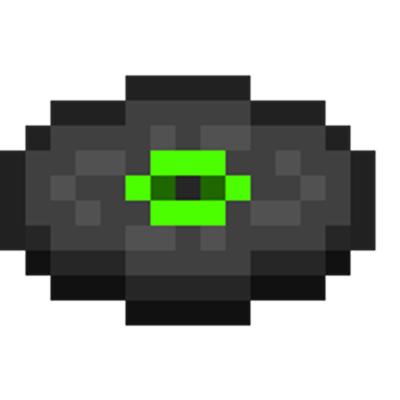
Costume Disc
Bedrock add-on listed for Minecraft 1.2–26.x (resource pack only). File opened and checked on 7 Oct 2026; installs from the MC Bedrock Mods app on Android.
⬇ Download on CurseForge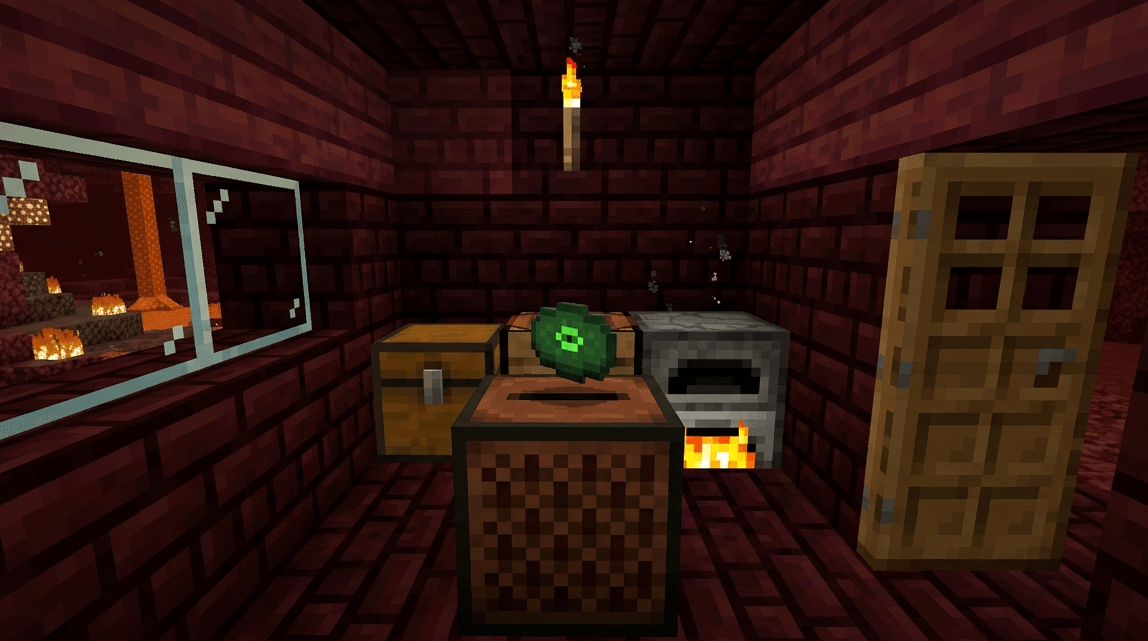
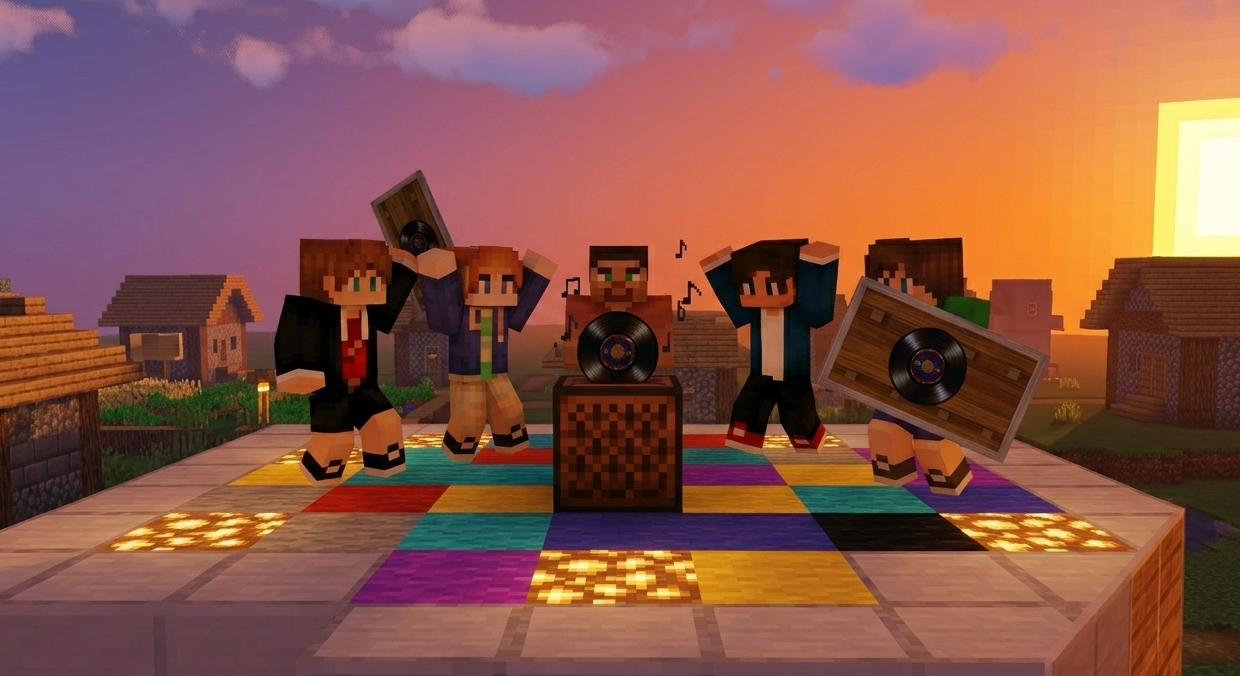
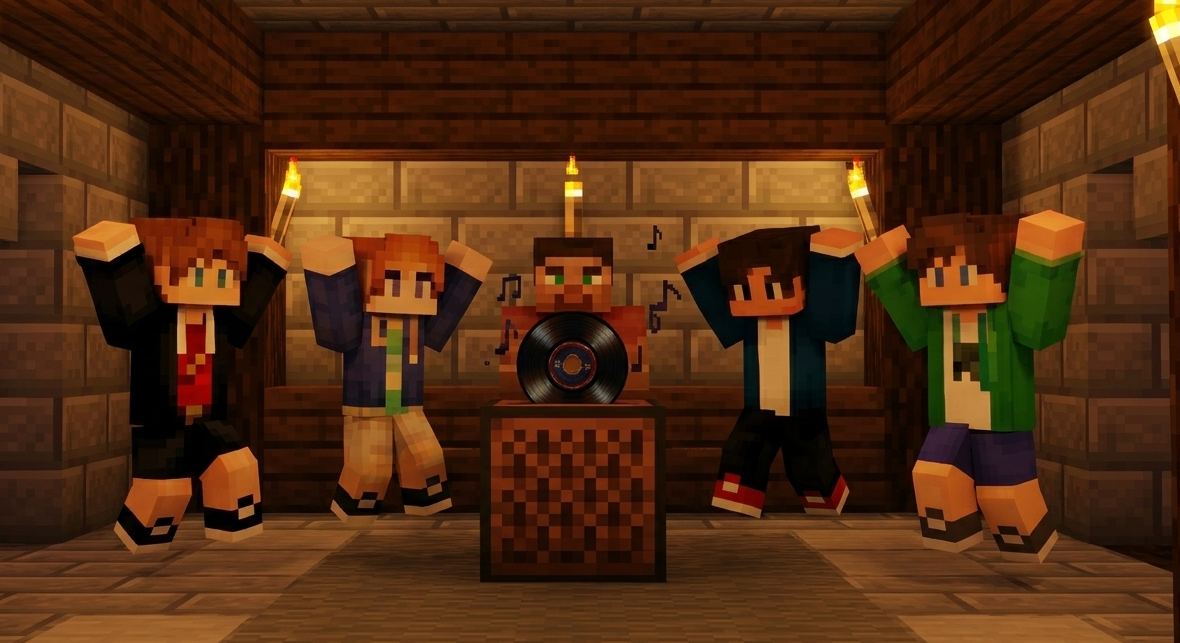
"Customized Only Cat Disc!"
Overview:
This is a specialized audio resource pack designed for Minecraft Bedrock Edition (Pocket Edition/Windows 10). The primary goal of this pack is to enhance the in-game atmosphere by replacing the standard music disc audio with a high-quality custom ringtone/music track.
Features:
Custom Audio: Replaces the default 'Cat' music disc with a unique custom sound.
Compatibility: Fully compatible with Minecraft Bedrock versions 1.20 and above.
Multiplayer Ready: Works on private worlds, realms, and dedicated servers (when applied as a server resource pack).
High Quality: Uses optimized .ogg audio format to ensure clear sound without increasing the file size significantly.
How to Use:
Once the pack is activated in your Global Resources or World Settings, find a Jukebox in the game.
Obtain the 'Cat' Music Disc (Green color).
Insert the disc into the Jukebox, and your custom ringtone will play immediately.
Installation Guide:
Download the .mcpack file.
Tap/Click on the file to automatically import it into Minecraft.
Go to Settings > Global Resources > My Packs and click Activate.
Enjoy your new custom music experience!
Credits:
Created by DaddyPieOfficial. Designed for the gaming community to personalize their Minecraft experience.
- Edition: Minecraft Bedrock
- File type: .mcpack or .mcaddon
- Minecraft versions listed: 1.20.40, 1.21.30, 0.16.2
- How to install: Download the .mcpack or .mcaddon file. → Open it — Minecraft imports it. → In your world: Behavior Packs → Available → Activate, then the same under Resource Packs.
- Where to get it: Opens on CurseForge — not every file is mirrored on our own servers.
Install steps are the general flow for this file type — How to install Minecraft Bedrock addons & mods walks through it step by step.
- Pack type: .mcpack — a single pack
- Manifest requires Minecraft 1.21.0 or newer
- Complete pack — everything it depends on is inside the file
- Download size: 285 KB
- Download link checked 6 Oct 2026 — working
These come from our own check of the pack file, not from the source page.