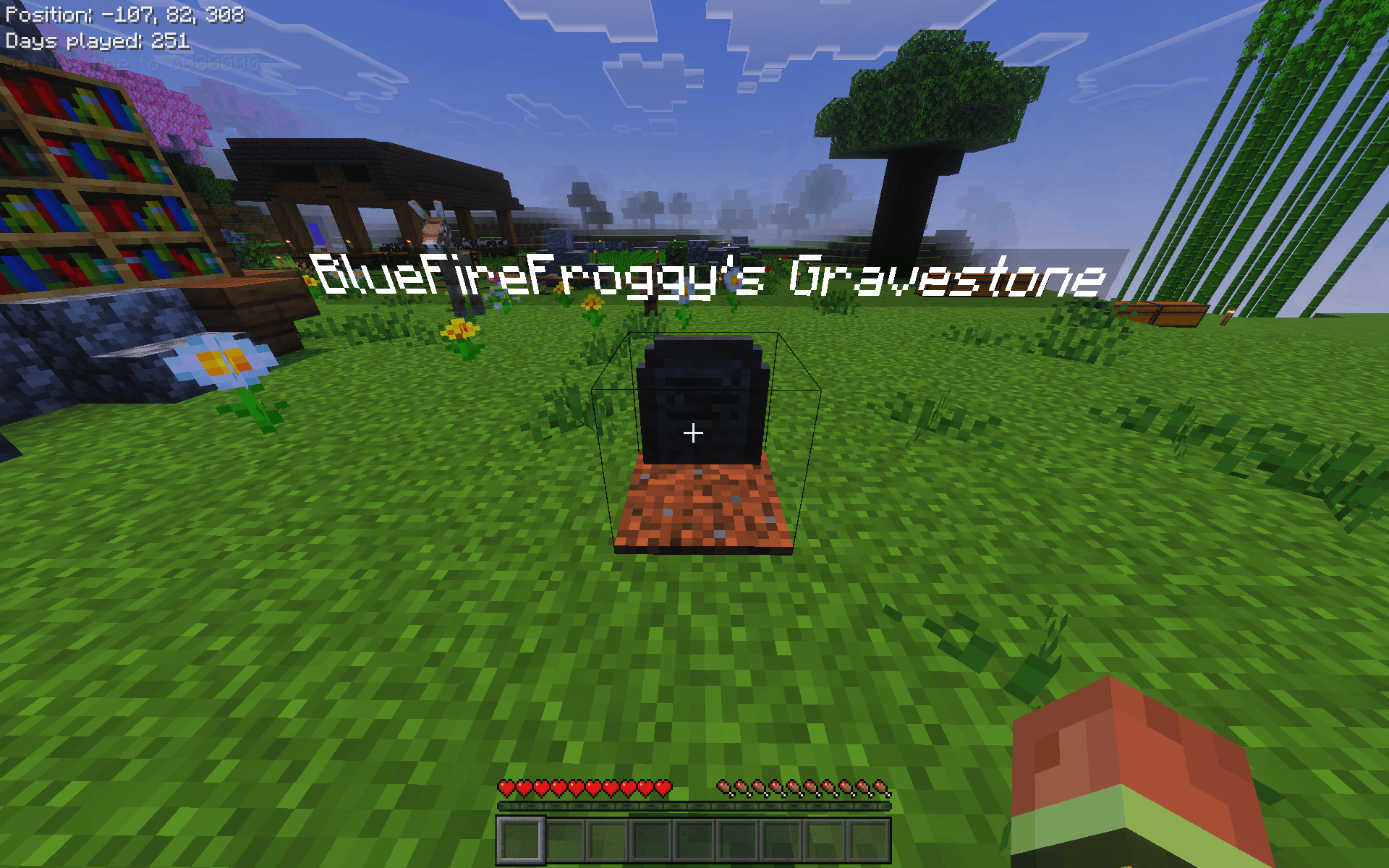
This is Another Gravestone Addon! There are custom commands.
/toggle -This command toggles the gravestone on or off, meaning when its toggled on when you died your items get put in a gravestone, and when its off your items just fall on the ground like normal.
/lostitems - Toggles lost items mode on or off. When on, 25% chance keep all items, 50% chance lose half, 25% chance lose a quarter of inventory.
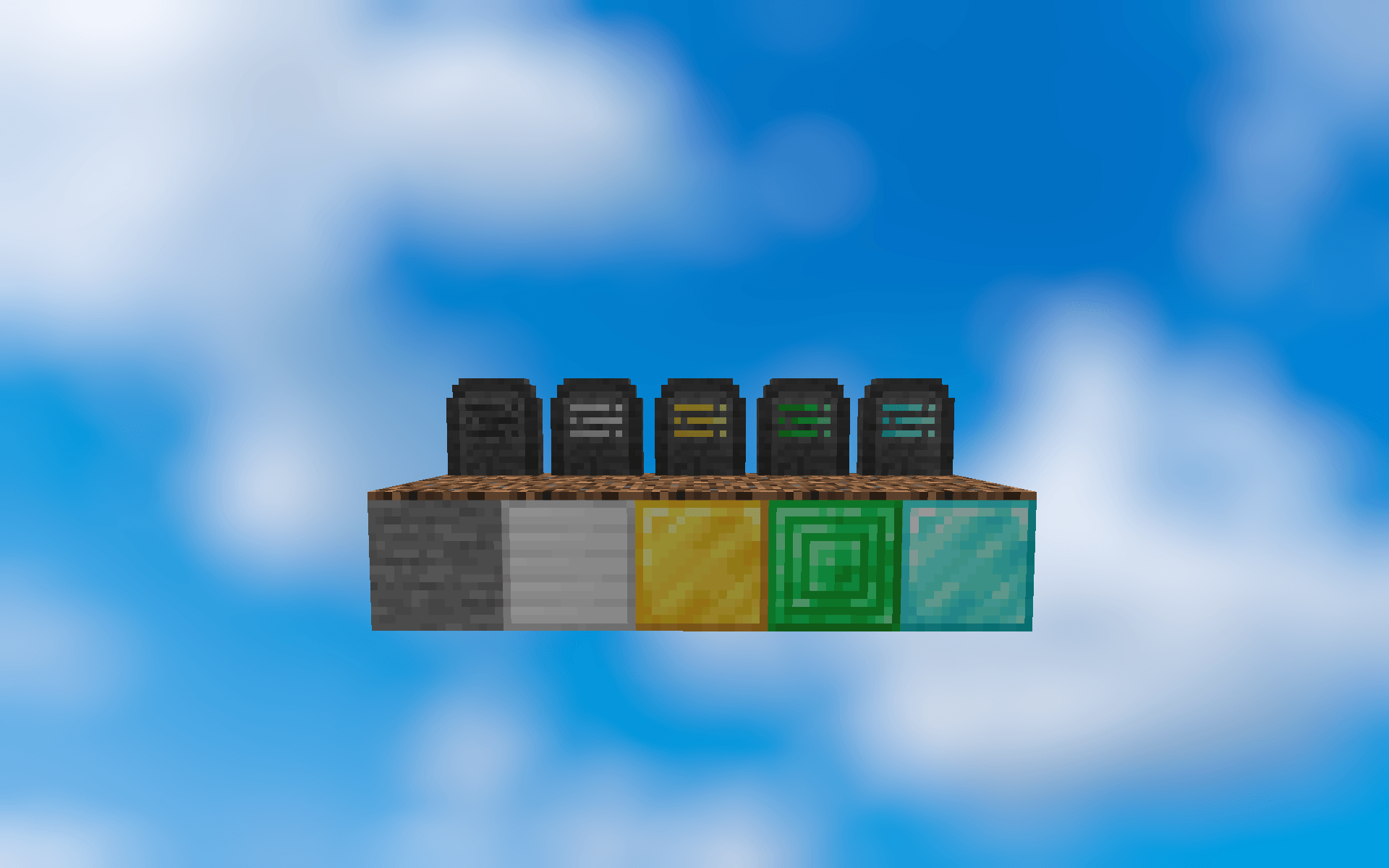
There are 5 Custom gravestones that you can use for decoration
-Gravestone
-Golden Gravestone
-Iron Gravestone
-Emerald Gravestone
-Diamond Gravestone
- Edition: Minecraft Bedrock
- File type: .mcpack or .mcaddon
- Minecraft versions listed: 26.10, 26.11, 26.12
- How to install: Download the .mcpack or .mcaddon file. → Open it — Minecraft imports it. → In your world: Behavior Packs → Available → Activate, then the same under Resource Packs.
- Where to get it: Opens on CurseForge — not every file is mirrored on our own servers.
Install steps are the general flow for this file type — How to install Minecraft Bedrock addons & mods walks through it step by step.
- Pack type: .mcaddon — behaviour and resource pack in one file
- Manifest requires Minecraft 1.26.0 or newer
- Complete pack — everything it depends on is inside the file
- Download size: 31 KB
- Download link checked 26 Aug 2026 — working
These come from our own check of the pack file, not from the source page.