
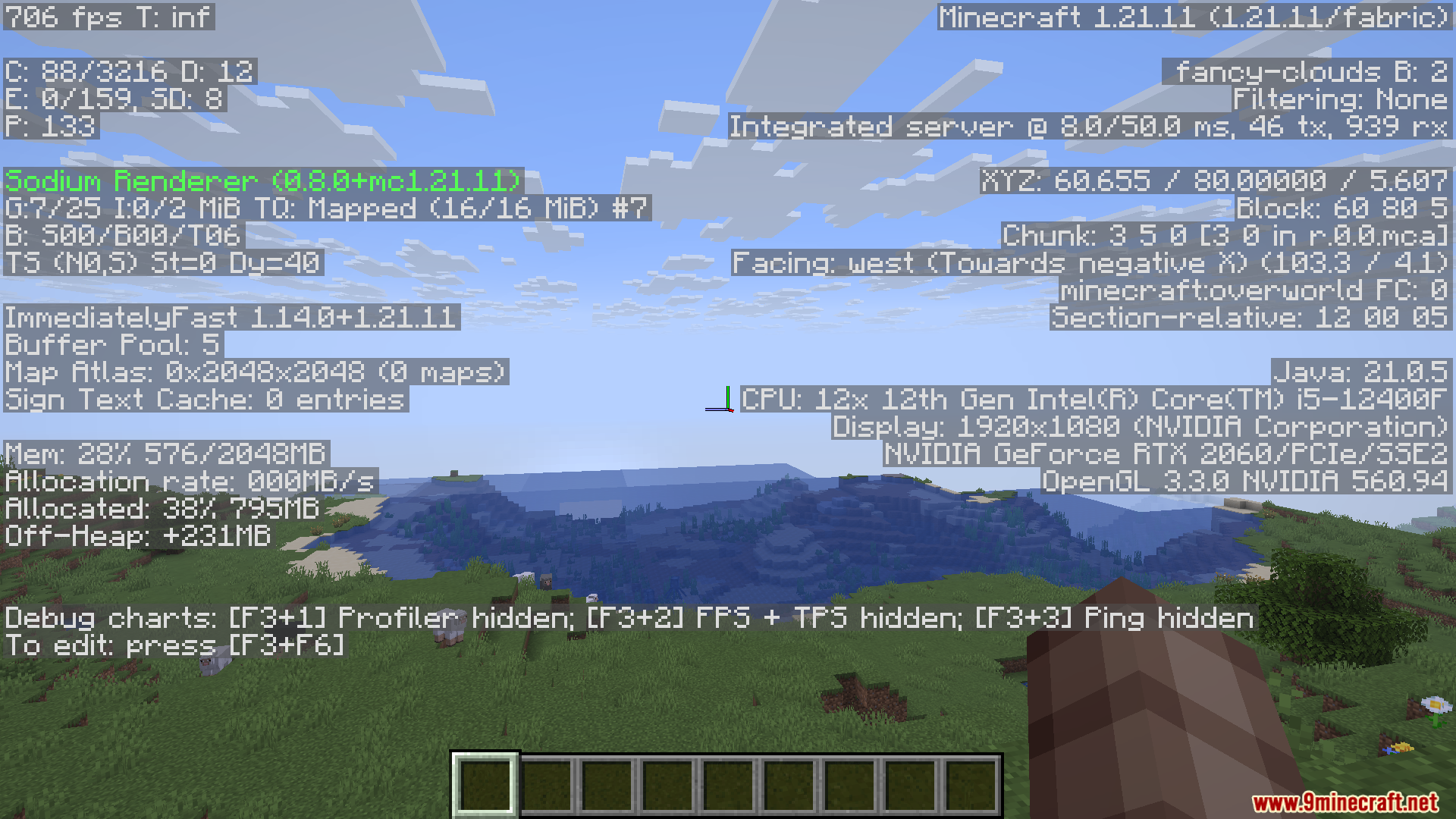
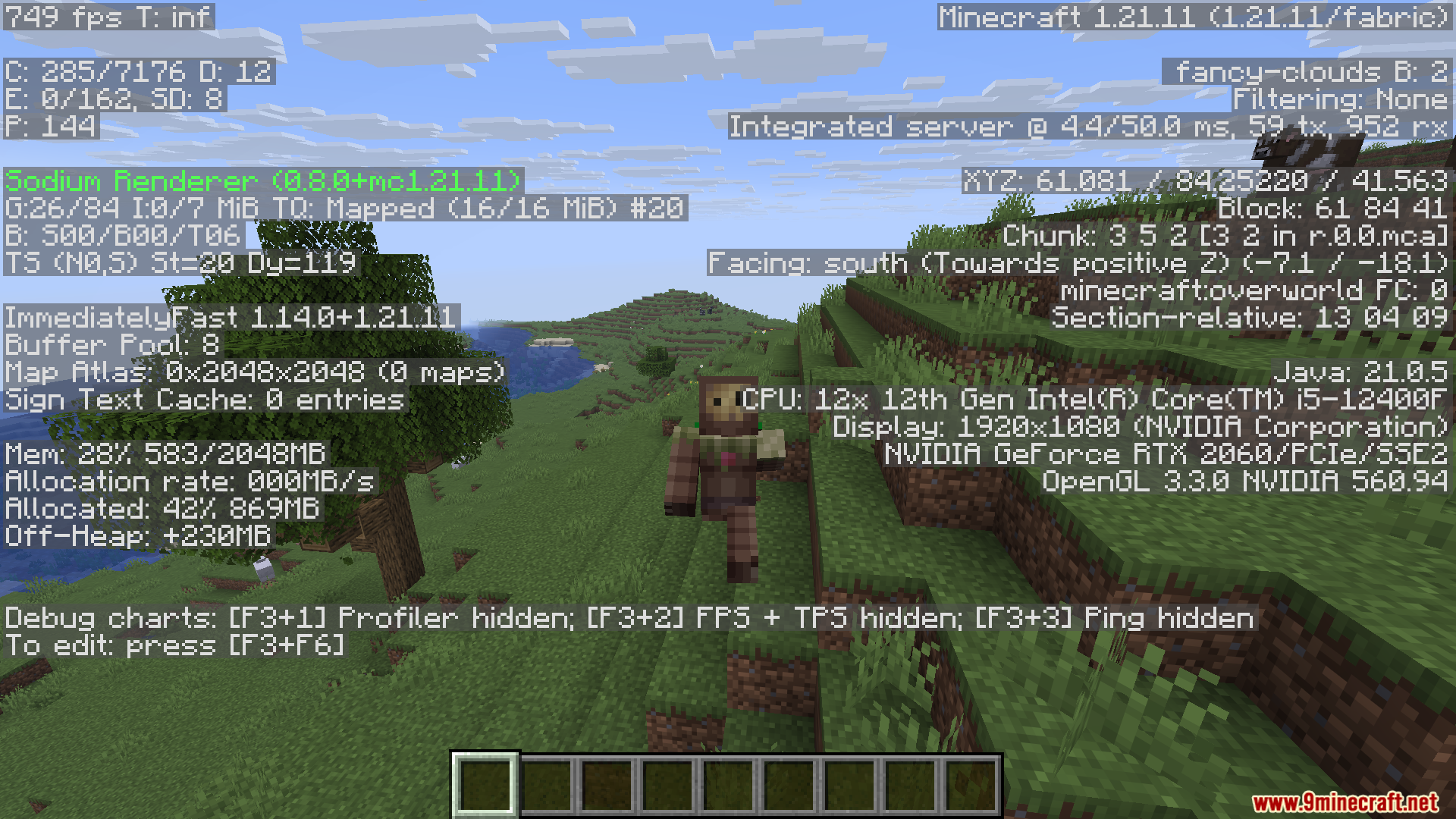
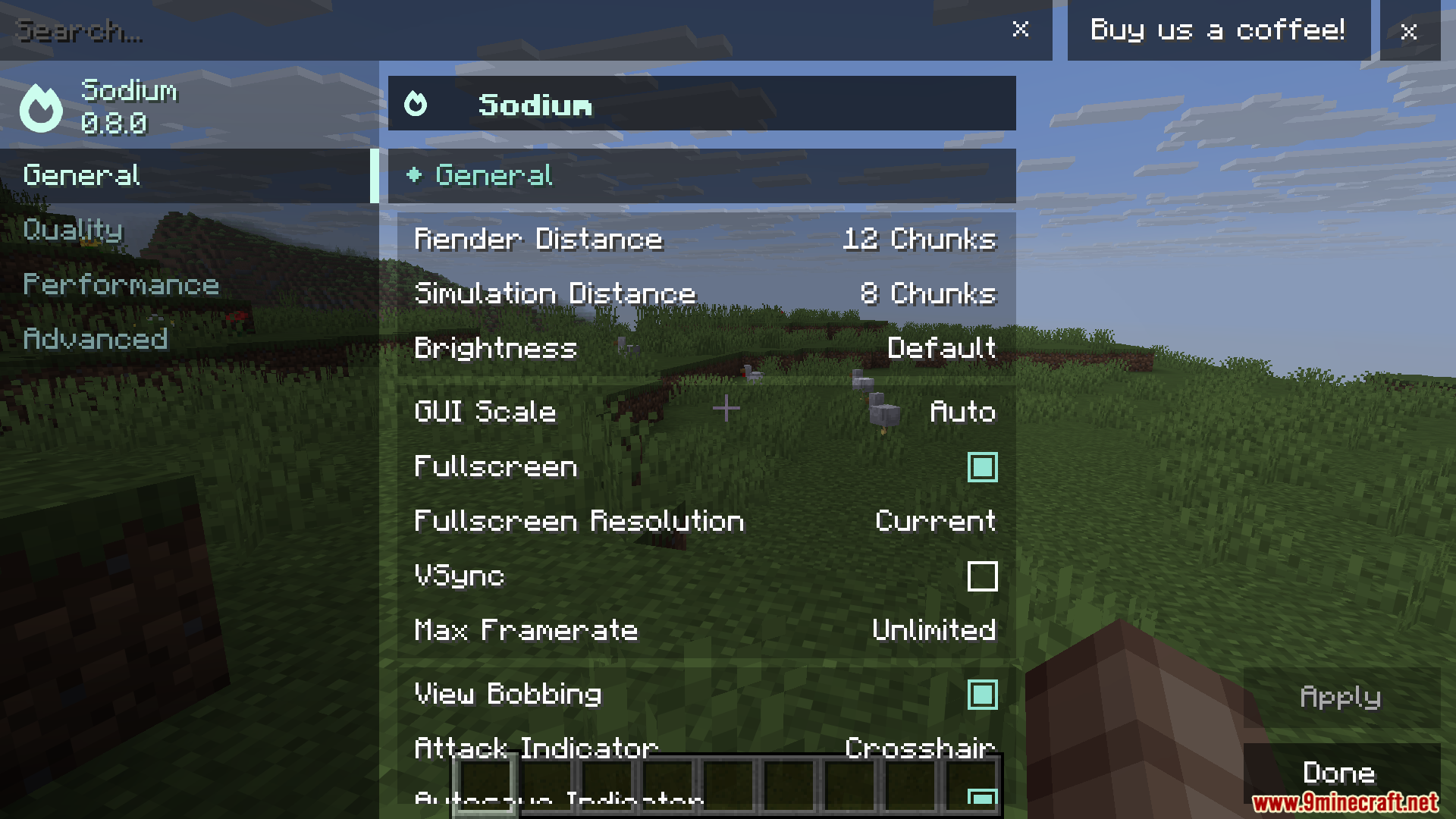

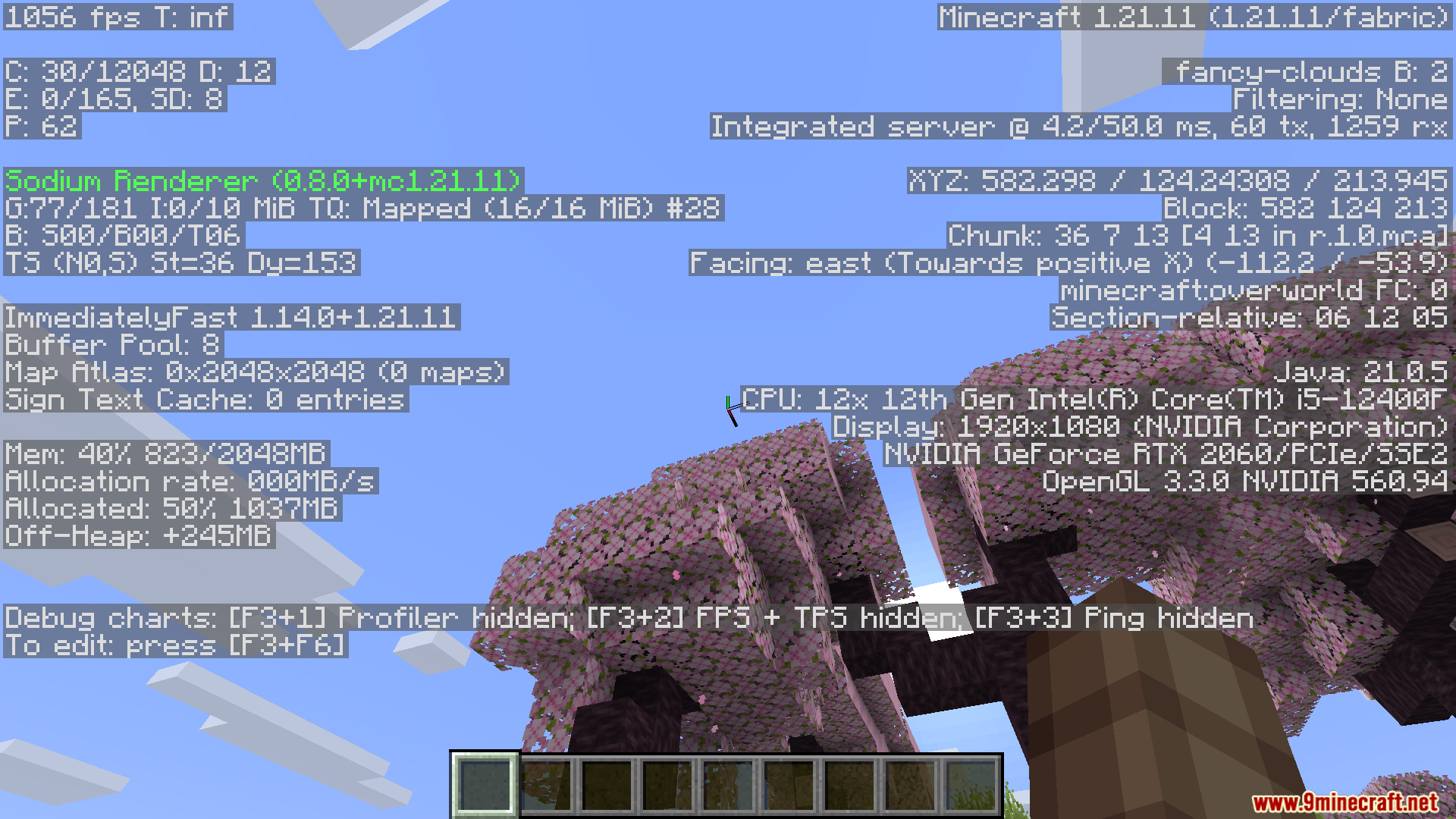
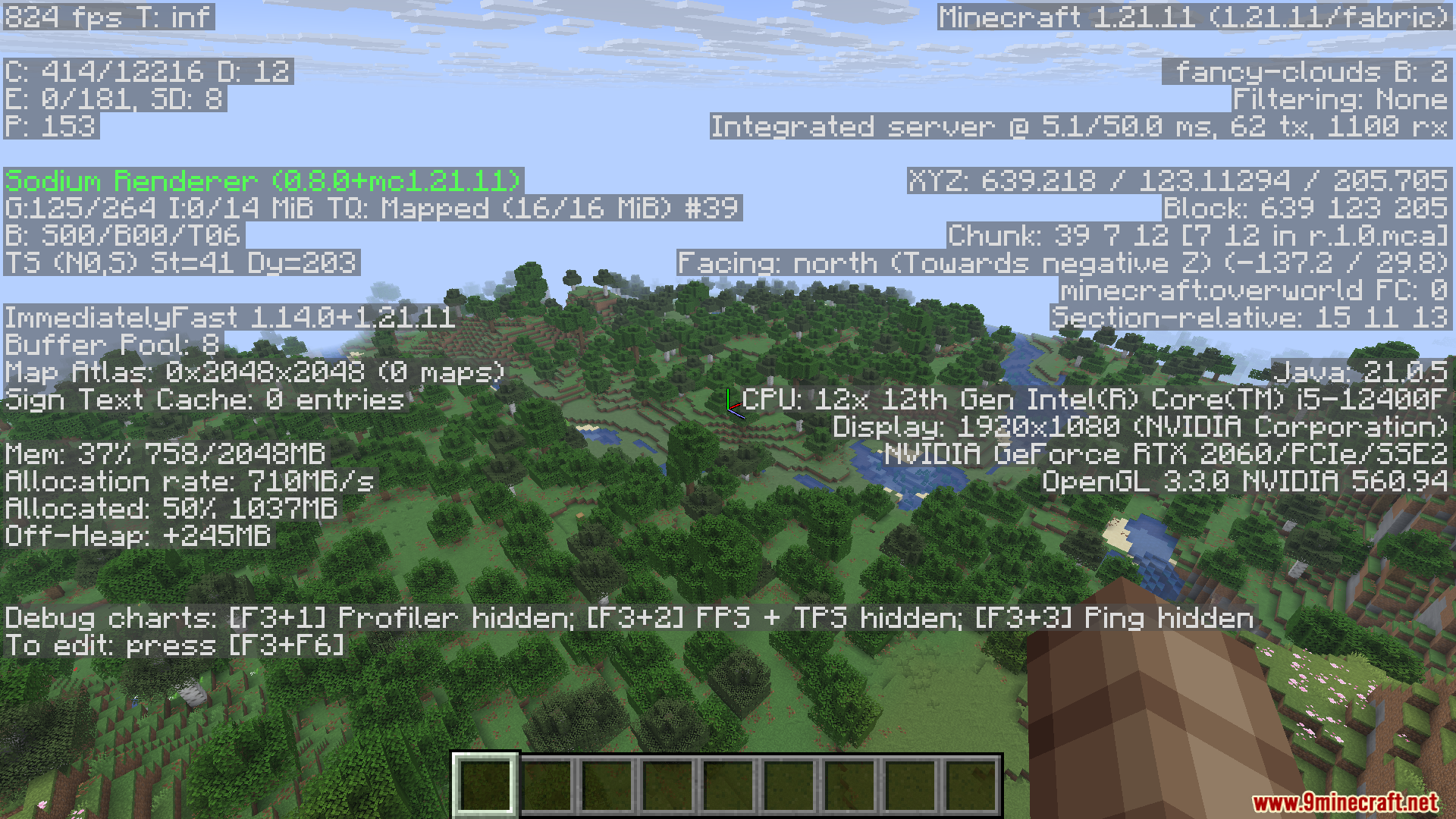

Optimization Modpack boosts performance and stability while keeping the game close to vanilla. It bundles popular optimization mods so players can enjoy smoother gameplay without sacrificing the core Minecraft feel.
Features:
- Includes widely used optimization mods like Sodium, Lithium, Starlight, and FerriteCore.
- Improves FPS significantly compared to vanilla.
- Reduces memory usage and CPU load for smoother performance.
- Fixes lighting and chunk loading issues with Starlight.
- Lightweight and vanilla‑friendly – no gameplay changes, just technical improvements.
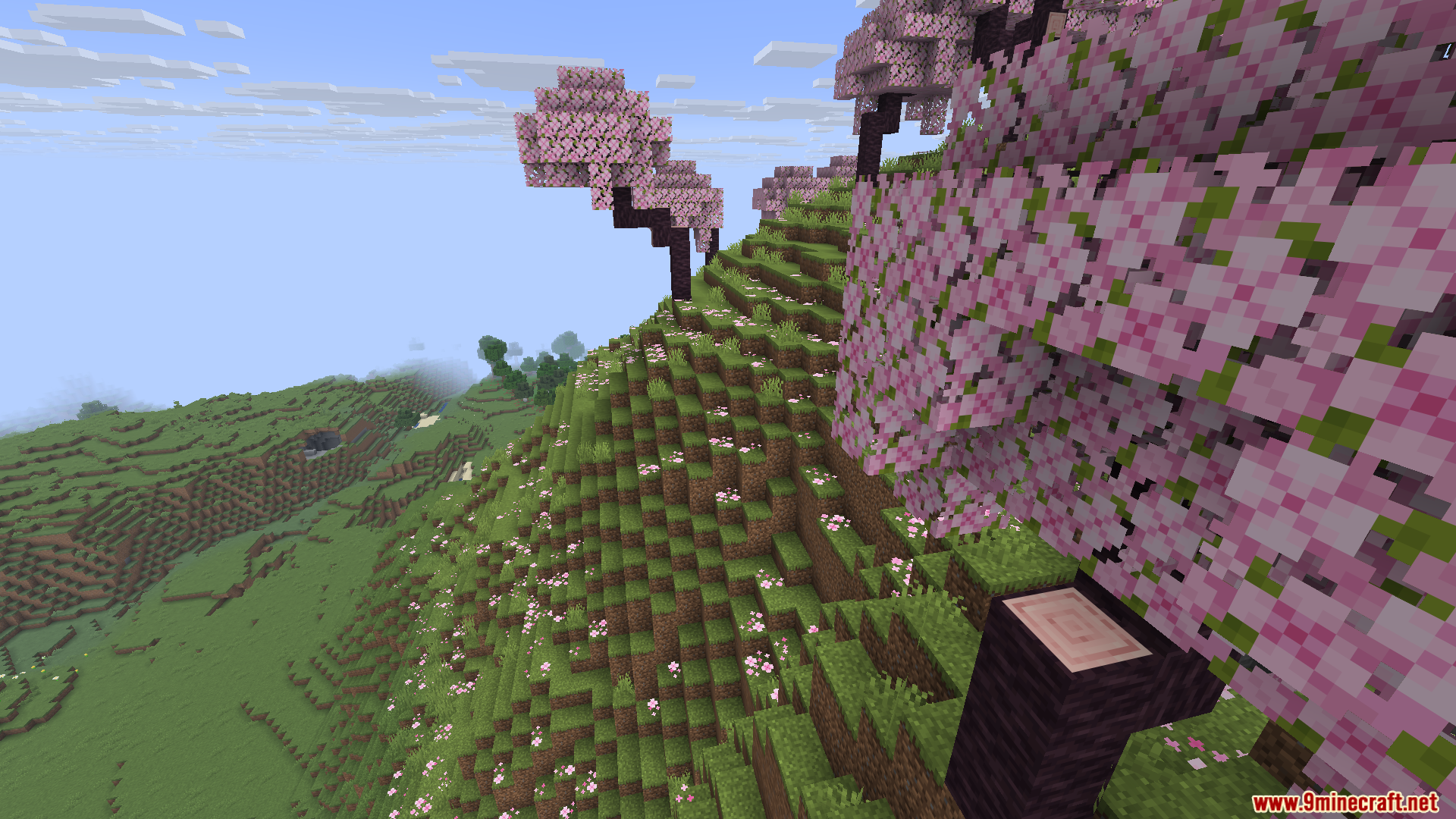
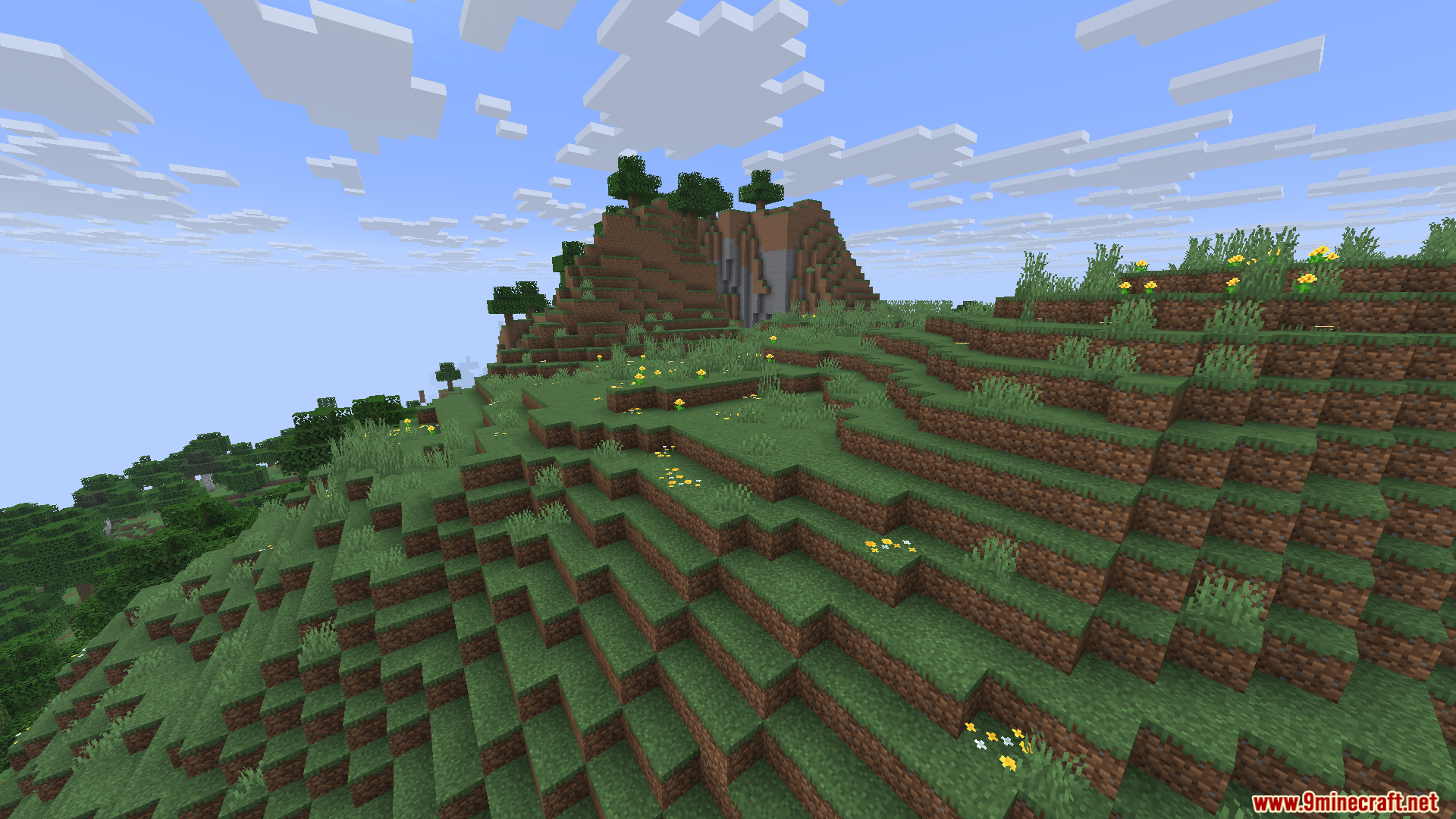
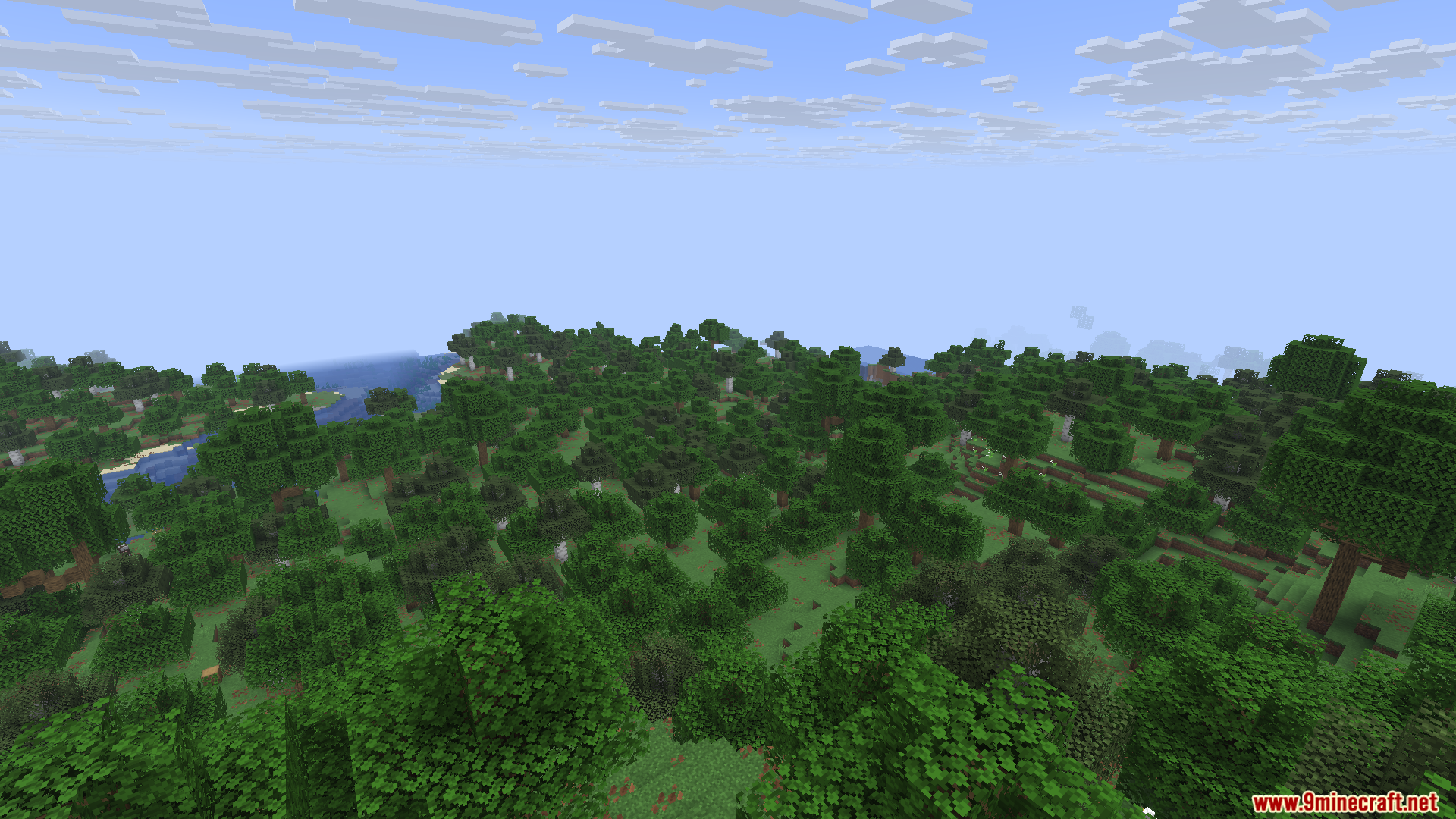
Screenshots:
Optimization Modpack Download Links
Quick facts
- Edition: Minecraft Java
- File type: .jar
- Minecraft version listed: 1.20.1
- How to install: Install the matching mod loader (Forge, Fabric or NeoForge) for your Minecraft version. → Download the .jar. → Put it in the .minecraft/mods folder and launch that loader profile.
- Where to get it: In MC Java Mods, or directly above on this page.
Install steps are the general flow for this file type — How to install Minecraft Java mods & modpacks walks through it step by step.
Verified by MCModsHub
- Downloads as 7520.mcpack
- Download size: 12.5 MB
- Download link checked 29 Jul 2026 — working
- Mirrored on our own servers — the download does not depend on the original host
These come from our own check of the pack file, not from the source page.