Brewing Potion Guide
Brewing Potion Guide shows all potion recipes directly inside the brewing stand UI for fast, in-game reference.
⬇ Download on CurseForge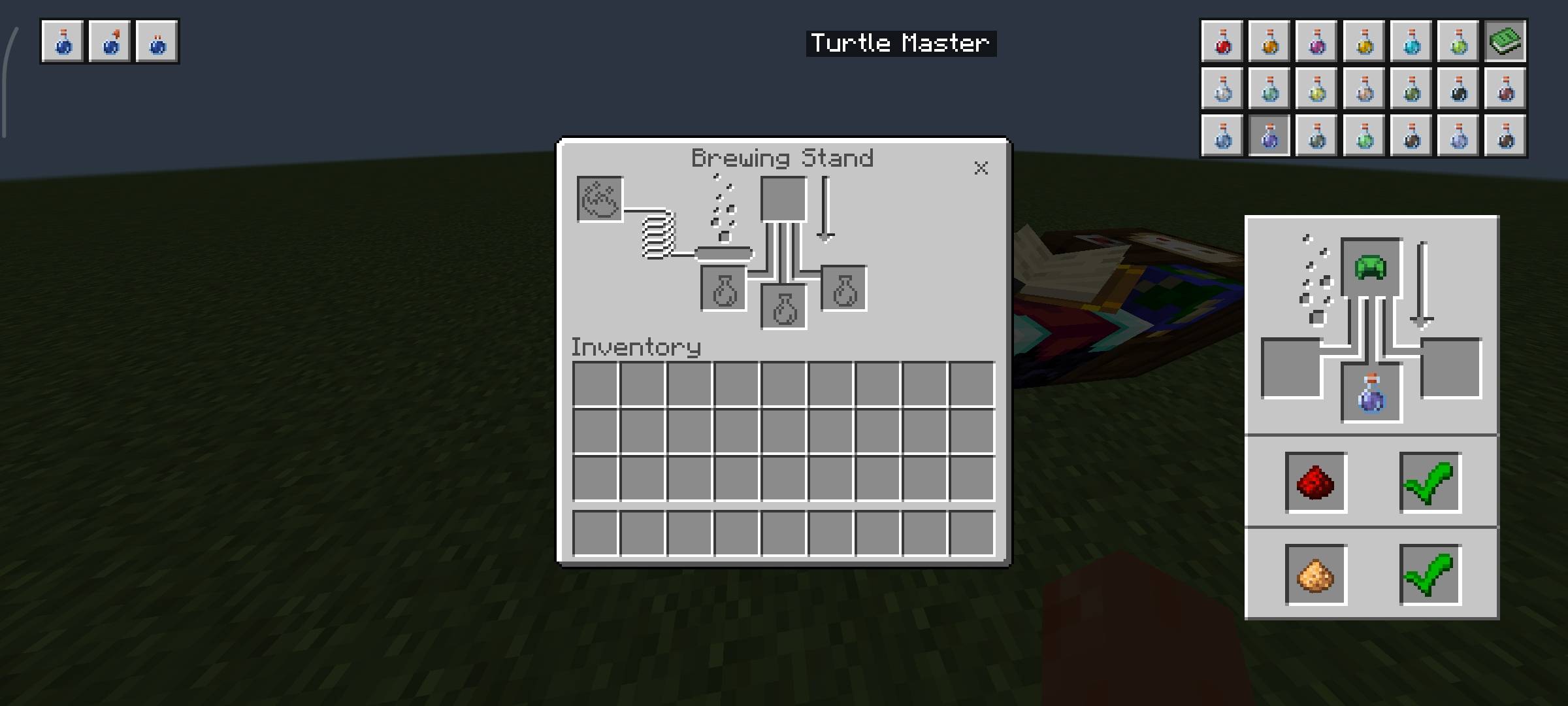
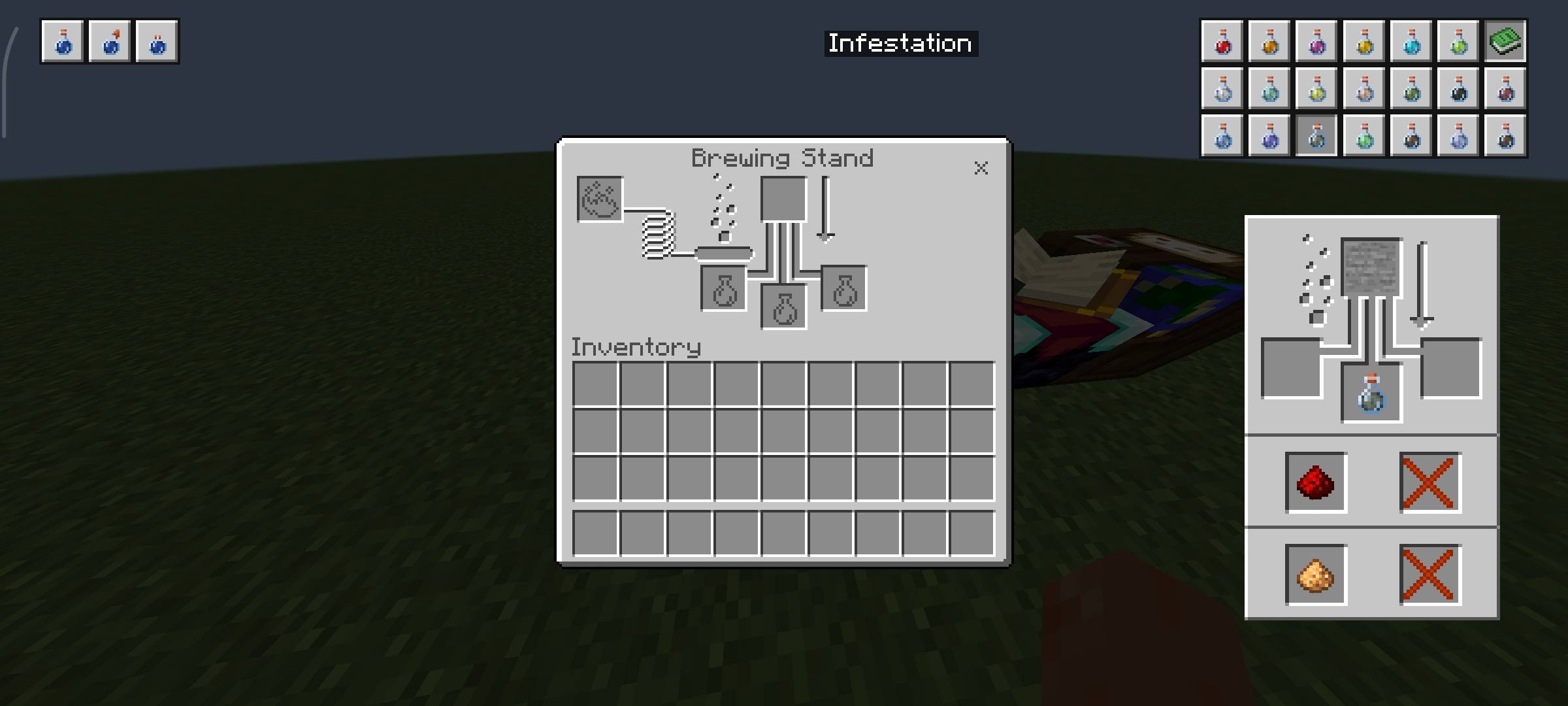
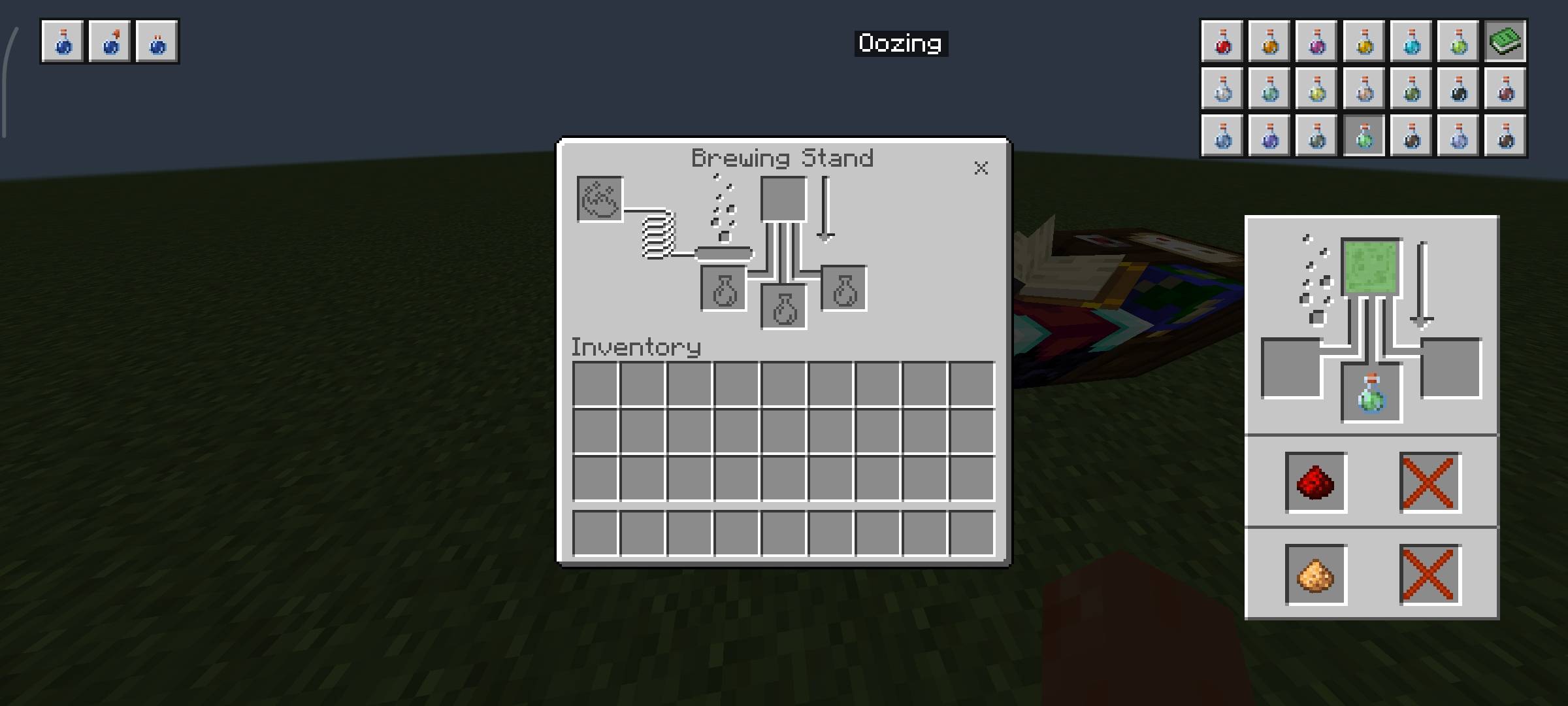
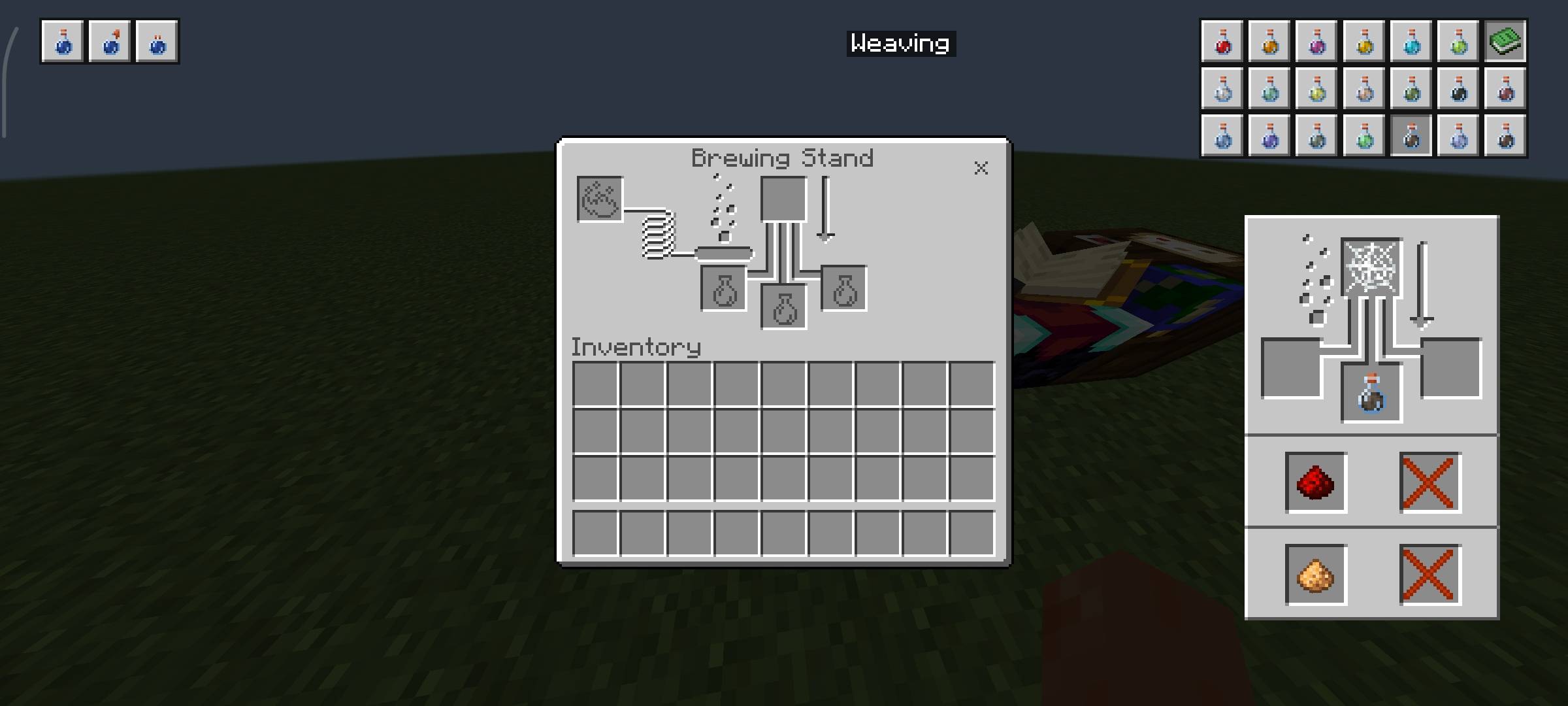
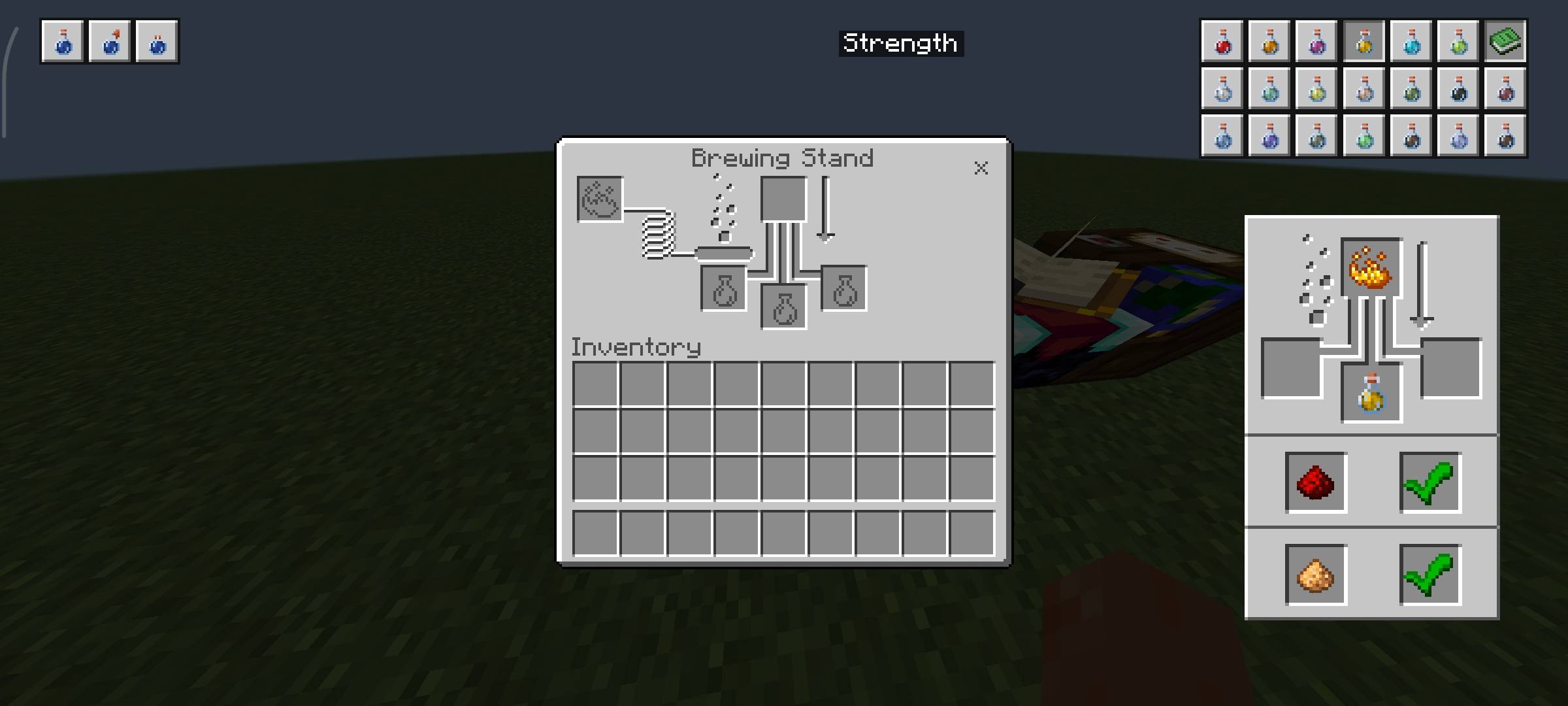
Overview
Ever get tired of looking up potion recipes while playing?
Brewing Potion Guide solves that by bringing all the brewing info you need directly into the game—right inside the brewing stand.
It keeps everything simple, clean, and true to vanilla, so it feels like something that should’ve always been there.
What it Adds
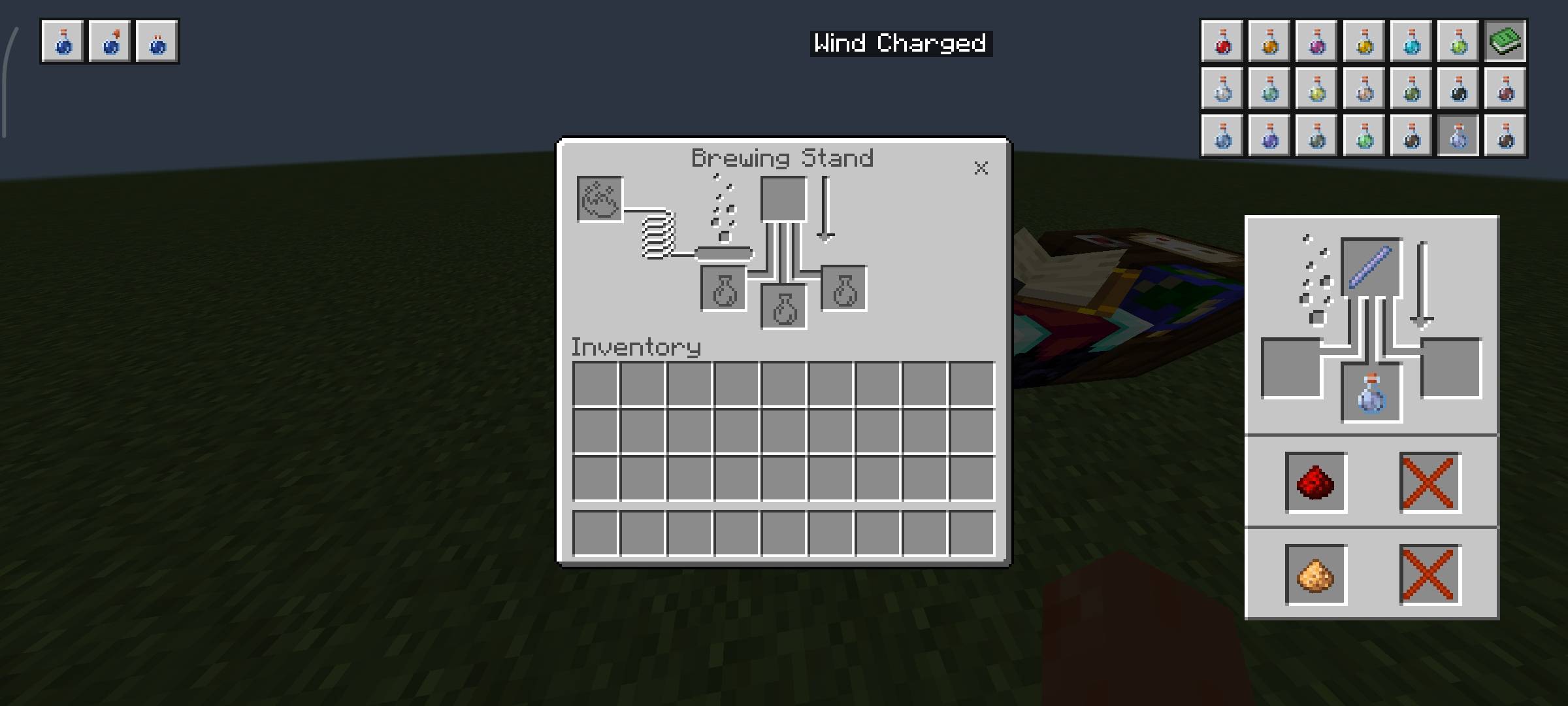
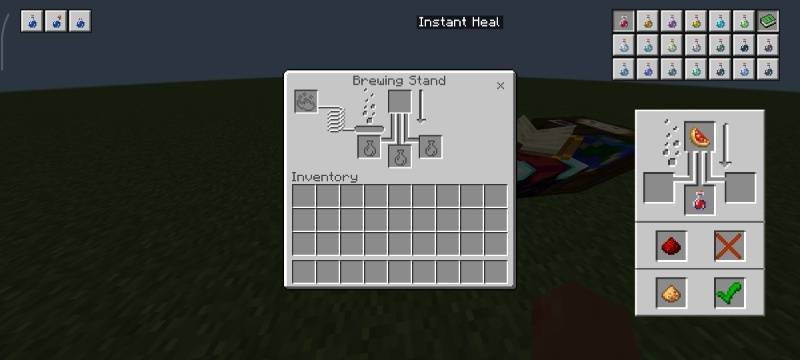
- A Recipe Book in the Brewing Stand
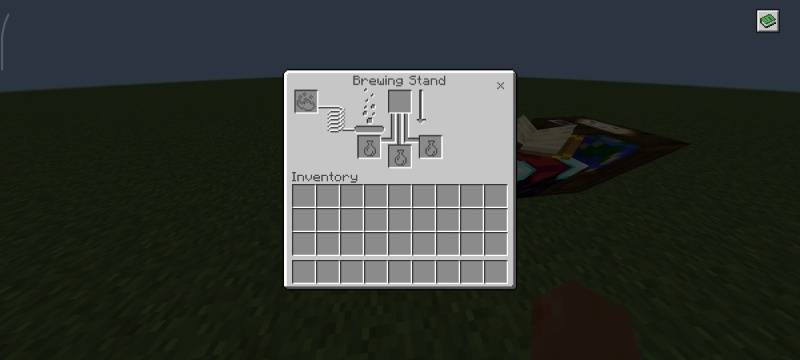
There’s now a recipe book button in the top-right corner of the brewing screen.
Click it, and you’ll instantly get access to all potion recipes—no alt-tabbing needed.
Easy-to-Browse Potion List
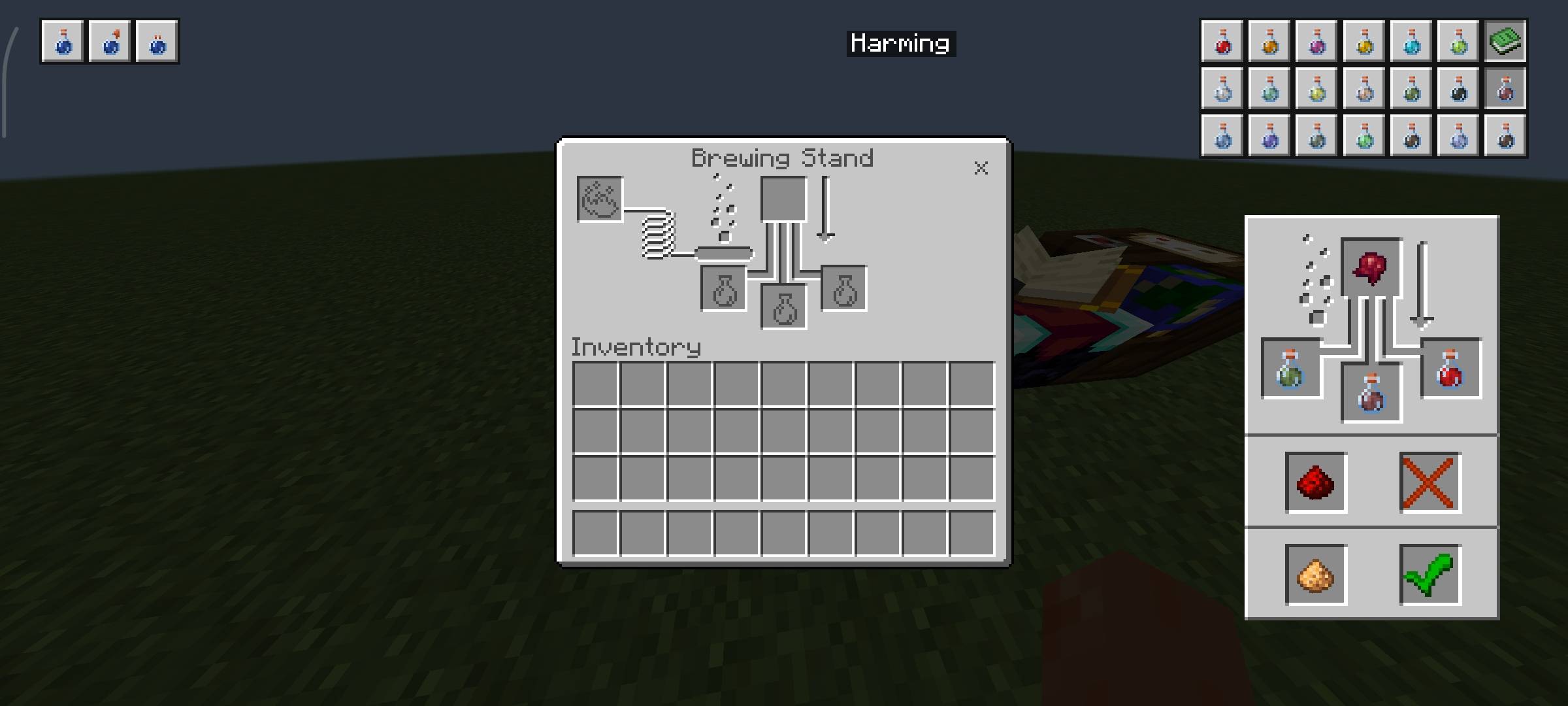
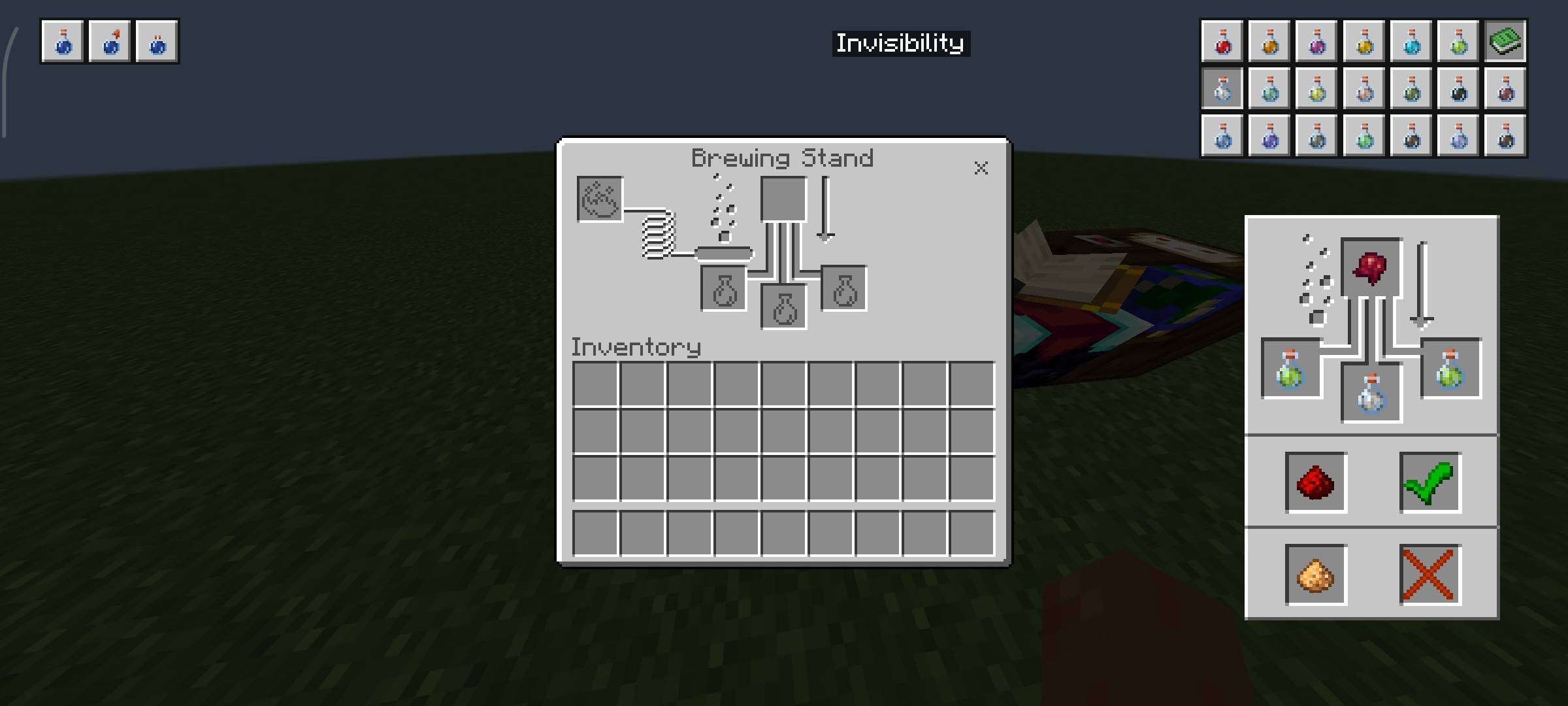
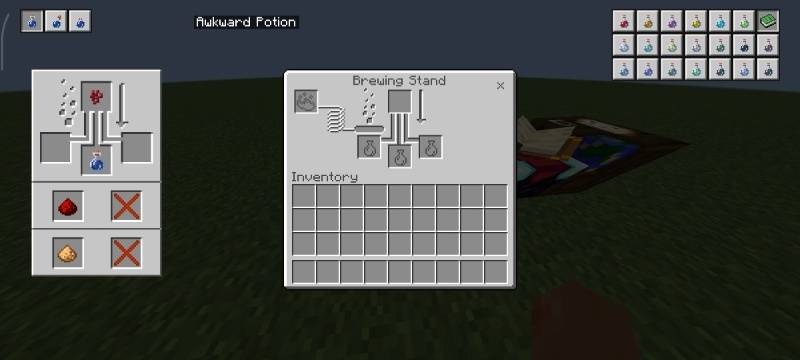
Once opened, you’ll see a full list of potions:
- Basic potions like Awkward, Splash, and Lingering are placed on the top-left
- All other potions are neatly arranged on the top-right
- It’s organized in a way that makes finding what you need quick and natural.
Click to View Recipes
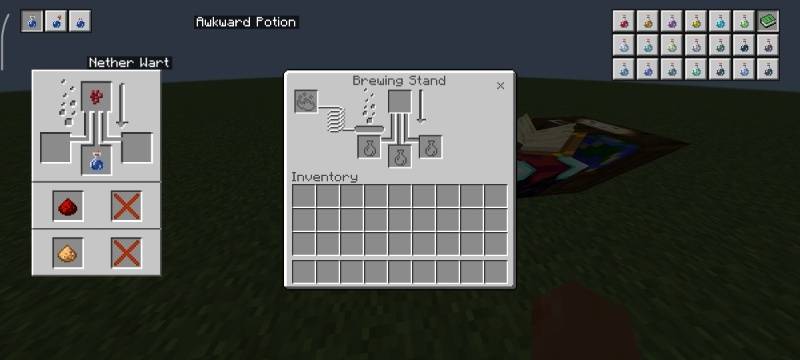
- Just click on any potion icon to see how it’s made.
- Recipes are displayed in a vanilla-style panel
- You can hover over ingredients to see their names
- Everything is designed to feel familiar and easy to read
Clean Layout
- The recipe panels are structured to keep things clear:
- Basic potion recipes appear on the left side
- All other potion recipes appear on the right side
This keeps the interface from feeling cluttered and helps you focus on what you need.
Why Use This Pack?
- No more memorizing potion chains
- No more leaving the game to check recipes
- Keeps your workflow smooth, especially in survival or PvP prep
- Fits perfectly with the vanilla look and feel
What You Can Do
- Modify the pack for personal use only
- Study, analyze, and learn from the pack’s files, structure, and design techniques
- Use the pack in personal gameplay, videos, or content creation with proper credit to the creator
- Share the official CurseForge download link when recommending or showcasing the pack
What You Cannot Do
- Share or promote any download link other than the official CurseForge link
- Redistribute the original/modified pack in any form (reuploads, mirrors, bundled packs, etc.)
- Claim the pack, its assets, or any part of it as your own work
- Use the pack or its assets in projects intended for distribution without explicit permission
Compatibility
- Made for Minecraft Bedrock Edition
- Resource pack only — no behavior pack required
- Save it as Brewing Potion Guide.mcaddon before opening — it downloads as .mcpack, but it is a .mcaddon pack
- Manifest requires Minecraft 1.13.0 or newer
- Complete pack — everything it depends on is inside the file
- Download size: 11 KB
- Download link checked 31 Aug 2026 — working
These come from our own check of the pack file, not from the source page.