Color Fog V1.0
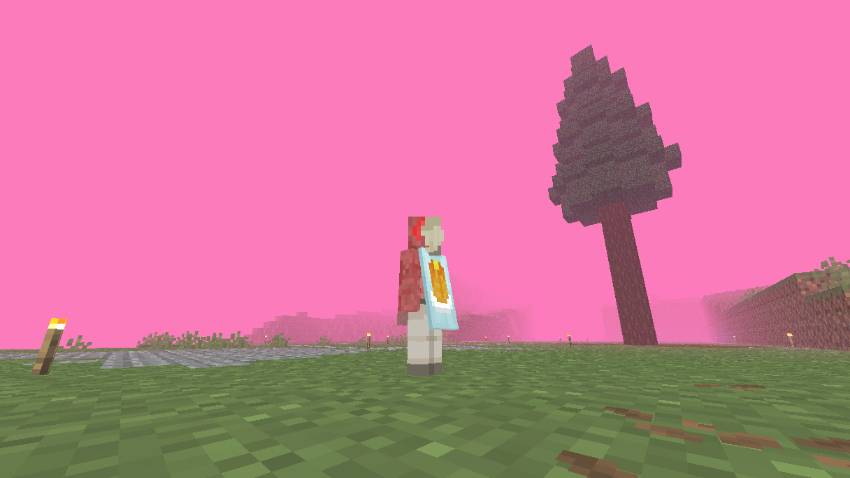
Green & Black Fog is a simple yet powerful resource pack designed to change the atmosphere of your Minecraft world. Whether you want a toxic, radioactive…
I don't know my version
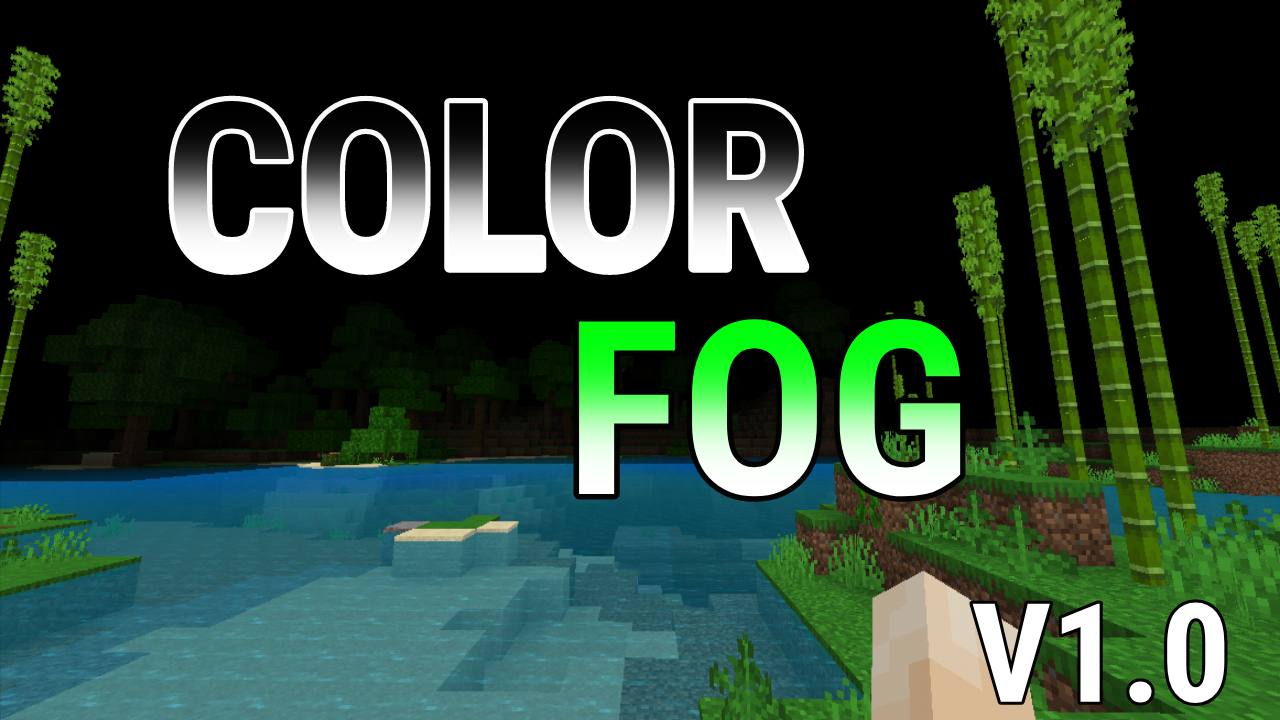
Green & Black Fog is a simple yet powerful resource pack designed to change the atmosphere of your Minecraft world. Whether you want a toxic, radioactive vibe with the Green Fog or a dark, mysterious, and spooky environment with the Black Fog, this pack has you covered!
Key Features:
Subpack Support: You can easily switch between Green and Black or Pink fog directly from the Resource Pack settings using the slider.
Universal Coverage: Works across all biomes thanks to a customized biomes_client configuration.
High Contrast: Designed to provide a clean and immersive visual experience.
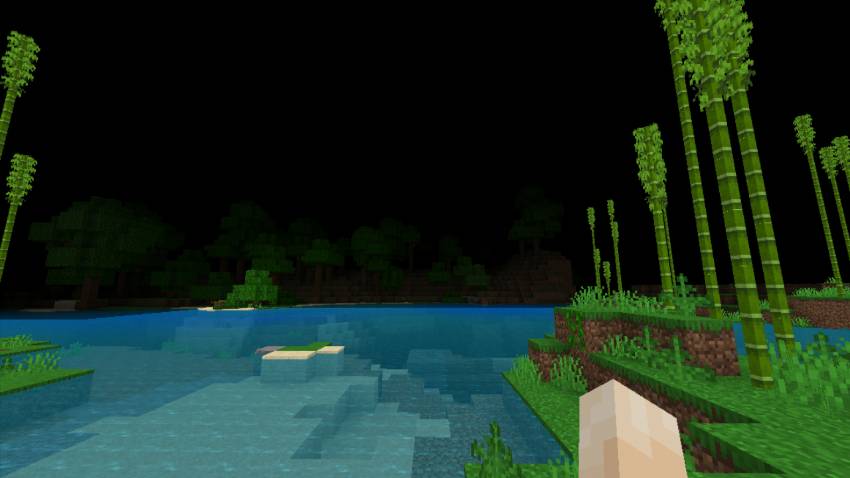
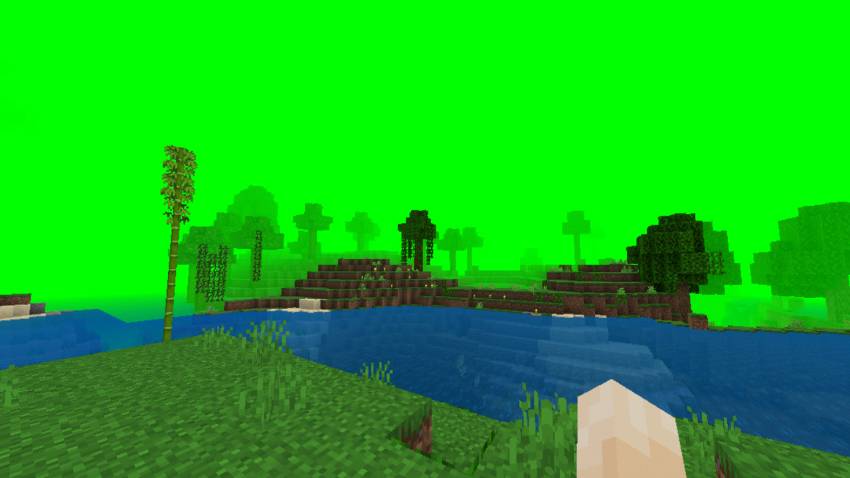
How to use:
Apply the resource pack to your Global Resources or World.
Click the "Gear" icon (Settings) on the pack.
Slide to choose between "Green Fog" or "Black Fog" or "Pink Fog"
Important: If the color doesn't change immediately, try restarting your world or the game to refresh the fog cache.
Future Updates:
This is just the beginning! I am planning to add more colors in future updates. Stay tuned for more atmospheric options!
- Edition: Minecraft Bedrock
- File type: .mcpack
- Minecraft versions listed: 1.21.30, 1.21.50, 1.21.81
- How to install: Download the .mcpack. → Open it — Minecraft imports it under Resource Packs. → Activate it in Global Resources, or for one world under Resource Packs → Available.
- Where to get it: Opens on CurseForge — not every file is mirrored on our own servers.
Install steps are the general flow for this file type — see the MCModsHub guides for the full walkthrough.
- Save it as Green Fog V1.5.mcaddon before opening — it downloads as .mcpack, but it is a .mcaddon pack
- Complete pack — everything it depends on is inside the file
- Download size: 36 KB
- Download link checked 26 Aug 2026 — working
These come from our own check of the pack file, not from the source page.