ModpacksJava
Survival Tools Modpack (1.19.2, 1.19) – Optimized Vanilla Experience
Java modpack listed for Minecraft 1.19. Download on the author's site.
⬇ Download
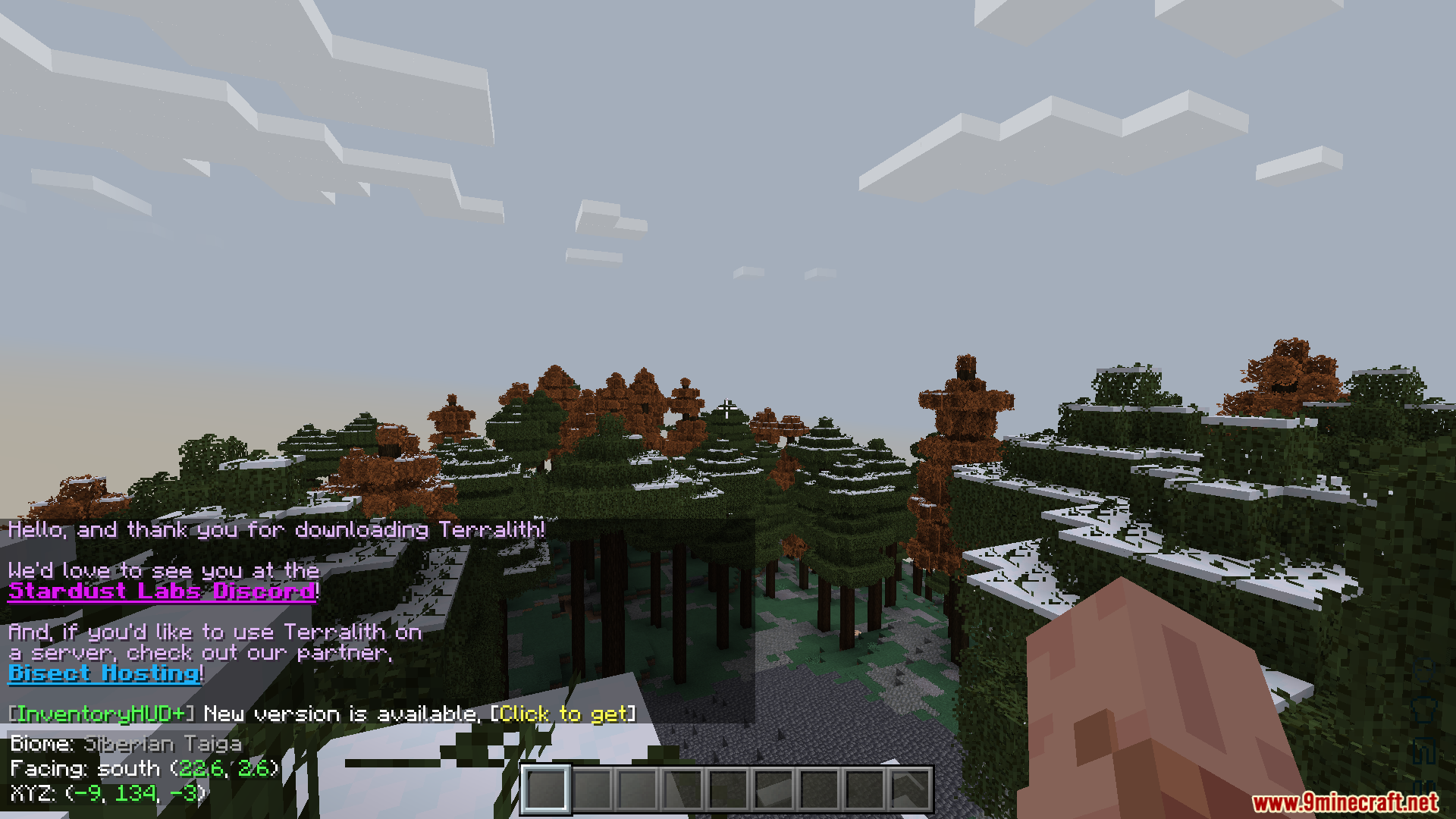

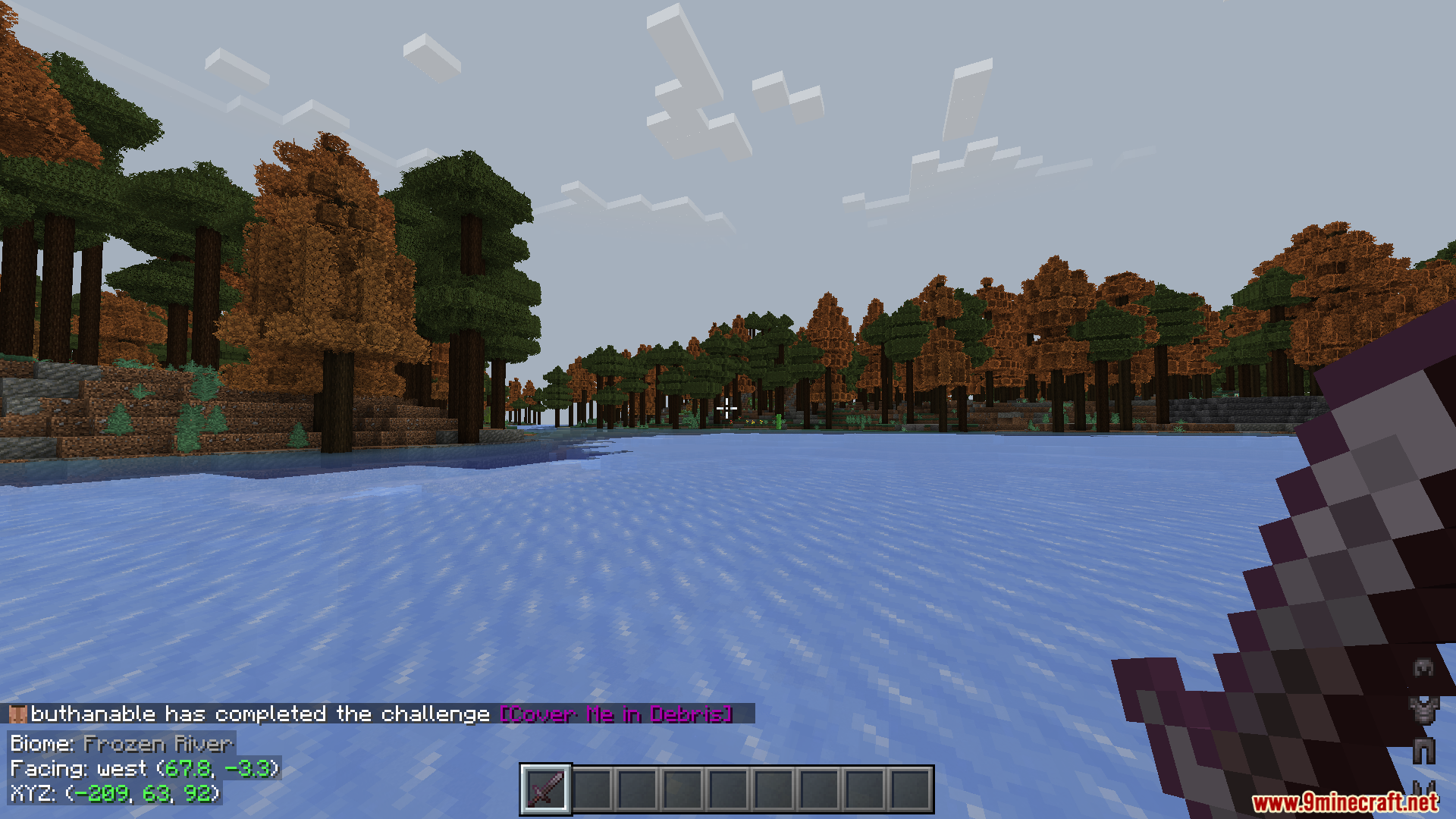
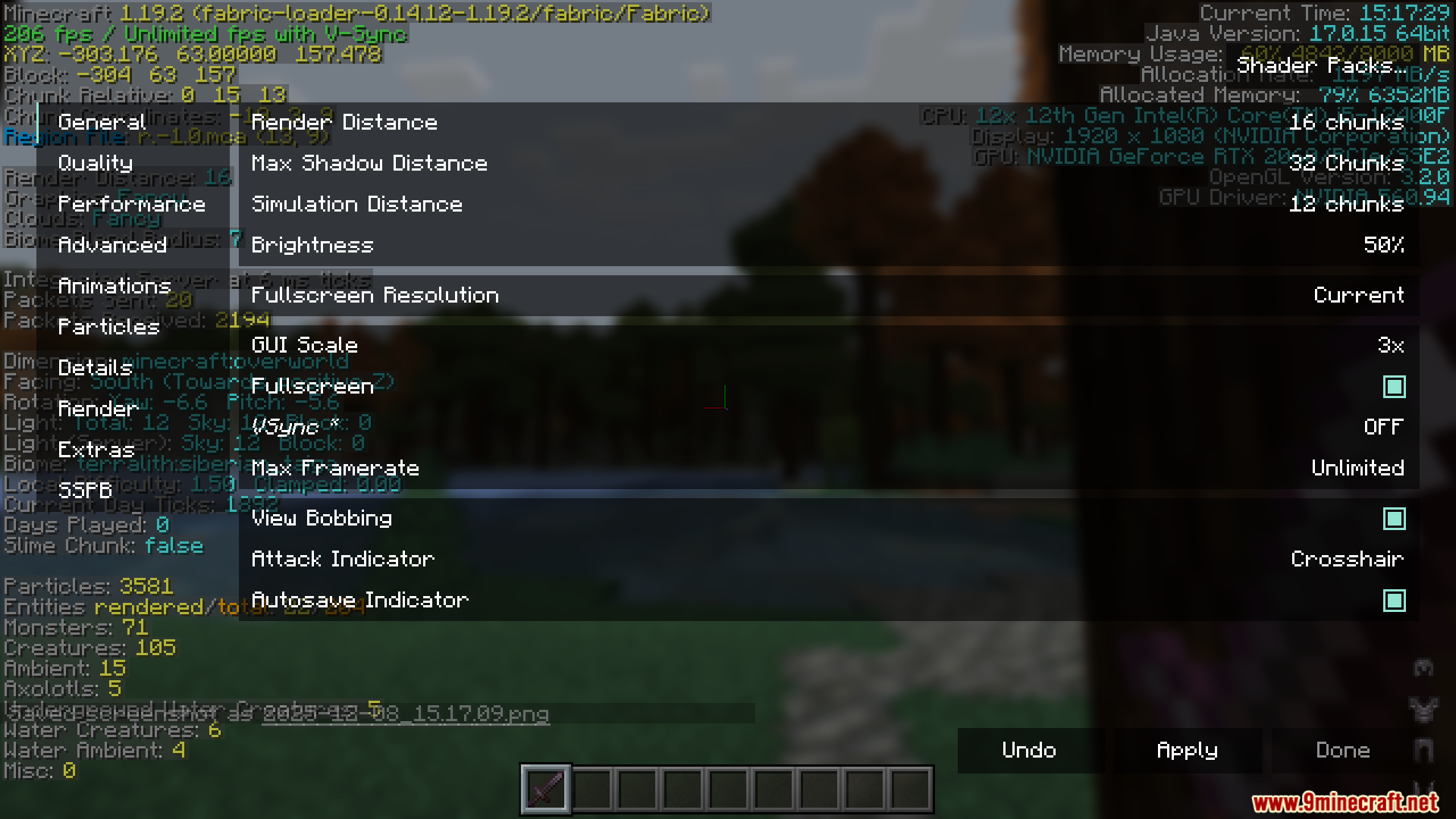
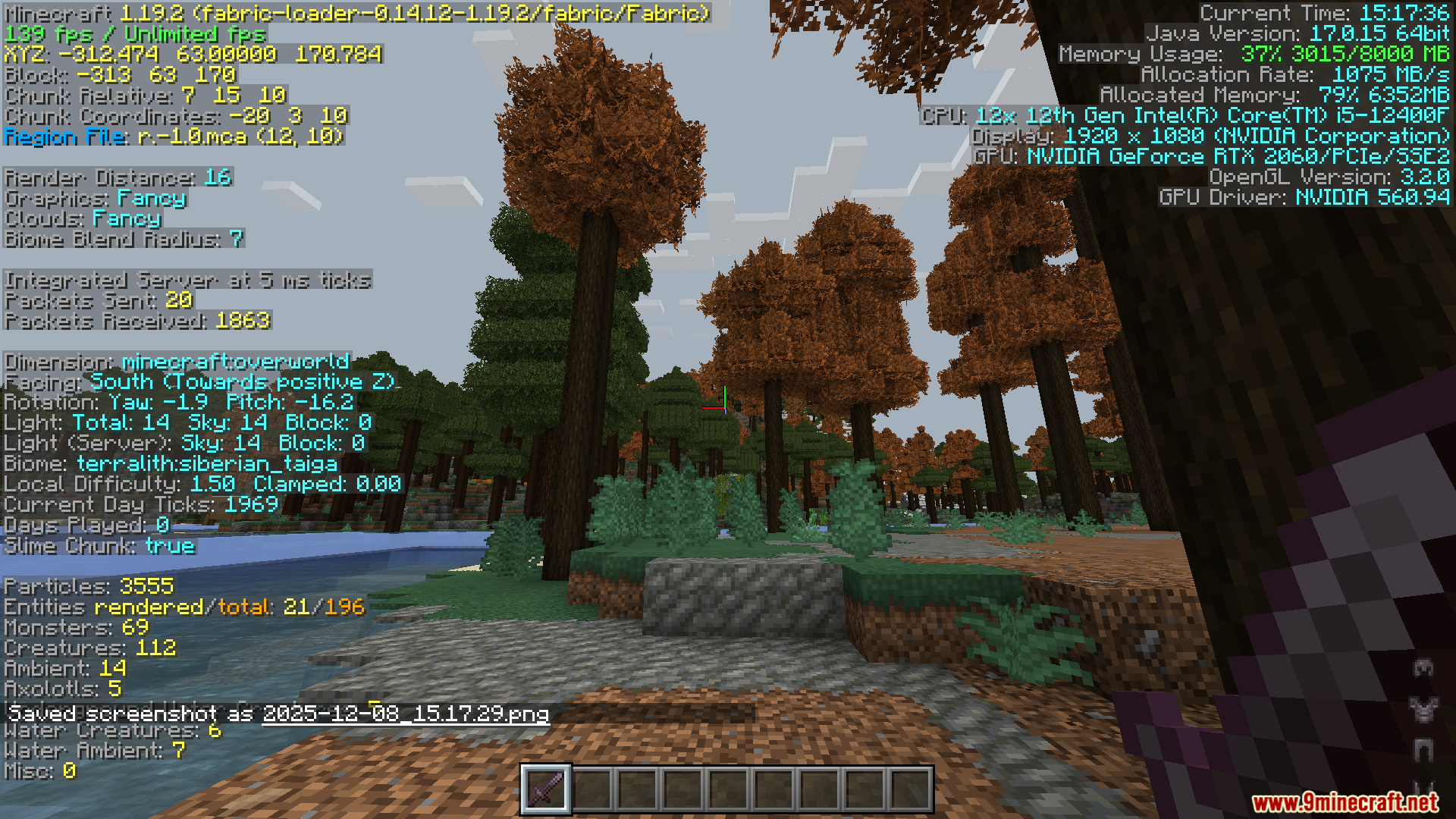
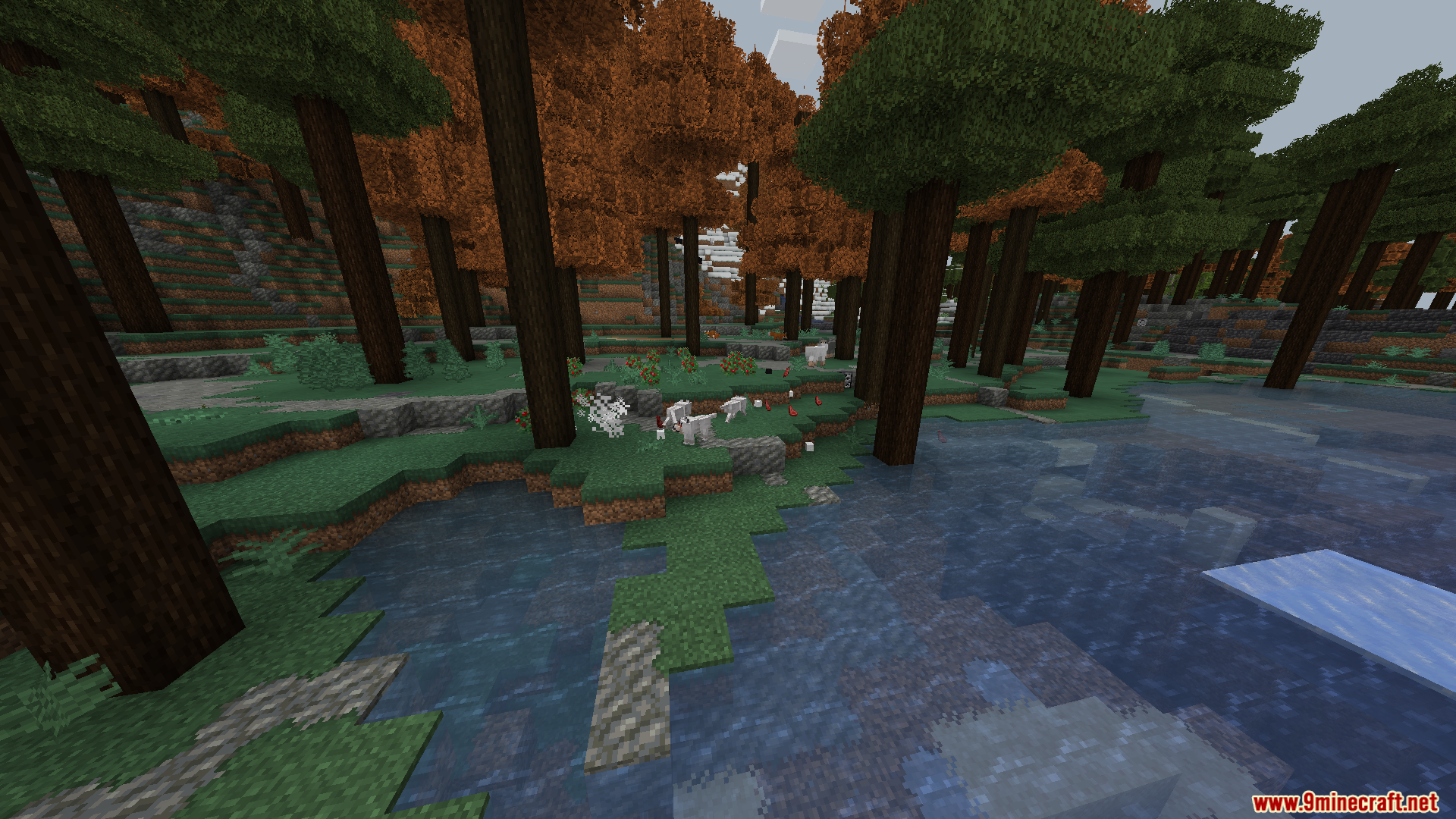
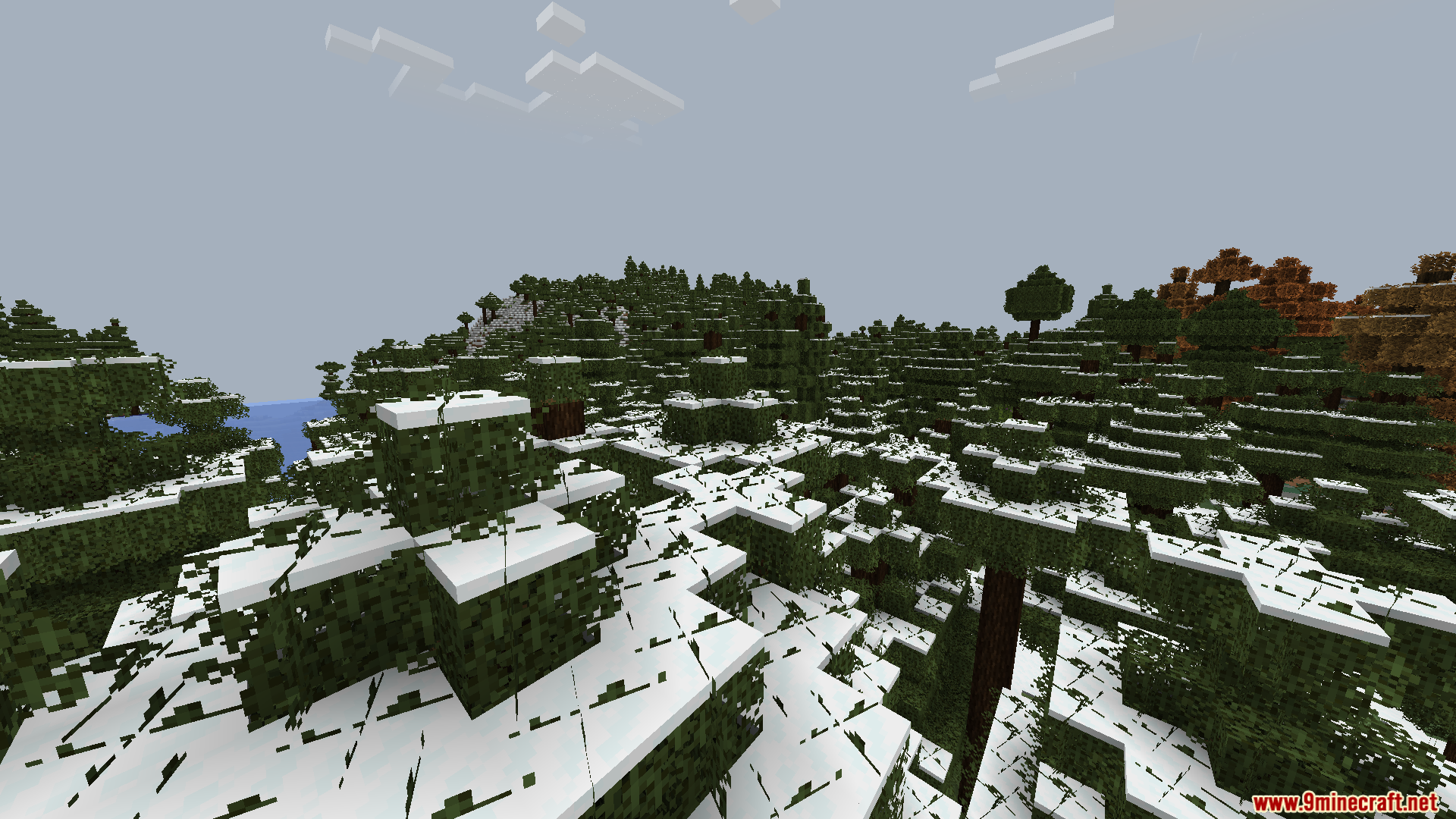
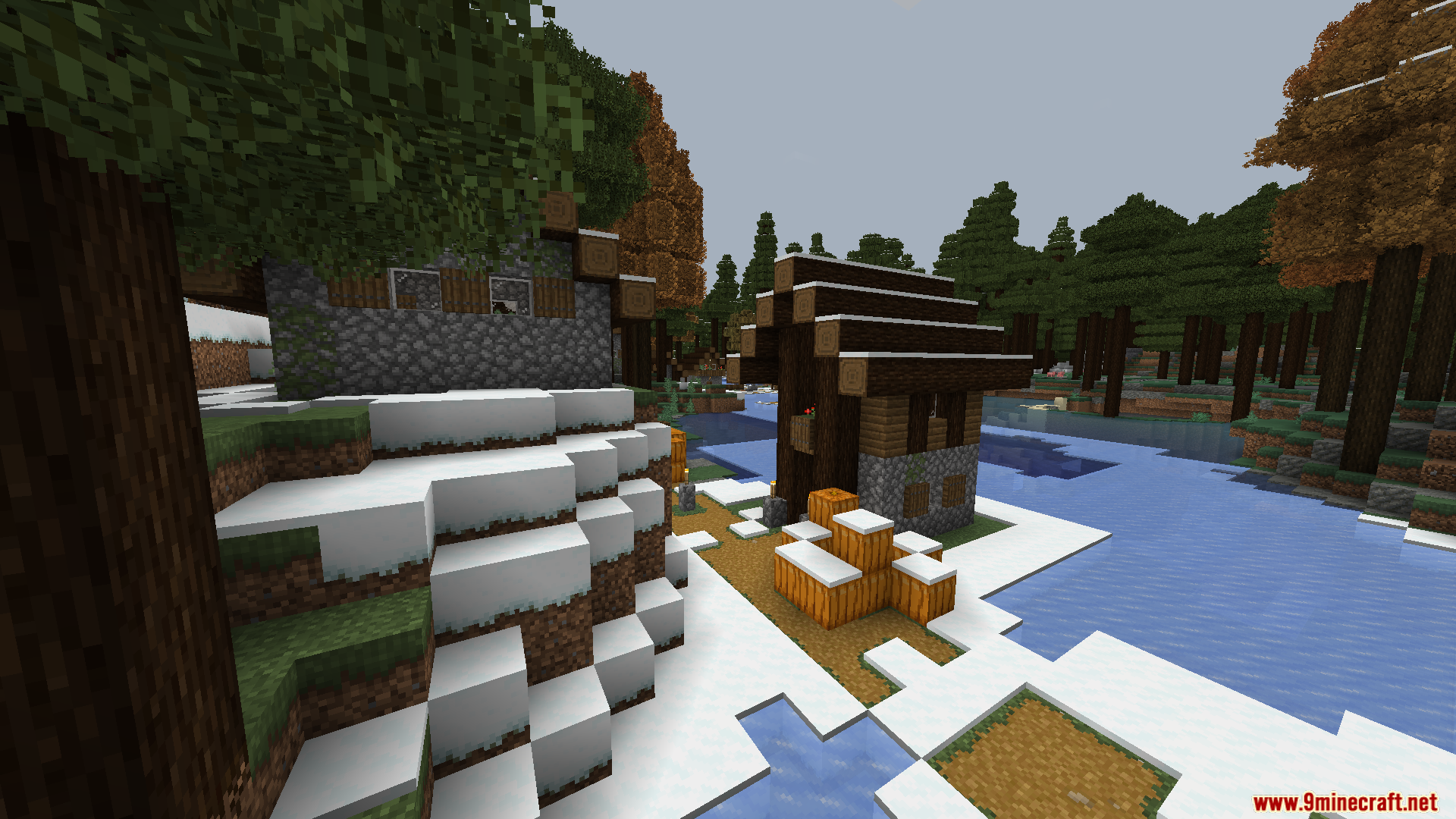
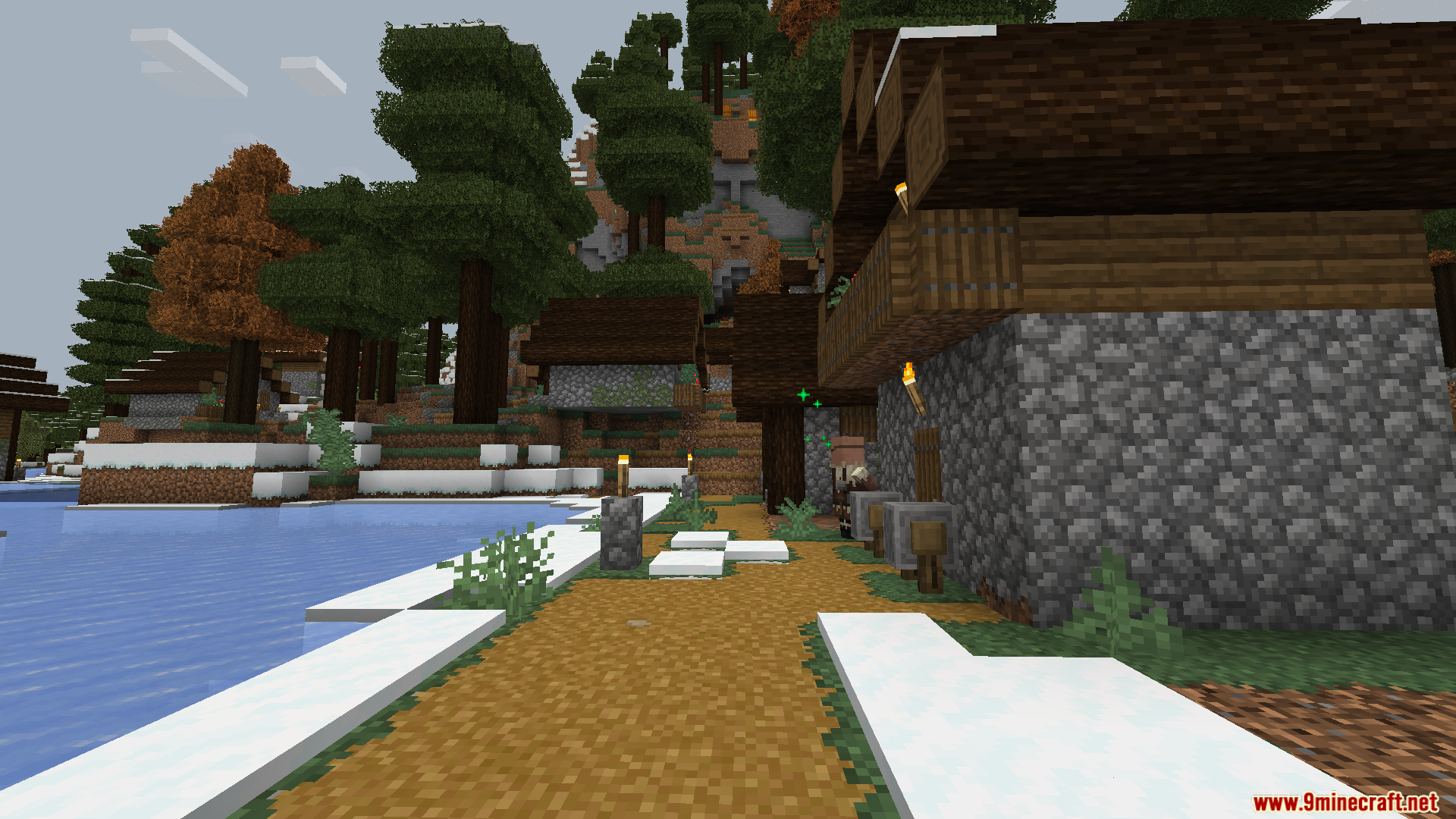
Survival Tools Modpack is focused on client‑side improvements like FPS boosts, UI tweaks, visuals, and enhanced world generation, while keeping the game close to vanilla.
Features:
- FPS boost for smoother gameplay.
- General game optimizations for better performance.
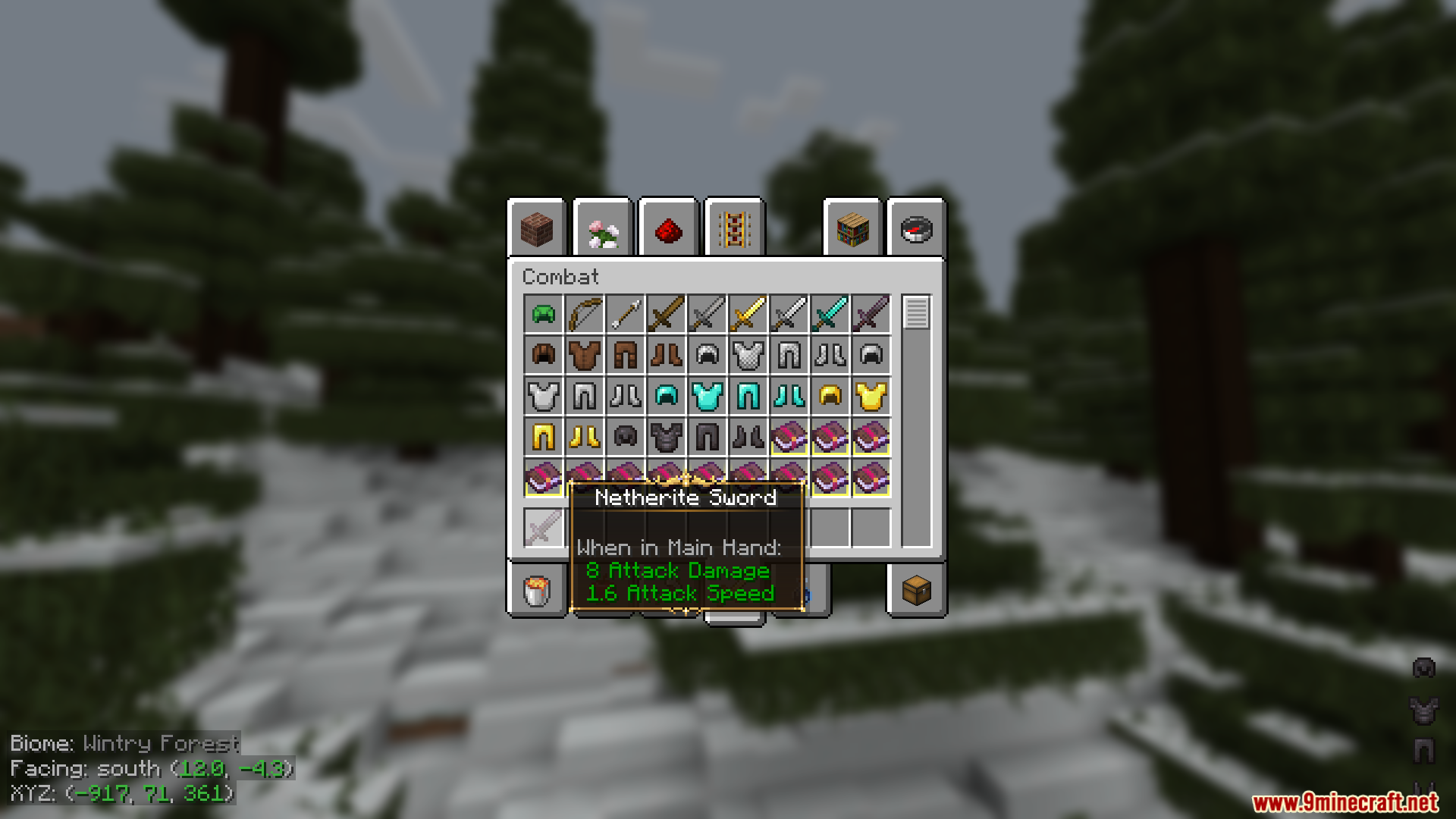
- Improved UI for cleaner and more intuitive menus.
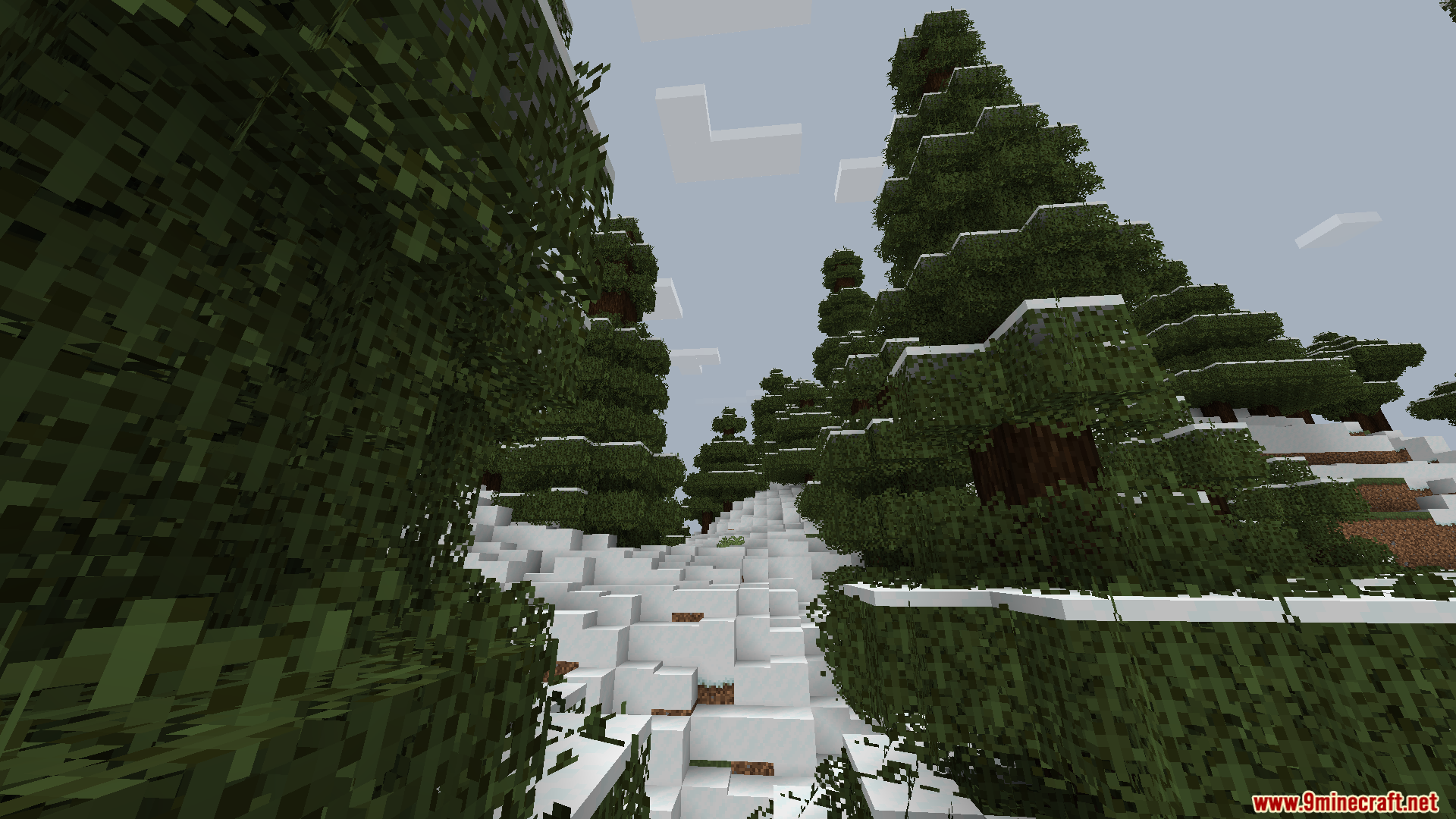
- Enhanced visuals for a more polished look.
- Upgraded world generation for richer landscapes.
- Maintains a vanilla‑like feel while adding quality‑of‑life improvements.
Screenshots:

Survival Tools Modpack Download Links
For All Versions from Minecraft 1.19 to Minecraft 1.19.2
Fabric Version (Server Files): Download from Server 1
Quick facts
- Edition: Minecraft Java
- File type: .jar
- Minecraft versions listed: 1.19.2, 1.19
- How to install: Install the matching mod loader (Forge, Fabric or NeoForge) for your Minecraft version. → Download the .jar. → Put it in the .minecraft/mods folder and launch that loader profile.
- Where to get it: Opens on the file's original source — not every file is mirrored on our own servers.
Install steps are the general flow for this file type — How to install Minecraft Java mods & modpacks walks through it step by step.
Survival Tools Modpack (1.19.2, 1.19) – Optimized Vanilla Experience is a free Minecraft Java modpack. Compatible with Minecraft 1.19.2, 1.19. Download it and open it directly in the game.