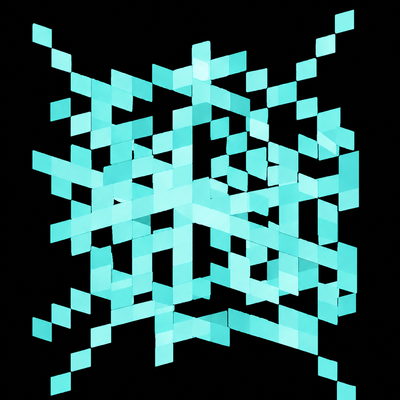
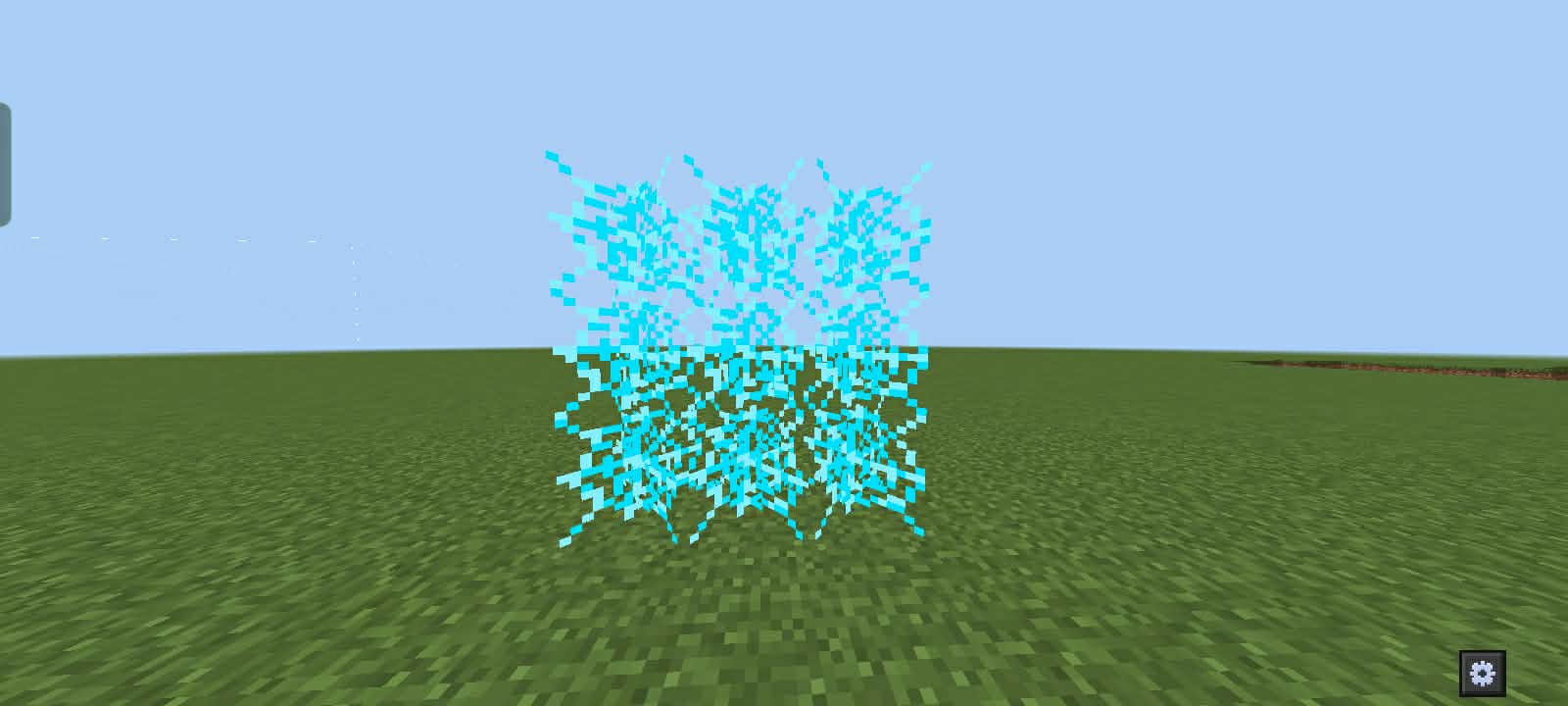
A blue cobweb (even if it’s just a visual or resource-pack change) still keeps the core advantages of a normal cobweb, which can be surprisingly powerful in combat. Cobwebs slow down enemy movement drastically, making it much easier to land hits, control spacing, or escape from aggressive players. Skilled players use them to trap opponents, especially in tight areas, forcing them to either waste time breaking out or switch tools, which creates a big opening for attacks. They’re also useful for fall control—placing one mid-fight can reduce fall damage or disrupt an opponent’s jump timing. The “blue” aspect doesn’t change mechanics, but it can improve visibility or personal reaction time depending on your texture pack, helping you recognize placed traps faster and respond more effectively in intense PvP situations.
- Edition: Minecraft Bedrock
- File type: .mcpack
- Minecraft version listed: 26.10
- How to install: Download the .mcpack. → Open it — Minecraft imports it under Resource Packs. → Activate it in Global Resources, or for one world under Resource Packs → Available.
- Where to get it: Opens on CurseForge — not every file is mirrored on our own servers.
Install steps are the general flow for this file type — see the MCModsHub guides for the full walkthrough.
- Pack type: .mcpack — a single pack
- Manifest requires Minecraft 1.17.0 or newer
- Complete pack — everything it depends on is inside the file
- Download size: 1.0 MB
- Download link checked 26 Aug 2026 — working
These come from our own check of the pack file, not from the source page.