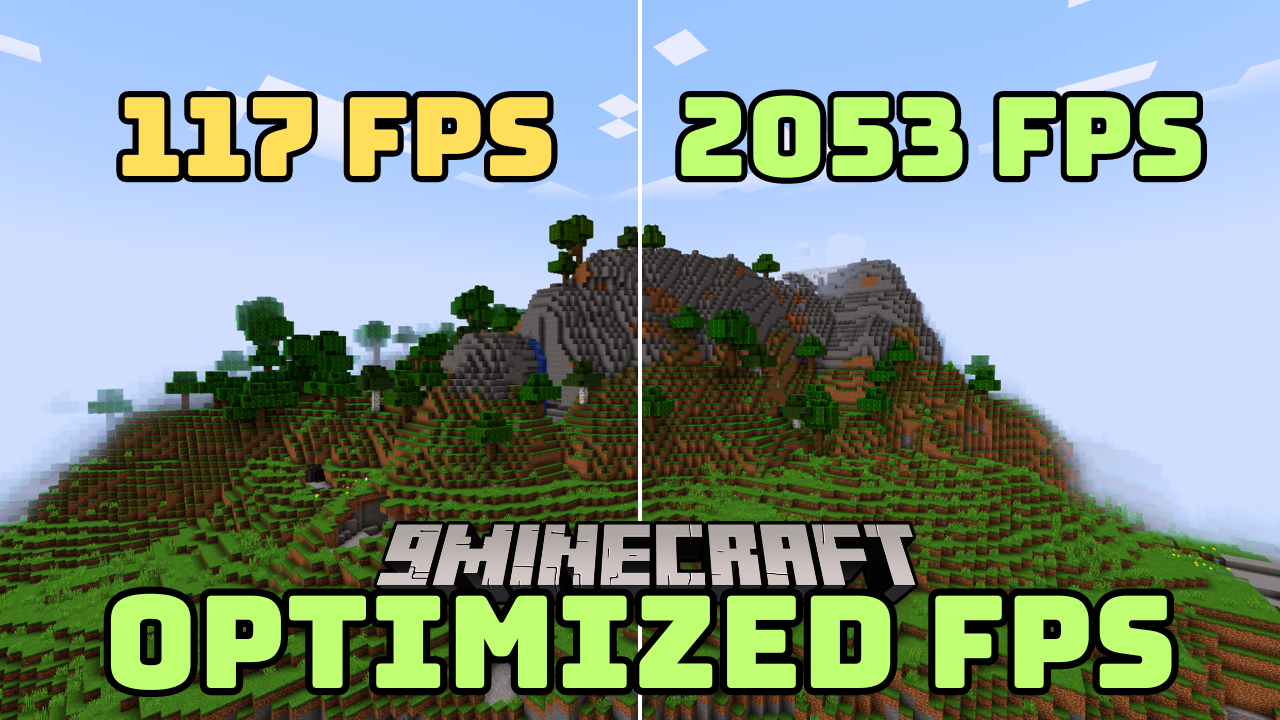
Optimized FPS Modpack (26.2, 1.20.1) – FPS Performance Boosts
Java modpack listed for Minecraft 1.20. File opened and checked on 9 Oct 2026; downloads from the MC Java Mods app on Android.
Optimized FPS Modpack is designed to enhance Minecraft's performance by improving frame rates and overall gameplay smoothness. It includes mods like…
⬇ Download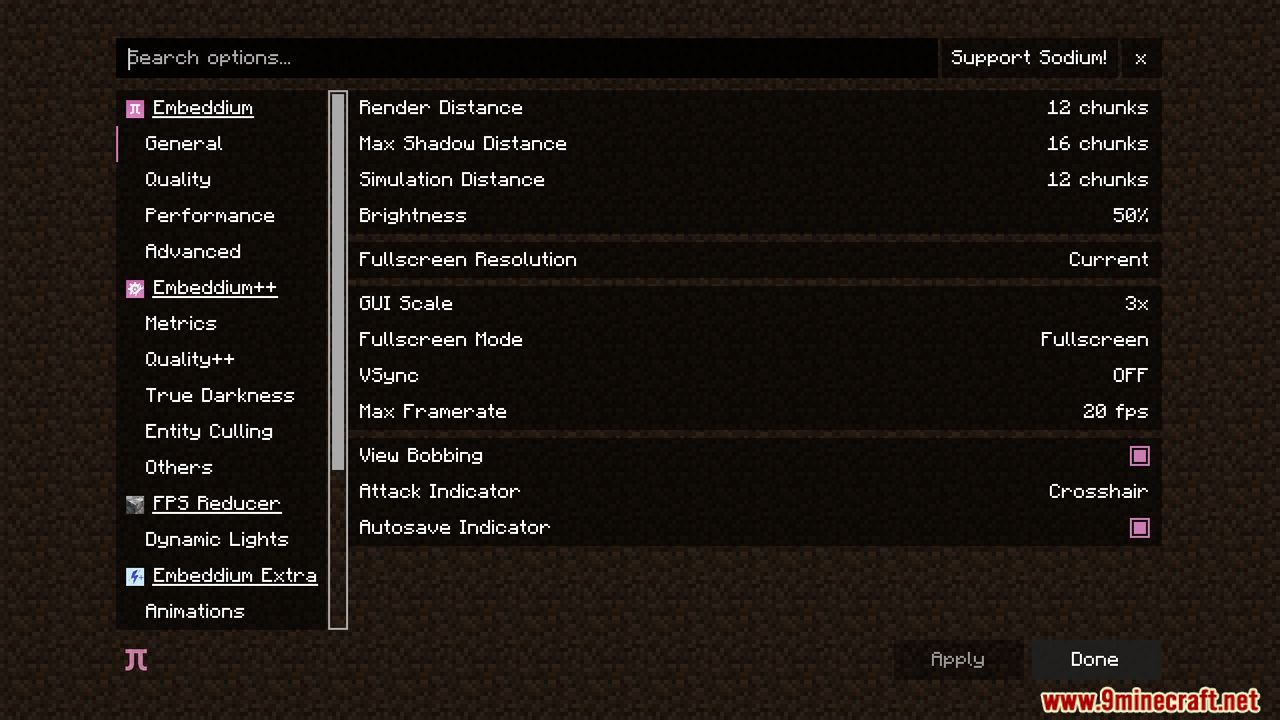

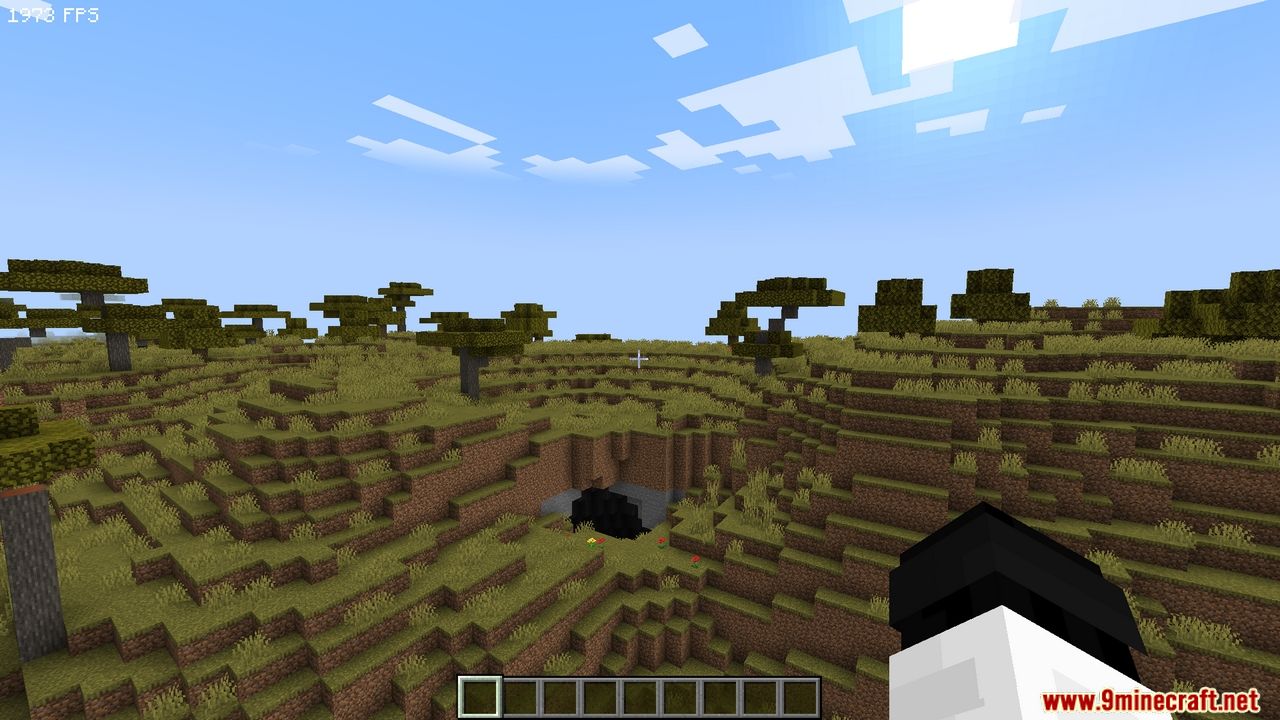
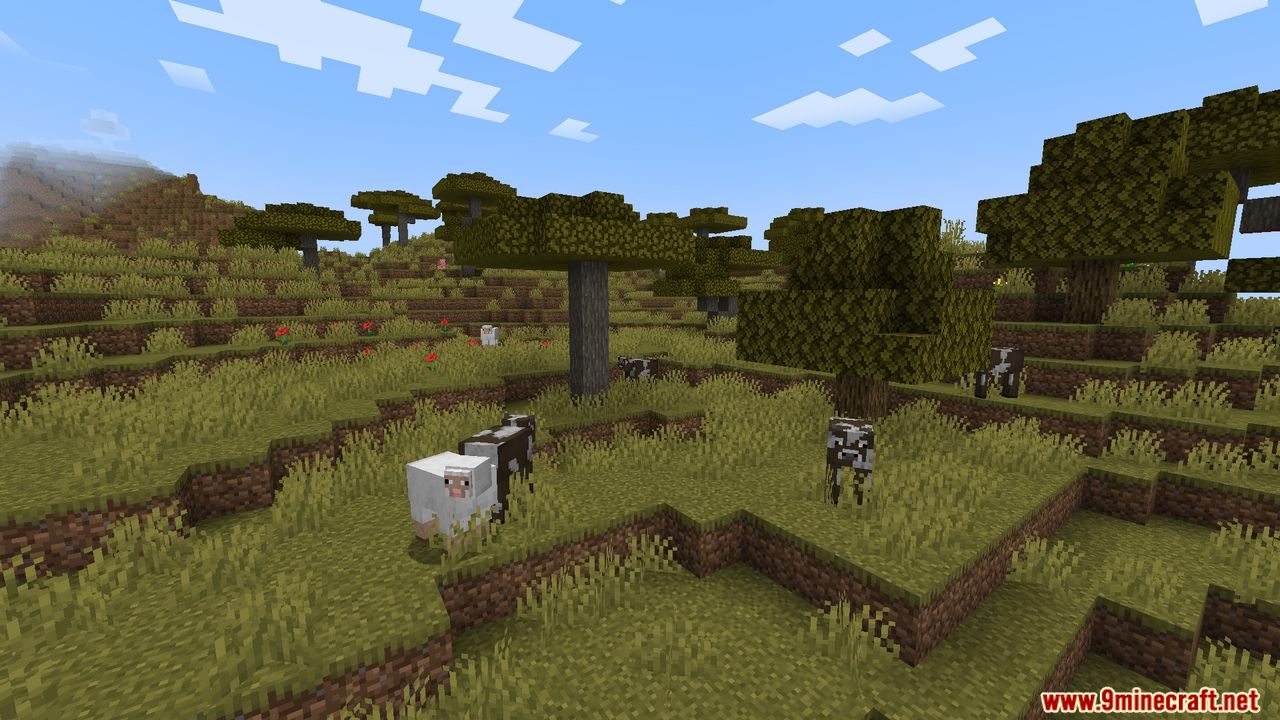
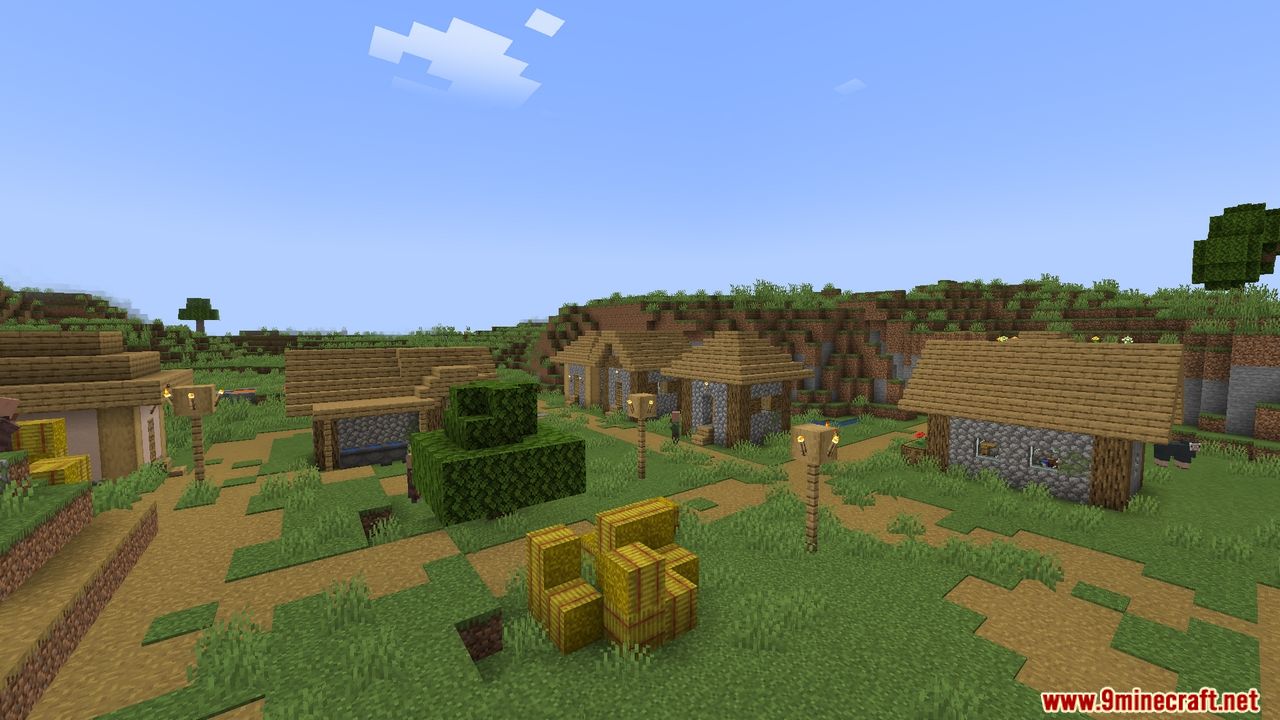

Optimized FPS Modpack is designed to enhance Minecraft’s performance by improving frame rates and overall gameplay smoothness. It includes mods like Sodium, Lithium, and Phosphor to optimize rendering, lighting, and game mechanics. Compatible with shaders for better visuals without compromising performance.
Features:
- Performance mods for better and faster gameplay.
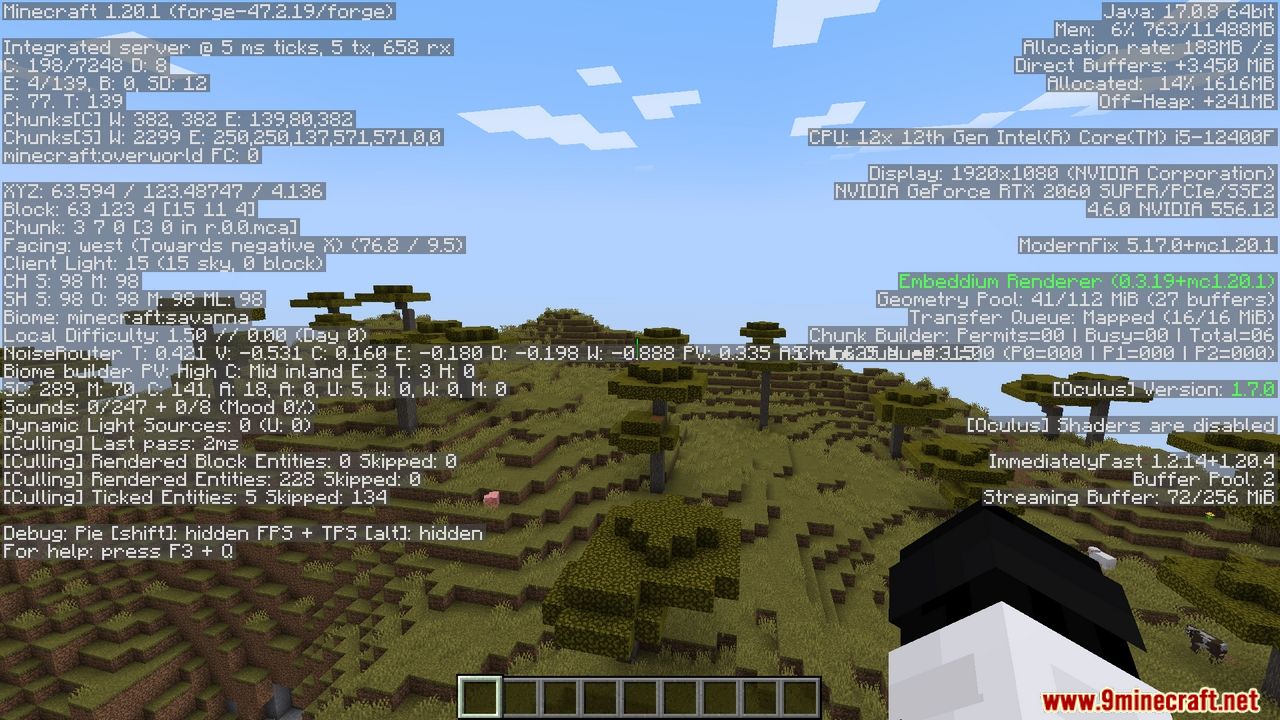
- FPS performance boosts thanks to the Sodium Mod.
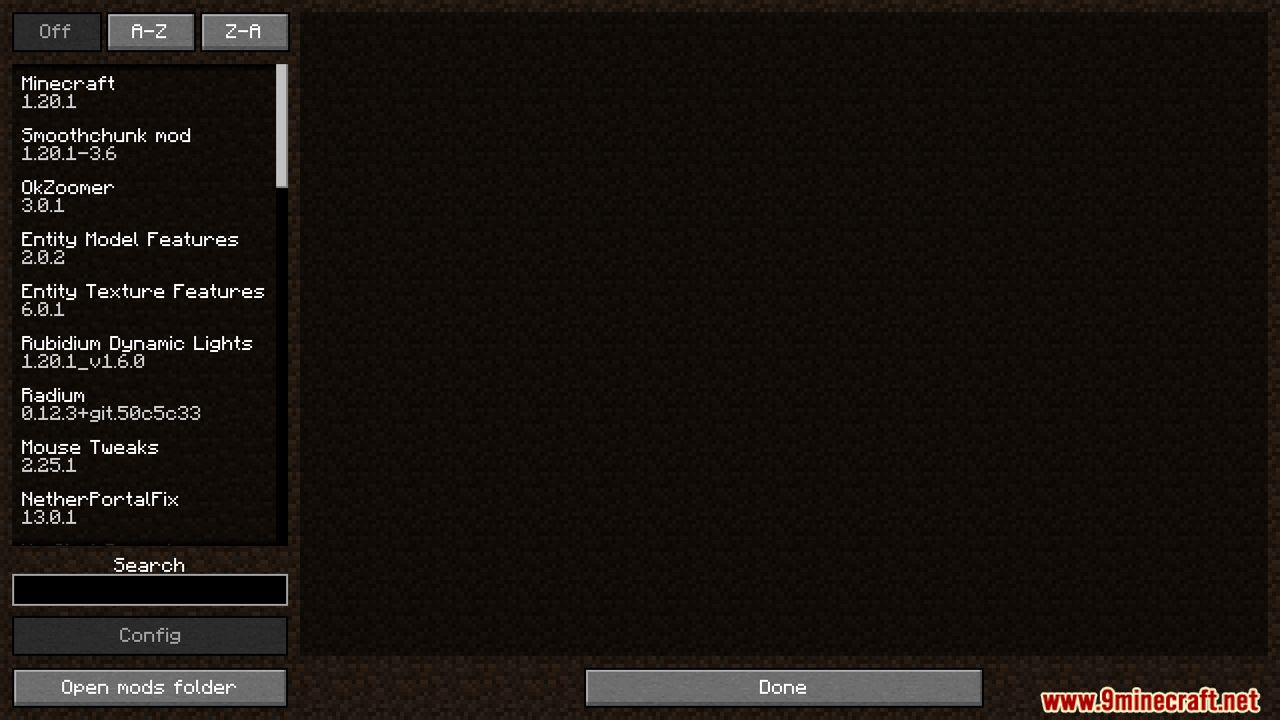
- Mods button in the game menu to list and configure installed mods.
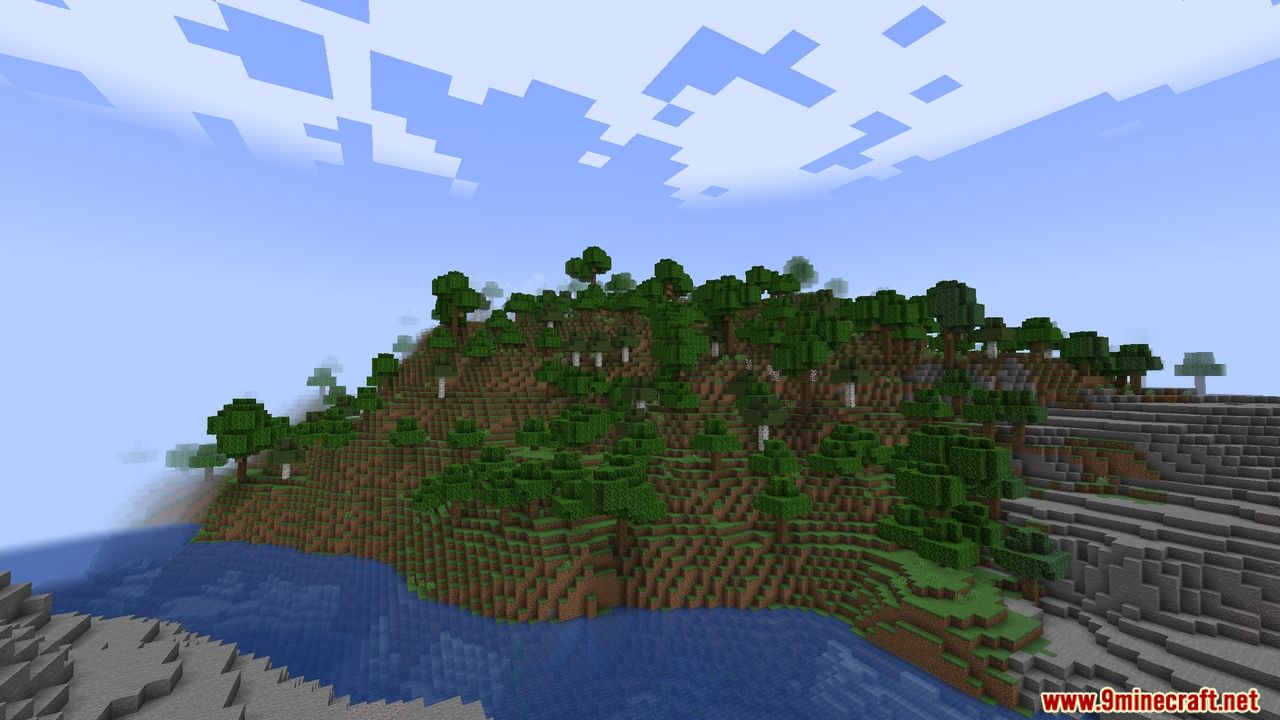
Screenshots:
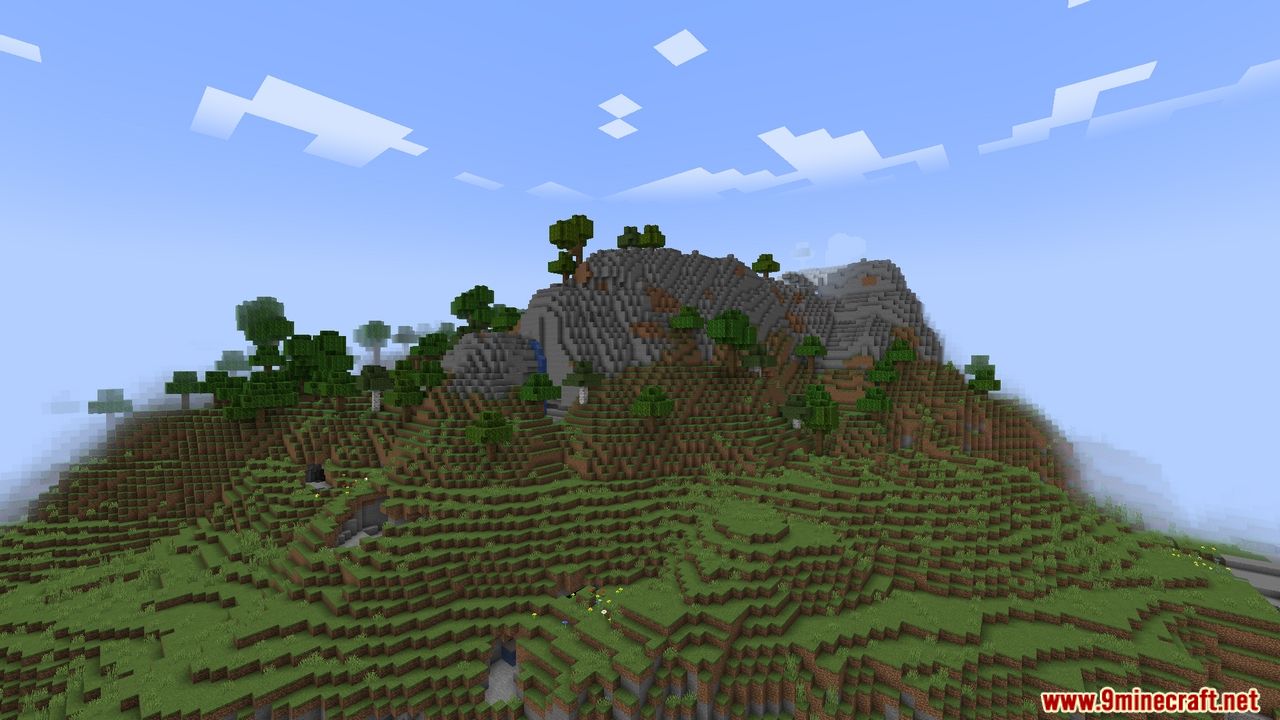
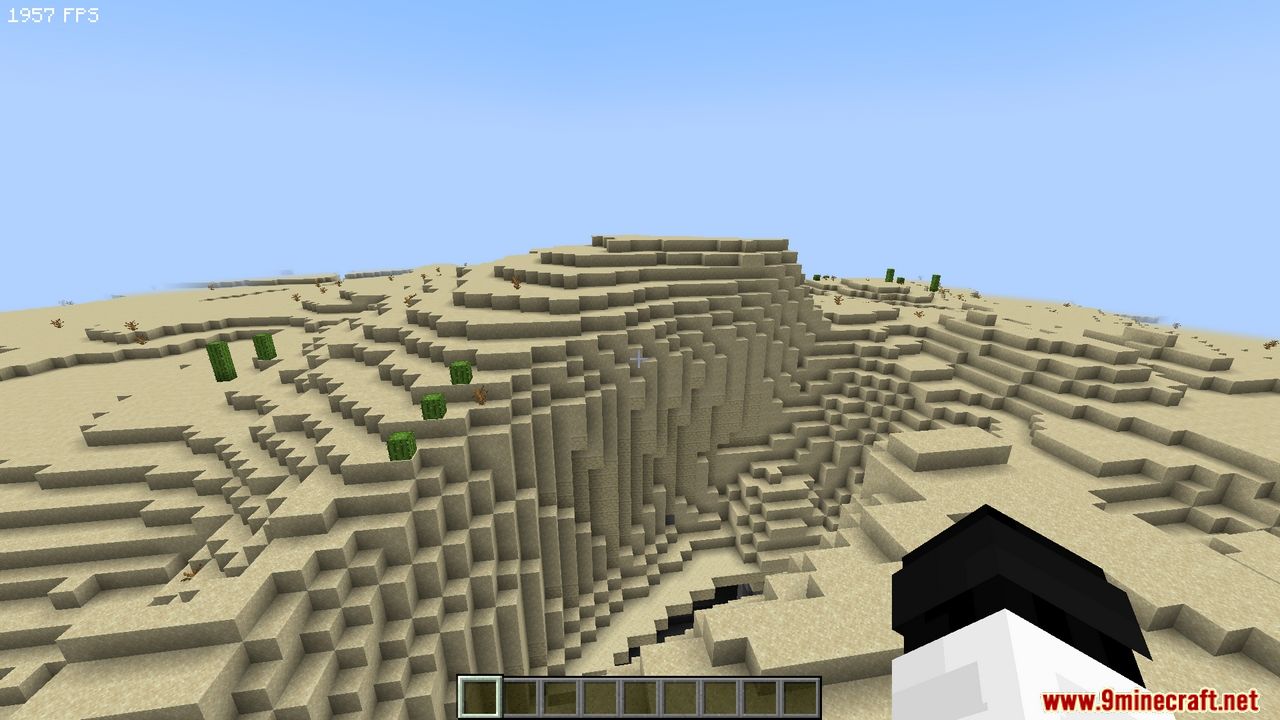
Optimized FPS Modpack Download Links
- Edition: Minecraft Java
- File type: .jar
- Minecraft version listed: 1.20.1
- How to install: Install the matching mod loader (Forge, Fabric or NeoForge) for your Minecraft version. → Download the .jar. → Put it in the .minecraft/mods folder and launch that loader profile.
- Where to get it: In MC Java Mods, or directly above on this page.
Install steps are the general flow for this file type — How to install Minecraft Java mods & modpacks walks through it step by step.
Optimized FPS Modpack (26.2, 1.20.1) – FPS Performance Boosts is a free Minecraft Java modpack. Compatible with Minecraft 1.20.1. Download it and open it directly in the game.