HomeBedrockAddonsHitbox Visualiser - Utility
Hitbox Visualiser - Utility
AddonsBedrock

Hitbox Visualiser - Utility

by gamerfile · on CurseForge

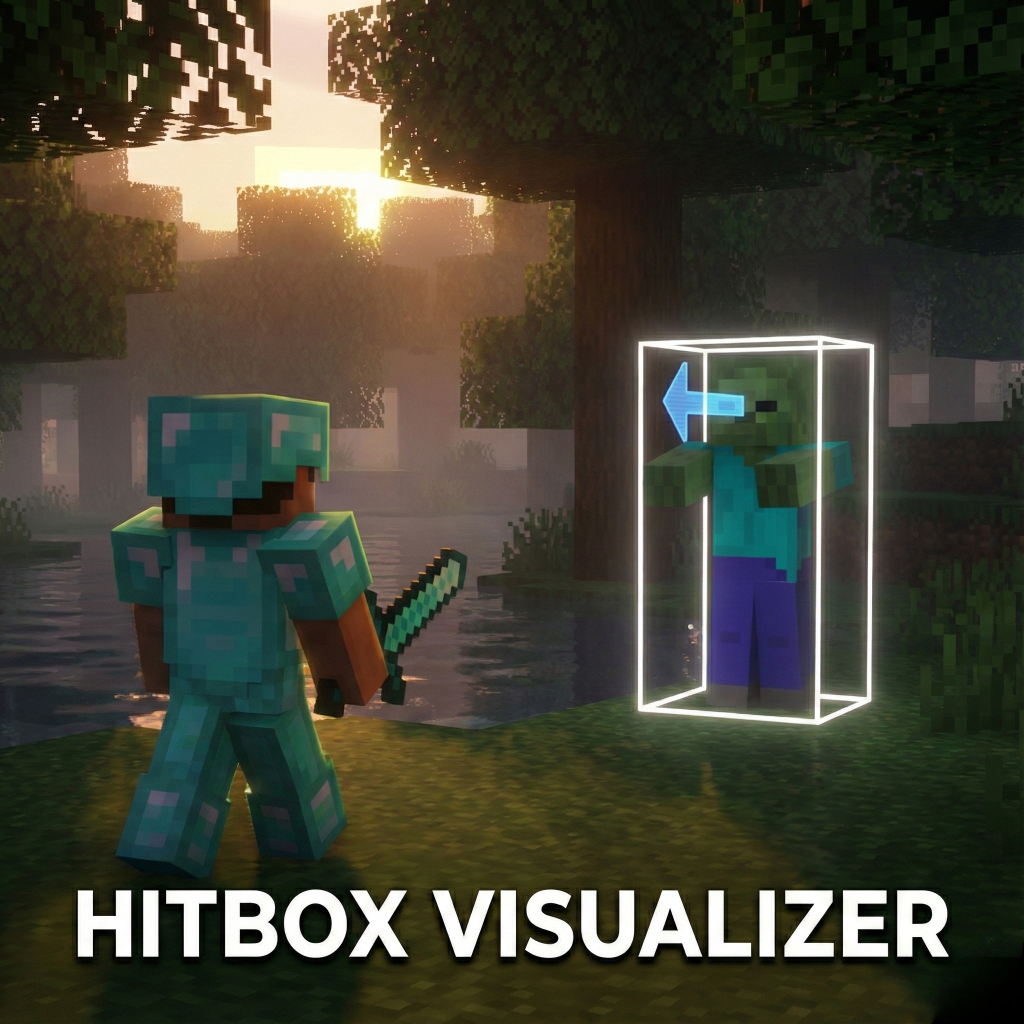
See what the game sees! Hitbox Visualizer allows you to see the exact collision boxes of every entity in your Minecraft world.

Which Minecraft do you have?

Every version of the game needs its own build. Pick yours, then download — the wrong build installs fine and then does nothing in the game.

⬇ Download for 26.30⬇ Download for 26.10⬇ Download for 26.0–26.3⬇ Download for 1.21.124–1.21.130
I don't know my version
Open Minecraft and look at the bottom-left corner of the main screen — the version is printed there, like v1.26.30.
The game writes a 1. in front; the buttons above leave it off. v1.26.30 in the game is 26.30 here.
Hitbox Visualiser - Utility — screenshot 1

Hitbox Visualizer (v1.1.0)

See what the game sees! Hitbox Visualizer allows you to see the exact collision boxes of every entity in your Minecraft world. Whether you are a technical player testing farm mechanics, a map maker ensuring your mobs are perfect, or just curious, this pack gives you the vision you need.

✨ Features

📸 Screenshots & GIFs

(Its looking choppy now because of gif conversion and compression but its smoother ingame.)

Smoother (V1.1.0)

🎮 How to Use

  1. Install: Add the Behavior Pack to your world.
  2. Activate: Make sure "Beta APIs" is enabled in your world settings experiments.
  3. Play: Join the world.
  4. Toggle: Open the chat and type:
    • !hitbox
    • ...or simply !hb
  5. Done! You will see a message saying visualization is Enabled. Type it again to turn it off!

⚠️ Notes

📜 Credits

Quick facts

Install steps are the general flow for this file type — How to install Minecraft Bedrock addons & mods walks through it step by step.

Verified by MCModsHub

These come from our own check of the pack file, not from the source page.

Explore more