Custom Cameras
I don't know my version
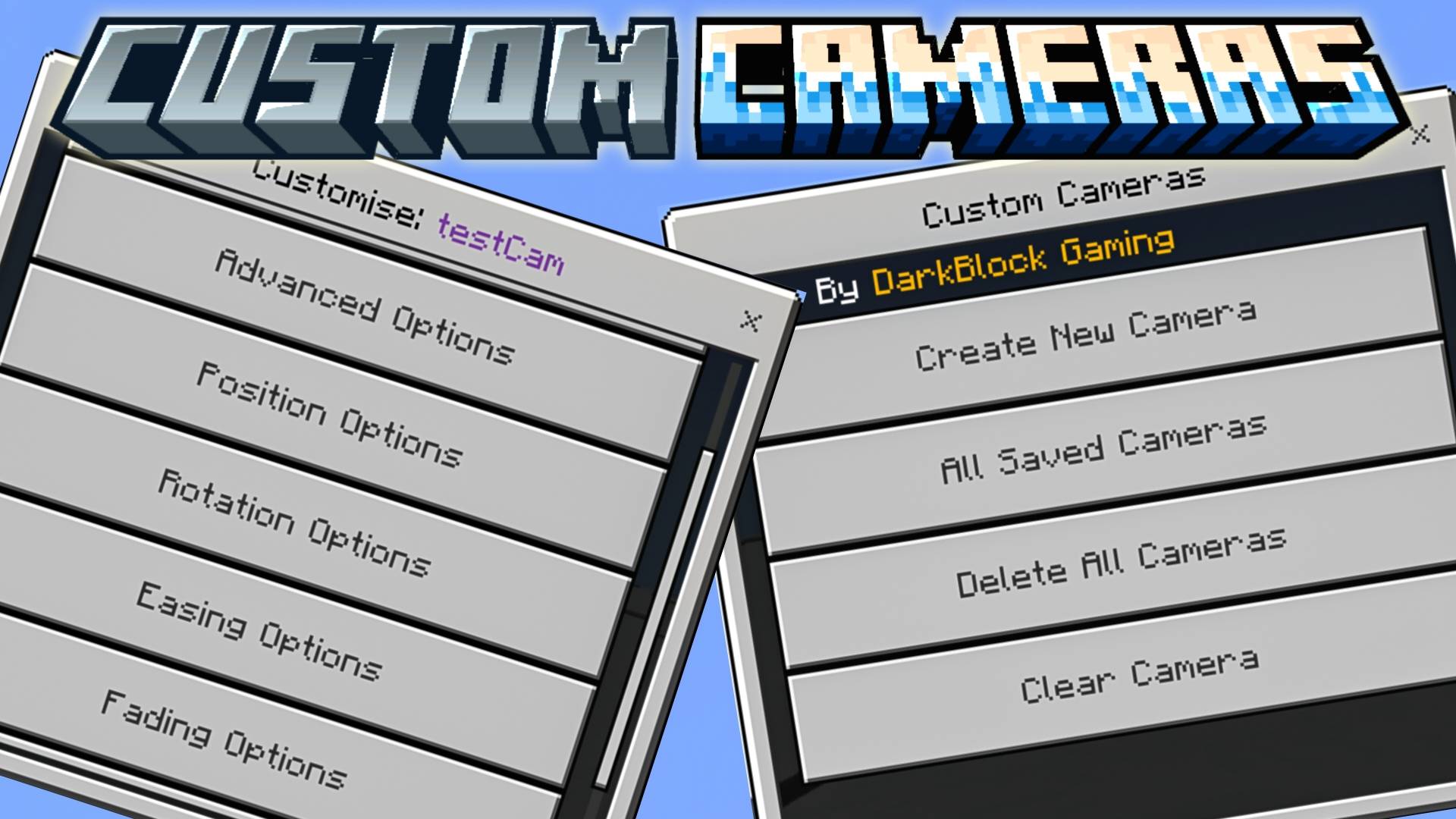

Custom Cameras Add-on, a powerful and highly customizable add-on for Minecraft Bedrock Edition. Whether you're crafting cinematic scenes building security systems, or just exploring your world from unique angles, this addon gives you full control over the camera like never before.
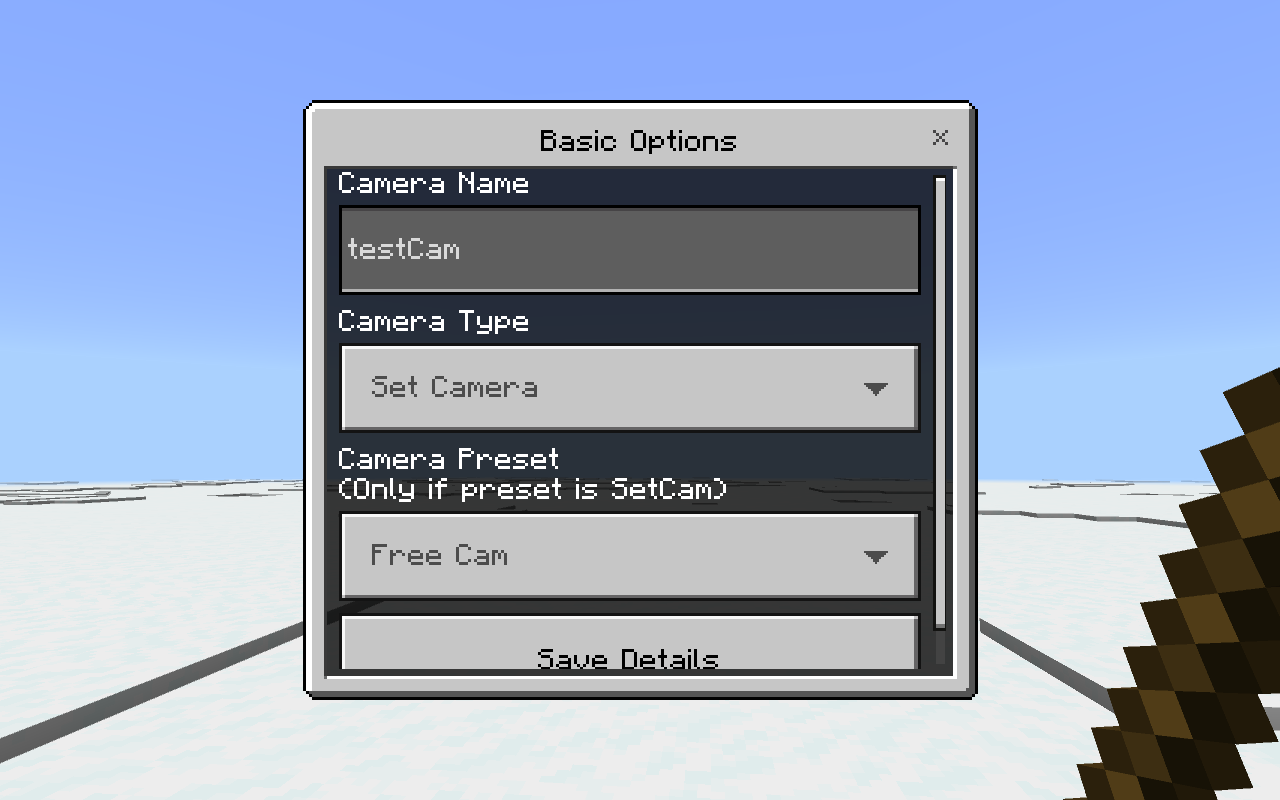
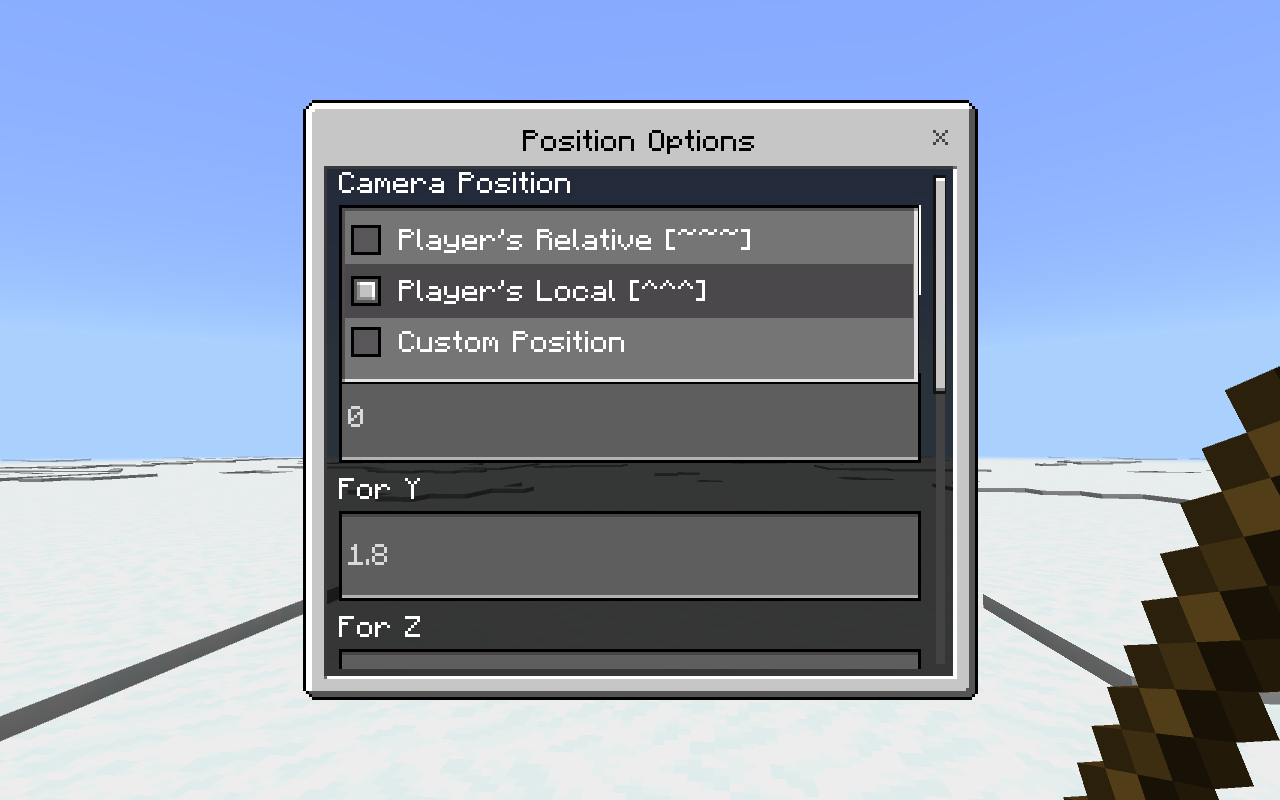
Create dynamic tracking cams, static cinematic shots, or anything in between. Every camera is fully customizable—position, rotation, type, behavior—and all data is saved permanently. No command block chaos, no limitations—just pure visual freedom.
The best way to understand the power of this addon? Yeah by trying it out!!
⬇️ 1.0.0 Changelog
- First Version.
✅ Installation
- Download the latest Custom Cameras
.mcpackfile. - Open the file with Minecraft Bedrock Edition to install the add-on.
- In your world settings, enable Experimental Features, including:
- Beta APIs
- Make sure the Behavior Pack is applied to your world.
📚 Custom Cameras Add-on Documentation
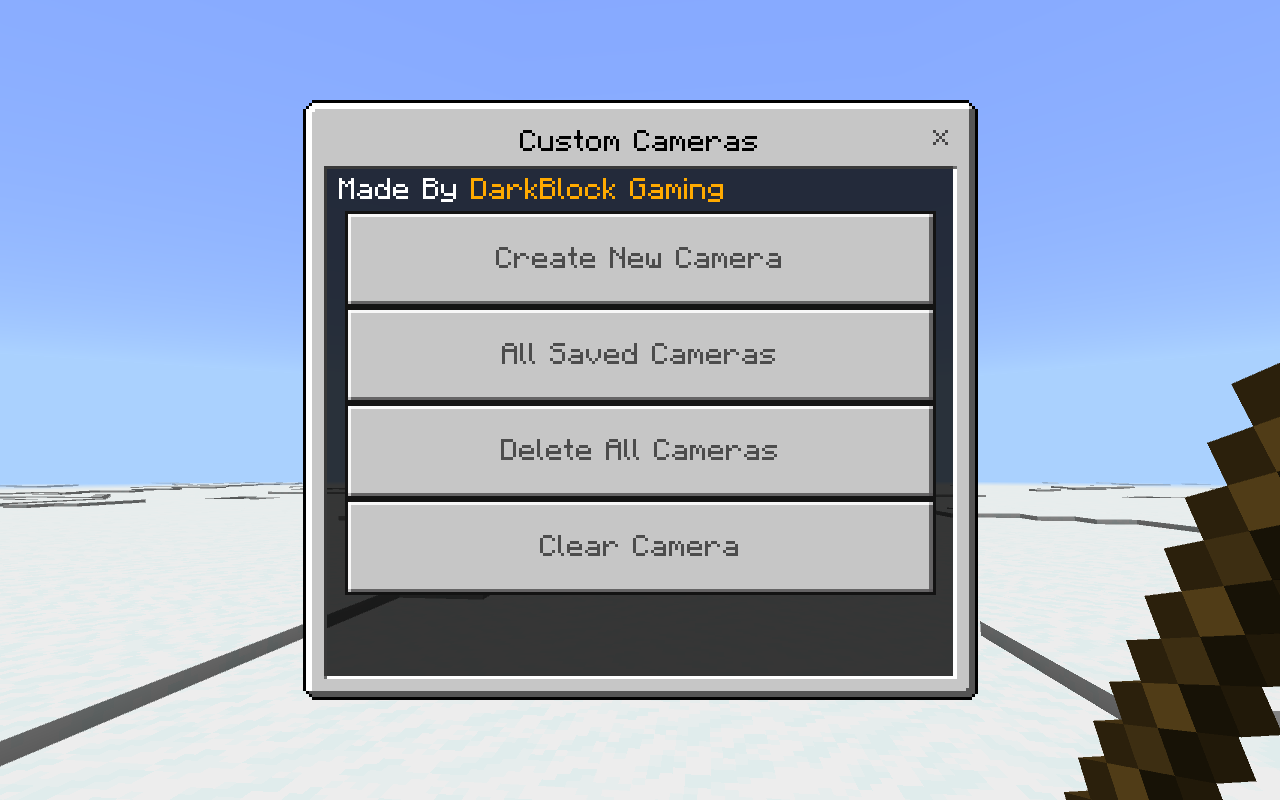
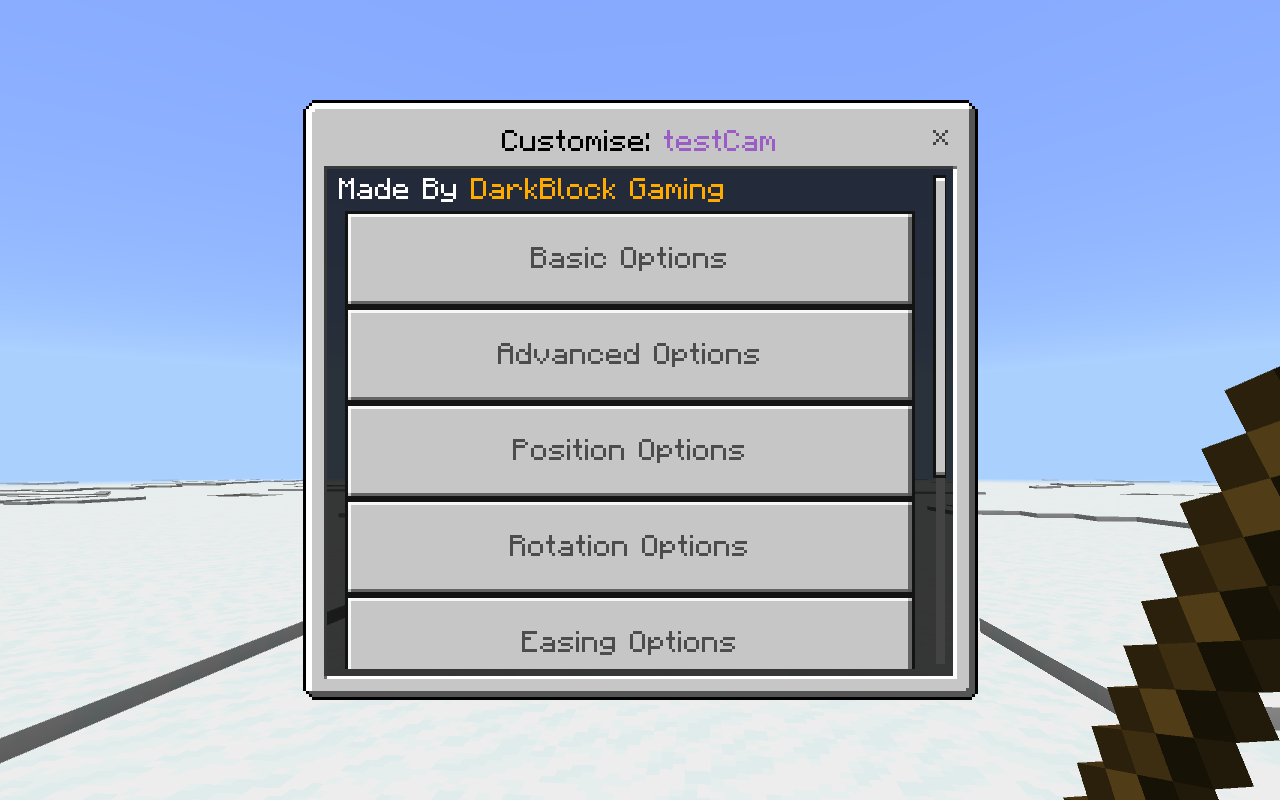
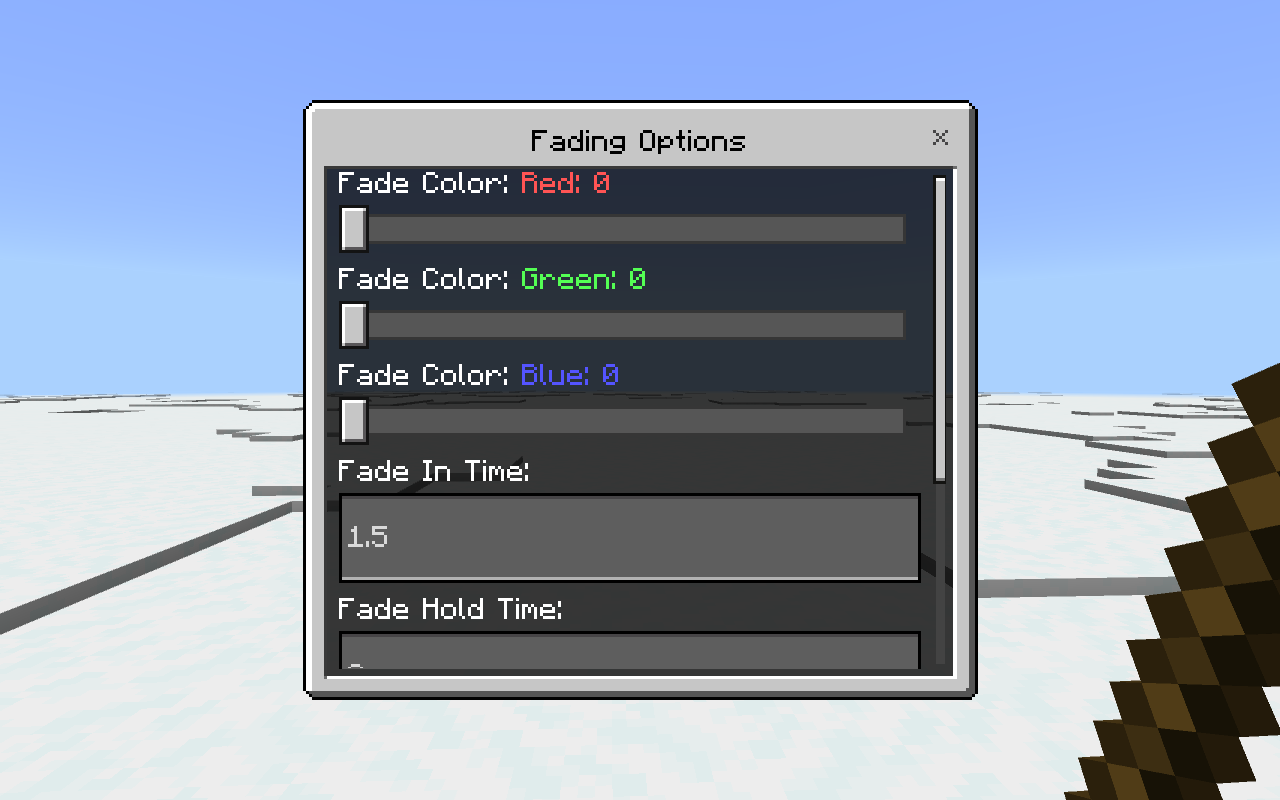
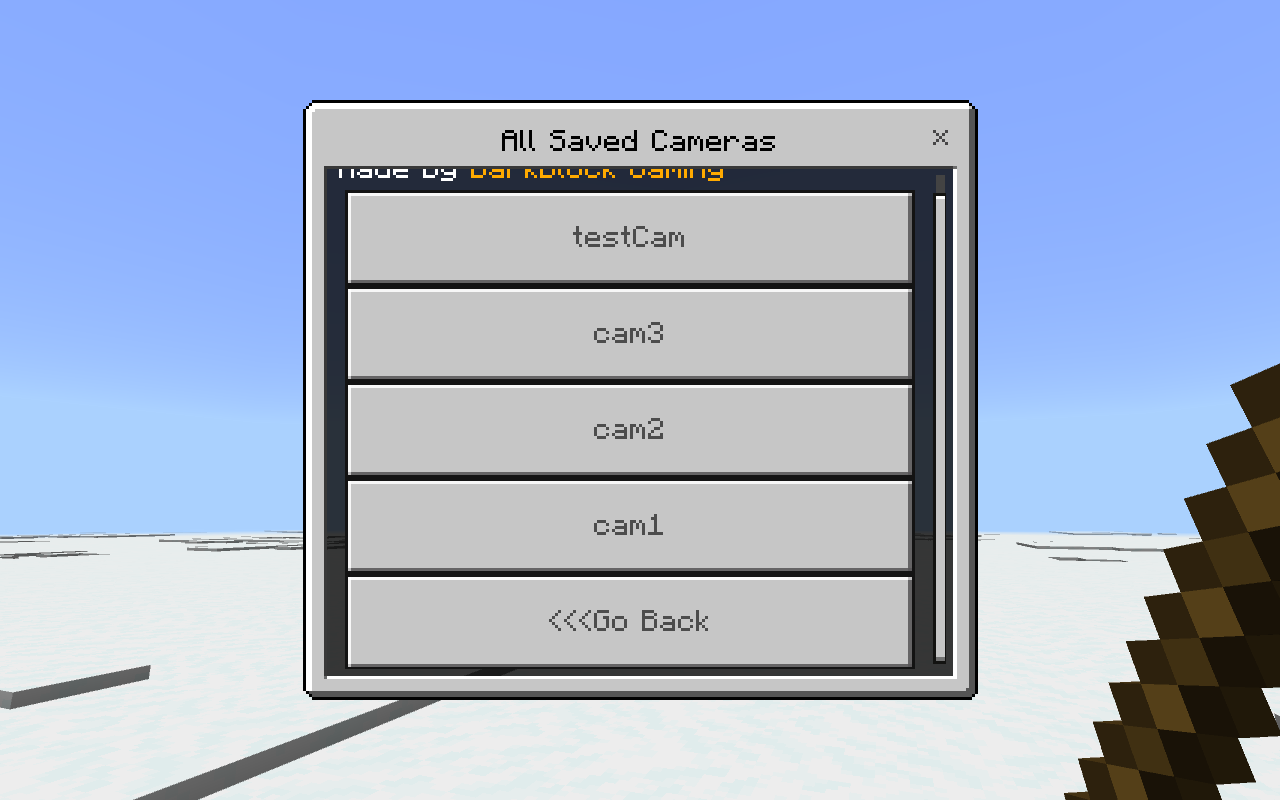
After installing and activating the Custom Cameras add-on you must type ?cc in the chat. This step is very important and this will give you the tools or items needed to use and customise the add-on.
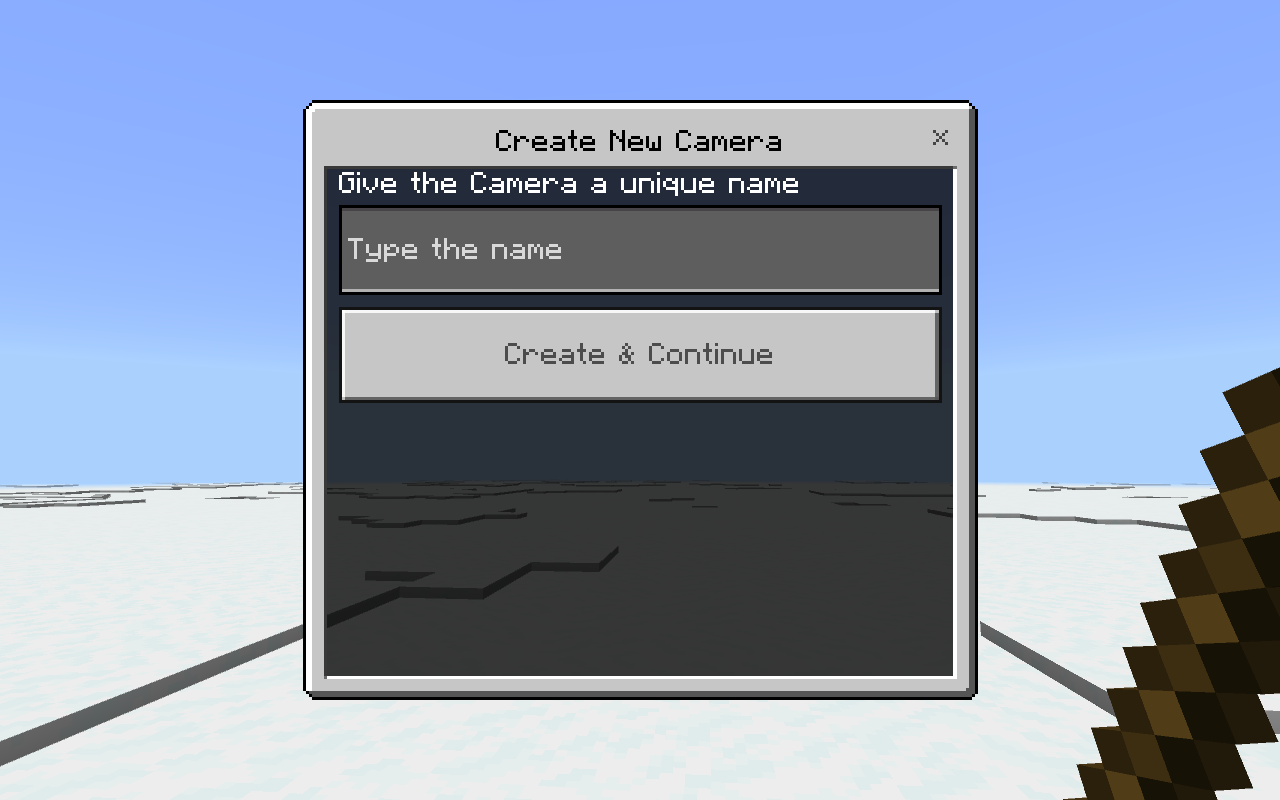
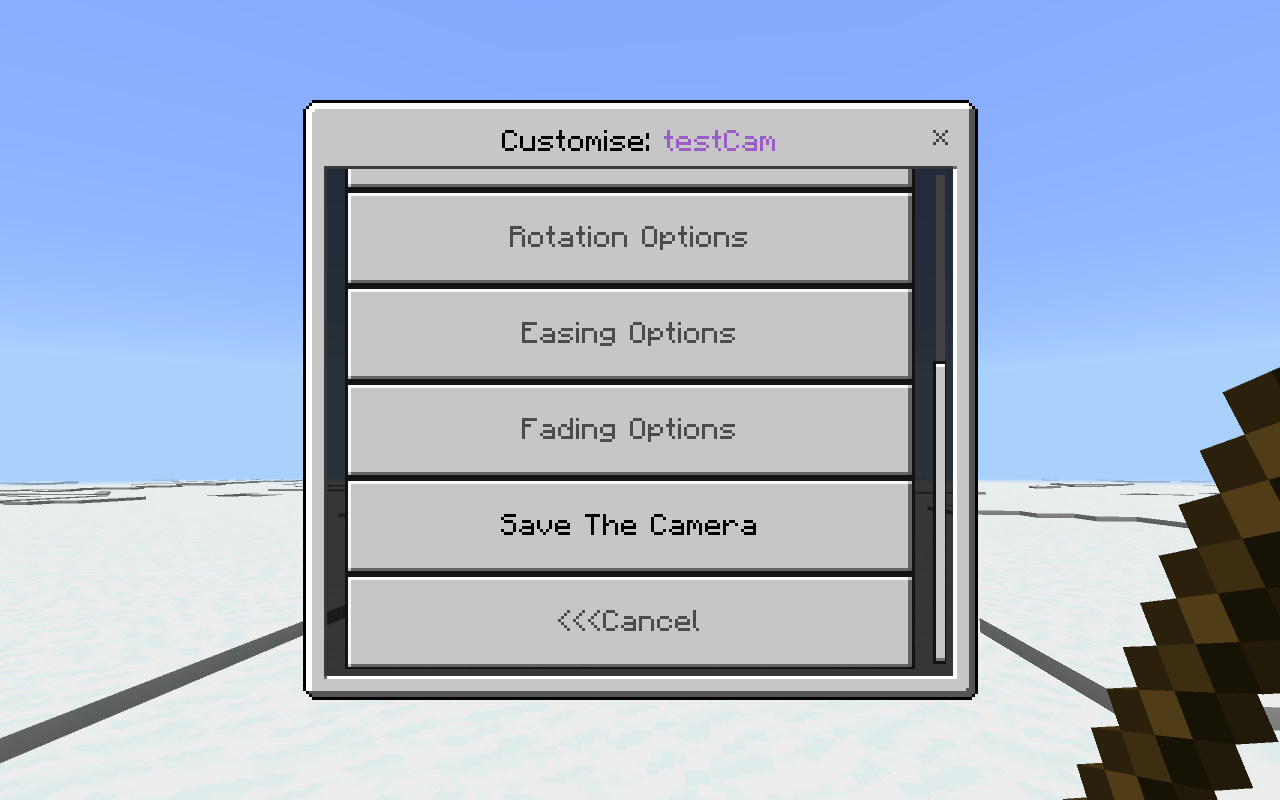
After this you will get an stick that you can use to open and navigate through different menus of this add-on, you will be able to create different cameras, name them, use them, customise them, and much more!!



🌐 Community Discord
Need assistance or have questions? Join our community on Discord.
💸 Donate/Sponsor
If you enjoy this project and would like to support its development—or simply show your appreciation with a donation—we’d be truly grateful. Donate now…
- Edition: Minecraft Bedrock
- File type: .mcpack or .mcaddon
- Minecraft versions listed: 1.21.130, 1.21.120, 1.21.111
- How to install: Download the .mcpack or .mcaddon file. → Open it — Minecraft imports it. → In your world: Behavior Packs → Available → Activate, then the same under Resource Packs.
- Where to get it: Opens on CurseForge — not every file is mirrored on our own servers.
Install steps are the general flow for this file type — How to install Minecraft Bedrock addons & mods walks through it step by step.
- Pack type: .mcaddon — behaviour and resource pack in one file
- Manifest requires Minecraft 1.21.130 or newer
- Needs Beta APIs switched on in the world settings
- Complete pack — everything it depends on is inside the file
- Download size: 226 KB
- Download link checked 15 Sept 2026 — working
These come from our own check of the pack file, not from the source page.