AddonsBedrock
Gamertag Utilities
I don't know my version
Open Minecraft and look at the bottom-left corner of the main screen — the version is printed there, like v1.26.30.
The game writes a 1. in front; the buttons above leave it off. v1.26.30 in the game is 26.30 here.
Gamertag Utilities [1.5]
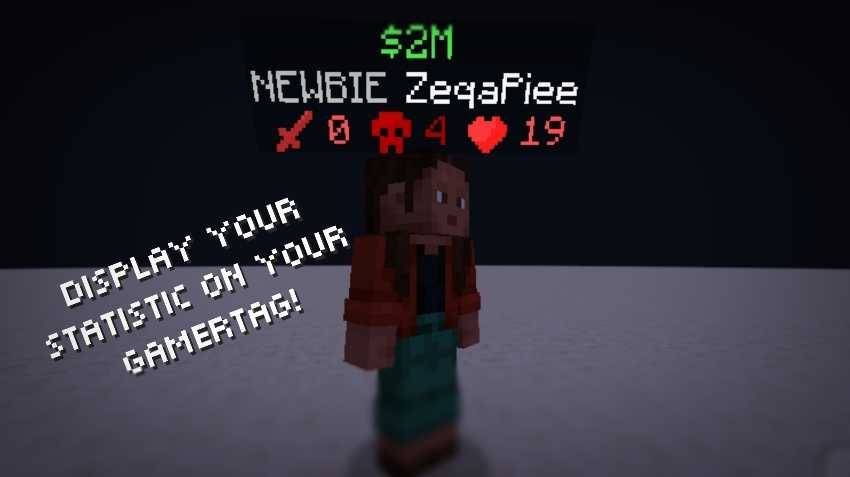
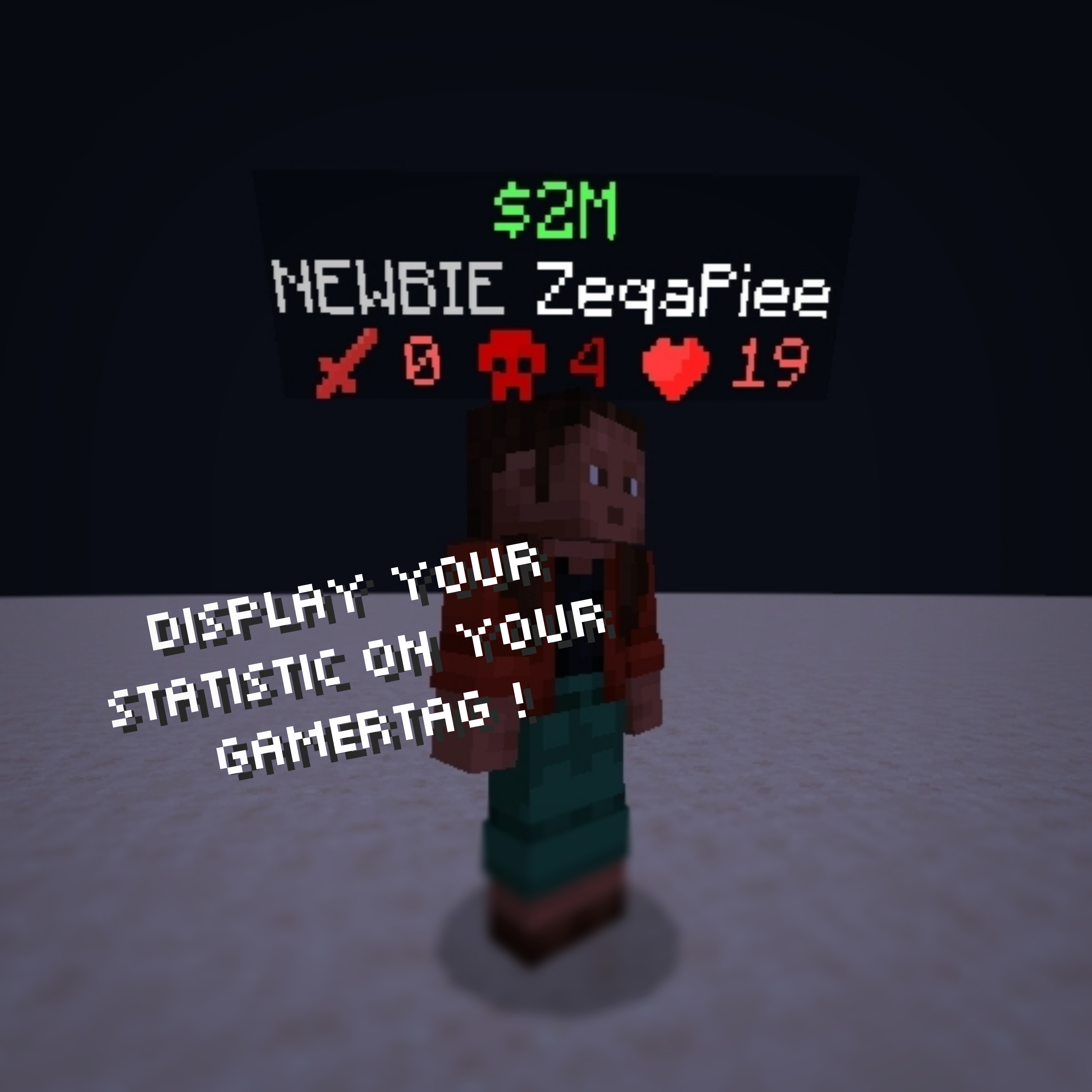
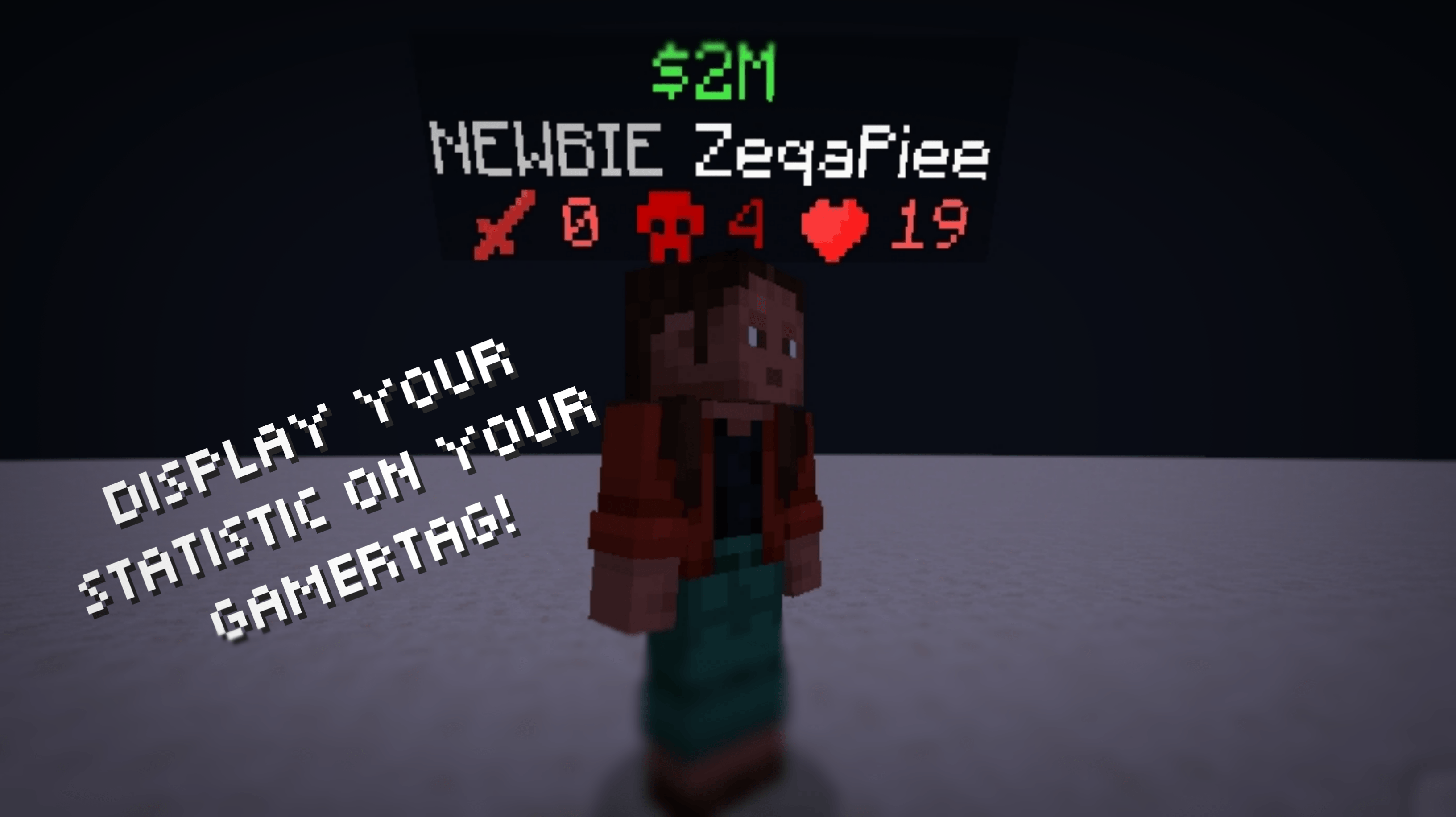
Gamertag Utilities is a Minecraft Bedrock add-on that allows you to display player statistics directly above the player’s head
How to Use
- First, when you are creating a world don't forget to turn on the Beta-API feature in experimental
- After entering the world, you need to add the admin tag to access the menu by typing /tag @s add admin.
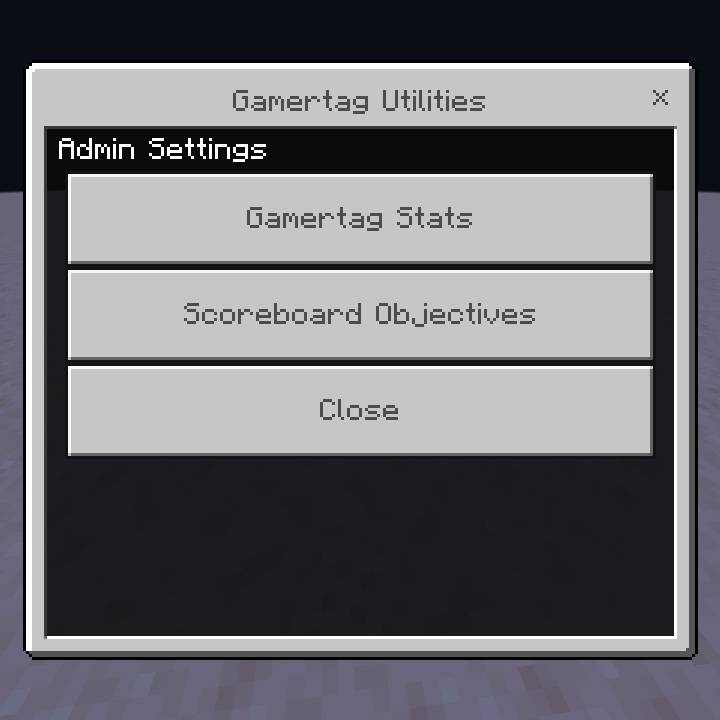
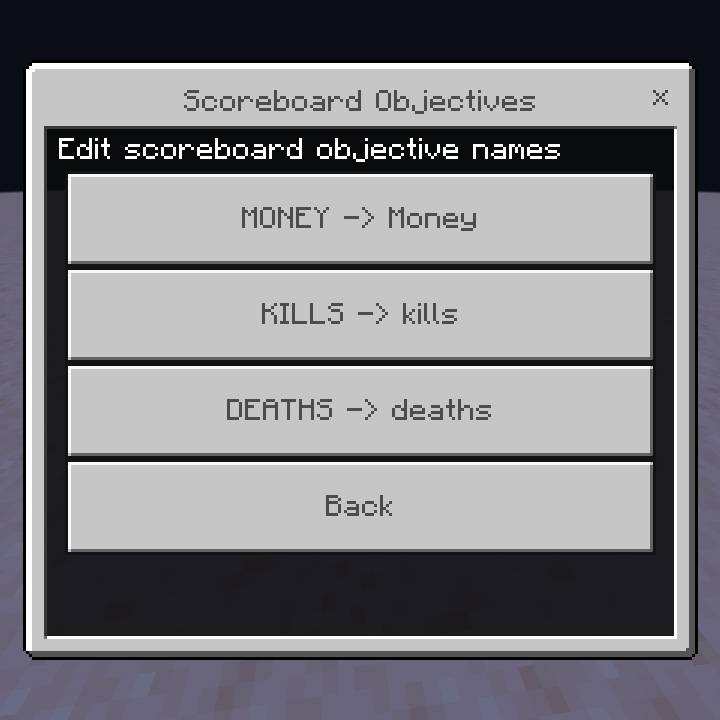
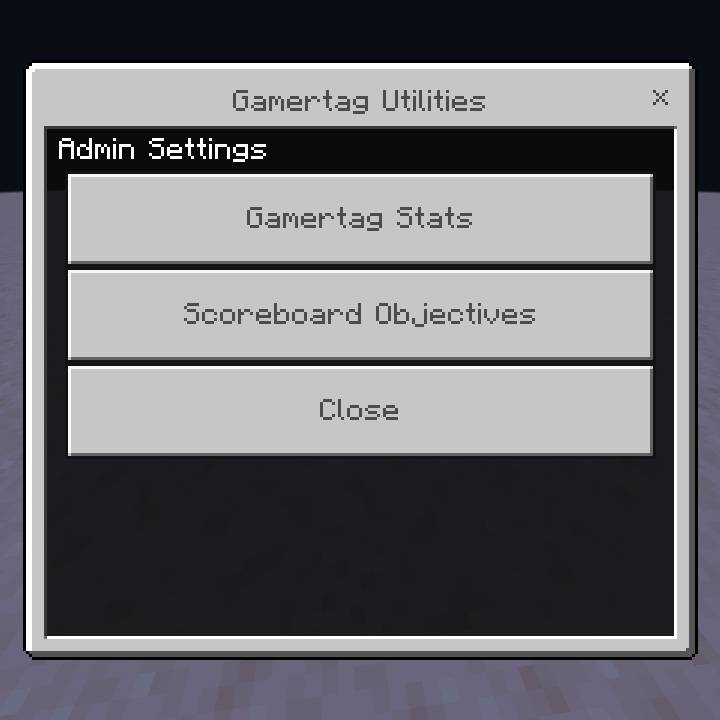
- Then when you are already in the world, Hold the compass and right-click or hold the screen if you are playing on a mobile phone. after that the menu will appear by itself
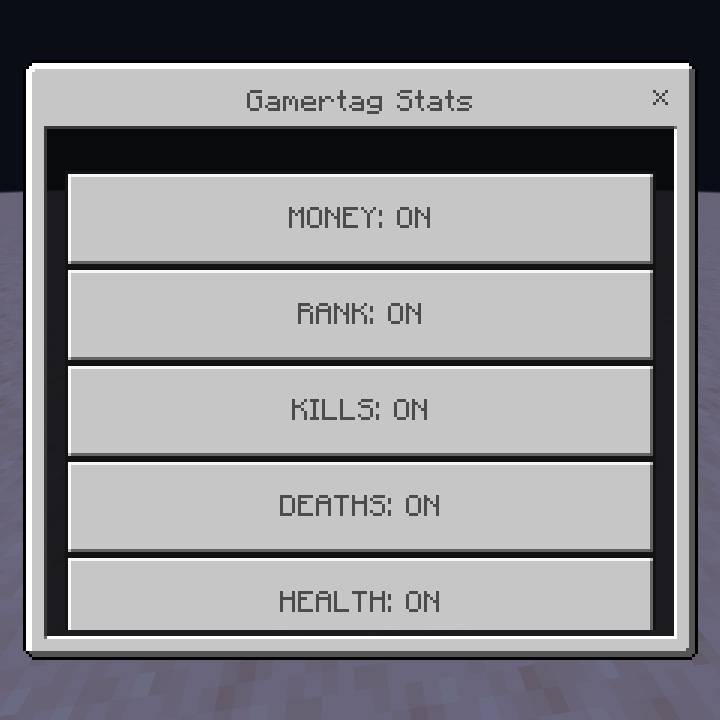
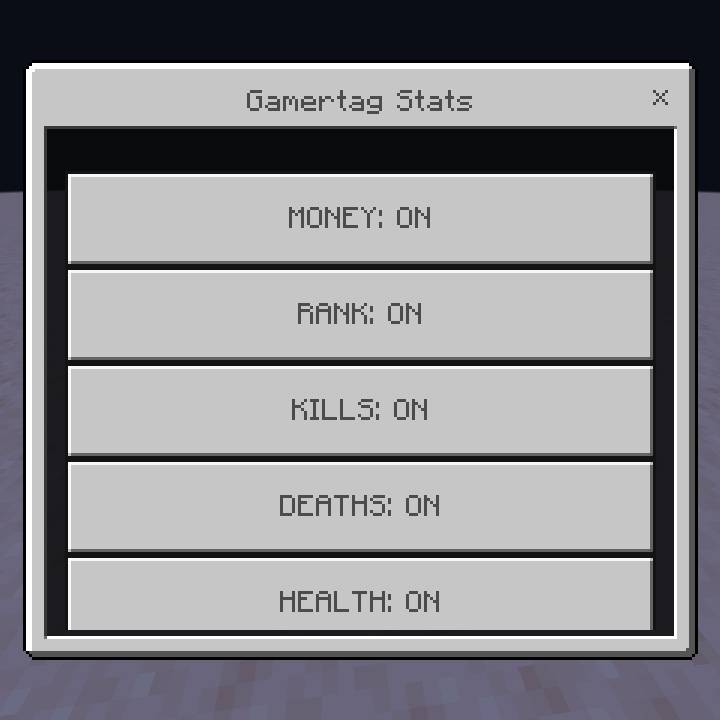
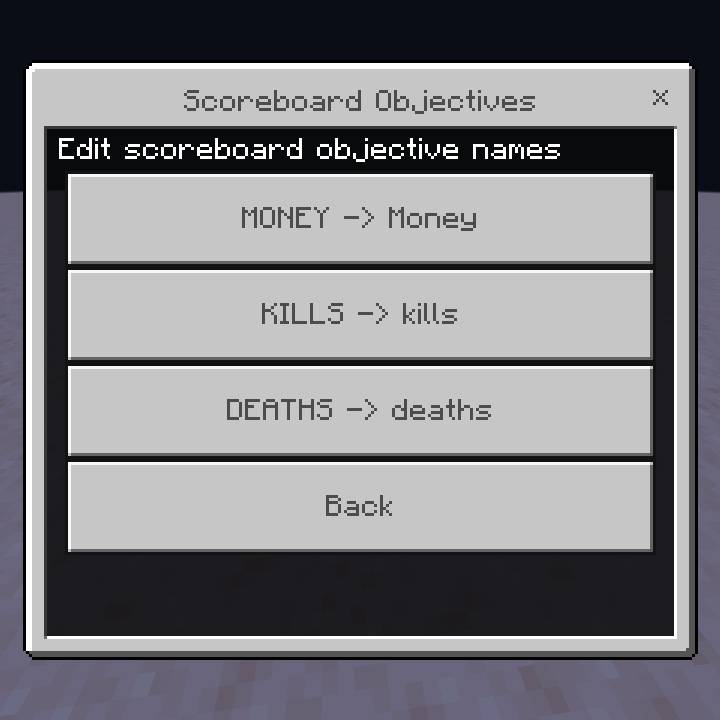
Some screenshot in the game
What's New?
- Supported minecraft version 1.26.40.5
- Fixed an issue where add-ons couldn't be used on the server (especially Aternos)
Join the Community🌐
Have questions, want updates, or see what I'm working on?
- 📣 Join our Discord: Zepai Community
Quick facts
- Edition: Minecraft Bedrock
- File type: .mcpack or .mcaddon
- Minecraft versions listed: 26.40, 26.30, 26.20
- How to install: Download the .mcpack or .mcaddon file. → Open it — Minecraft imports it. → In your world: Behavior Packs → Available → Activate, then the same under Resource Packs.
- Where to get it: Opens on CurseForge — not every file is mirrored on our own servers.
Install steps are the general flow for this file type — How to install Minecraft Bedrock addons & mods walks through it step by step.
Verified by MCModsHub
- Pack type: .mcaddon — behaviour and resource pack in one file
- Manifest requires Minecraft 1.21.120 or newer
- Needs Beta APIs switched on in the world settings
- Complete pack — everything it depends on is inside the file
- Download size: 5.0 MB
- Download link checked 25 Aug 2026 — working
These come from our own check of the pack file, not from the source page.