AddonsBedrock
Change Entities Size
All entities of Minecraft are cool. But imagine if you could change the size of any entity ? It would be fun right ? With this addon/script, you will be…
⬇ Download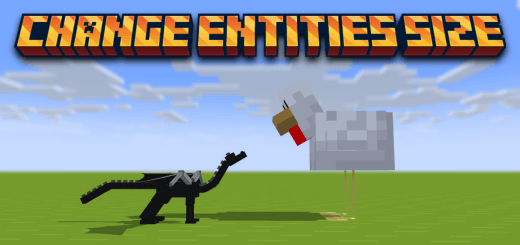
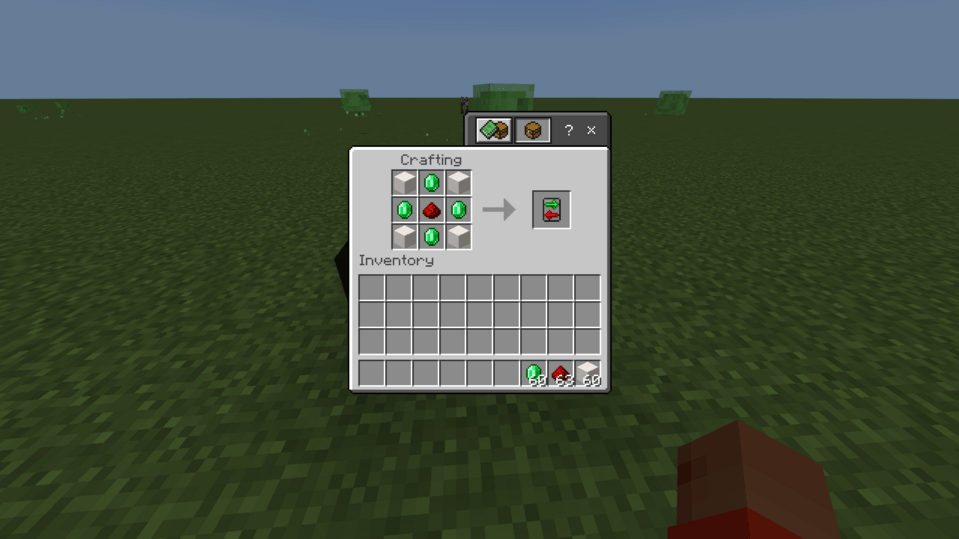
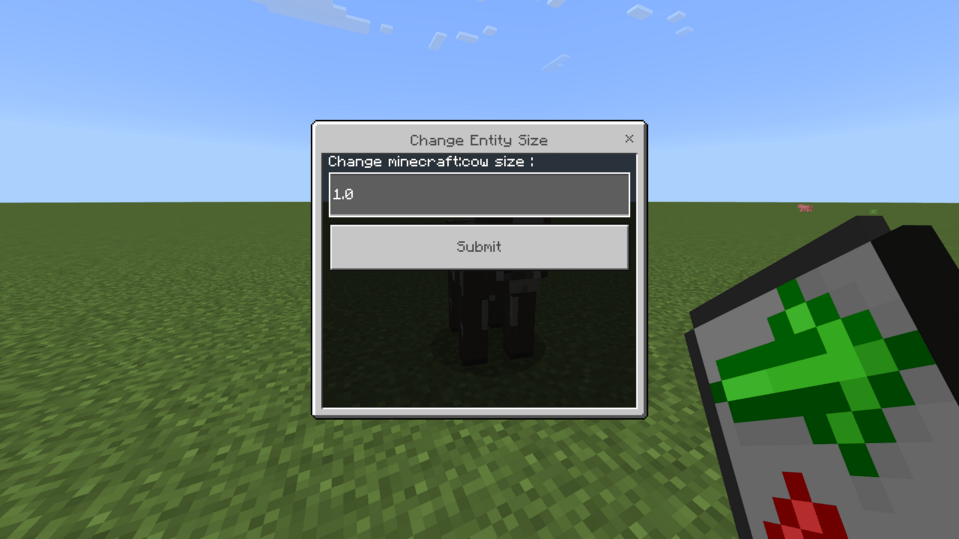
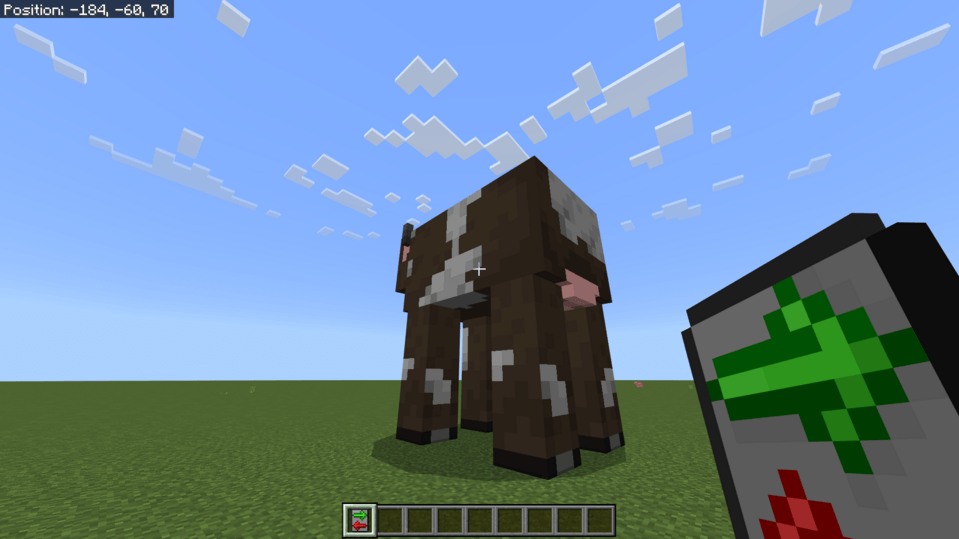
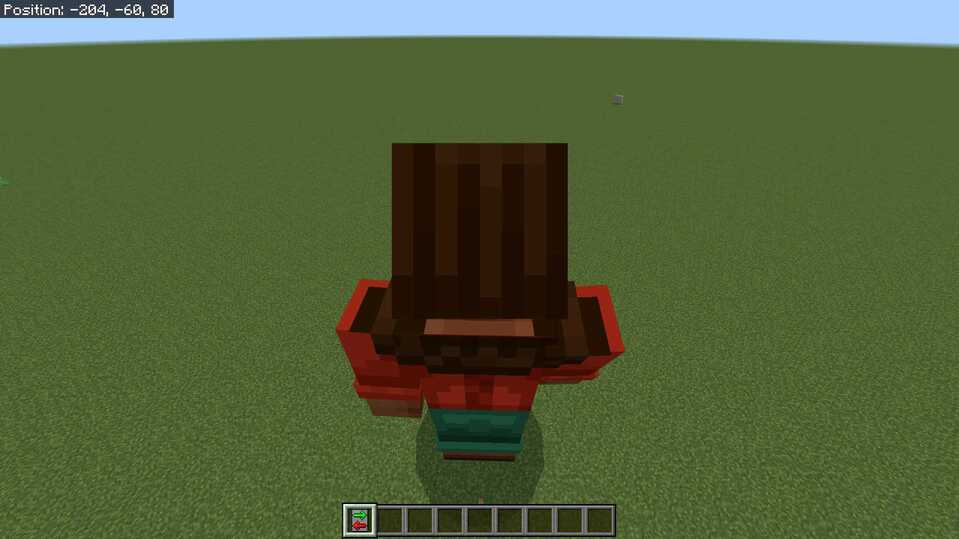
So, you have to take a special item named Size Changer (You can find the recipe on Image Section).
And then, you have to right click on the mob that you want to change its size. It will open a form UI where you can change his size, smaller or bigger.
You can now change your own size by sneaking and right click with the Size Changer (the camera will adapt depending of your size).
Quick facts
- Edition: Minecraft Bedrock
- File type: .mcpack or .mcaddon
- Minecraft versions listed: 1.21.50, 1.21.51
- How to install: Download the .mcpack or .mcaddon file. → Open it — Minecraft imports it. → In your world: Behavior Packs → Available → Activate, then the same under Resource Packs.
- Where to get it: In MCModsHub, or directly above on this page.
Install steps are the general flow for this file type — How to install Minecraft Bedrock addons & mods walks through it step by step.
Verified by MCModsHub
- Pack type: .mcaddon — behaviour and resource pack in one file
- Complete pack — everything it depends on is inside the file
- Download size: 183 KB
- Download link checked 18 Jun 2026 — working
These come from our own check of the pack file, not from the source page.