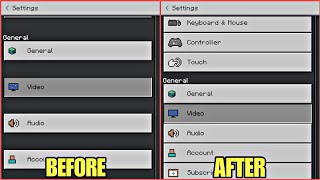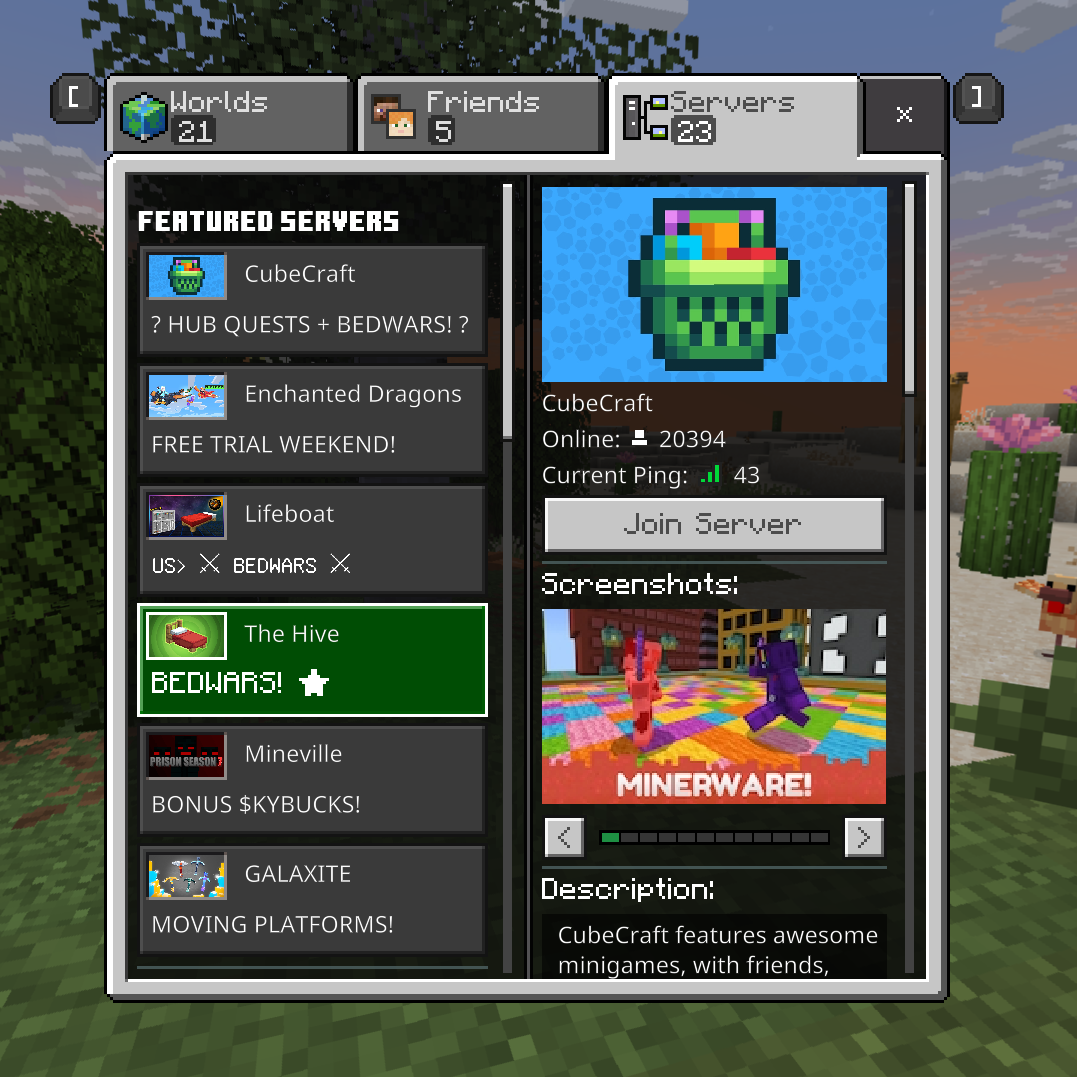
Back to OLD UI
Do you like this new UI that Mojang has forced upon all players? Well if you don't I have the perfect add-on for you. With this add-on you can go back to…
⬇ Download on CurseForge
For this add-on I added a custom command to get to the old UI. You can do "/scriptevent traye:ui" to access the form. This form also shows up on join. If you wanted to still play your world you can simply just hit the cancel button to do so. ALSO when you click the transfer button JUST WAIT until it says you can press OK
VIDEO FOR PEOPLE WHO NEED HELP HERE: https://www.youtube.com/watch?v=oTPlYZfbEKY

- Edition: Minecraft Bedrock
- File type: .mcpack or .mcaddon
- Minecraft version listed: 1.21.94
- How to install: Download the .mcpack or .mcaddon file. → Open it — Minecraft imports it. → In your world: Behavior Packs → Available → Activate, then the same under Resource Packs.
- Where to get it: Opens on CurseForge — not every file is mirrored on our own servers.
Install steps are the general flow for this file type — How to install Minecraft Bedrock addons & mods walks through it step by step.
- Pack type: .mcpack — a single pack
- Manifest requires Minecraft 1.21.0 or newer
- Needs Beta APIs switched on in the world settings
- Download size: 4 KB
- Download link checked 15 Sept 2026 — working
These come from our own check of the pack file, not from the source page.