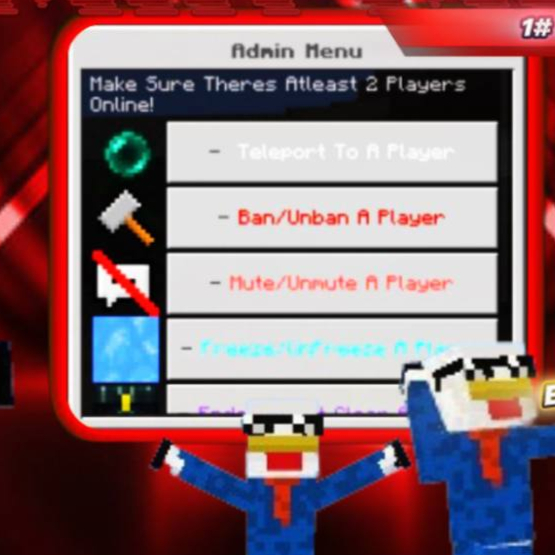
Admin Menu V5
Update Version 5.2 NEW FEATURES!! <mark class="marker-yellow"> Key features: </mark> Teleport Ban/Unban Spectate Specific Player (Shows the player in 3rd…
⬇ Download on CurseForge
Update Version 5.2 NEW FEATURES!!
<mark class="marker-yellow">Key features:</mark>
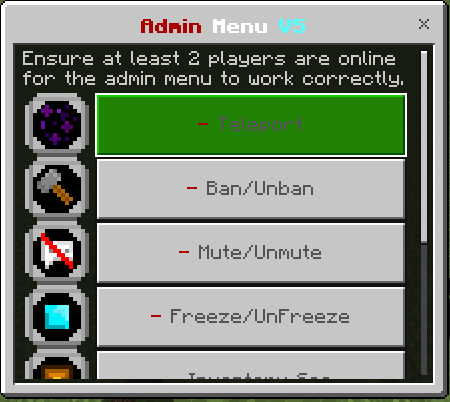
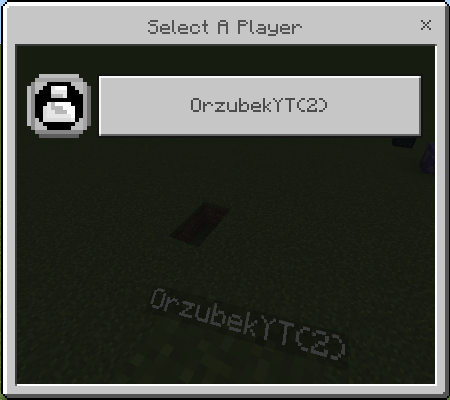
- Teleport
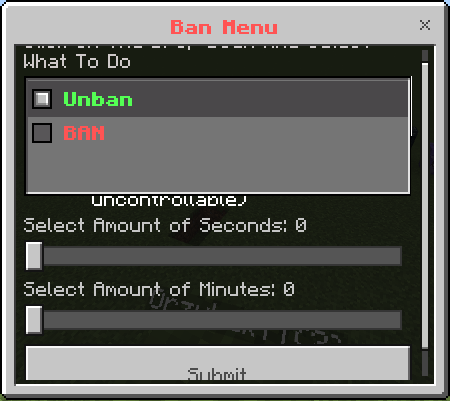
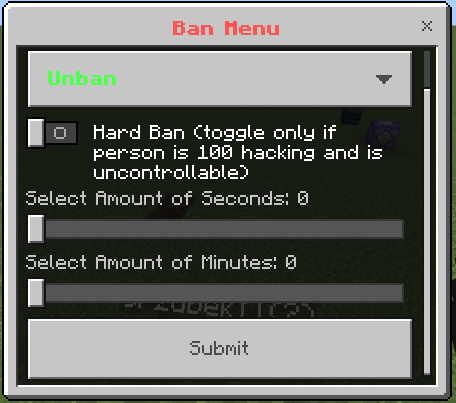
- Ban/Unban
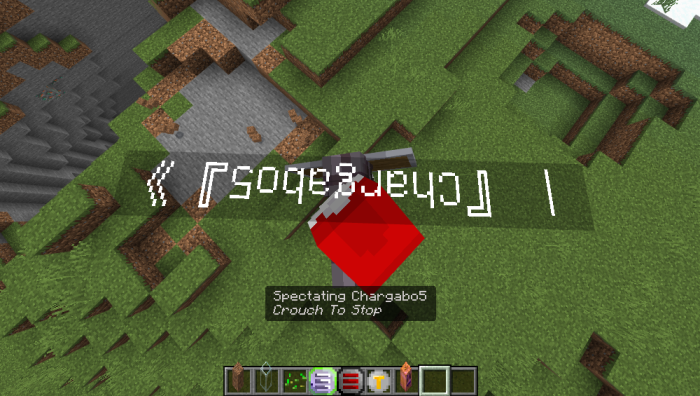
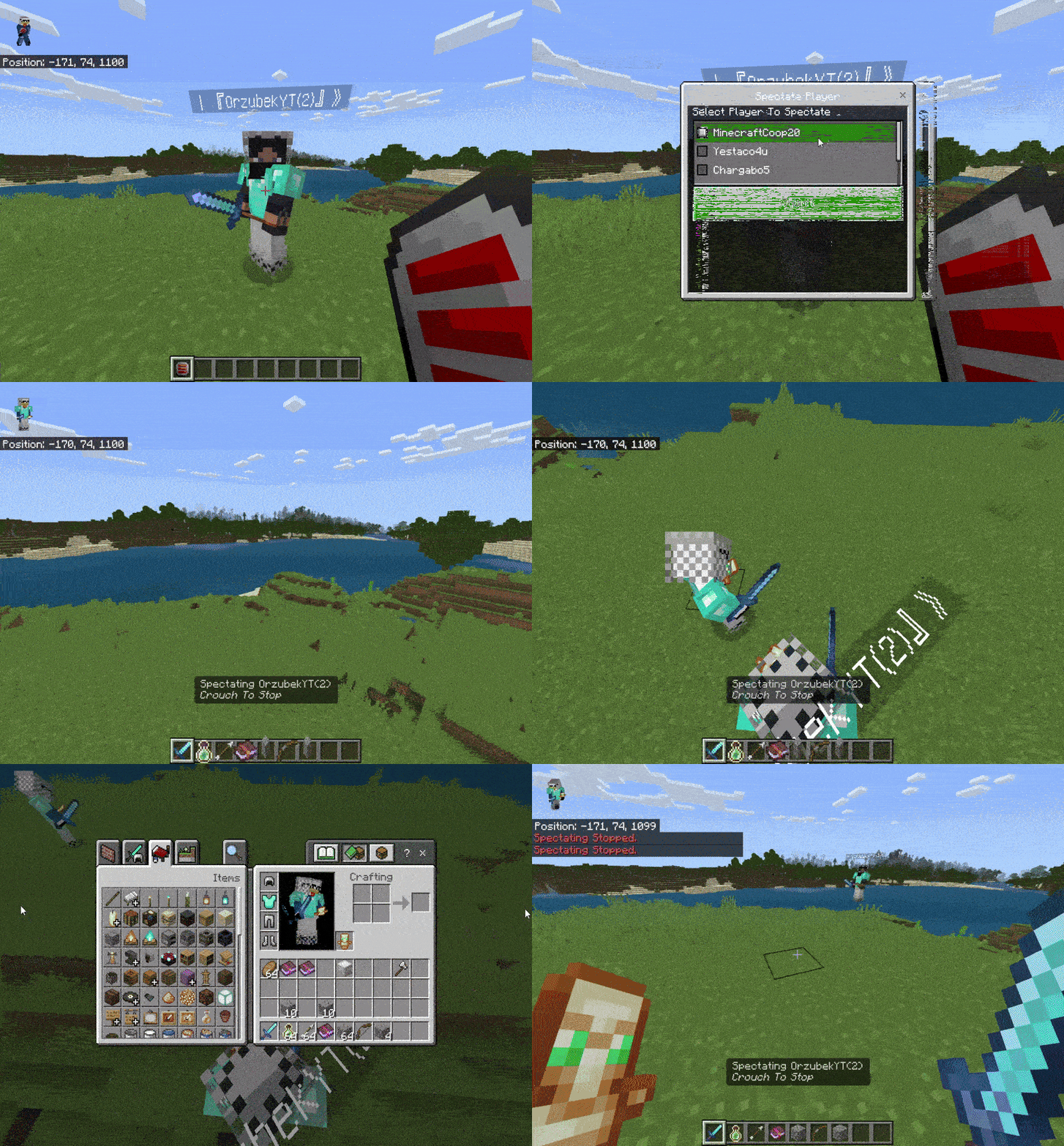
- Spectate Specific Player (Shows the player in 3rd person and only you can see them)
- Replicate Inventory of selected player (Clone a player's inventory into your inventory, it can clone all items with all properties!)
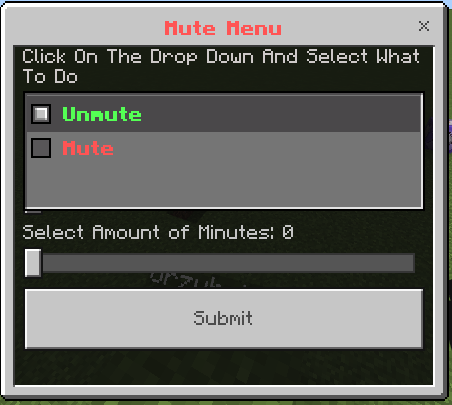
- Mute/Unmute
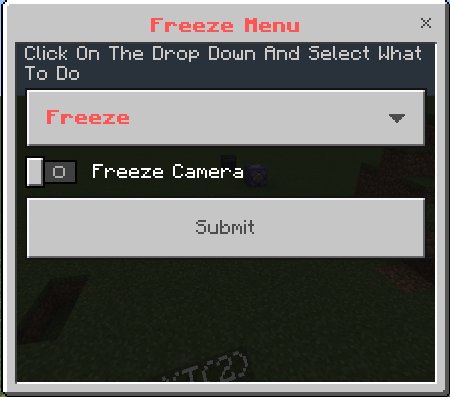
- Freeze/Unfreeze
- Camera Freeze
- 100% Hacker proof ban (Hard ban toggle)
- Clear chat
- Player ender chest clear
- Player inventory viewer
- Clear a players specific slot
- Non-authorized players cant use admin menu
How to use:
- Make sure to have the tag ‘<mark class="marker-blue">admin</mark>’ if you don’t type ‘<mark class="marker-yellow">/tag @s add admin</mark>’
- Find the admin menu in the creative menu and click it.
Requirements:
- <mark class="marker-yellow">Beta api</mark>
Pictures:
<figure class="image image_resized"> </figure>
<figure class="image"> </figure> <figure class="image">
 </figure> <figure class="image">
 </figure> <figure class="image">
 </figure> <figure class="image">
 </figure> <figure class="image">
 </figure> <figure class="image">
 </figure> <figure class="image">
 </figure> <figure class="image">
 </figure>
New Feature that was added for version 5.2:
Very useful for spying on players and detecting hackers!
<figure class="image"> </figure> <figure class="image image_resized">
 </figure> <figure class="image">
 </figure>
<mark class="pen-red">Sorry, the GIF is low quality(due to mcpedl max file size), but the addon is one of the best!</mark>
<mark class="marker-green">AND MORE..</mark>
<mark class="pen-red">|||||||||||||||||||||||||||||||||||||||||||||||</mark>
<mark class="pen-red">!!!DOWNLOAD INFORMATION!!</mark>
You can donwload this addon from CurseForge but its highly recommended to download addon from
MCBEADDONS.COM
Incase minecraft updates the the addon automatically updates on the website while curseforge I have to manually update it
<mark class="pen-red">|||||||||||||||||||||||||||||||||||||||||||||||</mark>
- Edition: Minecraft Bedrock
- File type: .mcpack or .mcaddon
- Minecraft version listed: 1.21.100
- How to install: Download the .mcpack or .mcaddon file. → Open it — Minecraft imports it. → In your world: Behavior Packs → Available → Activate, then the same under Resource Packs.
- Where to get it: Opens on CurseForge — not every file is mirrored on our own servers.
Install steps are the general flow for this file type — How to install Minecraft Bedrock addons & mods walks through it step by step.
- Pack type: .mcaddon — behaviour and resource pack in one file
- Manifest requires Minecraft 1.20.60 or newer
- Needs Beta APIs switched on in the world settings
- Complete pack — everything it depends on is inside the file
- Download size: 15 KB
- Download link checked 15 Sept 2026 — working
These come from our own check of the pack file, not from the source page.