BedrockBridge
I don't know my version
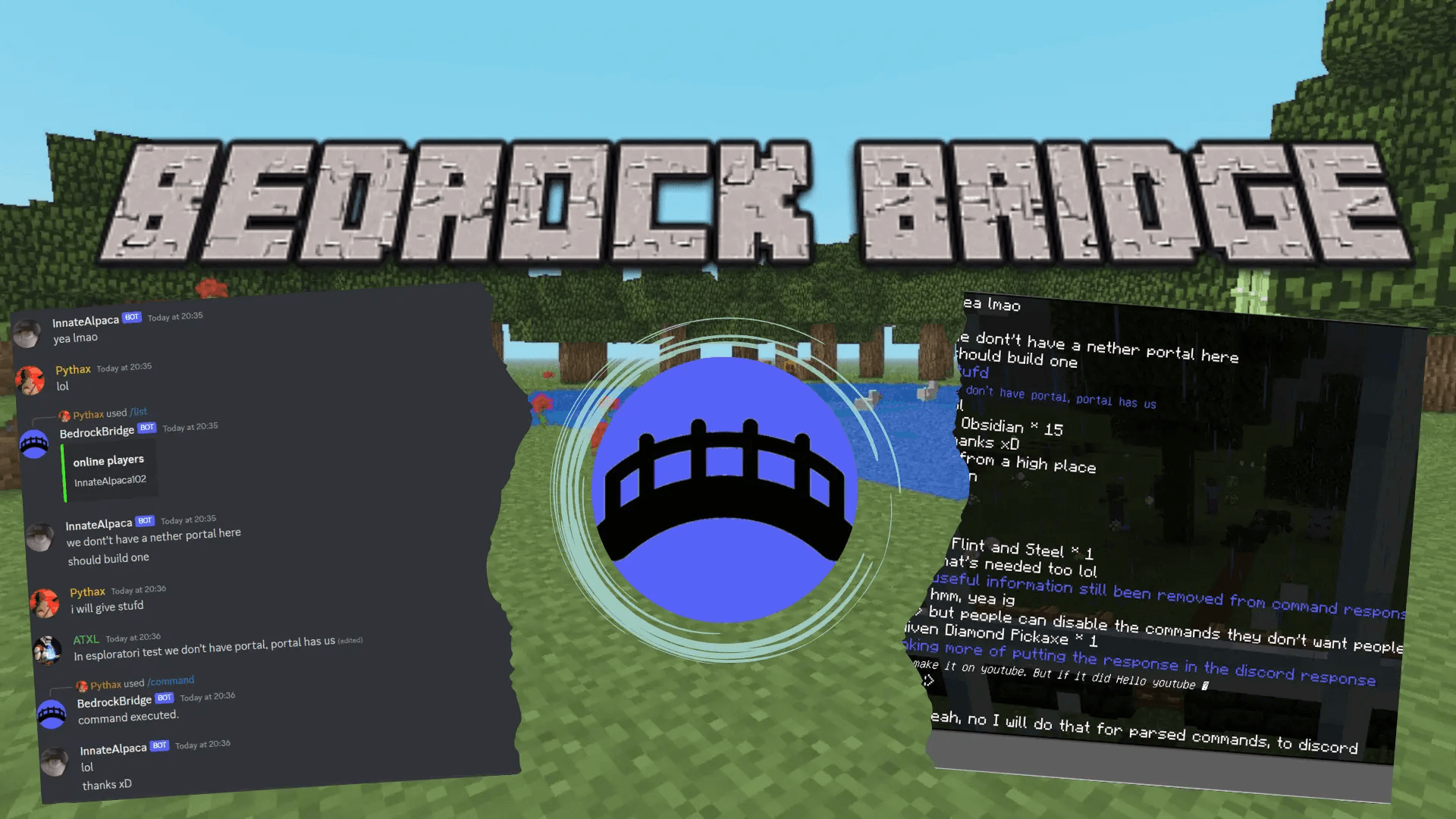
Have you ever wanted to connect your bedrock server to discord? Chat with your online friends, manage your server, run commands and much more... all from discord! Now you can, simply by installing BedrockBridge addon and inviting our bot to your discord server!! If you are running Bedrock Dedicated Server, and don't want to give up to unofficial server software, this is the solution for you. All it needs is beta-api enabled.
BedrockBridge is an addon for Bedrock Dedicated Servers (bds) that connects minecraft servers to discord and allows you to manage them at best! (warning: Realms are not supported for now)
Best Features:
- Bidirectional chat stream.
- xbox pfp, or optionally discord pfp and nametag displayed in discord for bedrock messages.
- customizable chat display (edit how chat is displayed both on discord and bedrock using bridgeAPI), or download one of the plugins made by the community: warps, chat-rank, tps, commands, playerstats...
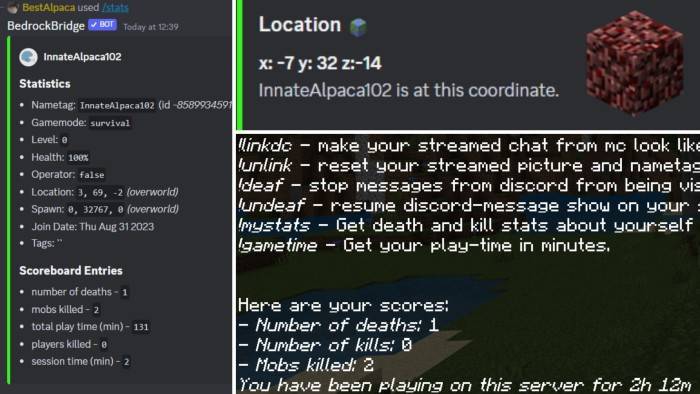
- Countless discord commands (full list at DOCS or YouTube) to manage your server at best such as
- run-command, ban, kick, mute, transfer, player-info, server-stats, leaderboard (scoreboards)
- find, gamemode (check gamemodes), rename (change nametags), inventory view (check inventories), ender chest view (/echest), device used...
- Event notifications: join, leave, death, server-start, server-stop
- Server status embed, updated in realtime (online players, server online/offline/idle)
- Active community: share your ideas, support other ideas for making this always better (a lot of current features are from users suggestion)
- auto-installer tool, if you are having problems setting the addon up
Installation
We have multiple guides and tutorials (including videos), and even a ftp-installer to help you install the addon!
We'll add here a short version of them. If you need help don't hesitate to contact us on the official discord server.
- Invite BedrockBridge discord bot to your discord-server using this link.
- Choose the channel you want to have bedrock-chat streamed to and run /setup in it.
- Request a new token by running /new-token. Keep it safe.
- Download the BedrockBridge addon.
- Install BedrockBridge addon on your world, making sure to enable experiments (beta API) and ignore console error logs.
- Upload the world back to your server.
- Navigate to <main folder>/config/default and replace permissions.json with this file.
- Start your server, join the game, and run /function esploratori/setup. Now fill the form. If you are an Aternos user refer to Aternos guide below.
Now start your server and enjoy!!!
(Tip: non-admins can use very few commands. If you want to change that edit discord command permissions, if you are having problems check our FAQ or contact us!)
Aternos tutorial:
Check this quick tutorial for Aternos installation!
Supported Minecraft versions
1.19.50, 1.19.60, 1.19.70, 1.19.80, 1.20.0, 1.20.10, 1.20.30, 1.20.40, 1.20.50, 1.20.60, 1.20.70, 1.20.80, 1.21.0, 1.21.2, 1.21.20, 1.21.30, 1.21.40, 1.21.50, 1.21.60, 1.21.70, 1.21.80, 1.21.90, 1.21.100, 1.21.111, 1.21.120, 1.21.130 (latest)
Useful Links:
- Edition: Minecraft Bedrock
- File type: .mcpack or .mcaddon
- Minecraft versions listed: 1.21.130, 26.0, 26.10
- How to install: Download the .mcpack or .mcaddon file. → Open it — Minecraft imports it. → In your world: Behavior Packs → Available → Activate, then the same under Resource Packs.
- Where to get it: Opens on CurseForge — not every file is mirrored on our own servers.
Install steps are the general flow for this file type — How to install Minecraft Bedrock addons & mods walks through it step by step.
- Pack type: .mcaddon — behaviour and resource pack in one file
- Manifest requires Minecraft 1.21.130 or newer
- Needs Beta APIs switched on in the world settings
- Complete pack — everything it depends on is inside the file
- Download size: 162 KB
- Download link checked 25 Aug 2026 — working
These come from our own check of the pack file, not from the source page.