

# 🌌 AhgCraft: Advanced Warp Tool
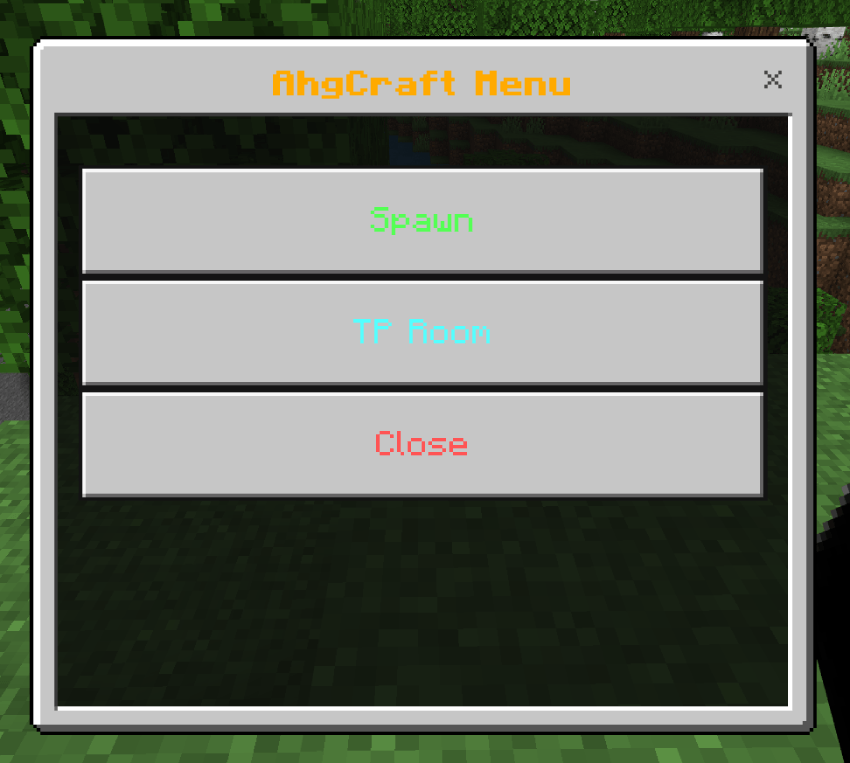
AhgCraft Warp Tool is a high-performance, Script-API powered addon designed for server owners and adventure map creators. It provides a clean, professional GUI menu to manage your server locations with ease!
### ✨ Key Features:
* 🚀 Script-Powered: Built using the Minecraft Script API for maximum stability and performance on servers like Aternos.
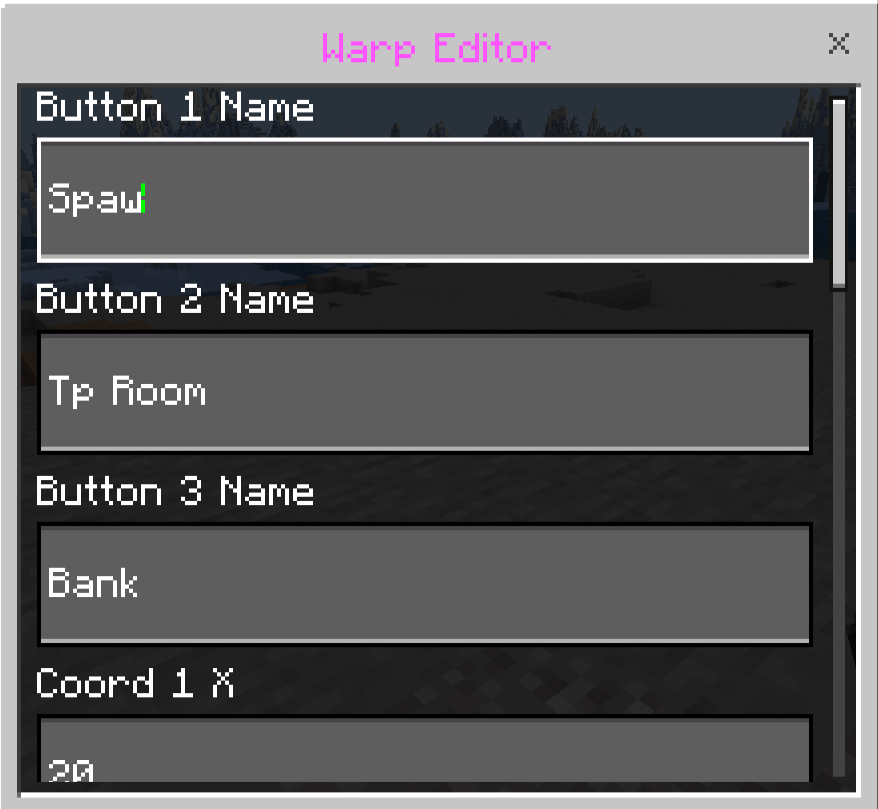
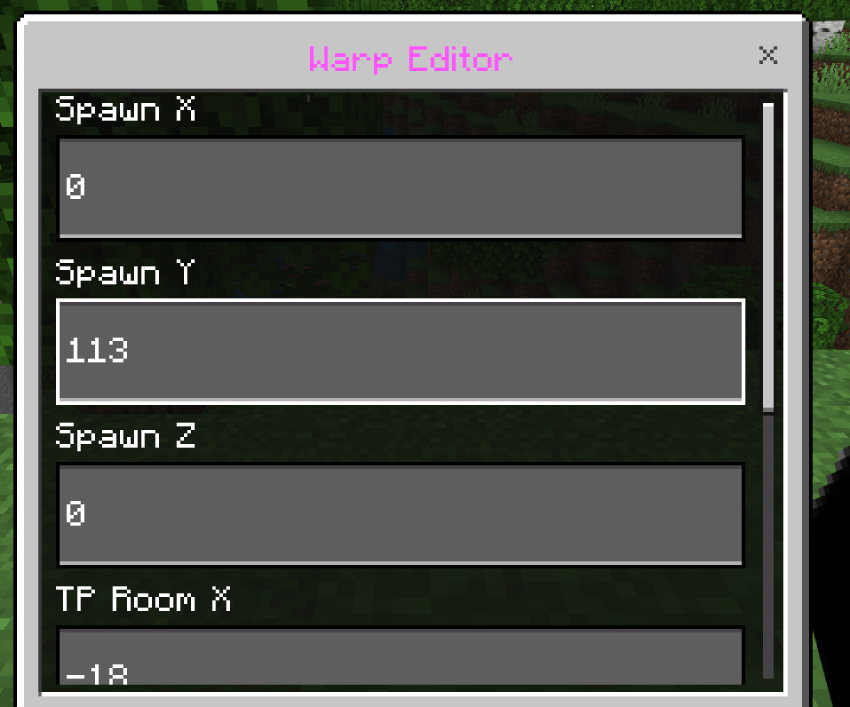
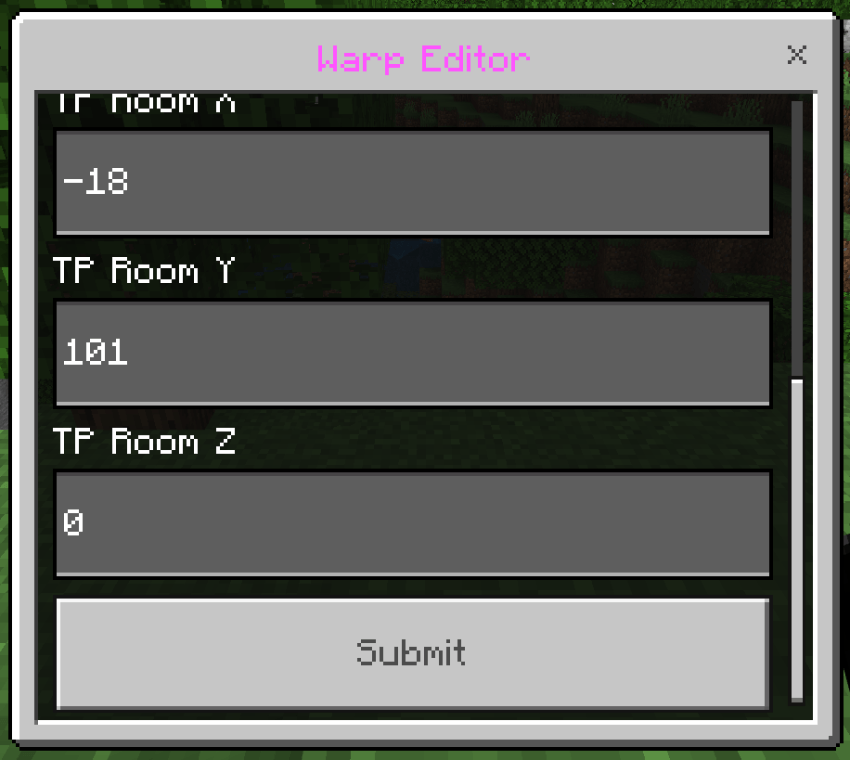
* 🛠️ In-Game Editor: No need to touch code! Admins can change warp coordinates directly inside the game using a custom UI.
* 💎 HD Textures: Comes with a custom 64x64 item texture for a professional look.
* 🤖 Auto-Setup: The addon automatically initializes all required systems the moment you join the world.
### 📖 How to Use:
1. Get the Tool: Use /give @s ahg:warp_tool to receive your Warp Menu item.
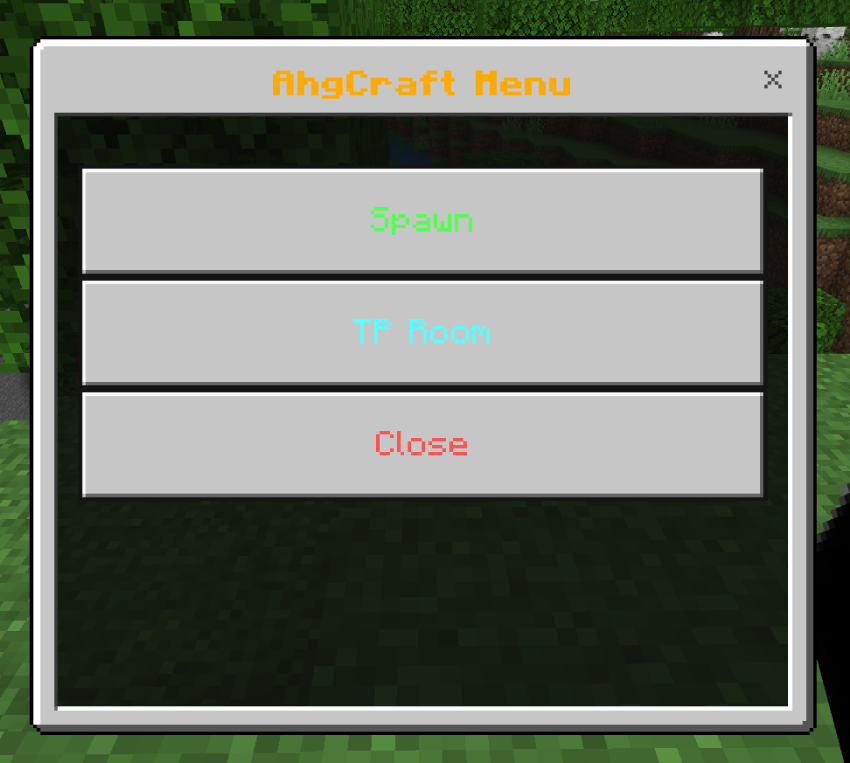
2. Open Menu: Simply Right-Click (or Long Press on mobile) while holding the tool.
3. Admin Setup:
* Type /tag @s add admin in chat.
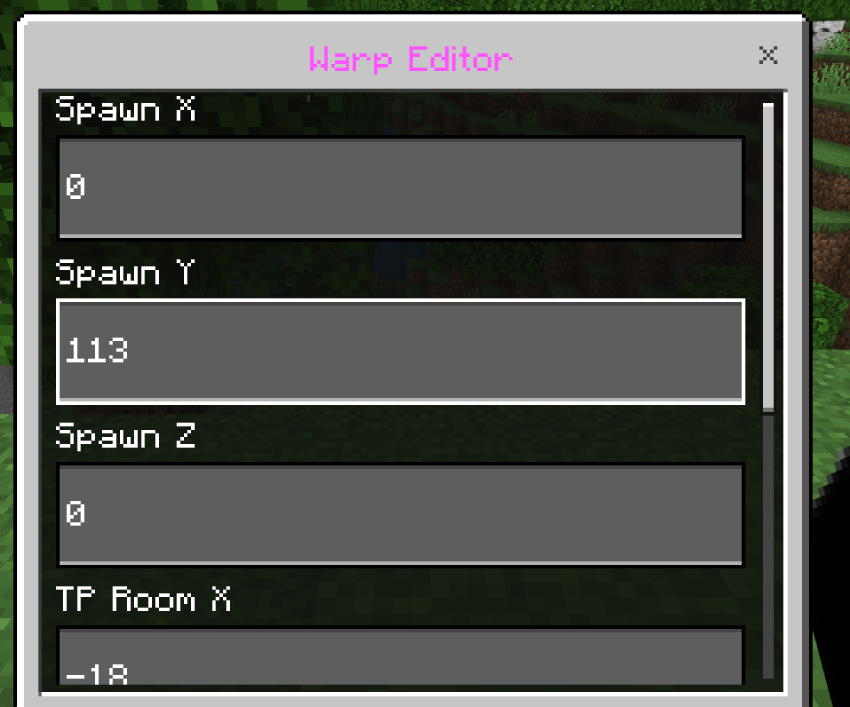
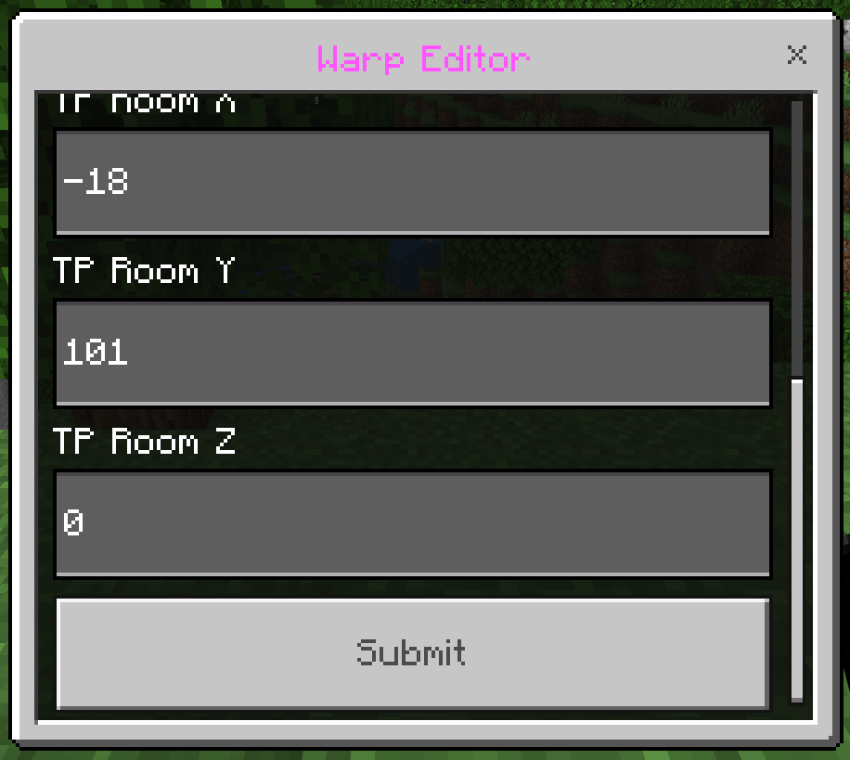
* Sneak + Right-Click the tool to open the Warp Editor.
* Input your coordinates for Spawn and the TP Room and hit Submit!
⚙️ Important Installation Note:
To use this addon on your server or local world, you MUST enable:
* Beta APIs (Upcoming Creator Features)
in your World Settings, or the scripts will not run.
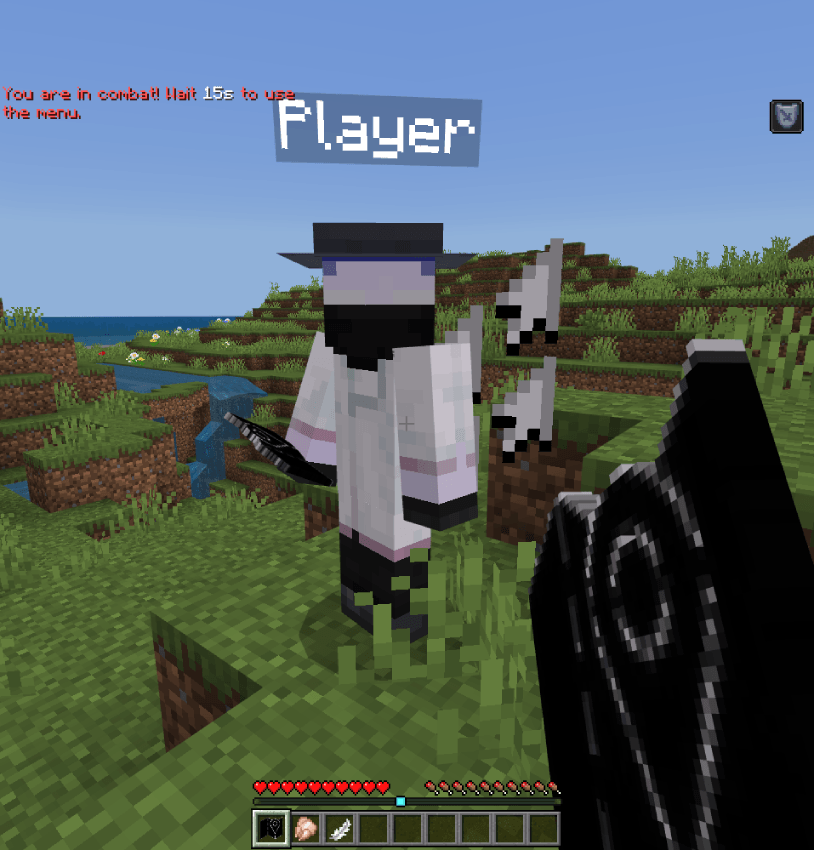
right click opens the menu
/tag @s admin" who has admin tag he can crouch/sneak to open this cordinate edit menu
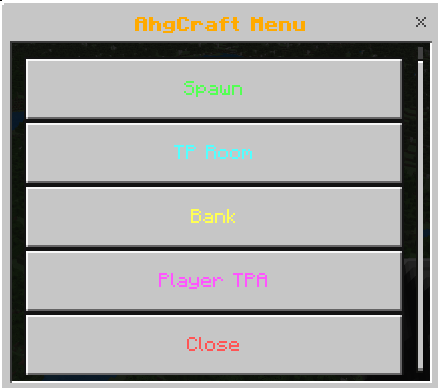
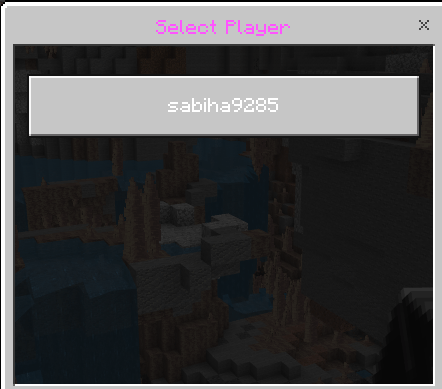
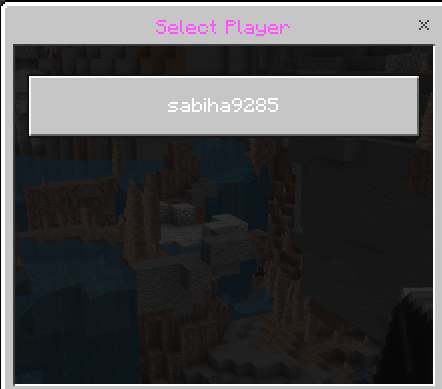
player tp menu
with that you can tp players
- Edition: Minecraft Bedrock
- File type: .mcpack or .mcaddon
- Minecraft versions listed: 1.21.30, 1.21.50, 1.21.81
- How to install: Download the .mcpack or .mcaddon file. → Open it — Minecraft imports it. → In your world: Behavior Packs → Available → Activate, then the same under Resource Packs.
- Where to get it: Opens on CurseForge — not every file is mirrored on our own servers.
Install steps are the general flow for this file type — How to install Minecraft Bedrock addons & mods walks through it step by step.
- Pack type: .mcaddon — behaviour and resource pack in one file
- Manifest requires Minecraft 1.20.10 or newer
- Complete pack — everything it depends on is inside the file
- Download size: 16 KB
- Download link checked 16 Sept 2026 — working
These come from our own check of the pack file, not from the source page.