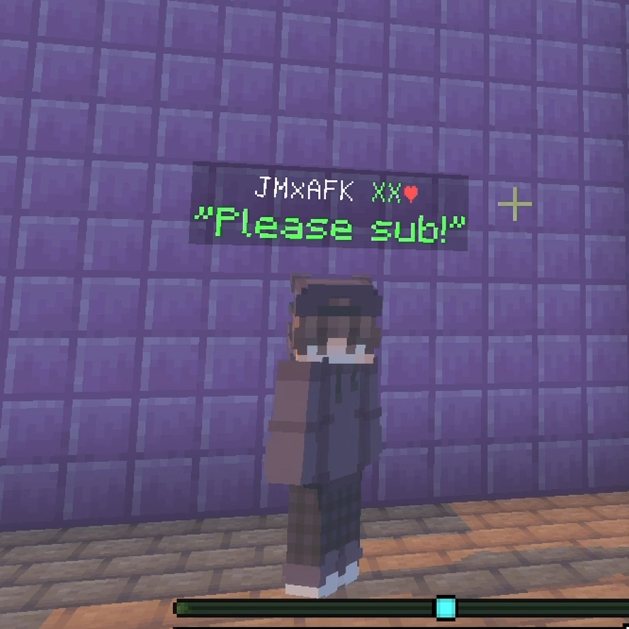
Below name chat and Proximity chat
💬 Enhance your Bedrock chat like never before! This addon adds global, clan, nearby, private, and below-name chats, full rank display, and anti-spam…
⬇ Download on CurseForge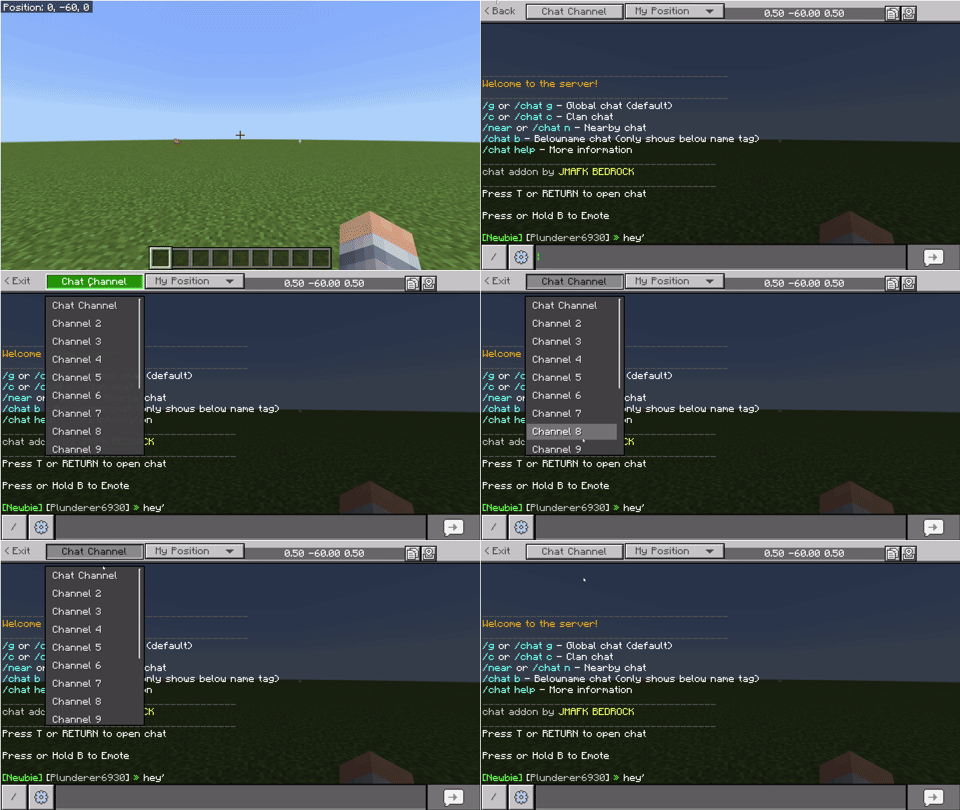
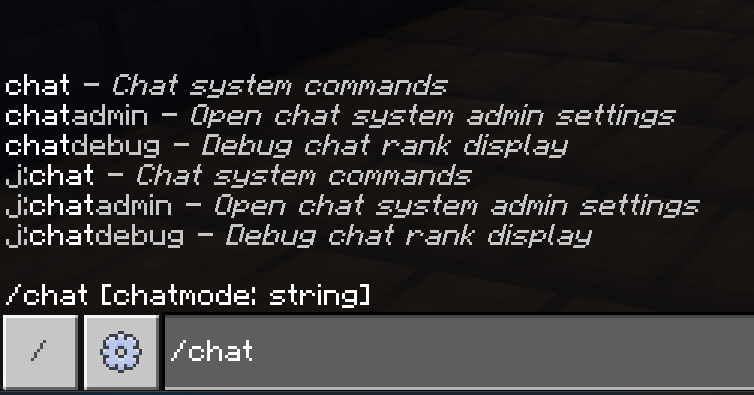
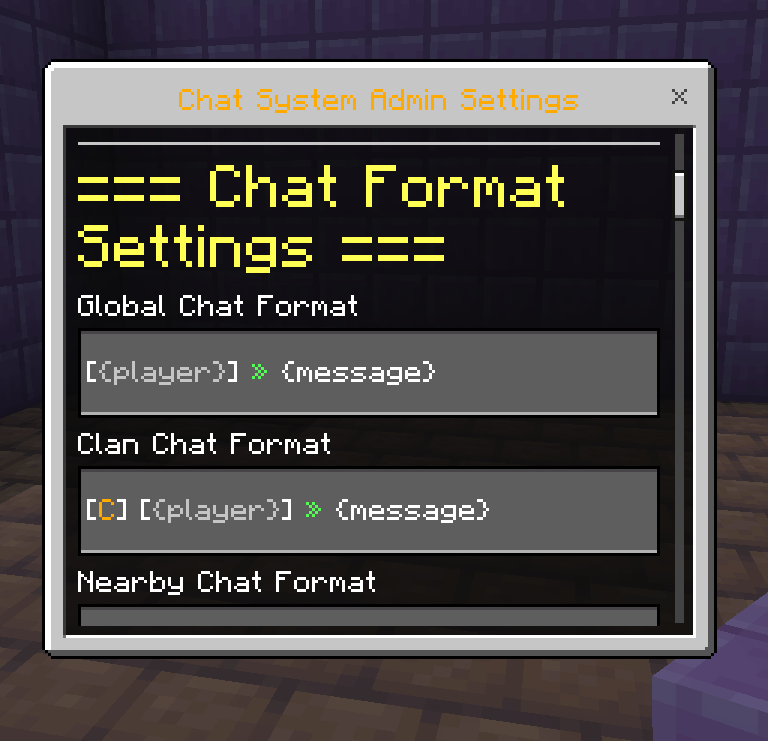
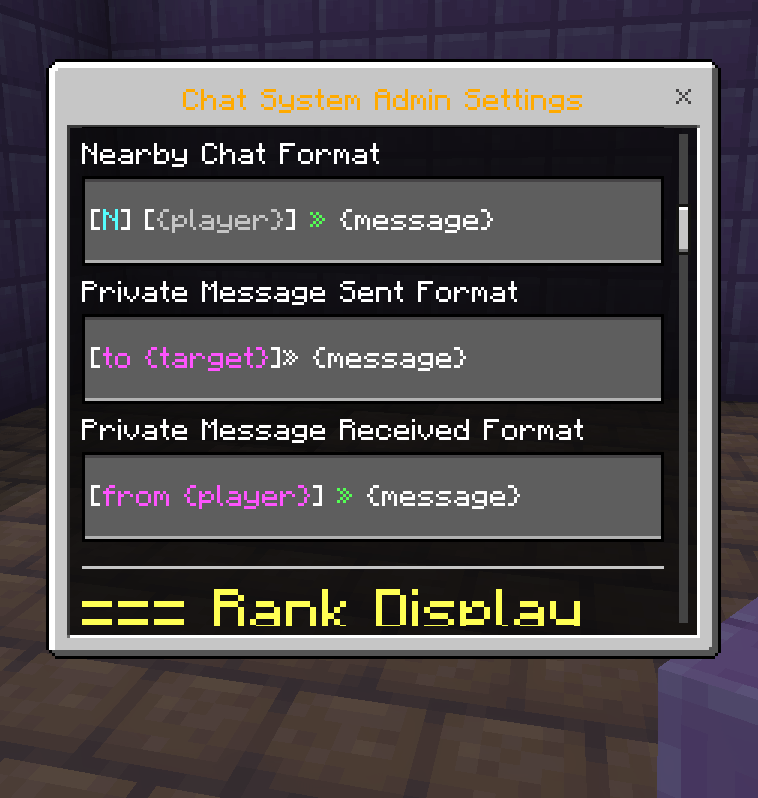
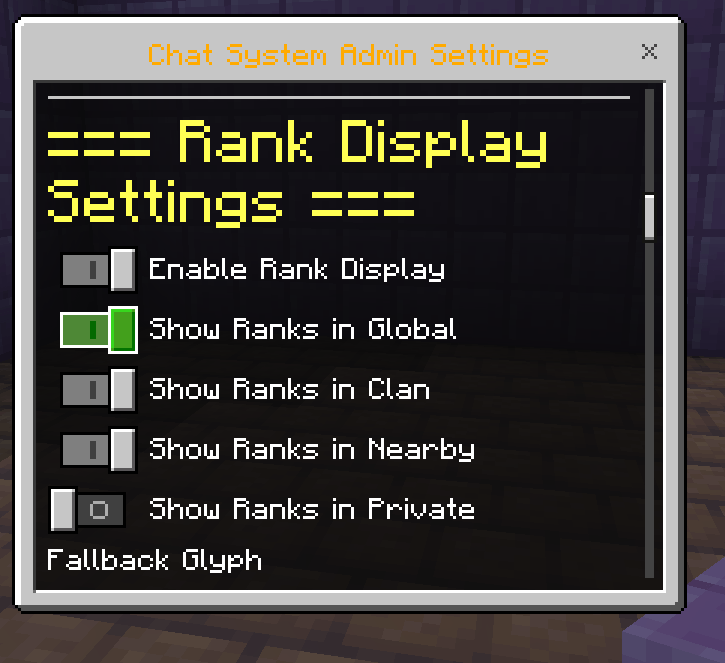
💬 Minecraft Bedrock Chat Addon v1.4
📡 Advanced Chat Channel System
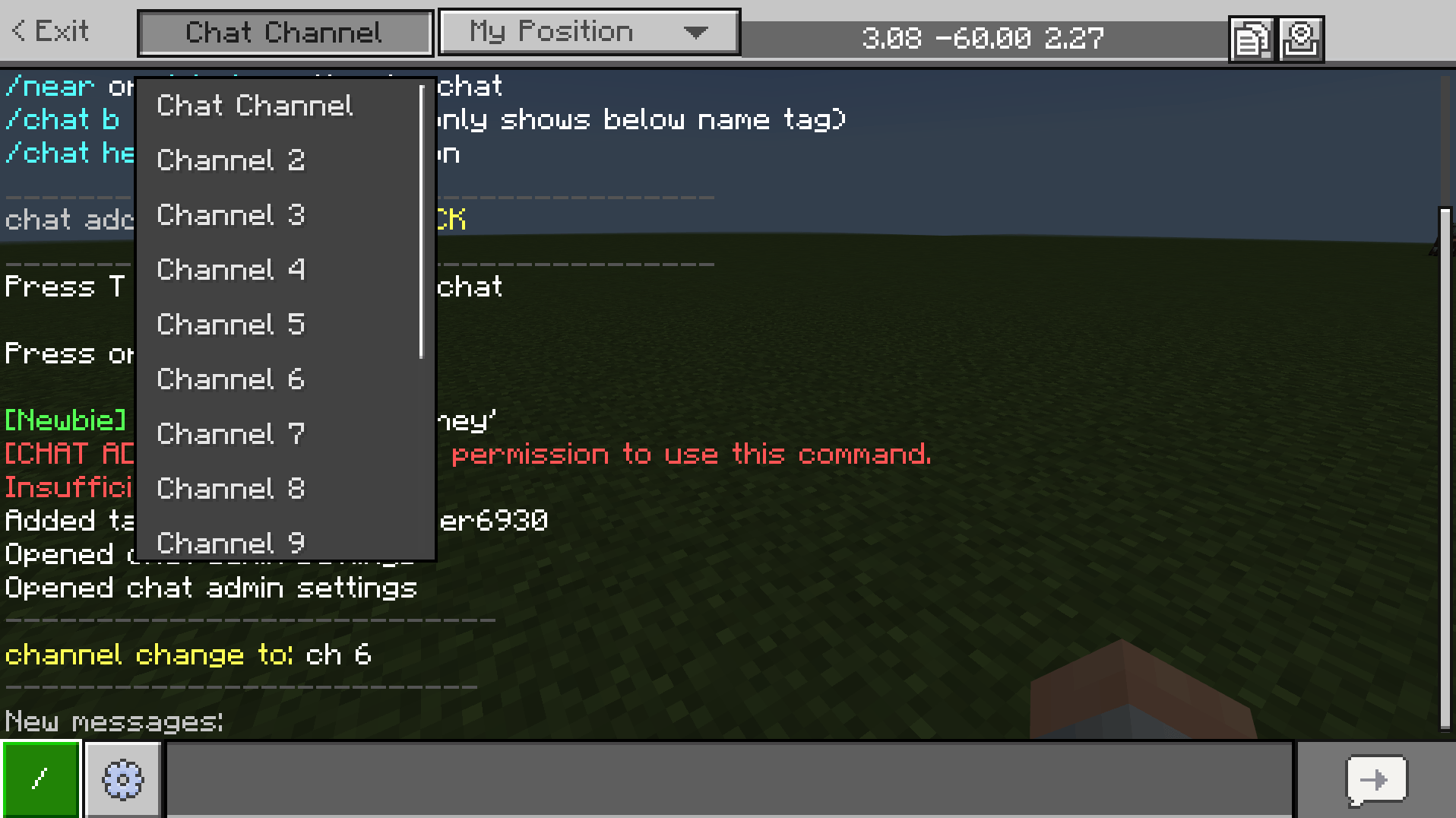
The core feature of this revamped version is the integrated channel switching system. You can change your active chat channel directly from the chat screen using the new UI buttons or quick-switch commands.
🎭 Chat Modes Explained
- 🌐 Global Mode: The standard server-wide chat. Everyone can see your messages regardless of where they are.
- 📍 Nearby Mode: Perfect for roleplay or small interactions. Only players within a 100-block radius will receive your message.
- 🛡️ Clan Mode: Automatically links with your Clan system. Only members of your specific clan will witness these tactical messages.
- 🕵️ Private Mode: Direct, secure messaging. Use
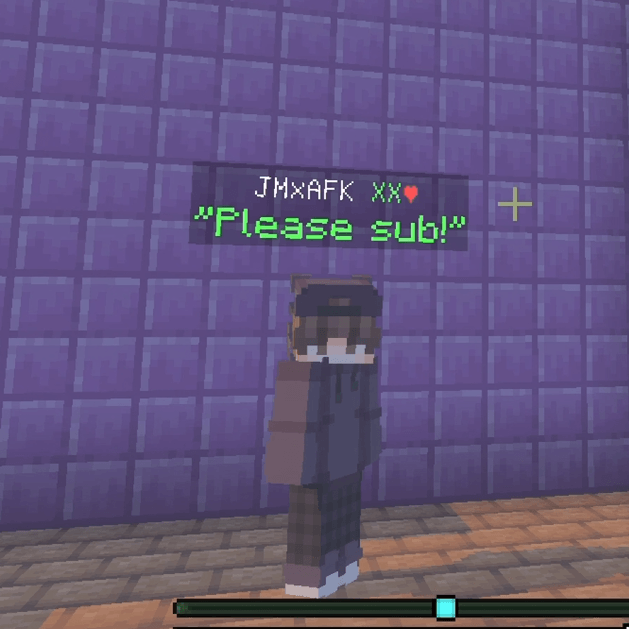
/chat p [PlayerName] [Message]to whisper. - 👤 Below-Name Mode: Instead of appearing in the chat box, your message floats directly under your name tag in the world for a few seconds.
⌨️ Updated Command List
💬 Shorthand Channel Switching
Quickly jump between channels without opening menus:
/chat g— Toggle into Global chat mode./chat c— Toggle into Clan chat mode./chat n— Toggle into Nearby chat mode./chat b— Toggle into Below-Name chat mode./chat— Cycles through all available modes one by one.
👥 Player Interactions
/chat request— (New!) Opens a form to request a custom Rank Tag (e.g., "Developer", "Specialist"). Admins will see this request in their settings./chat p <player> <message>— Send a secure private message./r <message>— Quick Reply to the last player who messaged you privately./chathelp— Displays a list of all available player commands and descriptions.
👑 Admin & Operator Commands
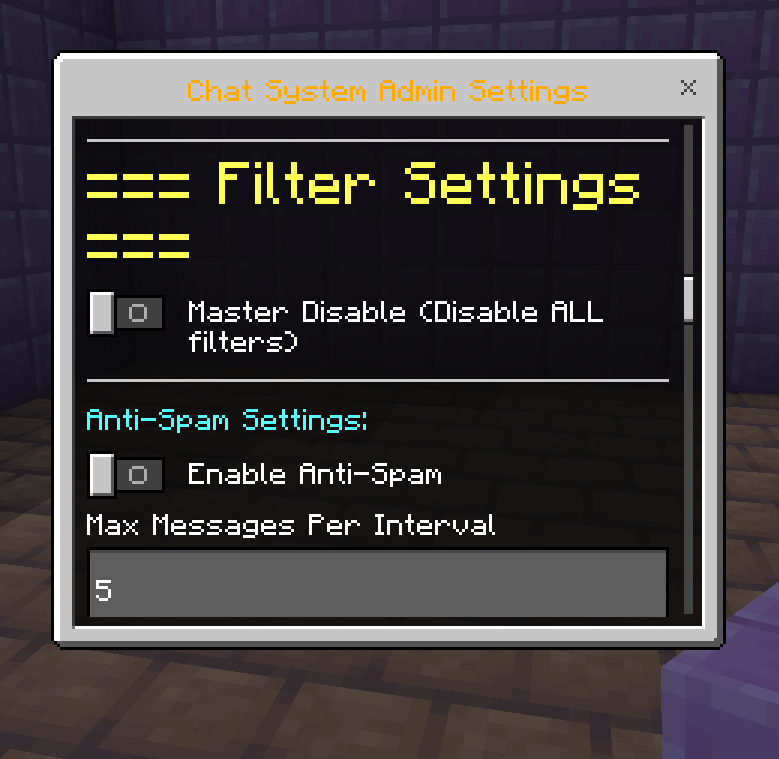
/chatadmin— Access the Revamped Master Panel. This is now the hub for:- Approving/Denying Rank Requests.
- Toggling "Global/Nearby/Clan" visibility.
- Managing Mutes and Spam Filters.
- Configuring Welcome Intro messages.
/chatdebug— For technical use: force-refresh rank displays and nametag logic.
🛠️ Integrated UI Design
The 1.4 Revamped version completely removes the slow "Fast Menu" in favor of a sleek, native-style Channel Dropdown on your chat screen.
- Open your Chat.
- Click the Channel Button (it shows your current mode, like "Global").
- Choose your new mode from the instant popup.
- Type your message—it’s that simple
Version: 1.0.8 (Revamped)
Author: JMAFKBEDROCK
License: All rights reserved
- Edition: Minecraft Bedrock
- File type: .mcpack or .mcaddon
- Minecraft version listed: 26.3
- How to install: Download the .mcpack or .mcaddon file. → Open it — Minecraft imports it. → In your world: Behavior Packs → Available → Activate, then the same under Resource Packs.
- Where to get it: Opens on CurseForge — not every file is mirrored on our own servers.
Install steps are the general flow for this file type — How to install Minecraft Bedrock addons & mods walks through it step by step.
- Pack type: .mcaddon — behaviour and resource pack in one file
- Download size: 604 KB
- Download link checked 25 Aug 2026 — working
These come from our own check of the pack file, not from the source page.