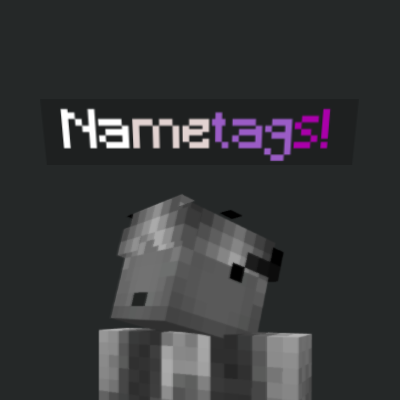
Colored Nametags!
A simple all-in-one system that lets players change, gradient, save, and reset their Minecraft Bedrock nametags using easy commands and a full list of…
⬇ Download on CurseForge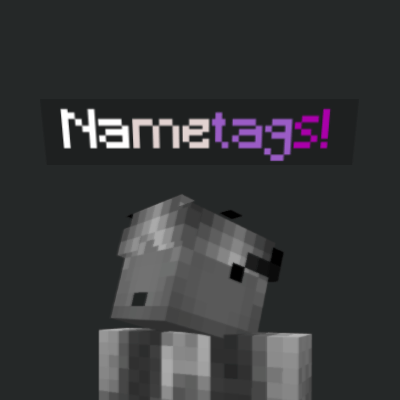
Nametag Commands - Full Guide
This guide explains how to change, gradient, rename, save, and reset nametags in the Minecraft Bedrock add-on.
Command Prefix
All commands work with or without the prefix:
jc:<command>
<command>
/nametagcolor
Changes a player's nametag color.
/jc:nametagcolor <player> <color>
Example:
/jc:nametagcolor @s red
/nametagname
Changes a player's nametag text./jc:nametagname <player> <text>
Example:/jc:nametagname @s IreyHarpoona
/nametaggradient
Applies a gradient between two colors.
/jc:nametaggradient <player> <startColor> <endColor> [text]
Notes:
- If [text] is not included, your saved clean name is used.
- If [text] is included, the gradient applies to that text instead.
Example:
/jc:nametaggradient @s aqua purple
Example with custom name:
/jc:nametaggradient @s red yellow MyName
/jc:nametagreset <player>
Shows help information and the color list.
/jc:nametaghelp <player>
Valid Colors:
black
dark_blue
dark_green
dark_aqua
dark_red
dark_purple
gold
gray
dark_gray
blue
green
aqua
red
light_purple
yellow
white
minecoin_gold
quartz
iron
netherite
redstone
copper
material_gold
emerald
diamond
lapis
amethyst
Accepted Aliases:
grey
darkgrey
pink
cyan
darkpurple
darkred
darkblue
minecoin
material_quartz
material_iron
material_netherite
material_copper
material_emerald
material_diamond
material_lapis
material_amethyst
Final Notes:
• Use @s to modify your own nametag.
• Gradient without custom text uses your clean saved name.
• Use /nametagreset if you want the original nametag back.
- Edition: Minecraft Bedrock
- File type: .mcpack or .mcaddon
- Minecraft versions listed: 1.21.120, 1.21.122, 1.21.121
- How to install: Download the .mcpack or .mcaddon file. → Open it — Minecraft imports it. → In your world: Behavior Packs → Available → Activate, then the same under Resource Packs.
- Where to get it: Opens on CurseForge — not every file is mirrored on our own servers.
Install steps are the general flow for this file type — How to install Minecraft Bedrock addons & mods walks through it step by step.
- Pack type: .mcaddon — behaviour and resource pack in one file
- Manifest requires Minecraft 1.21.120 or newer
- Complete pack — everything it depends on is inside the file
- Download size: 53 KB
- Download link checked 16 Sept 2026 — working
These come from our own check of the pack file, not from the source page.