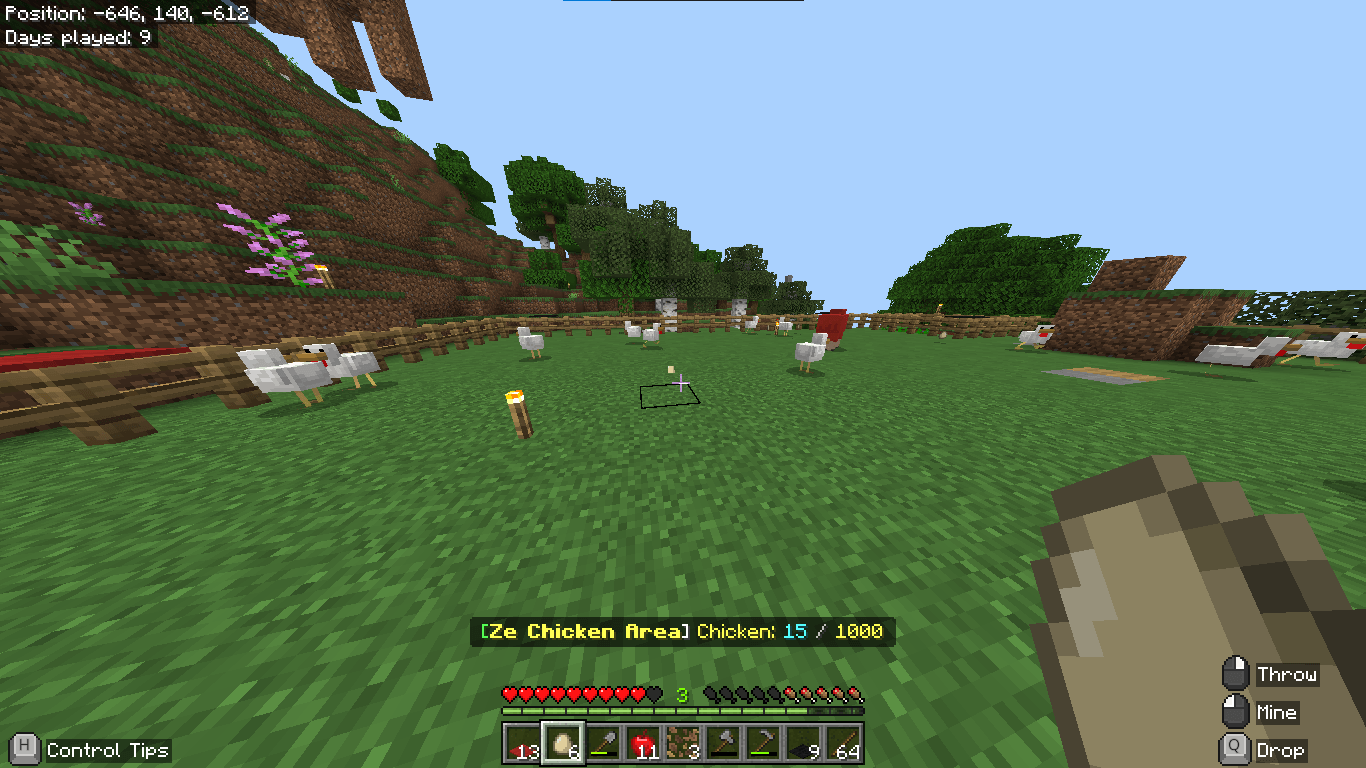
Kaidaz18's Entity Counter V2.0
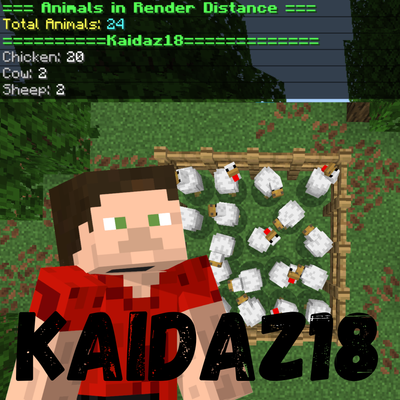
A lightweight behavior pack for Minecraft Bedrock Edition that lets you count, monitor, and set goals for entities in your world. Perfect for farm builders, mob grinders, and anyone who needs to keep tabs on entity populations without leaving the game.
Education Edition - How to install this addon:
Features
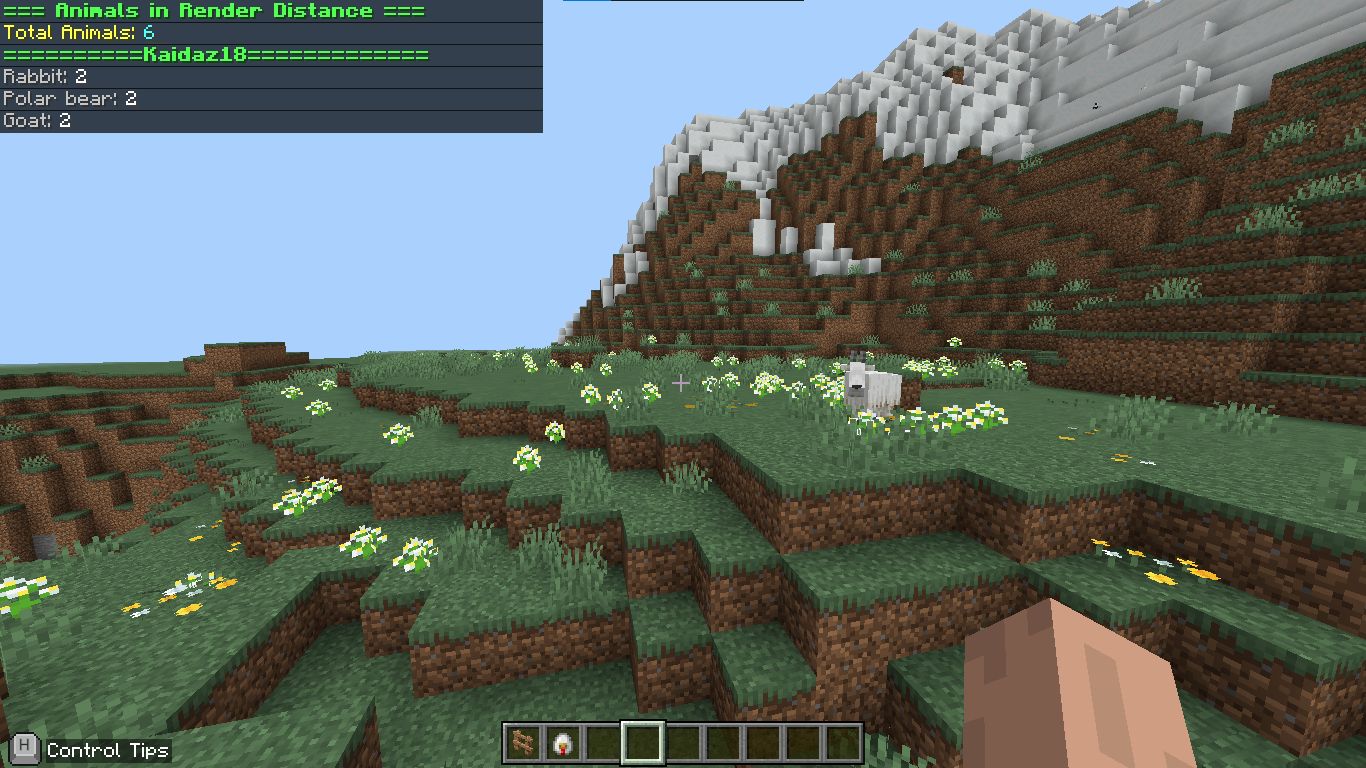
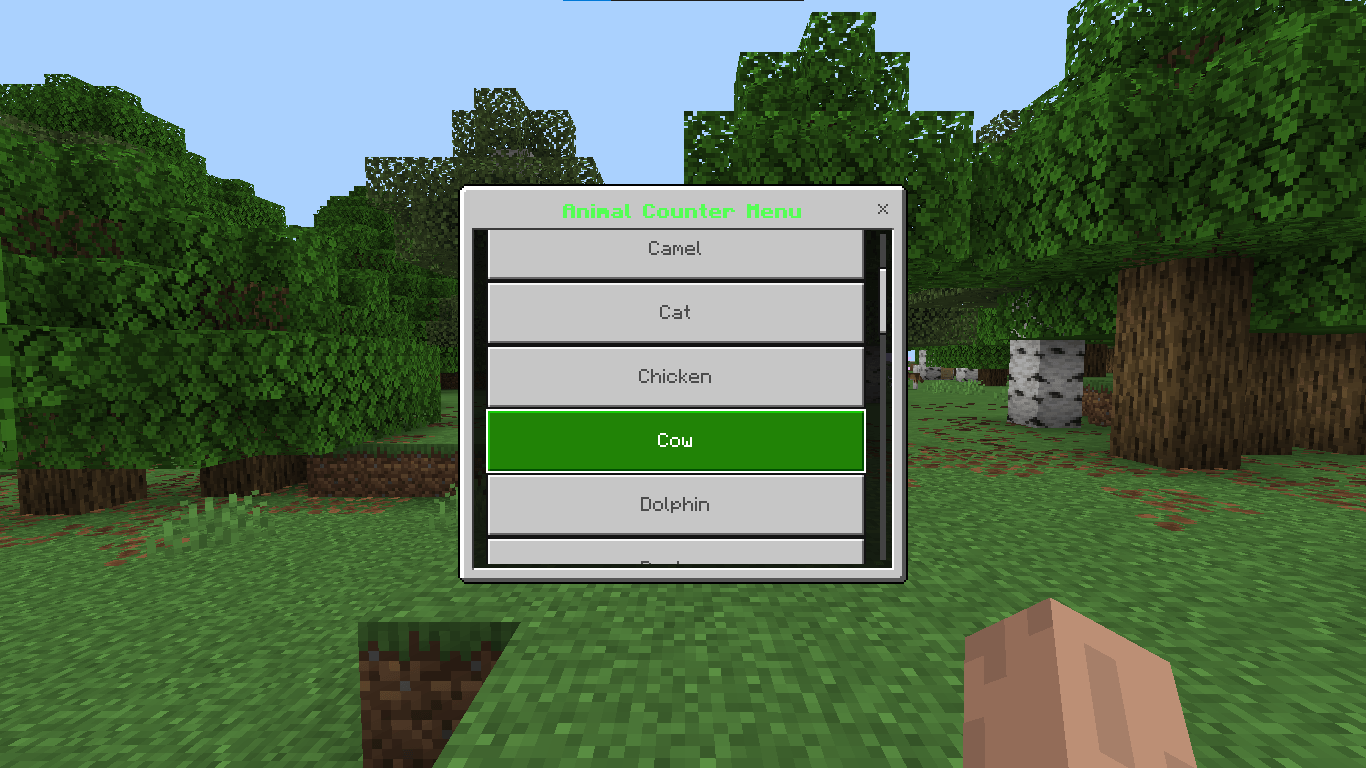
General Counting Count all entities within your render distance (96 blocks) with a single command, or use the interactive menu to zero in on a specific entity type.
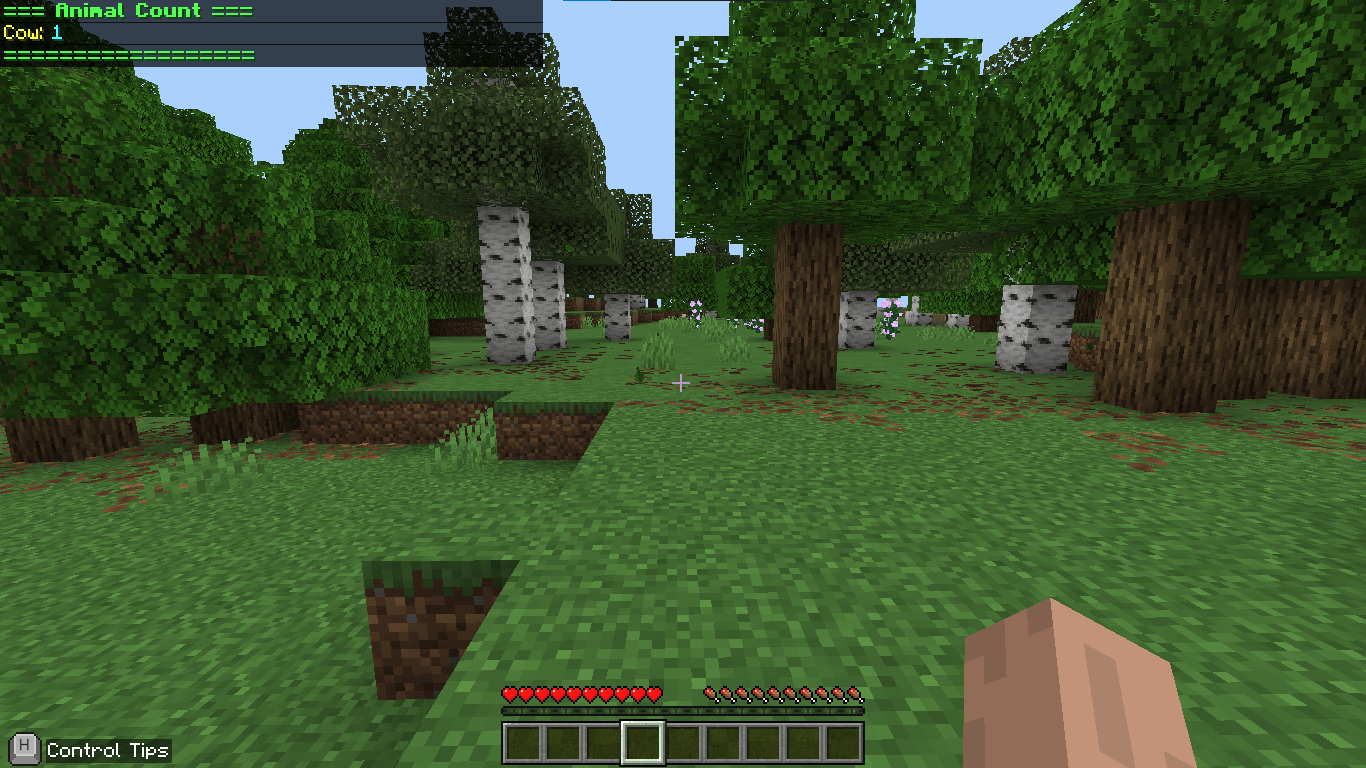
Realtime Actionbar Tracking Toggle a live entity count that displays directly in your actionbar, updating every second as you play. Great for monitoring a farm while you work.
Multi-Area Support Define multiple named 3D zones by setting two diagonal corner positions. Each area can track its own entity type independently, and areas persist across world reloads.
Goal System Set a target count for any area. When your entity count hits the goal, you'll get a title notification and a sound cue. Progress is tracked automatically.
Auto-Goal Detection The addon detects your current area and entity settings automatically, so you don't have to re-configure every session.
Commands You Guys Can Use
| Command | What it does |
|---|---|
/count |
Count all entities in render distance |
/menu |
Open the interactive settings/area menu |
/realtime |
Toggle the live actionbar counter on/off |
/settings |
Configure realtime tracking entity & mode |
/pos1 and /pos2 |
Set the two corners of a counting area |
Requirements
- Minecraft Bedrock Edition 1.21.100 or higher
- Beta APIs experimental toggle must be enabled in your world settings (World Settings → Experiments → Beta APIs)
- Applied as a Behavior Pack only — no Resource Pack needed
What This Addon WILL NOT do:
This addon is designed to be non-invasive and should be safe to run alongside most other addons. Here's what it doesn't touch:
- Does not add, remove, or modify any entities, mobs, or their AI
- Does not change any blocks, items, crafting recipes, or loot tables
- Does not add a Resource Pack or alter any visuals, textures, or sounds (except the built-in goal notification sound)
- Does not use any scoreboard objectives, tags, or vanilla commands that could conflict with other packs
- Does not listen to entity spawn/death events or interfere with world generation
It only reads entity positions and counts, writes to a single world dynamic property (ec_all_players) to save your settings, and displays information via the actionbar and chat. This makes conflicts with other behavior packs very unlikely.
⚠️ The one potential conflict is if another scripting addon also heavily uses world dynamic properties with a key named
ec_all_players.
Created by Kaidaz18
- Edition: Minecraft Bedrock
- File type: .mcpack or .mcaddon
- Minecraft versions listed: 1.21.101, 1.21.100, 1.21.111
- How to install: Download the .mcpack or .mcaddon file. → Open it — Minecraft imports it. → In your world: Behavior Packs → Available → Activate, then the same under Resource Packs.
- Where to get it: Opens on CurseForge — not every file is mirrored on our own servers.
Install steps are the general flow for this file type — How to install Minecraft Bedrock addons & mods walks through it step by step.
- Pack type: .mcpack — a single pack
- Manifest requires Minecraft 1.21.100 or newer
- Ships one half — this pack asks for another pack that is not included
- Download size: 1.1 MB
- Download link checked 16 Sept 2026 — working
These come from our own check of the pack file, not from the source page.