Hey there, we all know how amazing the music in Minecraft is and how much we enjoy it while playing.
But there is a small problem that we can't control how the music is playing, for example if you want to skip any music or want to play any specific music you can't do that!
That's why I created this pack, Music Controller let's you control the music playback in game so now you can change the track it play any specific track you want and much more....
To open this menu, take a Stick and rename it "<mark class="marker-green">Music</mark>" then use it/longpress.
<figure class="image">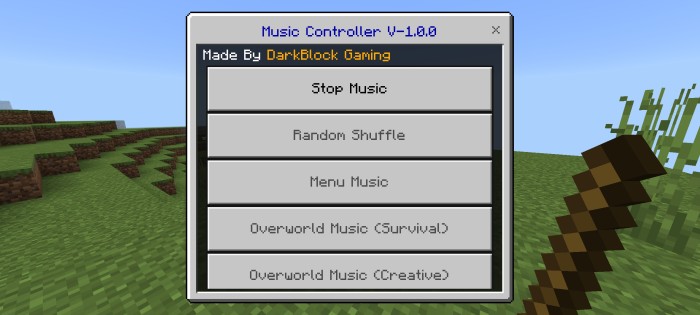 </figure>
<figure class="image">
</figure>
<figure class="image">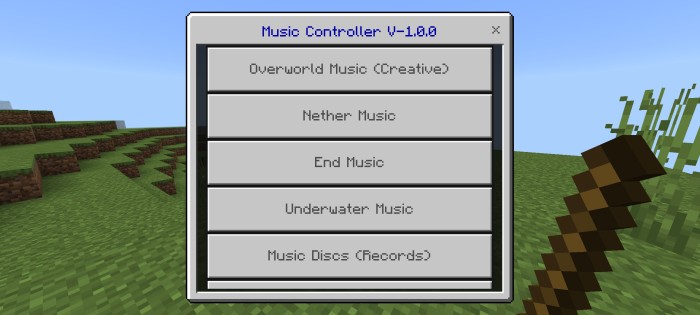 </figure>
<figure class="image">
</figure>
<figure class="image">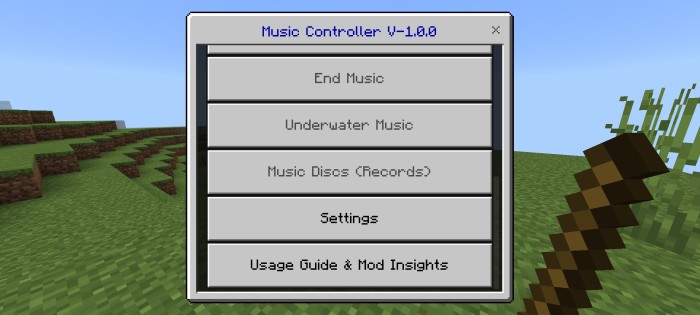 </figure>
<figure class="image">
</figure>
<figure class="image">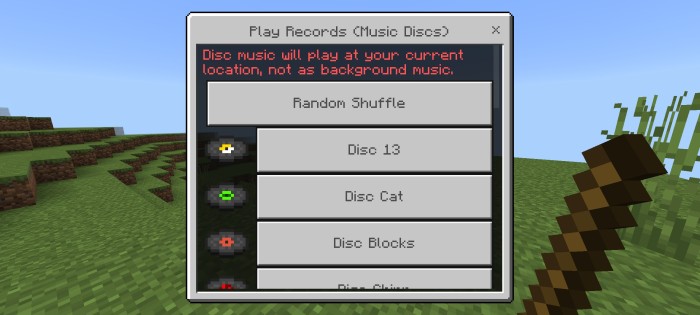 </figure>
<figure class="image">
</figure>
<figure class="image">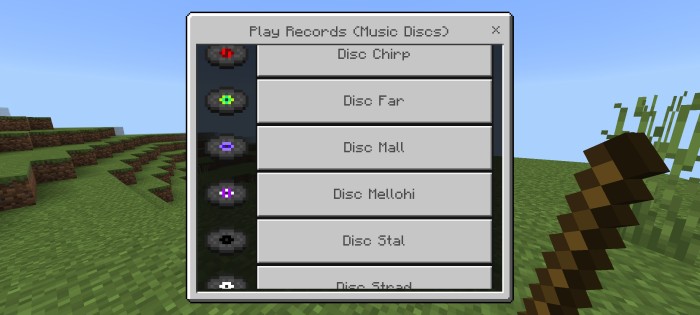 </figure>
<figure class="image">
</figure>
<figure class="image">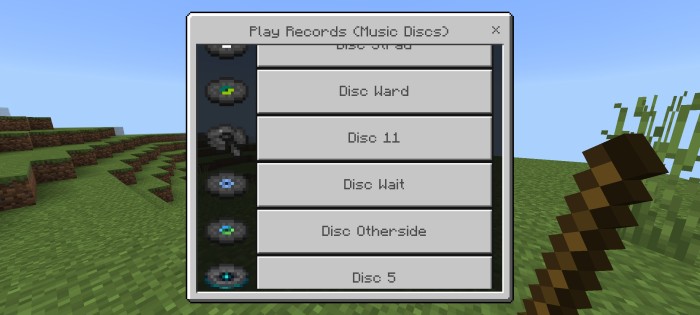 </figure>
<figure class="image">
</figure>
<figure class="image">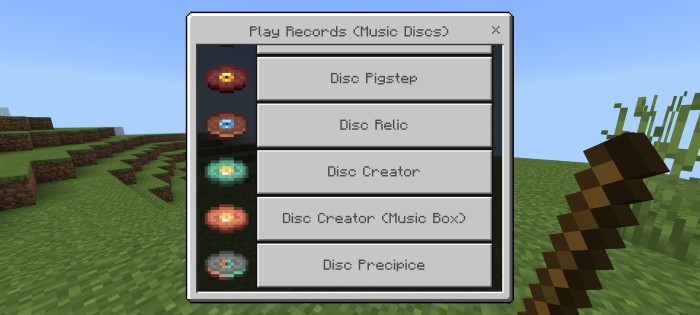 </figure>
Here’s a comprehensive overview of its features:
Features
• Stop Music
Stop any music that’s currently playing.
• Random Shuffle
Enjoy a diverse soundtrack by shuffling all Minecraft music tracks, excluding music discs.
• Menu Music
Shuffle between the unique tracks played when you are on the home/menu screen.
• Overworld Music (Survival)
Shuffle between the unique tracks played when exploring the Overworld in Survival Mode.
• Overworld Music (Creative)
Shuffle between the unique tracks played when exploring the Overworld in Creative Mode.
• Nether Music
Shuffle between the unique tracks played when exploring the Nether.
• End Music
Shuffle between the unique tracks played when exploring the End.
• Underwater Music
Shuffle between the unique tracks played when player is submerged under water in ocean & river biomes.
• Music Discs (Records)
Chose or shuffle between any music discs/records with this option.
(Note:- Disc music will play at your current location, not as a background music like other tracks.)
• Settings
Easily adjust settings to customize your music experience according to your preferences.
- Edition: Minecraft Bedrock
- File type: .mcpack or .mcaddon
- Minecraft version listed: 1.21
- How to install: Download the .mcpack or .mcaddon file. → Open it — Minecraft imports it. → In your world: Behavior Packs → Available → Activate, then the same under Resource Packs.
- Where to get it: Opens on CurseForge — not every file is mirrored on our own servers.
Install steps are the general flow for this file type — How to install Minecraft Bedrock addons & mods walks through it step by step.
- Save it as MusicController V-1.0.0.mcaddon before opening — it downloads as .mcpack, but it is a .mcaddon pack
- Manifest requires Minecraft 1.20.30 or newer
- Complete pack — everything it depends on is inside the file
- Download size: 592 KB
- Download link checked 16 Sept 2026 — working
These come from our own check of the pack file, not from the source page.