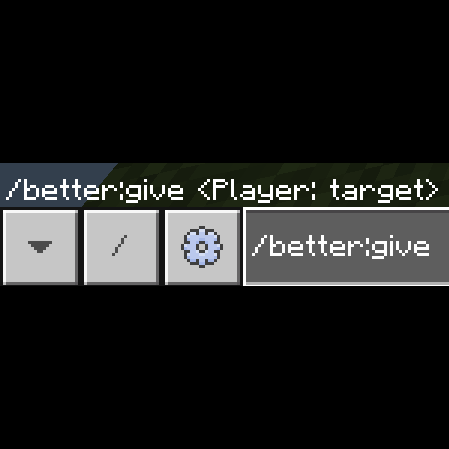
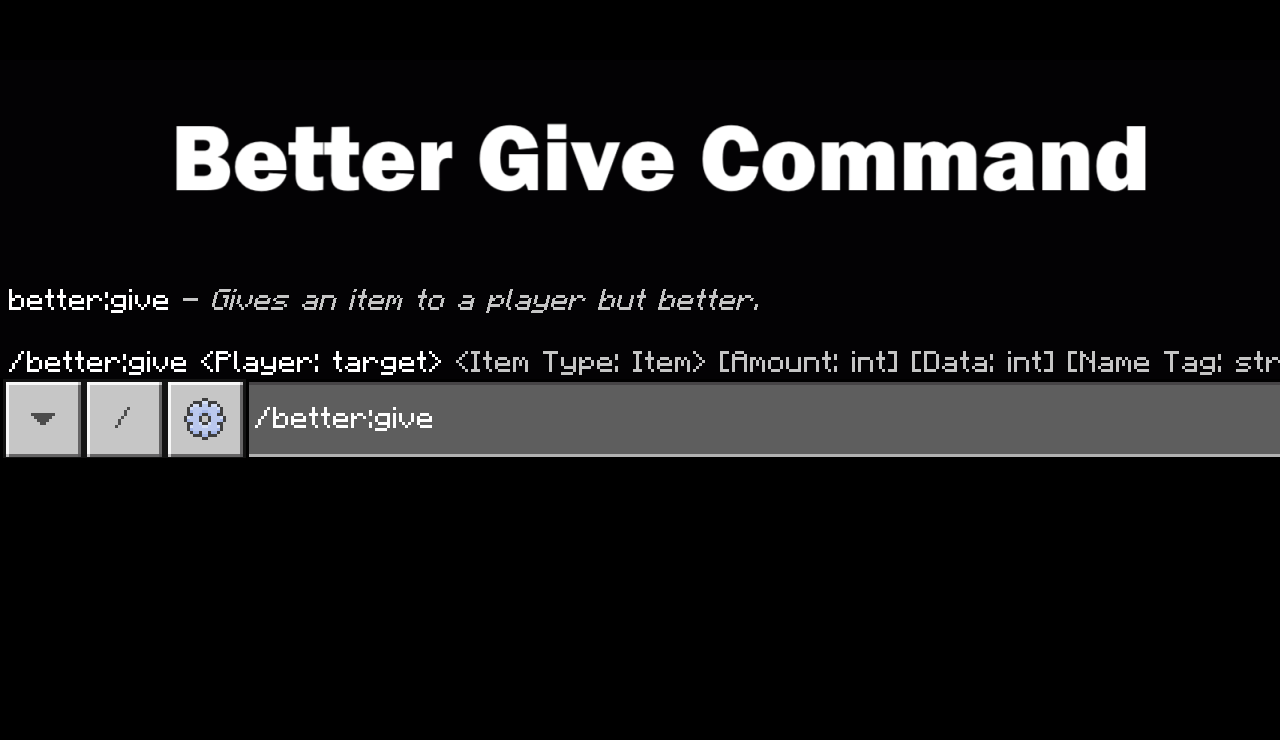
My /better:give command is designed for detailed item customization, giving players creative control over the properties of their items. Here’s how it works:
It can set data for an item, modifying attributes, special effects, or unique identifiers.
It can apply a nametag, allowing players to personalize items with custom names that stand out.
It can add lore, crafting unique descriptions or backstories that add depth to an item.
It can enhance items with enchantments, empowering them with enchantments impossible with default /give.
To do default nametag or no lore simply say "none" for the section.
Example: /better:give @s diamond_sword 1 0 none none none "sharpness:1"
With these features, I make item customization intuitive and expansive.
Example Usage: /better:give @s diamond_sword 1 0 "My Super Sword" "With lore,and new things" none "sharpness:3,unbreaking:2"
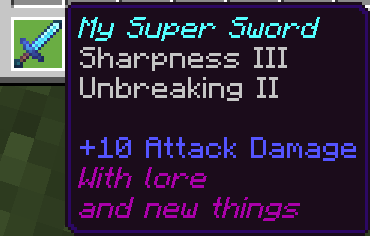
This command also works in command blocks.
SETUP
1. Download the pack
2. Put in the pack into your world
3. Activate BETA-APIs


- Edition: Minecraft Bedrock
- File type: .mcpack or .mcaddon
- Minecraft version listed: 1.21.122
- How to install: Download the .mcpack or .mcaddon file. → Open it — Minecraft imports it. → In your world: Behavior Packs → Available → Activate, then the same under Resource Packs.
- Where to get it: Opens on CurseForge — not every file is mirrored on our own servers.
Install steps are the general flow for this file type — How to install Minecraft Bedrock addons & mods walks through it step by step.
- Pack type: .mcpack — a single pack
- Manifest requires Minecraft 1.21.0 or newer
- Complete pack — everything it depends on is inside the file
- Download size: 14 KB
- Download link checked 15 Sept 2026 — working
These come from our own check of the pack file, not from the source page.