
Transfer UI
The Transfer UI Behavior Pack allows players to transfer to other Minecraft Bedrock servers using an in-game menu. This behavior pack is for dedicated…
I don't know my version

Transfer UI
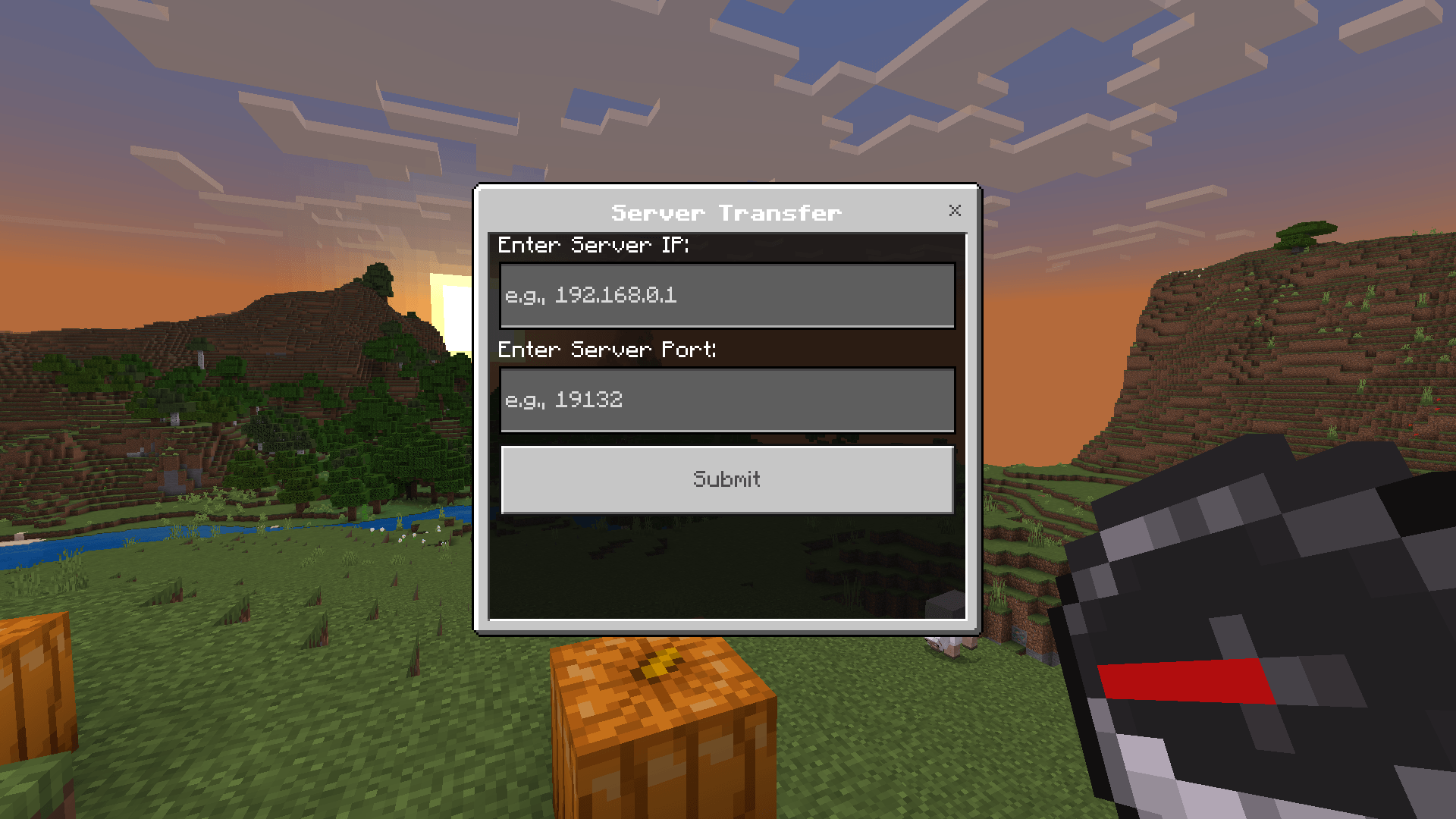
The Transfer UI Behavior Pack allows players to transfer to other Minecraft Bedrock servers using an in-game menu. Players can access the transfer menu by using a compass and input the desired server IP address and port. Upon confirmation, they are seamlessly transferred to the specified server.
Features
- Players interact with a compass to open the transfer menu.
- Simple and user-friendly interface for entering server IP and port.
- Potential support for NetherNet transfers.
Ideal for PlayStation/Xbox:
Minecraft BedrockforPlaystationandXboxare able to join custom servers that are on the same LAN. This means if you're able to run a run another minecraft world on another device such as a phone or pc, your console can join a world with this pack installed and you can join any custom server you wish as long as you have the serverIPandPORT.
Requirements:
- Beta API Experiment:
The behavior pack requires a world with the Beta APIs experiment to be enabled.
This experiment is required for the @minecraft/server-admin module on the dedicated server.
Instructions:
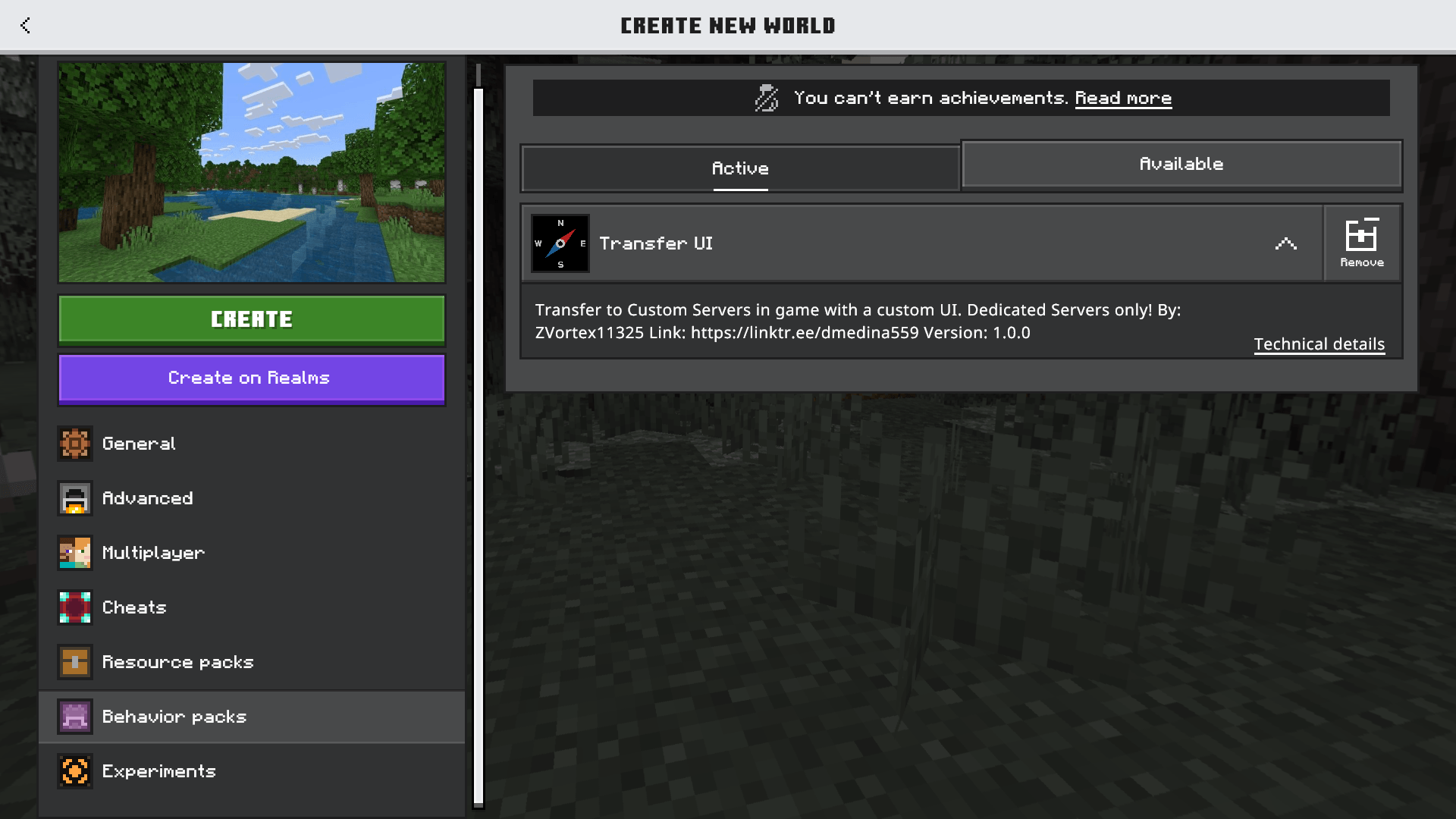
Step 1: Create/Load a World
- Use the Minecraft Client to create the world (or import an already made world).
- Enable the
Beta APIsexperiment in the world settings. - Add the Transfer UI Behavior Pack to the world.
Step 2: Run the world
- Start the world and ensure everything loads correctly by checking the creator or server logs.
You should see this message
[Scripting] Transfer UI loaded!and no errors related to@minecraft/server-admin
Join the server and obtain a Compass item. If everything is installed correctly you should be able to use item to open the menu.
Now you should be able to use a compass item to open the Transfer UI. Here you can enter the server IP and Port you wish to join.
References:
@minecraft/server-admin:
- Edition: Minecraft Bedrock
- File type: .mcpack or .mcaddon
- Minecraft versions listed: 1.21.90, 1.21.93, 1.21.94
- How to install: Download the .mcpack or .mcaddon file. → Open it — Minecraft imports it. → In your world: Behavior Packs → Available → Activate, then the same under Resource Packs.
- Where to get it: Opens on CurseForge — not every file is mirrored on our own servers.
Install steps are the general flow for this file type — How to install Minecraft Bedrock addons & mods walks through it step by step.
- Pack type: .mcpack — a single pack
- Manifest requires Minecraft 1.21.50 or newer
- Needs Beta APIs switched on in the world settings
- Complete pack — everything it depends on is inside the file
- Download size: 164 KB
- Download link checked 16 Sept 2026 — working
These come from our own check of the pack file, not from the source page.