
Command Executor (No cheats)
Run ANY desired commands, while completing Achievements and NOT enabling cheats, through a simple item or a custom command.
⬇ Download on CurseForge✨ Unlock the freedom to run any command while keeping your Achievements and avoiding Cheats!
🚀How to use: Using the Command Executor Item
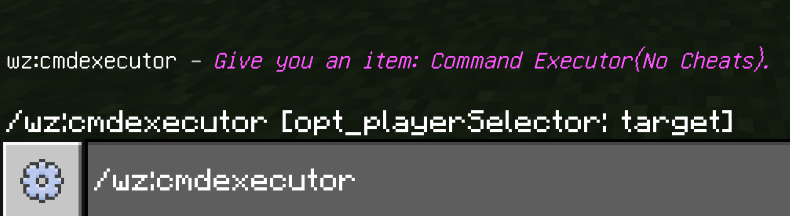
1. Enter the command /wz:cmdexecutor in the chat to get the Command Executor item.
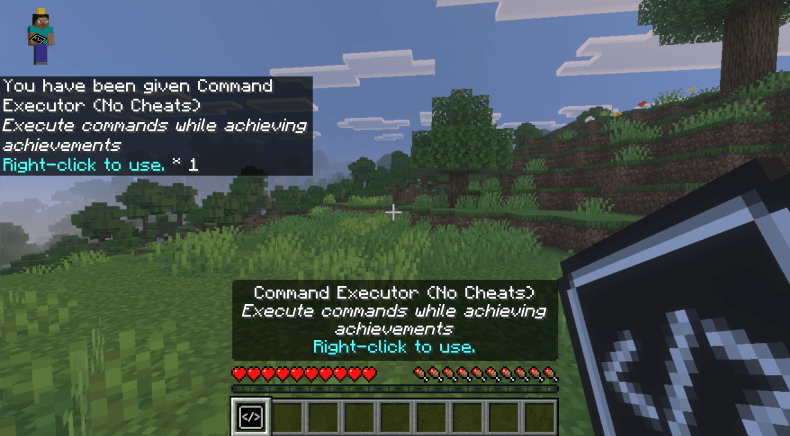
2. Right-click (or long-press) the item to open the command execution interface.
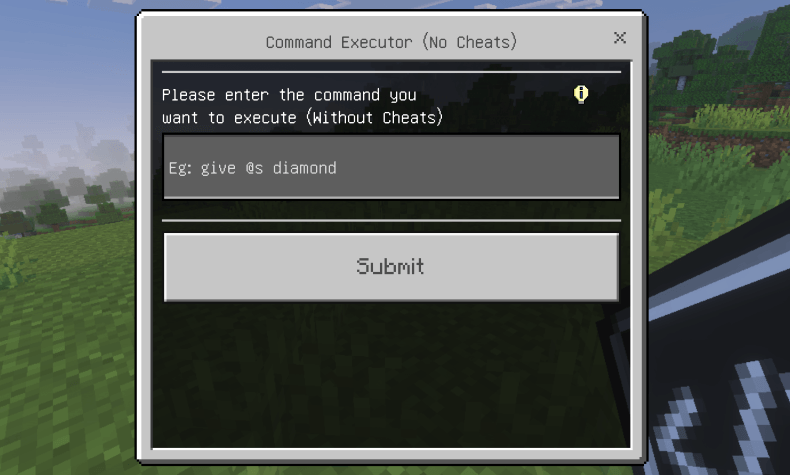
3. Type the command you want to run in the text box (e.g., give @s diamond 64 ). Note that the command does NOT need to start with a slash /.
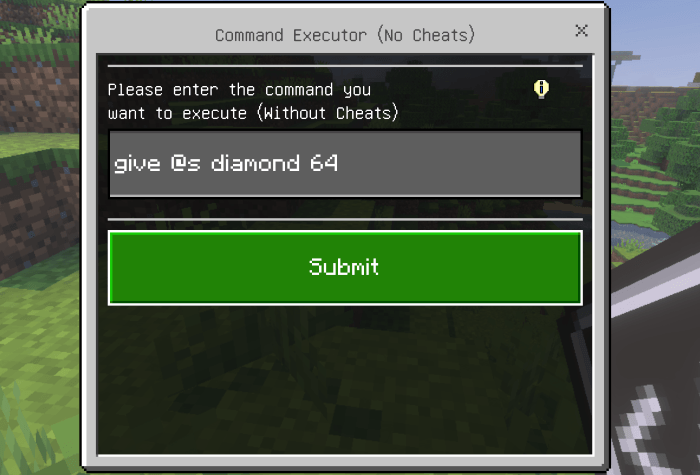
4. Click "Submit" — your command will run successfully!
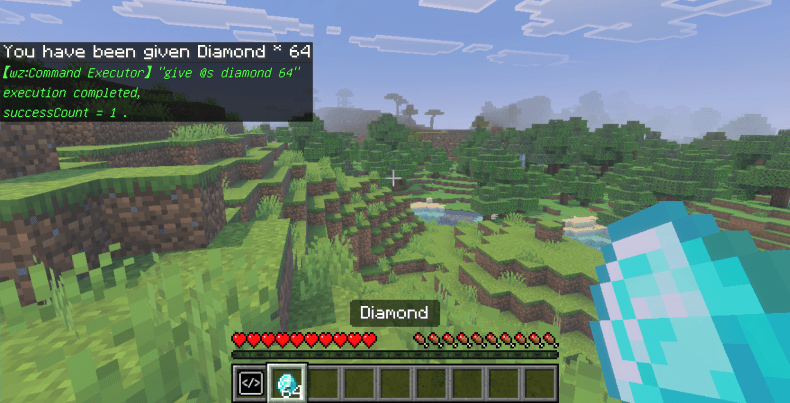
🚀Method 2: Using the Direct Command
You can also run commands directly by entering /wz:run "chainCommand" in the chat. Example: /wz:run "gamerule keepInventory true"
Important Note: The command must be enclosed in double quotes " "; otherwise, it cannot be executed.
⚙️ Key Features
- Unlocks command execution while completing achievements (no cheats required).
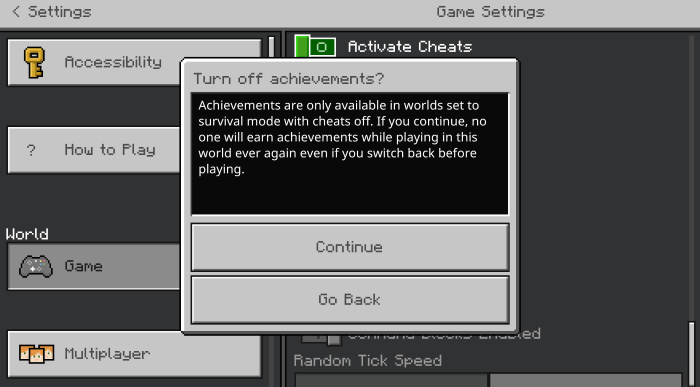
- Two convenient ways to run commands: via item interface or direct chat command.
- Simple and user-friendly operation, no complex setup needed.
- Edition: Minecraft Bedrock
- File type: .mcpack or .mcaddon
- Minecraft versions listed: 1.21.130, 1.21.131, 1.21.132
- How to install: Download the .mcpack or .mcaddon file. → Open it — Minecraft imports it. → In your world: Behavior Packs → Available → Activate, then the same under Resource Packs.
- Where to get it: Opens on CurseForge — not every file is mirrored on our own servers.
Install steps are the general flow for this file type — How to install Minecraft Bedrock addons & mods walks through it step by step.
- Pack type: .mcaddon — behaviour and resource pack in one file
- Manifest requires Minecraft 1.21.100 or newer
- Complete pack — everything it depends on is inside the file
- Download size: 11 KB
- Download link checked 16 Sept 2026 — working
These come from our own check of the pack file, not from the source page.