AddonsBedrock
Wear Anything
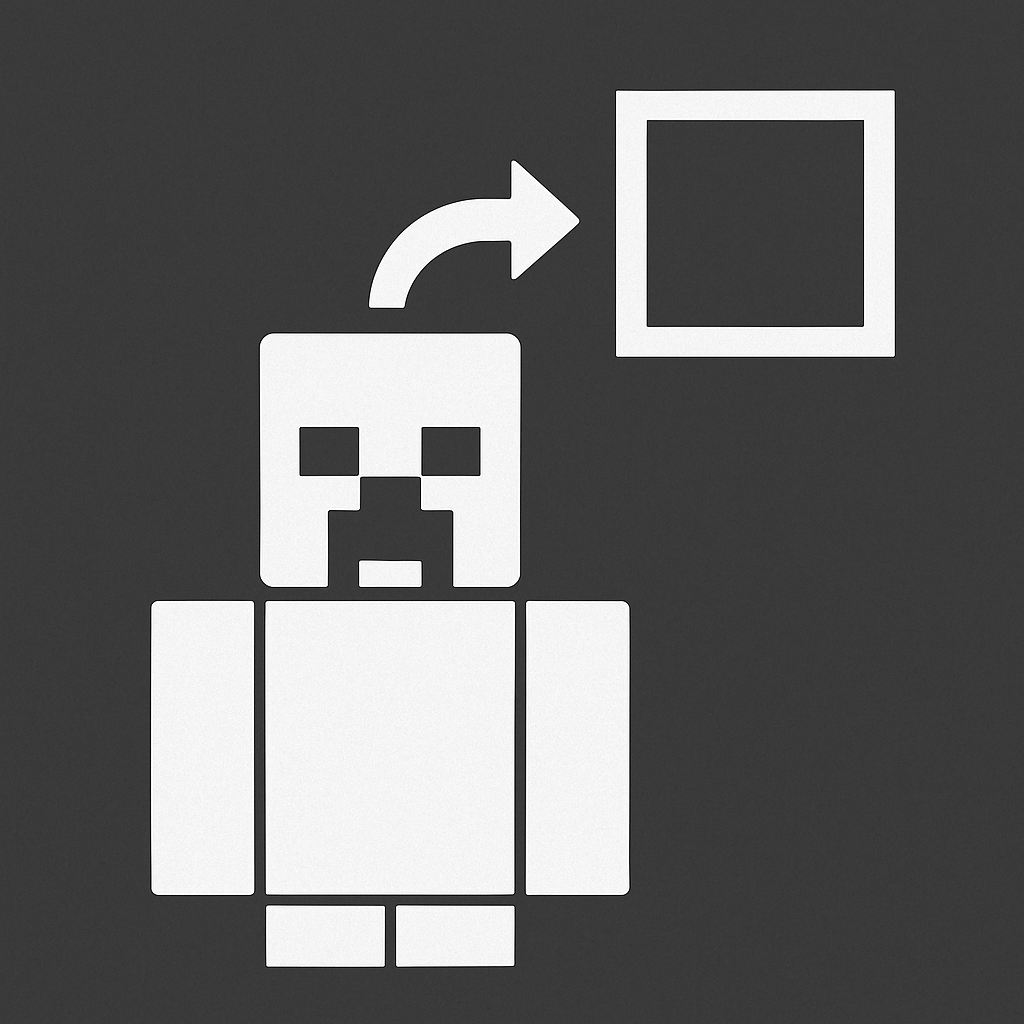
Equip, remove, or swap any block/item on your head! Features a unique activation gesture (crouch twice while looking up), supports stack counts.
⬇ Download on CurseForge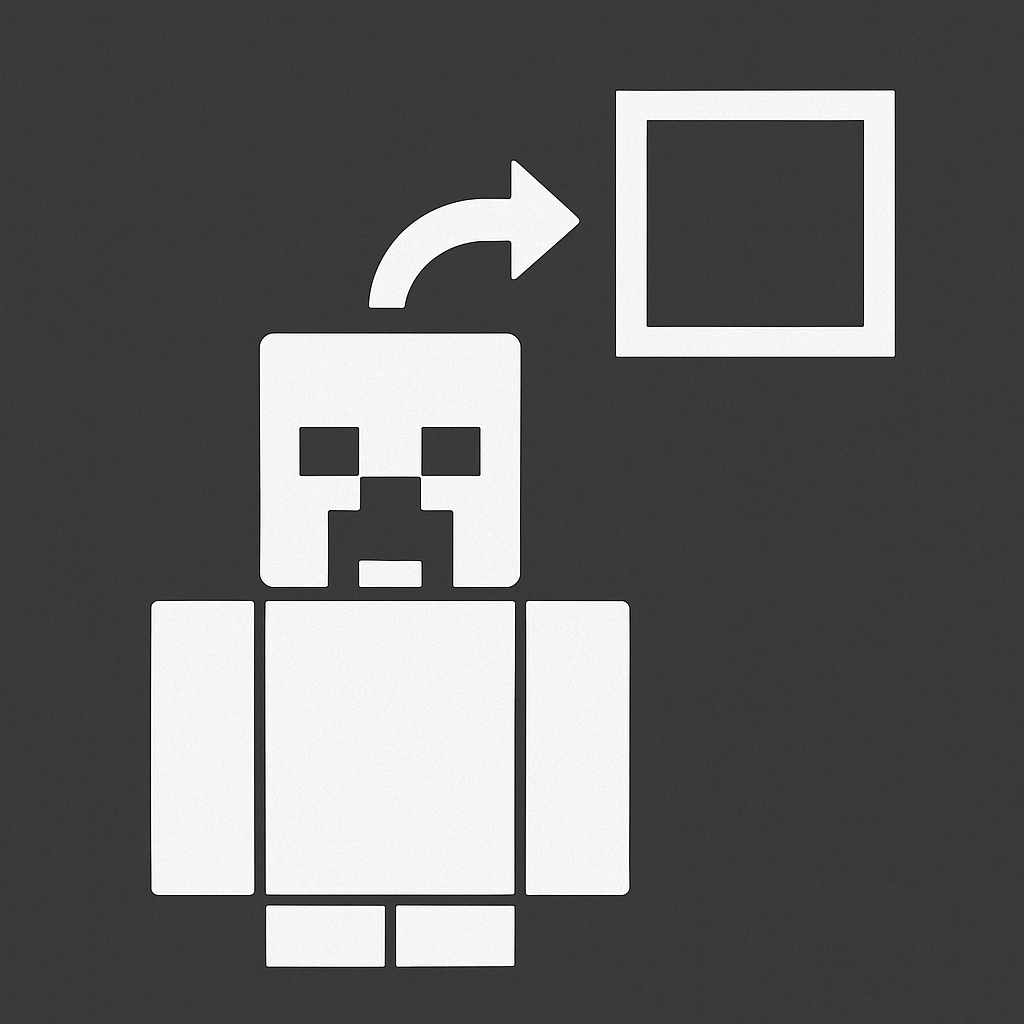
~ Wear Anything ~
⚠️ Requires a compatible Resource Pack to visually see items on the head. For example, “Action & Stuff,” which I used during development.
✨ Key Advantage:
- No Experiments Required: This script runs on stable Scripting API. You DO NOT need to enable the "Beta APIs" toggle in your world settings! This script allows you to wear any block or item from your hand directly in your head slot. Whether it's a stack of blocks or a basic item like a diamond or a stick, you can now use it as headwear.
❓ How it Works
To interact with your head slot, look straight up at the sky and crouch (sneak) twice. Depending on what you are holding, the script will perform one of the following actions:
- Equip: If your head slot is empty, perform the gesture while holding an item to put it on your head.
- Swap: If you are already wearing something, perform the gesture while holding a new item to swap them instantly.
- Remove: Perform the gesture with an empty hand to take off whatever you are wearing on your head.
⚙️ Key Features
Stack Support
The script fully preserves the count of items. If you equip a stack of 64 diamonds, you will wear all 64 on your head, and they will return as a full stack when removed.
Binding Curse Mechanics
The script respects vanilla Minecraft logic:
- Functional Binding Curse: If you are wearing a Helmet or a Carved Pumpkin with the Binding Curse, you cannot remove or swap it.
⚠️ NBT & Data Notice ⚠️
- Helmets & Carved Pumpkins: These items keep all their enchantments, custom names, and durability.
- All Other Items: For any non-helmet/non-carved-pumpkin items, NBT data (like enchantments or custom names) will be reset when equipped.
Quick facts
- Edition: Minecraft Bedrock
- File type: .mcpack or .mcaddon
- Minecraft versions listed: 1.21.81, 1.21.93, 1.21.73
- How to install: Download the .mcpack or .mcaddon file. → Open it — Minecraft imports it. → In your world: Behavior Packs → Available → Activate, then the same under Resource Packs.
- Where to get it: Opens on CurseForge — not every file is mirrored on our own servers.
Install steps are the general flow for this file type — How to install Minecraft Bedrock addons & mods walks through it step by step.
Verified by MCModsHub
- Pack type: .mcaddon — behaviour and resource pack in one file
- Manifest requires Minecraft 1.21.70 or newer
- Complete pack — everything it depends on is inside the file
- Download size: 1.3 MB
- Download link checked 16 Sept 2026 — working
These come from our own check of the pack file, not from the source page.