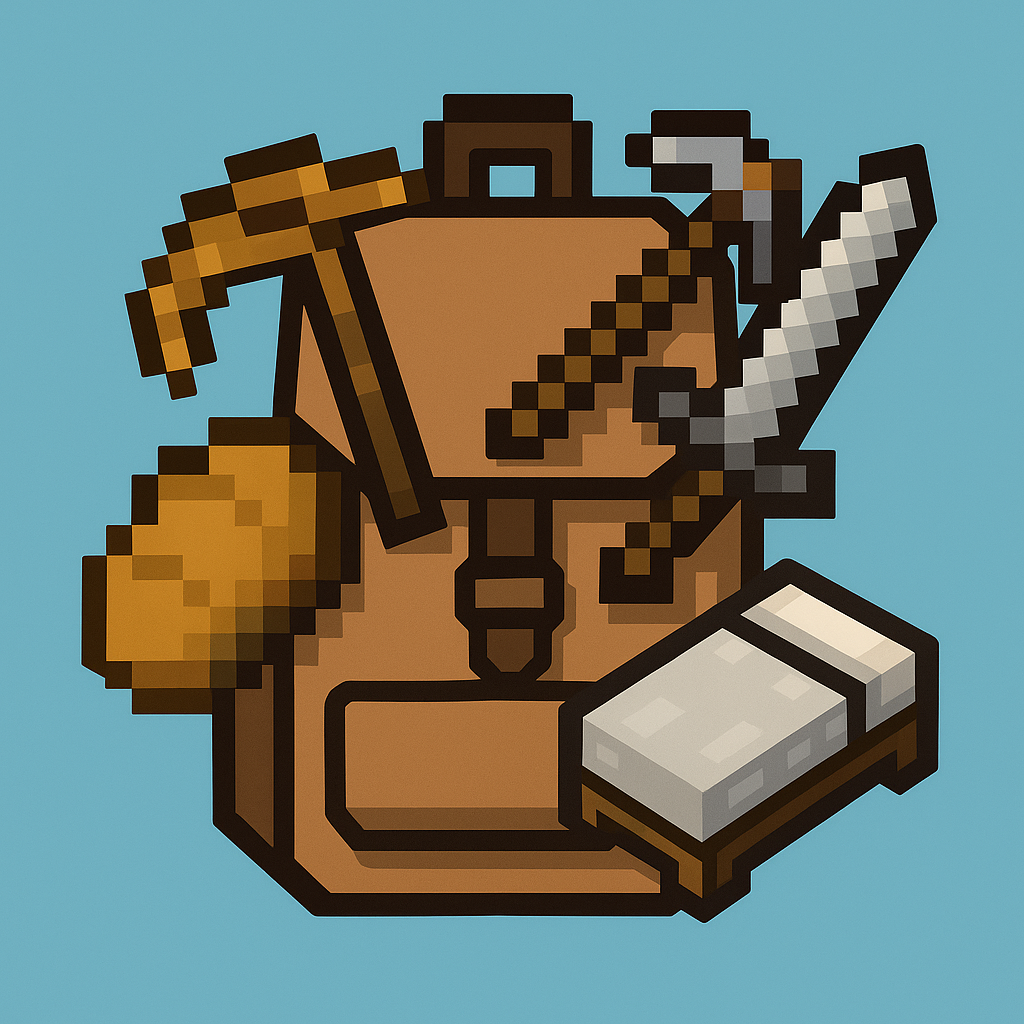
Starter Gear Add-on
Bedrock add-on listed for Minecraft 1.21 (behavior pack only). File opened and checked on 29 Sep 2026; installs from the MC Bedrock Mods app on Android.
This add-on automatically gives players a helpful set of starter items the first time they join a world. It’s perfect for survival worlds, multiplayer…
⬇ Download on CurseForge
> Created by ReiInPixel
This add-on automatically gives players a helpful set of starter items the first time they join a world. It’s perfect for survival worlds, multiplayer servers, or anyone who wants a smoother early-game experience — no commands or setup required!
Inspired by the Java Edition “Starter Kit” mod, this Bedrock-friendly version provides:
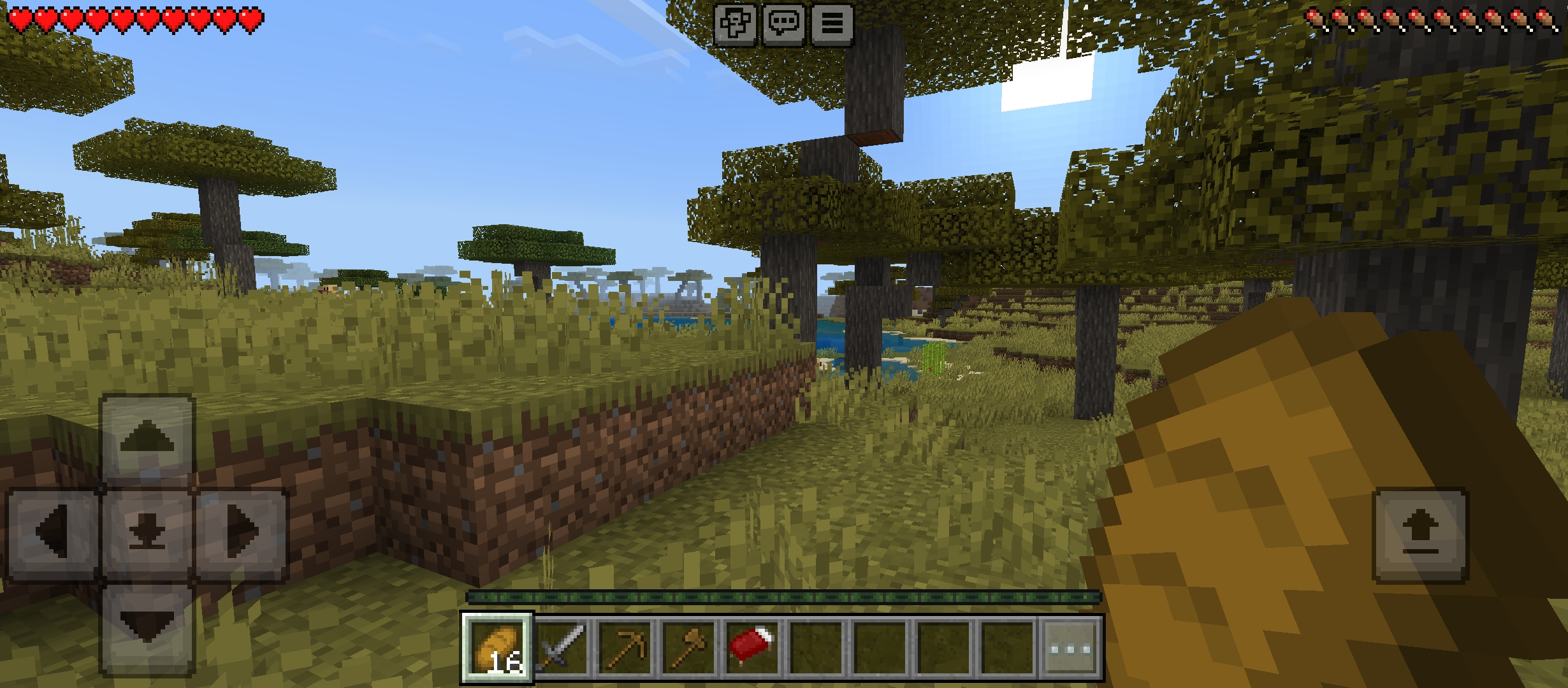
- 🍞 16 Bread
- 🪓 1 Wooden Axe & Pickaxe
- 🗡️ 1 Stone Sword
- 🛏️ 1 Bed
Items are granted only once per player on their first spawn.
How to Use:
1. Install the behavior pack into your world.
2. Make sure Beta APIs are enabled in the Experimental settings.
3. Enter the world. When a new player spawns for the first time, they will instantly receive their gear.
4. That’s it! No commands needed.
This add-on works automatically and won't interfere with other gameplay systems.
📦 Installation:
1. Download the .mcpack file from below.
2. Open it with Minecraft – it will automatically import.
3. Go to your world settings:
Activate the Behavior Pack under “My Packs”.
Enable the following Experimental Features:
✅ Beta APIs
✅ Custom Components V2 (just in case)
4. Load your world and enjoy!
📝 Notes:
The items are only given once per player.
Compatible with most other behavior packs.
Designed for Minecraft Bedrock 1.21+ and above
How to set up item in Starter Gear Add-on
Donate : soscialbuzz
- Edition: Minecraft Bedrock
- File type: .mcpack or .mcaddon
- Minecraft versions listed: 1.21.30, 1.21.50, 1.21.81
- How to install: Download the .mcpack or .mcaddon file. → Open it — Minecraft imports it. → In your world: Behavior Packs → Available → Activate, then the same under Resource Packs.
- Where to get it: Opens on CurseForge — not every file is mirrored on our own servers.
Install steps are the general flow for this file type — How to install Minecraft Bedrock addons & mods walks through it step by step.
- Pack type: .mcpack — a single pack
- Manifest requires Minecraft 1.21.0 or newer
- Complete pack — everything it depends on is inside the file
- Download size: 1.5 MB
- Download link checked 6 Oct 2026 — working
These come from our own check of the pack file, not from the source page.