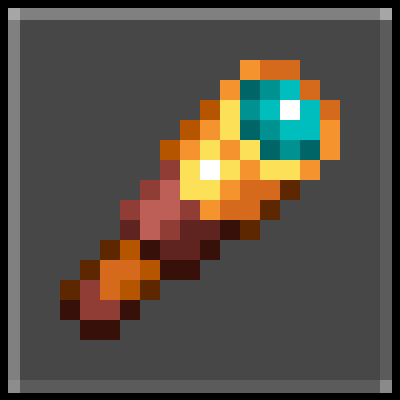
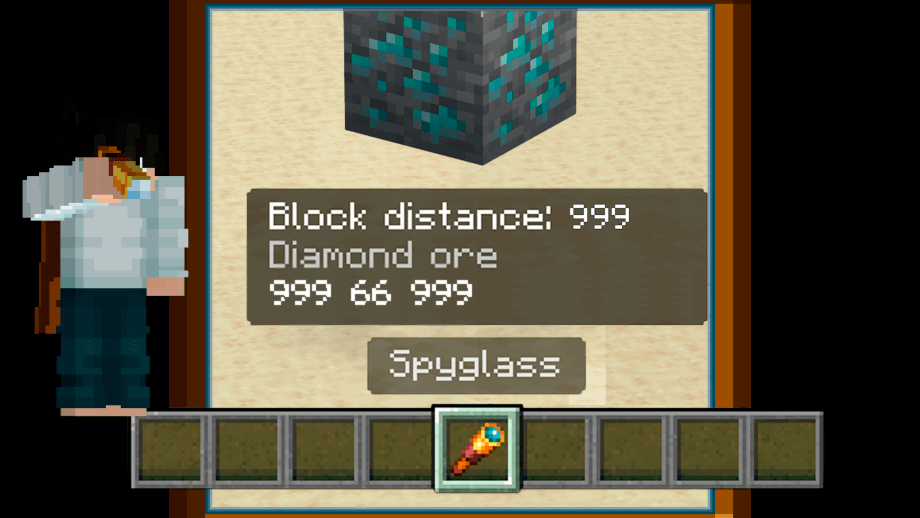
With this simple Mod/Script you will be able to know the distance and the name of the block or mob you are looking at just by using the spyglass.
# How does it work?
Simply place a spyglass in your hand, and you will be able to see the distance in blocks and the name of the block or mob you are looking at.
If you are playing on a mobile phone, you must use the telescope, and you will see a small cross in the center of the screen that will help you know exactly which block you are looking at.
Increasing the simulation area allows you to obtain information about blocks and mobs that are further away.


The following two images are images from an older version and the coordinates are not shown.


# How to install:
- Download and install the behavior pack.
- Activate the behavior pack in your world settings.
# Info:
- Edition: Minecraft Bedrock
- File type: .mcpack or .mcaddon
- Minecraft versions listed: 1.21.30, 1.21.50, 1.21.20
- How to install: Download the .mcpack or .mcaddon file. → Open it — Minecraft imports it. → In your world: Behavior Packs → Available → Activate, then the same under Resource Packs.
- Where to get it: Opens on CurseForge — not every file is mirrored on our own servers.
Install steps are the general flow for this file type — How to install Minecraft Bedrock addons & mods walks through it step by step.
- Pack type: .mcpack — a single pack
- Manifest requires Minecraft 1.19.70 or newer
- Complete pack — everything it depends on is inside the file
- Download size: 20 KB
- Download link checked 16 Sept 2026 — working
These come from our own check of the pack file, not from the source page.