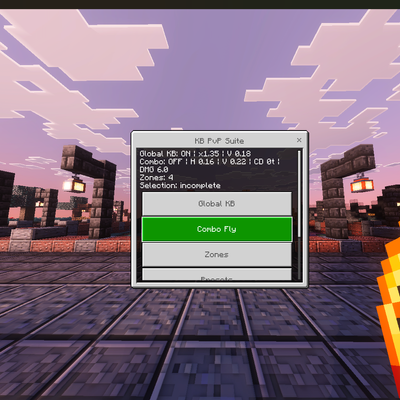
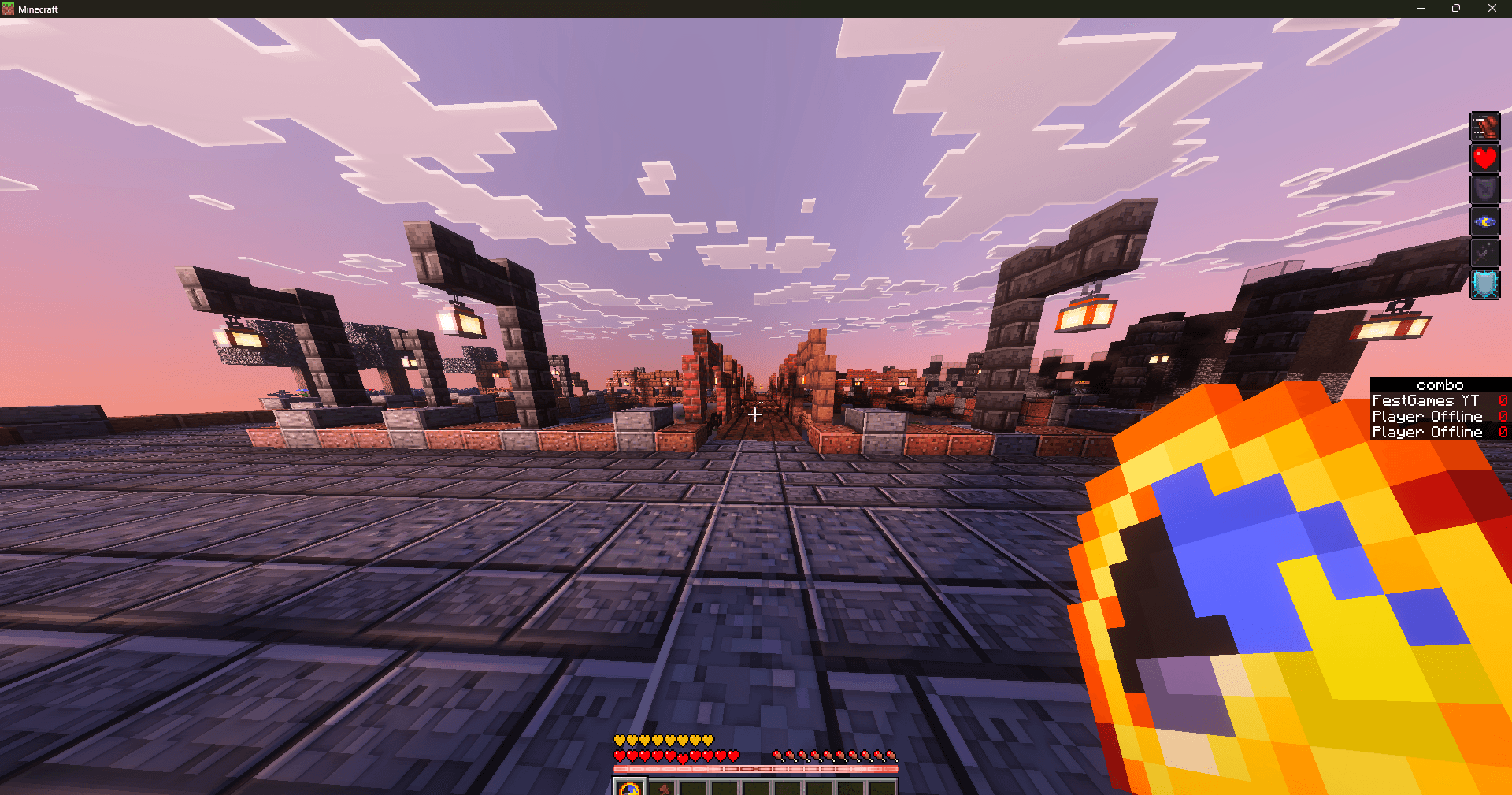
custom kb and combo fly with tick between hits customizable by zones
I don't know my version
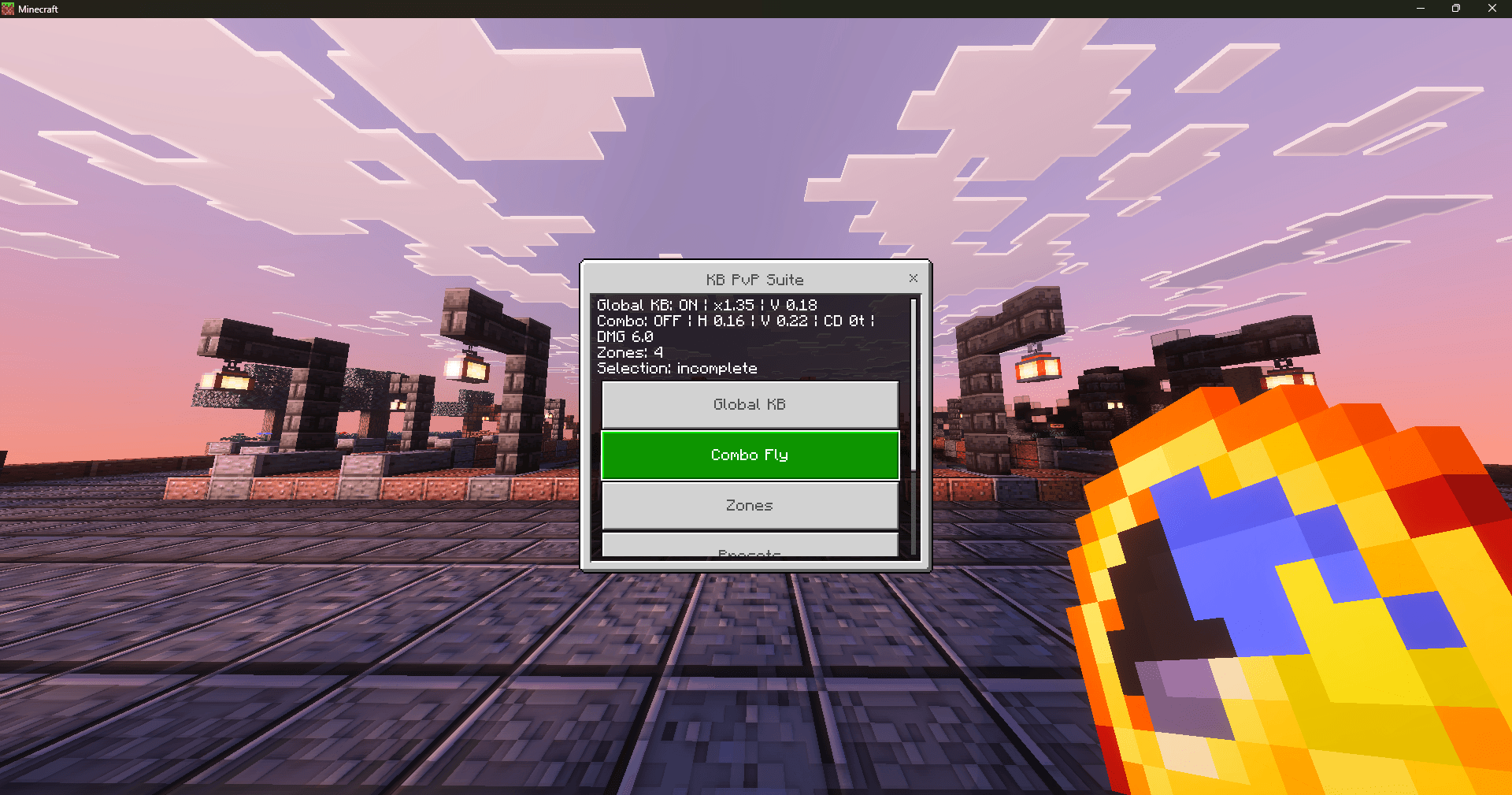
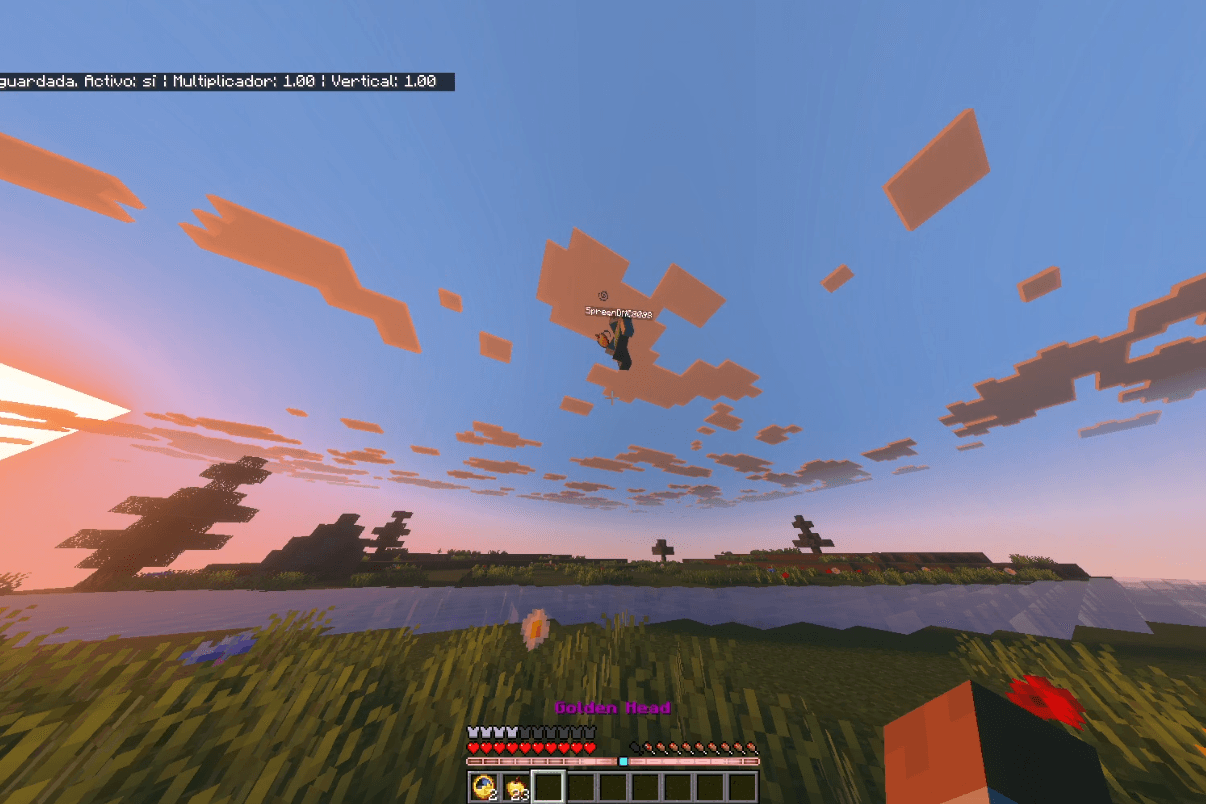
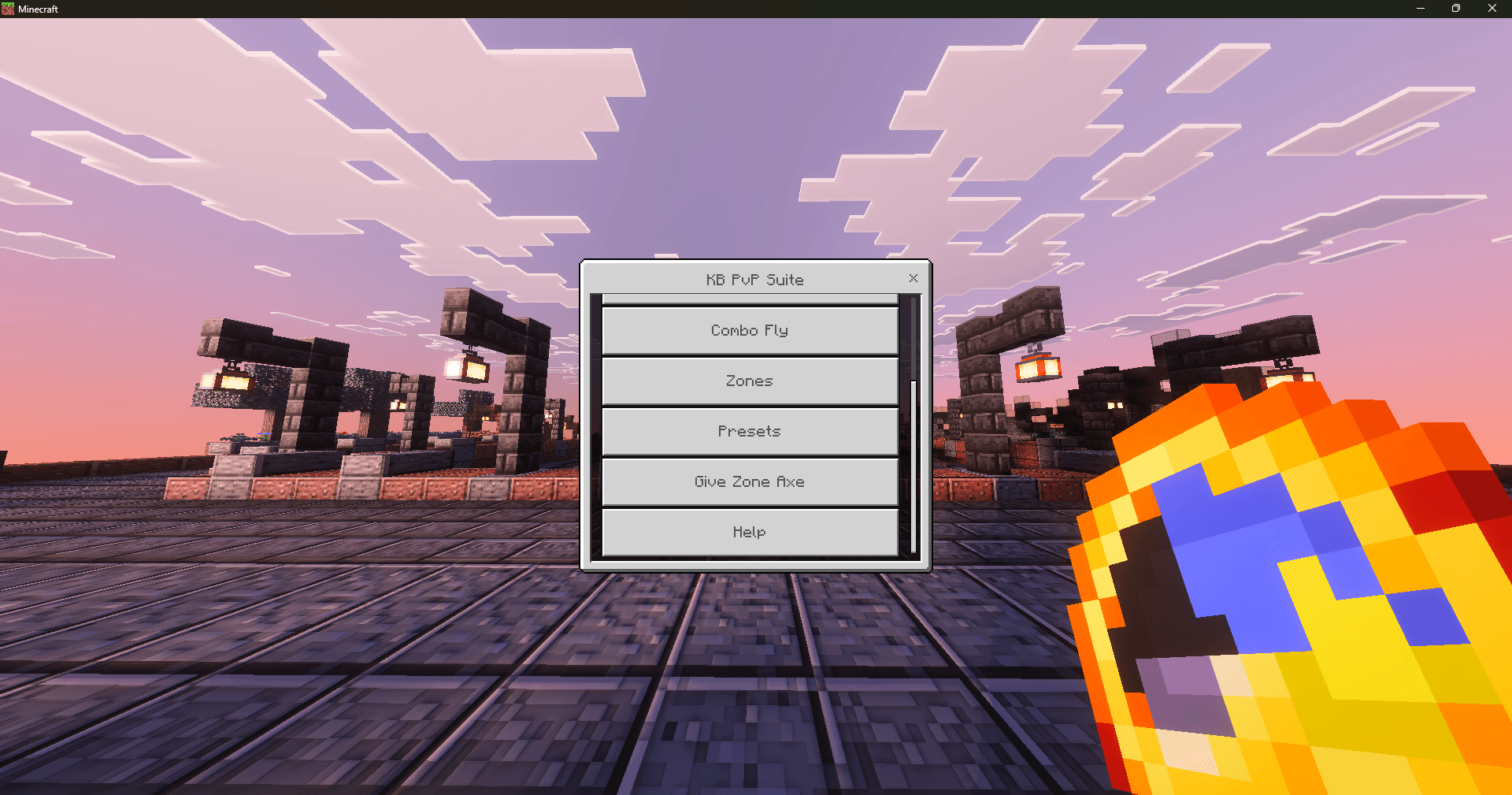
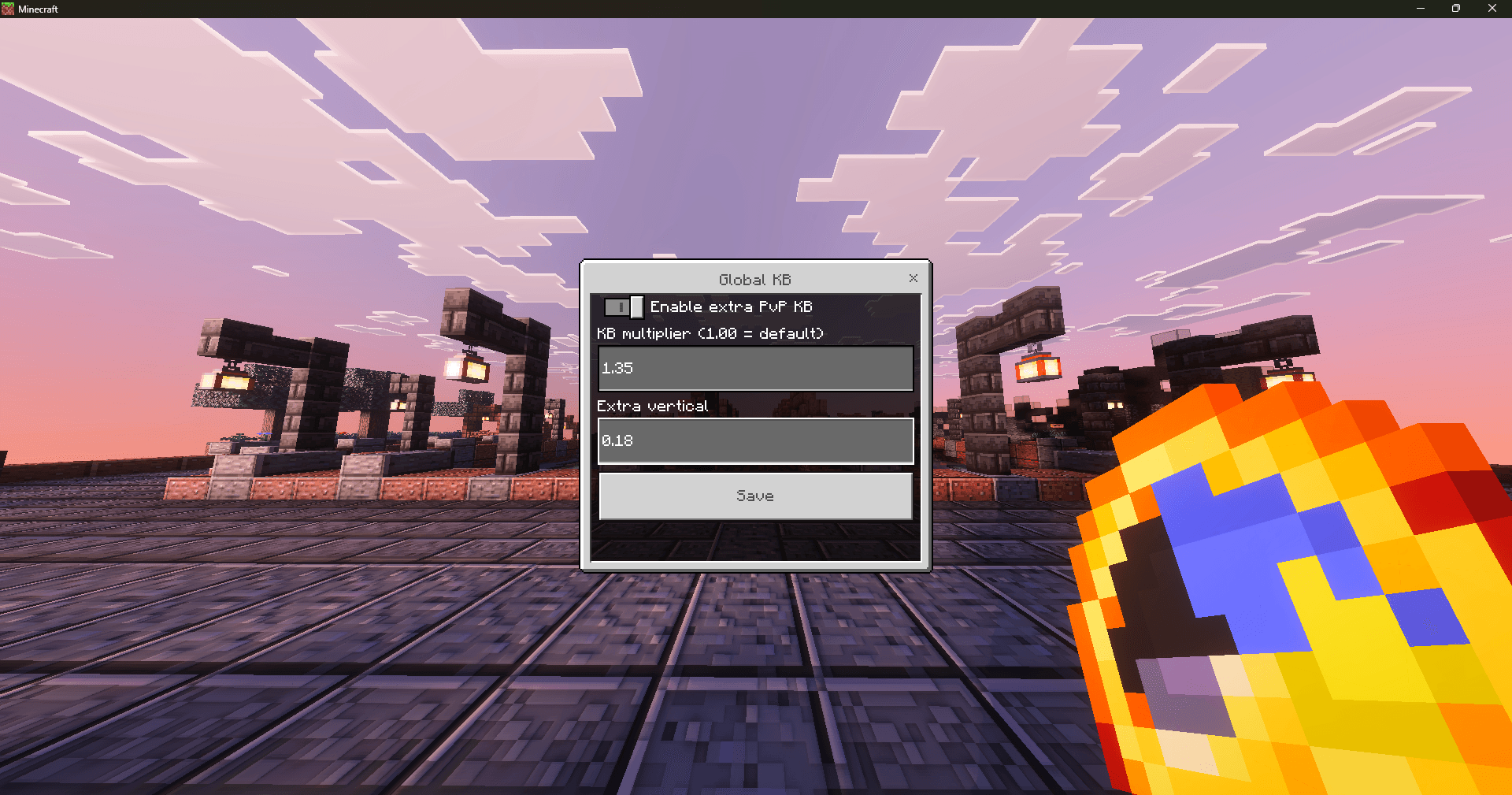
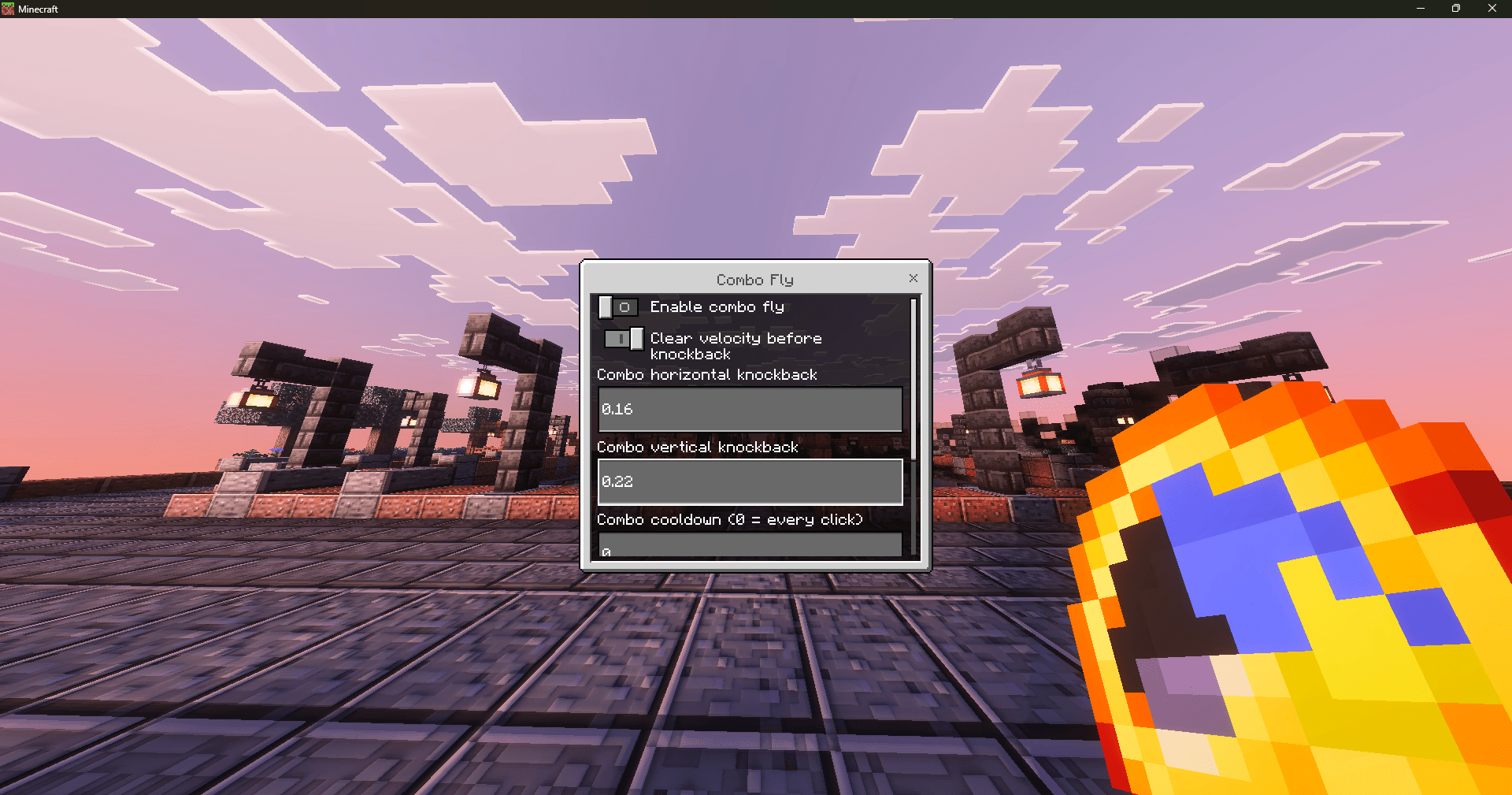
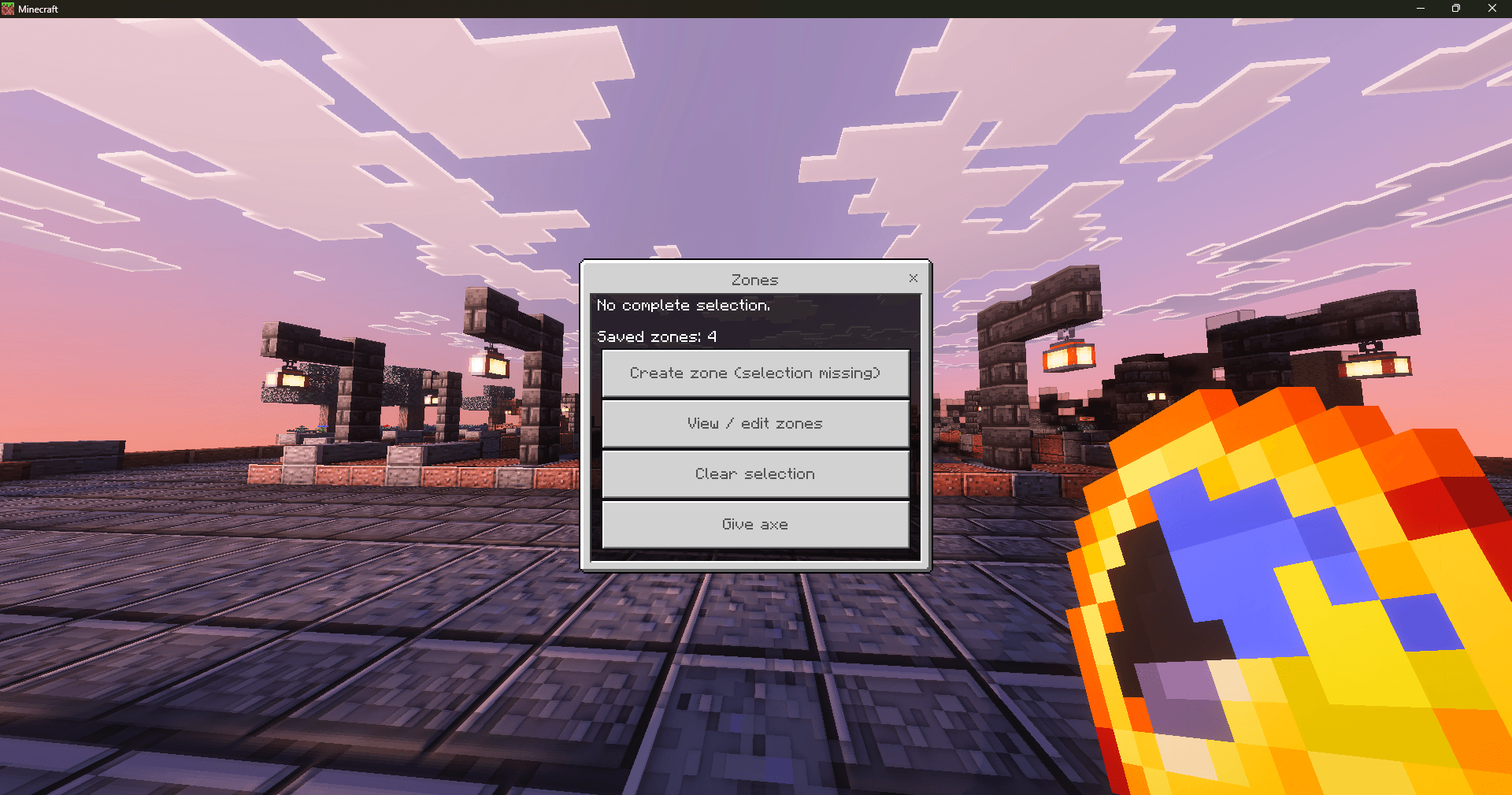
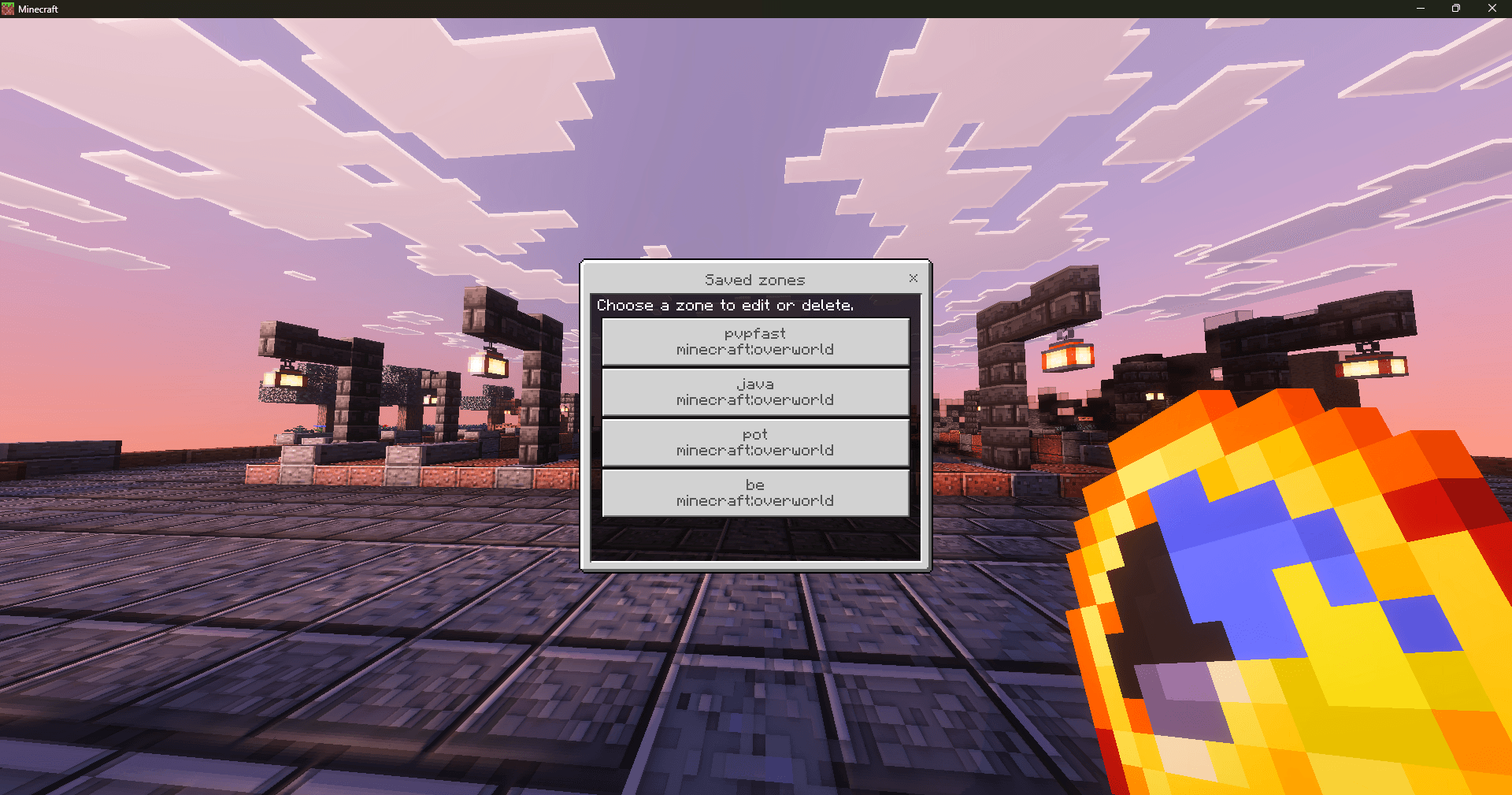
when you add this addon in your world to make it work and customize the kb first do "/function kb admin", then, with a clock in hand just crouch and press the interact button(right click), and then you can enable and change the KB however you want, first bar is the kb multiplier(i like 1.20 for potpvp), the second bar wich is below is the vertical multiplier(0.42 is also the one i like for potpvp). to add kb for zones grab the axe thats given to you when "/function kb_admin" and break 2 blocks(you can force position 1 when crouching) to set the size of the zone, then, in the kb menu(clock menu) go to "zones" and then "create zone", there you can set the kb or enable combo fly.
NOTE: all the options below the "combo fly-button" in "zones" are only working for and when the "combo fly-button" is on, and when "combo fly-button" is on, all the options above are overwriten(they wont work).
you can get close to the kb of the normal options while you have combo fly on with low ticks
NOTE 2: presets are ahh, didnt noticed that sry, but im too lazy to change them
- Edition: Minecraft Bedrock
- File type: .mcpack or .mcaddon
- Minecraft versions listed: 26.10, 26.3
- How to install: Download the .mcpack or .mcaddon file. → Open it — Minecraft imports it. → In your world: Behavior Packs → Available → Activate, then the same under Resource Packs.
- Where to get it: Opens on CurseForge — not every file is mirrored on our own servers.
Install steps are the general flow for this file type — How to install Minecraft Bedrock addons & mods walks through it step by step.
- Pack type: .mcpack — a single pack
- Manifest requires Minecraft 1.21.90 or newer
- Complete pack — everything it depends on is inside the file
- Download size: 8 KB
- Download link checked 16 Sept 2026 — working
These come from our own check of the pack file, not from the source page.