VoltNetworks floating text gui
This is the main addon includes the scripts and gui for VoltNetworks floating text requires resource pack to work.
⬇ Download on CurseForge
THIS IS THE MAIN ADDON, THIS INCLUDES THE SCRIPTS + THE GUI FOR VOLTNETWORKS FLOATING TEXT
If you have any issues please join my discord, I'm happy to help also use the discord to report any bugs you encounter.
⭐
VoltNetworks Floating Text — Premium Hologram Addon
The most advanced floating text / hologram system ever made for Minecraft Bedrock.
VoltNetworks Floating Text gives you powerful, fully customizable holograms perfect for:
- Crates
- Events
- Server labels
- NPC replacements
- Spawn decorations
- Skyblock, Prison, SMP & Minigames
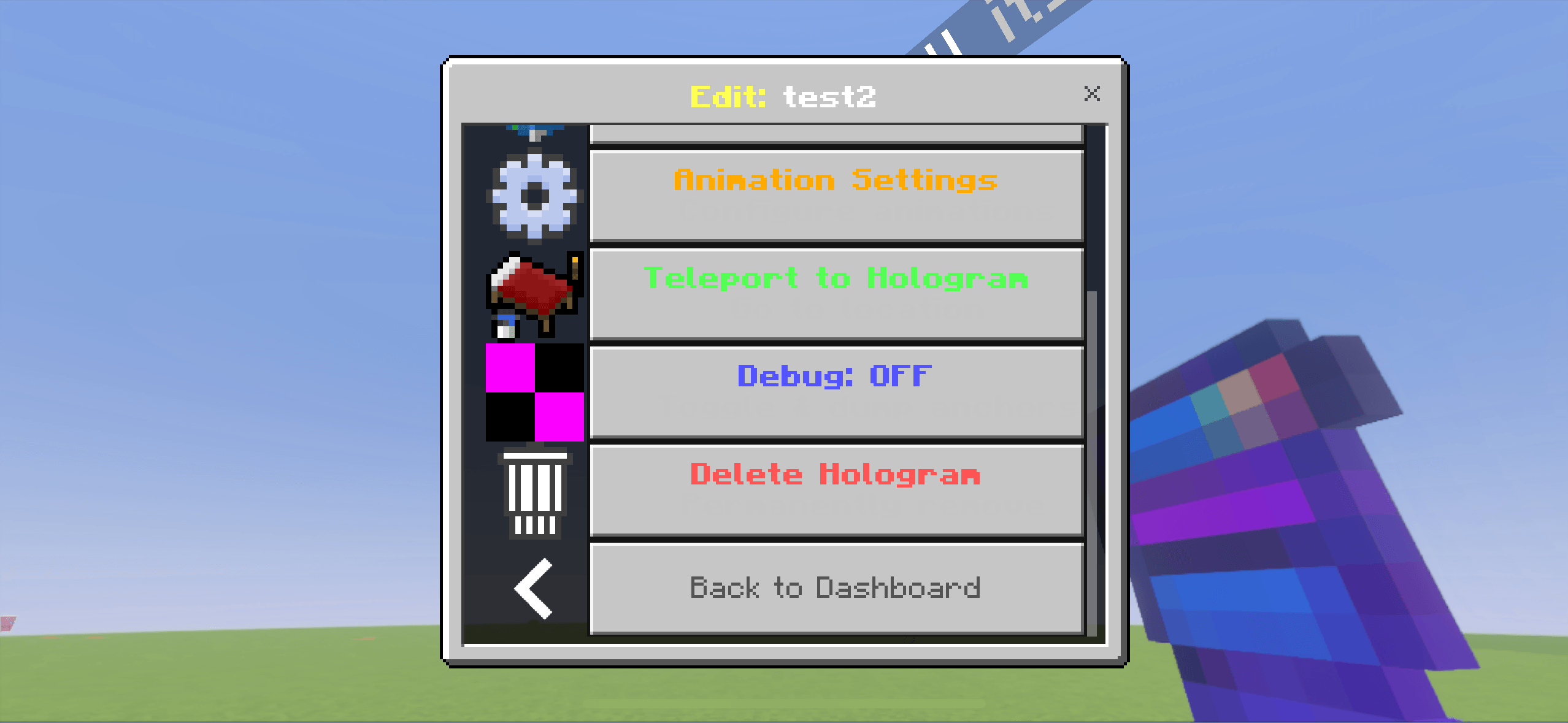
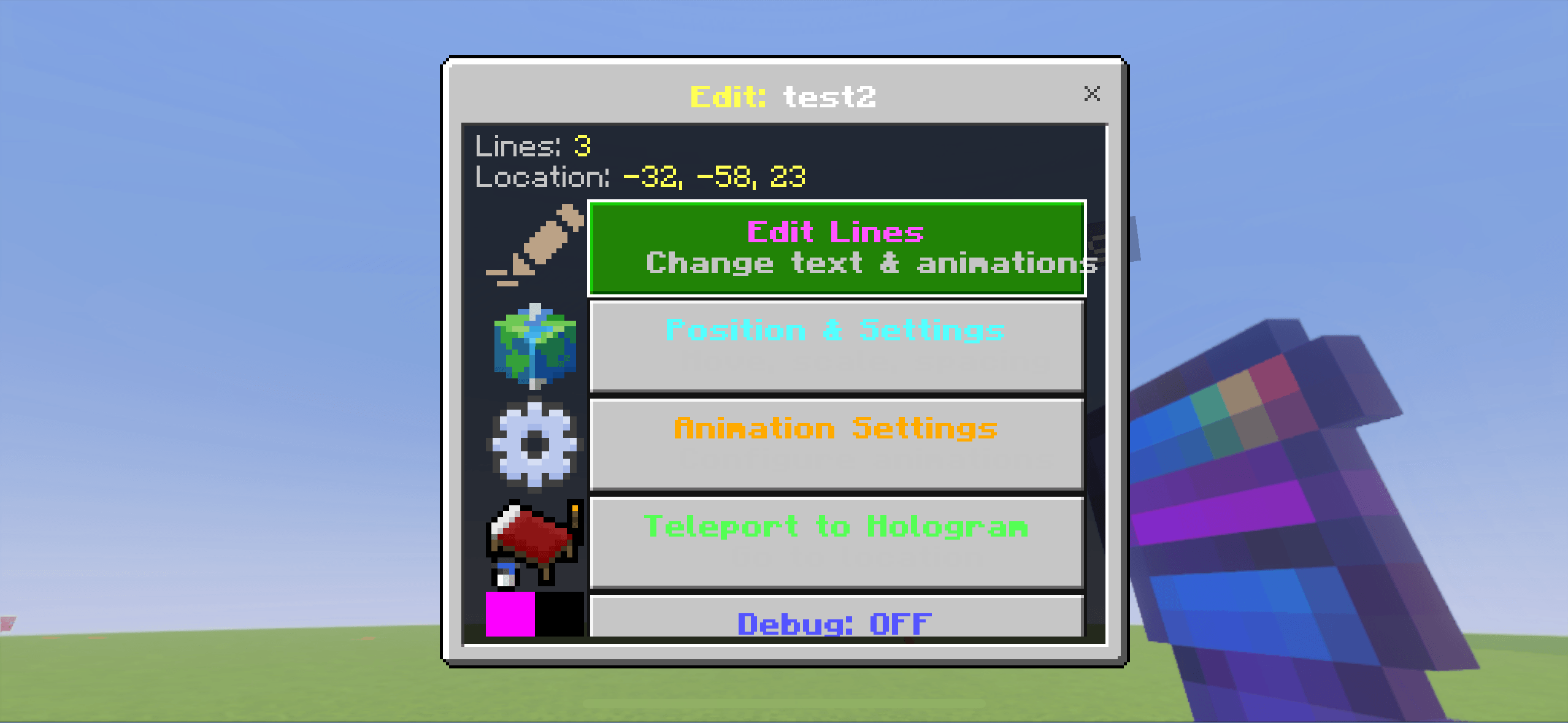
Built entirely using the Script API, this addon lets you create and edit holograms in-game with a clean HD UI — no commands required.
✨
Features
- ✔ Fully custom hologram entity
- ✔ Smooth, stable floating text that never moves
- ✔ Unlimited characters per hologram
- ✔ Multi-line support using simple syntax
- ✔ Edit text in real time
- ✔ Move holograms instantly using built-in teleport tools
- ✔ Clean, modern UI with HD icons
- ✔ Supports unlimited holograms
- ✔ Perfect for Realms, servers & multiplayer
- ✔ Optimized for 1.20+ Script API
🔧
Script-Powered Customization
Create, edit, delete, and reposition holograms with a fast and intuitive UI:
- Add text
- Format lines
- Apply spacing
- Teleport holograms to you
- Manage all holograms from a single menu
No commands. No structure blocks. No behavior pack editing.
🚀
Why VoltNetworks?
This is not a simple name-tag addon — it’s a full professional hologram system with:
- Zero lag
- Zero flicker
- Zero entity drift
- Zero commands
- A clean UX made for server owners
📦
Includes
- Floating Text Script Pack
- UI Pack
- Custom Hologram Entity Resource Pack
- Edition: Minecraft Bedrock
- File type: .mcpack or .mcaddon
- Minecraft versions listed: 1.21.120, 1.21.122, 1.21.121
- How to install: Download the .mcpack or .mcaddon file. → Open it — Minecraft imports it. → In your world: Behavior Packs → Available → Activate, then the same under Resource Packs.
- Where to get it: Opens on CurseForge — not every file is mirrored on our own servers.
Install steps are the general flow for this file type — How to install Minecraft Bedrock addons & mods walks through it step by step.
- Pack type: .mcaddon — behaviour and resource pack in one file
- Manifest requires Minecraft 1.21.93 or newer
- Complete pack — everything it depends on is inside the file
- Download size: 56 KB
- Download link checked 16 Sept 2026 — working
These come from our own check of the pack file, not from the source page.