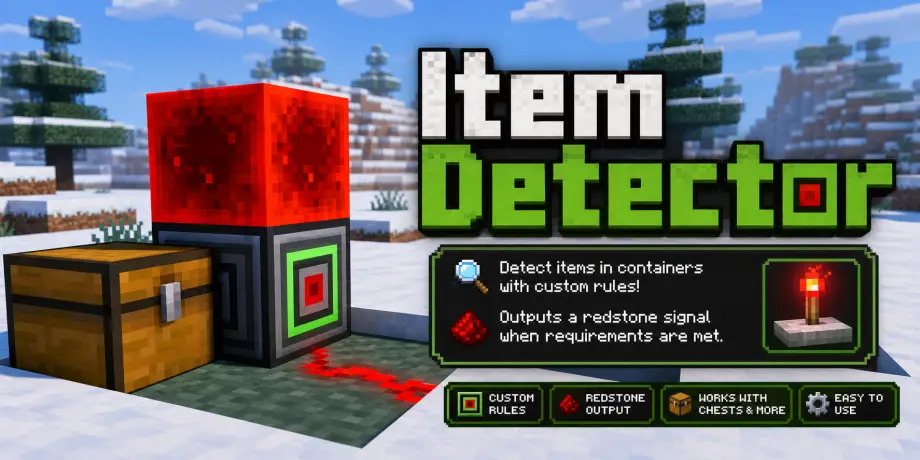
Item Detector Addon for Minecraft Bedrock 26.20
Bedrock add-on listed for Minecraft 1.21 (behavior + resource pack). File opened and checked on 11 Sep 2026; installs from the MC Bedrock Mods app on Android.
⬇ DownloadA Bedrock add-on that detects item counts in nearby containers and activates redstone output when your rules match.
Item Detector
Item Detector is a Minecraft Bedrock add-on that helps players build smarter redstone systems by detecting specific item counts inside nearby containers. Place the Item Detector beside a chest, barrel, hopper, or other container, then use its in-game menu to set detection rules. When the container matches the saved rules, the detector activates and creates a redstone output.
Features
- Adds a new Item Detector block.
- Detects items in nearby chests, barrels, hoppers, and other containers.
- Includes an in-game rule editor.
- Supports multiple item rules.
- Supports counts above 64 using duplicate rules.
- Automatically checks the container every 30 ticks.
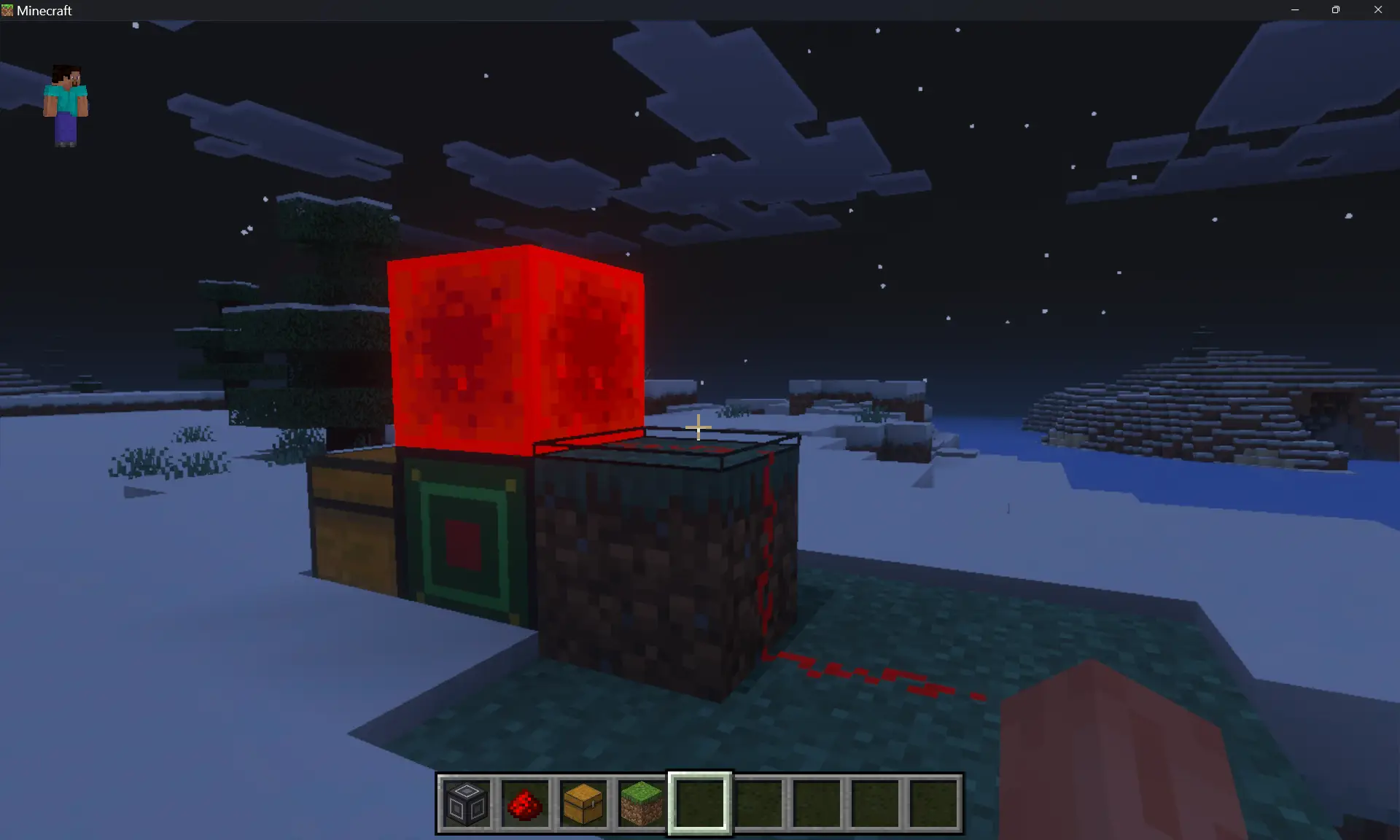
- Changes texture when active.
- Creates redstone output when the rules match.
How To Use
- Import the Resource Pack first.
- Import the Behavior Pack second.
- Activate both packs in your world.
- Enable Beta APIs if your world settings require it.
- Get the detector with:
/give @s adit:item_detector
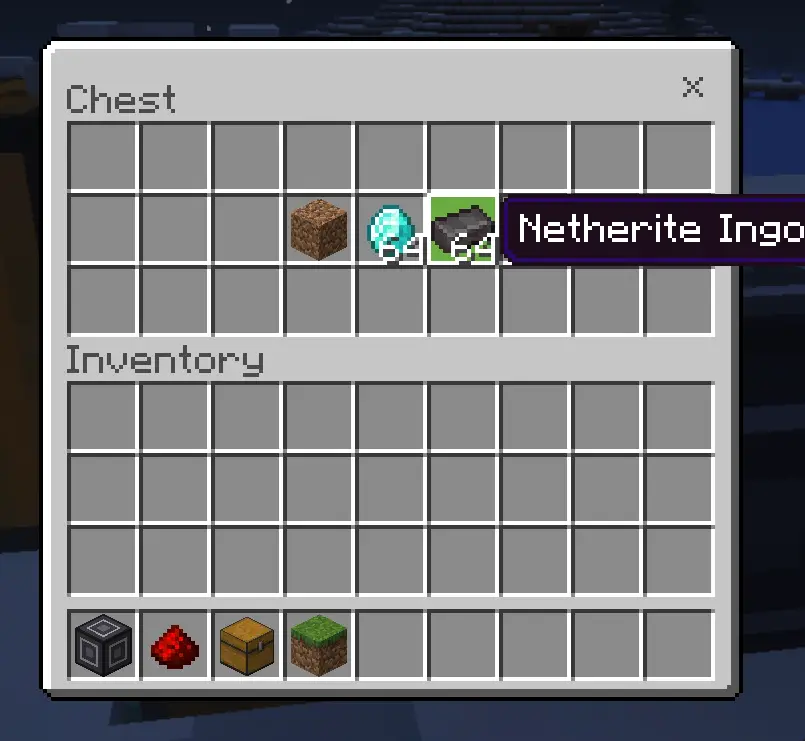
Place the detector directly beside a container. Leave the block above the detector empty. Use/right-click the detector to open the rule GUI. Enter rules using this format:
minecraft:item_id|countExample rules
minecraft:diamond|64
minecraft:diamond|64;minecraft:redstone|32;minecraft:iron_ingot|16
Duplicate rules add together. For example:
minecraft:diamond|64;minecraft:diamond|64requires 128 diamonds total.
Redstone Output
When the rules match, the detector places a redstone block above itself. When the rules stop matching, it removes the redstone block it created.
Known Limitation
Minecraft Bedrock custom blocks do not safely support native redstone output on every version yet, so this add-on uses a redstone block output method for compatibility.
Credits
Made by Adit Mods.
- Edition: Minecraft Bedrock
- File type: .mcpack or .mcaddon
- How to install: Download the .mcpack or .mcaddon file. → Open it — Minecraft imports it. → In your world: Behavior Packs → Available → Activate, then the same under Resource Packs.
- Where to get it: In MCModsHub, or directly above on this page.
Install steps are the general flow for this file type — How to install Minecraft Bedrock addons & mods walks through it step by step.
- Pack type: .mcaddon — behaviour and resource pack in one file
- Manifest requires Minecraft 1.21.0 or newer
- Complete pack — everything it depends on is inside the file
- Download link checked 18 Jun 2026 — working
- Mirrored on our own servers — the download does not depend on the original host
These come from our own check of the pack file, not from the source page.