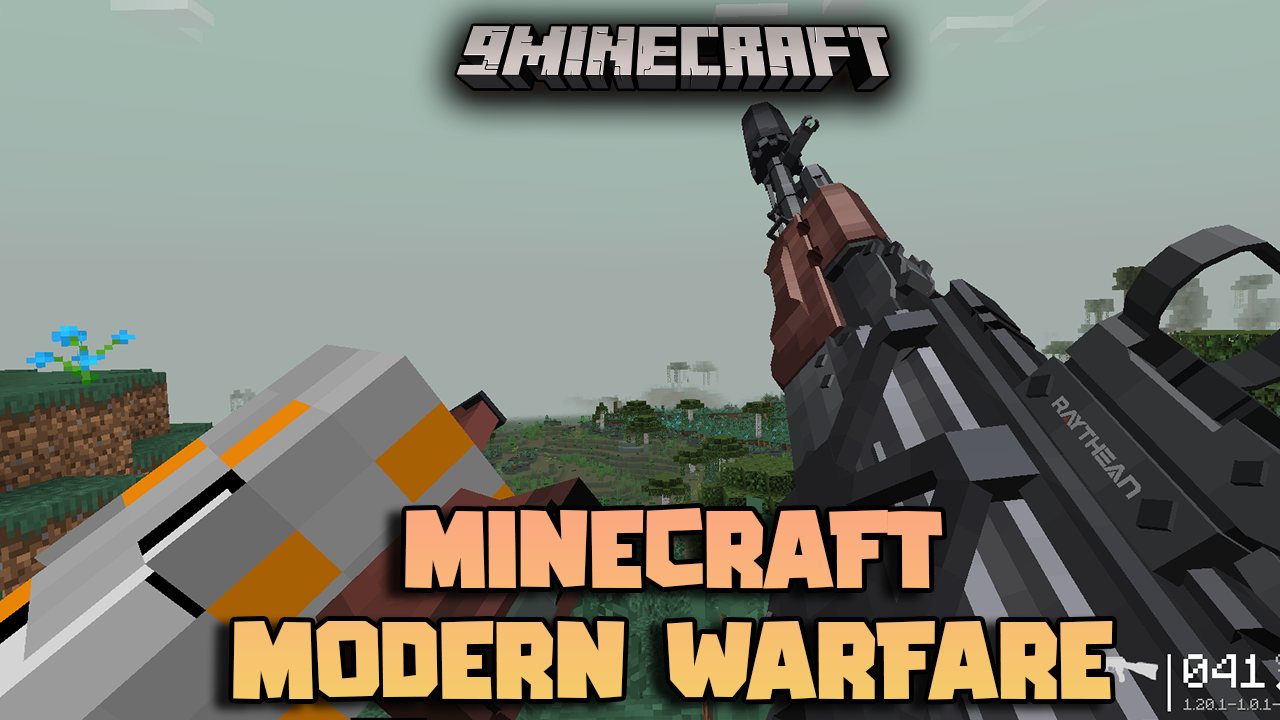
Minecraft Modern Warfare Modpack (1.20.1, 1.12.2) – Gear Up for Combat
Java modpack listed for Minecraft 1.20. File opened and checked on 24 Sep 2026; downloads from the MC Java Mods app on Android.
⬇ Download
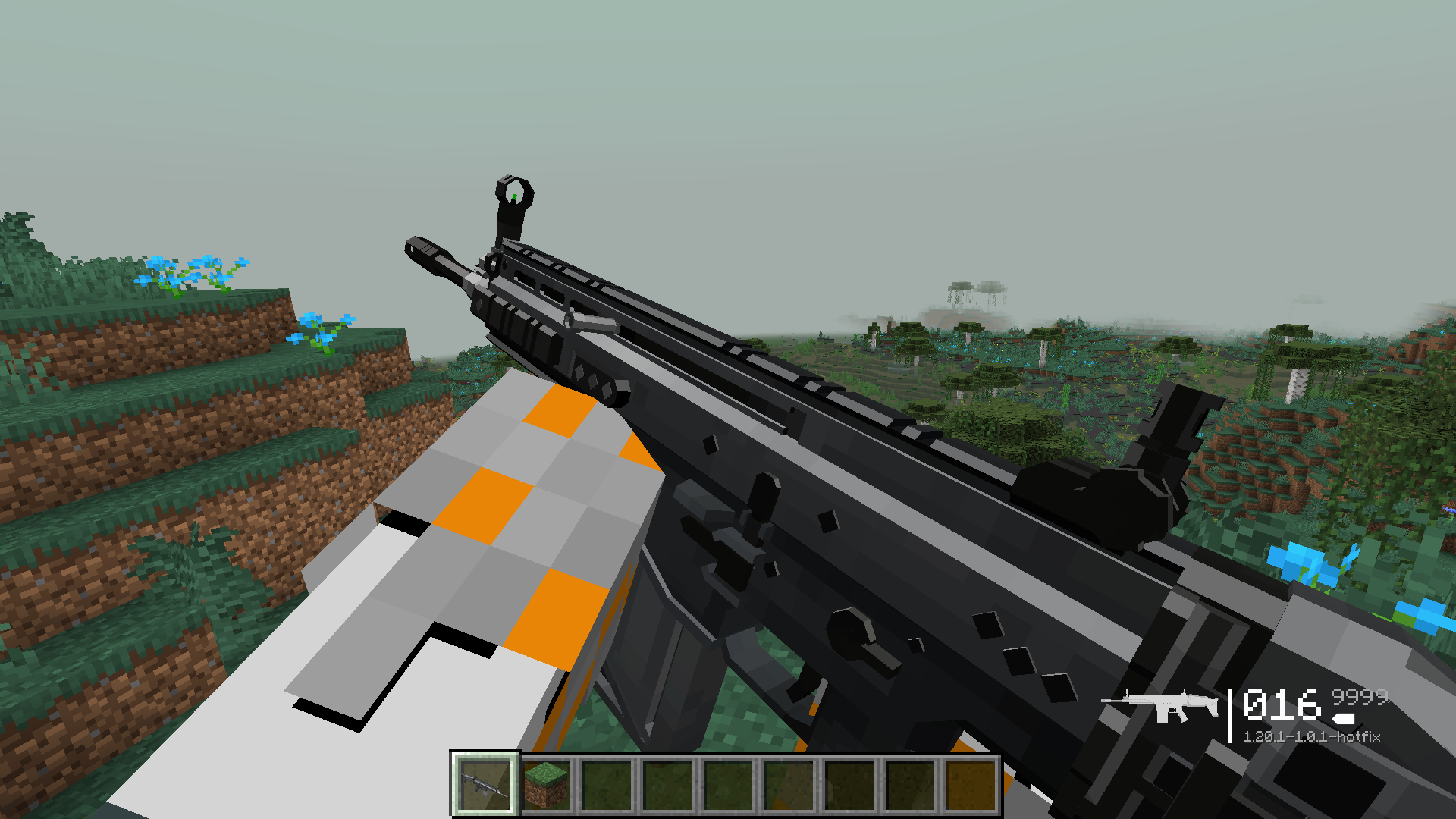
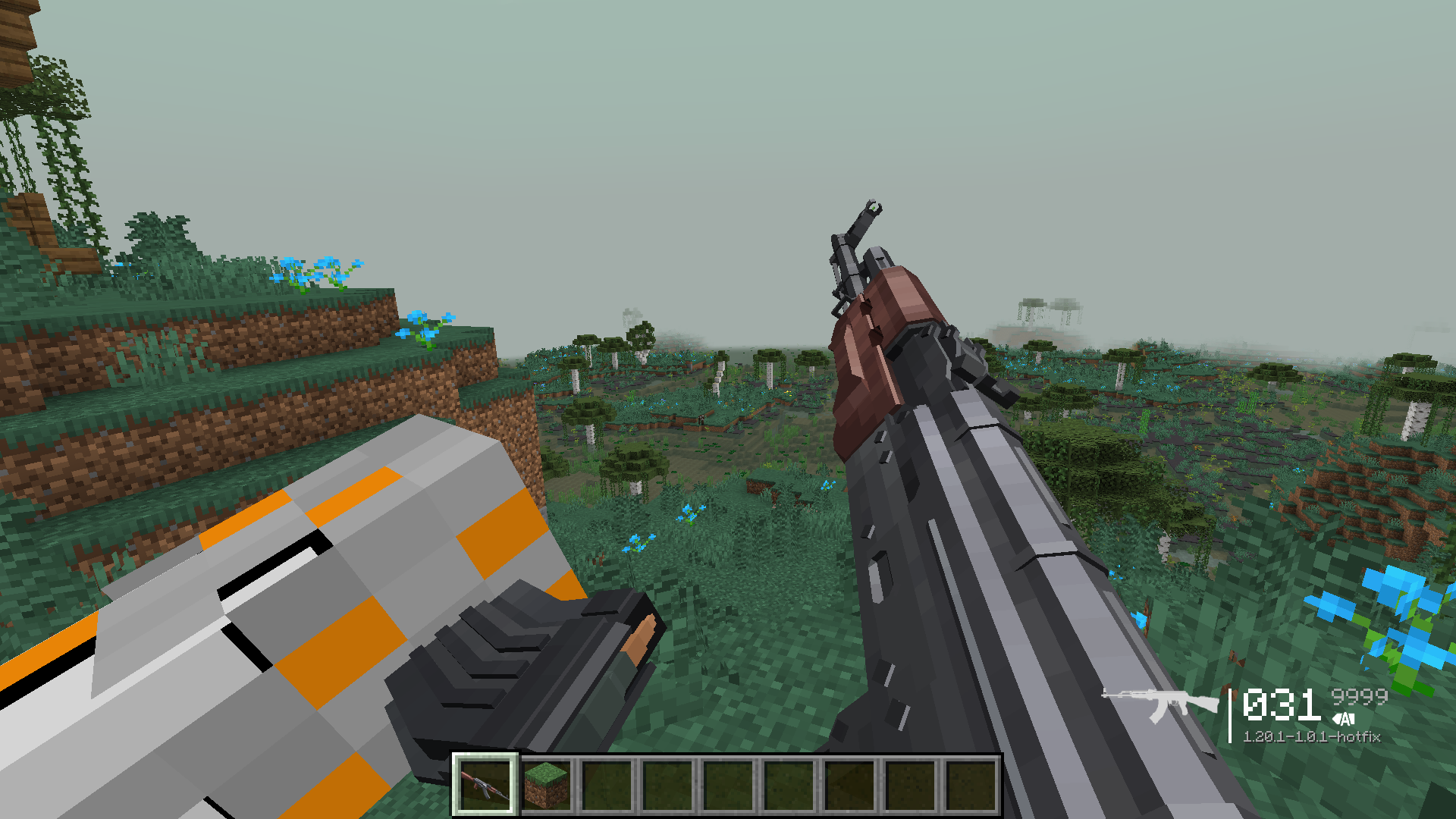
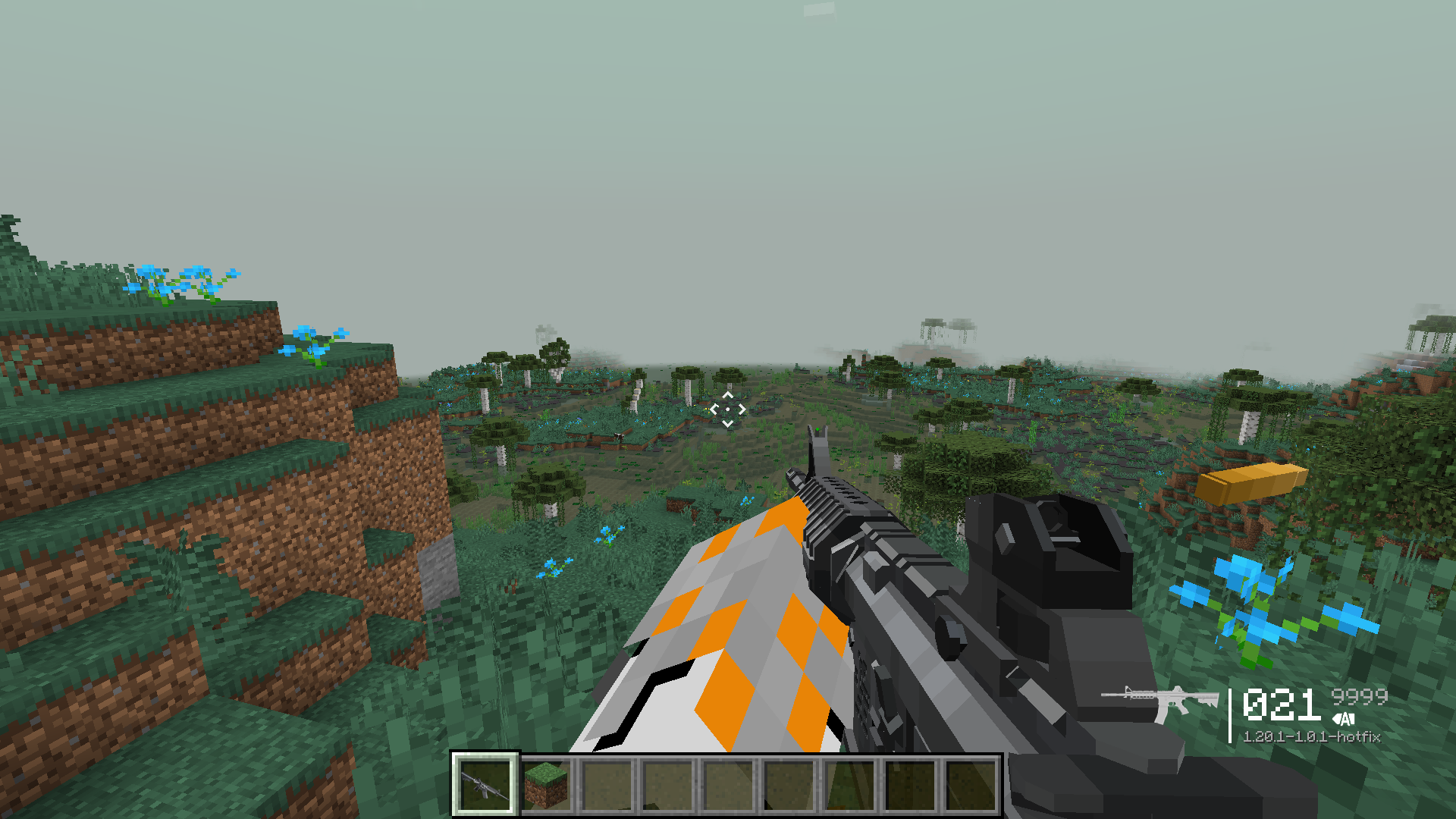
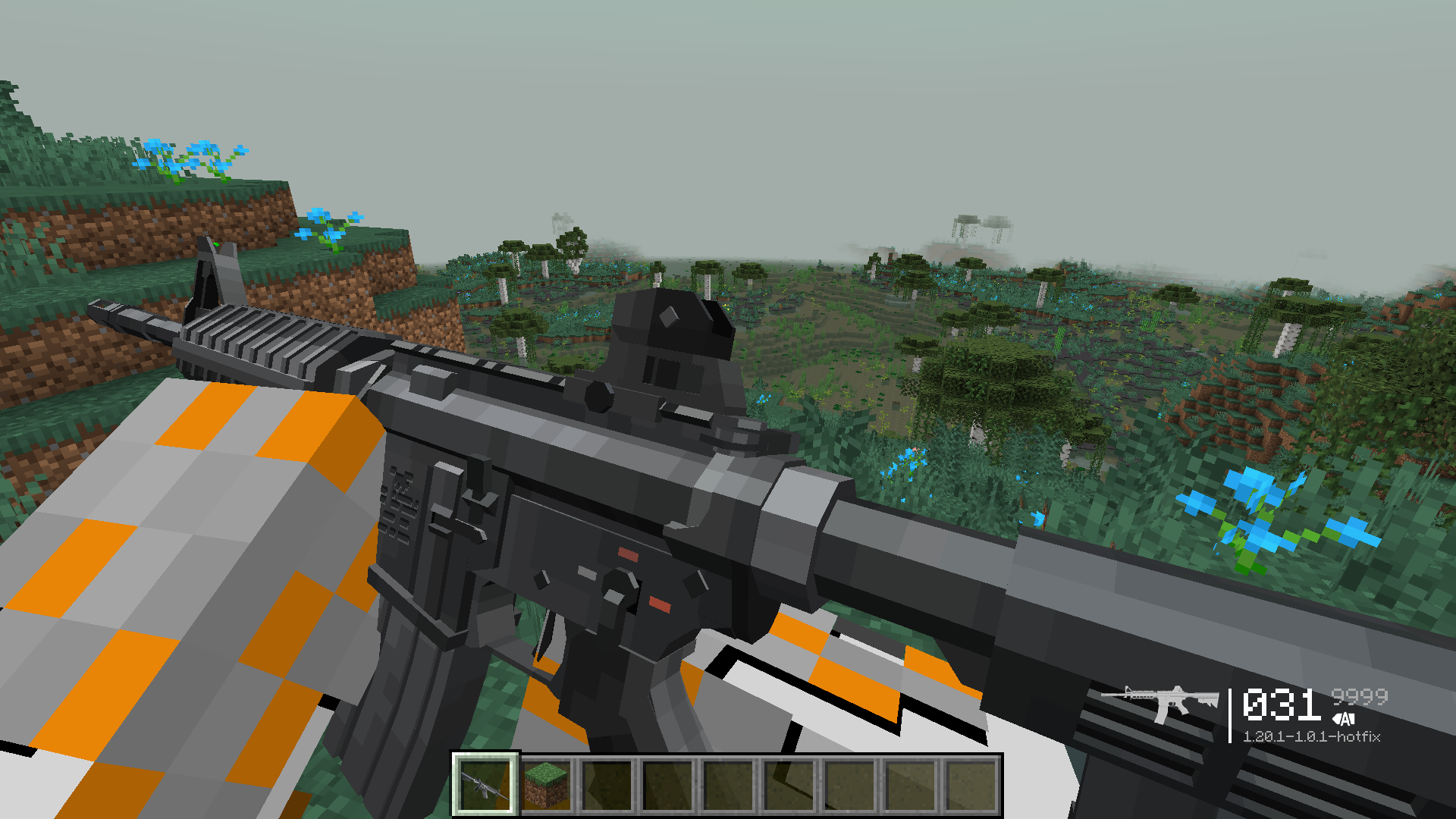
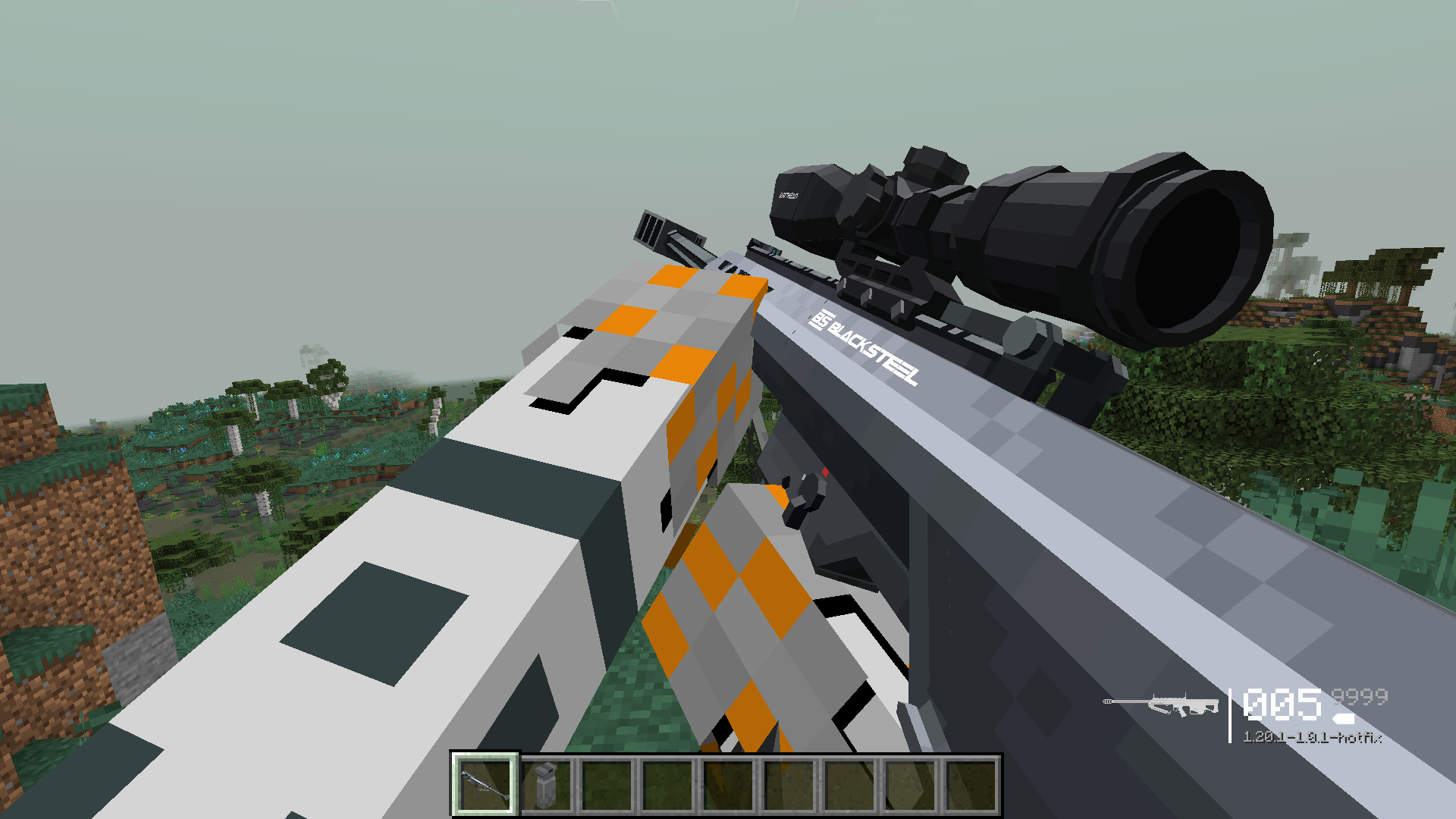
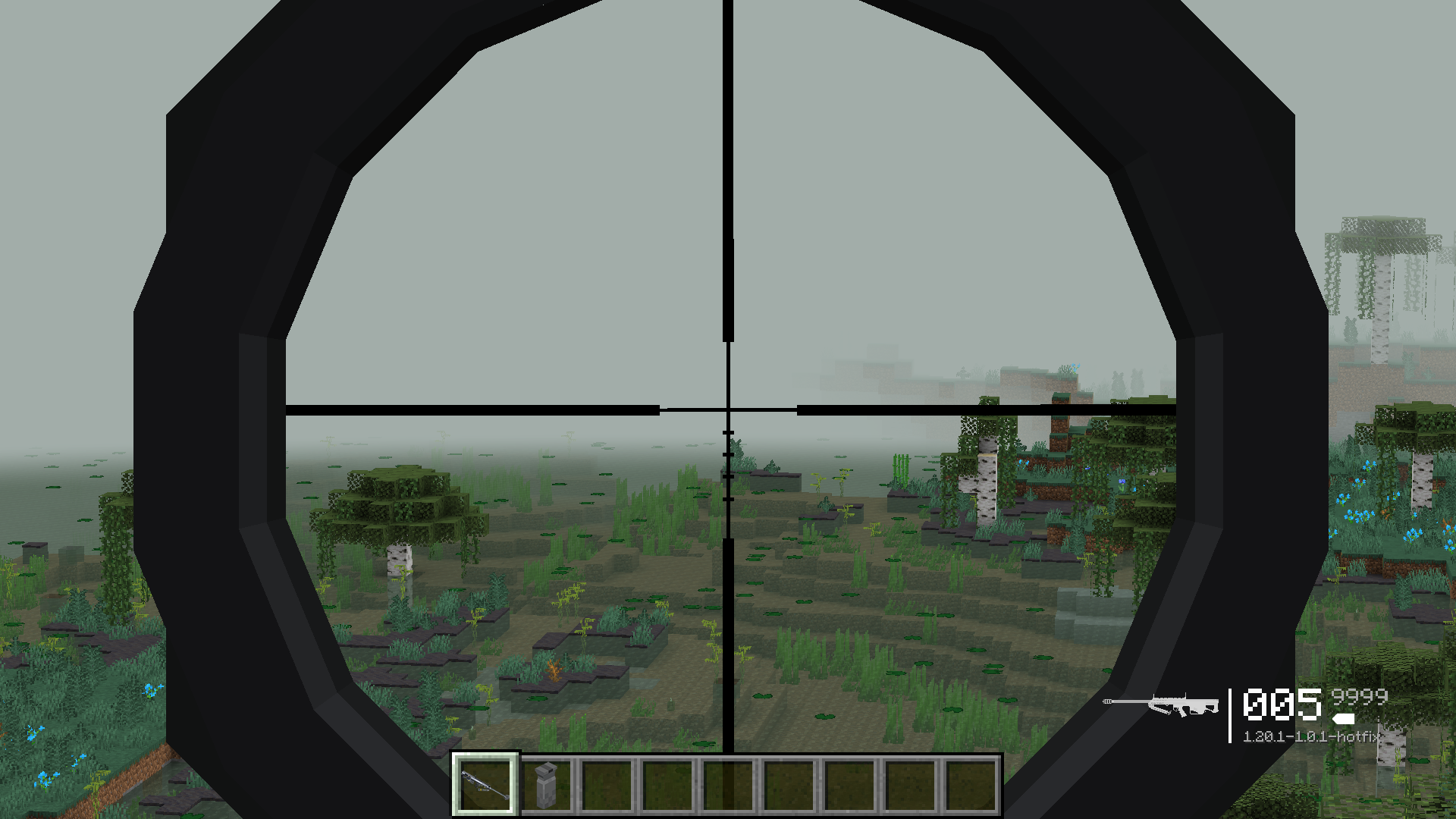
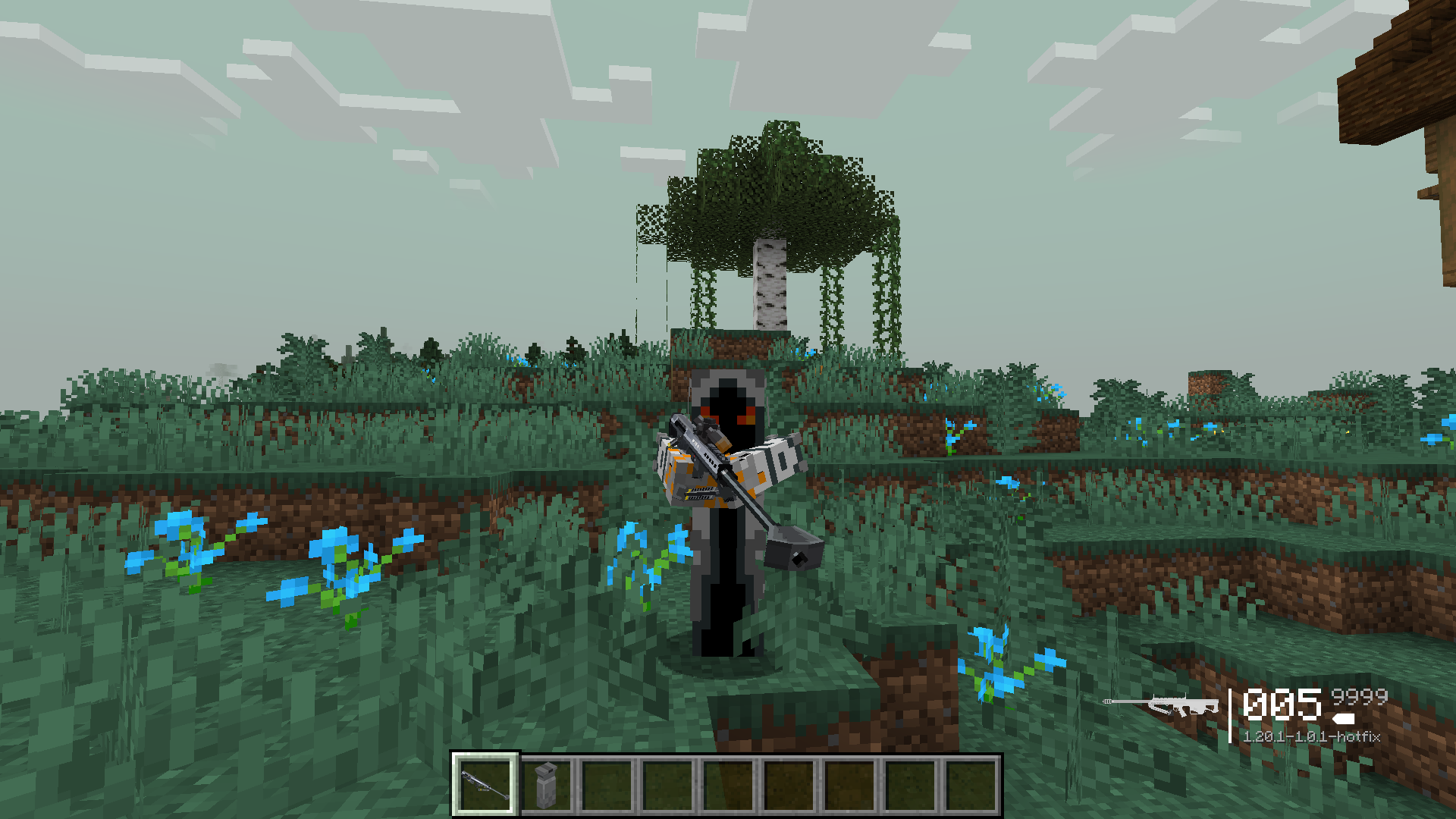
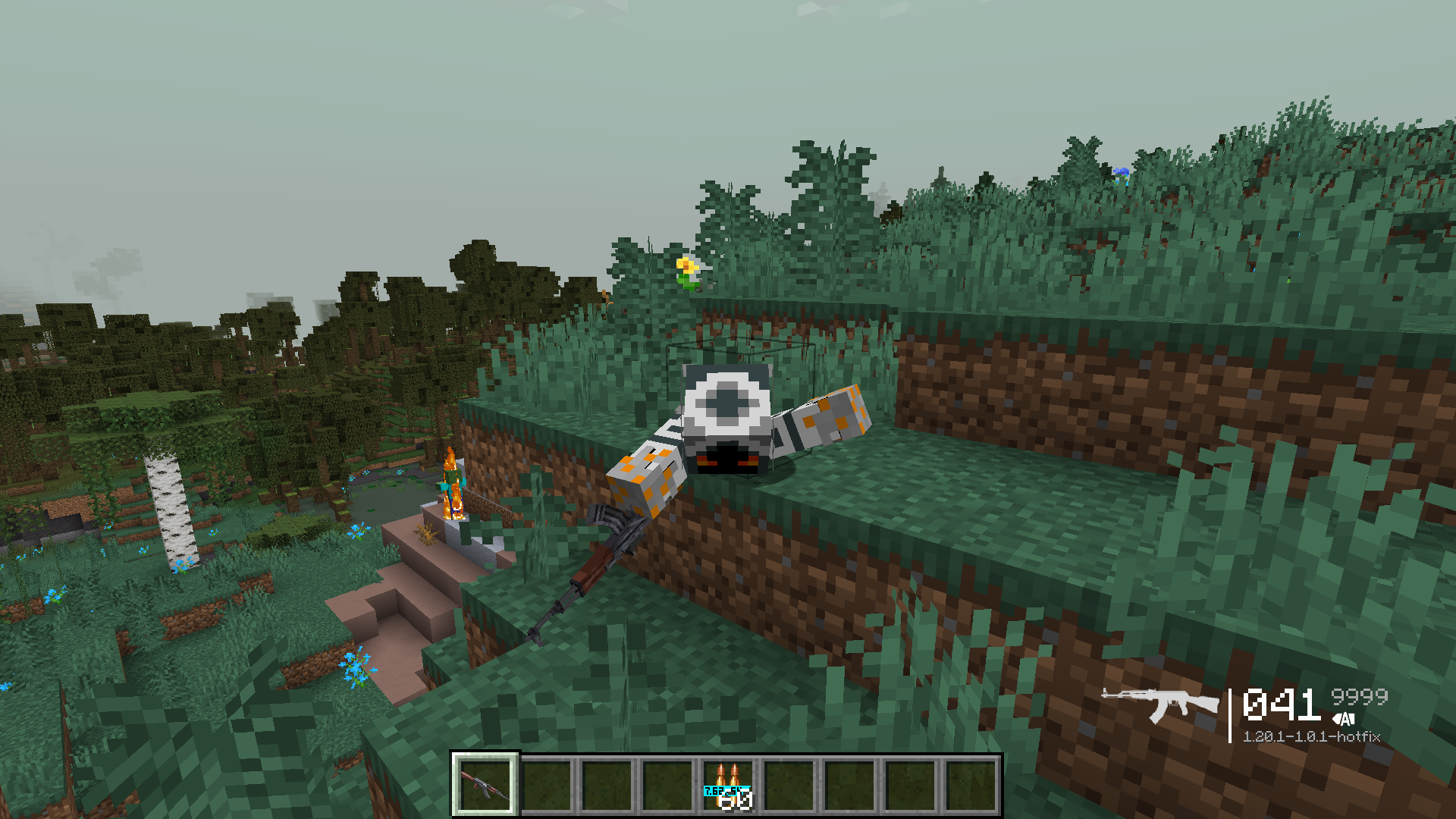
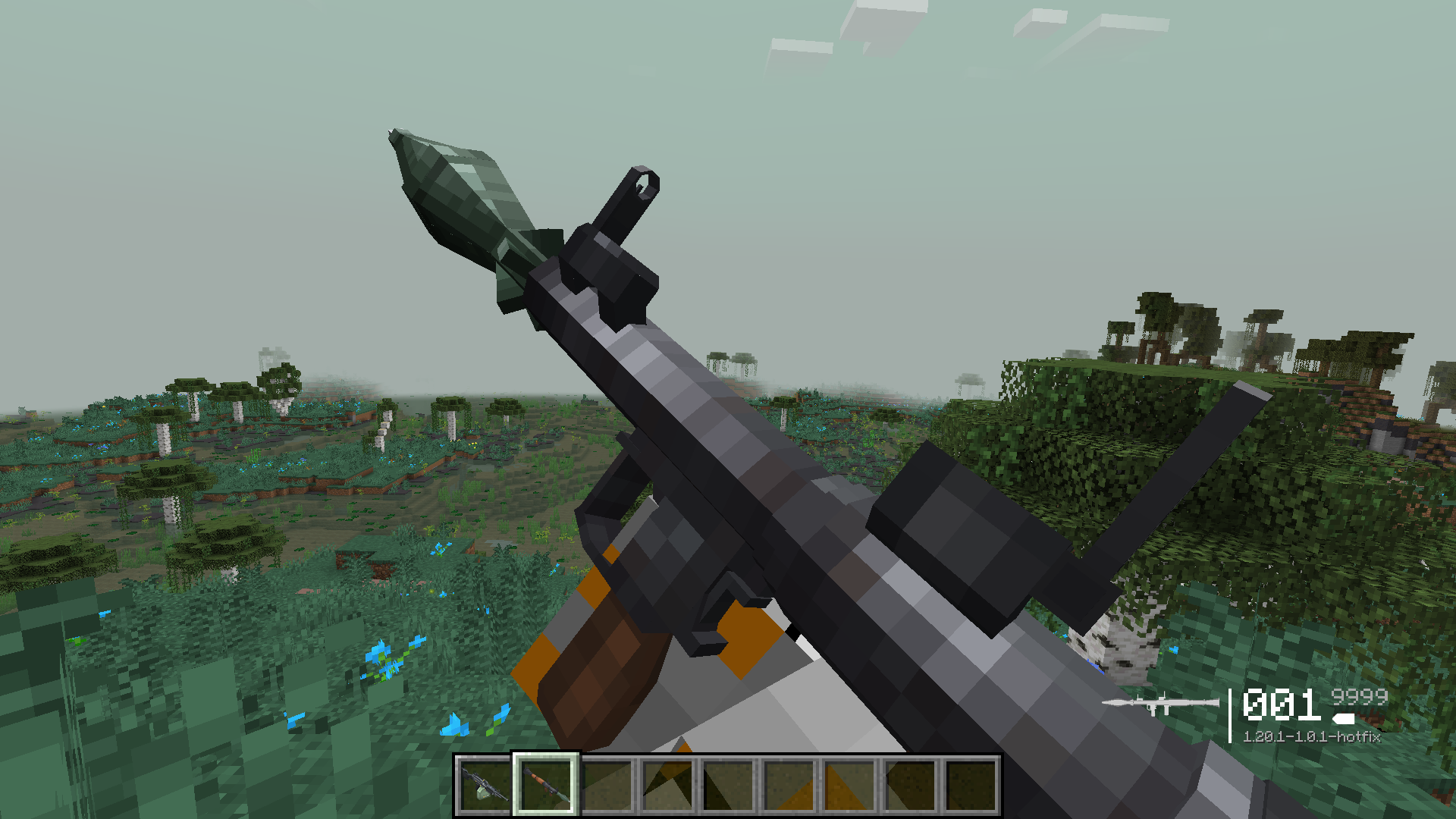
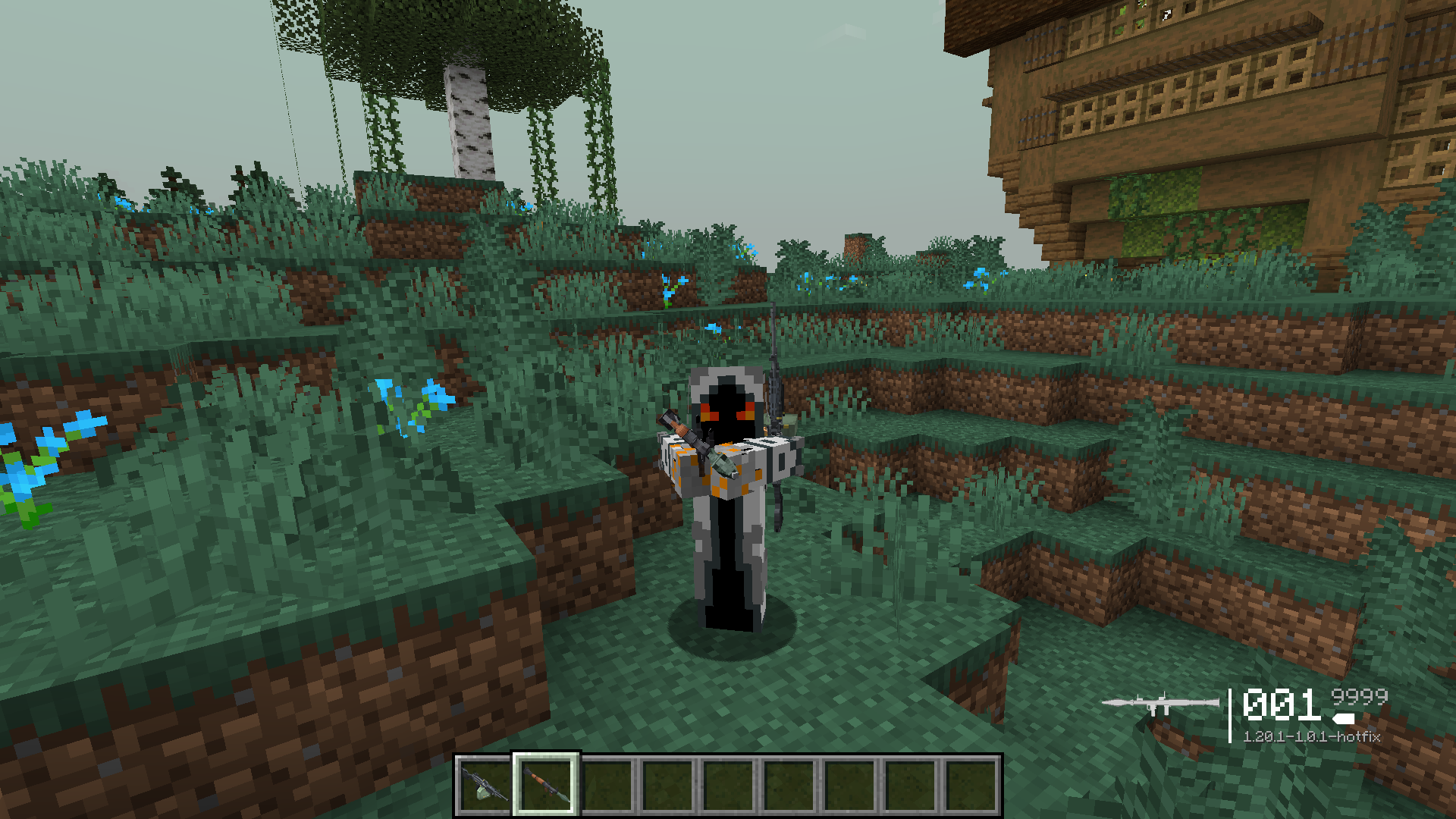
Minecraft Modern Warfare Modpack offers a combat-focused experience with over 15 mods. It includes modern guns like snipers and AKs, along with advanced movement features like rolling and wall jumping. The pack is fully optimized and supports shaders, providing enhanced visuals and stunning world generation. Crafting is simplified with JEI, making gameplay more efficient and user-friendly.
Features:
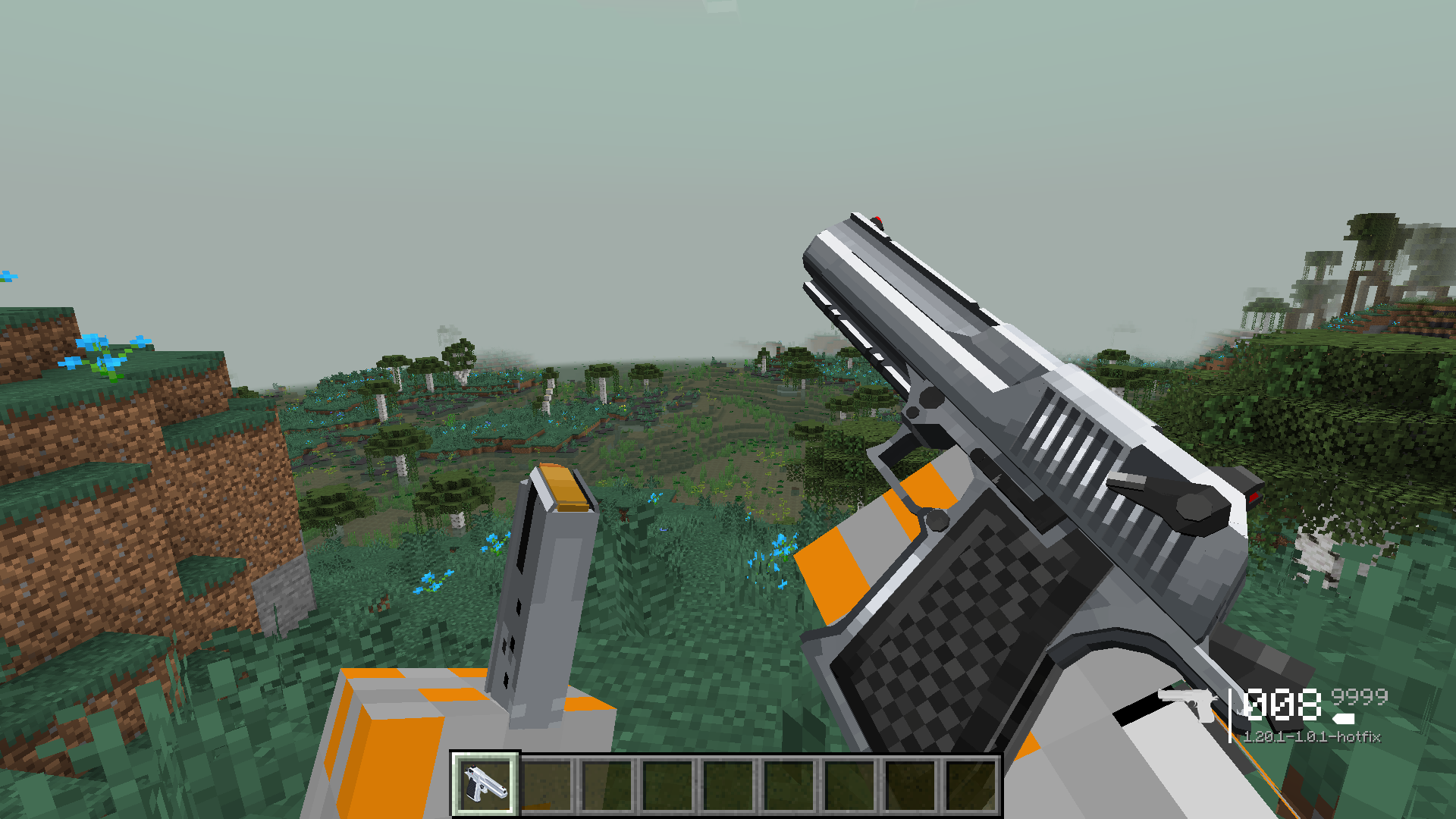
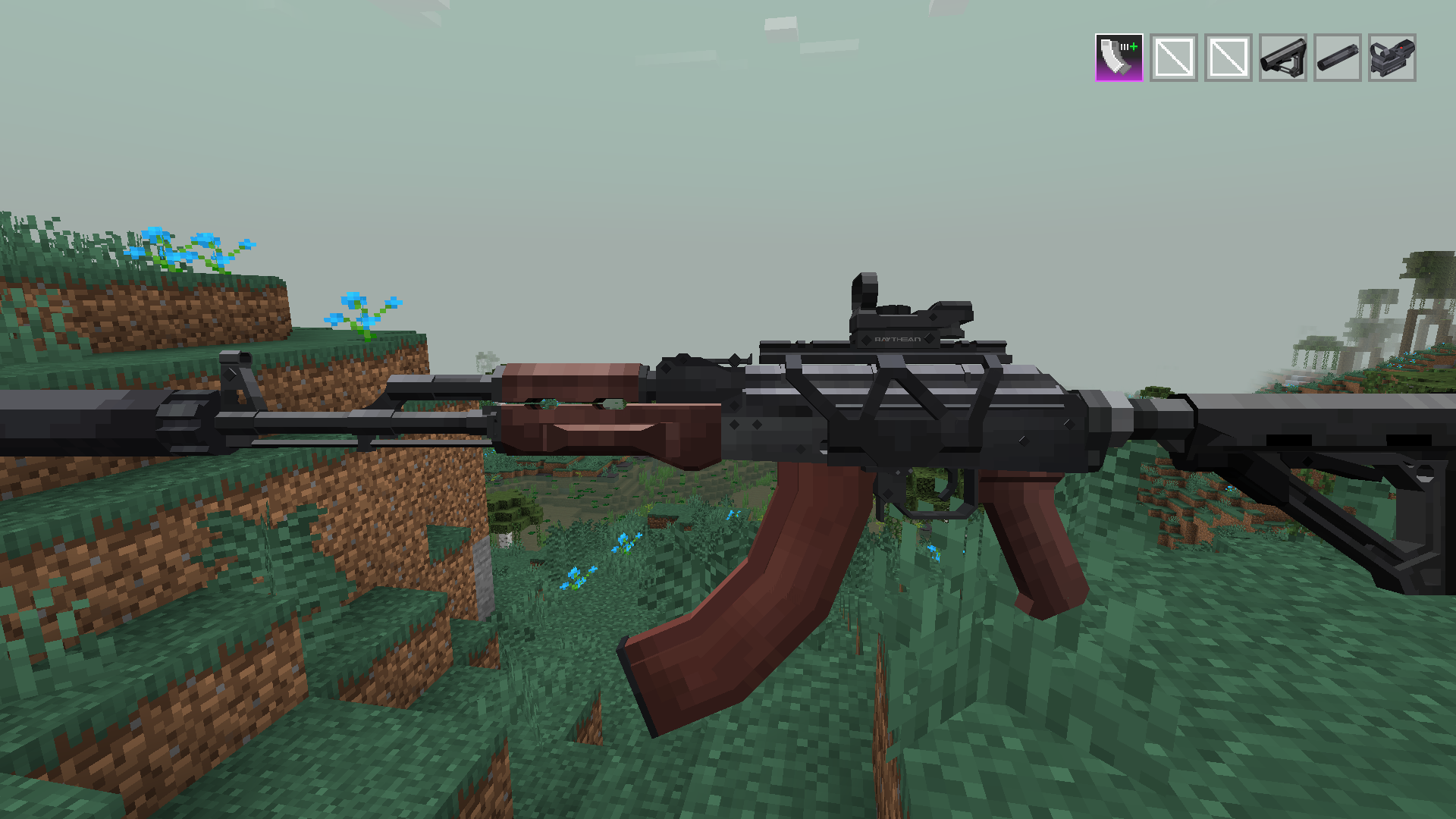
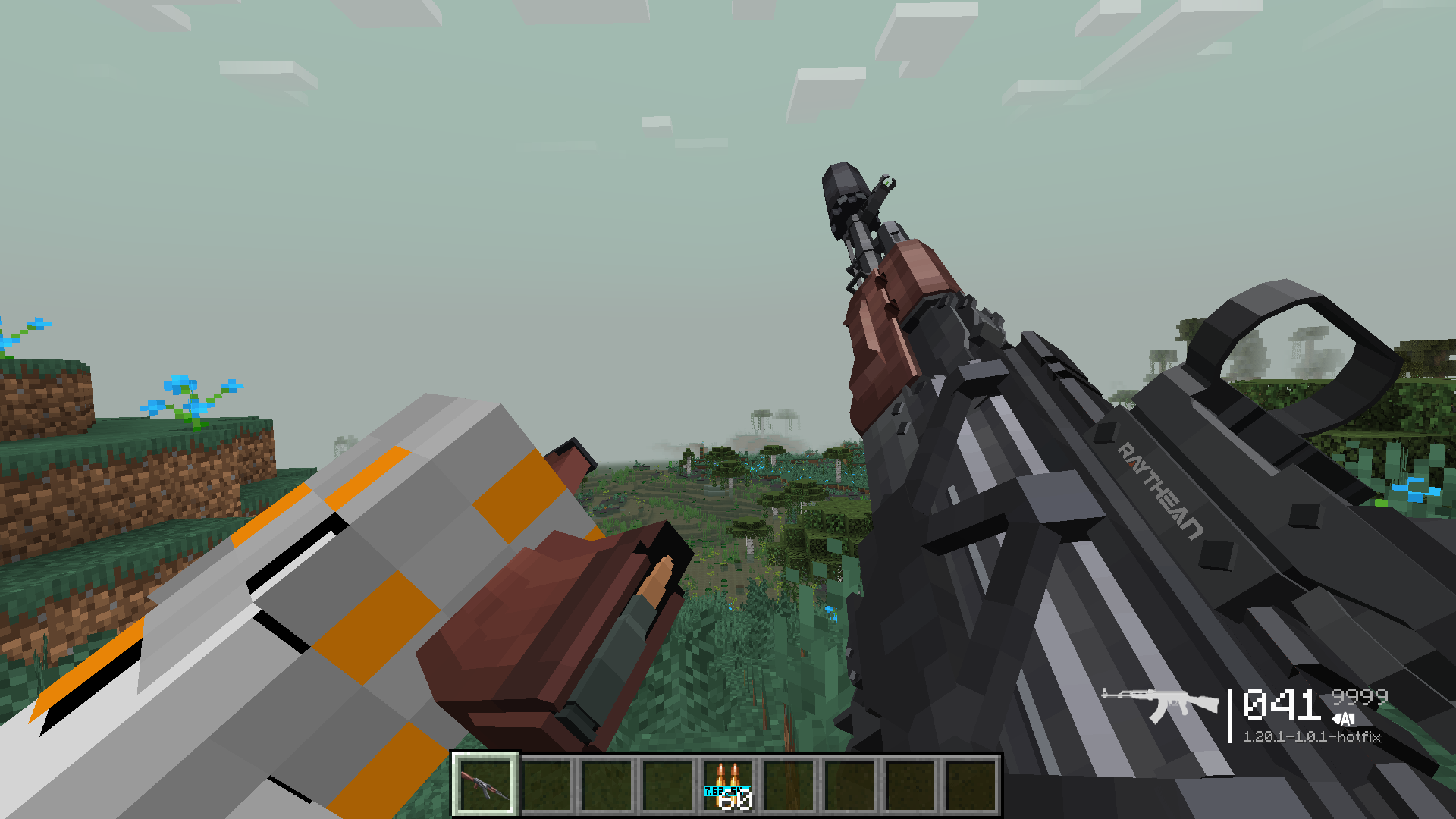
- Modern Weaponry: Includes snipers, AKs, and other modern guns.
- Advanced Movement: Rolling, wall jumping, and more for dynamic mobility.
- Shader Support: Fully optimized with shader compatibility for enhanced visuals.
- Enhanced World Generation: Beautiful landscapes for immersive gameplay.
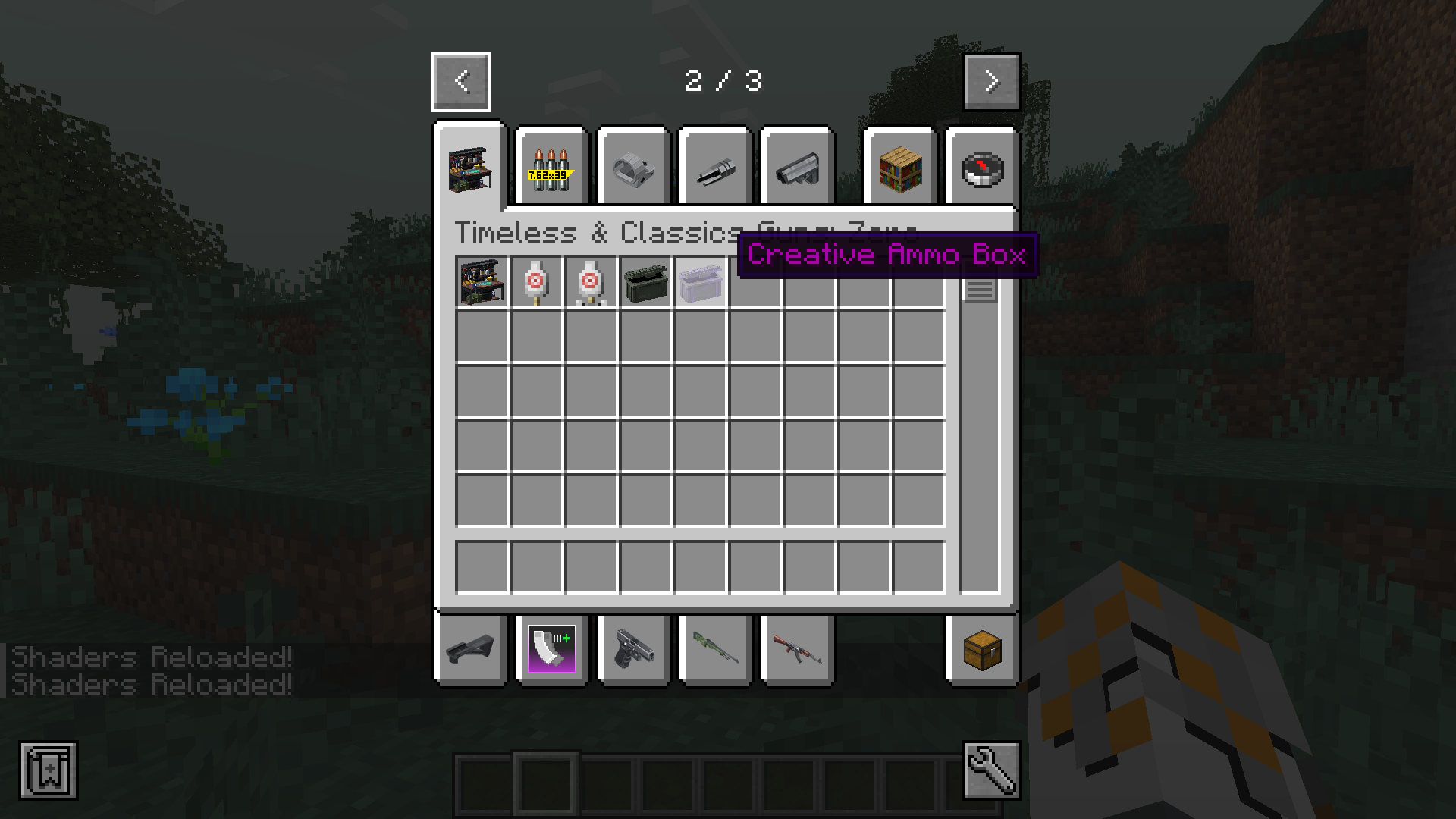
- Streamlined Crafting: Simplified with JEI and quality-of-life additions.
Screenshots:
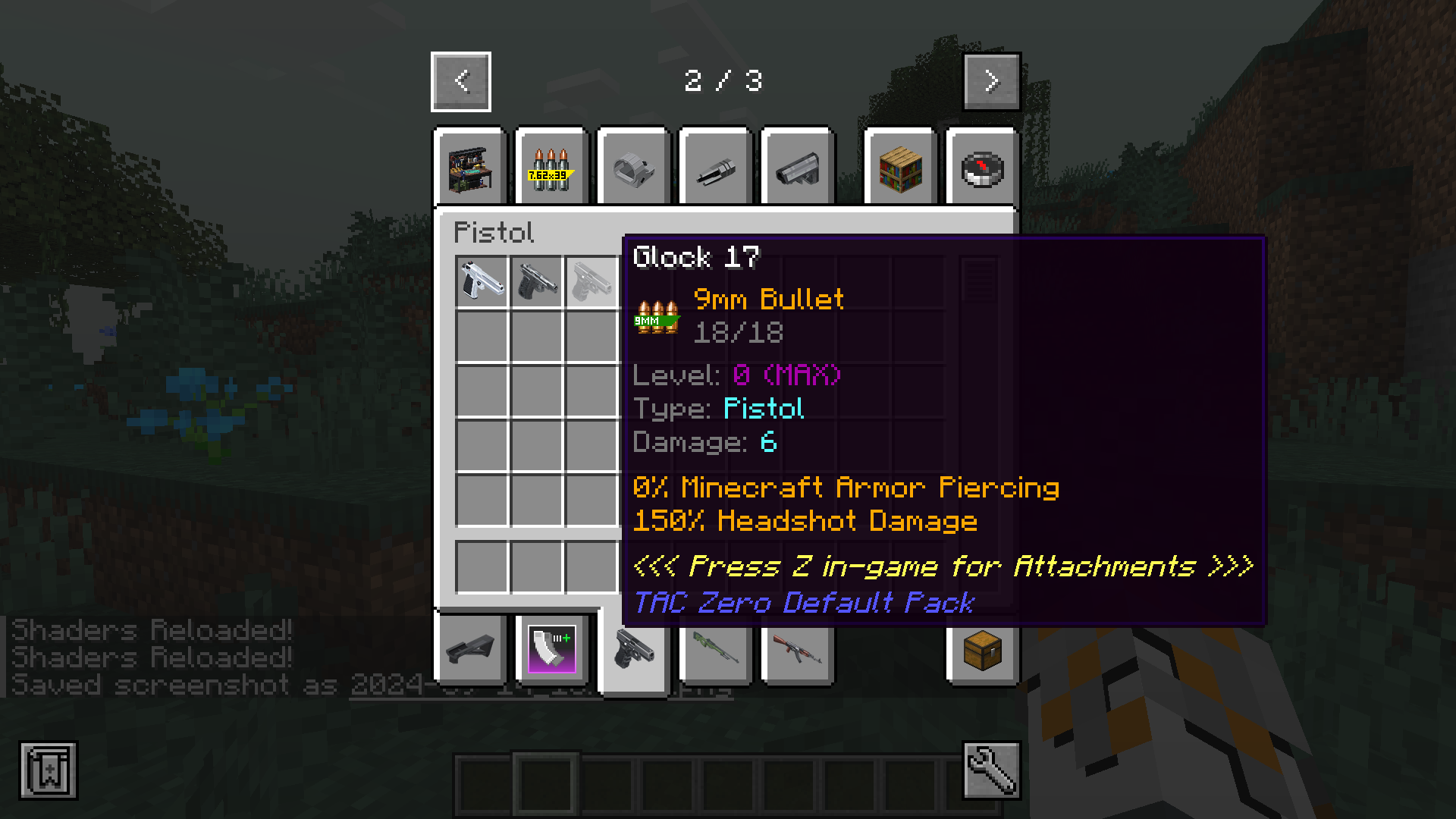
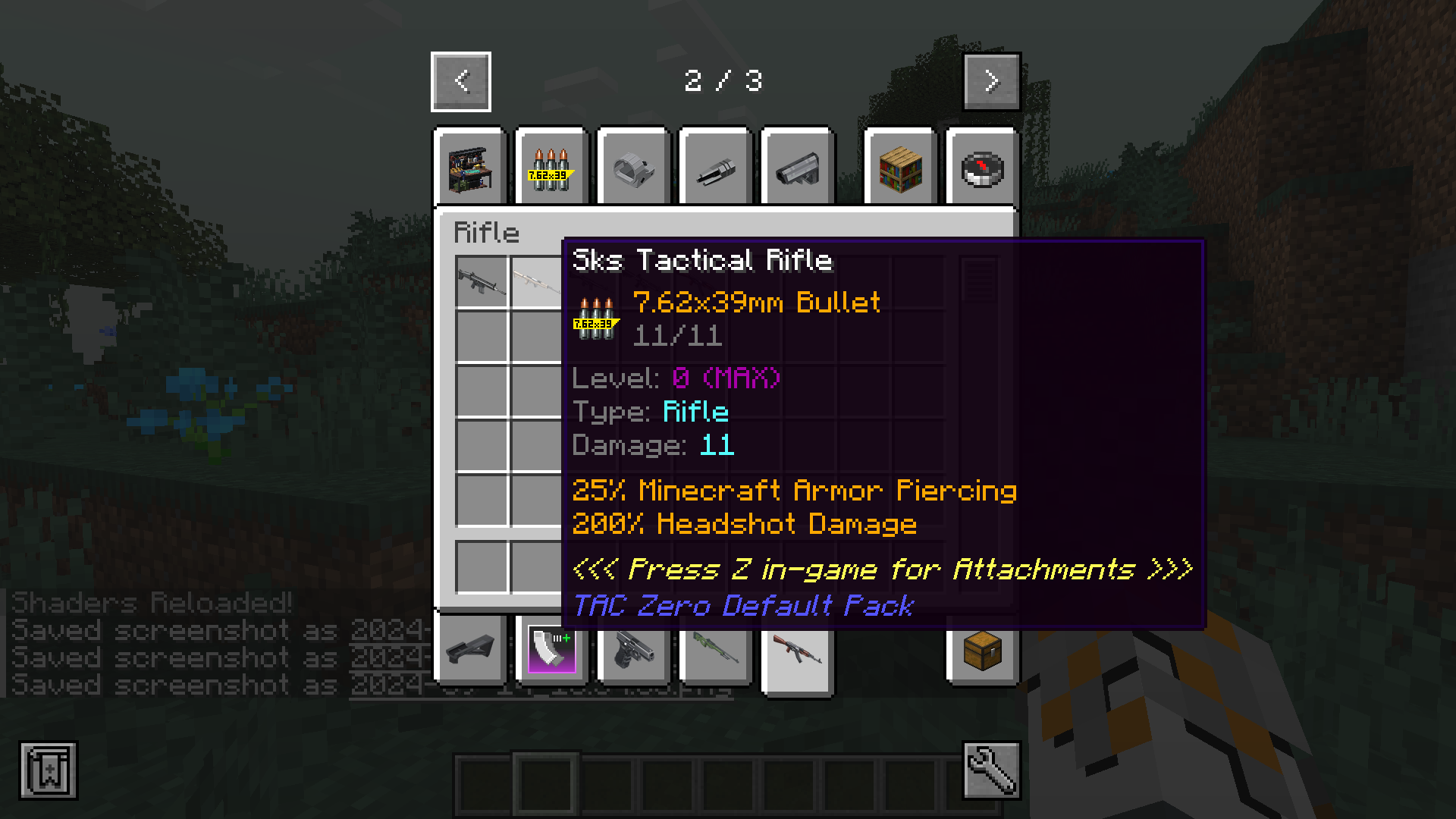
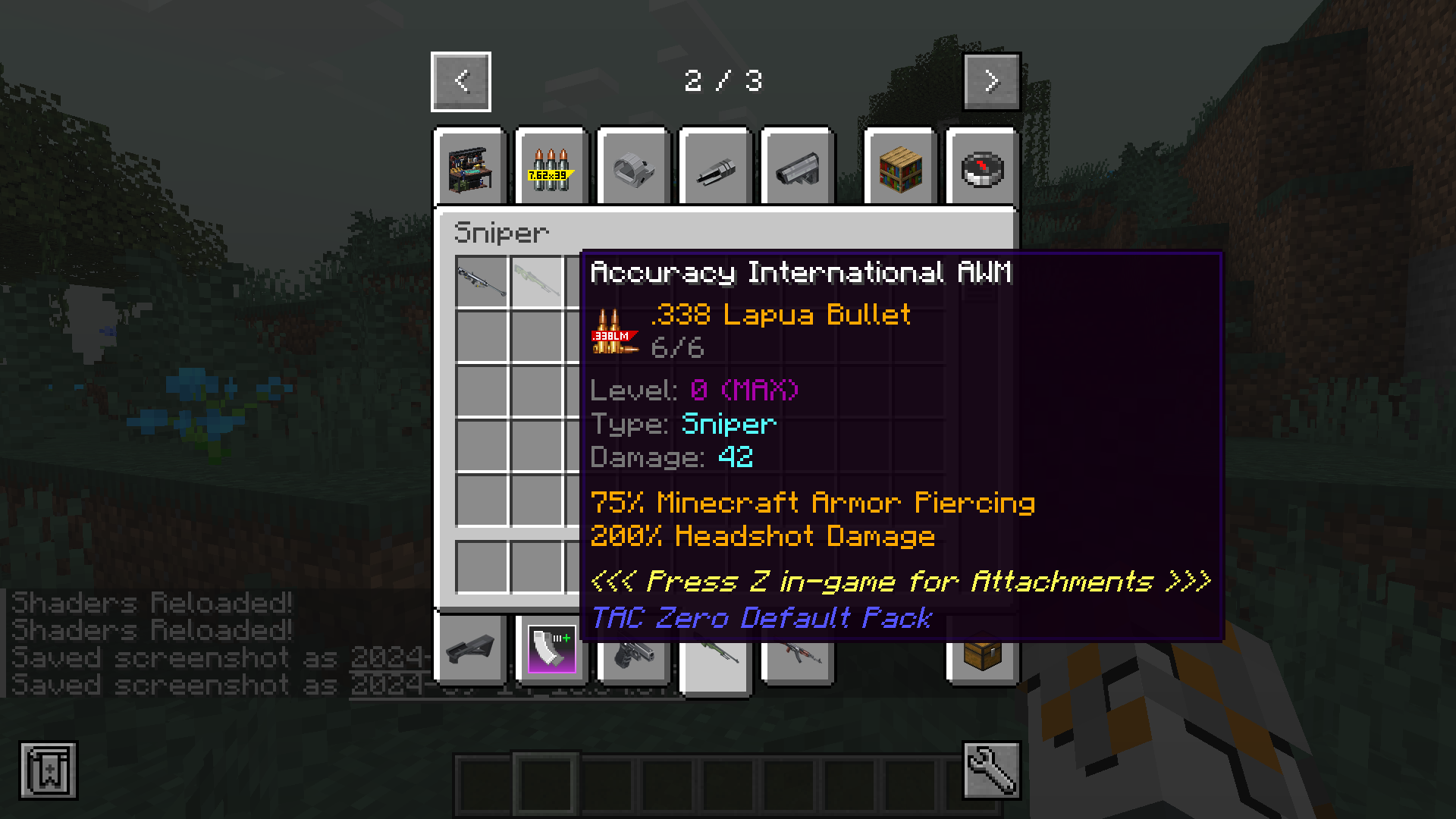
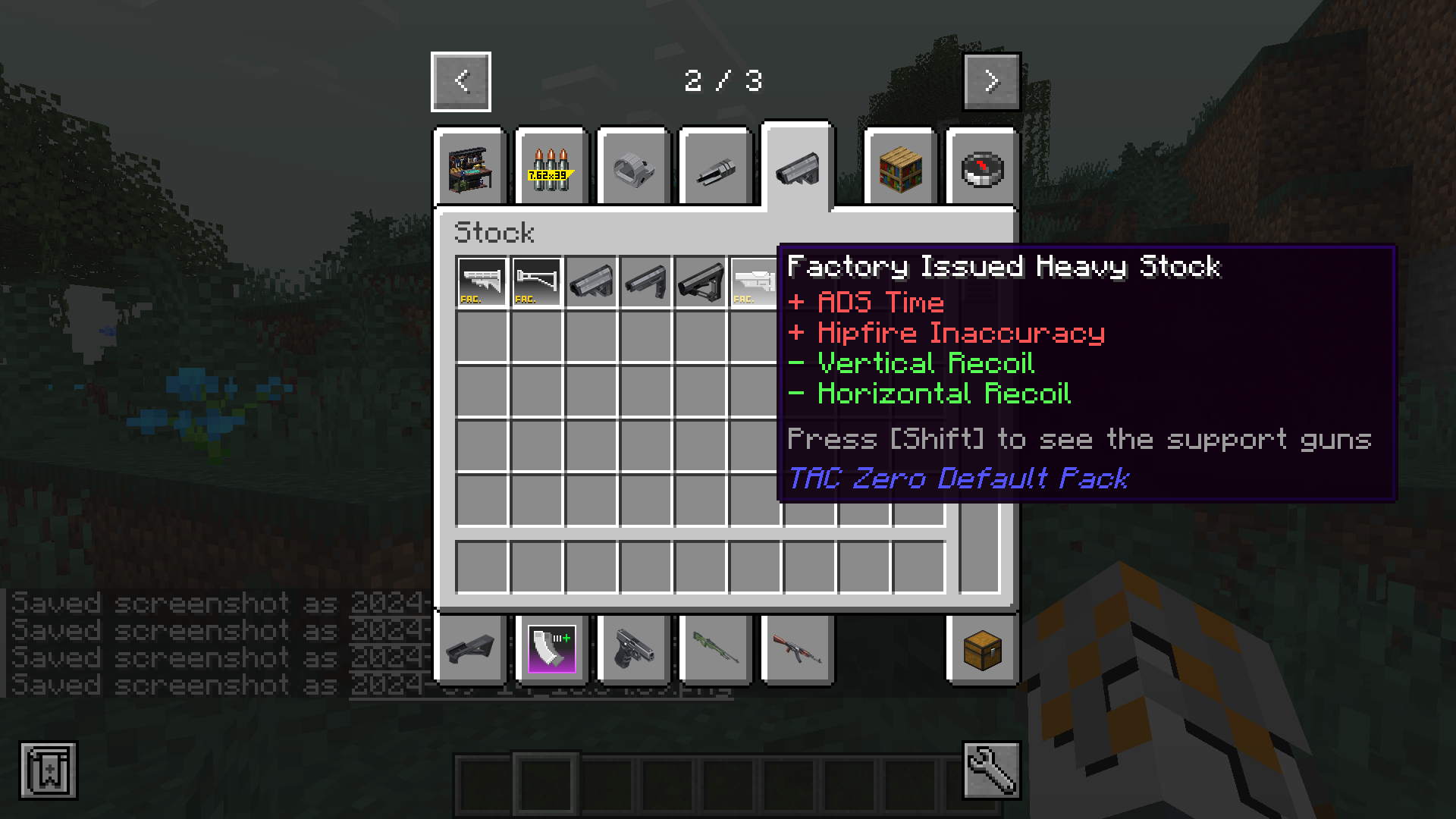
Minecraft Modern Warfare Modpack Download Links
For Minecraft 1.20.1
Forge Version (Server Files): Download from Server 1 – Download from Server 2
For Minecraft 1.12.2
Forge Version (Server Files): Download from Server 1 – Download from Server 2
- Edition: Minecraft Java
- File type: .jar
- Minecraft version listed: 1.20.1
- How to install: Install the matching mod loader (Forge, Fabric or NeoForge) for your Minecraft version. → Download the .jar. → Put it in the .minecraft/mods folder and launch that loader profile.
- Where to get it: Opens on the file's original source — not every file is mirrored on our own servers.
Install steps are the general flow for this file type — How to install Minecraft Java mods & modpacks walks through it step by step.
Minecraft Modern Warfare Modpack (1.20.1, 1.12.2) – Gear Up for Combat is a free Minecraft Java modpack. Compatible with Minecraft 1.20.1. Download it and open it directly in the game.