Bijoy Dibos Addon for Minecraft Bedrock 1.21.100
Bedrock add-on listed for Minecraft 1.21 (behavior + resource pack). File opened and checked on 6 Oct 2026; installs from the MC Bedrock Mods app on Android.
Celebrate Bangladesh Victory Day in Minecraft Bedrock with Bijoy Dibos — flag-inspired items, red & green decorative blocks, and patriotic structures.
⬇ Download🇧🇩 Bijoy Dibos Add-on for Minecraft
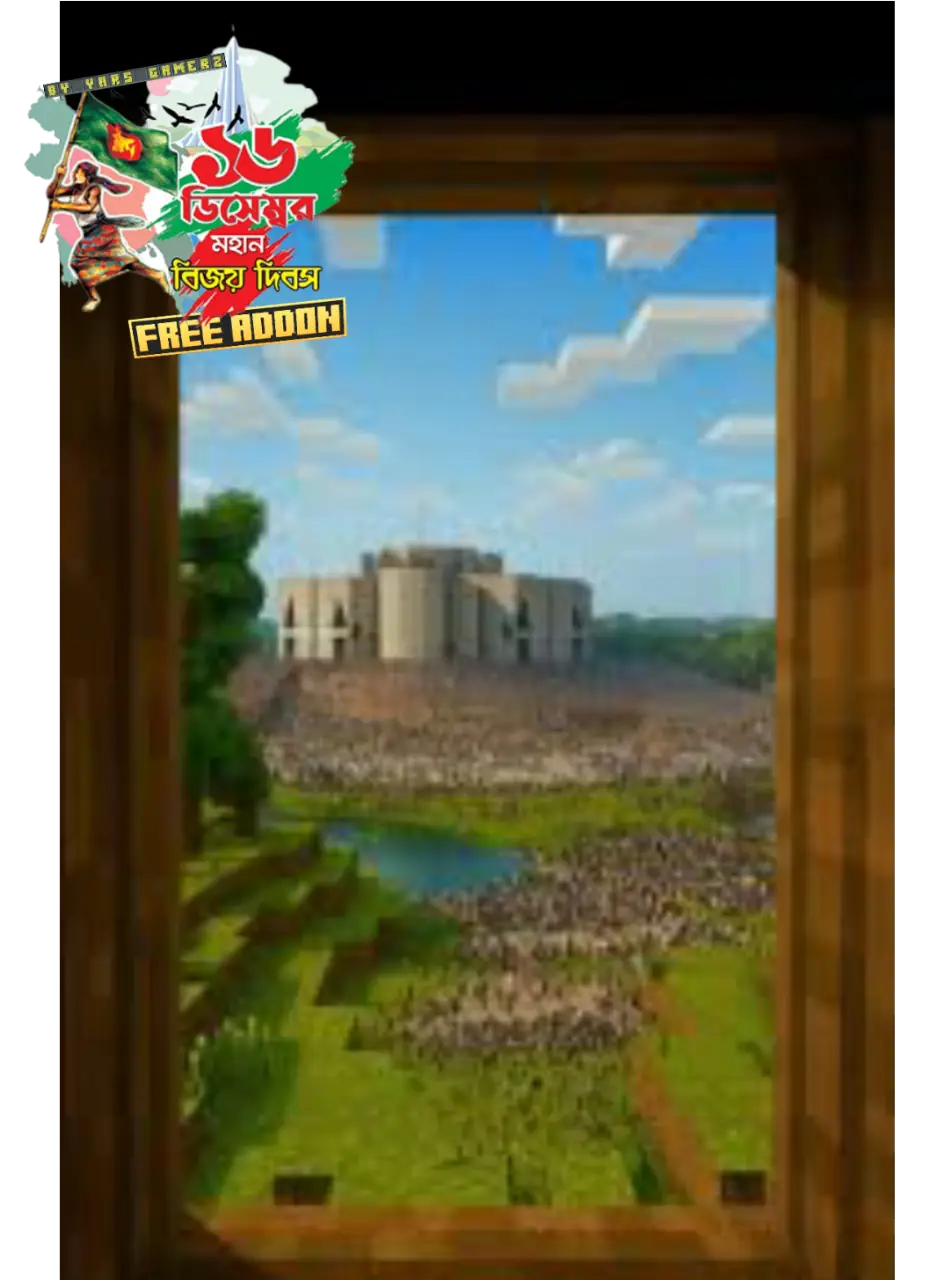
Bijoy Dibos Add-on is a special Minecraft Bedrock Add-on created to honor and celebrate Bangladesh Victory Day (16th December). This add-on brings the spirit of freedom, patriotism, and national pride into the Minecraft world, allowing players to experience the glory of Bangladesh’s victory in a creative and interactive way. With this add-on, players can decorate their worlds using Victory Day–themed blocks, items, and decorations inspired by the red and green colors of the Bangladeshi national flag. It is perfect for creating Victory Day maps, roleplay worlds, celebrations, and patriotic Minecraft videos.
Key Features
- 🇧🇩 Bangladesh national flag–inspired items
- 🟥🟩 Red & Green themed decorative blocks
- 🎉 Special Victory Day decorations
- 🪖 Freedom Fighter & Liberation War–inspired elements
- 🏛️ Patriotic structures and accessories
- 🎆 Ideal for events, celebrations, and custom maps
Supported Versions
Minecraft Bedrock Edition / Pocket Edition — Supports latest Minecraft versions.
Why Use Bijoy Dibos?
This add-on is perfect for players who want to celebrate Victory Day in Minecraft, create patriotic content, or showcase Bangladeshi culture in their worlds. Whether you are building a memorial, organizing an in-game celebration, or making YouTube videos, this add-on adds emotion, history, and national identity to your gameplay.
Celebrate 16th December – Victory Day of Bangladesh in Minecraft and show your love for the country!
💚❤️ Made with love, respect, and pride for Bangladesh ❤️💚
- Edition: Minecraft Bedrock
- File type: .mcpack or .mcaddon
- Minecraft version listed: 1.21.100
- How to install: Download the .mcpack or .mcaddon file. → Open it — Minecraft imports it. → In your world: Behavior Packs → Available → Activate, then the same under Resource Packs.
- Where to get it: In MCModsHub, or directly above on this page.
Install steps are the general flow for this file type — How to install Minecraft Bedrock addons & mods walks through it step by step.
- Pack type: .mcaddon — behaviour and resource pack in one file
- Complete pack — everything it depends on is inside the file
- Download link checked 18 Jun 2026 — working
- Mirrored on our own servers — the download does not depend on the original host
These come from our own check of the pack file, not from the source page.