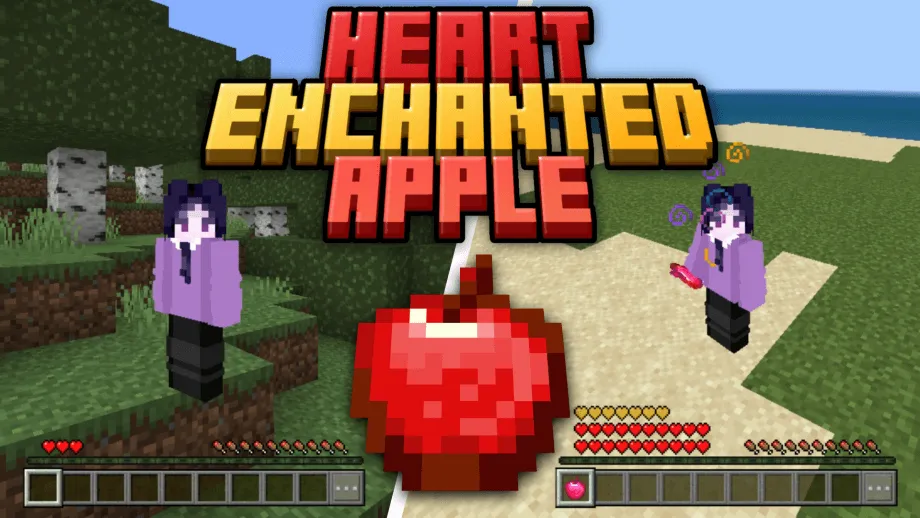
Heart Enchanted Apple Addon for Minecraft Bedrock 1.21.100
Bedrock add-on listed for Minecraft 1.21 (behavior + resource pack). File opened and checked on 30 Sep 2026; installs from the MC Bedrock Mods app on Android.
Every time you die, you LOSE A HEART! To restore it, you need the HEARTED ENCHANTED APPLE! Which you can obtain from killing the Ender Dragon or crafting…
⬇ DownloadHEART ENCHANTED APPLES
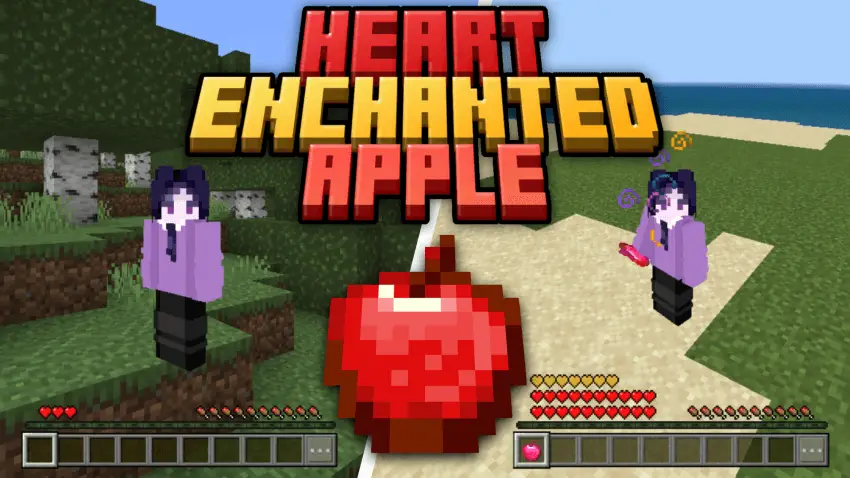
Do you want more challenges with your survival!? If yes, then this addon is the one that you are looking for!
With this addon, every time you DIE, you lose a HEART! To restore it, you must obtain the one and only HEART ENCHANTED APPLE, which you can get from killing some mobs or crafting it.
LOST A HEART!
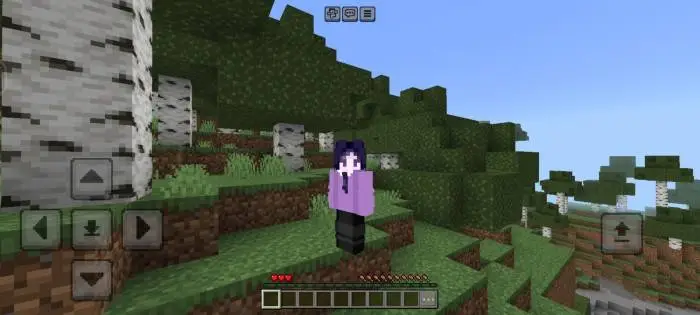
Every time you die you will lose a heart! Don't be scared if you have 1 heart left — when you die with 1 heart, you'll respawn again with 1 heart, because the minimum hearts you can have is 1.
RESTORE THE HEARTS!
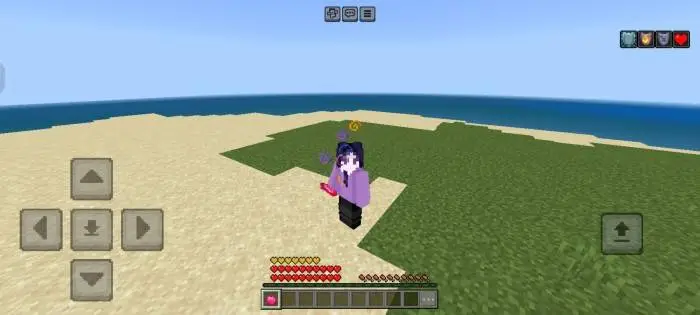
To restore the hearts that you lost, consume the HEART ENCHANTED APPLE that you can obtain in certain ways.
GET THE APPLES!
Here are some ways to obtain the HEART ENCHANTED APPLE:
THE BOSS SLAYER!



KILL THE MOB BOSSES! After being killed, their souls will drop the APPLES — take them!
THE MIGHTY CRAFTER!
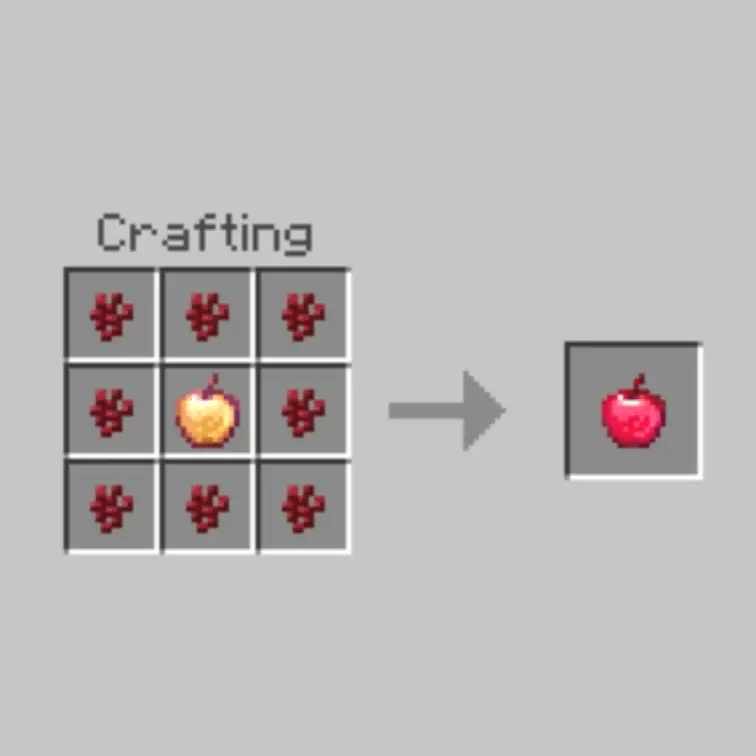
If you'd rather not fight mobs, you can be the MIGHTY CRAFTER! Gather the required items to craft the HEART ENCHANTED APPLE.
To craft a HEART ENCHANTED APPLE, you need:
- 8 pieces of Nether Wart from the Nether Dimension
- 1 Enchanted Golden Apple (one of the rarest items in Minecraft)
Thank You
Thanks for reading until the end :D — hope you enjoyed my addon.
If you find a bug or have suggestions for the addon, don't be shy to join my Discord server and chat there! https://dsc.gg/veillain
I really appreciate your feedback! Once again, thank you so much :D
Updated on November 17, 2025
- Optimize the base code
- Extend Max Heart limit to 100
- Support 1.21.100 +
- Edition: Minecraft Bedrock
- File type: .mcpack or .mcaddon
- Minecraft version listed: 1.21.100
- How to install: Download the .mcpack or .mcaddon file. → Open it — Minecraft imports it. → In your world: Behavior Packs → Available → Activate, then the same under Resource Packs.
- Where to get it: In MCModsHub, or directly above on this page.
Install steps are the general flow for this file type — How to install Minecraft Bedrock addons & mods walks through it step by step.
- Pack type: .mcaddon — behaviour and resource pack in one file
- Manifest requires Minecraft 1.21.20 or newer
- Complete pack — everything it depends on is inside the file
- Download link checked 18 Jun 2026 — working
- Mirrored on our own servers — the download does not depend on the original host
These come from our own check of the pack file, not from the source page.