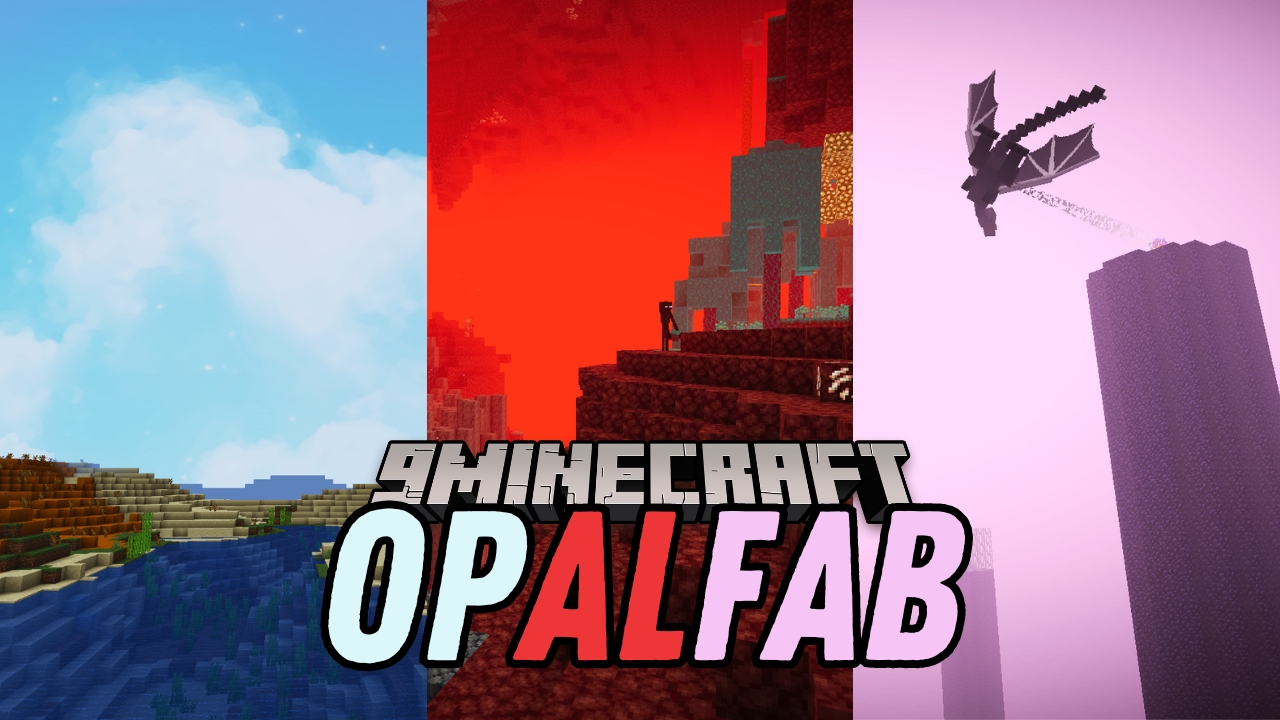
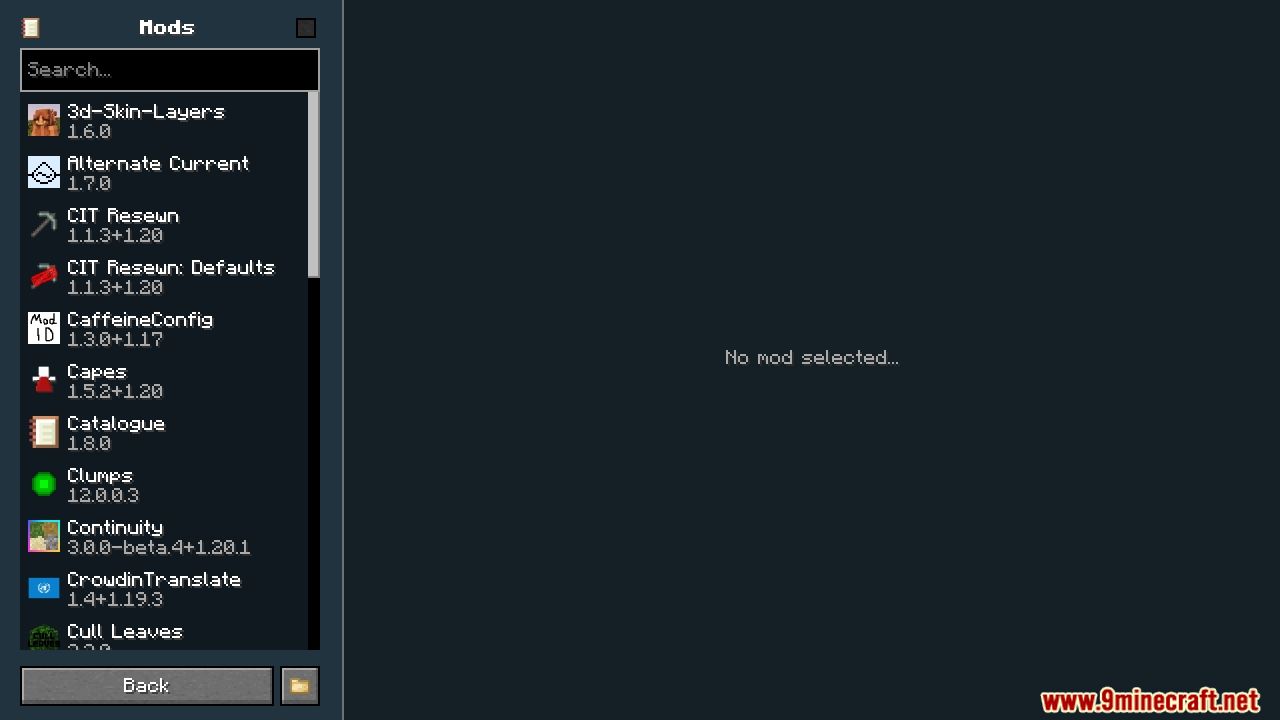
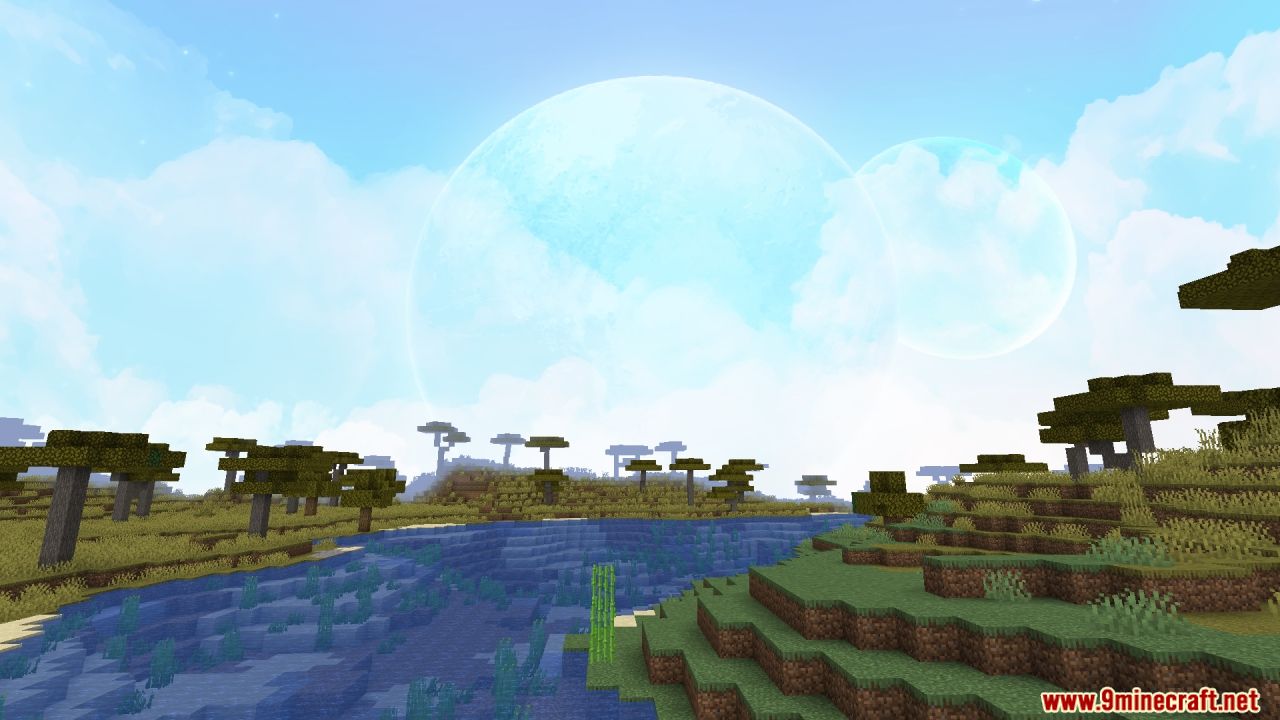
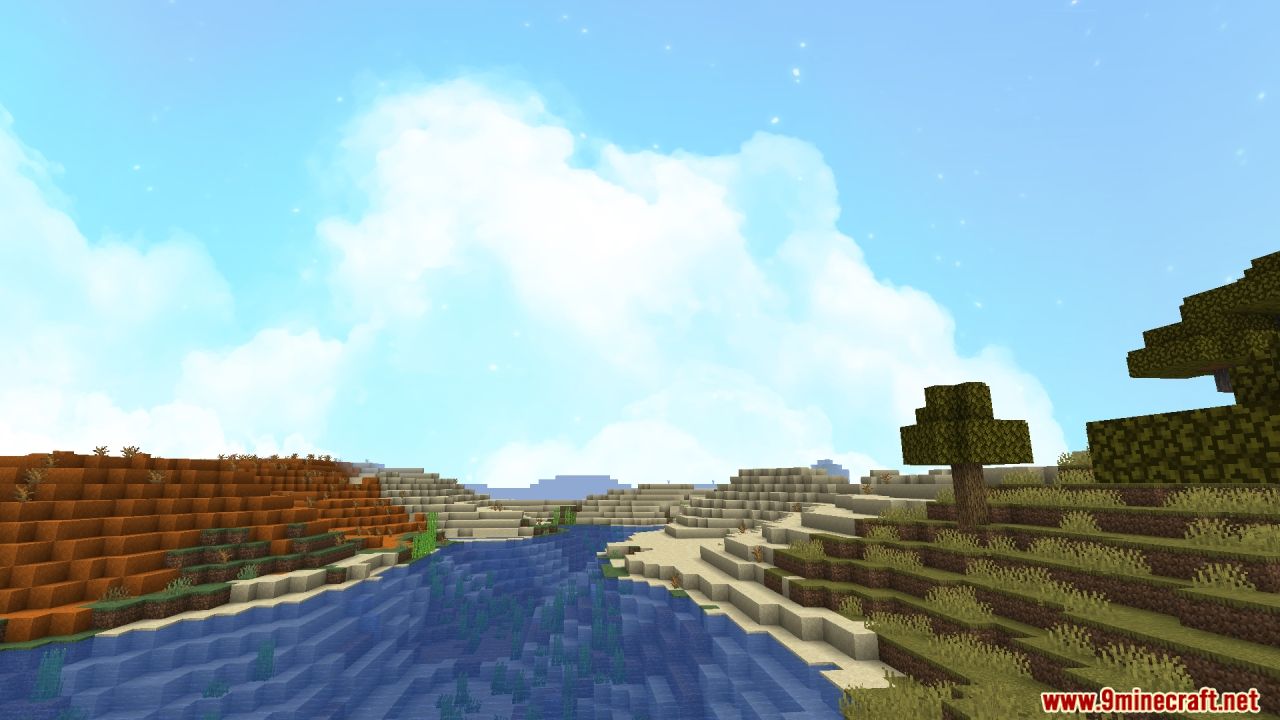
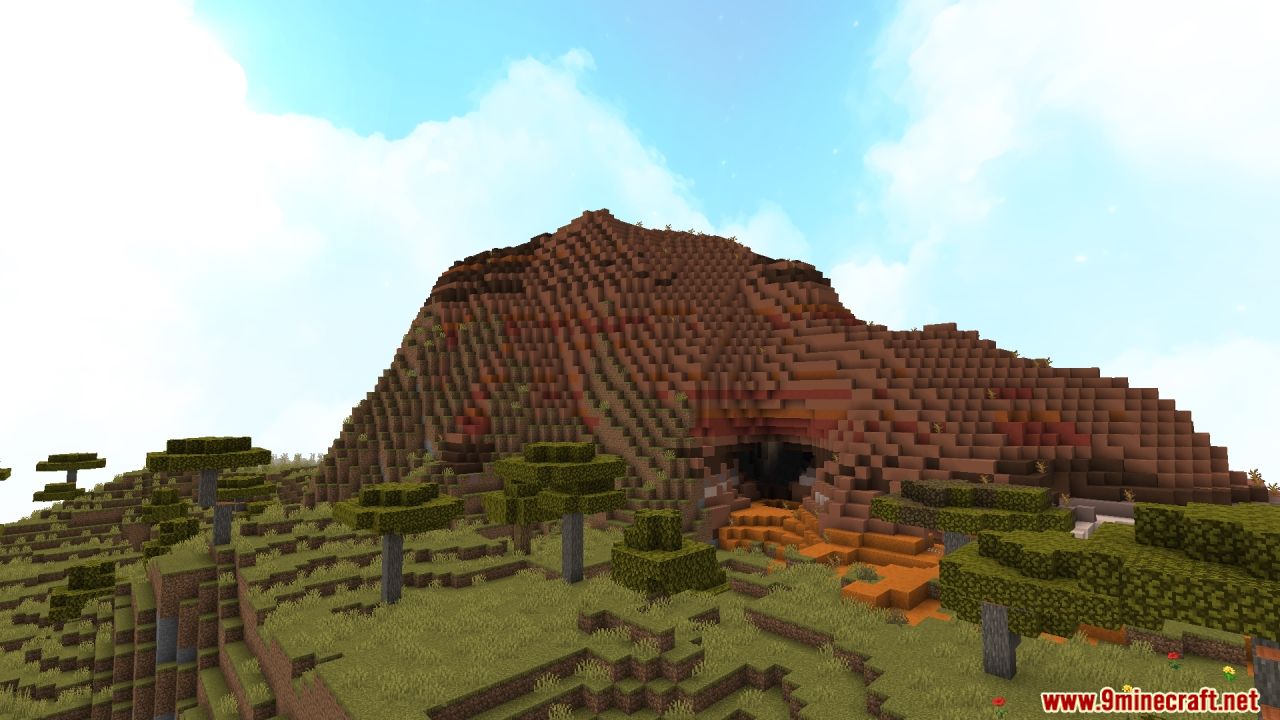
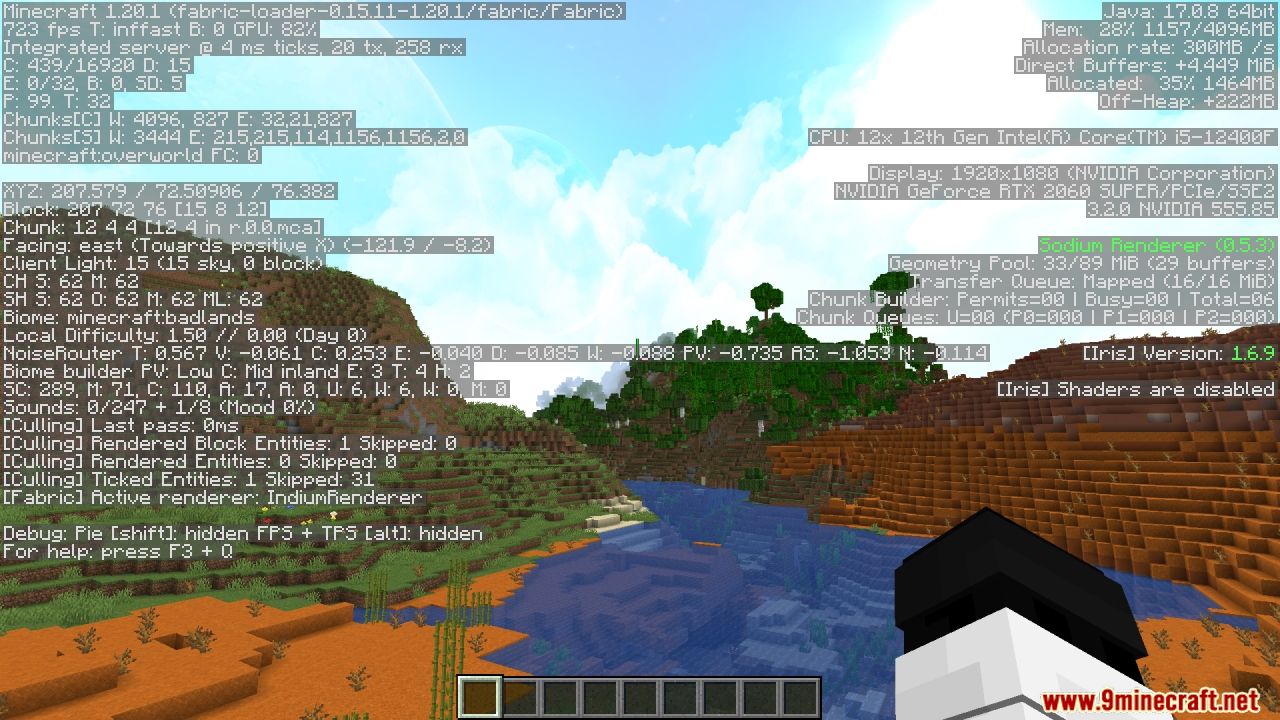
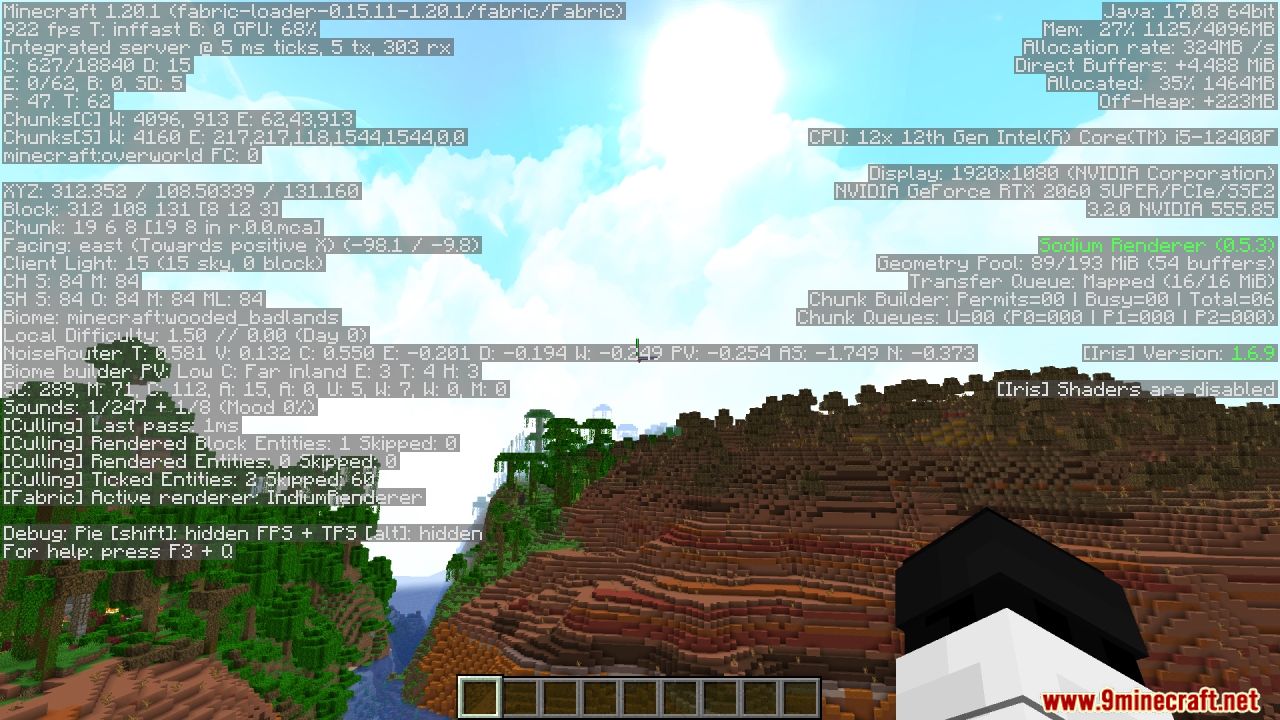
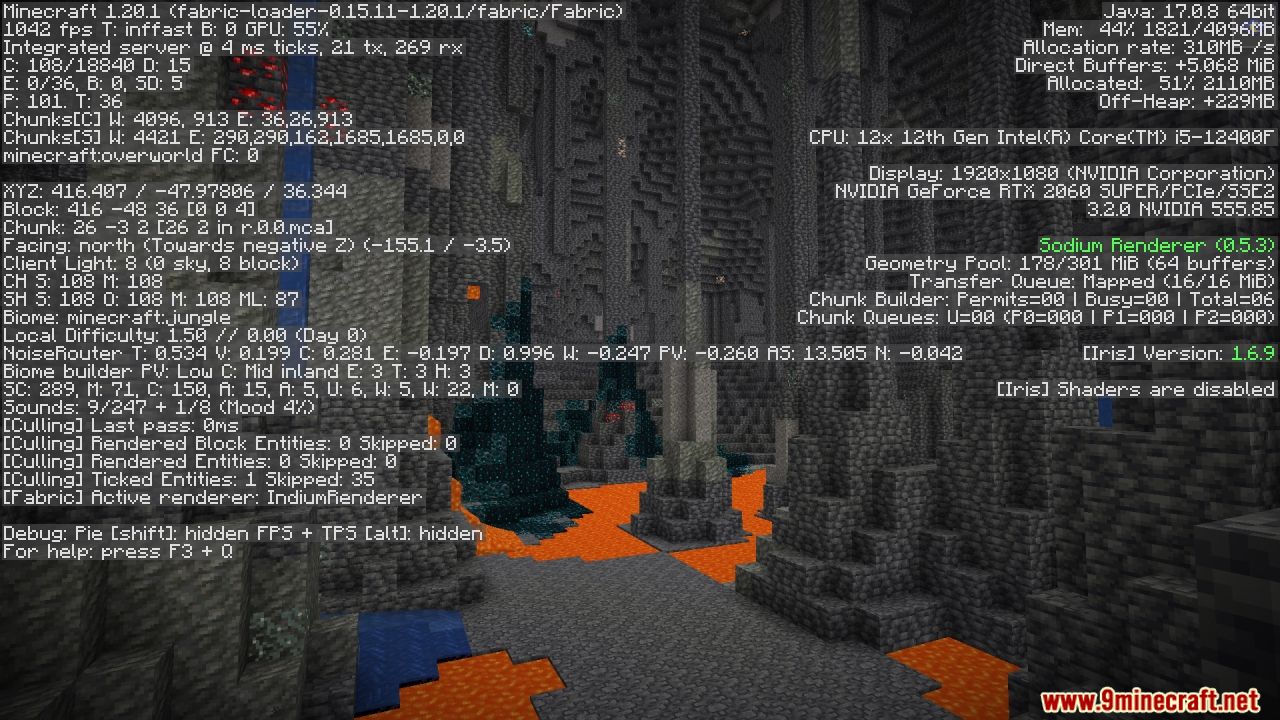
OpalFab Modpack is designed to enhance your Minecraft experience with features that serve as alternatives to OptiFine. OpalFab ensures improved performance and a smoother gameplay experience. Enjoy the latest updates and numerous performance mods like Sodium and Sodium Extra. Experience connected textures and glass, a zoom function, an in-game FPS counter, and dynamic lights that illuminate the area around you. With support for shaders through the Iris Shaders mod, a custom skybox, better grass, and many more features, OpalFab takes your Minecraft adventures to the next level.
Features:
- Latest Update 1.20: Enjoy the newest Minecraft features.
- Performance Updates: Enhanced performance with mods like Sodium and Sodium Extra.
- Connected Textures and Glass: Seamless and aesthetic visual improvements.
- Zoom Function: Zoom in for a closer look at distant objects.
- FPS Counter: Monitor your frame rate in-game.
- Shaders Function: Utilize shaders for stunning visual effects with Iris Shaders mod.
- Dynamic Lights: Light up your surroundings with torches and other light sources.
- Custom Skybox: Enjoy a unique and beautiful sky.
- Better Grass: Improved grass visuals for a more immersive experience.
Screenshots:
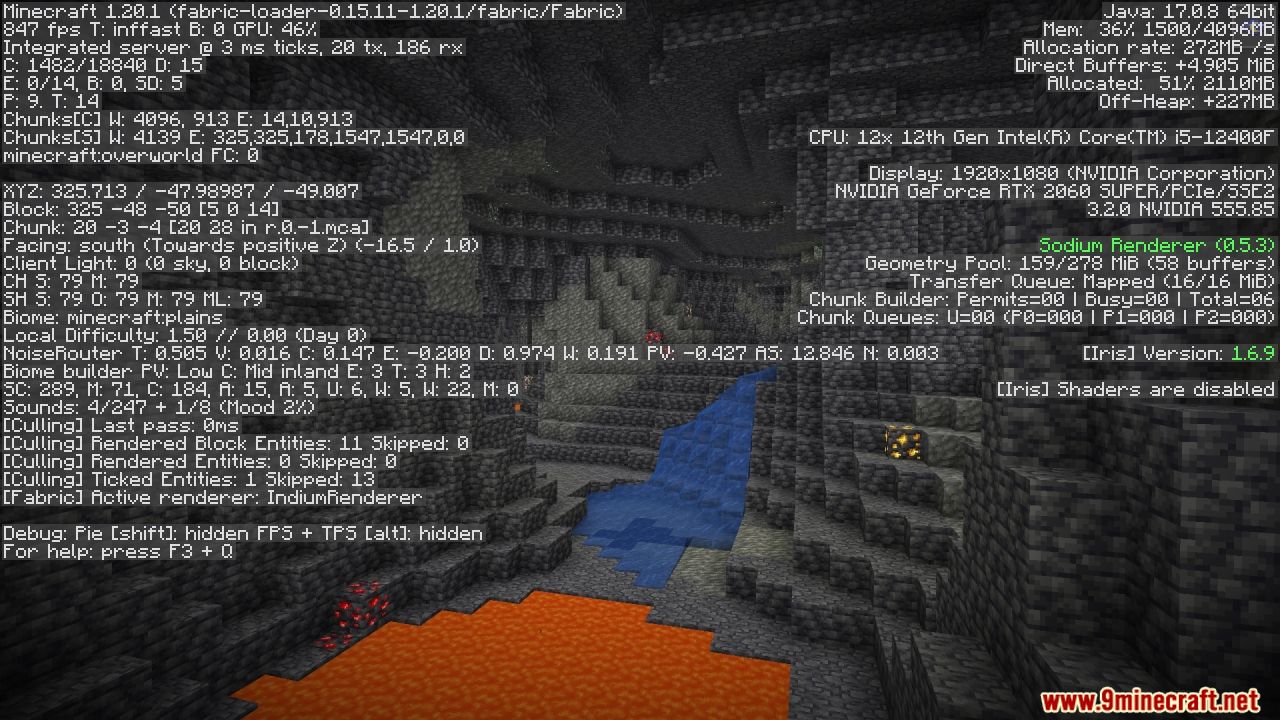
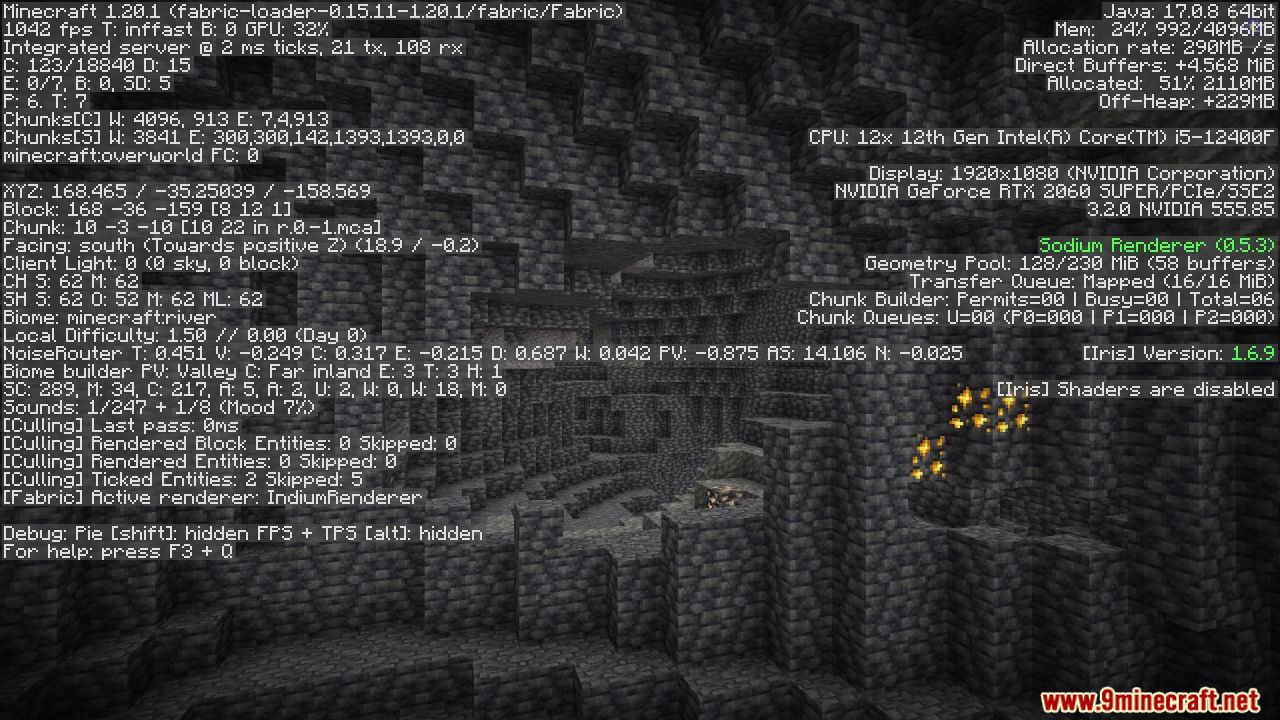
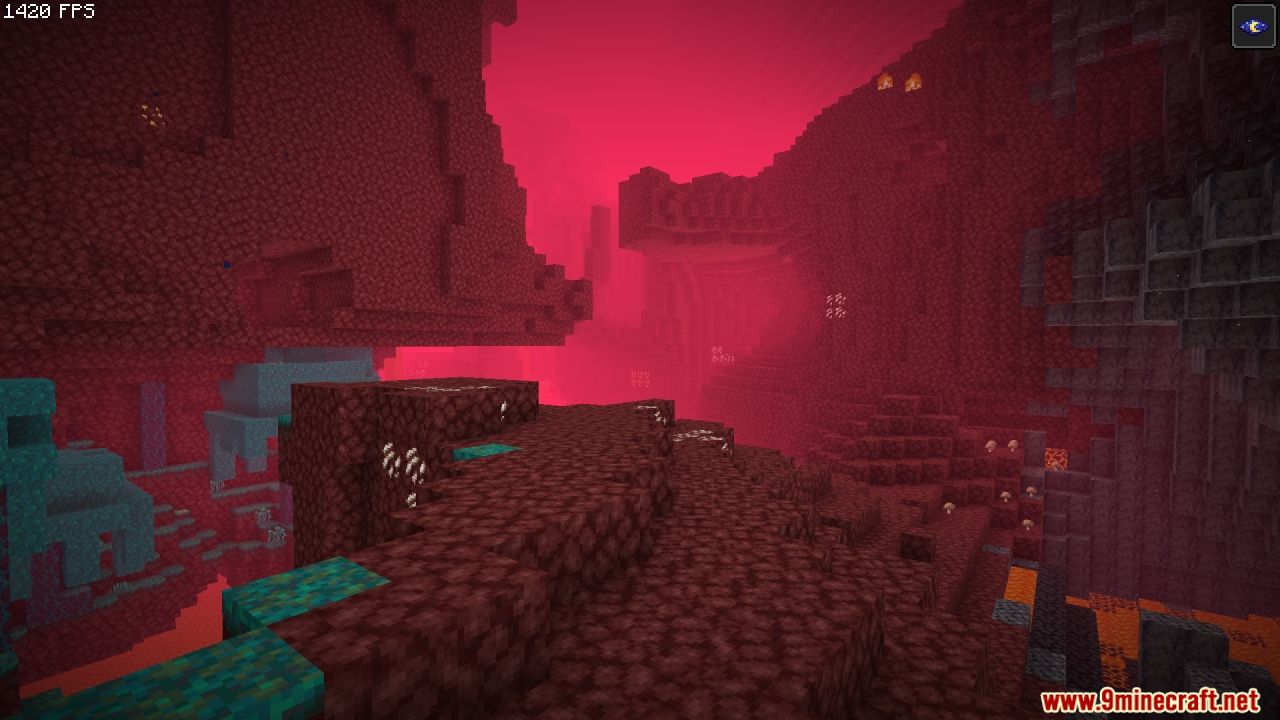
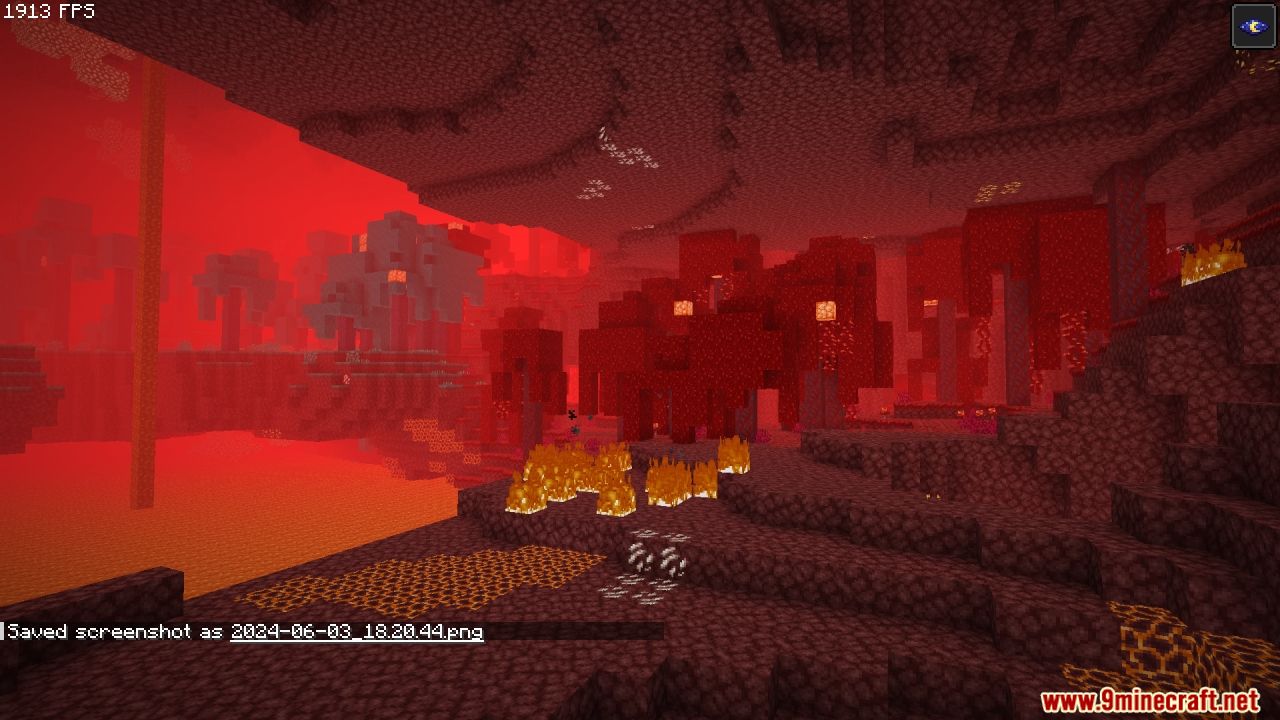
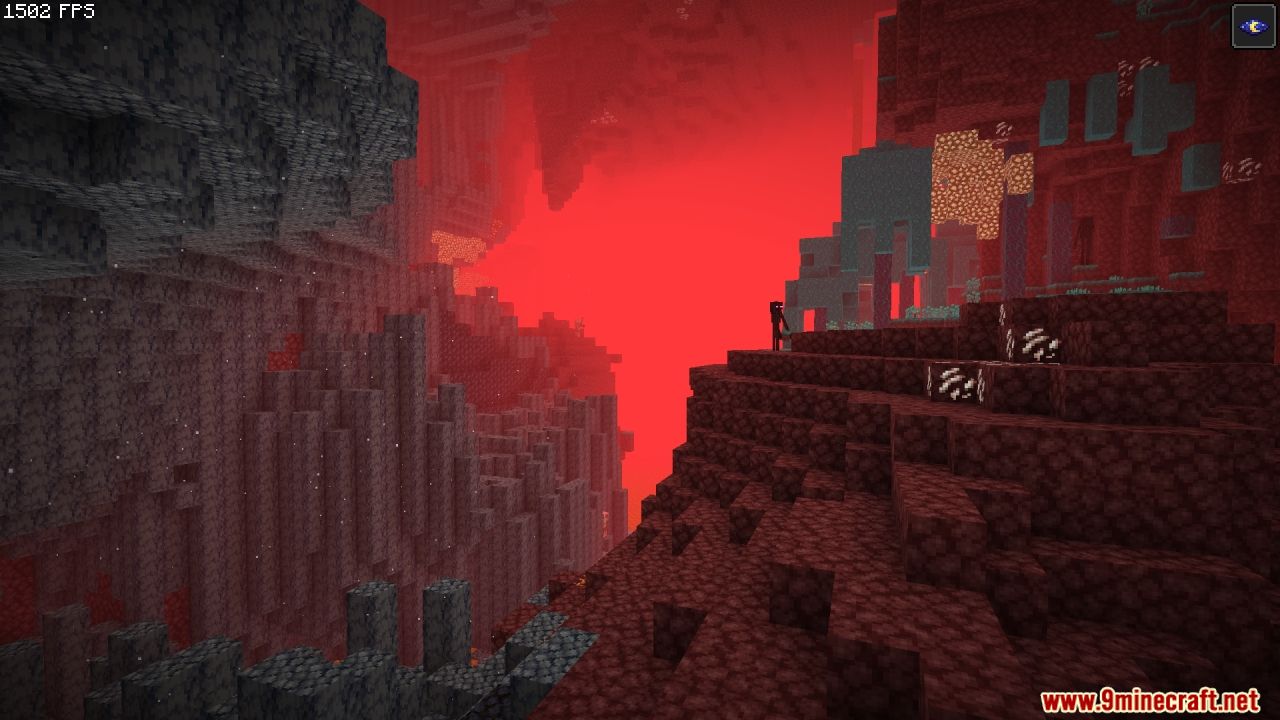
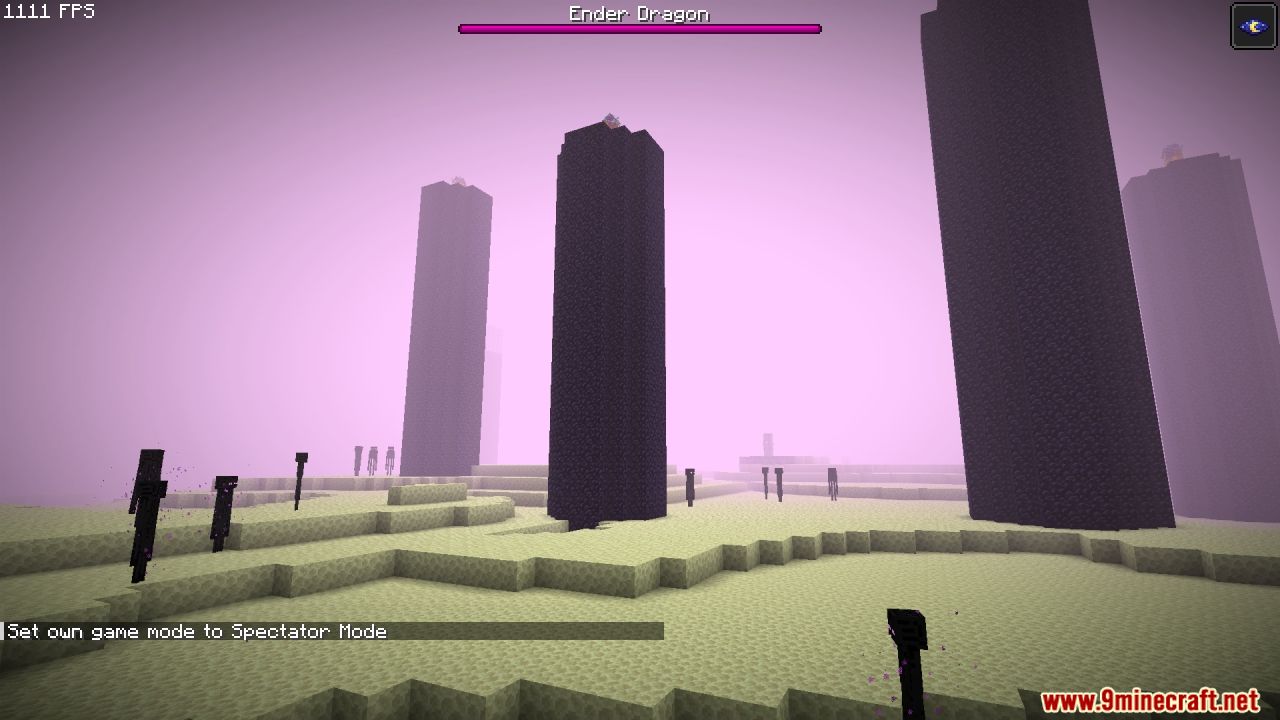
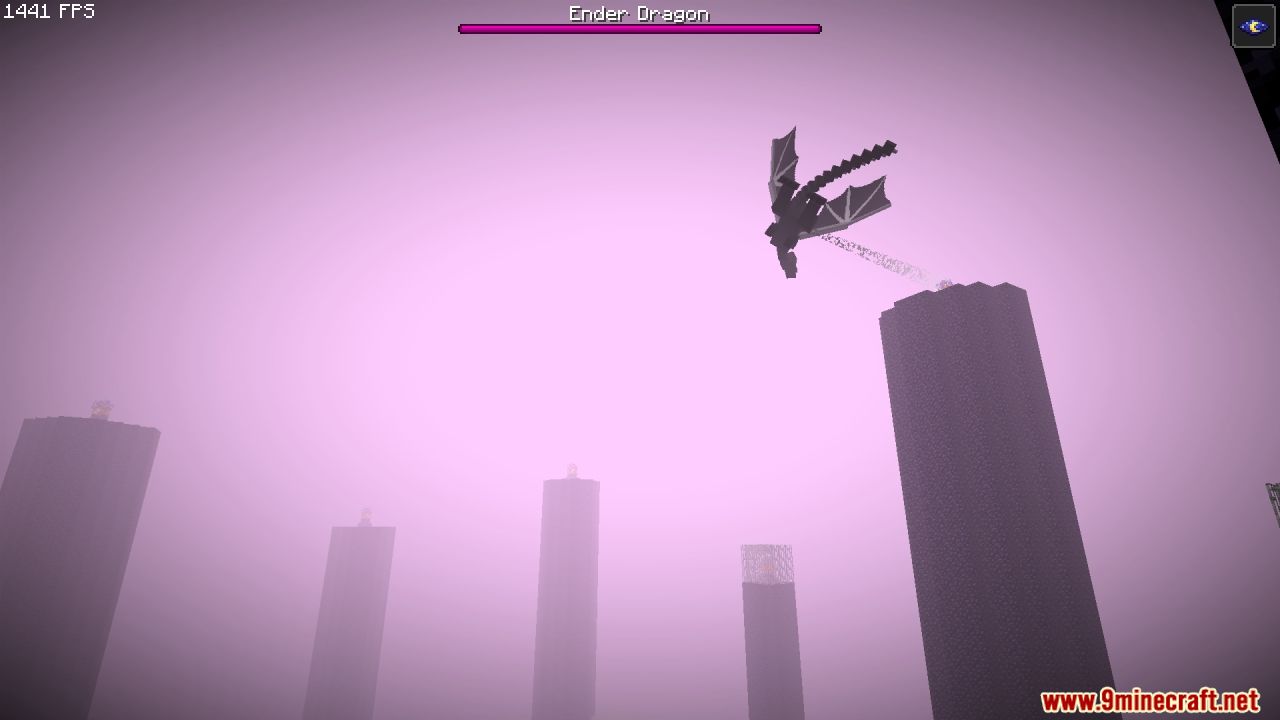
OpalFab Modpack Download Links
For Minecraft 1.21.1, 1.21
Fabric Version (Server Files): Download from Server 1
For Minecraft 1.20.4
Fabric Version (Server Files): Download from Server 1
For Minecraft 1.20.1
Fabric Version (Server Files): Download from Server 1
For Minecraft 1.19.4
Fabric Version (Server Files): Download from Server 1
For Minecraft 1.19.2
Fabric Version (Server Files): Download from Server 1
For Minecraft 1.18.2
Fabric Version (Server Files): Download from Server 1
For Minecraft 1.17.1
Fabric Version (Server Files): Download from Server 1
- Edition: Minecraft Java
- File type: .jar
- Minecraft versions listed: 1.21.1, 1.20.1
- How to install: Install the matching mod loader (Forge, Fabric or NeoForge) for your Minecraft version. → Download the .jar. → Put it in the .minecraft/mods folder and launch that loader profile.
- Where to get it: In MC Java Mods, or directly above on this page.
Install steps are the general flow for this file type — How to install Minecraft Java mods & modpacks walks through it step by step.
- Download size: 46.7 MB
- Download link checked 20 Jun 2026 — working
- Mirrored on our own servers — the download does not depend on the original host
These come from our own check of the pack file, not from the source page.