AddonsBedrock
Raiden Visuals Addon for Minecraft Bedrock 26.40
Bedrock add-on listed for Minecraft 1.21 (resource pack only). File opened and checked on 26 Sep 2026; installs from the MC Bedrock Mods app on Android.
⬇ DownloadRaiden Visuals is a custom deferred configuration designed to optimize vibrant visual performance in Minecraft Bedrock.
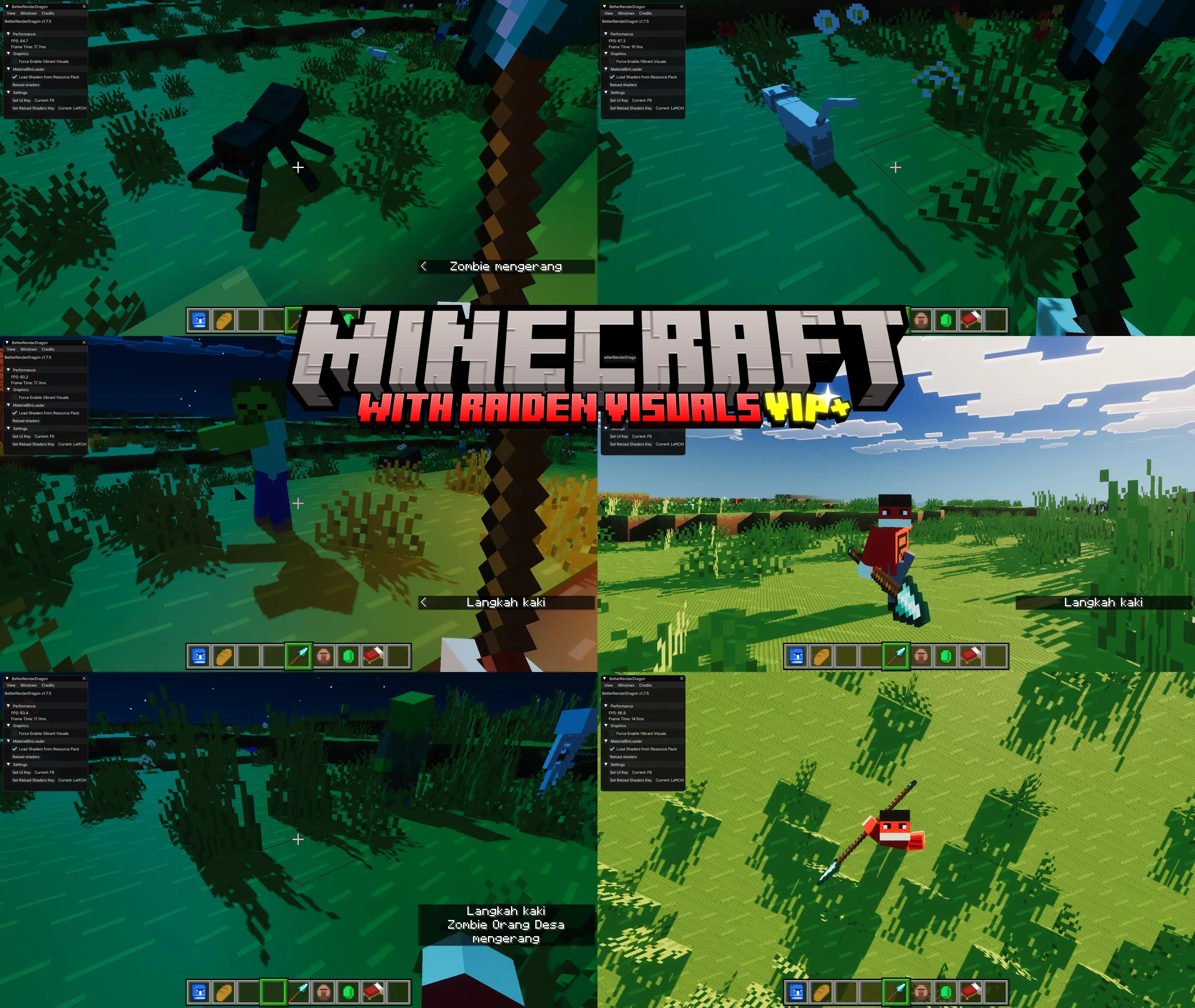 For the Android operating system, third-party applications such as MB Loader, Levi Launcher, Ambient For MCPE, or Flarial Client are required for Raiden Visual to function.
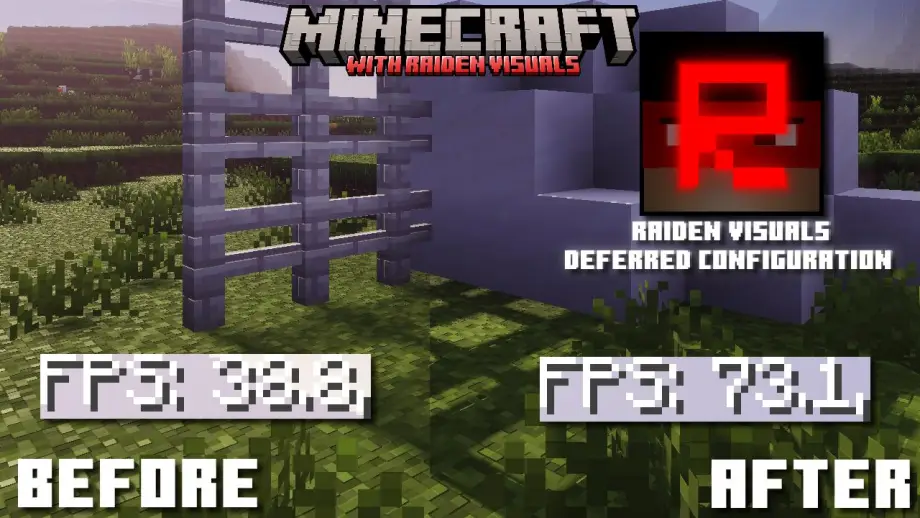
Comparison
Before
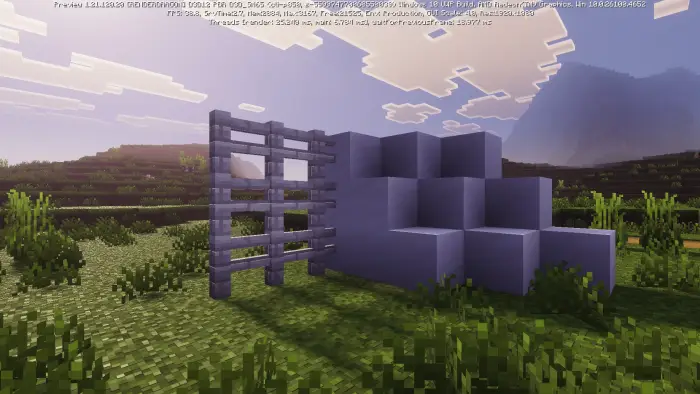
After
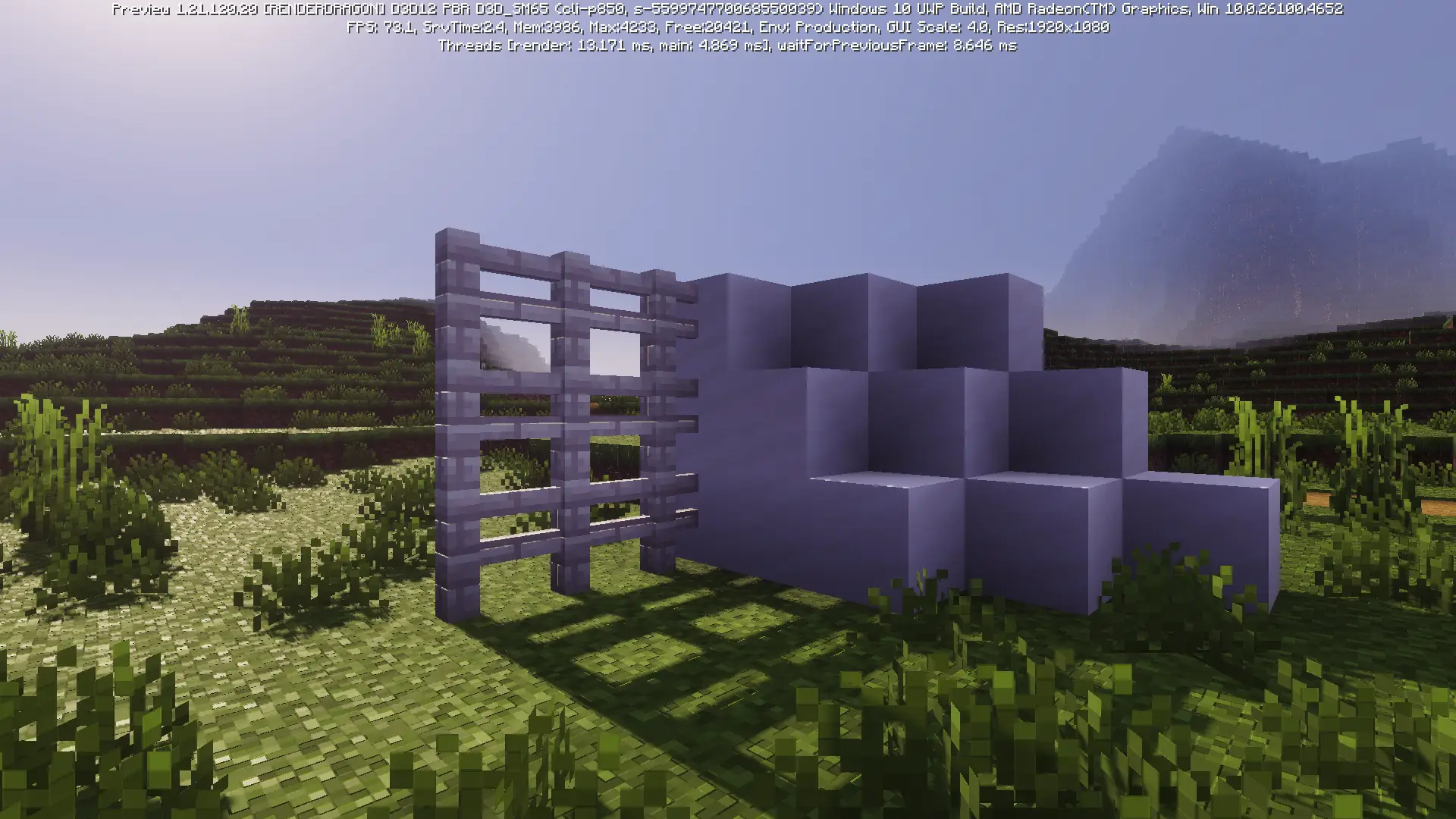
This is a screenshot from the old version; I will update it soon.
Updated on September 15, 2026
- Introduced Raiden Visuals VIP+ Version 2.3.1.
- Added custom RenderDragon shaders and custom tweaks to RenderDragon materials. Tweaked the following
.material.binfiles:- ActorForwardPBR.material.bin
- CloudsForwardPBR.material.bin
- DeferredIndirectSpecular.material.bin
- DeferredShading.material.bin
- DeferredTiledMixedRes.material.bin
- RenderChunkForwardPBR.material.bin
- ScreenSpaceReflections.material.bin
- SingleBlockForwardPBR.material.bin
- Upscaling.material.bin
- WaterPrepass.material.bin
- Changed the bilinear upscaling technique to nearest/pixelated for a sharper, pixelated look.
- Improved reflections: extended reflection distance with reduced fading/gradient effects.
- Improved hard shadows to reduce blur in the Vibrant Visuals preset.
- Optimized Deferred Mixed Resolution using the nearest technique to make deferred rendering lighter and more efficient.
- Notes:
- Windows users: delete the Shader Cache and DirectX Cache, and "Reload Shaders in BRD" before using Raiden Visuals.
- Android users: use a third-party launcher capable of loading
.material.binfiles and deferred renderer configurations (e.g., MB Loader, Flarial Client); clear Minecraft and launcher caches.
Quick facts
- Edition: Minecraft Bedrock
- File type: .mcpack or .mcaddon
- How to install: Download the .mcpack or .mcaddon file. → Open it — Minecraft imports it. → In your world: Behavior Packs → Available → Activate, then the same under Resource Packs.
- Where to get it: In MCModsHub, or directly above on this page.
Install steps are the general flow for this file type — How to install Minecraft Bedrock addons & mods walks through it step by step.
File checked by MCModsHub
- Pack type: .mcaddon — behaviour and resource pack in one file
- Manifest requires Minecraft 1.21.101 or newer
- Complete pack — everything it depends on is inside the file
- Download link checked 18 Jun 2026 — working
- Mirrored on our own servers — the download does not depend on the original host
These come from our own check of the pack file, not from the source page.