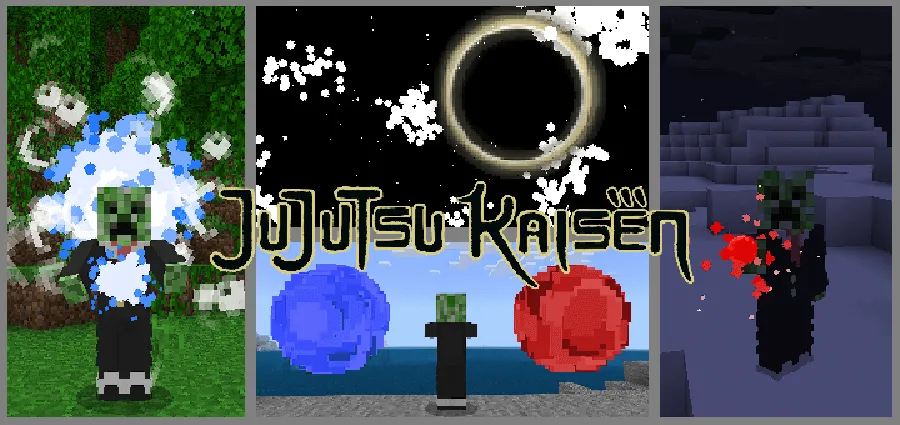
Gojo Addon - Version 1.1.1 for Minecraft Bedrock
Bedrock add-on listed for Minecraft 1.20 (behavior + resource pack). File opened and checked on 19 Sep 2026; installs from the MC Bedrock Mods app on Android.
⬇ DownloadI added Gojo's Blue, Red, Limitless, Infinite Void, and Hollow Purple to Minecraft. I like Jujutsu Kaisen, soooo... I made it in Minecraft. I was sure to add the sounds, particle effects, animations, and everything. I made it as close to the anime as I could.
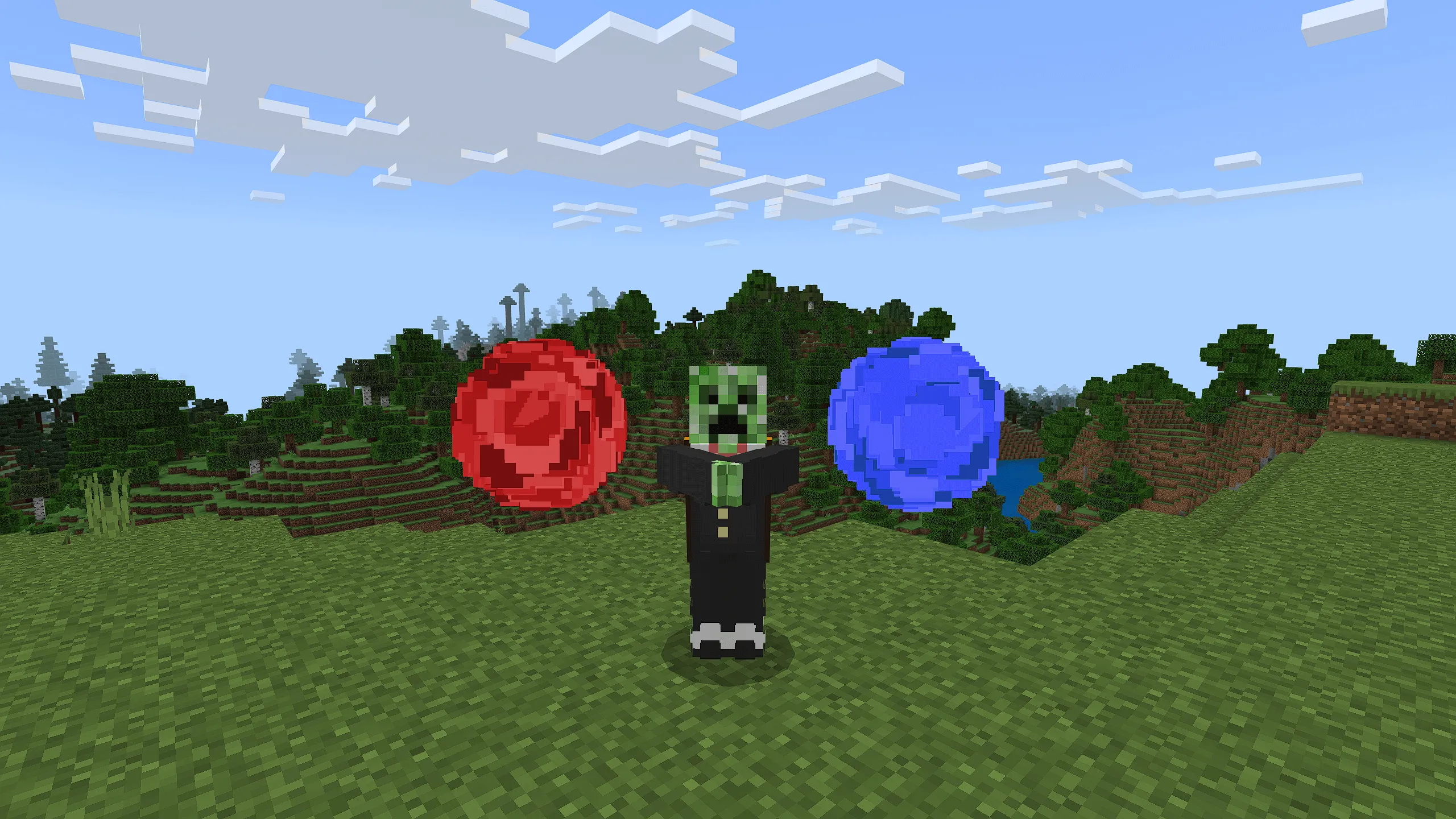
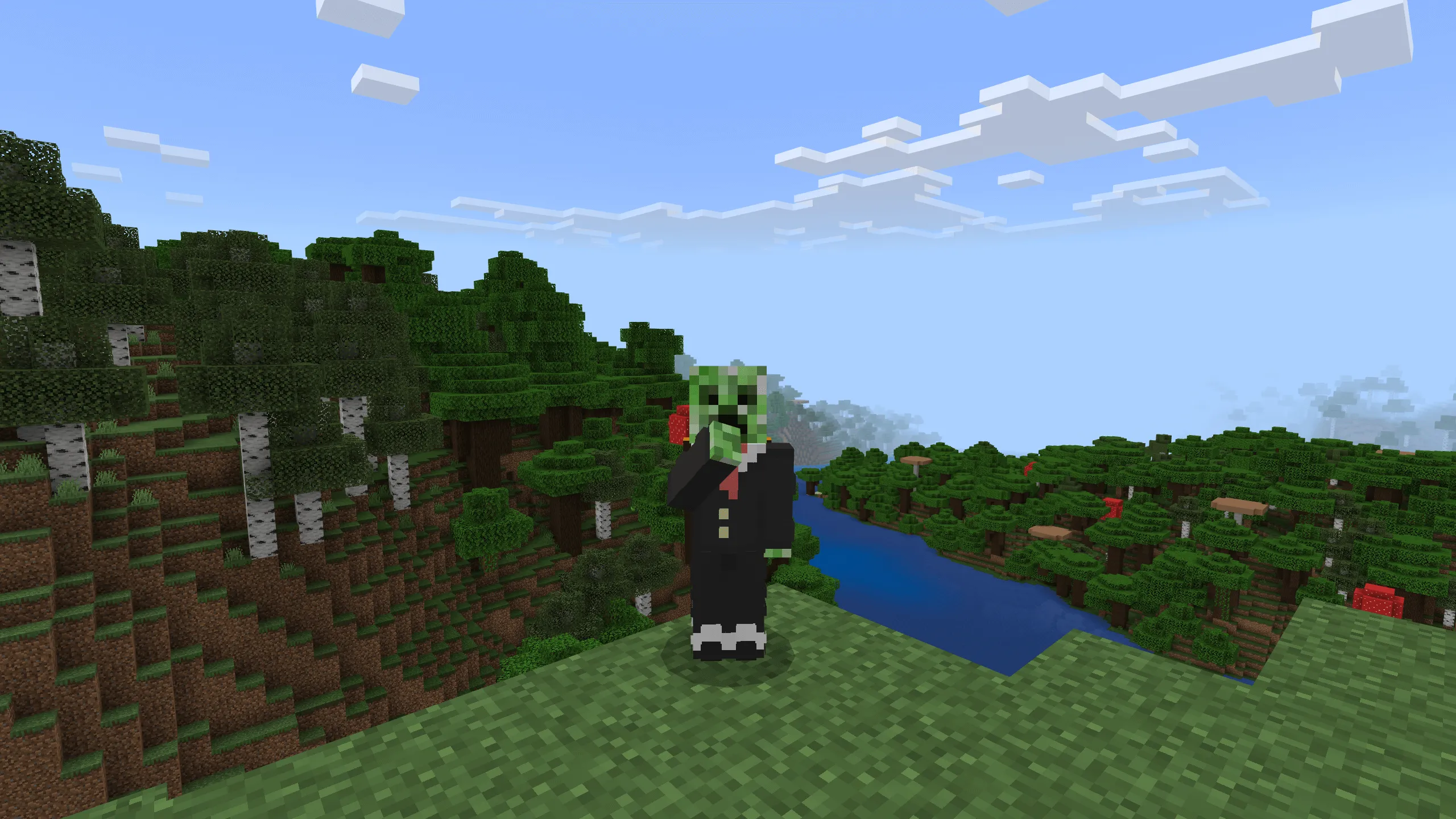
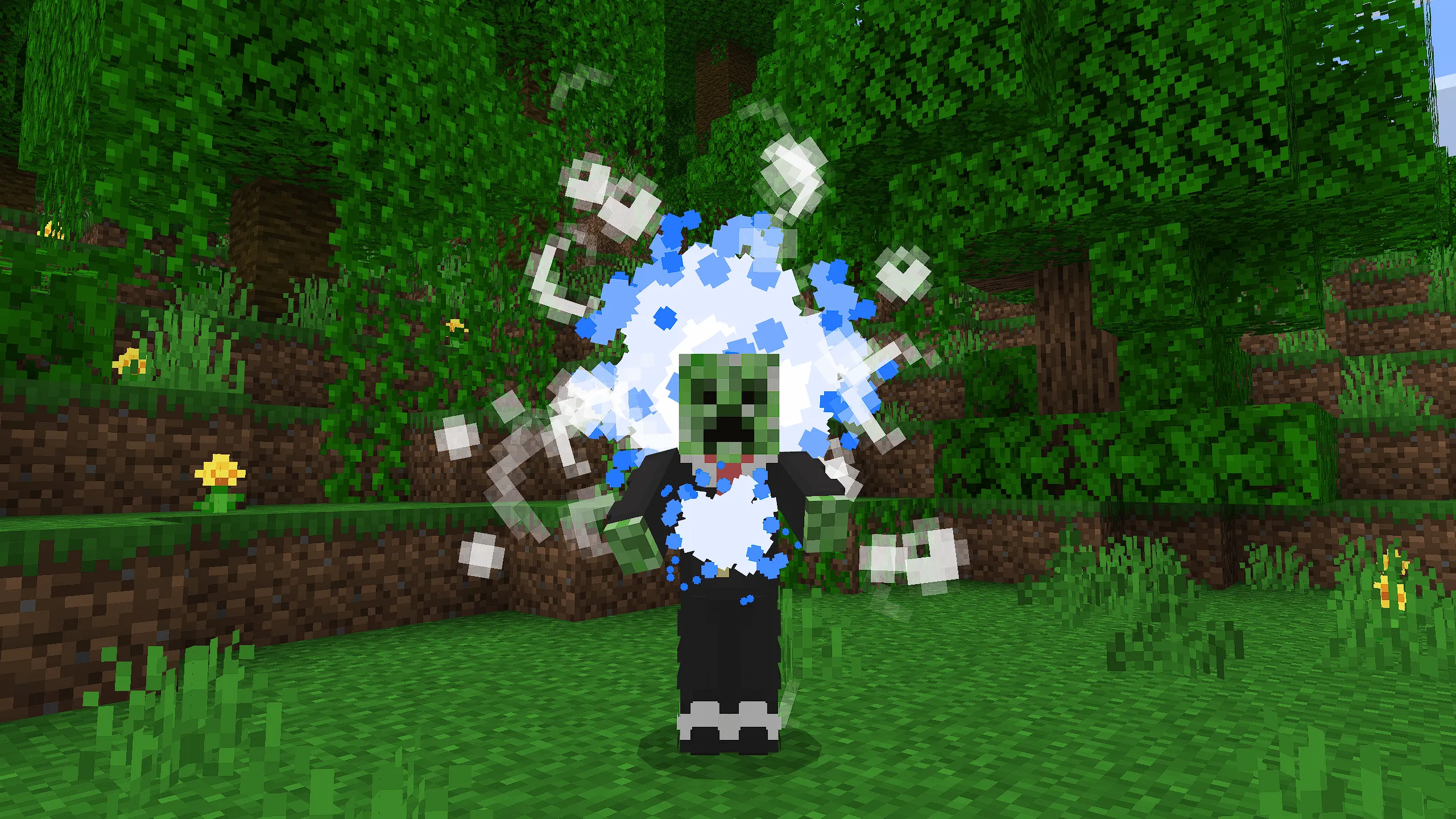
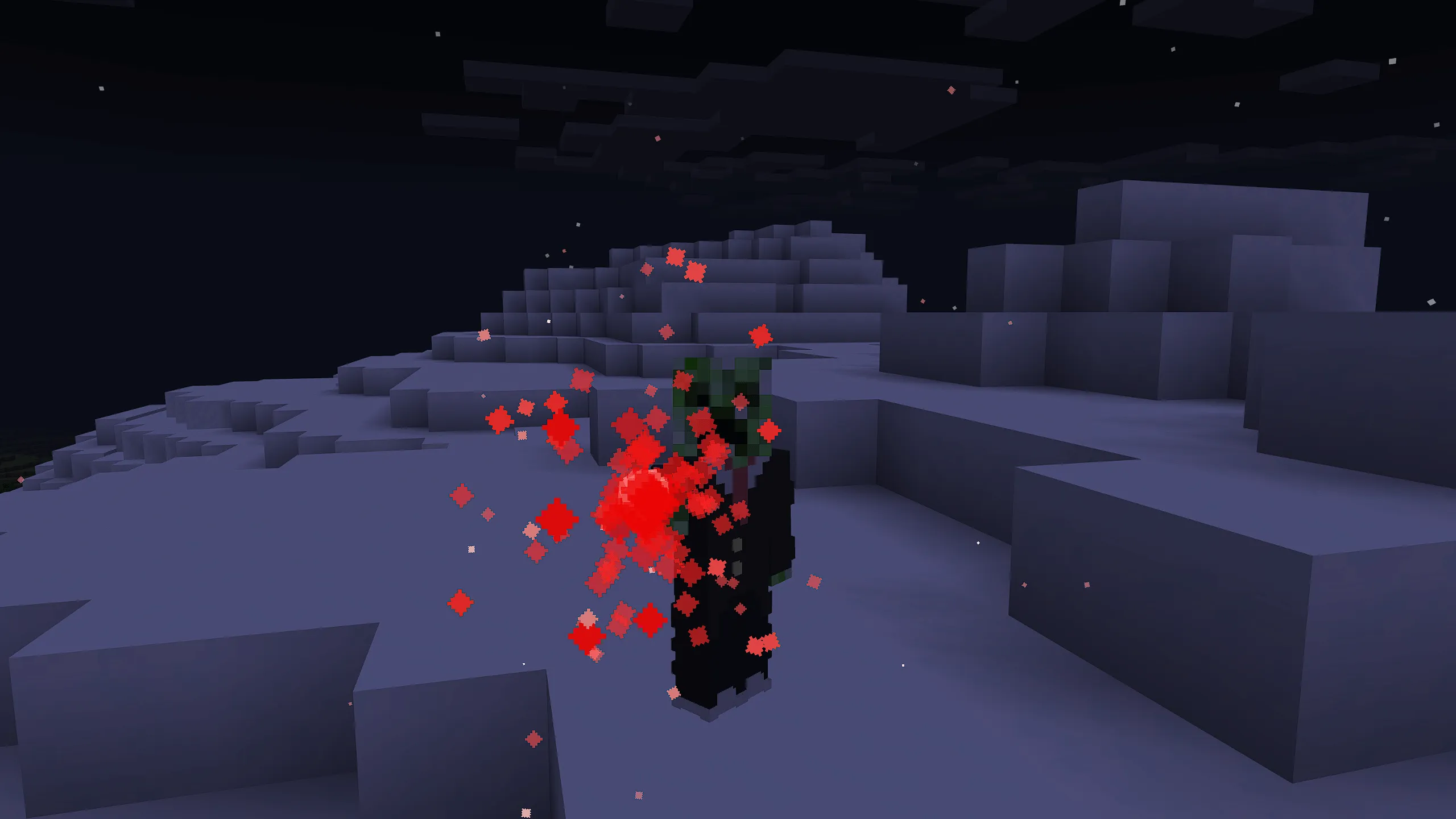
I plan to add more to this add-on. As of right now, you can't get these abilities in survival mode, they're more like "admin tools" right now. As I add more stuff, I'll also add more functionality.
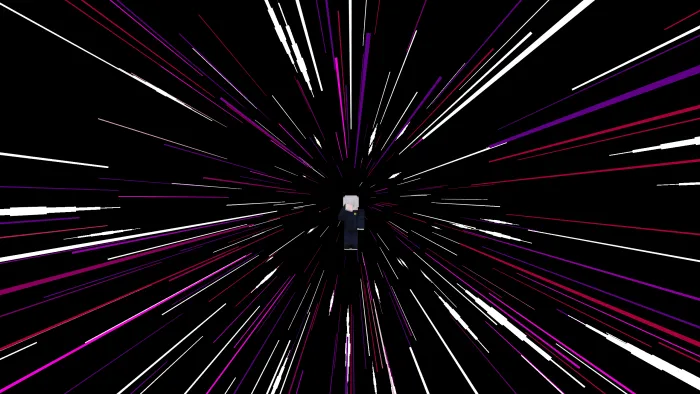
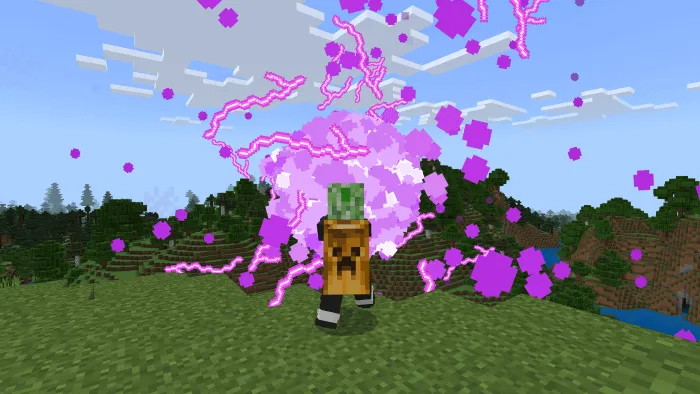
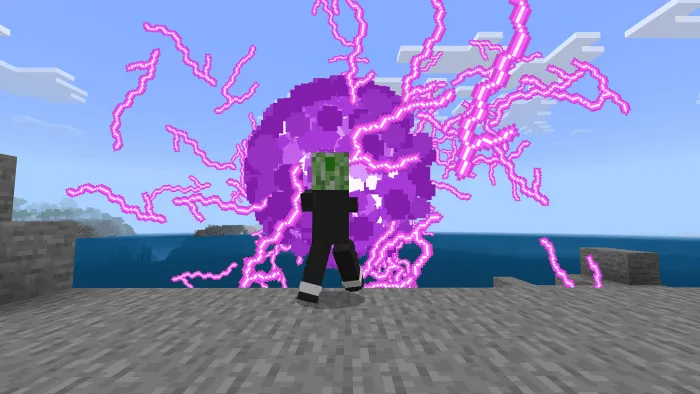
- Infinite Void - Surround yourself and any creature nearby in a barrier, giving trapped entities slowness and weakness for a long period of time. Along with improving your own stats.
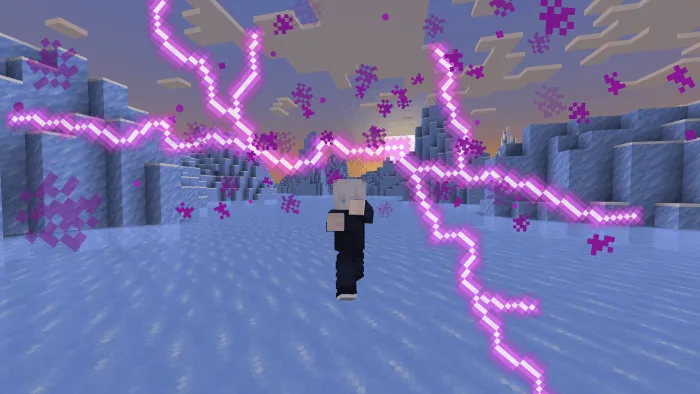
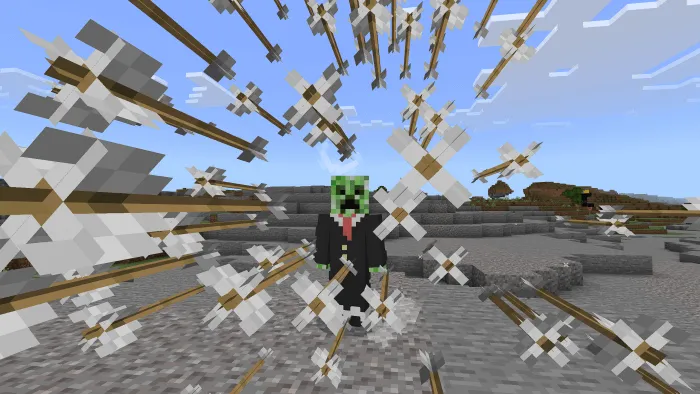
- Hollow Purple - You cannot move or be hurt while activating this attack. The attack takes about 15 seconds to activate, but it kills anything hit by it.
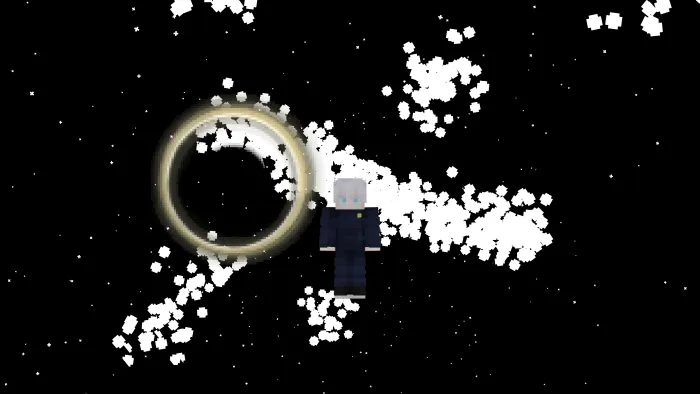
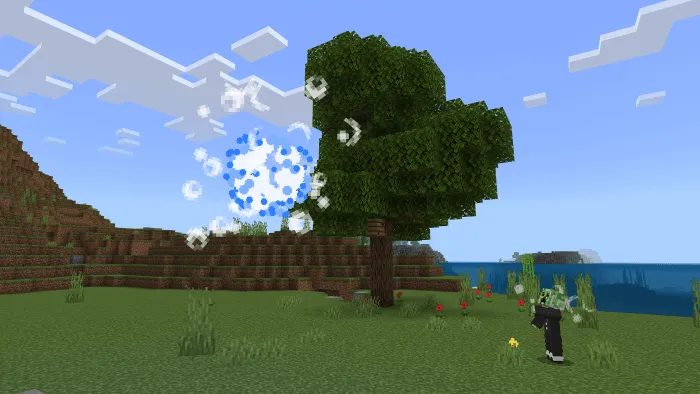
- Maximum Output Blue - Pull any mobs nearby into the blue technique, damaging them immensely.
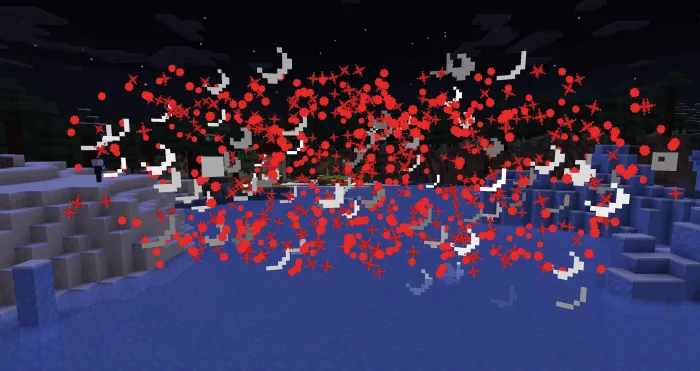
- Full Power Red - Makes a powerful red explosion over a large area. This attack has a long charge up time.
- Limitless - Creates Infinite space between you and anything outside of you. Cannot be damaged and stops any incoming projectiles or enemies.
Installation
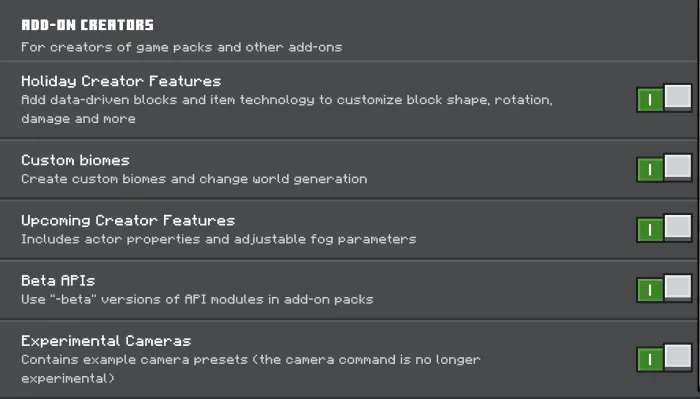
Use these experimental settings:
Other Stuff:
- Please don't take my add-on as your own.
- Don't combine this add-on with other ones, then publish it.
- You're free to tinker with my add-on as much as you like, as long as you don't post it.
- This add-on does use a player.json. But you're free to mess with it to get it working with other add-ons.
Updated on May 17
Version: 1.1.1
- Added Block Destruction! (As a setting)
- Improved particle effects slightly for most abilities
- Major particle effect improvements for Red Reversal
- Fixed sounds and added proper sound range
- Lowered volume of all abilities
- Added English Voices as a Setting (Use the new sorcery menu to toggle)
- Improvements to all animations
- Fixed bugs
- Reduced file size
- Edition: Minecraft Bedrock
- File type: .mcpack or .mcaddon
- How to install: Download the .mcpack or .mcaddon file. → Open it — Minecraft imports it. → In your world: Behavior Packs → Available → Activate, then the same under Resource Packs.
- Where to get it: In MCModsHub, or directly above on this page.
Install steps are the general flow for this file type — How to install Minecraft Bedrock addons & mods walks through it step by step.
- Pack type: .mcaddon — behaviour and resource pack in one file
- Manifest requires Minecraft 1.20.0 or newer
- Complete pack — everything it depends on is inside the file
- Download link checked 18 Jun 2026 — working
- Mirrored on our own servers — the download does not depend on the original host
These come from our own check of the pack file, not from the source page.