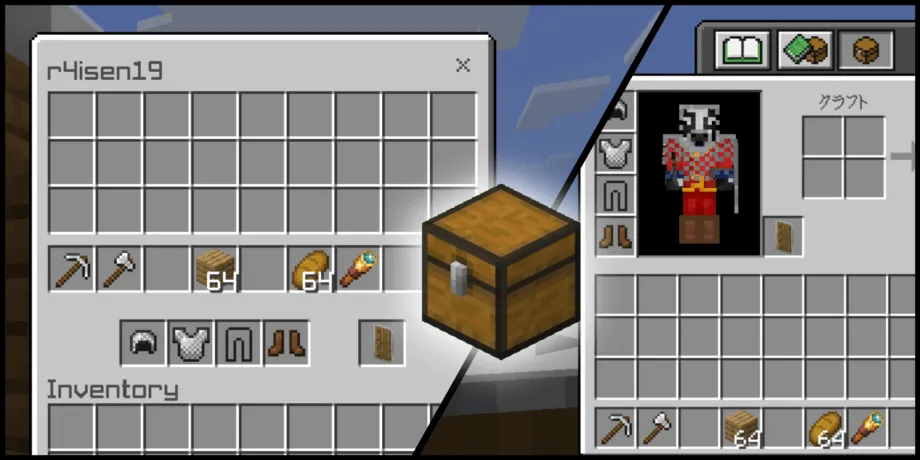
InvSee (Inventory Viewer) Addon for Minecraft
This simple Add-On allows you to view other player's inventory, very useful in multiplayer.
⬇ DownloadOpen in MCModsHubGet it on Google Play →This simple Add-On allows you to view other player's inventory, very useful in multiplayer.
Intuitive User Interface
You can easily distinguish the parts of the player's inventory: the main inventory, the hotbar and the equipment such as armor and shield.
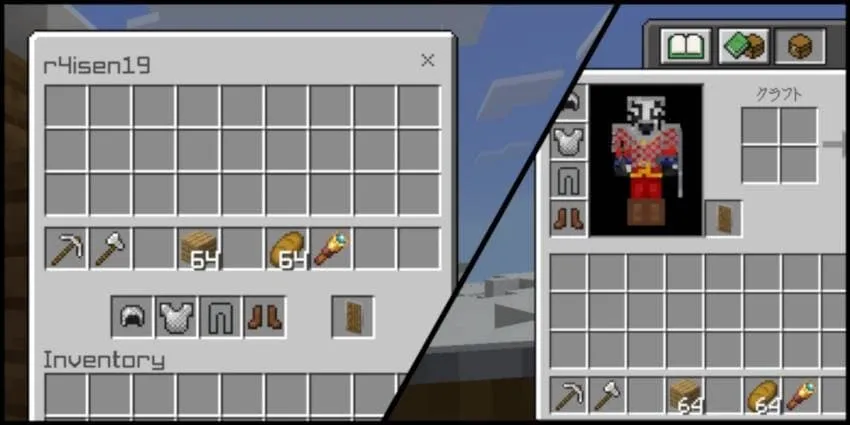
Real-Time Interaction
Your changes are immediately reflected on the other player's inventory once you re-arrange it from your view

...And More!
- Easy to use and install
- No experimental features required
- Does not use player.json
- Intuitive menu design
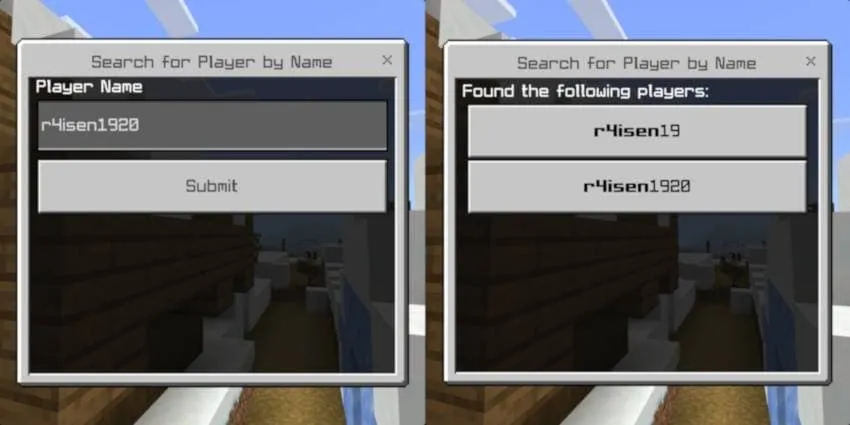
- Enhanced search functionality
- Support for custom items
- Can read custom item metadata (custom names, enchantments, and more)
- Localization support (support for other languages)
How To Use
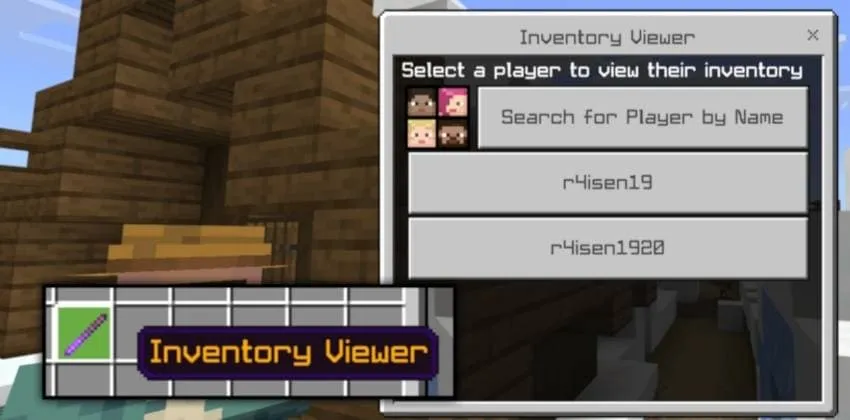
You need to be an operator and you need to give yourself the Inventory Viewer item to access the GUI. You can do this by using the /give command:
/give @s r4isen1920_invsee:inventory
Known Issues
This Add-On is in its initial release. Moreoever, it's only been produced in a day, so please expect some bugs and take care when using the Add-On.
- The Add-On may have a hard time keeping up with projecting changes every tick or due to lag, please move and adjust items one at a time as much as possible
- It is not possible to put blocks and other non-armor items in the armor slot unlike in Java. By doing so, you may lose the item.
- Armor icons do not update until the UI is refreshed. This will be fixed in the next update.
Installation Guide
- Download the latest version of the .MCADDON file from the releases or download page
- Open the file and it should automatically launch Minecraft
- You may create a new world or import it into your existing world
- Go to your world options and, under the Experiments section, find and enable Beta APIs
- Apply the Add-On by going to your Resource Packs & Behavior under your world
- Launch and open the world
- Enjoy!
Support Information
- This Add-On works in multiplayer.
- For Aternos, please refer to instructions here.
- You need to have an active Realms subscription to use this in Realms. To install on Realms, please check on Minecraft's website.
- This Add-On does NOT use or modify the player.json.
- This Add-On should work in conjunction with other Add-Ons.
- This Add-On only supports Bedrock 1.20.70 or higher!
- Pack type: .mcaddon — behaviour and resource pack in one file
- Manifest requires Minecraft 1.20.70 or newer
- Complete pack — everything it depends on is inside the file
- Download link checked 18 Jun 2026 — working
- Mirrored on our own servers — the download does not depend on the original host
These come from our own check of the pack file, not from the source page.