Blockz+ Addon by Minecraft
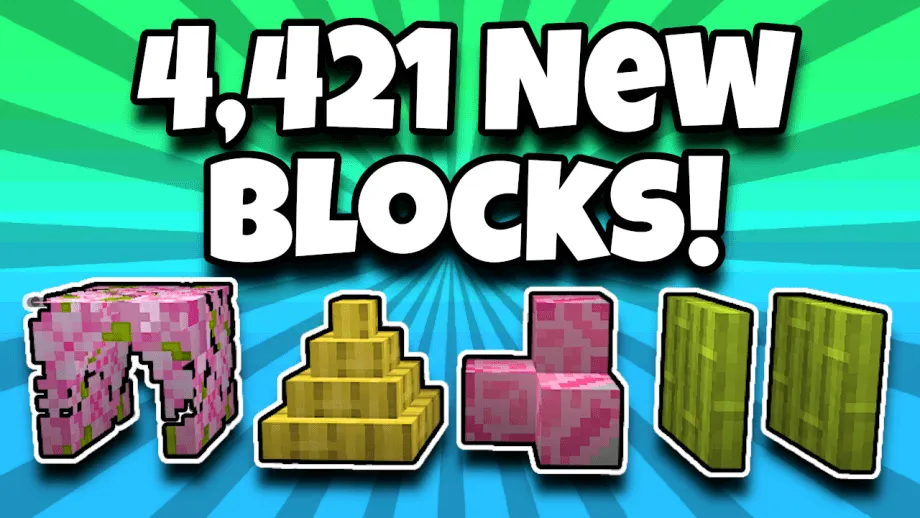
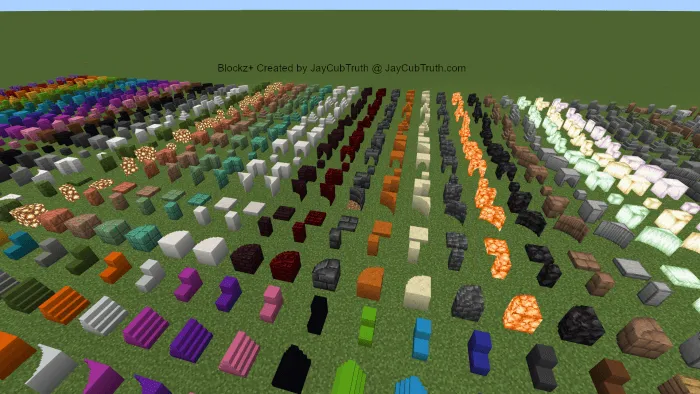
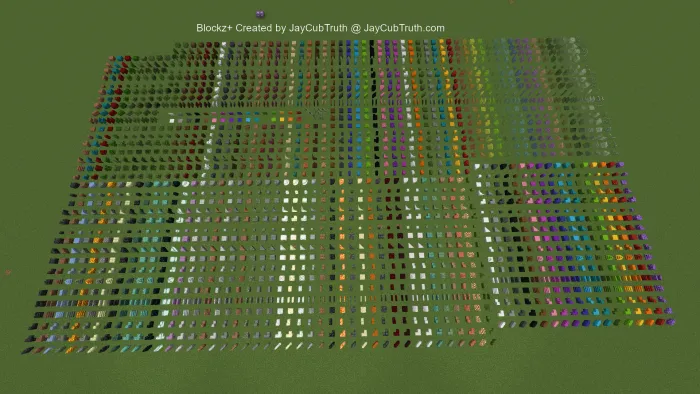
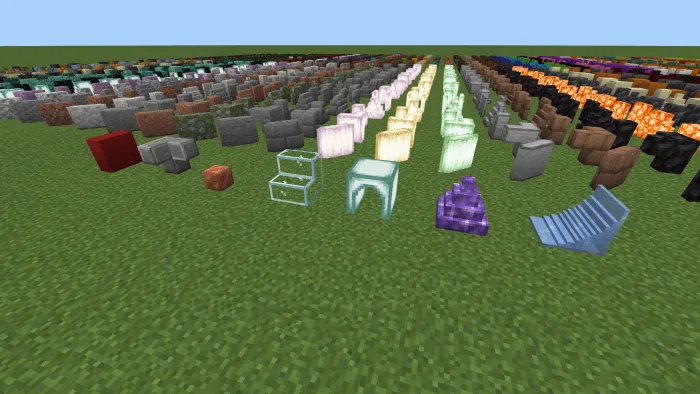
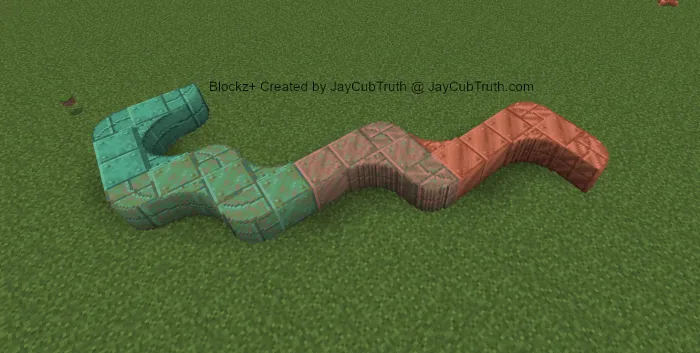
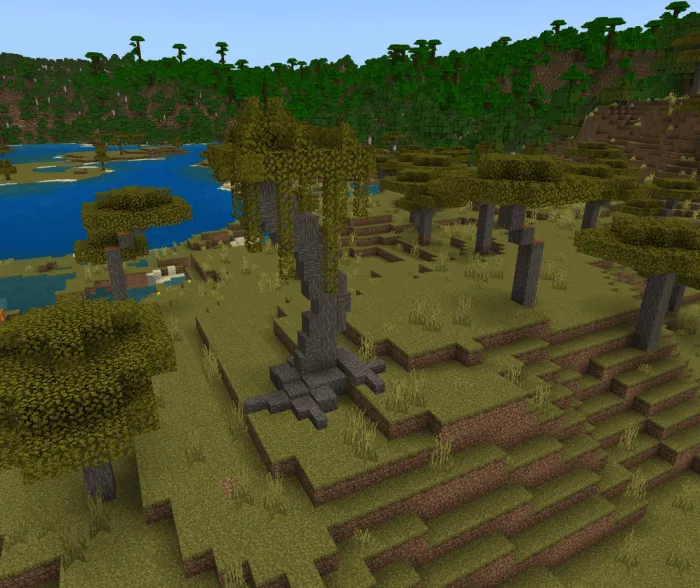
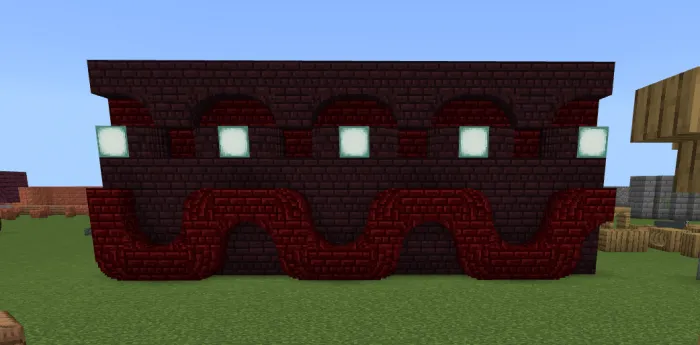
With Blockz+, you can use the stonecutter on almost any block to create 25 new shapes, totaling 4,421 blocks. Rotate them with the Blockz+ Wrench tool…
⬇ DownloadOpen in MCModsHubGet it on Google Play →With Blockz+, you can use the stonecutter on almost any block to create 25 new shapes, totaling 4,421 blocks. Rotate them with the Blockz+ Wrench tool, and enjoy features like vertical slabs, concrete stairs/slabs, vertical carpet, and diagonal iron bars.
"Blockz+"
For Bedrock version 1.20
Created by JayCubTruth
Introducing Blockz+, the ultimate building add-on for Minecraft Bedrock Edition!
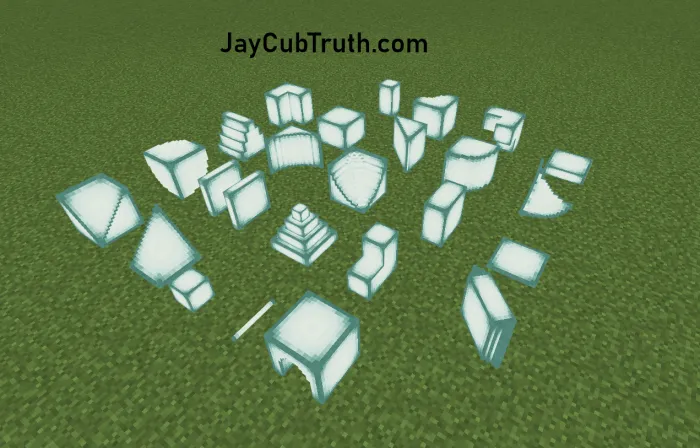
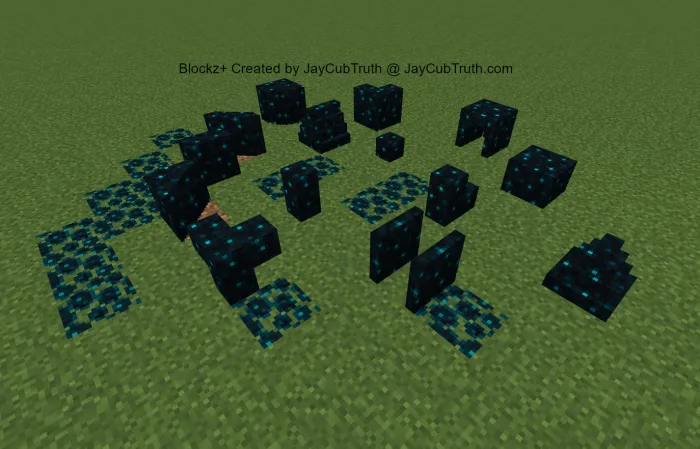
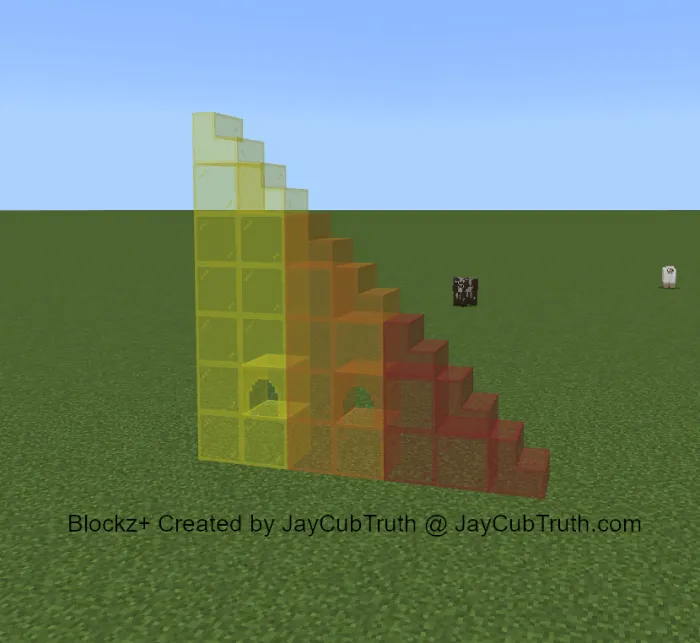
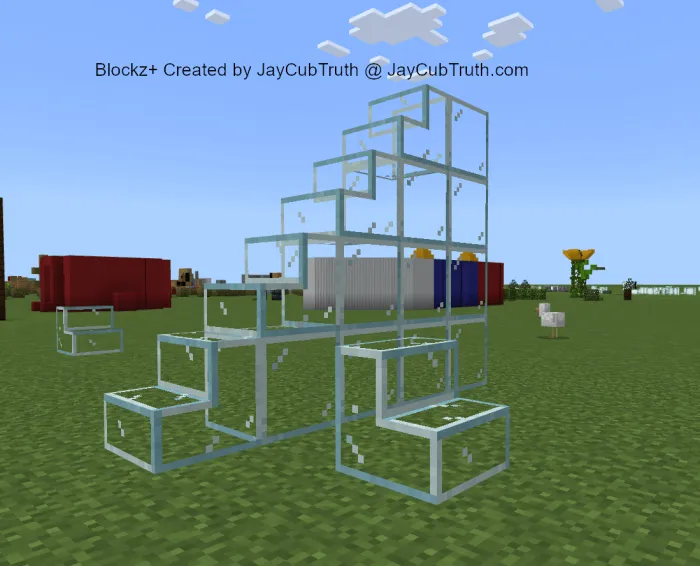
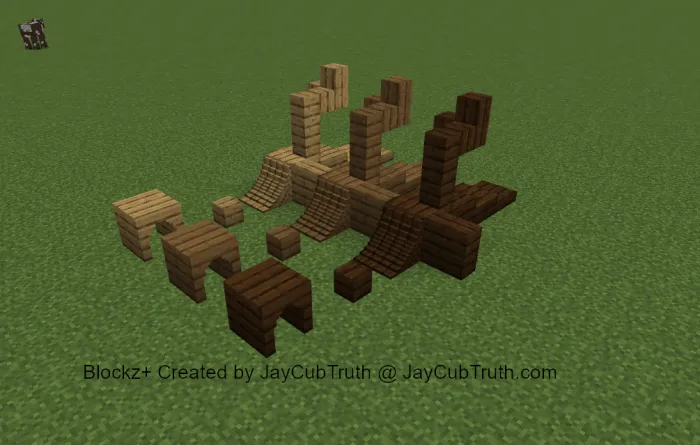
With Blockz+, you can use the stonecutter on almost any block to create 25 new shapes, totaling 4,421 blocks. Rotate them with the Blockz+ Wrench tool, and enjoy features like vertical slabs, concrete stairs/slabs, vertical carpet, and diagonal iron bars.

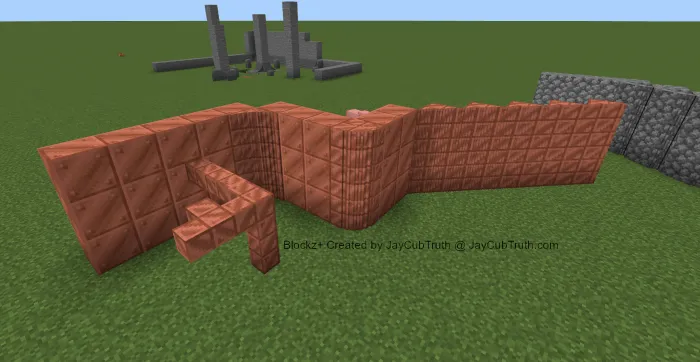
Compatible with any resource pack including RTX, Blockz+ offers limitless creativity. Create custom stairs and slabs using the "half" and "corner" shapes. Download Blockz+ now and elevate your building experience in Minecraft Bedrock Edition.
If you make something awesome using this addon, I would LOVE to see it! Find me on Twitter, or join the Discord Server! :D
Youtubers do not need my permission to make videos featuring this addon. Just give me credit. Cheers!
Watch this video for easy-to-use instructions:
=== TABLE OF CONTENTS ===
How to Install
How to Use
Shapes
Materials
===HOW TO INSTALL===
Double Click the "Blockzplus_V2_By_JayCubTruth.mcaddon" file and it should automatically open and import to minecraft. Once imported you can add it to your world by going to the world settings and clicking behavior/resource pack in the lower left corner. From there you will click on "my packs", select Blockz+ by JayCubTruth, and select "activate".
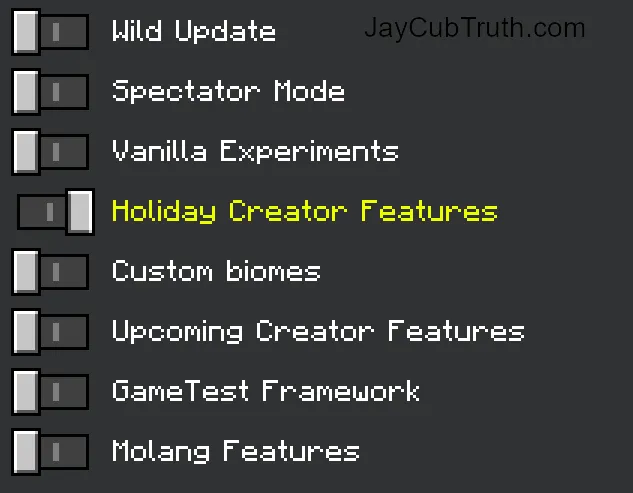
Next you must make sure that "Holiday Creator Features" are turned on or it will not work!
You can find the holiday creator features setting in the "game" section of your world if you scroll down. Once that's done you are ready to go!
=== HOW TO USE ===
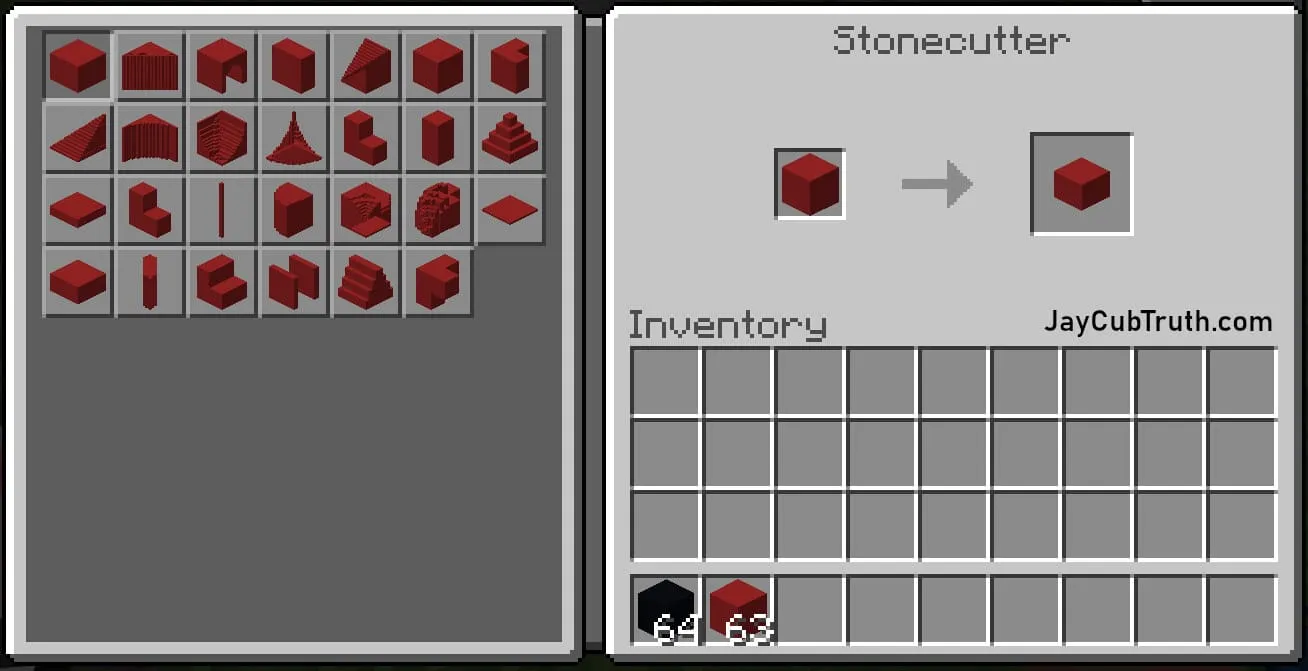
1. Place a block into a stonecutter to obtain the Blockz+ shapes.
2. To craft the Blockz+ Wrench, place three iron ingots into a crafting table.
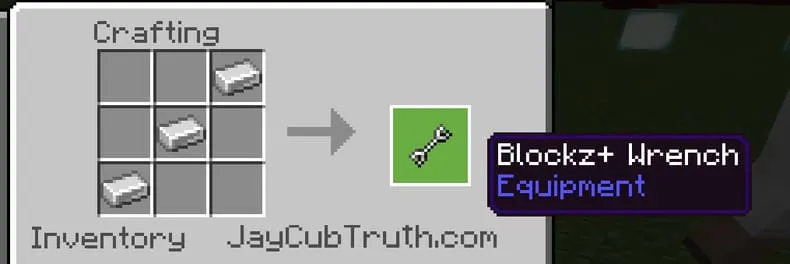
3. To rotate a shape, simply right-click while holding a wrench. You can hold it in either hand. Keep right-clicking until it is facing the direction that you want.

4. Alternatively, if you do not want to use the wrench, you can right-click with an empty hand while crouching.
=== SHAPES ===
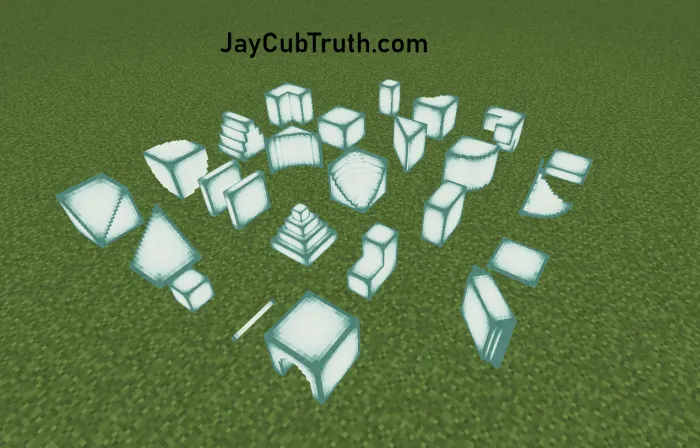
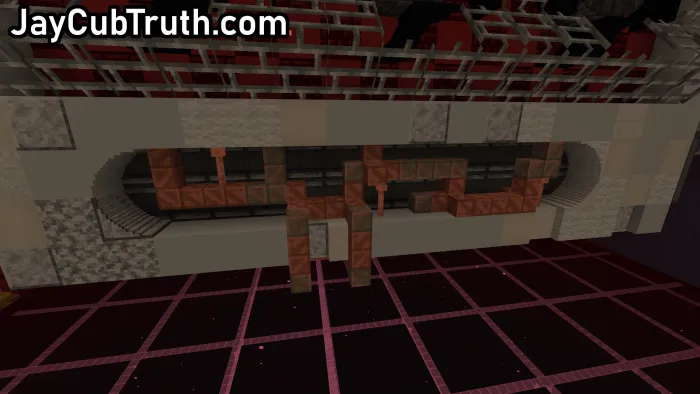
In addition to the shapes below, it also features vertical carpet, called "Tapestry", as well as diagonal iron bars. (The diagonal iron bars are an incomplete beta feature I was experimenting with. I decided to include it anyway, so that's why it looks weird.)
- Round
- Corner
- Slant
- Curve
- Bit
- 1/4

- 1/2
- 3/4
- Arch
- Y
- Triangle
- Studs
- Right L
- Left L
- Point
- Pillar
- Angle
- Rod
- Sheet
- Curve Corner
- Curve Bend
- Round Corner
- Round Bend
- Angle Corner
- Angle Bend
=== MATERIALS ===
- Warped Stem
- Crimson Stem
- Oak Planks
- Birch Planks
- Spruce Planks
- Jungle Planks
- Acacia Planks
- Dark Oak Planks
- Mangrove Planks
- Warped Planks
- Crimson Planks
- Oak Wood
- Birch Wood
- Spruce Wood
- Jungle Wood
- Acacia Wood
- Dark Oak Wood
- Mangrove Wood
- Nether Wart
- Warped Wart
- Oak Leaves
- Birch Leaves
- Spruce Leaves
- Jungle Leaves
- Acacia Leaves
- Flowered Azalea Leaves
- Dark Oak Leaves
- Mangrove Leaves
- Red Concrete
- Orange Concrete
- Yellow Concrete
- Lime Concrete
- Sea Lantern
- Sculk
- Prismarine Bricks
- Prismarine
- Polished Blackstone Brick
- End Stone
- Cobblestone
- Mossy Stone Brick
- Dark Prismarine
- Bricks
- Amethyst
- Green Concrete
- Cyan Concrete
- Light Blue Concrete
- Blue Concrete
- Purple Concrete
- Magenta Concrete
- Pink Concrete
- Brown Concrete
- Black Concrete
- Gray Concrete
- Light Gray Concrete
- White Concrete
- Red Wool
- Orange Wool
- Yellow Wool
- Lime Wool
- Green Wool
- Cyan Wool
- Light Blue Wool
- Blue Wool
- Purple Wool
- Magenta Wool
- Pink Wool
- Brown Wool
- Black Wool
- Gray Wool
- Light Gray Wool
- White Wool
- Glass
- Red Stained Glass
- Orange Stained Glass
- Yellow Stained Glass
- Stone Brick
- Stone
- Mossy Cobblestone
- Polished Granite
- Polished Andesite
- Polished Diorite
- Ice
- Dirt
- Deepslate Tile
- Lime Stained Glass
- Green Stained Glass
- Cyan Stained Glass
- Light Blue Stained Glass
- Blue Stained Glass
- Purple Stained Glass
- Magenta Stained Glass
- Pink Stained Glass
- Brown Stained Glass
- Black Stained Glass
- Gray Stained Glass
- Light Gray Stained Glass
- White Stained Glass
- Moss
- Glowstone
- Cut Copper
- Oxidized Cut Copper
- Weathered Cut Copper
- Exposed Cut Copper
- Quartz
- Smooth Quartz
- Nether Brick
- Deepslate Brick
- Smooth Red Sandstone
- Smooth Sandstone
- Cobbled Deepslate
- Shroomlight
- Blackstone
- Mud Brick
- Smooth Stone
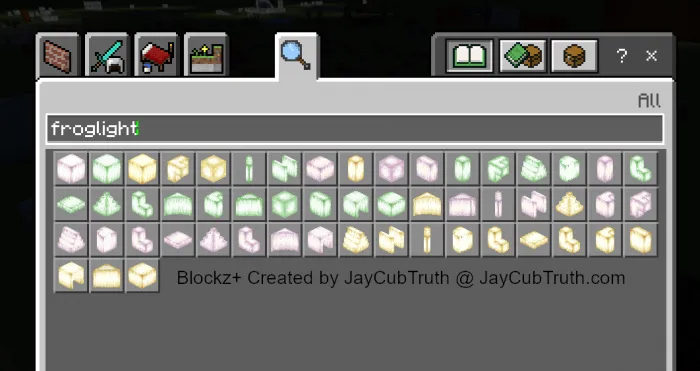
- Verdant Froglight
- Ochre Froglight
- Pearlescent Froglight
- Granite
- Andesite
- Diorite
- Red Nether Brick
- Purpur
- Honeycomb
- Plus three additional secret materials
- Diamond Block
- Netherite Block
- Emerald Block
- Gold Block
- Redstone Block
- Lapis Lazuli Block
- Iron Block
- Coal Block
- Red Mushroom Block
- Brown Mushroom Block
New in 1.20:
- Terracotta
- Red Terracotta
- Orange Terracotta
- Yellow Terracotta
- Lime Terracotta
- Green Terracotta
- Cyan Terracotta
- Light Blue Terracotta
- Blue Terracotta
- Purple Terracotta
- Magenta Terracotta
- Pink Terracotta
- Brown Terracotta
- Black Terracotta
- Gray Terracotta
- Light Gray Terracotta
- White Terracotta
- Red Glazed Terracotta
- Orange Glazed Terracotta
- Yellow Glazed Terracotta
- Lime Glazed Terracotta
- Green Glazed Terracotta
- Cyan Glazed Terracotta
- Light Blue Glazed Terracotta
- Blue Glazed Terracotta
- Purple Glazed Terracotta
- Magenta Glazed Terracotta
- Pink Glazed Terracotta
- Brown Glazed Terracotta
- Black Glazed Terracotta
- Gray Glazed Terracotta
- Light Gray Glazed Terracotta
- White Glazed Terracotta
- Bamboo
- Stripped Bamboo
- Bamboo Planks
- Cherry Log
- Cherry Plank
- Cherry Leaf
=== Images ===
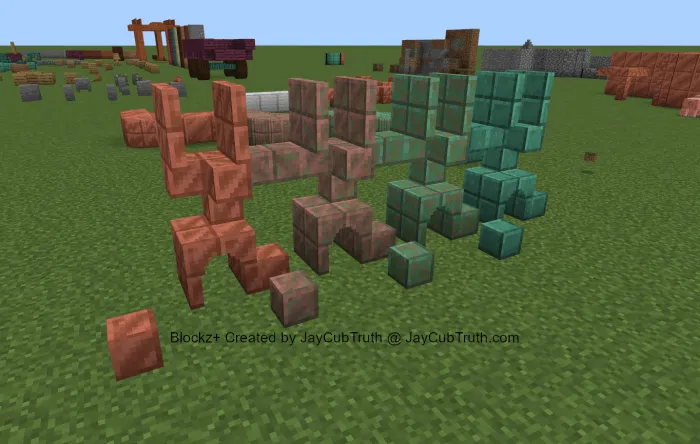
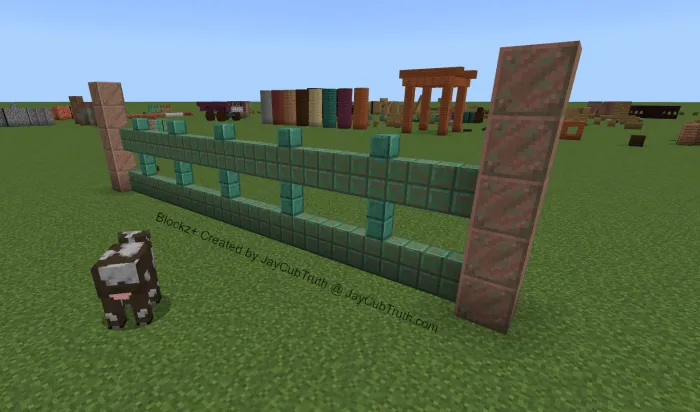
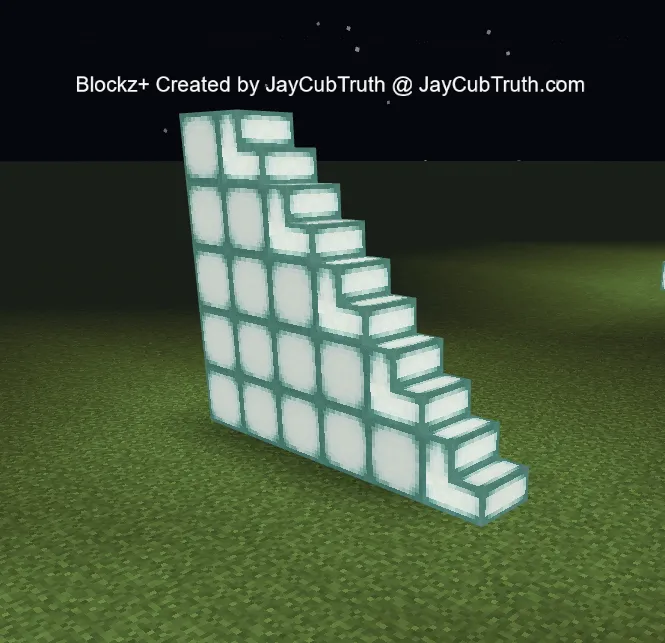
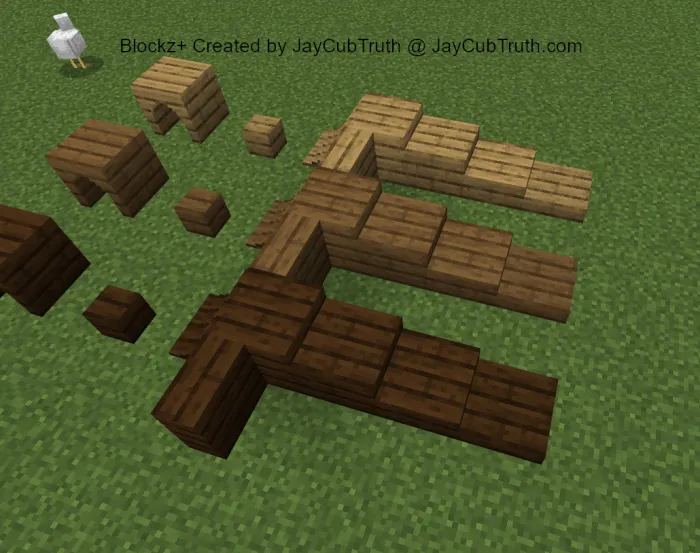
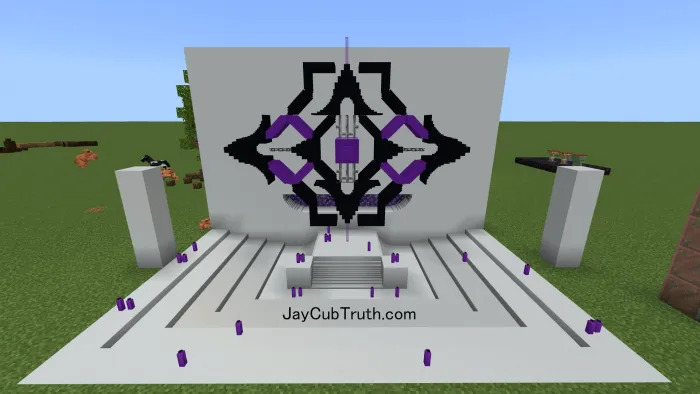
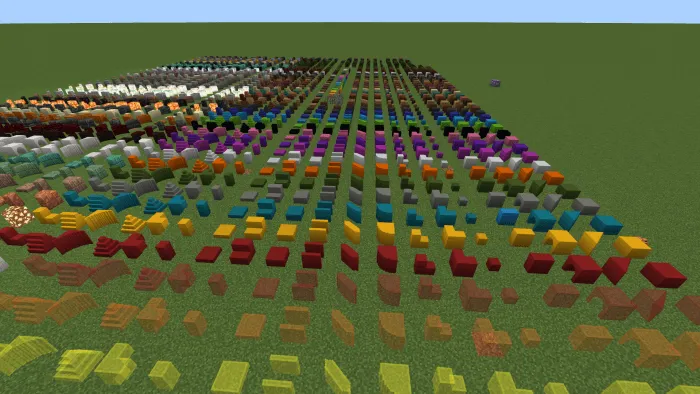
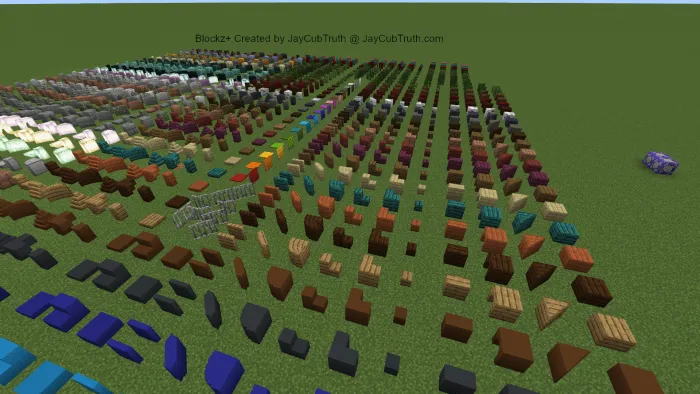
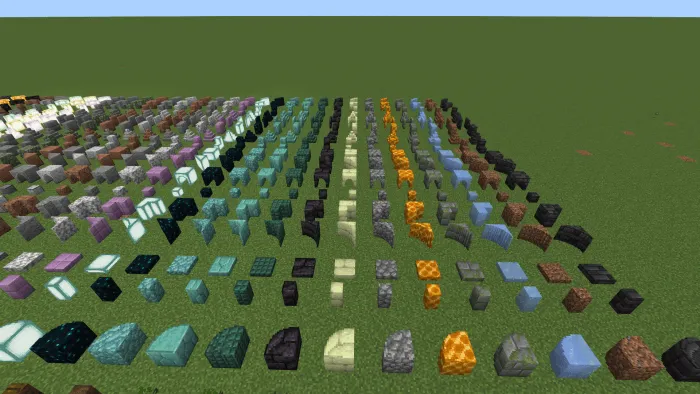
You are NOT permitted to:
- Edit, alter, modify, adapt, translate or otherwise change the whole or any part of the addon nor permit the whole or any part of the addon to be combined with or become incorporated in any other addon, nor decompile, disassemble or reverse engineer the addon or attempt to do any such things
- Reproduce, copy, distribute, resell or otherwise use the addon for any commercial or non commercial purpose
Visit JayCubTruth.com to see more of my work. :D
Updated on November 30
- Fixed inventory categories
- Shrunk the hitboxes to better match the shapes
- Fixed red mushroom bit texture
- Fixed cake bit & pillar Textures
- Fix bit and pillar center hitbox
- Fixed the "L" shape texture
- Fixed "texture_List.json"
- Fixed the 3D item render appearance
- Fixed Cherry Recipes (Thanks @kevinrodriguez4090)
New in 1.20.1:
- Bamboo
- Stripped Bamboo
- Bamboo Planks
- Cherry Wood
- Cherry Plank
- Cherry Leaf
- Terracotta (17)
- Glazed Terracotta (16)
- More sensible wood names
- Made the "sheet" hitbox smaller
- You are now able to center the "pillar" and "bit" in the middle of the block space (instead of just corners, easier to make custom trees and things).
- Fixed the "1/2" shape texture
- Pack type: .mcaddon — behaviour and resource pack in one file
- Manifest requires Minecraft 1.13.0 or newer
- Complete pack — everything it depends on is inside the file
- Download link checked 18 Jun 2026 — working
- Mirrored on our own servers — the download does not depend on the original host
These come from our own check of the pack file, not from the source page.