ModsJava
Zergatul's FreeCam Mod (26.2, 1.20.1) – Move Camera Freely
Zergatul's FreeCam Mod is a powerful client-side tool for Minecraft that lets you detach your camera from your character and explore the world freely-like…
⬇ Download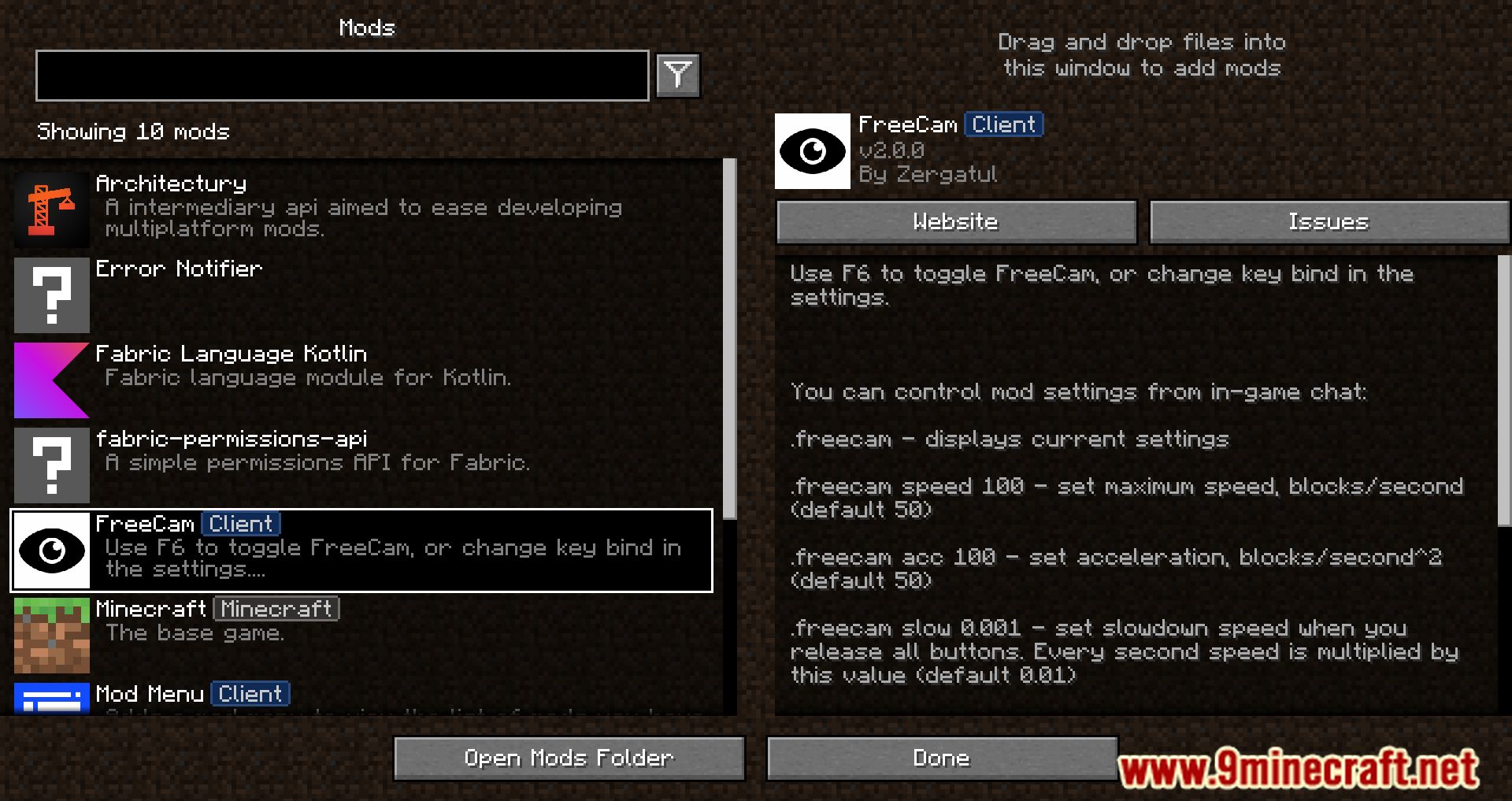
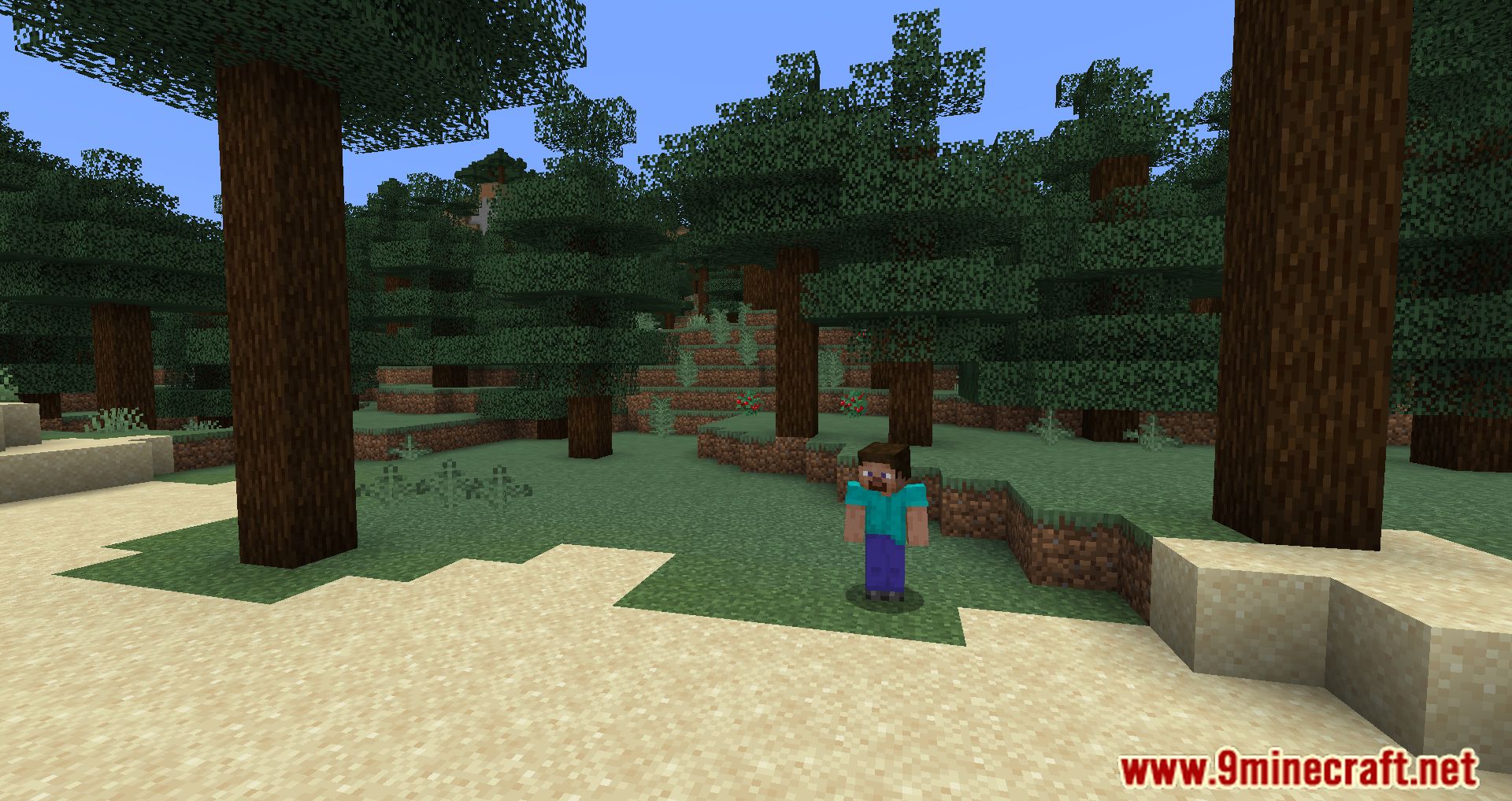
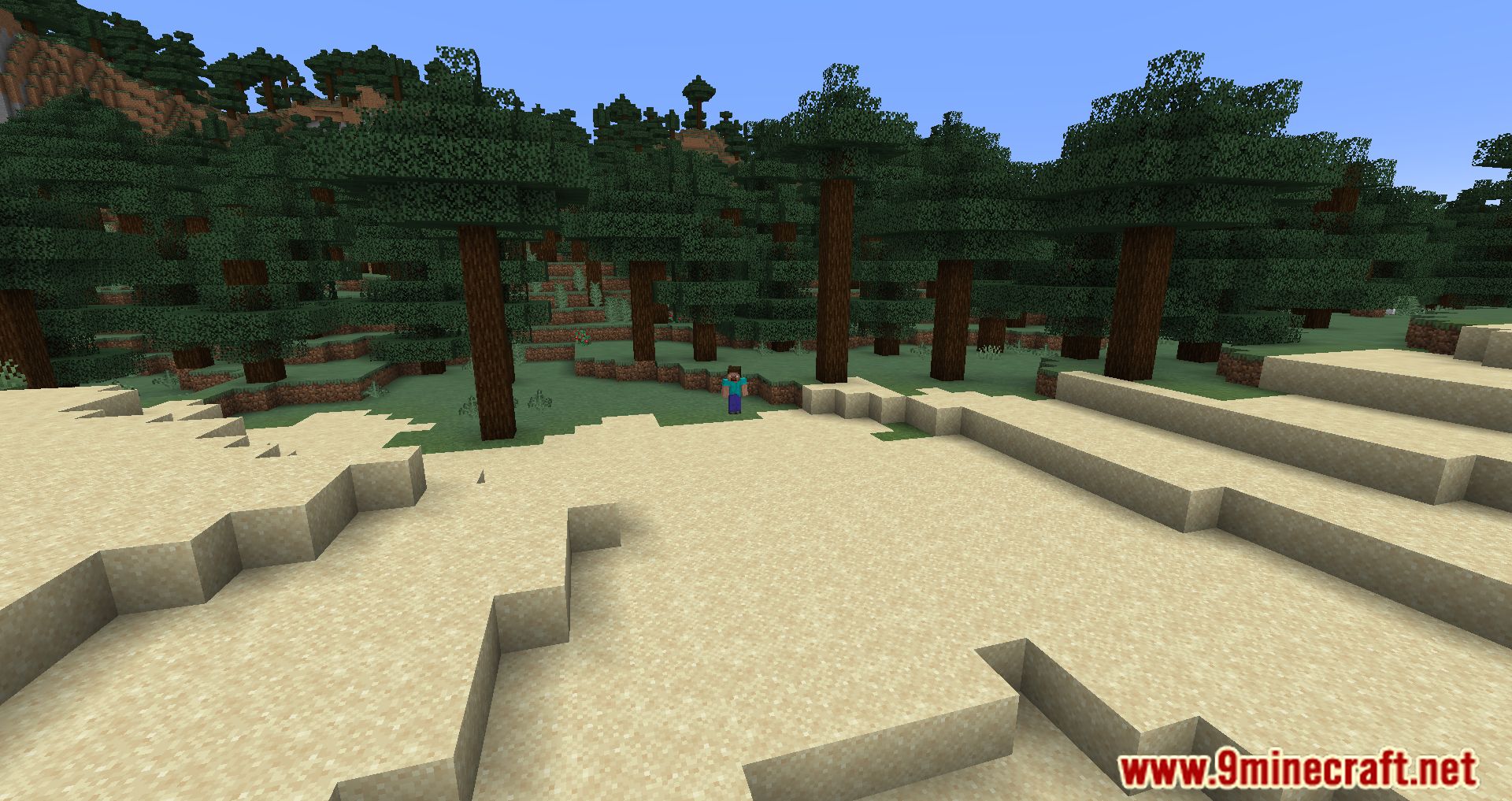
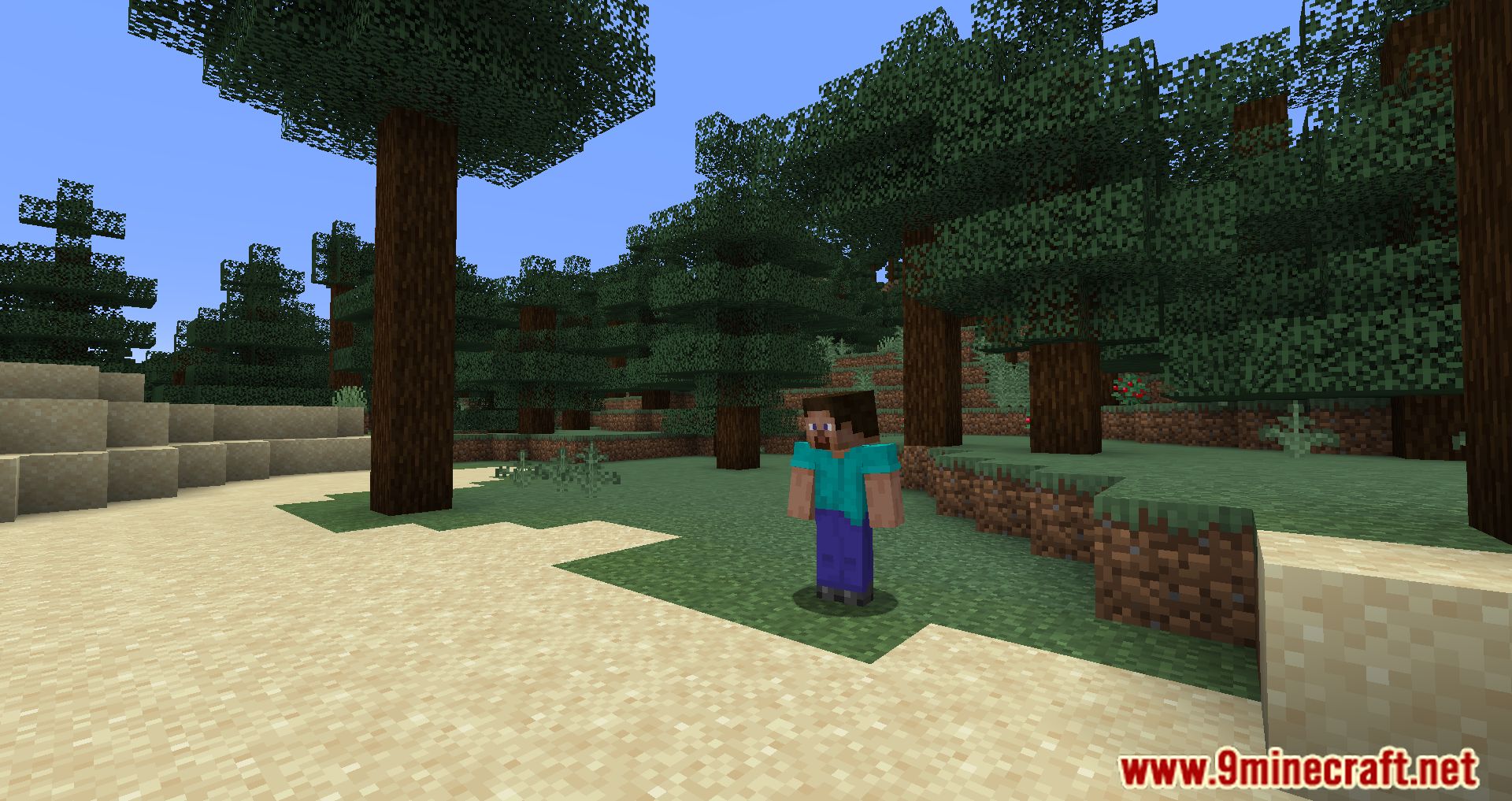
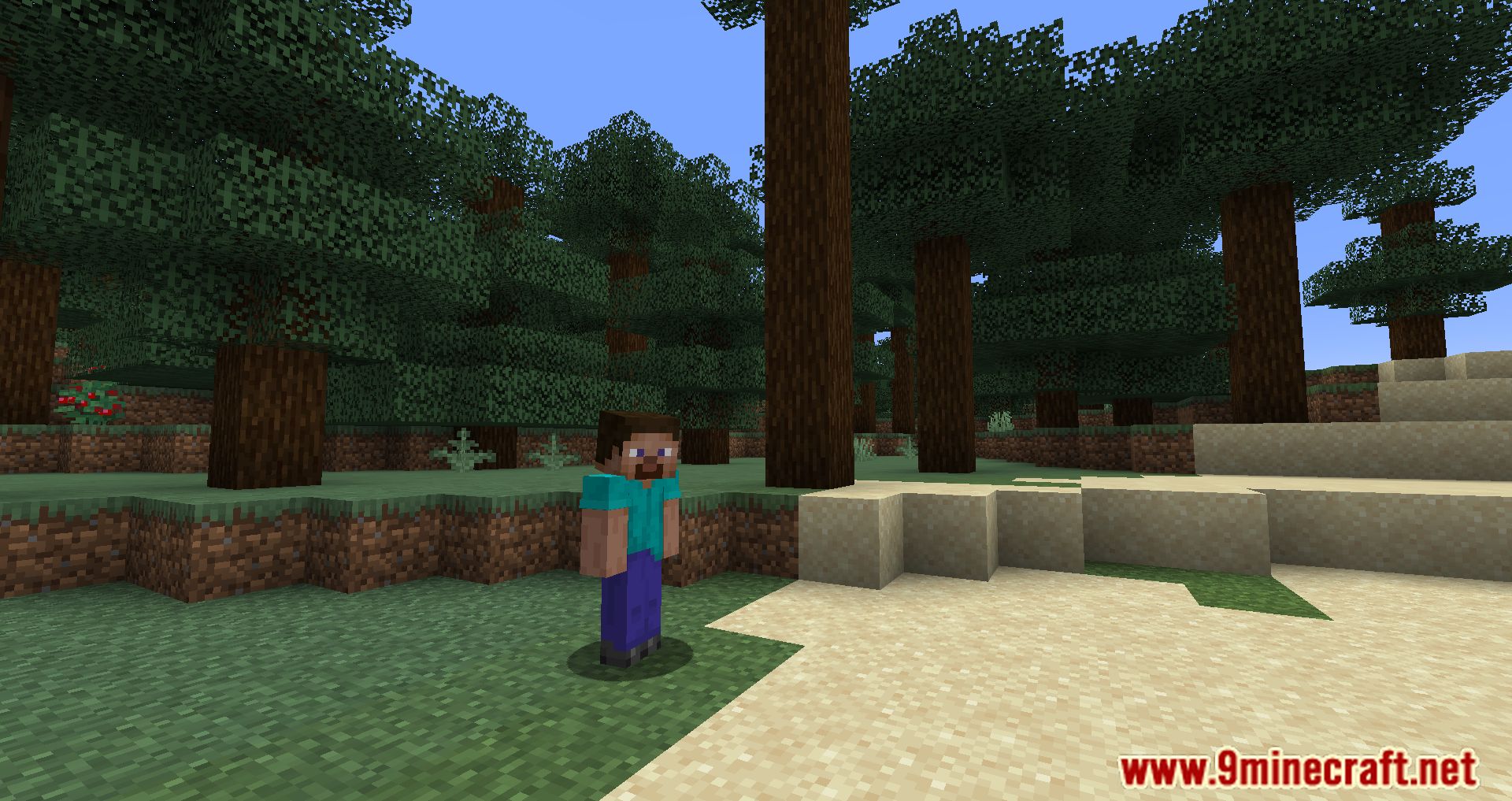
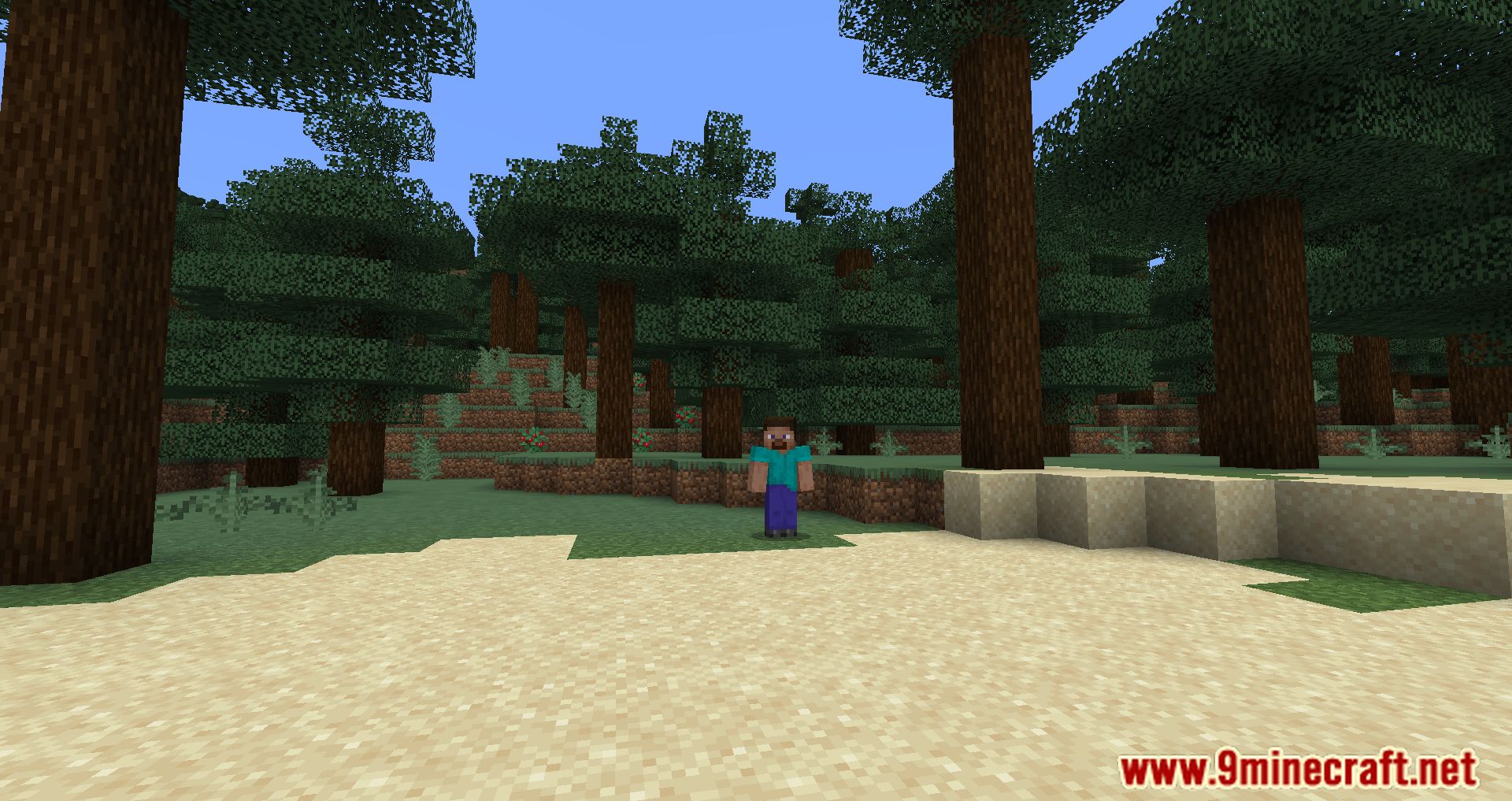
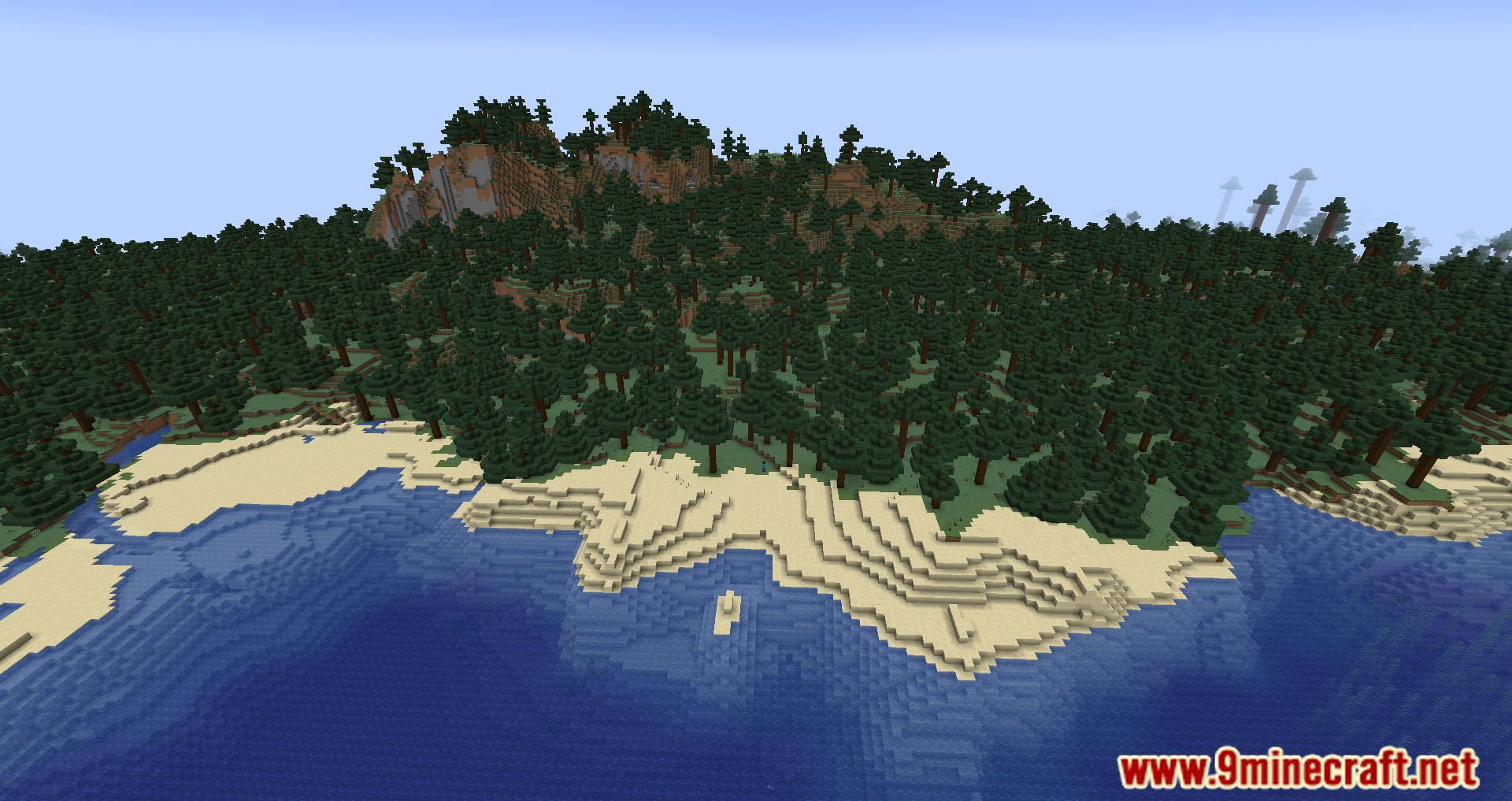
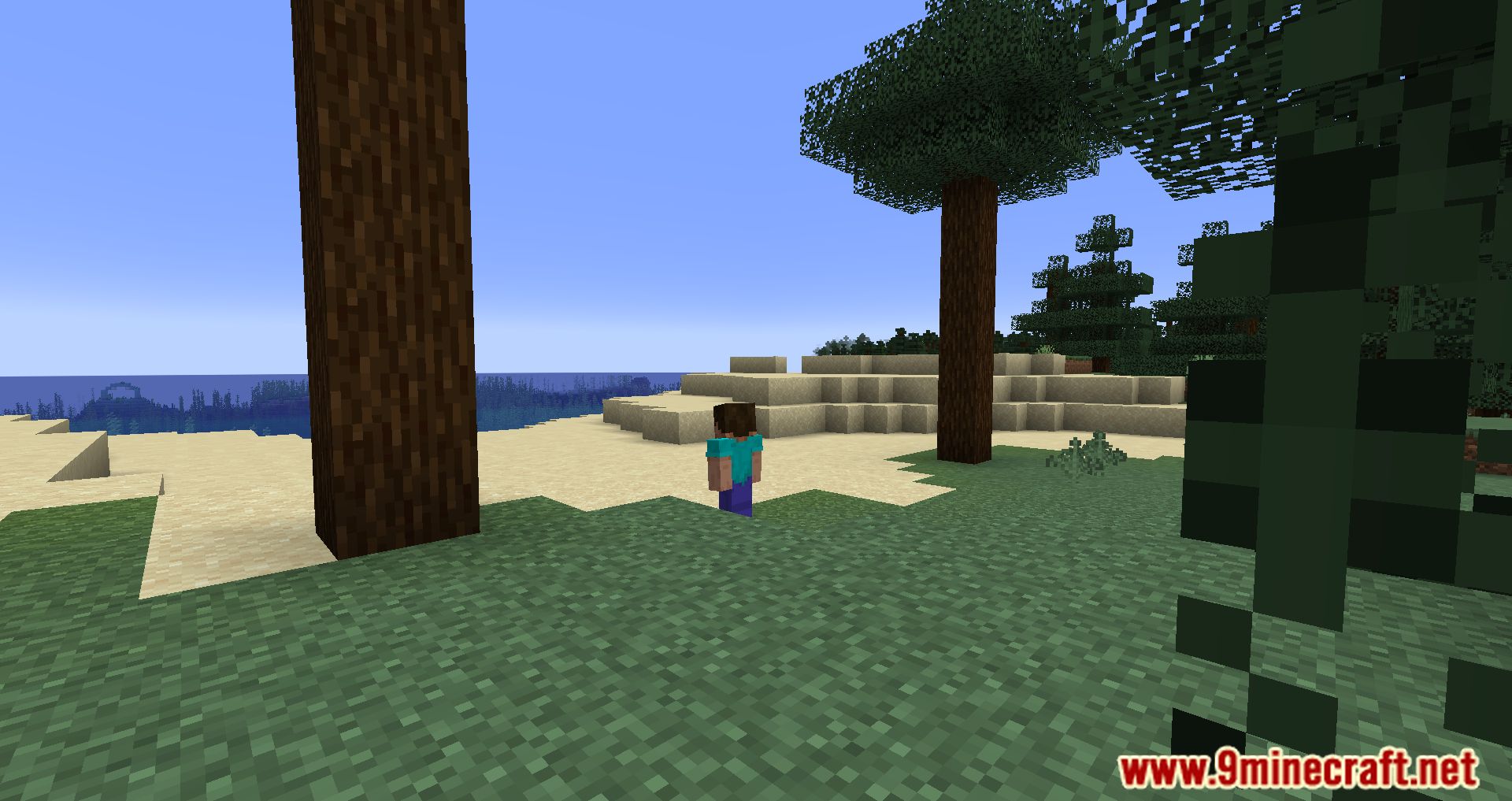
Zergatul’s FreeCam Mod is a powerful client-side tool for Minecraft that lets you detach your camera from your character and explore the world freely-like a ghost with a GoPro.
Features:
- Press F6 (default) to activate FreeCam and fly around independently of your player.
- Move through blocks and terrain without restrictions, similar to Minecraft’s spectator mode.
- Choose whether your interactions (like breaking blocks or hitting entities) are based on your FreeCam view or your actual player position.
- Create smooth camera paths using commands like .freecam path add 1000 for cinematic shots or time-lapses.
- Fine-tune how fast and smoothly the camera moves with commands like .freecam speed and .freecam acc.
- Lock the camera’s position or keep it centered on your character’s eyes for creative filming angles.
- Choose whether to render your hands or crosshair while in FreeCam mode.
Screenshots:
Zergatul’s FreeCam Mod Download Links
Quick facts
- Edition: Minecraft Java
- File type: .jar
- Minecraft version listed: 1.20.1
- How to install: Install the matching mod loader (Forge, Fabric or NeoForge) for your Minecraft version. → Download the .jar. → Put it in the .minecraft/mods folder and launch that loader profile.
- Where to get it: In MC Java Mods, or directly above on this page.
Install steps are the general flow for this file type — How to install Minecraft Java mods & modpacks walks through it step by step.
Verified by MCModsHub
- Downloads as 83298.mcaddon
- Download size: 52 KB
- Download link checked 25 Sept 2026 — working
- Mirrored on our own servers — the download does not depend on the original host
These come from our own check of the pack file, not from the source page.