ModsJava
Packing Tape Mod (26.2, 1.20.1) – Move Chests, Machines
Java mod listed for Minecraft 1.20. Downloads from the MC Java Mods app on Android.
⬇ Download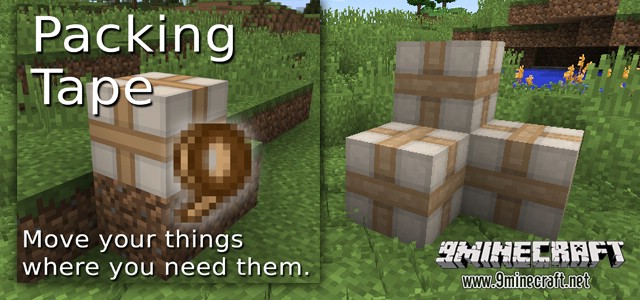
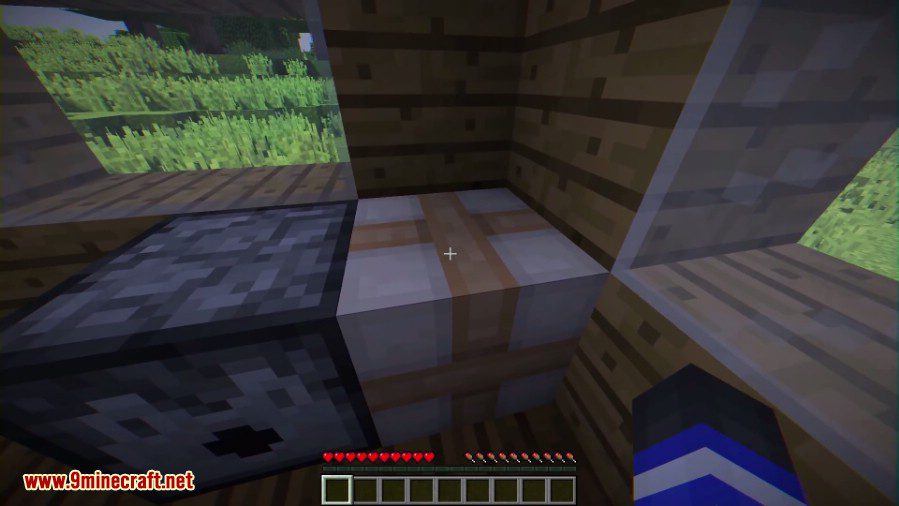
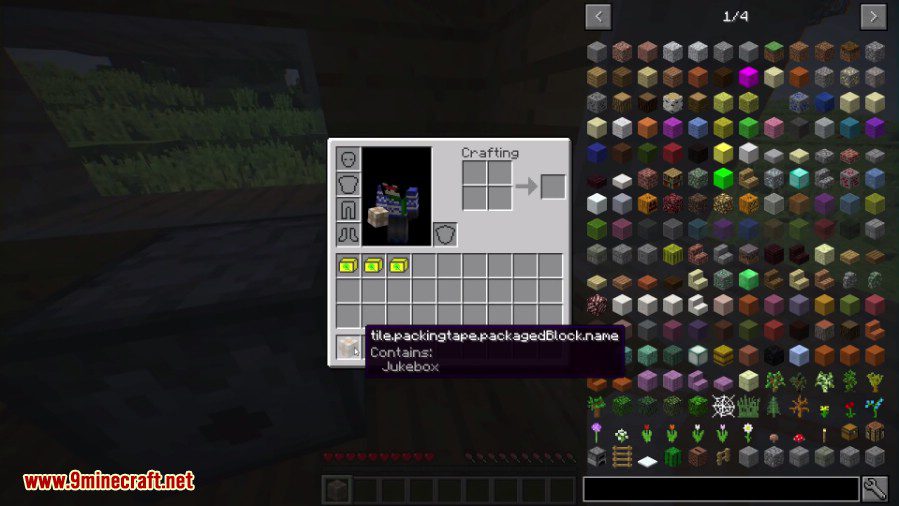
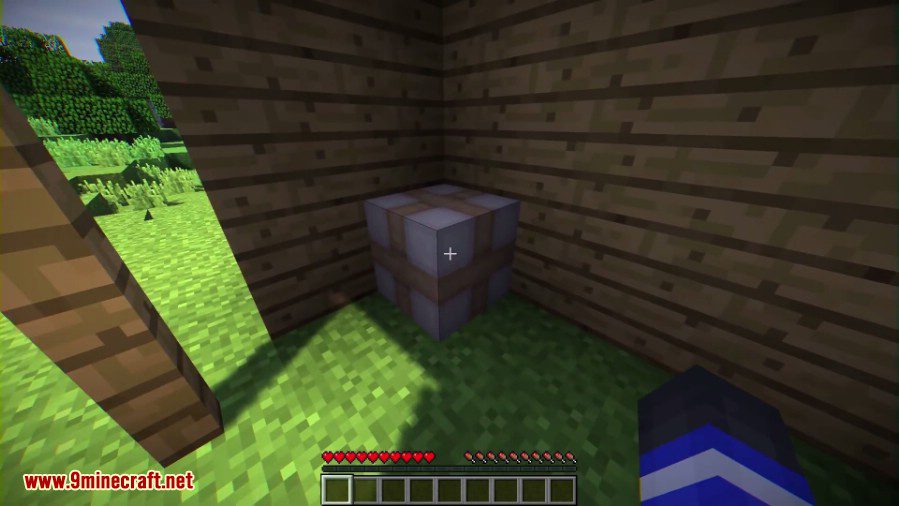
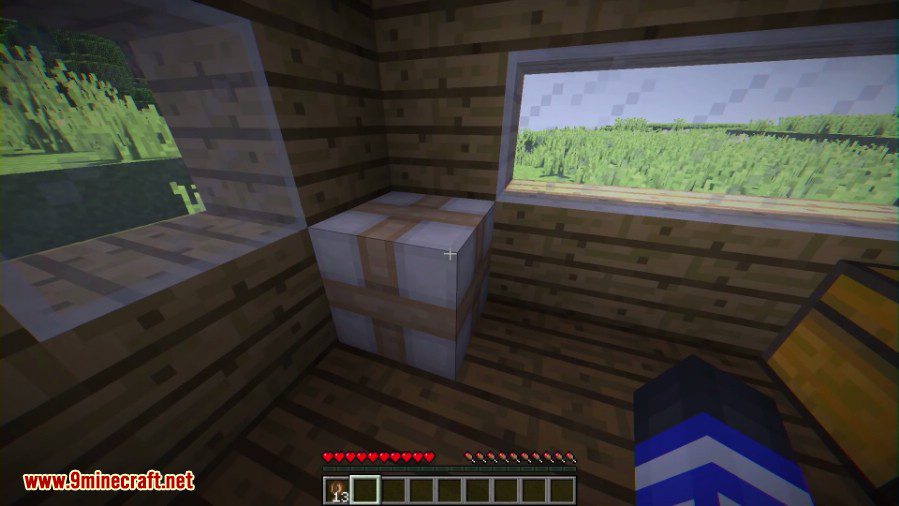
Packing Tape Mod allows you to move things around your world! Pack up a chest full of items and move it to another location with ease.
The following TEs are blacklisted by default:
- Command Blocks: Security concern: moving command blocks may allow things to happen that shouldn’t happen.
- End Portal blocks: Security/gameplay concern: Moving end portal blocks could cause issues.
- Mob Spawners: Balance concern: moving block spawners can be cheaty and should be reserved for hard-to-obtain methods.
- Player Skulls: They don’t have an ItemBlock form, and can be moved away easily regardless, so no point.
- Banners, Comparators, Daylight sensors, Pistons, Note blocks, Signs: No point in packing them (except the sign, which also be a security concern).
How to use:
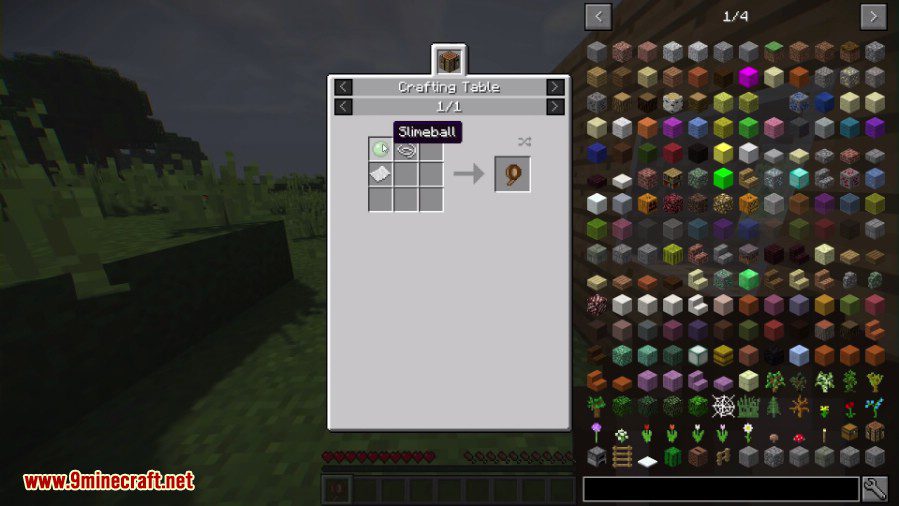
- Craft the tape with string, paper and slimeballs in any crafting grid (shapeless).
- Right-click with the tape on a block with TileEntity (chests, machines, …) to pack.
- Harvest the box to carry it around, and place it in its target location.
- Right-click on a packed block to unpack.
- Note: Sneaking while placing the block will disable the rotation system while unboxing.
Screenshots:
Crafting Recipes:
Allowing the tape to pack mob spawners:
Add the mob spawner tile entity class to the whitelist section of the config file:
    tileentities {
        S:blacklist < >
        S:whitelist < net.minecraft.tileentity.TileEntityMobSpawner >
    }
Packing Tape Mod Download Links
Quick facts
- Edition: Minecraft Java
- File type: .jar
- Minecraft version listed: 1.20.1
- How to install: Install the matching mod loader (Forge, Fabric or NeoForge) for your Minecraft version. → Download the .jar. → Put it in the .minecraft/mods folder and launch that loader profile.
- Where to get it: In MC Java Mods, or directly above on this page.
Install steps are the general flow for this file type — How to install Minecraft Java mods & modpacks walks through it step by step.
File checked by MCModsHub
- Downloads as 83304.mcaddon
- Download size: 96 KB
- Download link checked 23 Sept 2026 — working
- Mirrored on our own servers — the download does not depend on the original host
These come from our own check of the pack file, not from the source page.