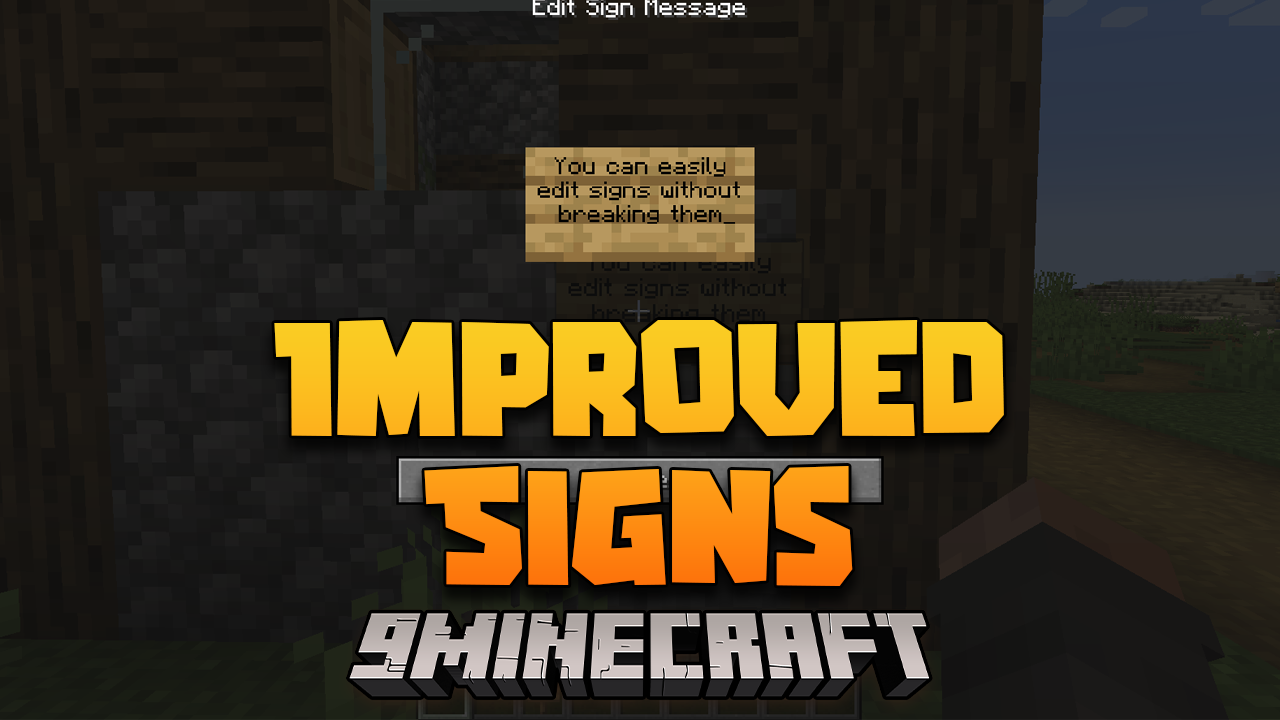
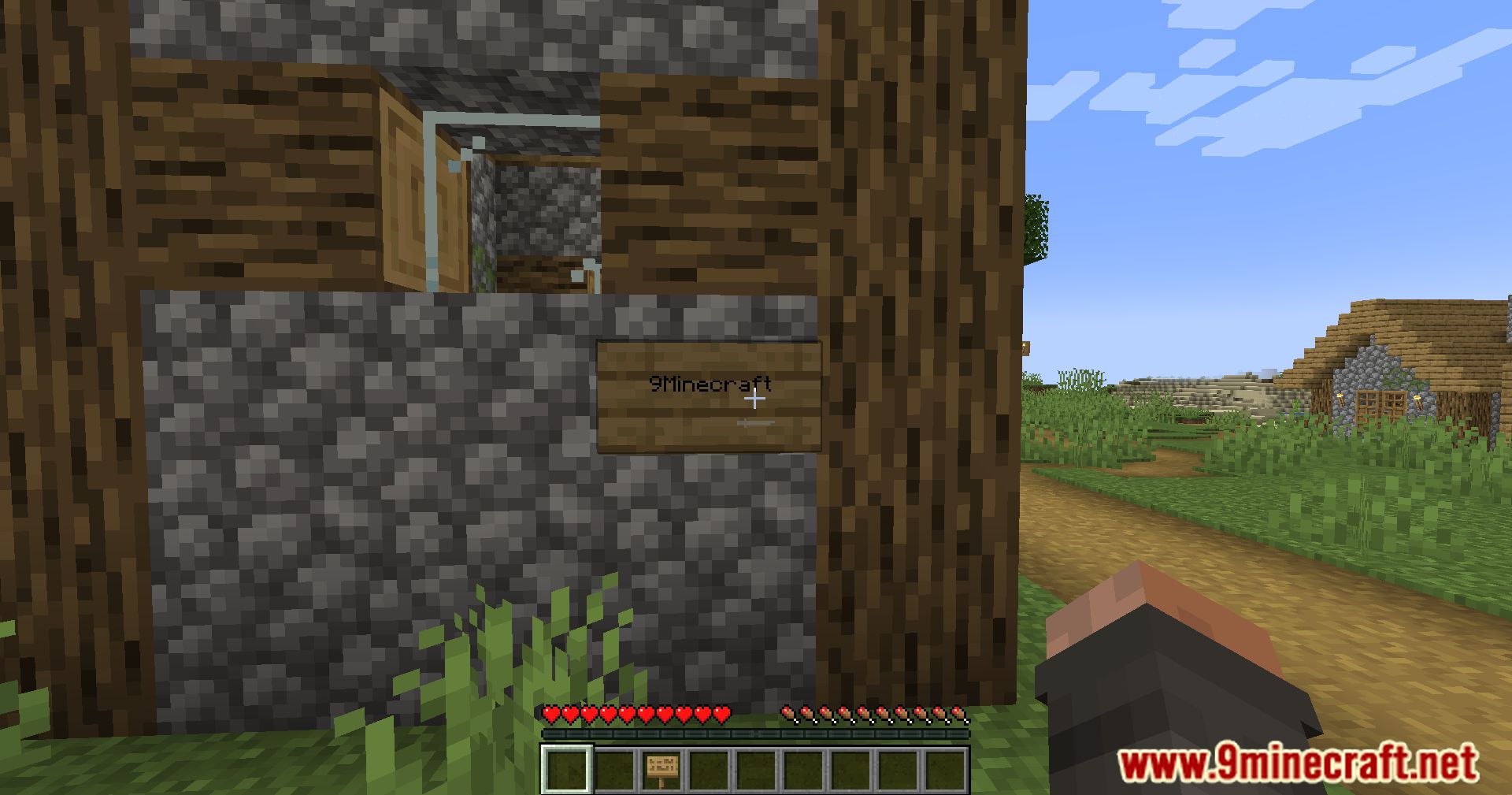
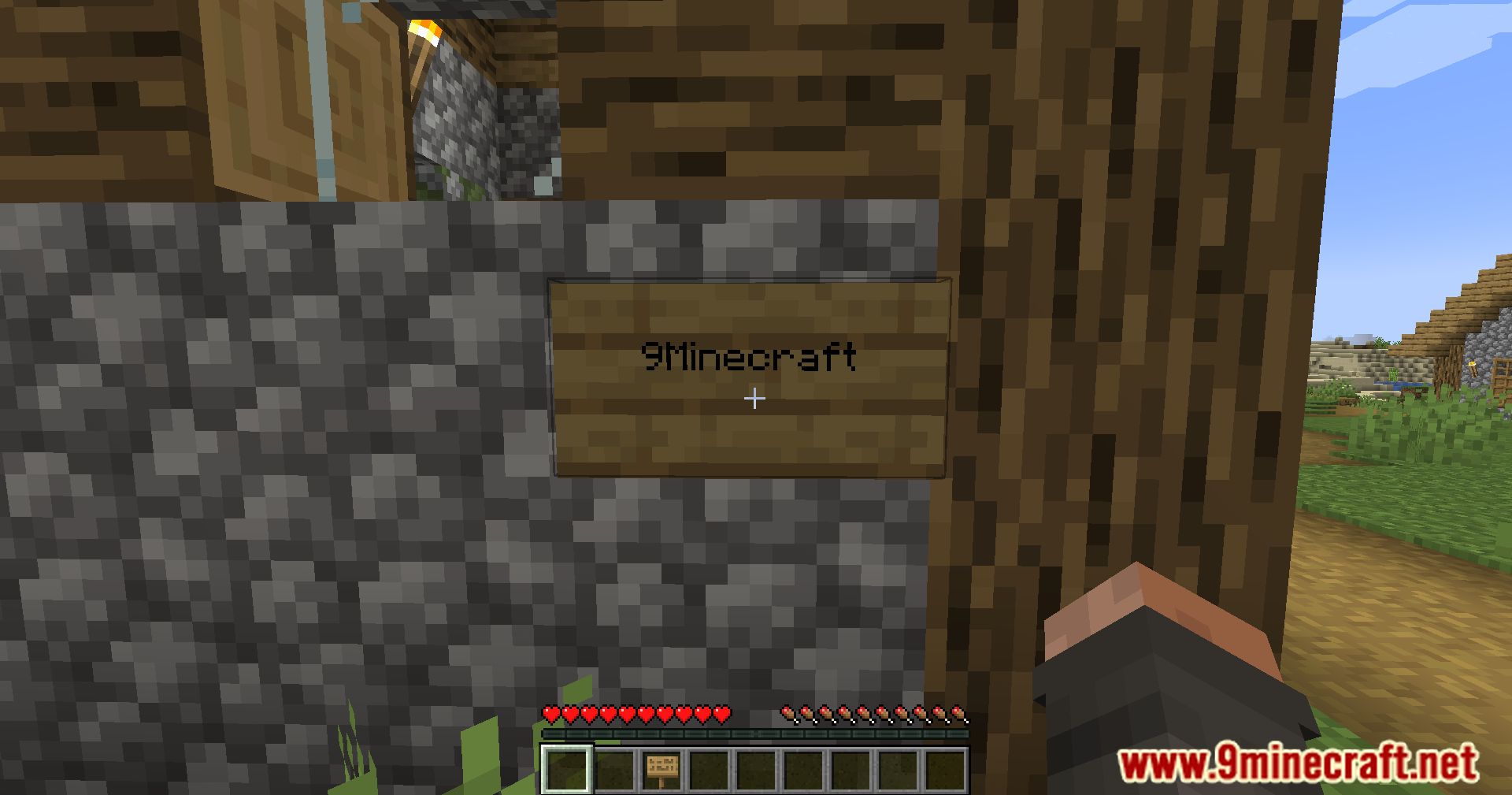
Improved Signs Mod improvements for your signs and frames on your server
Features:
- Sign & Item Frame Passthrough: Access chests, shulker boxes, barrels, etc behind signs by right-clicking the sign
- Interact with Item Frames normally by shift(sneak) + right-click
- Invisible Item Frames – Use Amethyst Shards to turn item frames invisible
- You can configure it to use Glass Panes instead
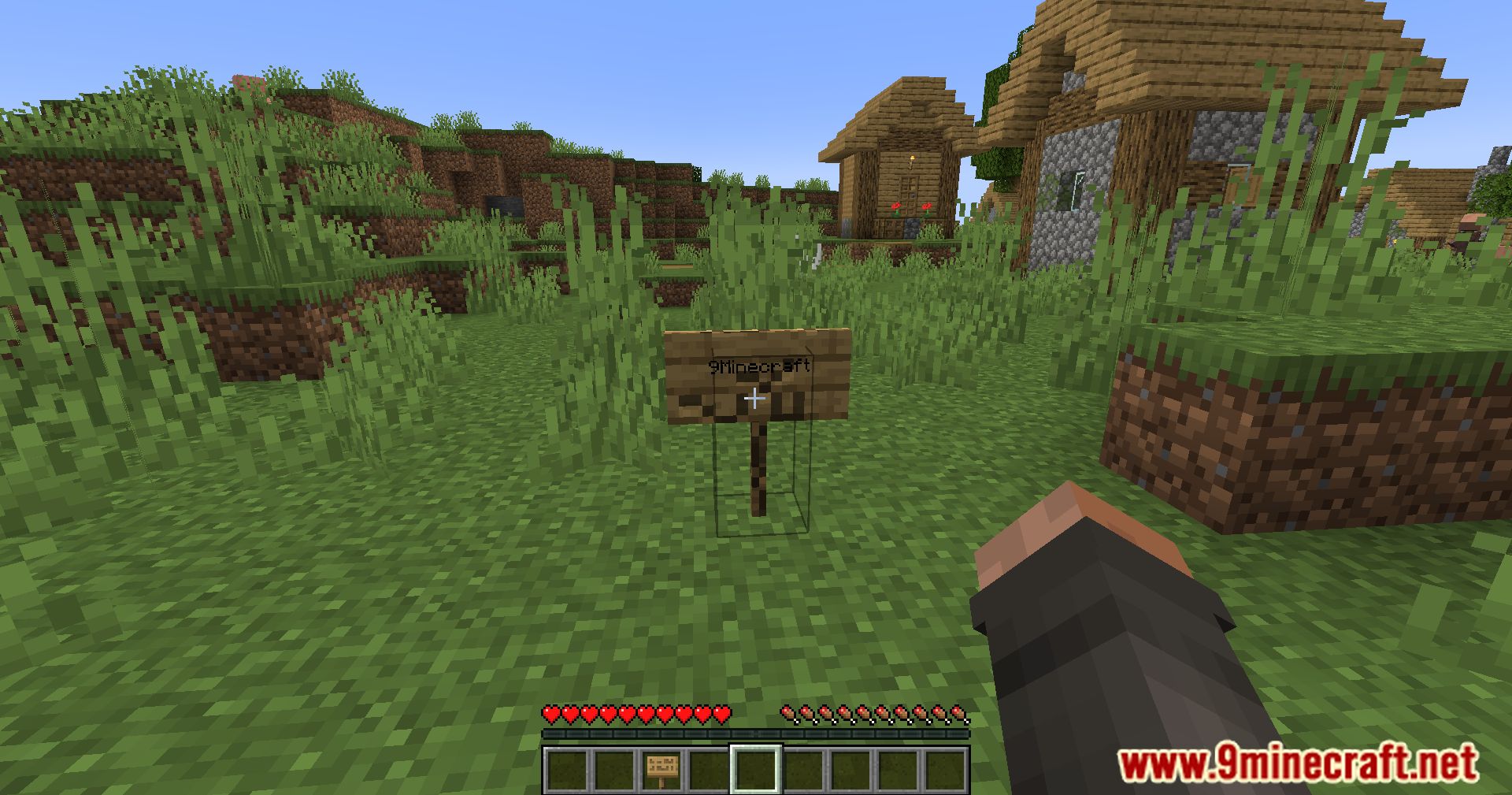
- Signs Retain – Breaking a sign will retain that sign’s text, color and glowing. Put the sign in a crafting window to reset it
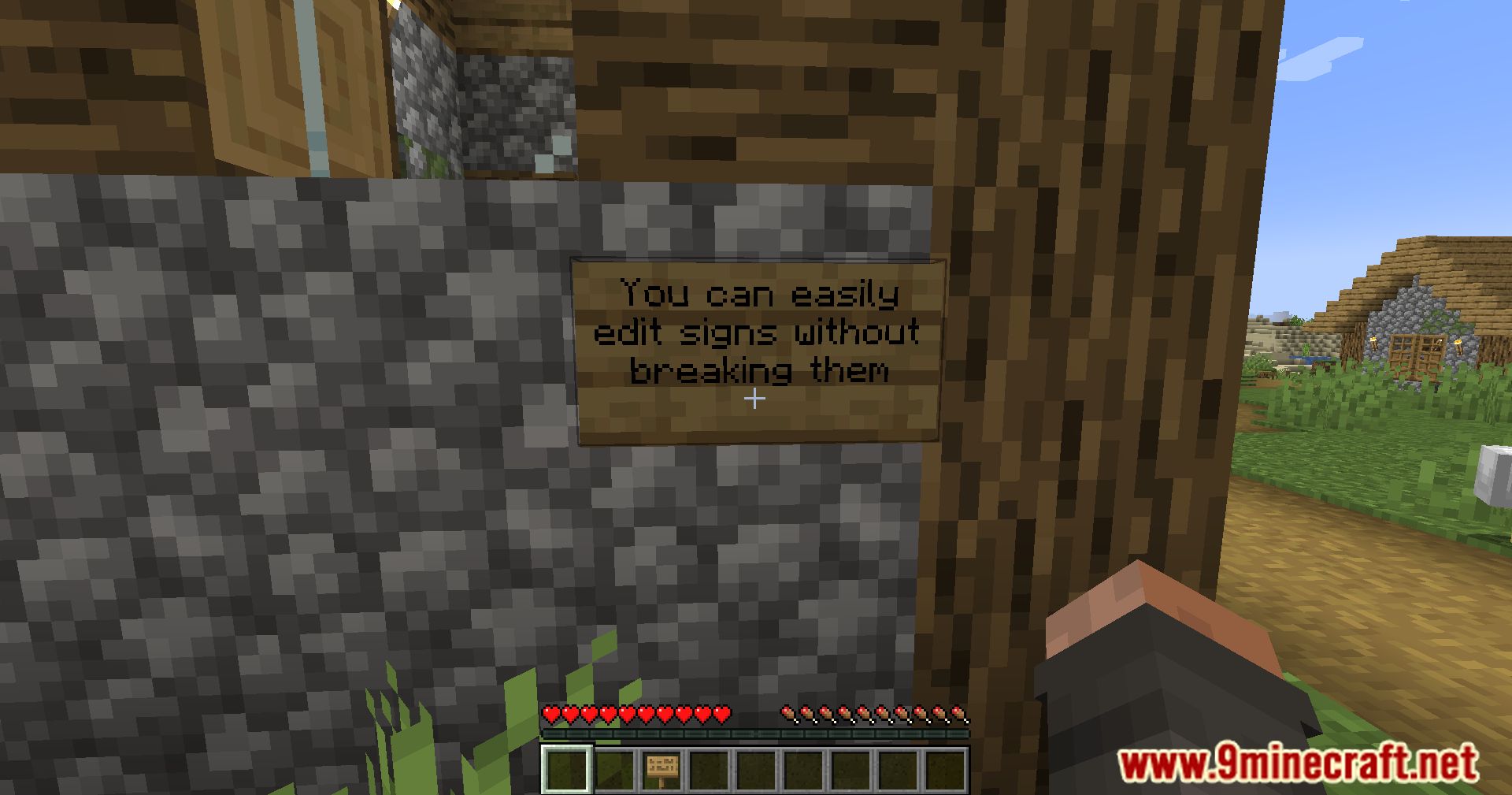
- Sign Copy – Right-clicking a sign with a sign(or stack of signs) in your hand will copy the text to the held signs
- Tooltip text for Sign Copy and Retain is generated server-side, no client-side mod required
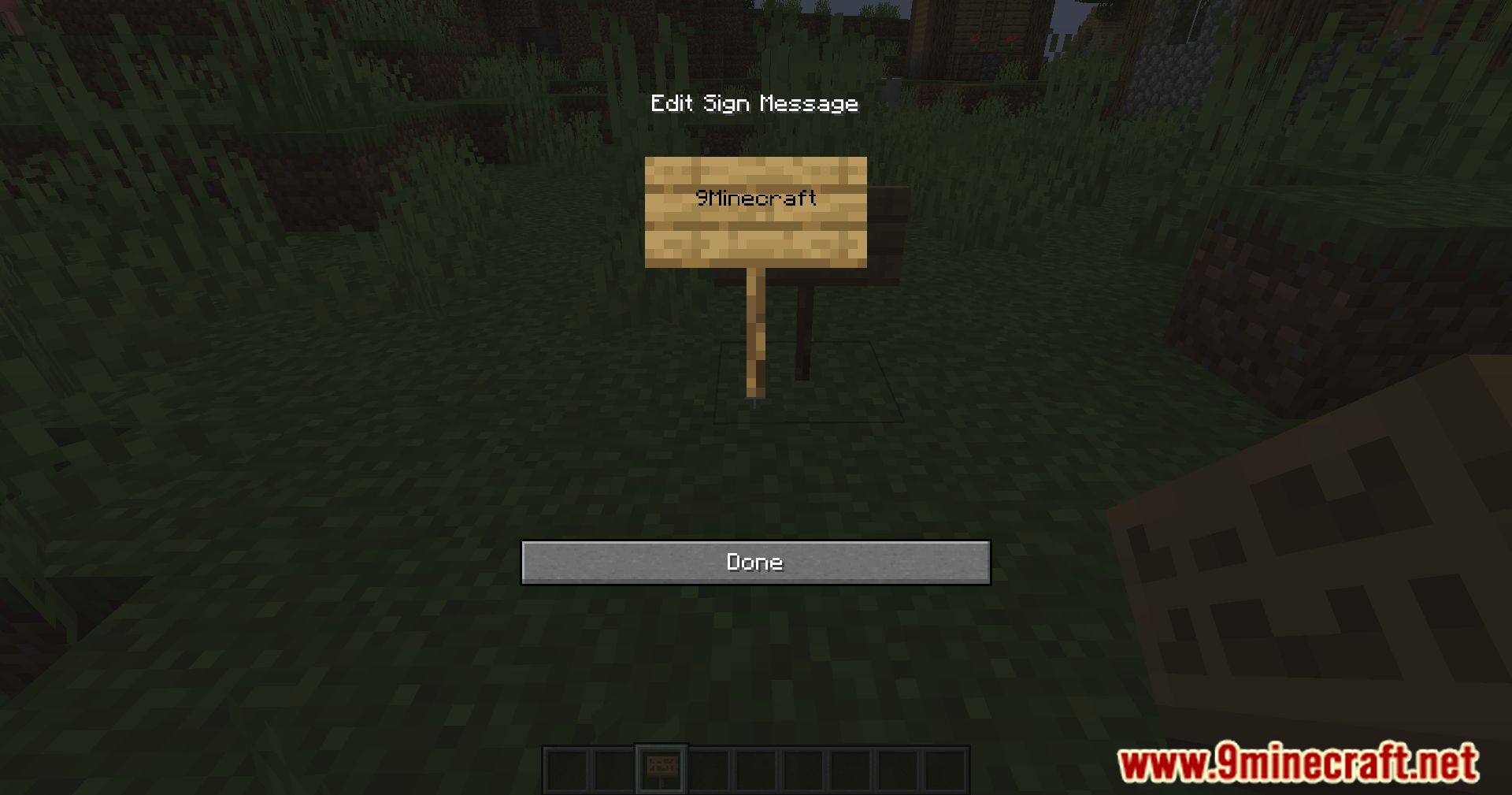
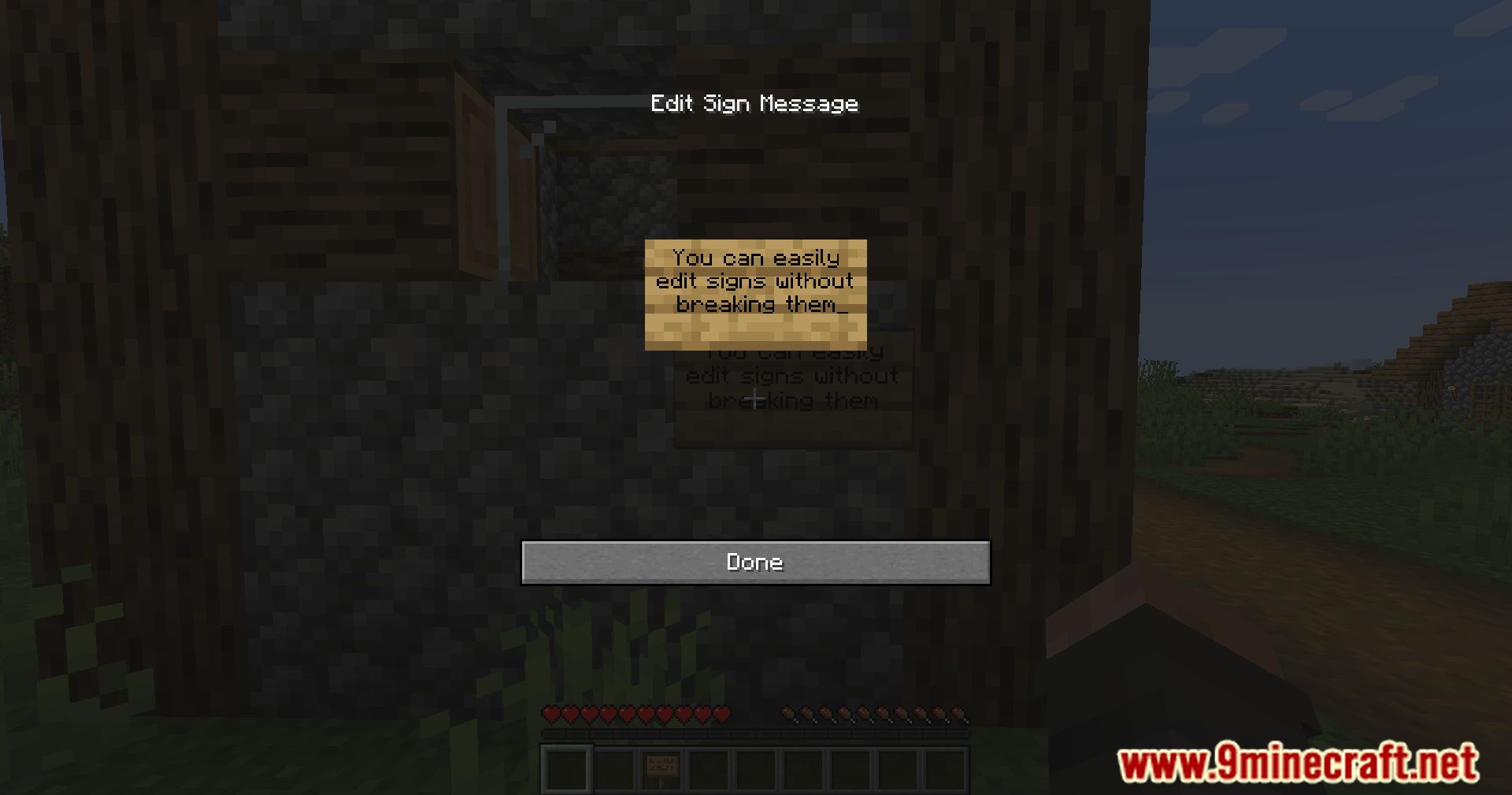
- Stop Sign editor from opening when placing new signs
- All features are configurable in
config/improvedsigns.json5
Screenshots:
Improved Signs Mod Download Links
Quick facts
- Edition: Minecraft Java
- File type: .jar
- Minecraft version listed: 1.20.1
- How to install: Install the matching mod loader (Forge, Fabric or NeoForge) for your Minecraft version. → Download the .jar. → Put it in the .minecraft/mods folder and launch that loader profile.
- Where to get it: In MC Java Mods, or directly above on this page.
Install steps are the general flow for this file type — How to install Minecraft Java mods & modpacks walks through it step by step.
Verified by MCModsHub
- Downloads as 83312.mcaddon
- Download size: 66 KB
- Download link checked 23 Sept 2026 — working
- Mirrored on our own servers — the download does not depend on the original host
These come from our own check of the pack file, not from the source page.