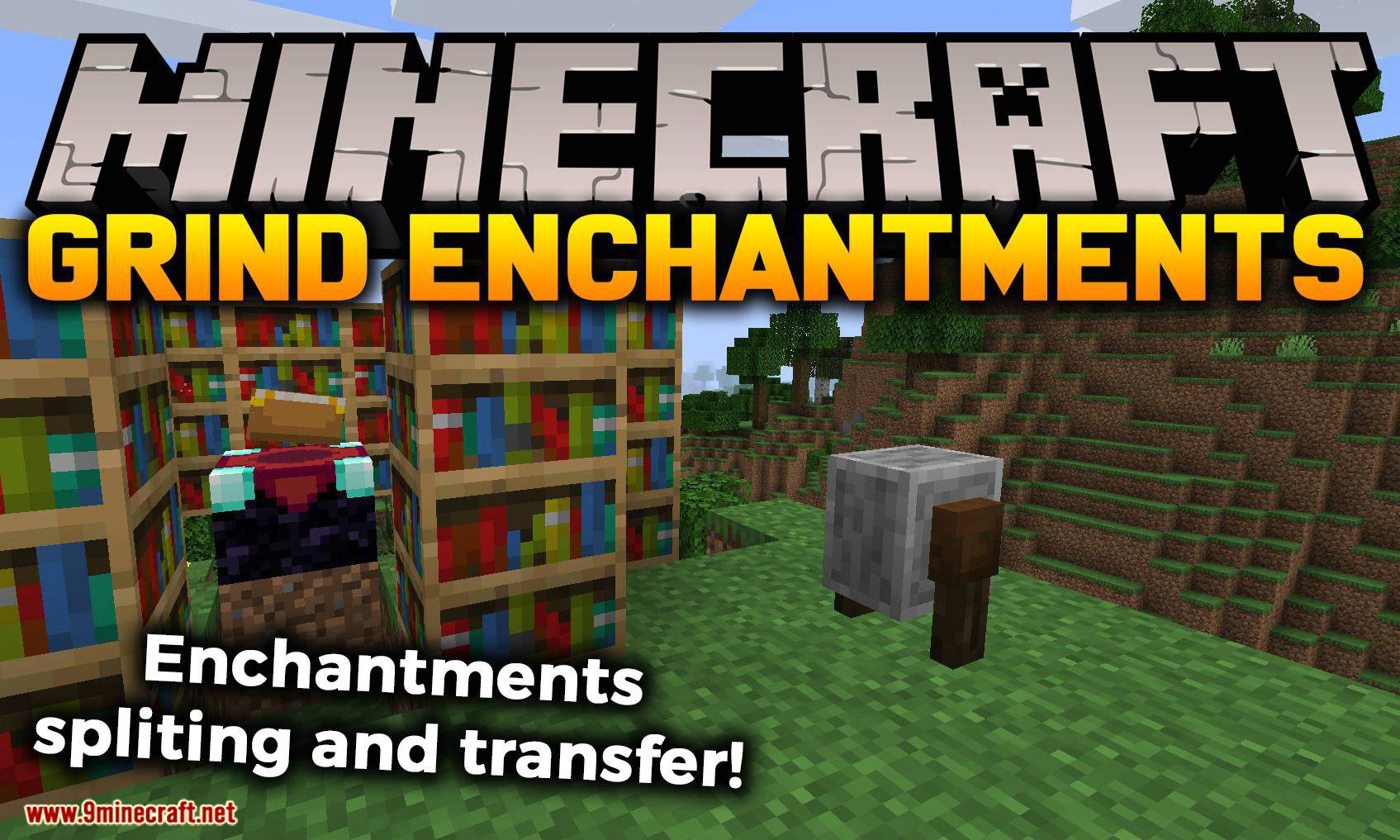
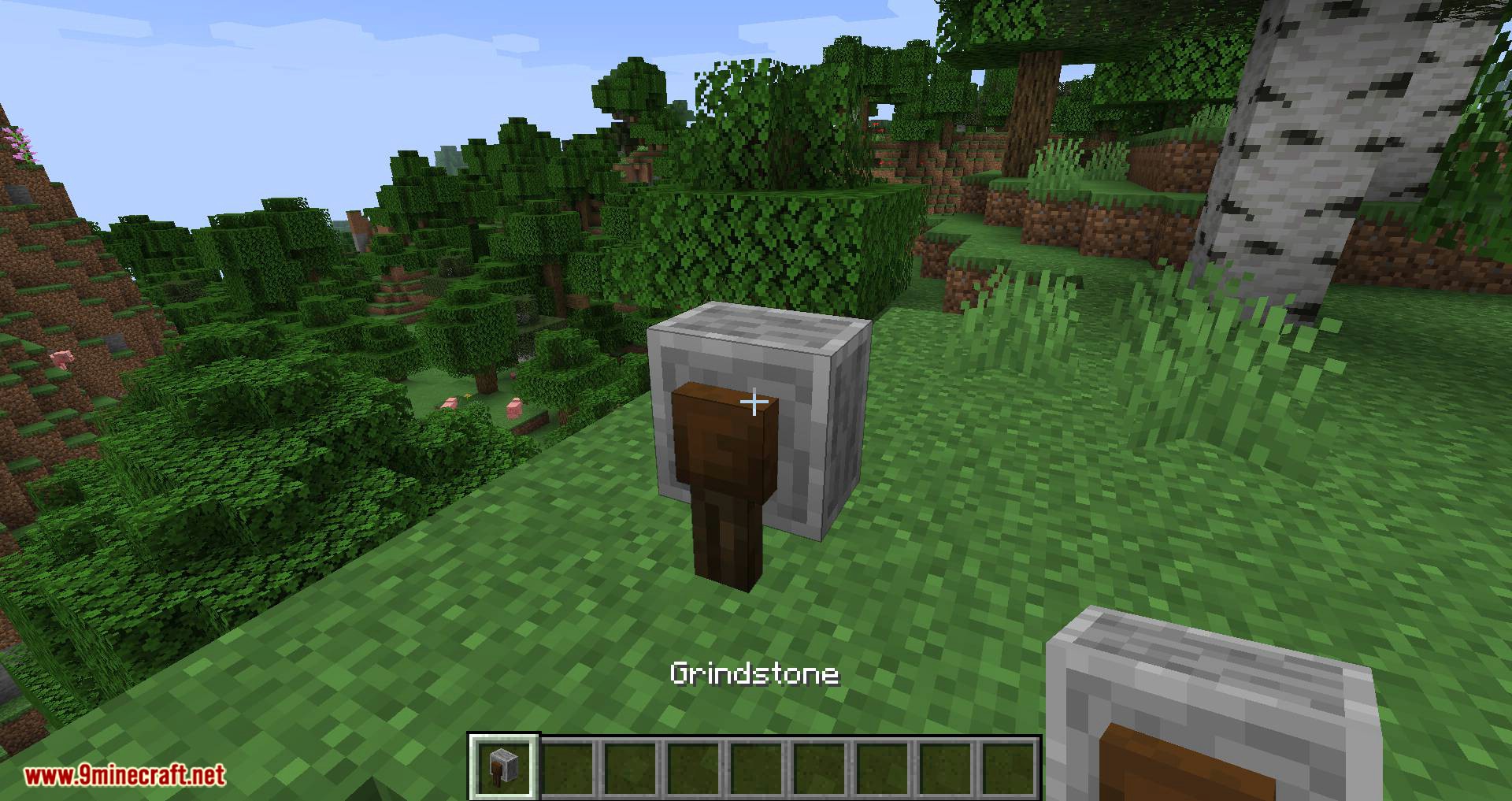
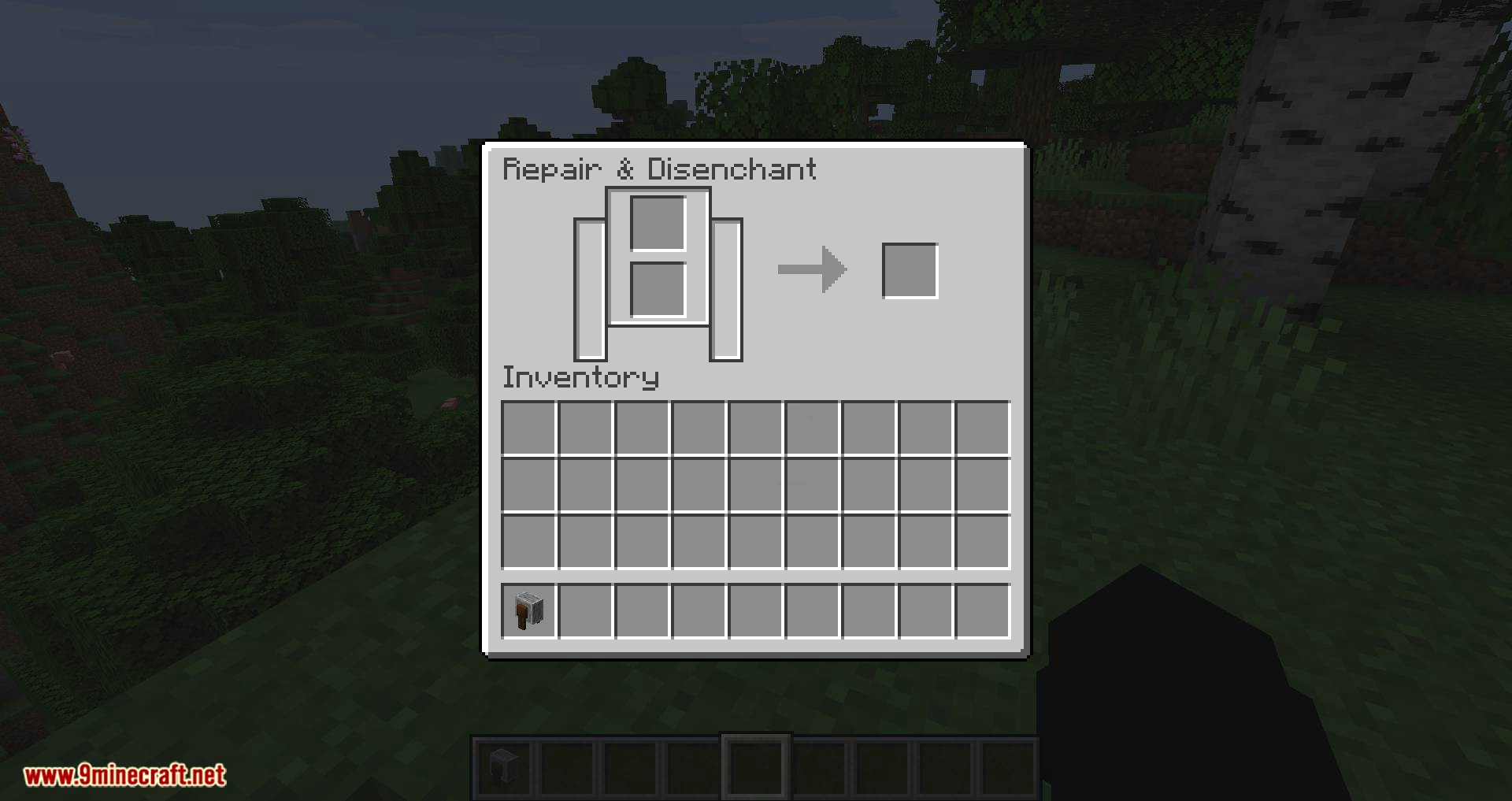
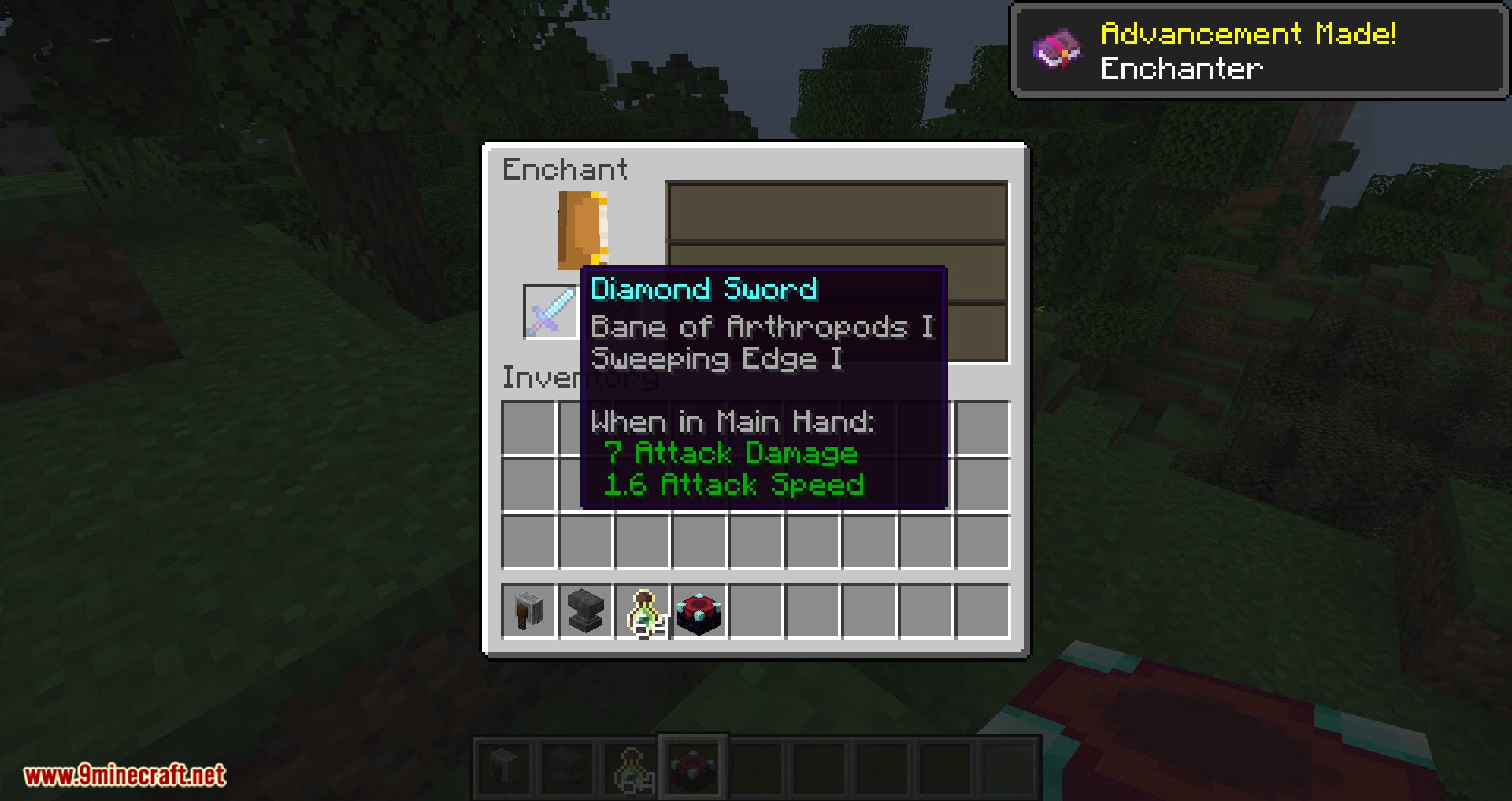
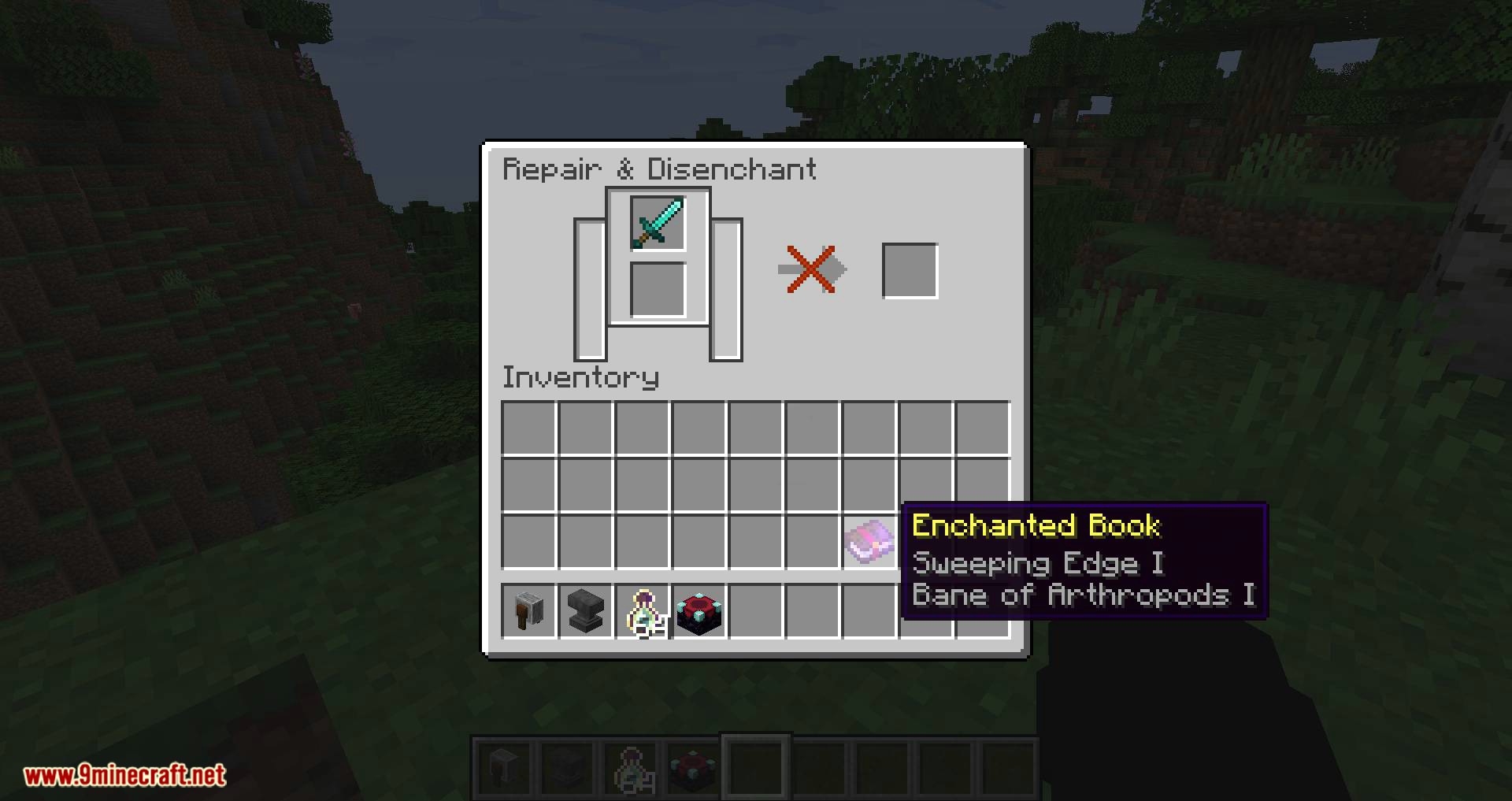
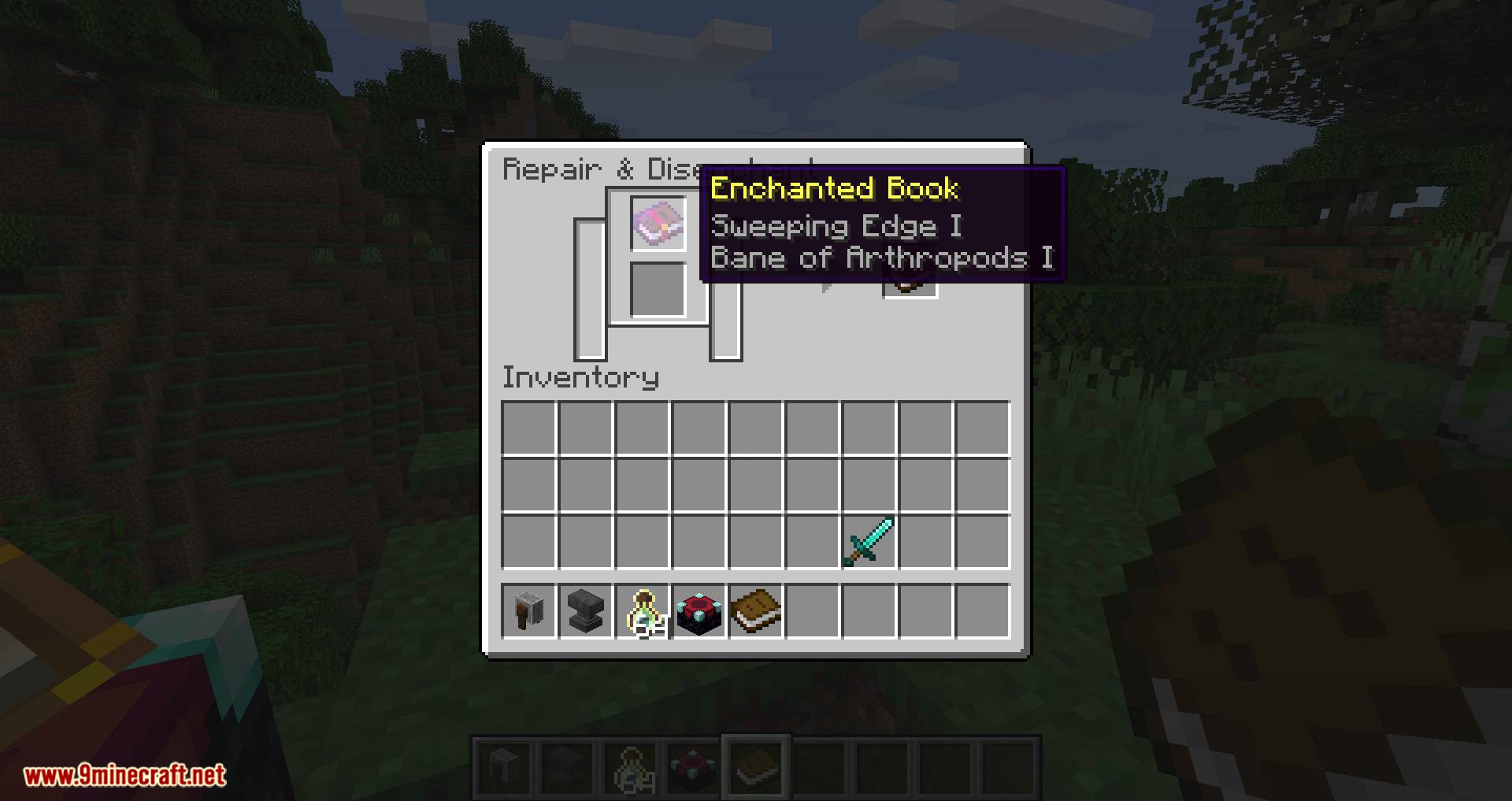
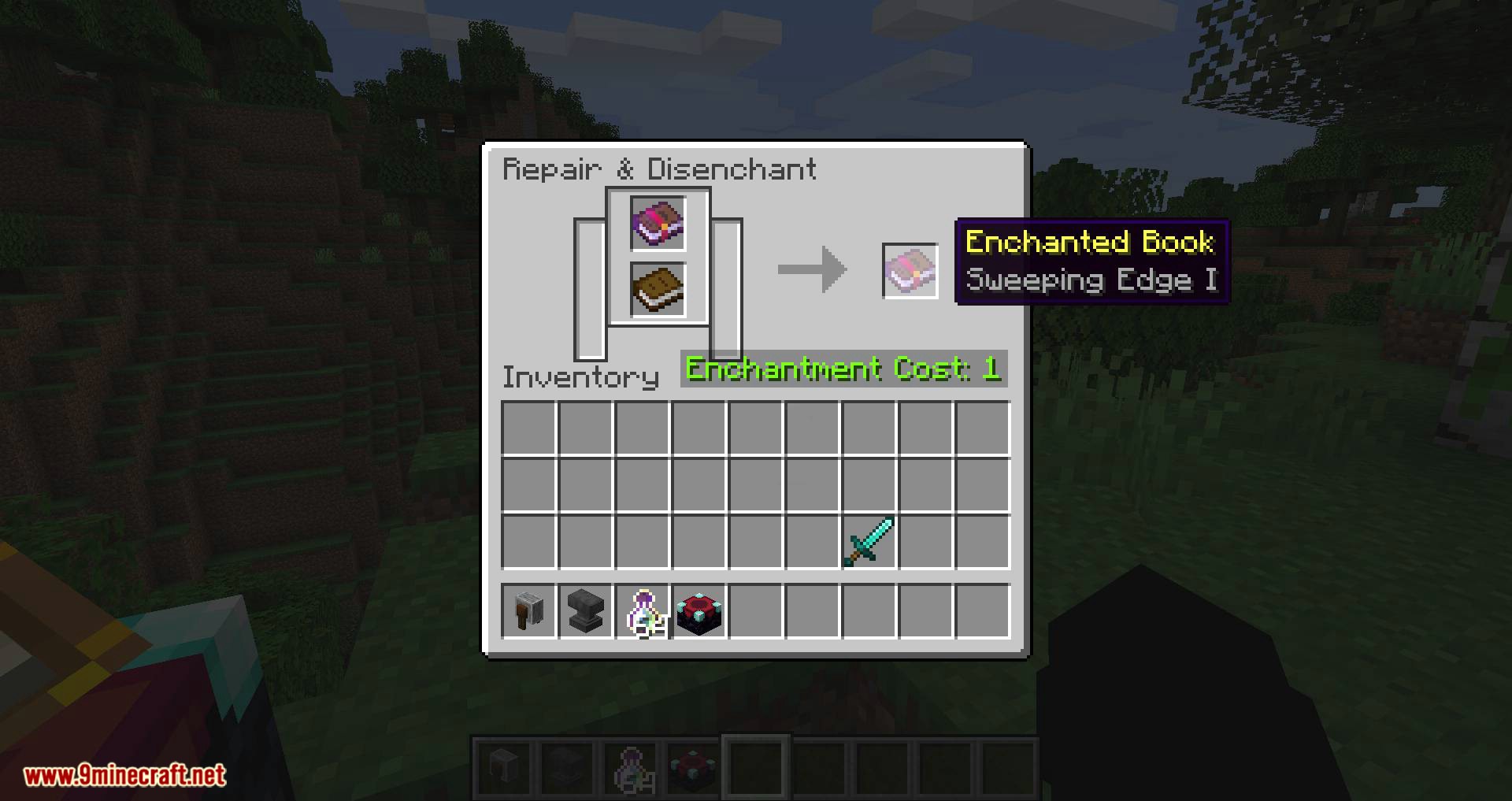
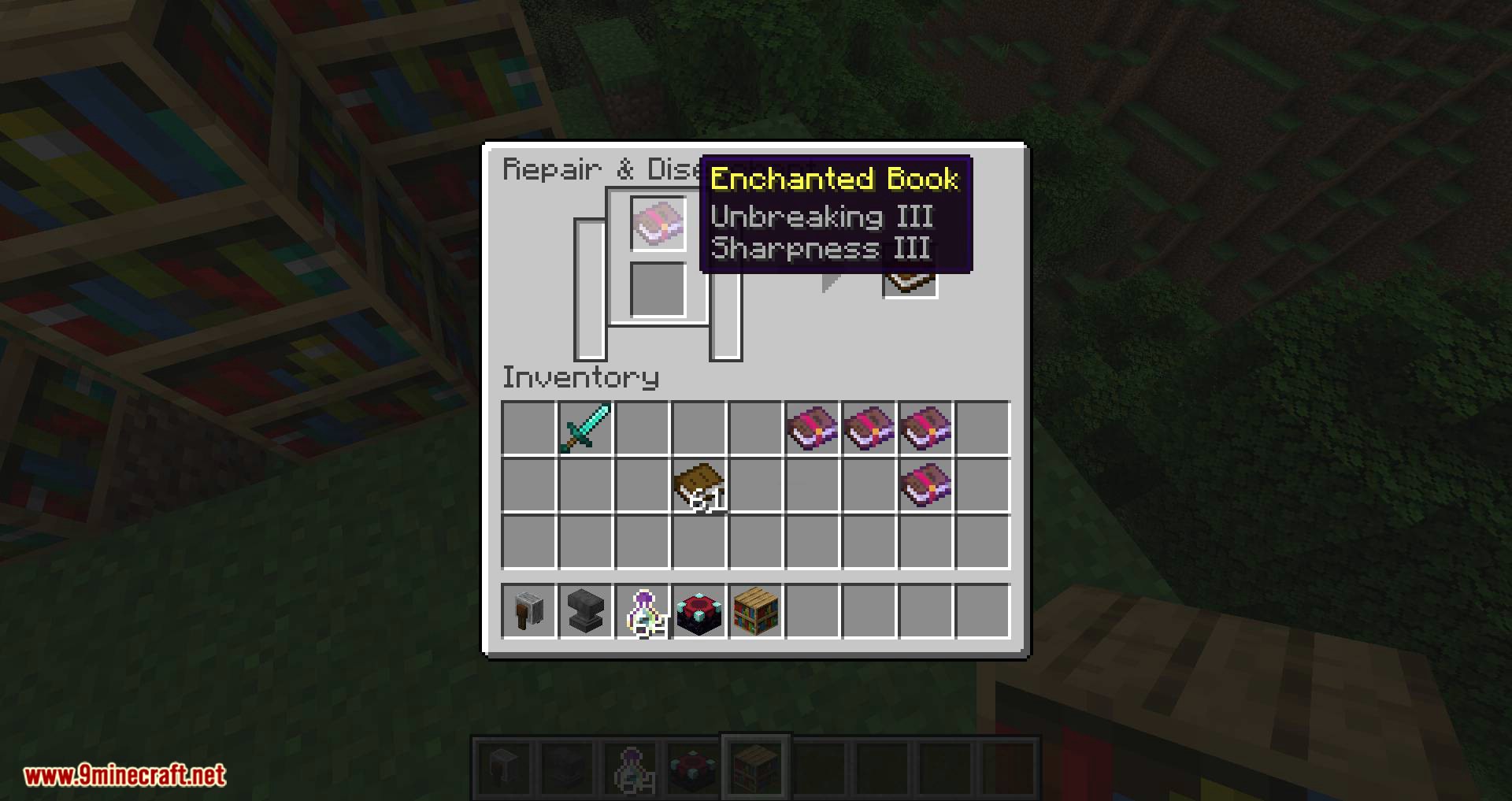
Grind Enchantments Mod adds a few new features to the grindstone. Now you can remove enchantments from an item by placing it and a regular book in the grindstone, after which you will get back the item and the book with the removed enchantment. Additionally, you will be able to transfer enchantments from one book to another, avoiding situations with unwanted enchantments on the book.
Features:
Disenchant to book:
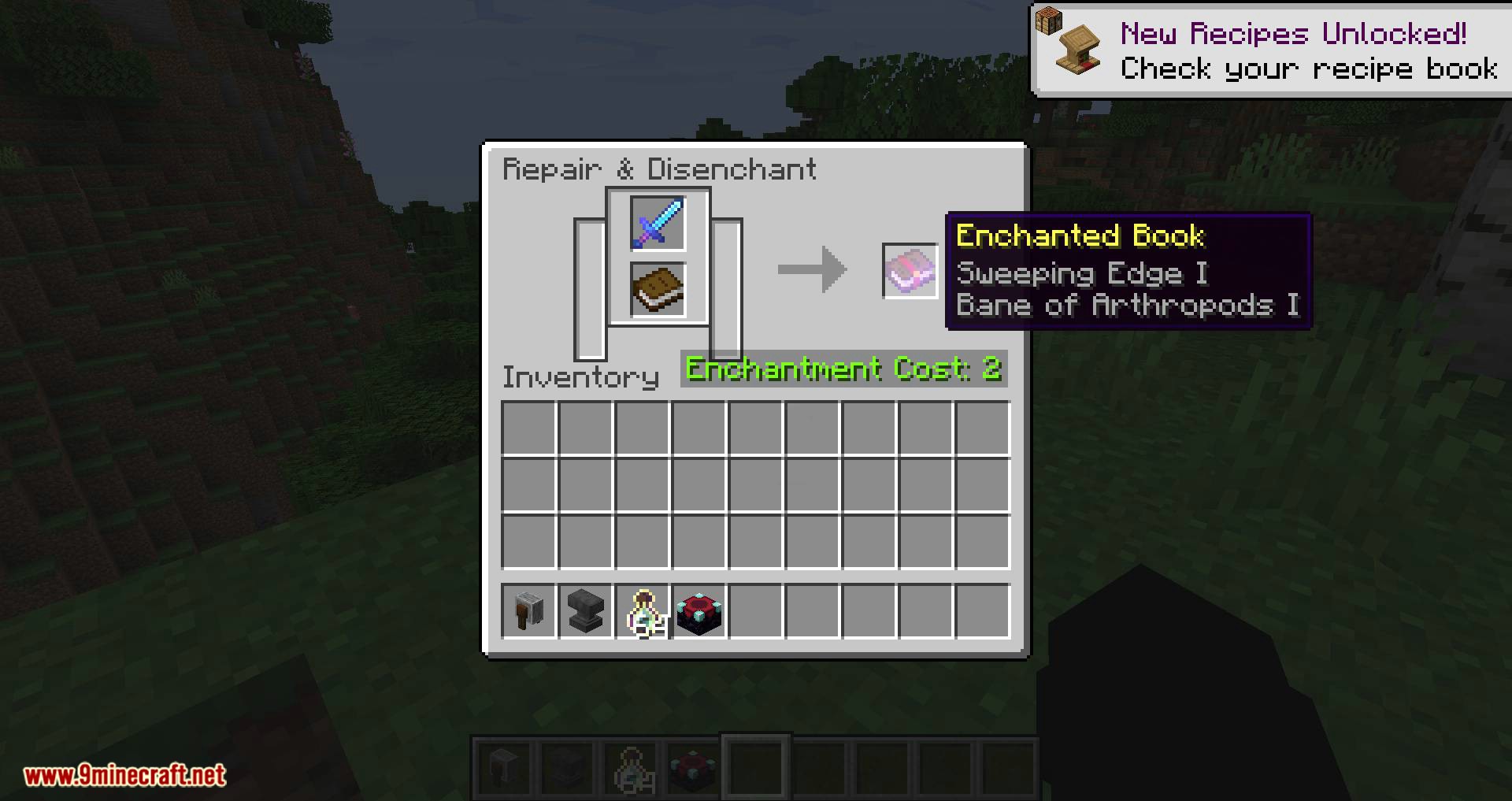
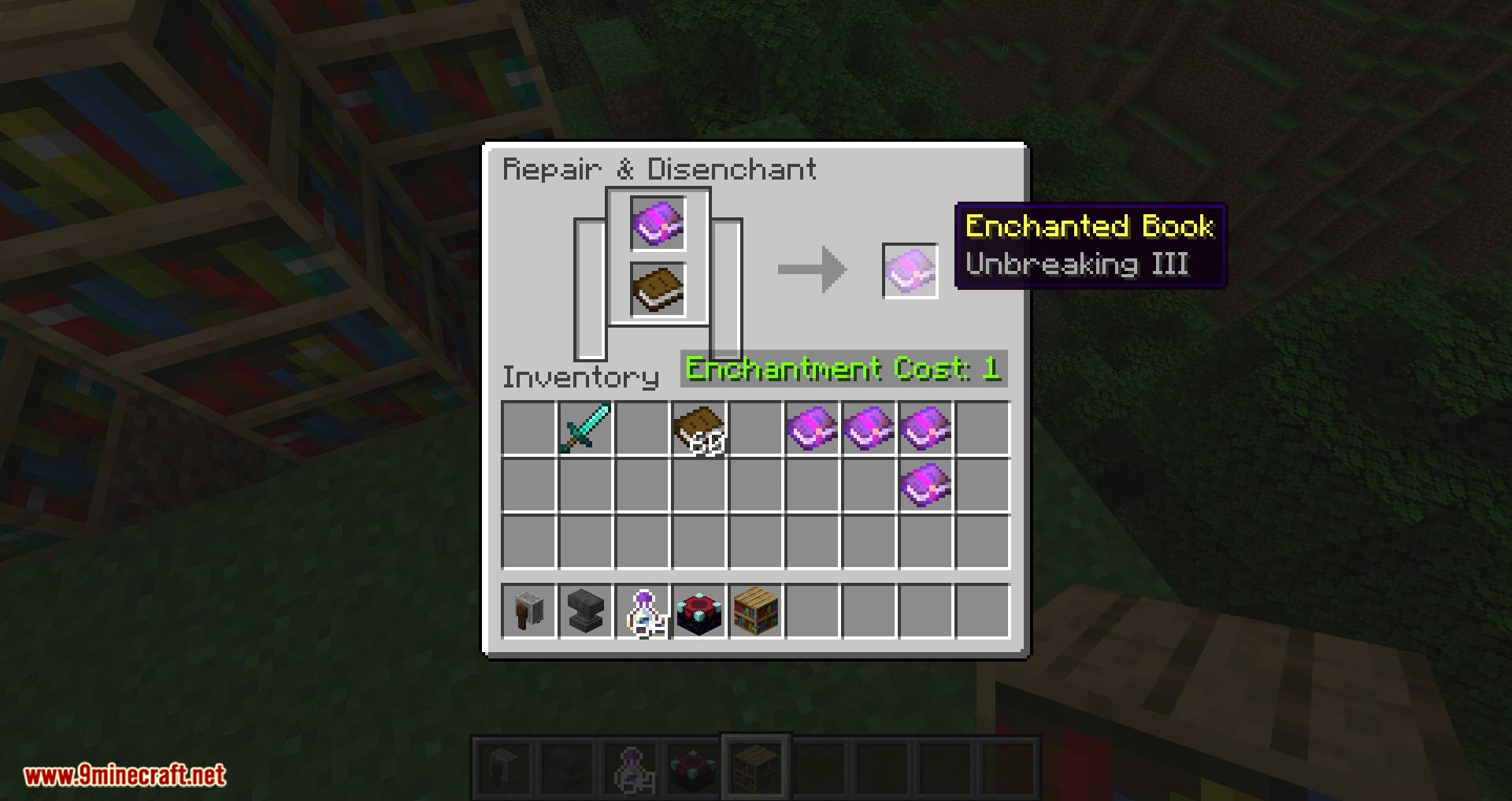
You can put an enchanted item and a book into the grindstone, and you will get the enchantments onto the book (and your unenchanted item back).
Move enchantments between books:
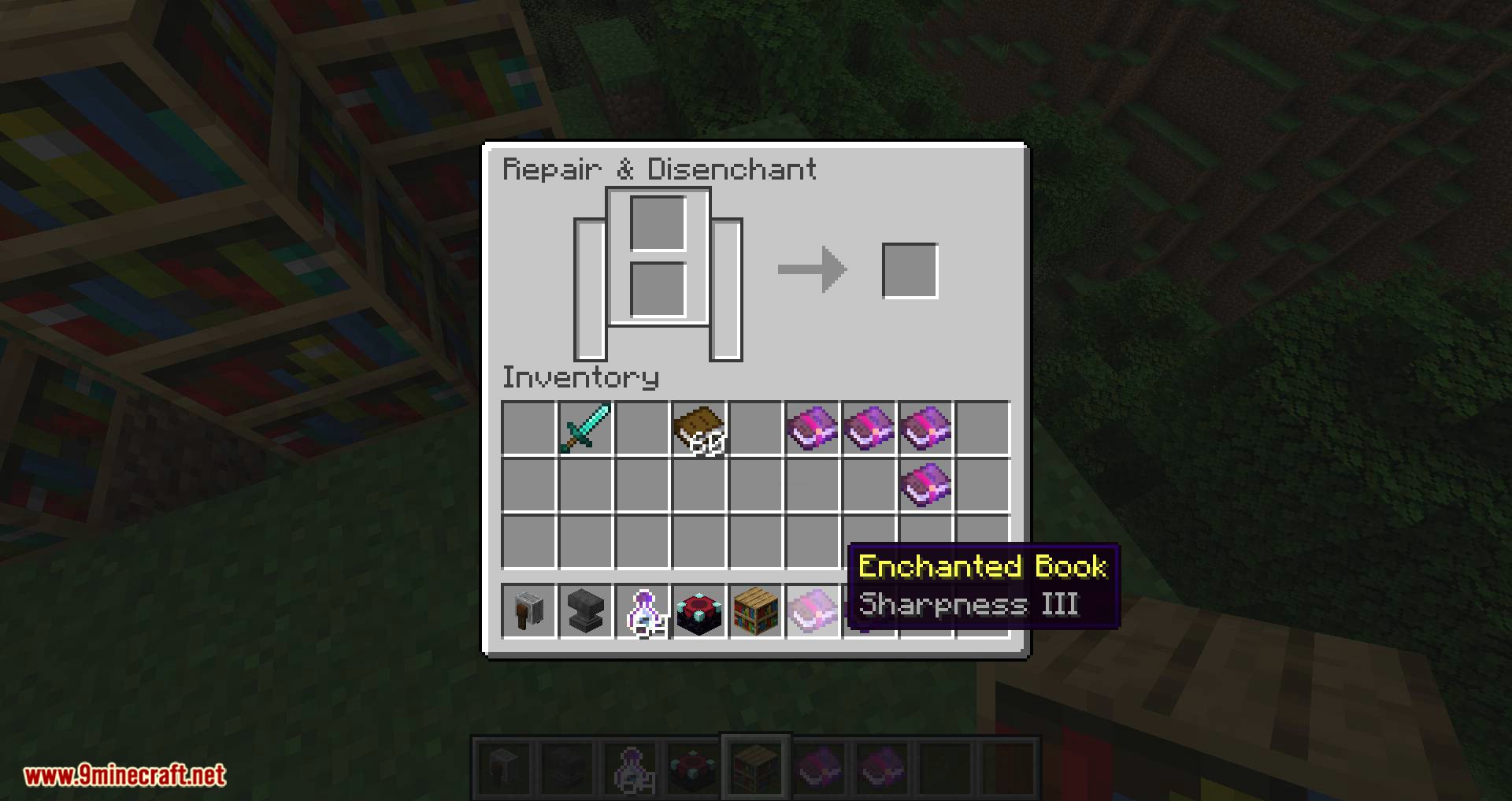
If you put an enchanted book into the top slot and an empty (or also already enchanted) book into the bottom slot of the grindstone, the enchantment at the top of the first book will be put onto the other book.
This is useful if you have a book that has enchantments for different types of items (for example, a book with Efficiency and Protection), so you can seperate them.
Screenshots:
Grind Enchantments Mod Download Links
- Edition: Minecraft Java
- File type: .jar
- Minecraft version listed: 1.20.1
- How to install: Install the matching mod loader (Forge, Fabric or NeoForge) for your Minecraft version. → Download the .jar. → Put it in the .minecraft/mods folder and launch that loader profile.
- Where to get it: In MC Java Mods, or directly above on this page.
Install steps are the general flow for this file type — How to install Minecraft Java mods & modpacks walks through it step by step.
- Downloads as 83337.mcaddon
- Download size: 226 KB
- Download link checked 26 Sept 2026 — working
- Mirrored on our own servers — the download does not depend on the original host
These come from our own check of the pack file, not from the source page.