
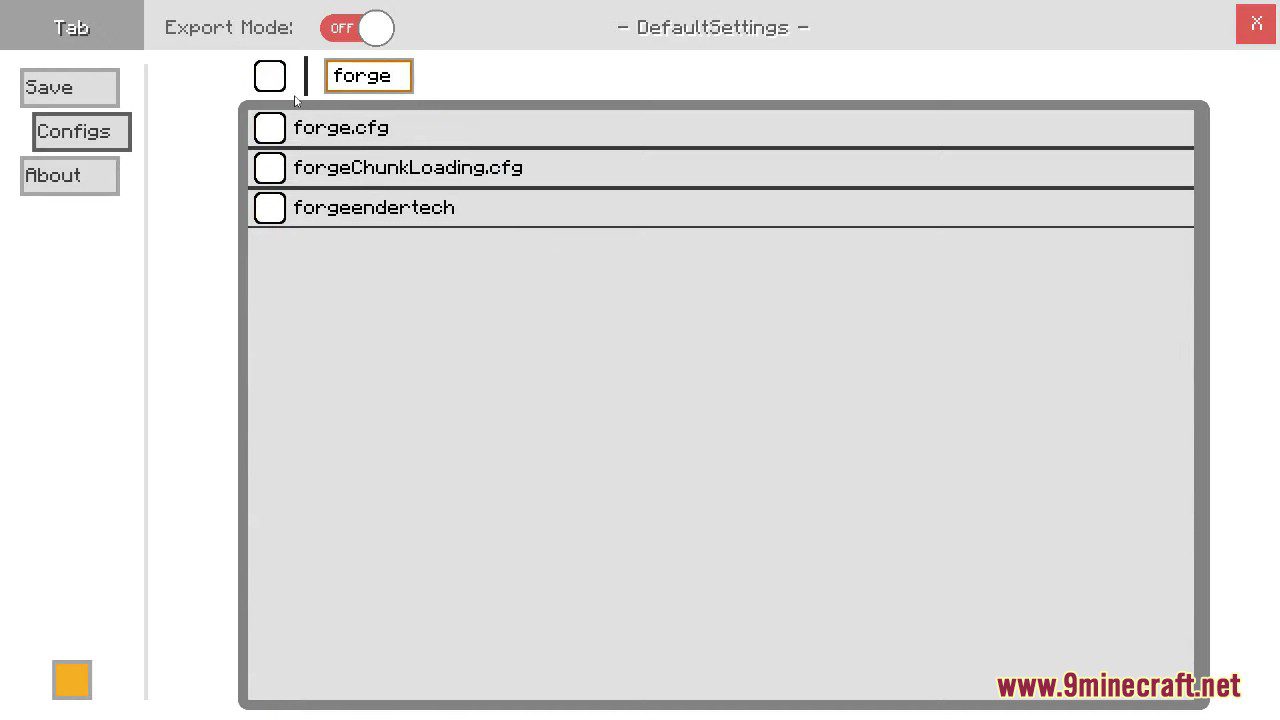
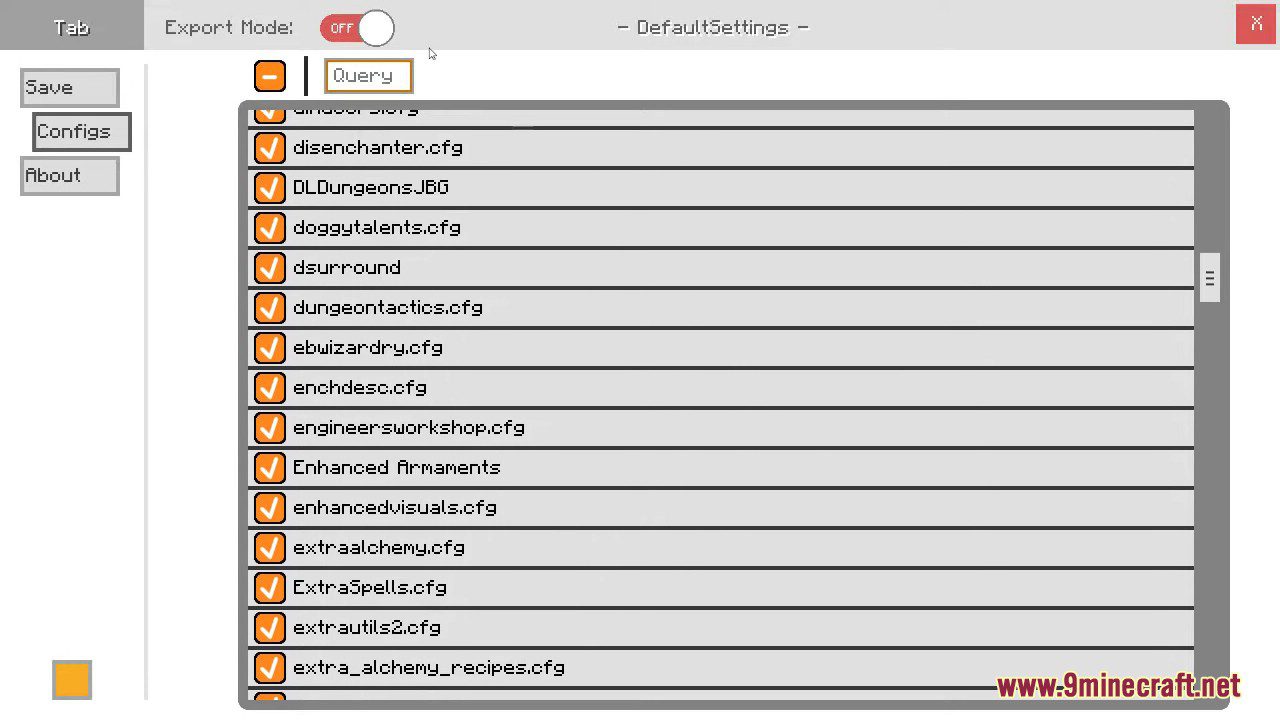
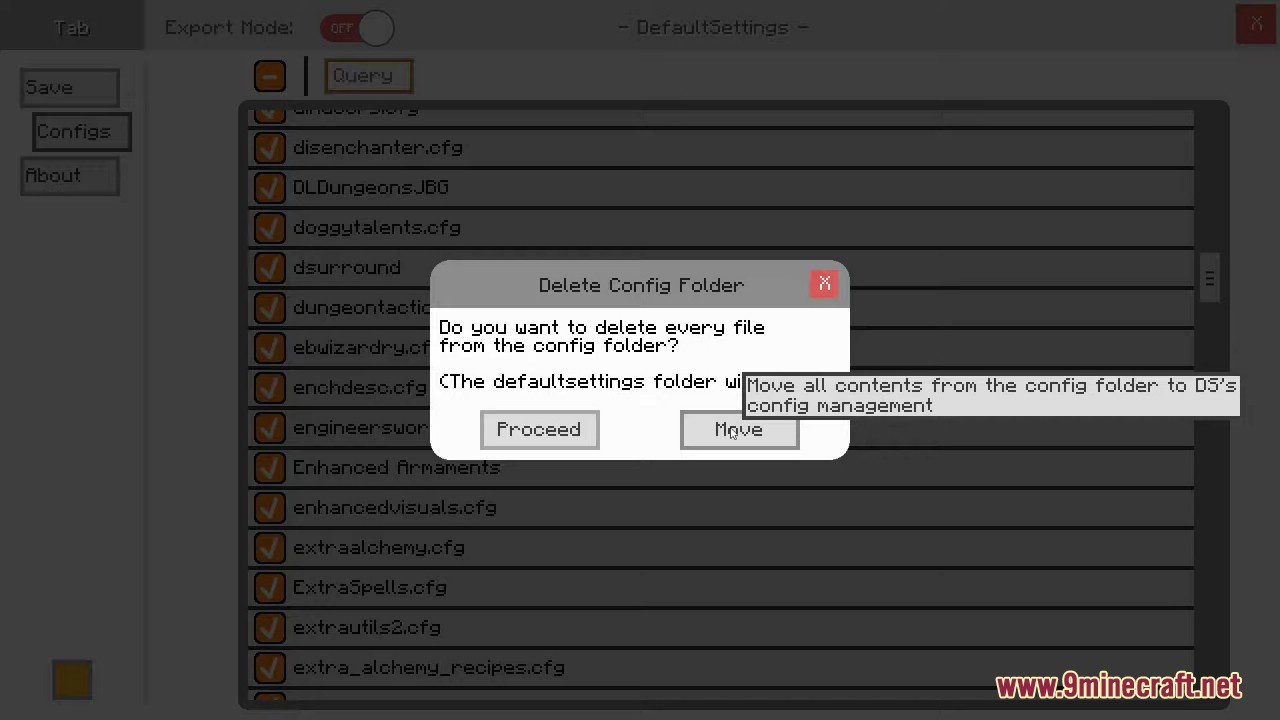
DefaultSettings Mod offers the ability to create and using modpacks which ship custom settings, entries in the server list or even custom keybindings without having them overwriting your local settings every time the modpack updates.
Features:
- Keeps your personal settings (like keybinds, video options, and server lists) intact even after modpack updates.
- Custom Defaults for Modpacks:
- Ship default keybindings, server entries, and game settings.
- Avoid including files like
options.txtorservers.dat, which would override user preferences.
- Command-Based Configuration:
- Use
/defaultsettingsto apply or update default settings. /switchprofileavailable for Minecraft 1.16.5 and below.
- Use
- GUI:
- Access via
F7 + Gor through Forge’s mod list (only available up to version 1.16.5). - GUI removed in versions 1.17+ due to rendering engine changes-commands are now the primary method of interaction.
- Access via
How to use:
DefaultSettings GUI:
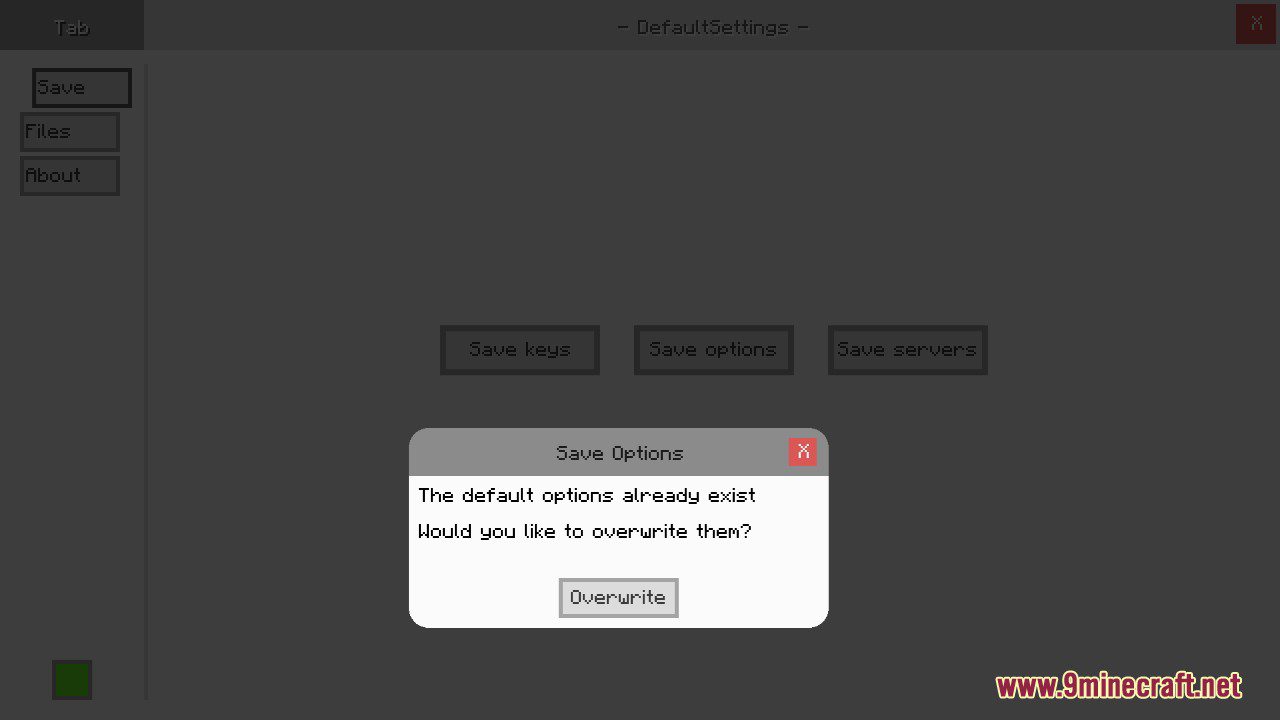
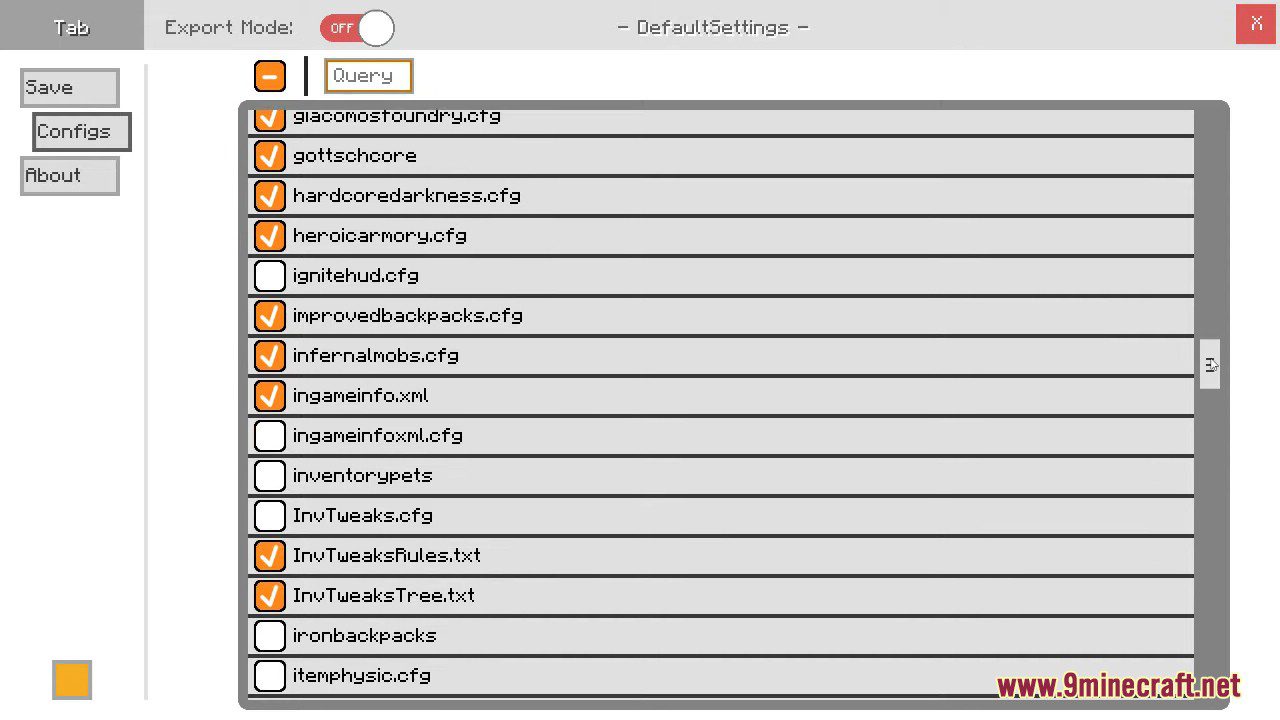
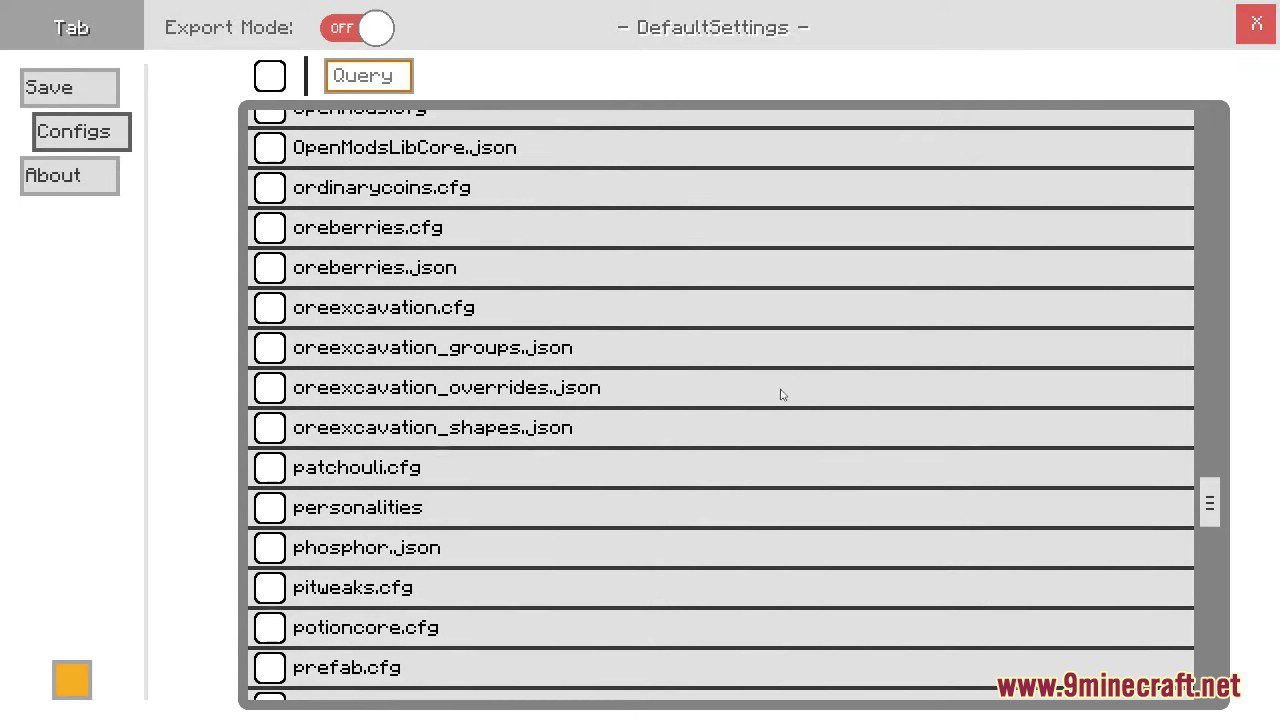
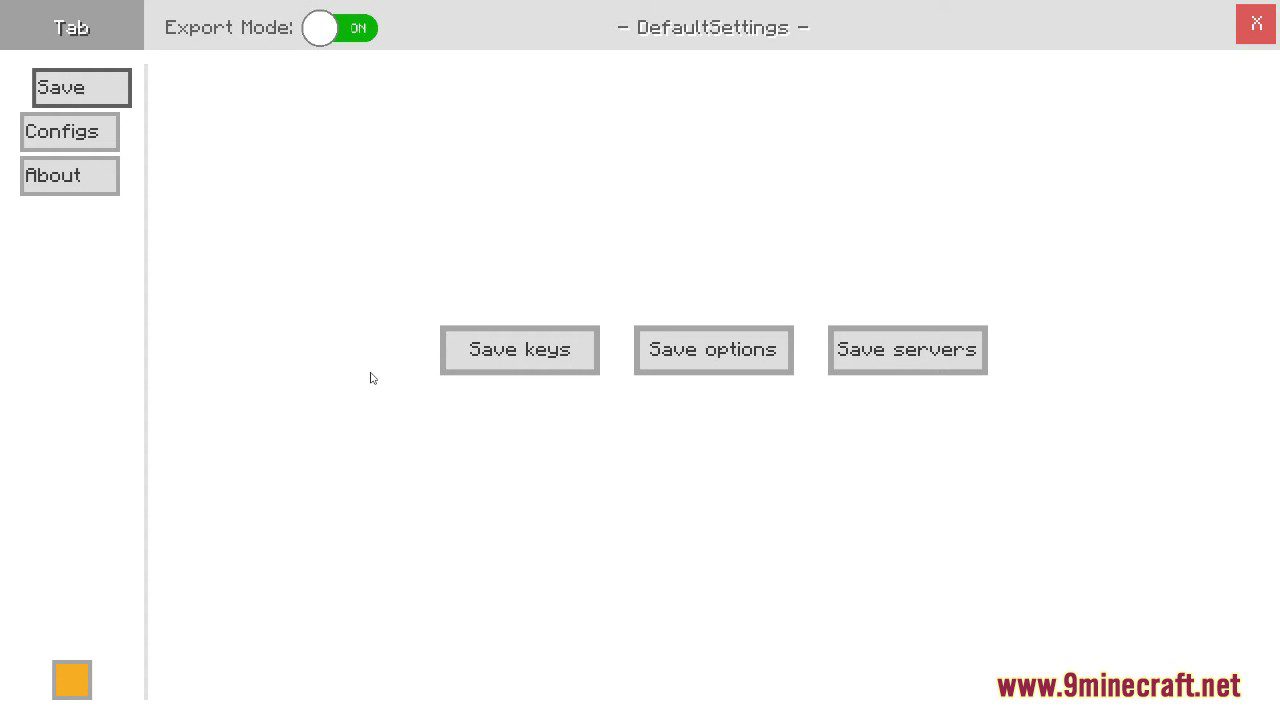
To open the DS graphical interface, just press F7 + G either in the game’s mods list or anytime when playing in a world. It’s also possible to access the GUI by utilizing Forge’s Mods list and the “Config” button of DefaultSettings (1.7.10+).
Instructions for Modpack Creators:
- The first step of integrating DefaultSettings into your modpack is to initially save the data you want to ship with your pack.
- That’s done by either using “/defaultsettings save” as a command or clicking on the save buttons in our GUI (read below how to open it). After that you’ll be rewarded with some files in the mod’s config folder (e.g.: .minecraft/mods/defaultsettings).
- As it it’s really important to keep the folder construction, maybe decide to work with the entire “defaultsettings” config folder by now.
- Then copy the “defaultsettings” folder into your modpack’s config folder, but don’t copy all the other config files! These should remain in your installation.
- Now you’re ready to ship certain files within your modpack as defaults.
DefaultSettings Mod Download Links
Quick facts
- Edition: Minecraft Java
- File type: .jar
- Minecraft version listed: 1.20.1
- How to install: Install the matching mod loader (Forge, Fabric or NeoForge) for your Minecraft version. → Download the .jar. → Put it in the .minecraft/mods folder and launch that loader profile.
- Where to get it: In MC Java Mods, or directly above on this page.
Install steps are the general flow for this file type — How to install Minecraft Java mods & modpacks walks through it step by step.
Verified by MCModsHub
- Downloads as 83338.mcaddon
- Download size: 103 KB
- Download link checked 23 Sept 2026 — working
- Mirrored on our own servers — the download does not depend on the original host
These come from our own check of the pack file, not from the source page.