Blank Signs Mod (26.2, 1.21.1) – Place Signs Without Opening The GUI
Java mod listed for Minecraft 1.21. Downloads from the MC Java Mods app on Android.
⬇ Download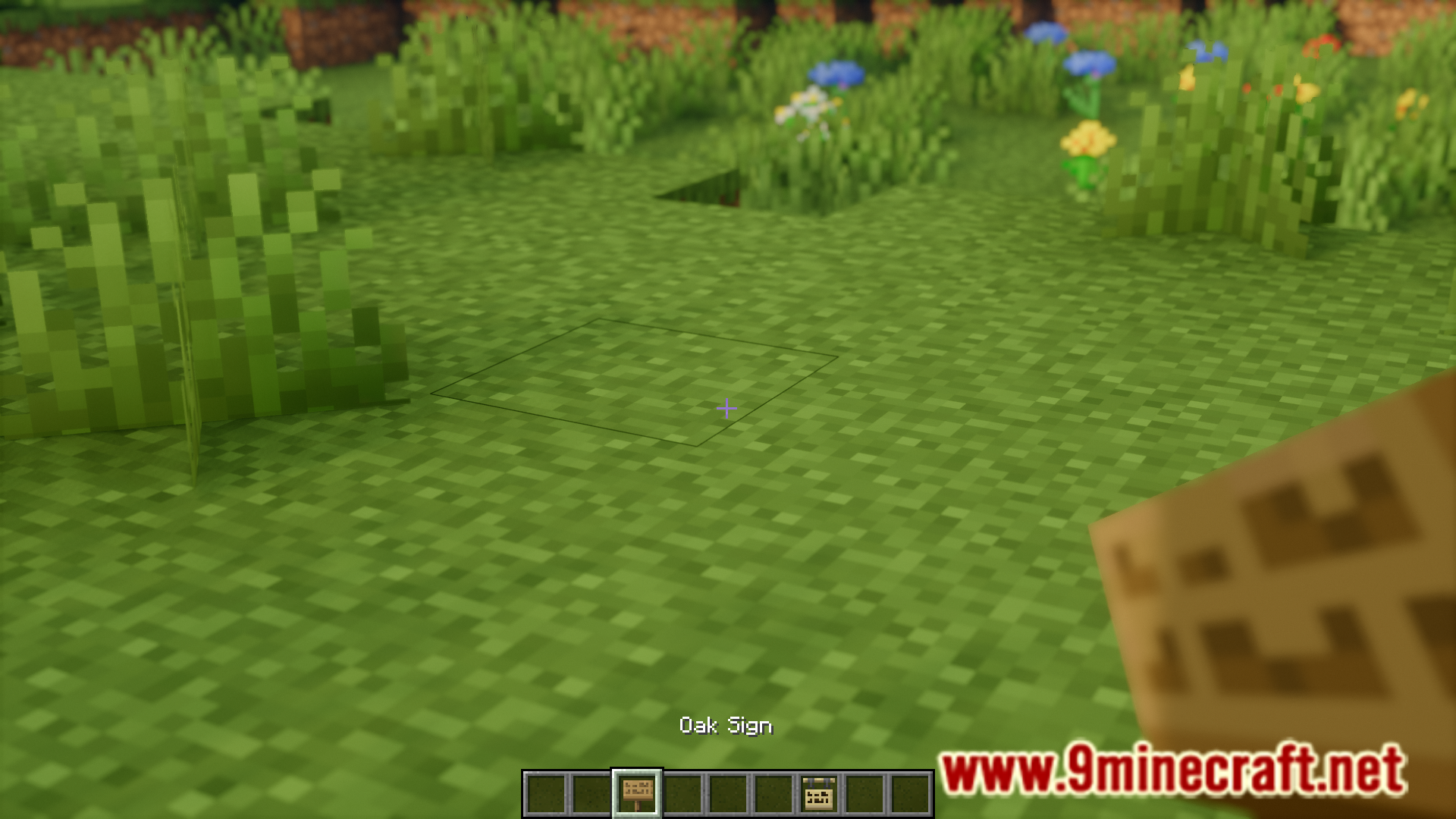
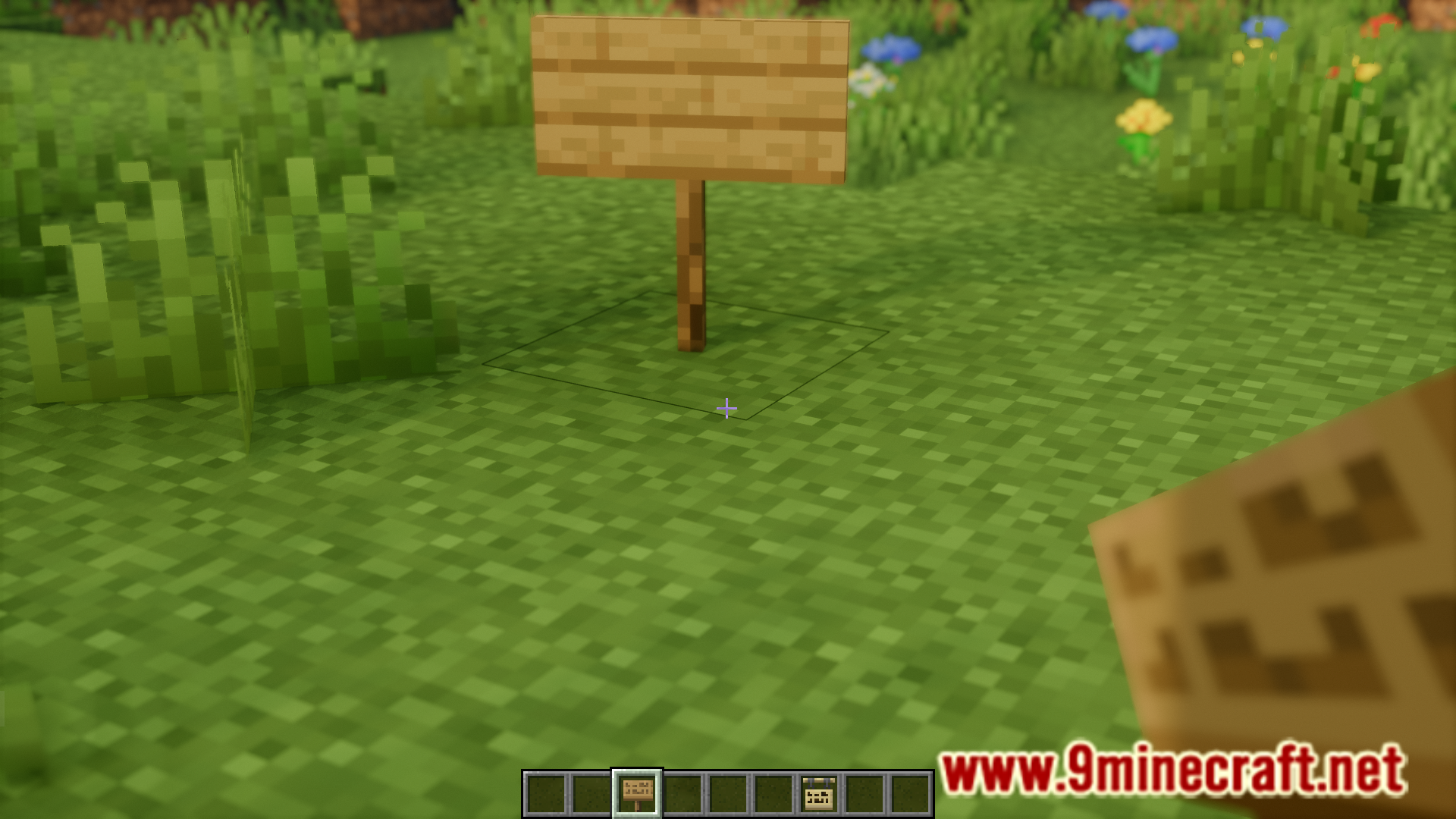
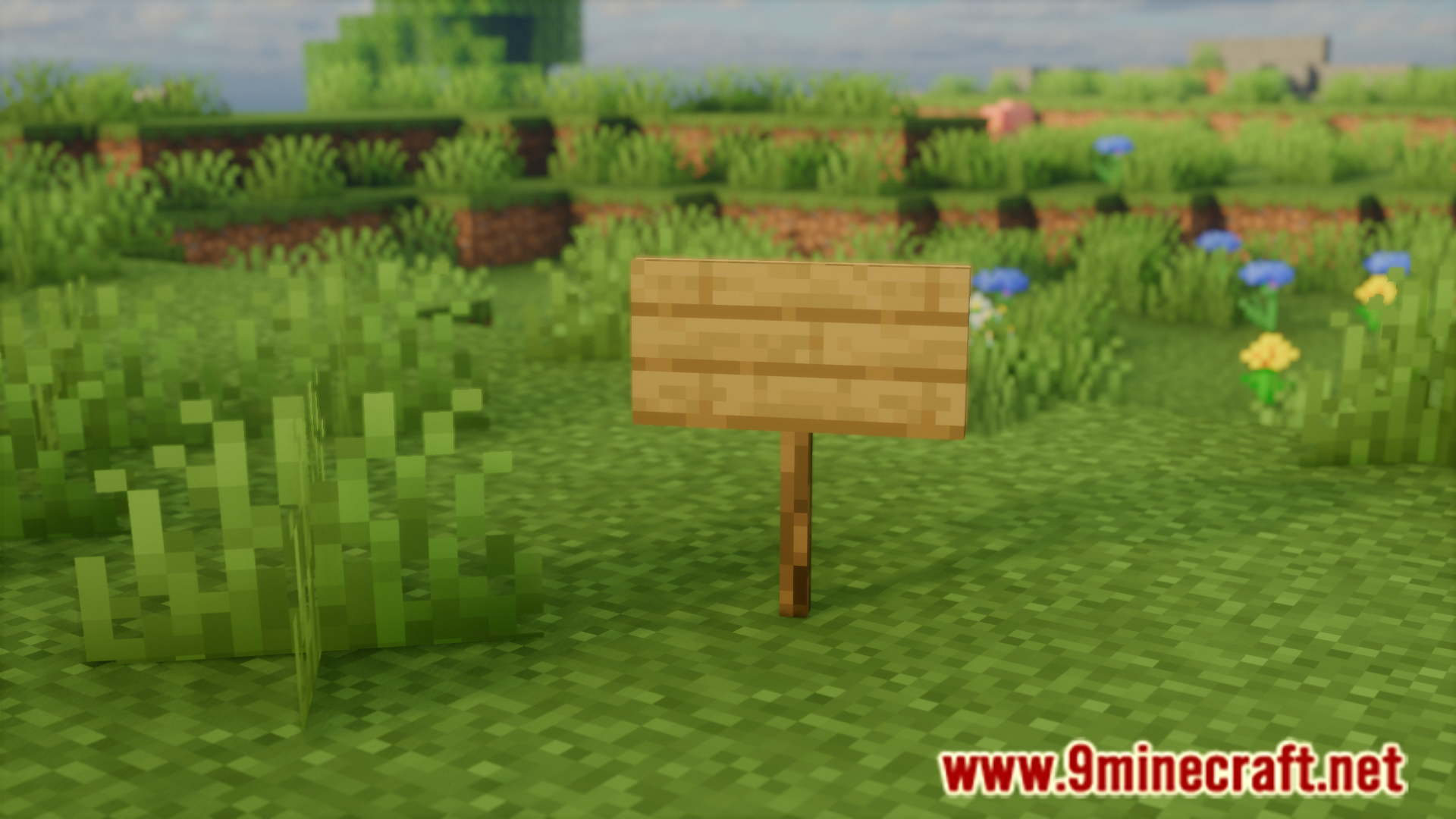
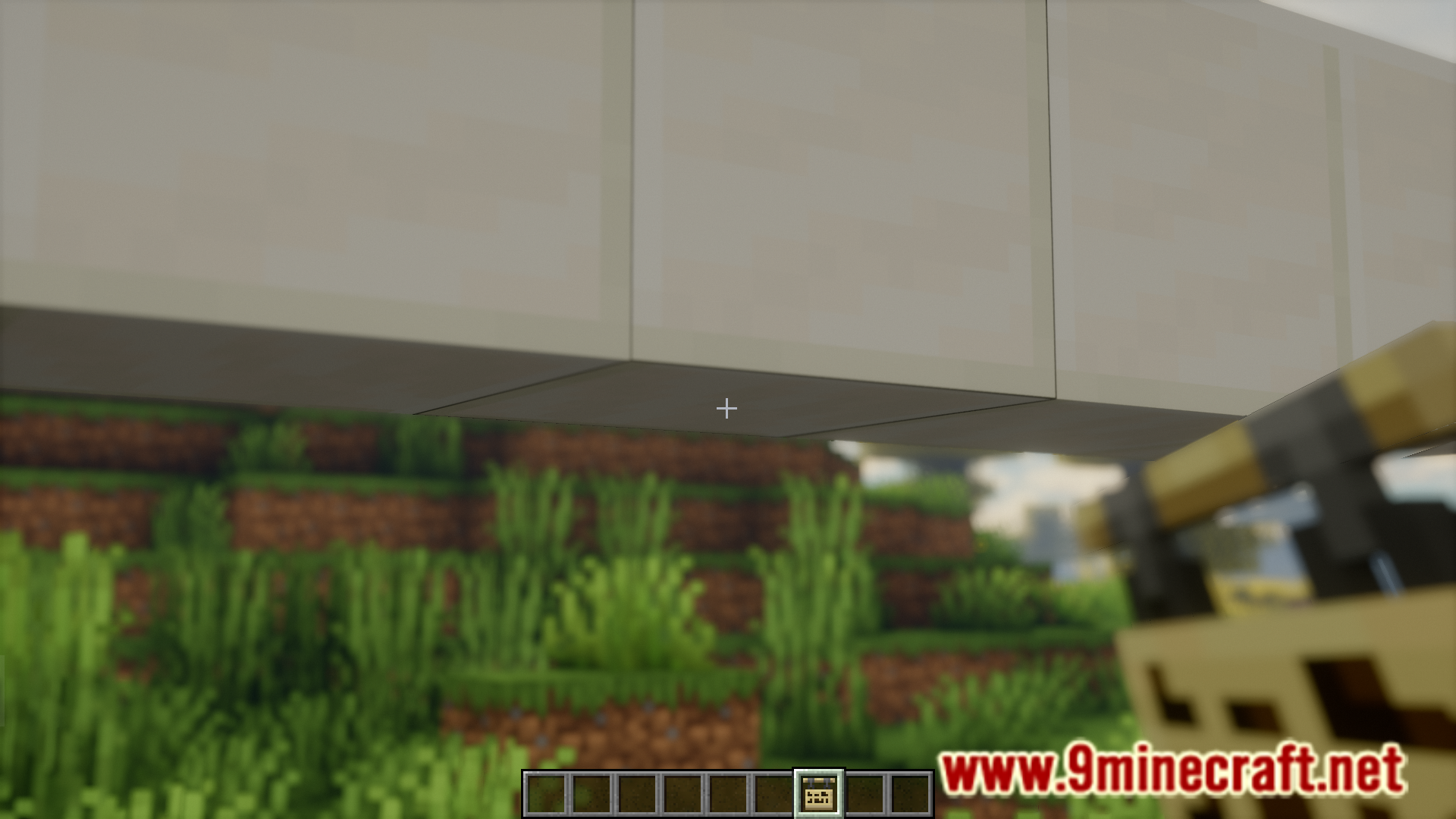
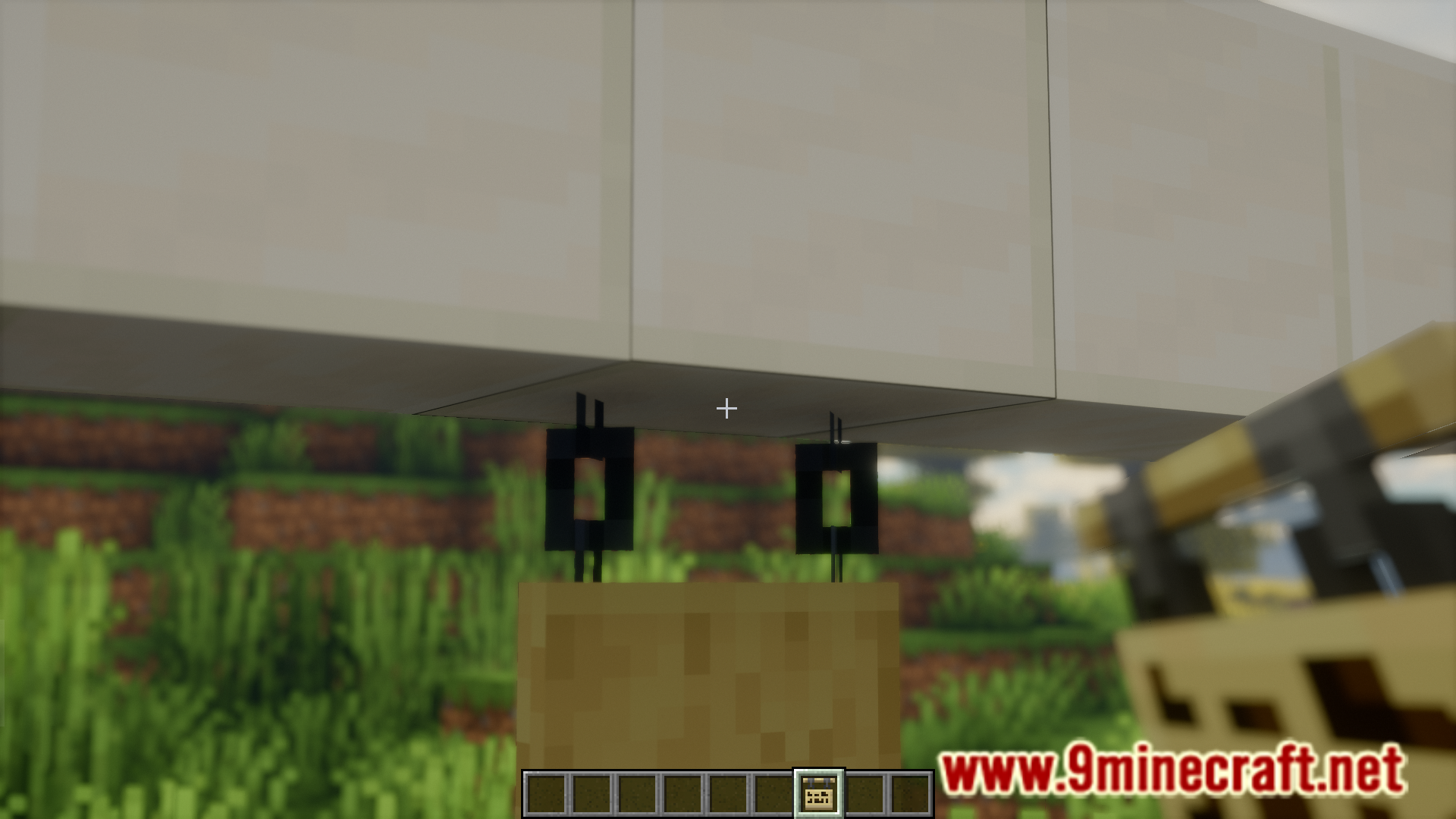
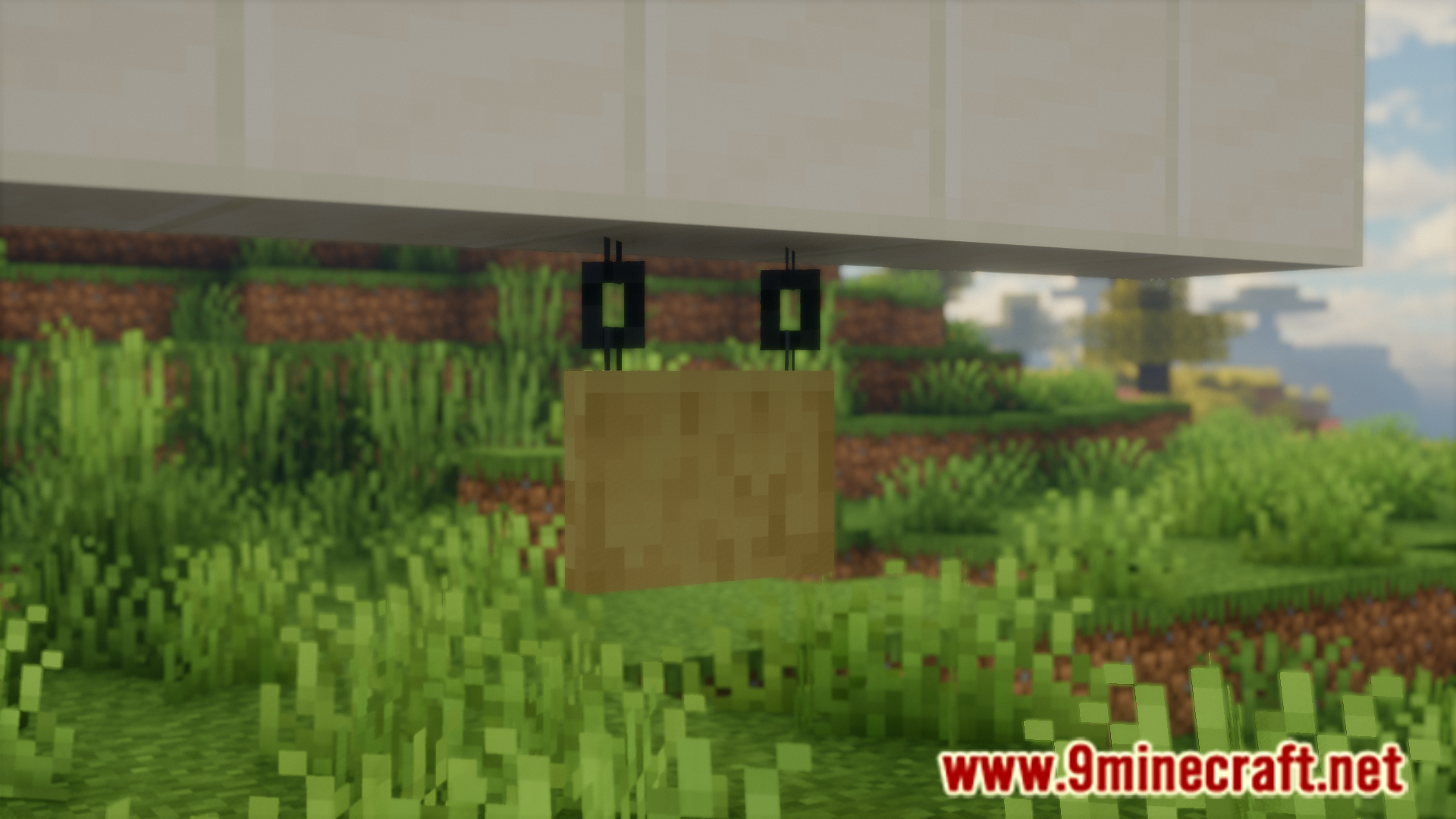
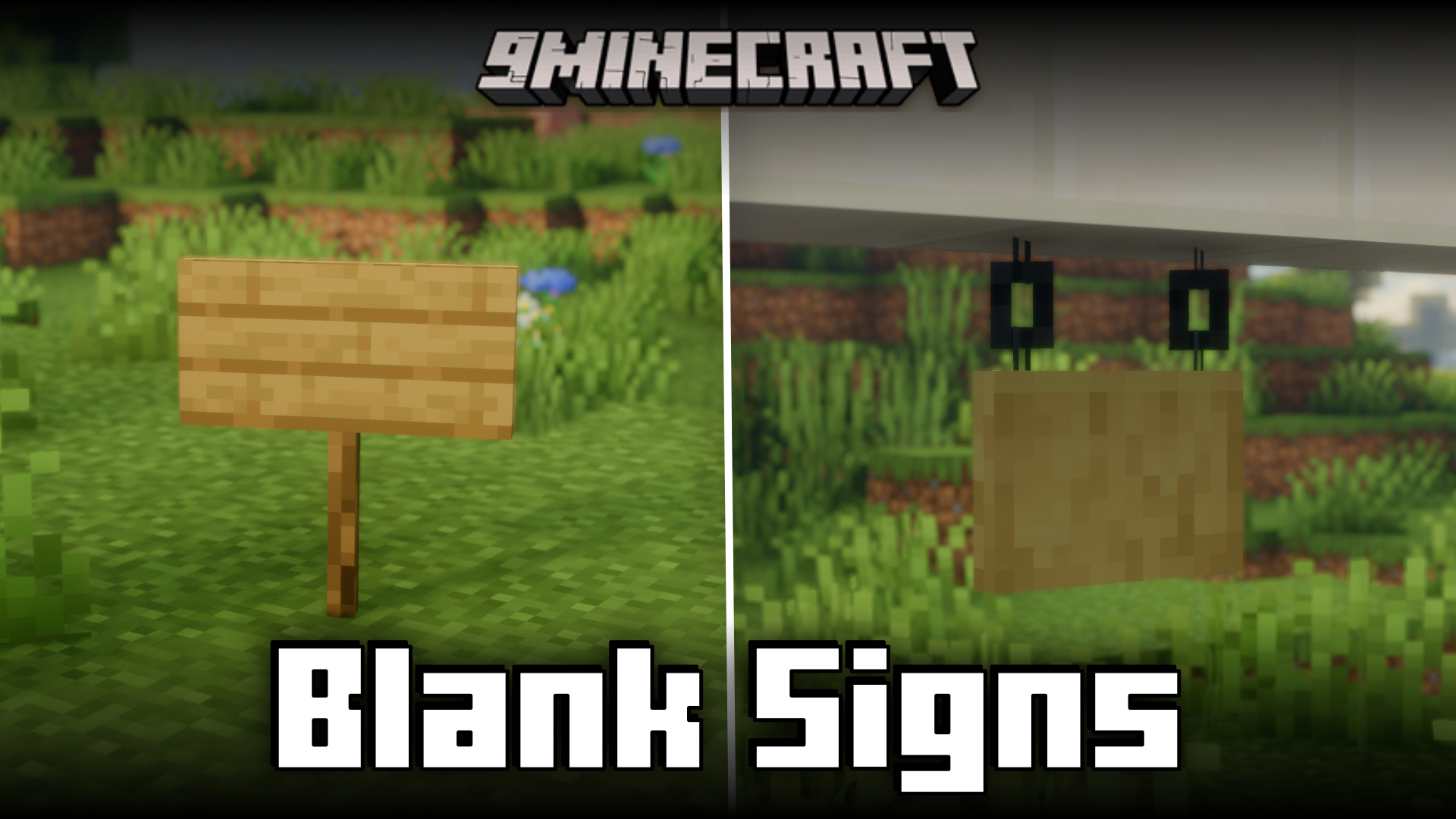
When placing down a sign in Minecraft, the game actually opens up a GUI that allows you to edit the contents of the sign. But if you want to place down empty signs for decoration purposes, having to manually close the sign GUI every time you place down a sign can be quite an inconvenience. Blank Signs Mod is here to assist with that. This mod makes it so that the sign GUI will not open upon placing down a sign, allowing you to place down signs in large numbers without having to close the GUI every single time.
Features:
- Allows you to place down blank signs.
- The sign GUI will not be opened upon placing down a sign.
- Makes working with blank signs a lot more convenient.
Screenshots:
Blank Signs Mod Download Links
- Edition: Minecraft Java
- File type: .jar
- Minecraft version listed: 1.21.1
- How to install: Install the matching mod loader (Forge, Fabric or NeoForge) for your Minecraft version. → Download the .jar. → Put it in the .minecraft/mods folder and launch that loader profile.
- Where to get it: In MC Java Mods, or directly above on this page.
Install steps are the general flow for this file type — How to install Minecraft Java mods & modpacks walks through it step by step.
- Downloads as 83340.mcaddon
- Download size: 629 KB
- Download link checked 25 Sept 2026 — working
- Mirrored on our own servers — the download does not depend on the original host
These come from our own check of the pack file, not from the source page.