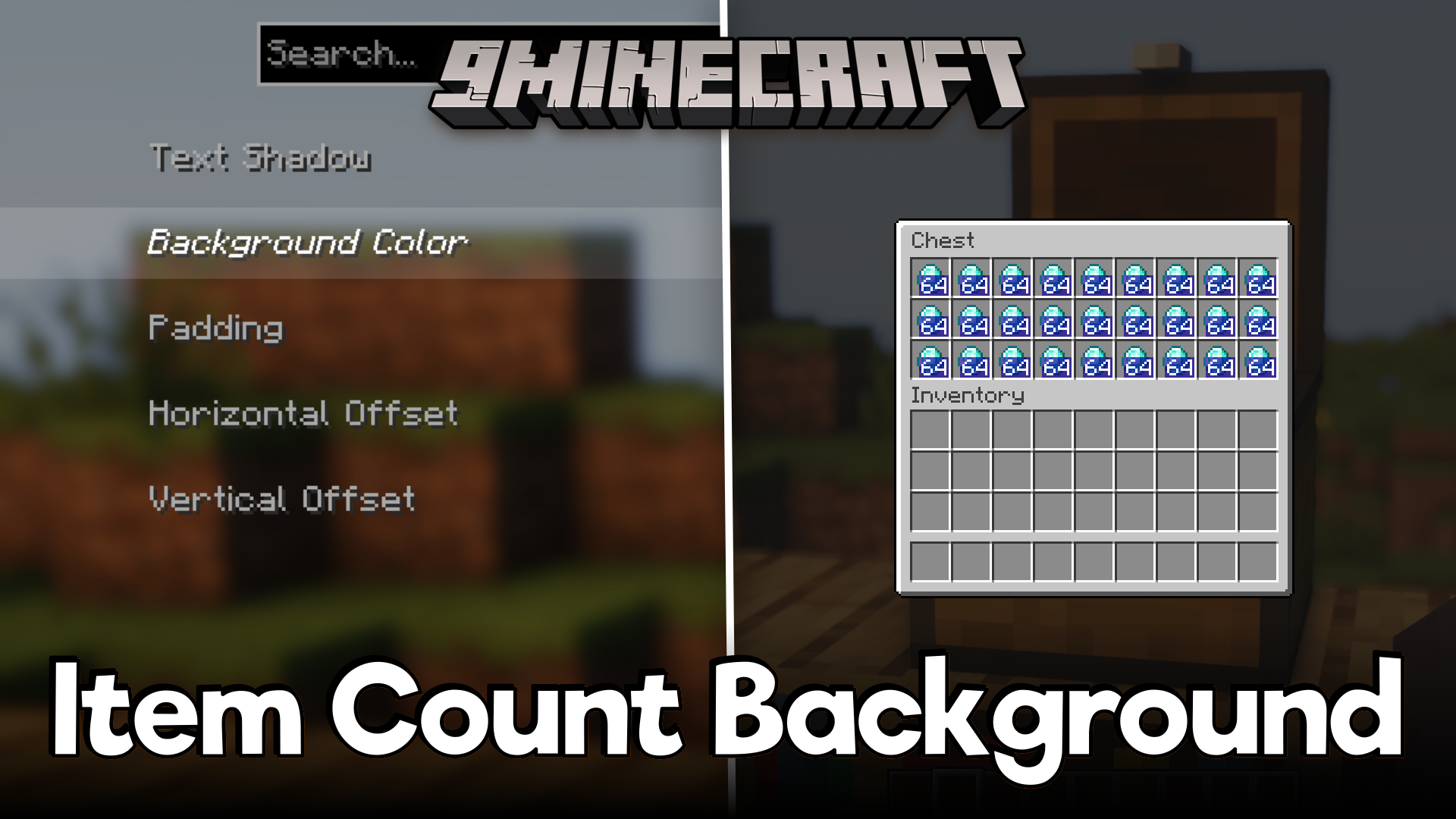
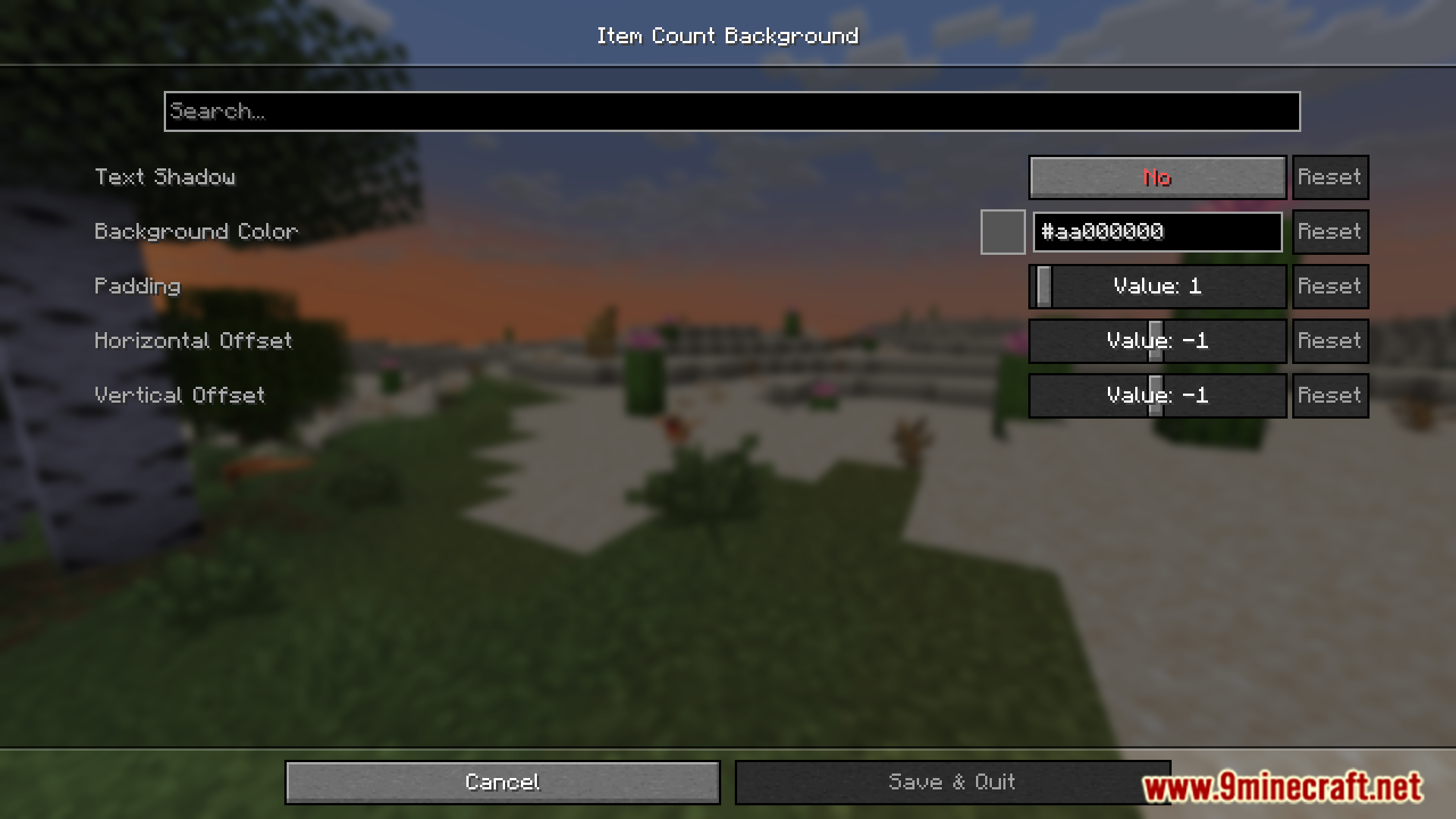
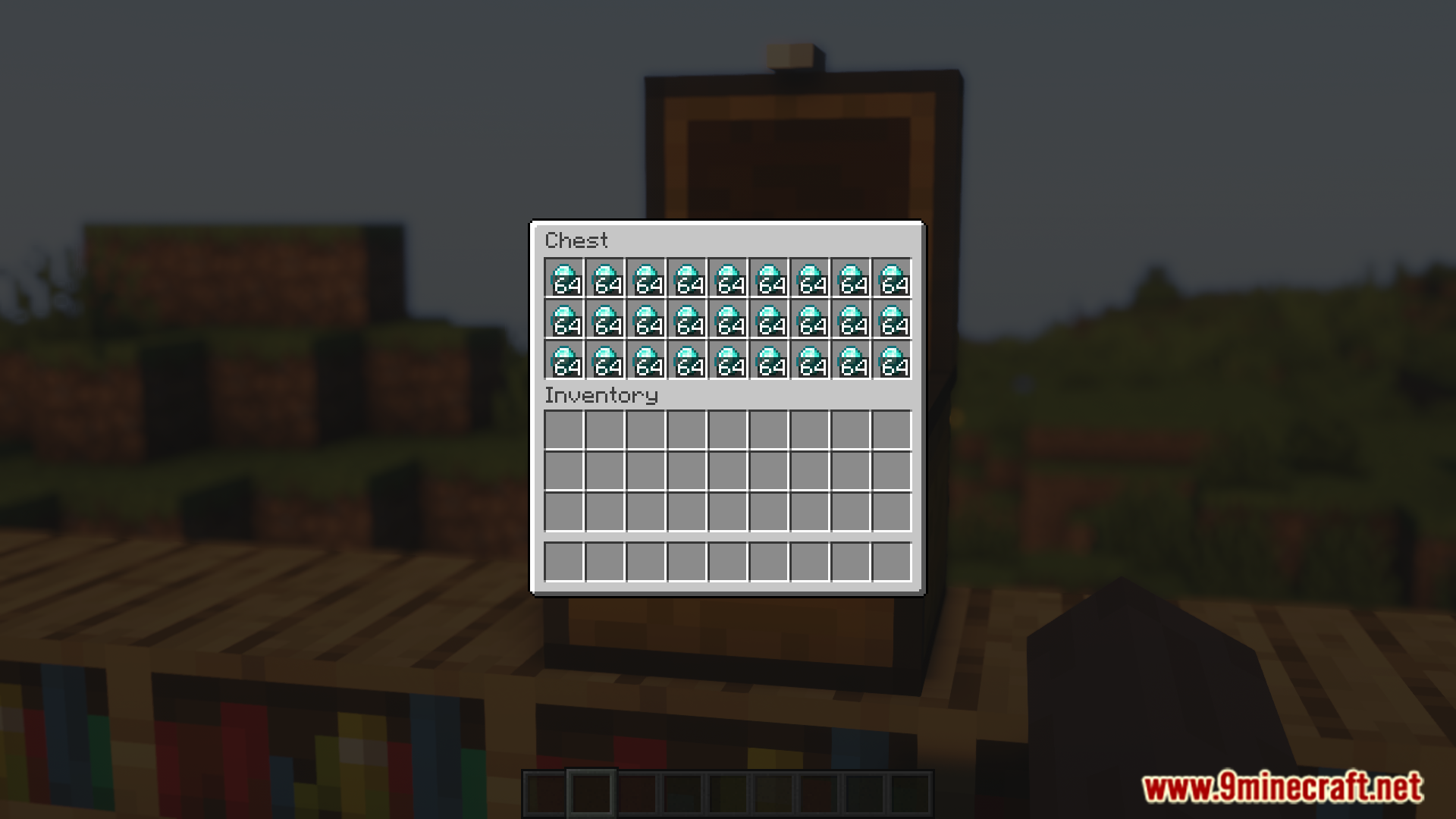
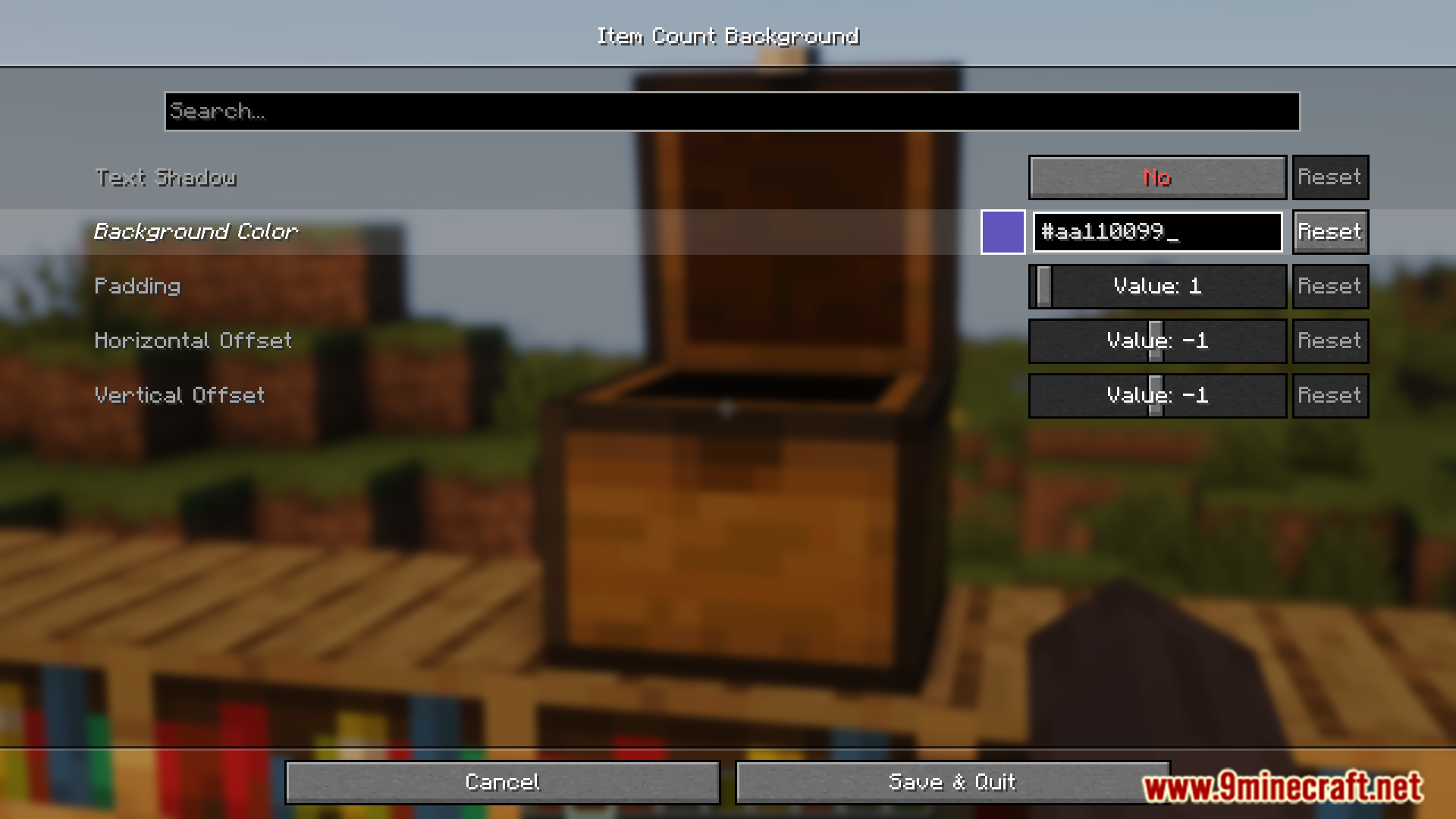
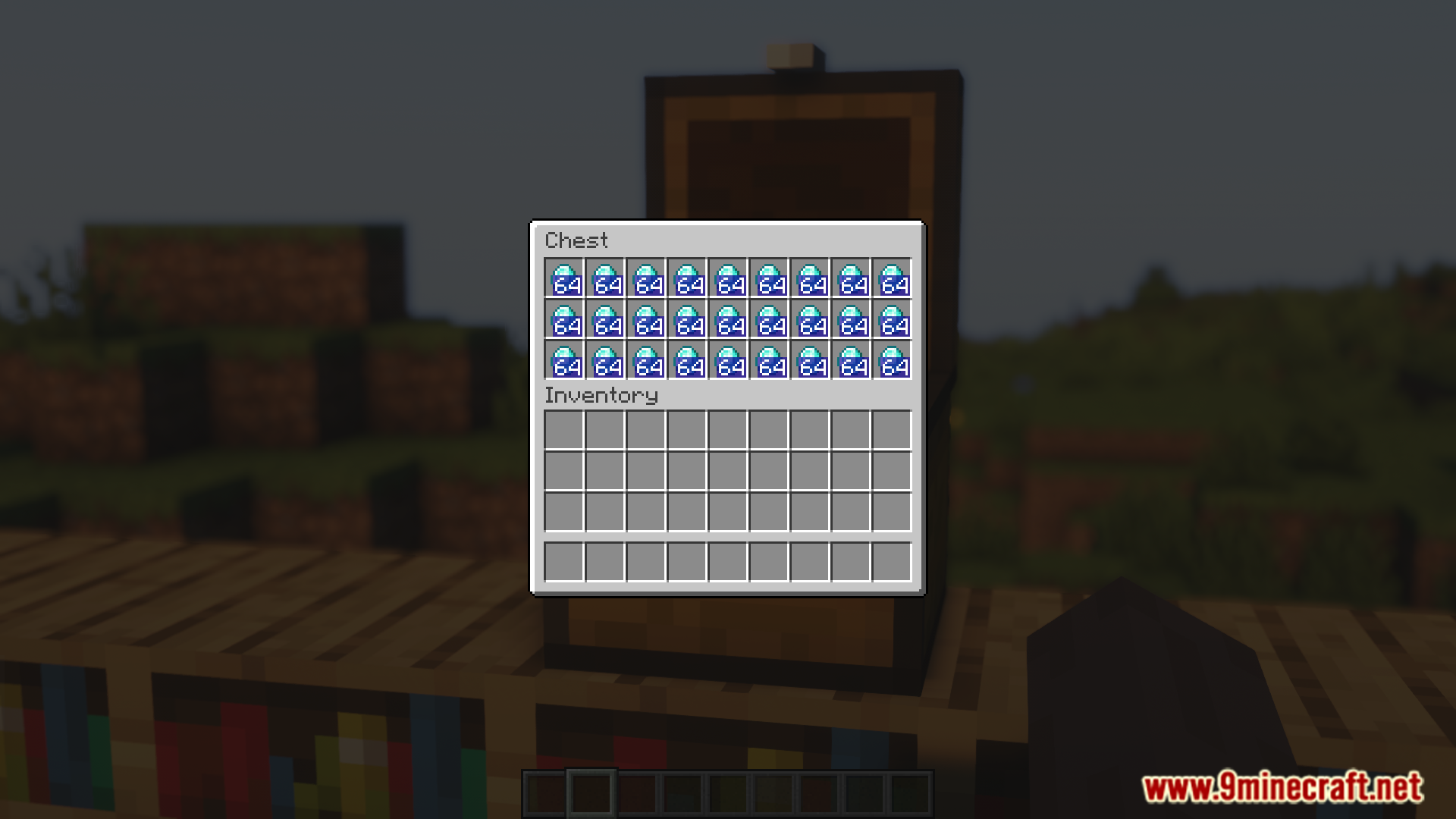
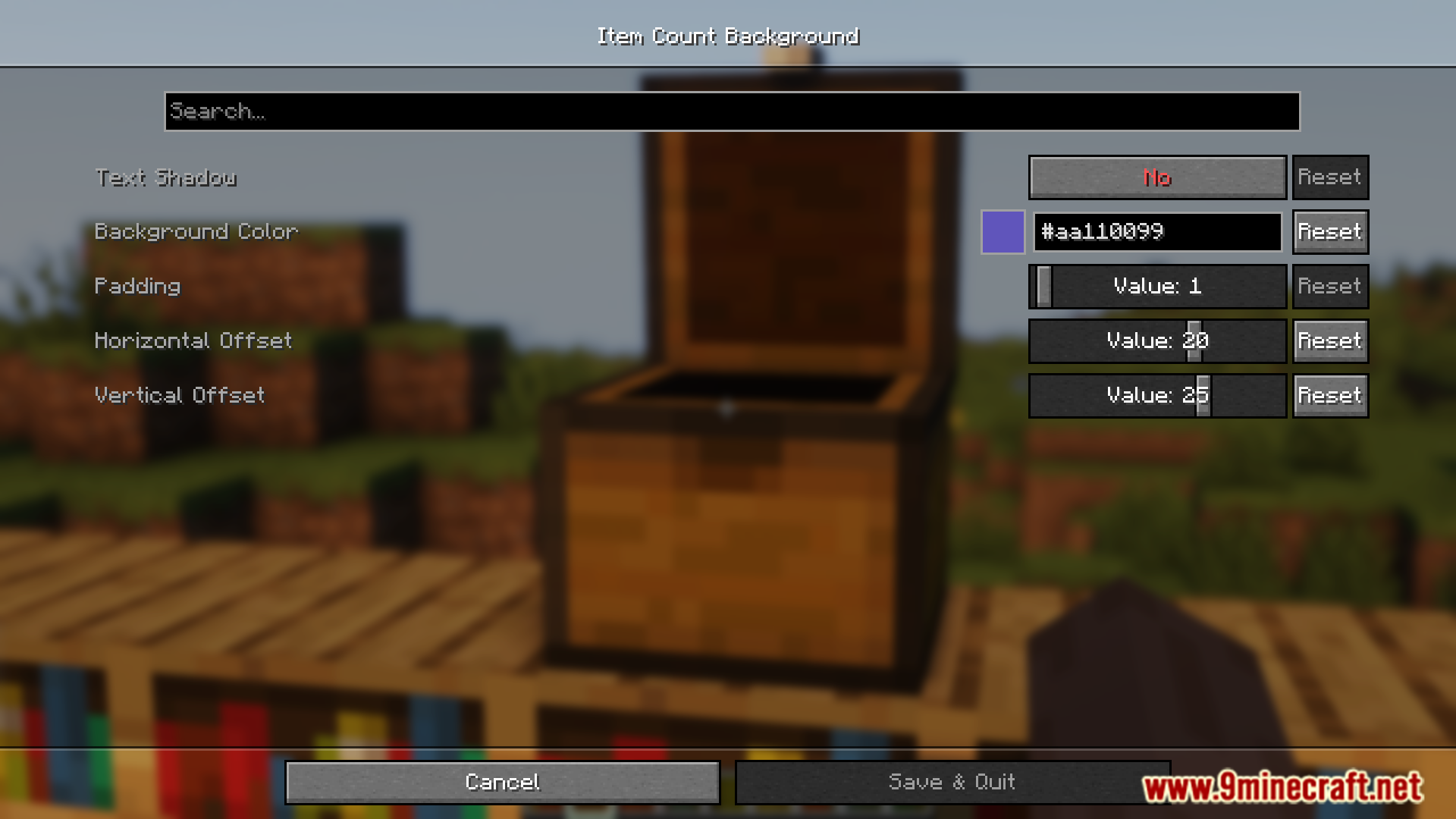
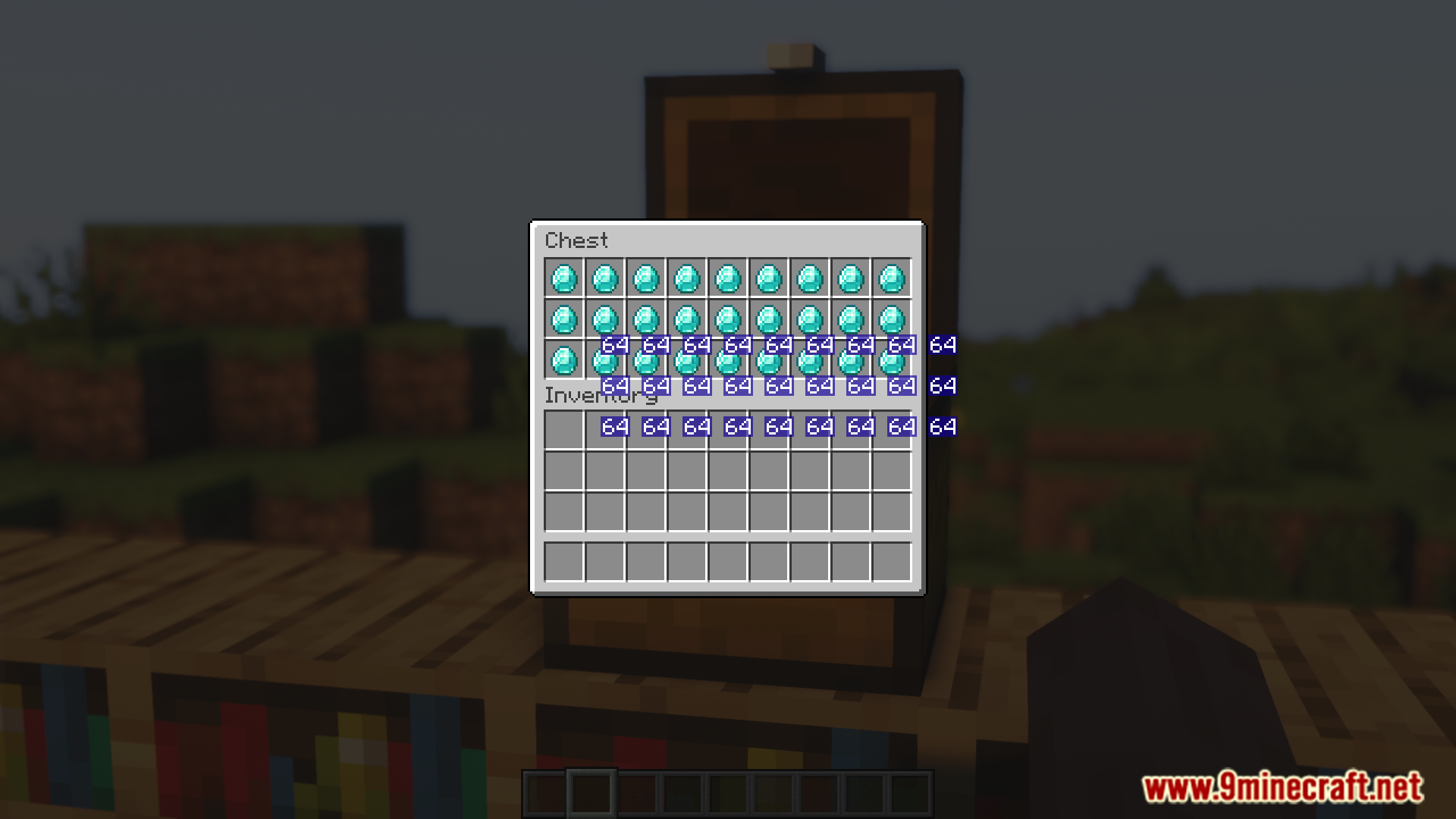
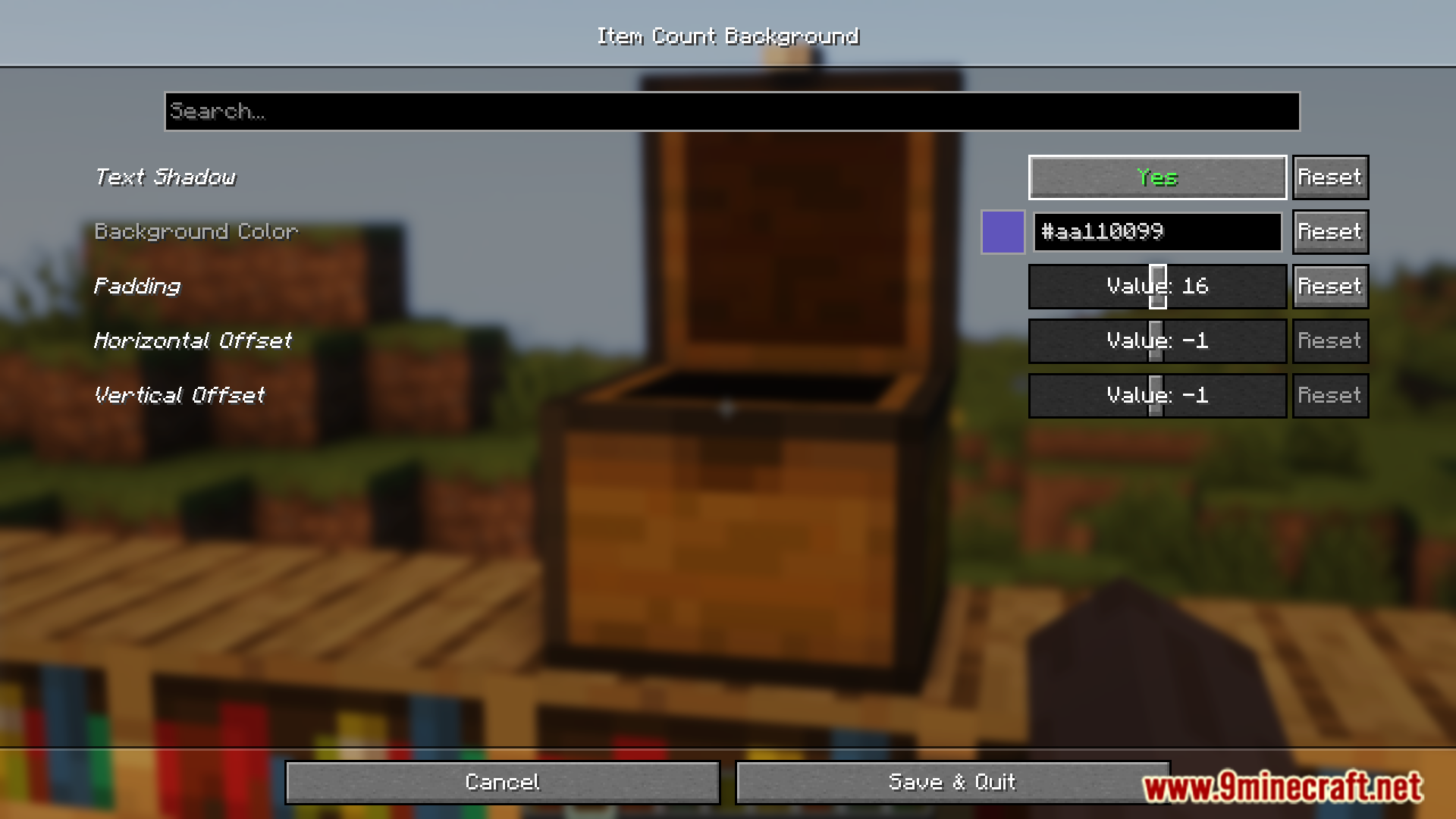
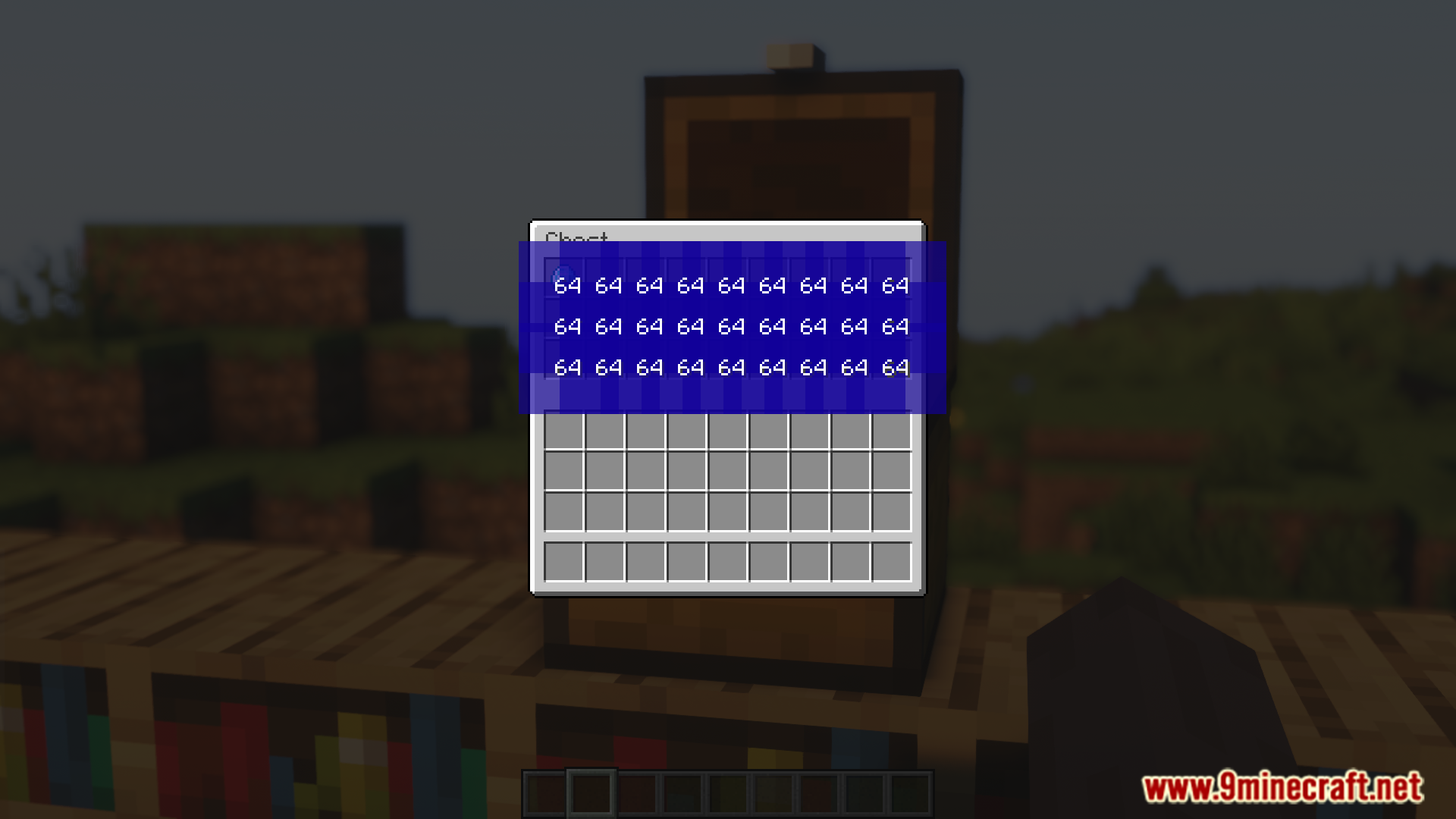
In Minecraft, when you stack two or more items, a number will appear on the bottom-right corner of the slot the item is placed in. This number simply indicates how many of that item is stacked in that slot. The number is in white color and most of the time, you will have no issue reading it. But if the item texture is bright, it might make the text unreadable. Item Count Background Mod is here with the solution. As the name suggests, this mod introduces a background for the item count number. The color, position and transparency of this background can be configured to your liking by accessing the configuration menu of this mod.
Features:
- Item stacks show a white count number by default.
- Bright item textures can make the number hard to read.
- This mod adds a background behind the item count.
- Background color, position, and transparency are configurable.
Screenshots:
Item Count Background Mod Download Links
- Edition: Minecraft Java
- File type: .jar
- Minecraft version listed: 1.21.11
- How to install: Install the matching mod loader (Forge, Fabric or NeoForge) for your Minecraft version. → Download the .jar. → Put it in the .minecraft/mods folder and launch that loader profile.
- Where to get it: In MC Java Mods, or directly above on this page.
Install steps are the general flow for this file type — How to install Minecraft Java mods & modpacks walks through it step by step.
- Downloads as 83349.mcaddon
- Download size: 8 KB
- Download link checked 25 Sept 2026 — working
- Mirrored on our own servers — the download does not depend on the original host
These come from our own check of the pack file, not from the source page.