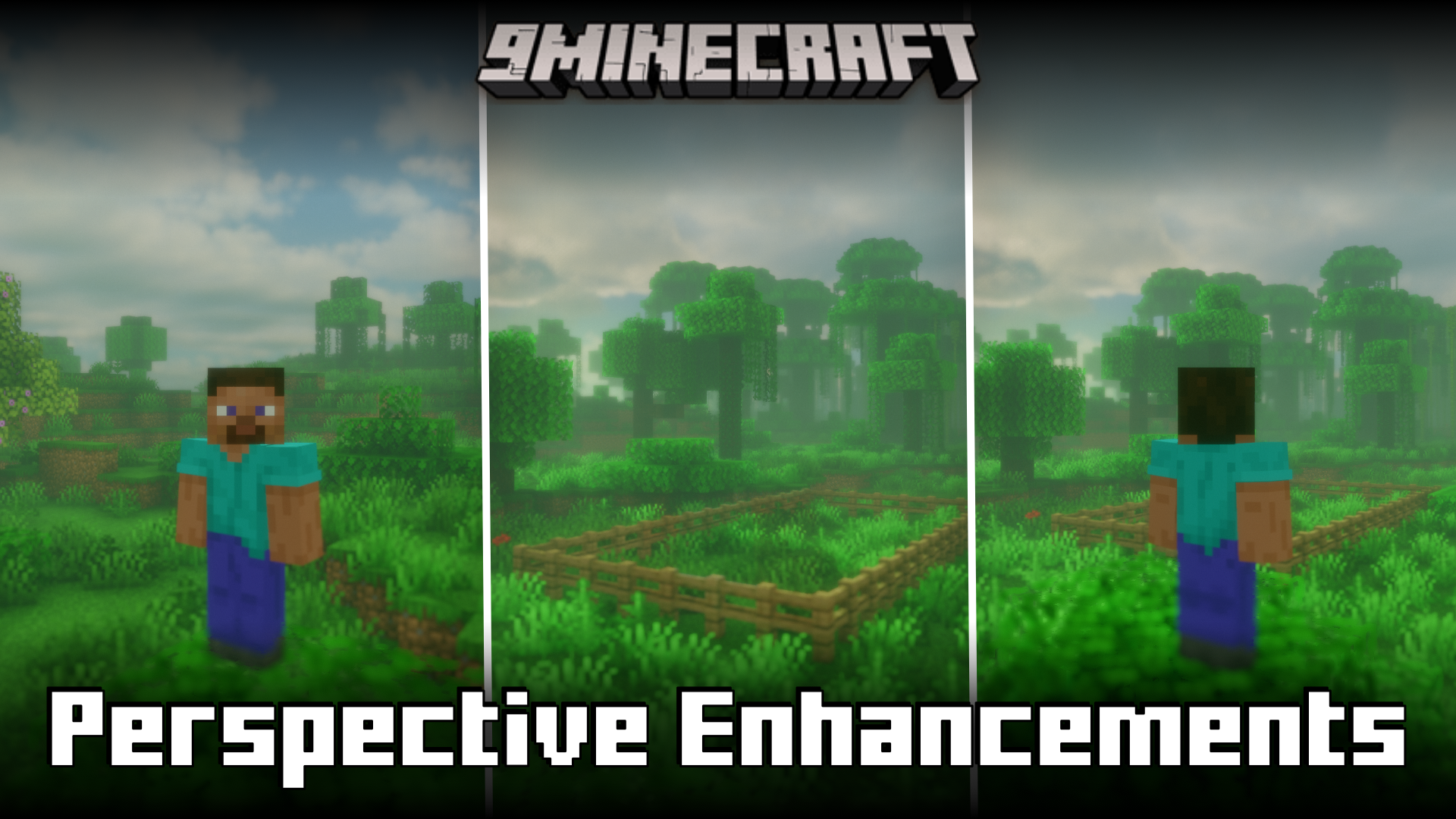
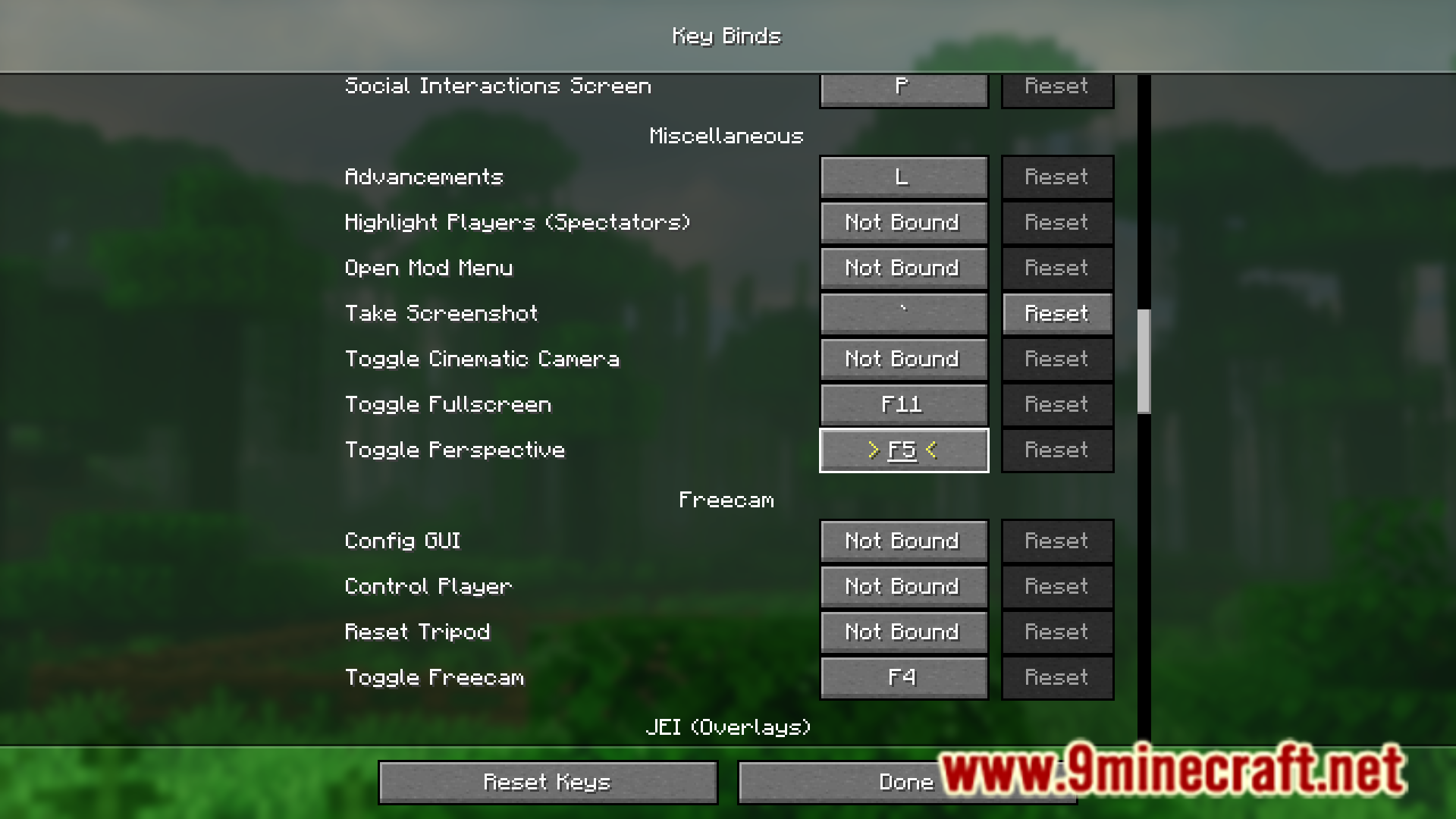
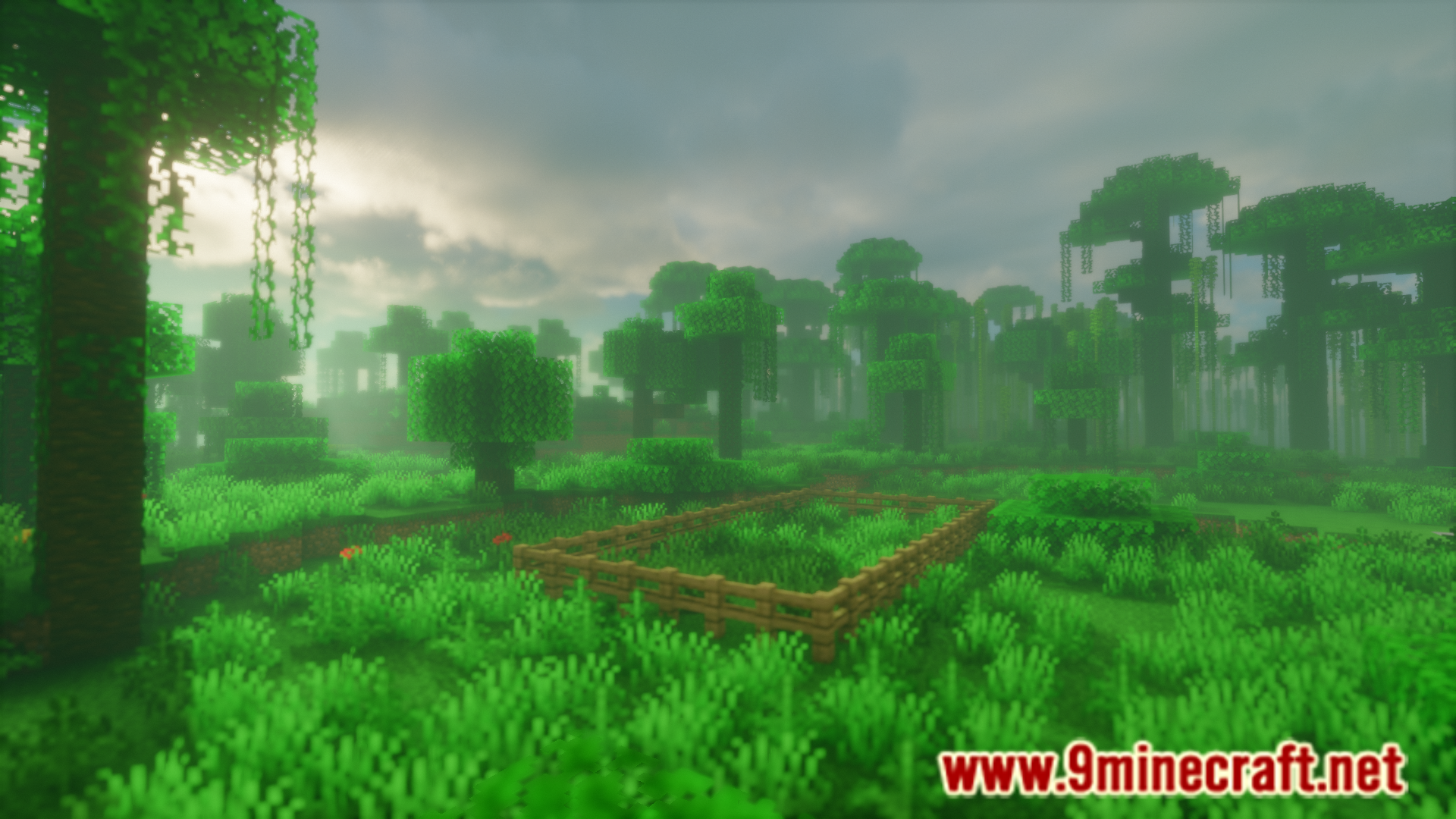
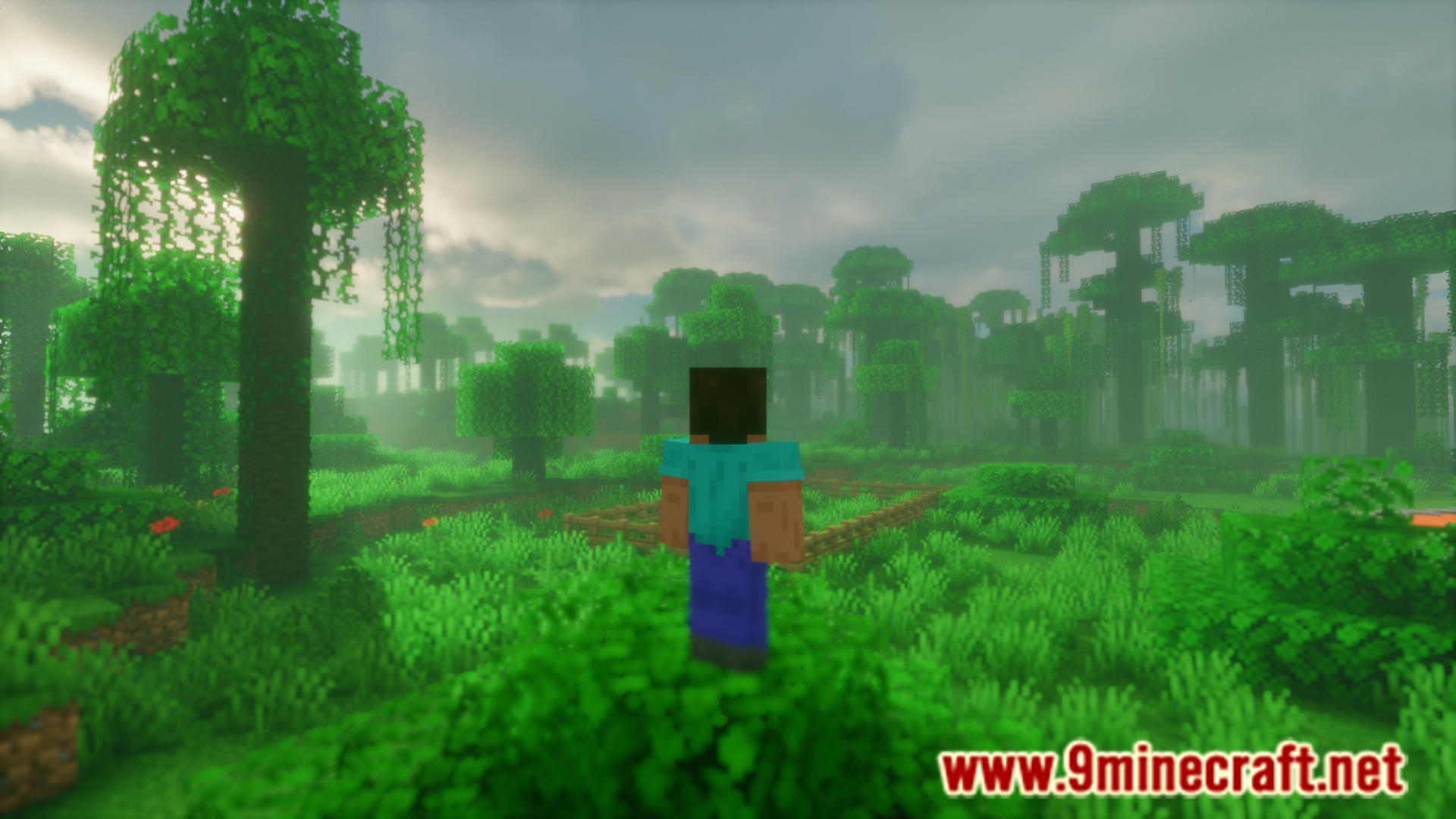
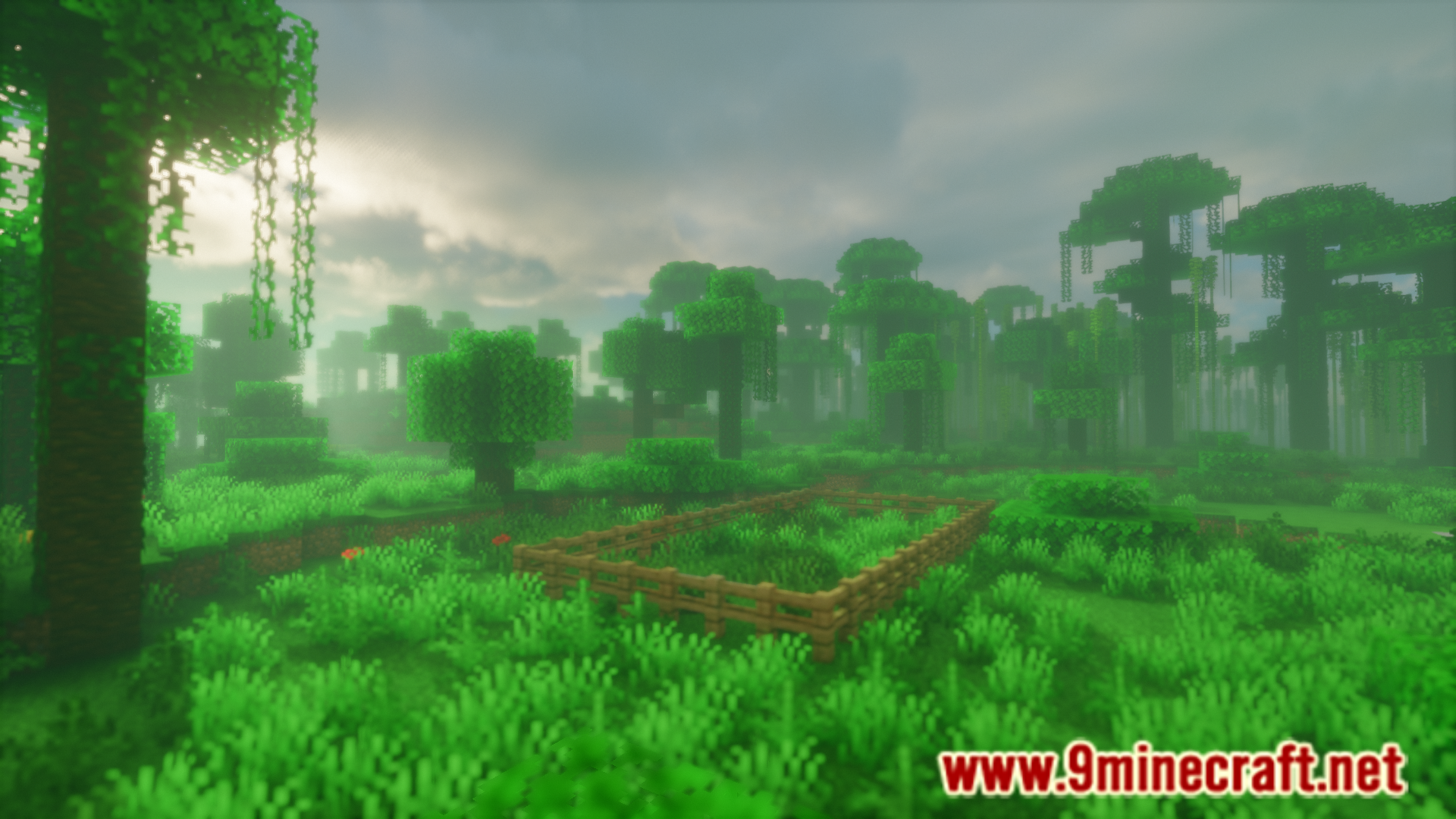
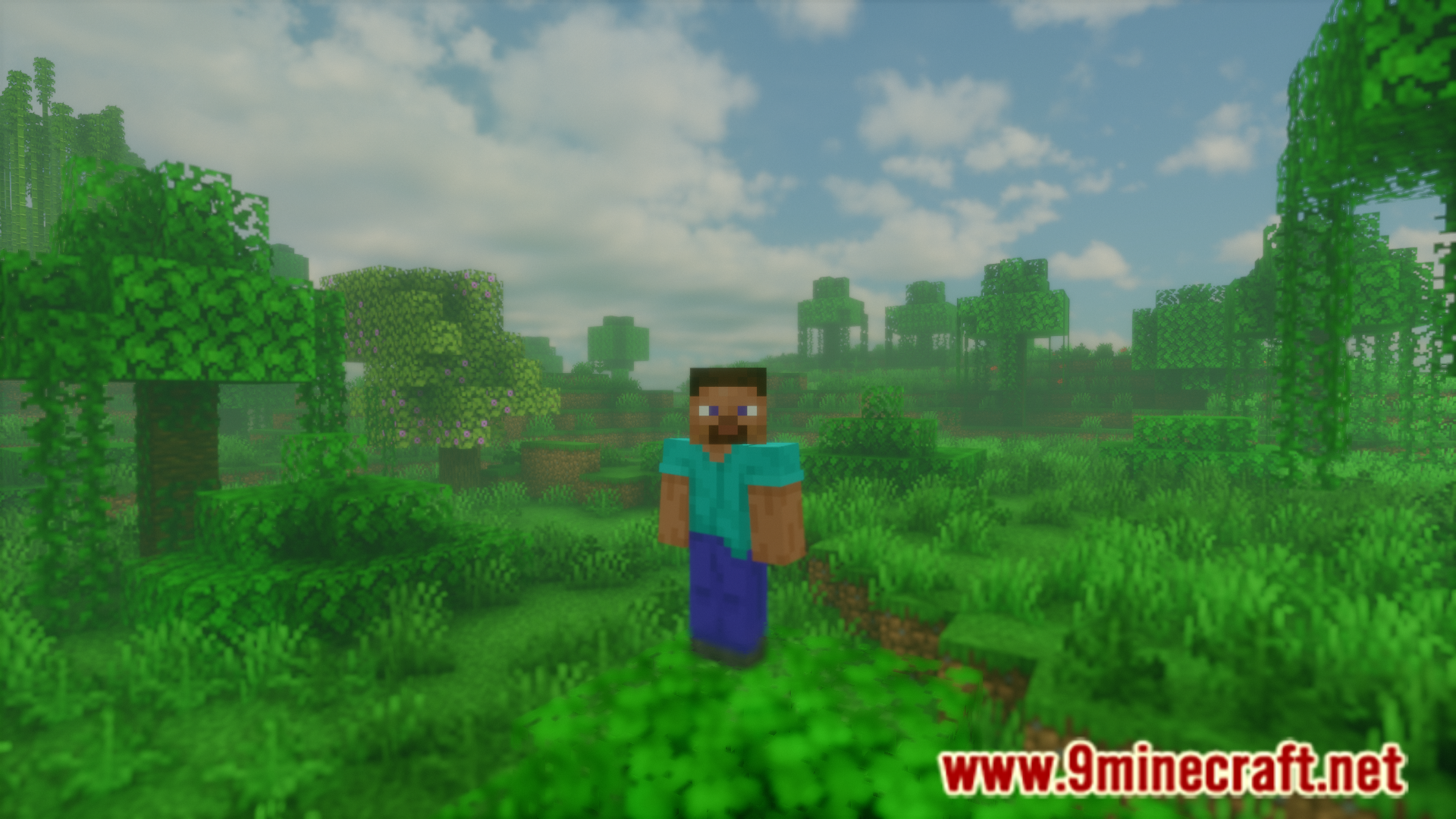
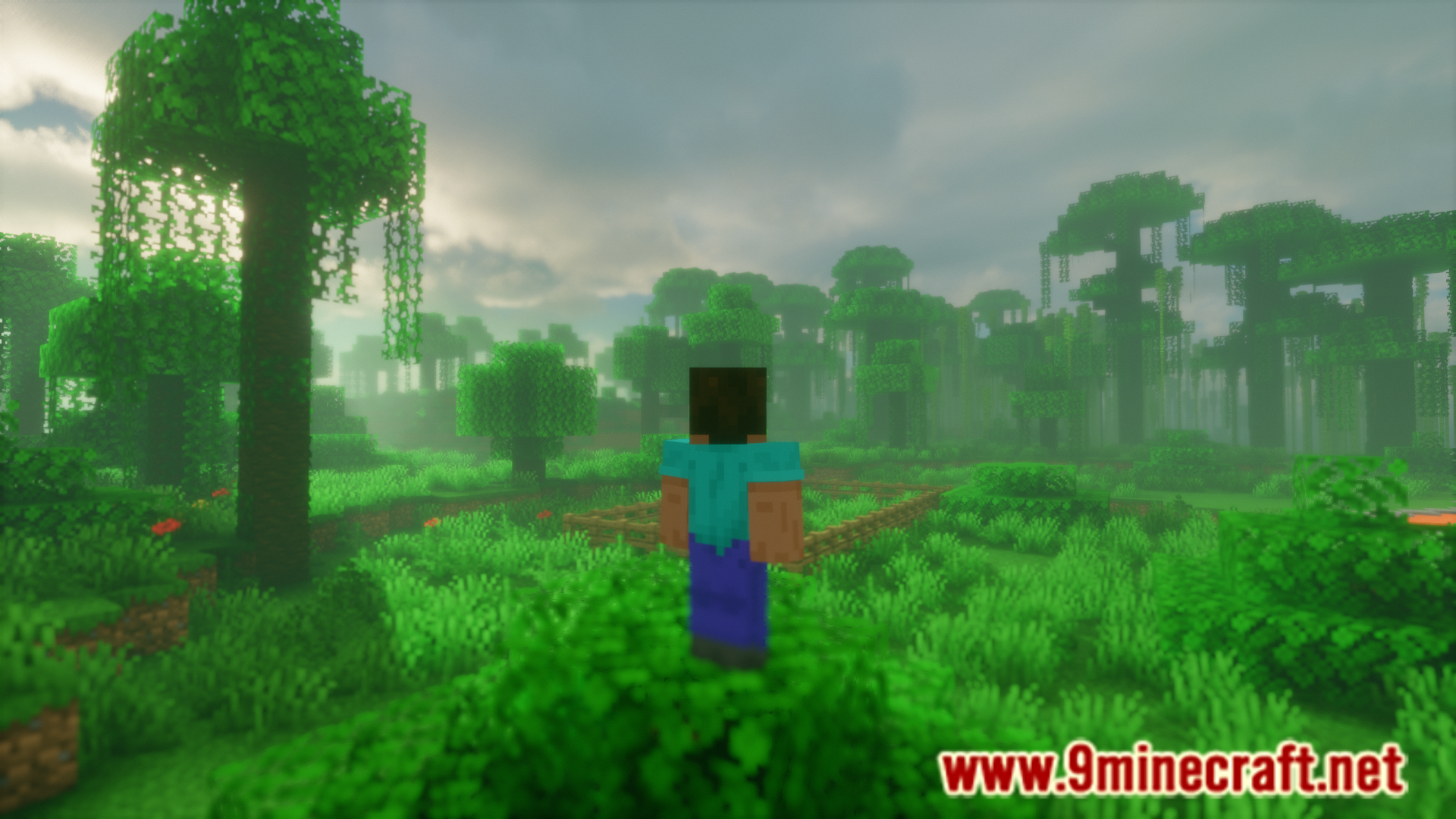
Using a keybind, you can toggle between three different player perspectives in the game – first person, third person back and third person front. For each click of the keybind, the perspective changes to the next one. But what if you want to play using first person for the major part and only need to switch to third person back for a few seconds and then return to first person view. In this case, you have to press the keybind once to change to third person back. Once in the third person back view, you have to press the keybind twice to return to your initial first person view. Perspective Enhancements Mod is here to make switching between perspectives a lot more convenient. With this mod installed, you can press and hold the perspective toggle keybind to switch your perspective. The perspective will then return back to normal once you release the keybind.
Features:
- Improves the functionality of the perspective toggle keybind.
- Press and hold to change to the next perspective. Release to return.
- Much more convenient to use.
Screenshots:
Perspective Enhancements Mod Download Links
- Edition: Minecraft Java
- File type: .jar
- Minecraft version listed: 1.20.1
- How to install: Install the matching mod loader (Forge, Fabric or NeoForge) for your Minecraft version. → Download the .jar. → Put it in the .minecraft/mods folder and launch that loader profile.
- Where to get it: In MC Java Mods, or directly above on this page.
Install steps are the general flow for this file type — How to install Minecraft Java mods & modpacks walks through it step by step.
- Downloads as 83362.mcaddon
- Download size: 21 KB
- Download link checked 25 Sept 2026 — working
- Mirrored on our own servers — the download does not depend on the original host
These come from our own check of the pack file, not from the source page.