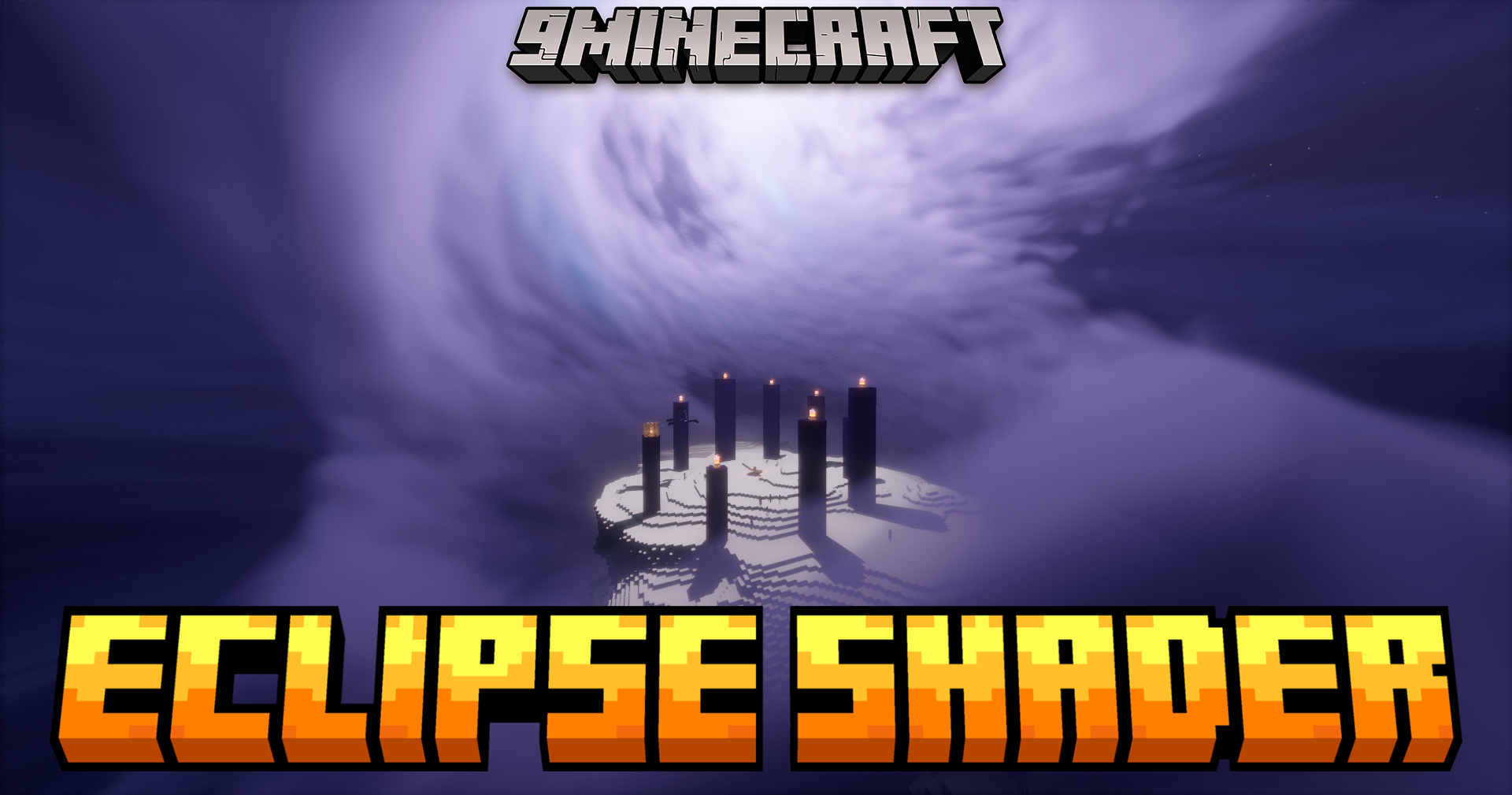
Eclipse Shaders (26.3, 1.20.1) – Advanced Sky And Environmental Effects
Java shader pack listed for Minecraft 1.20–26.x. Download on the author's site.
⬇ Download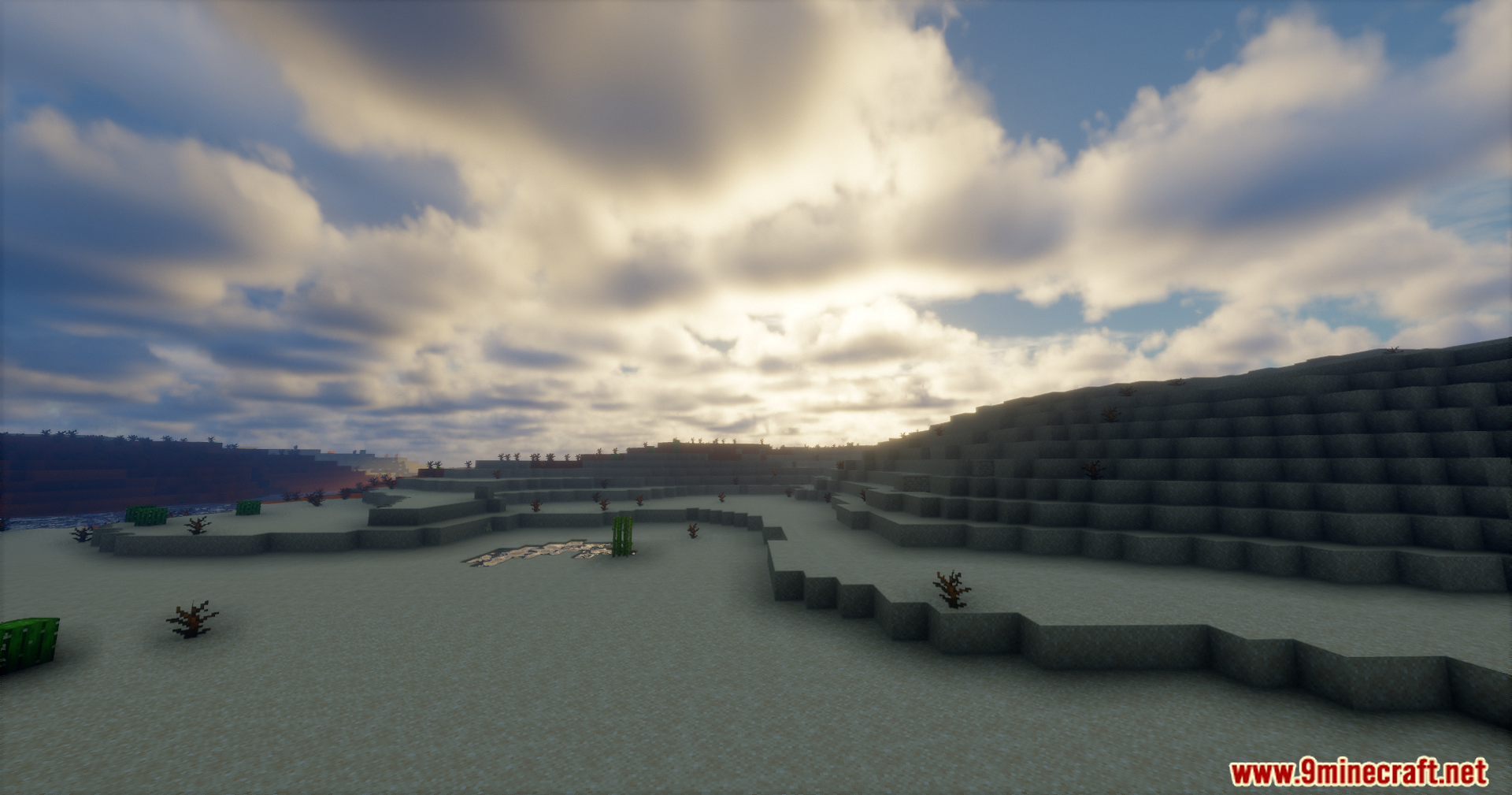
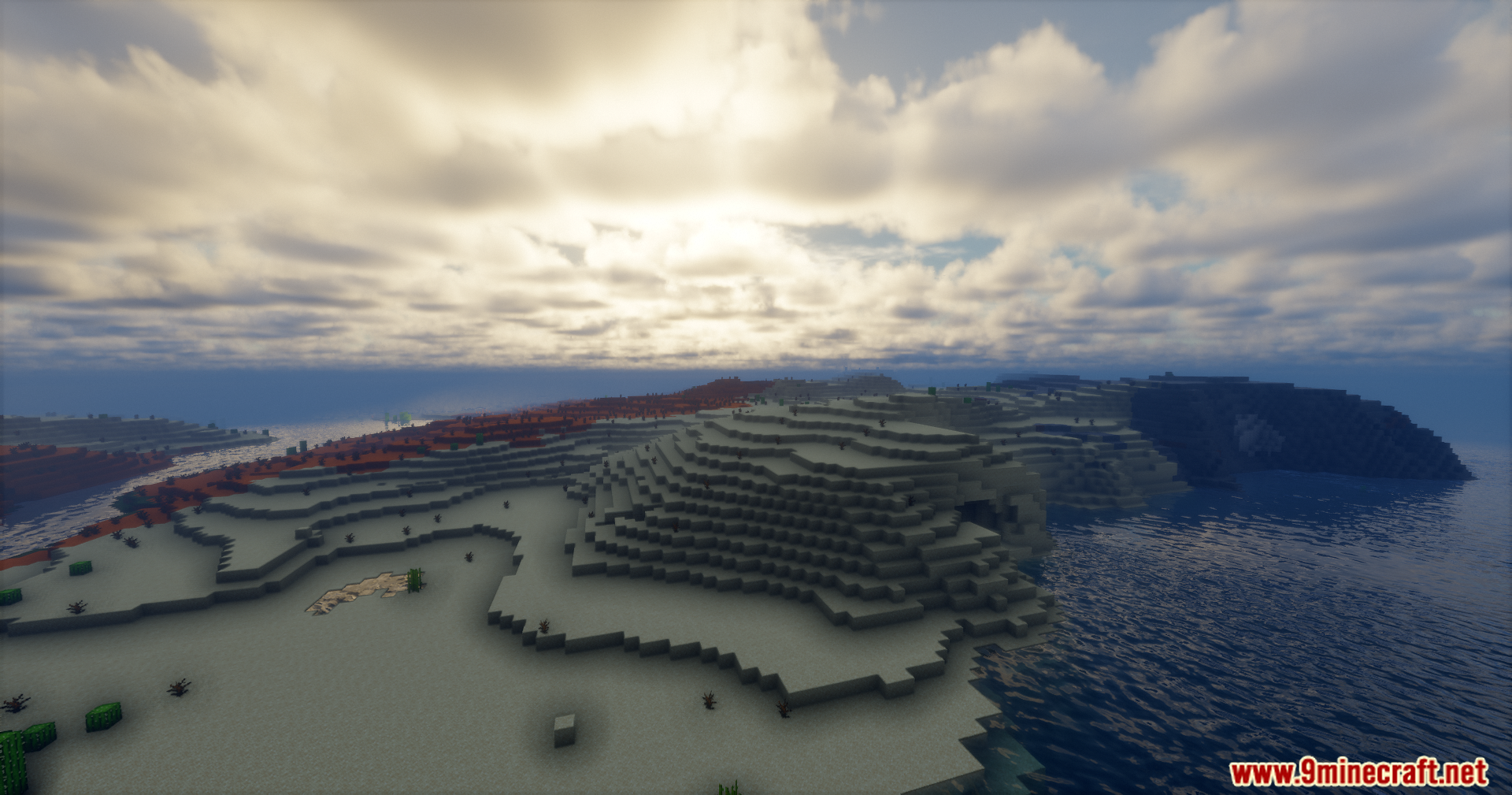
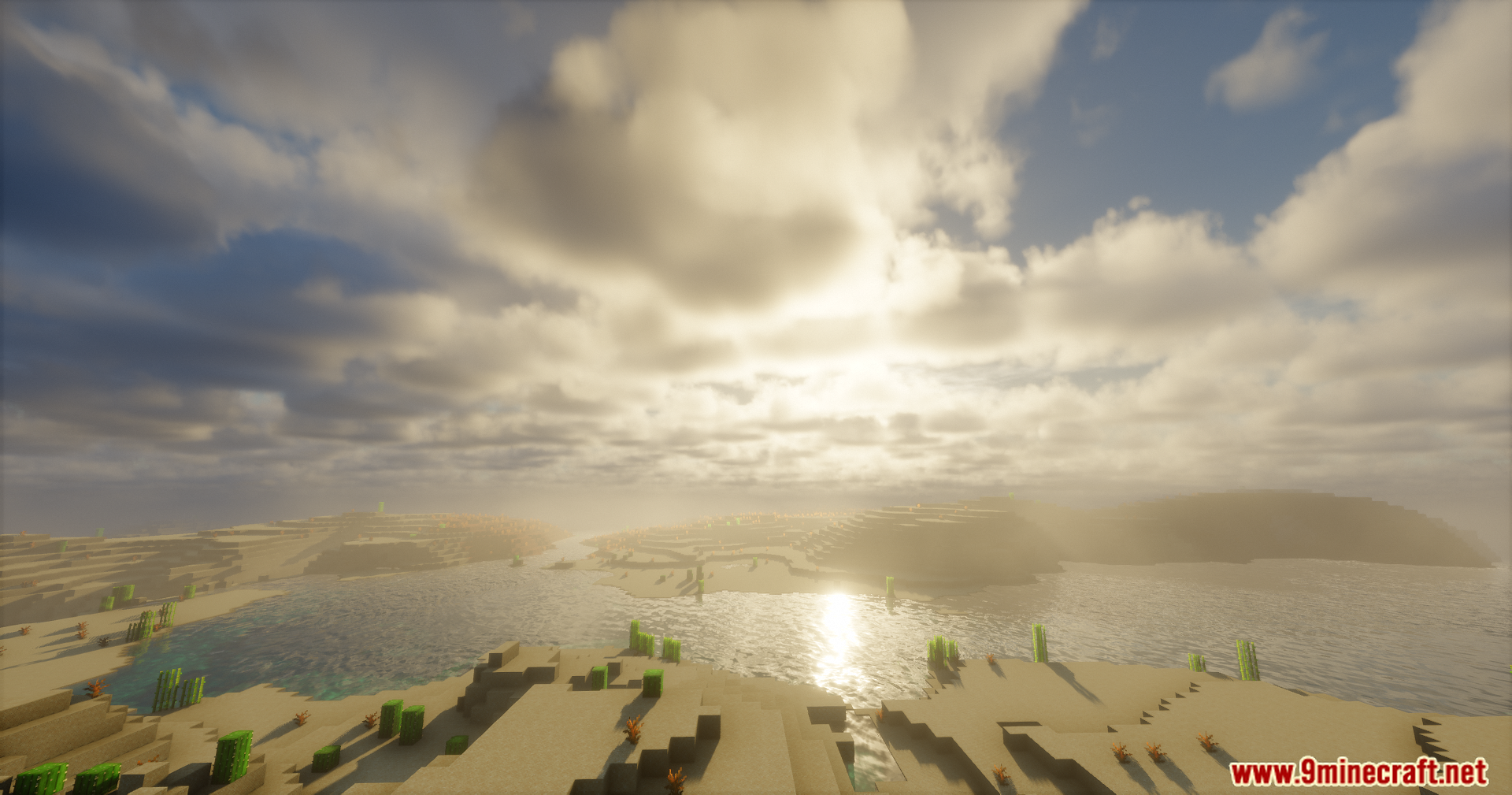
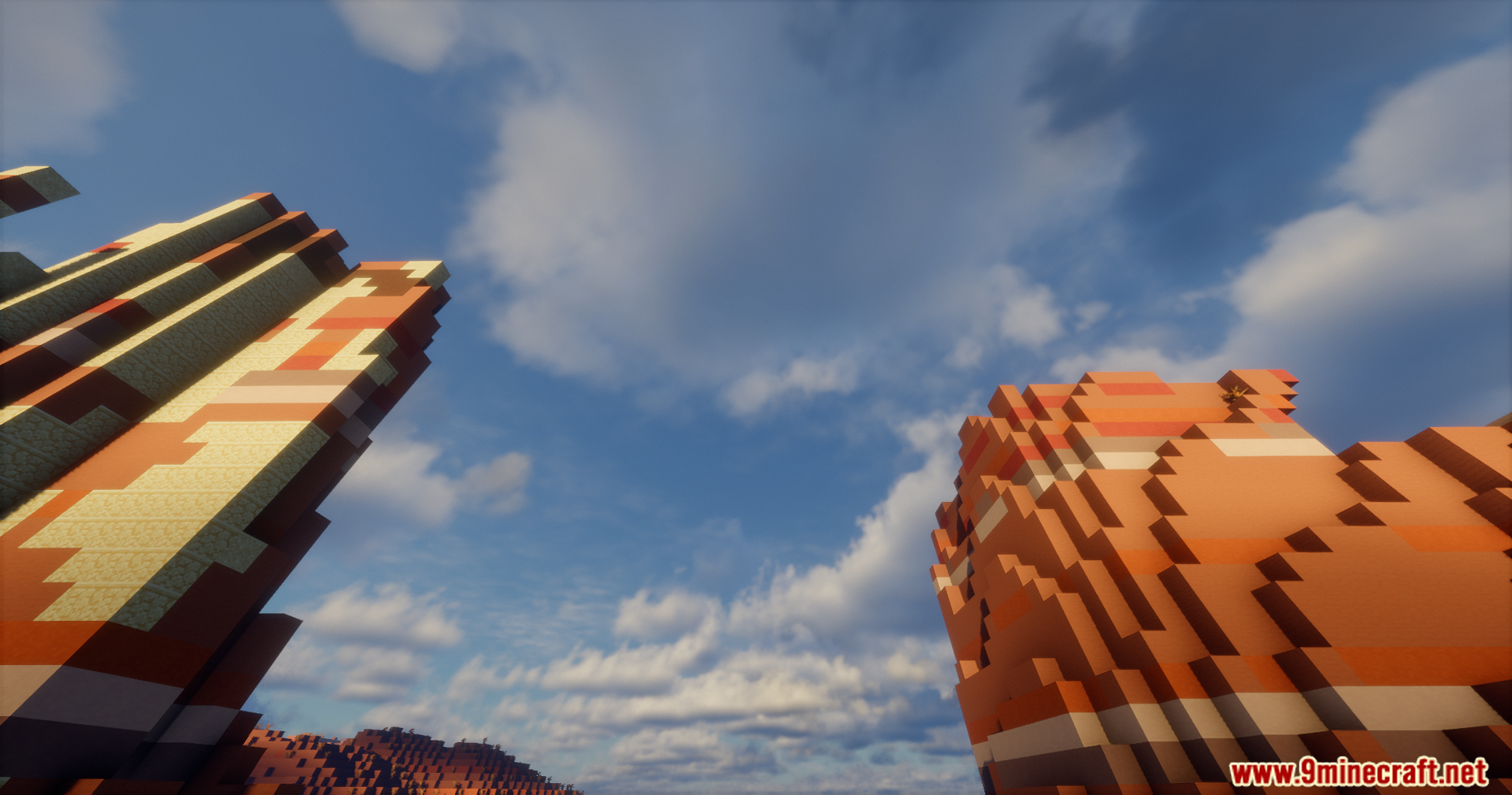
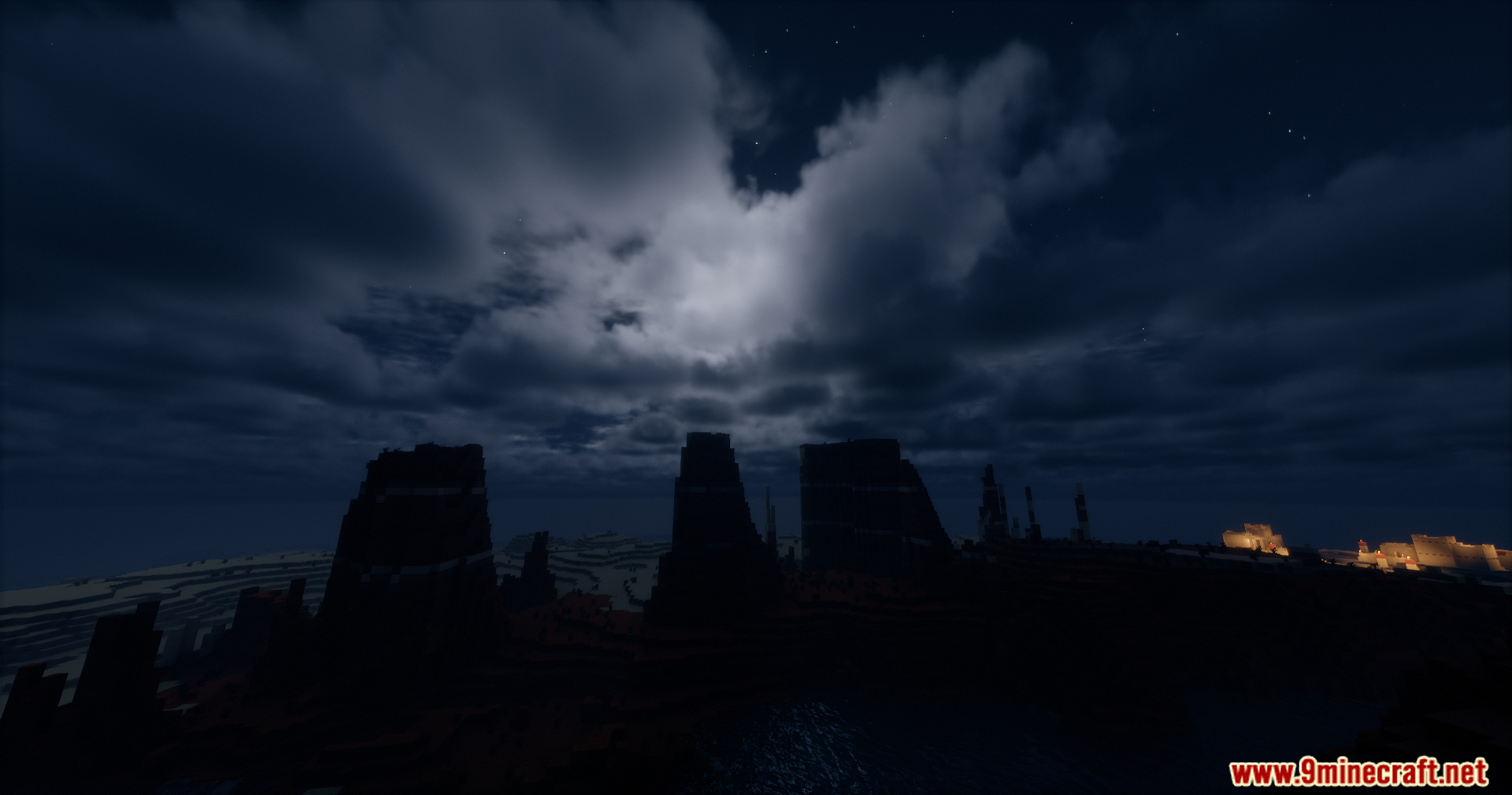
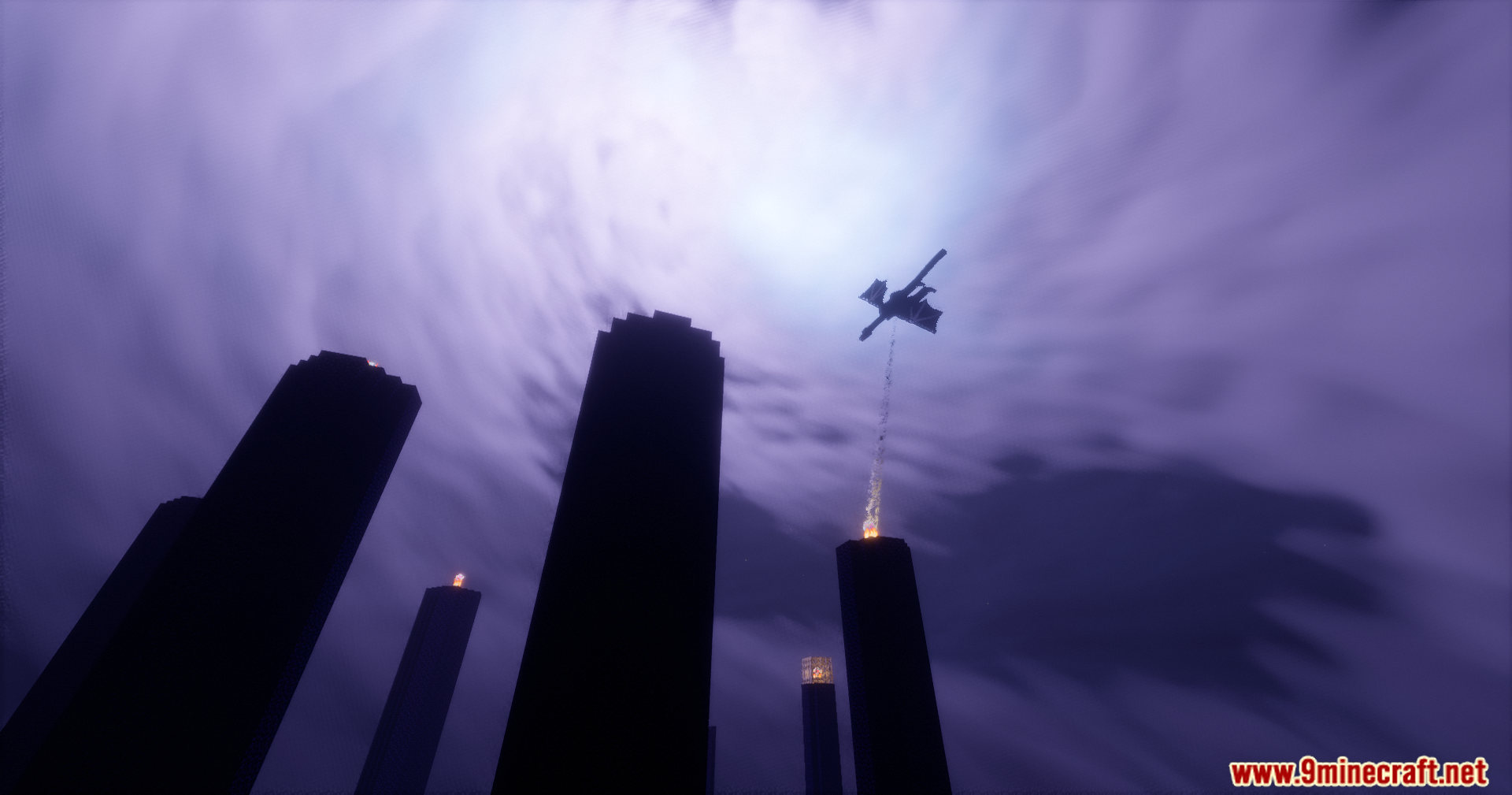
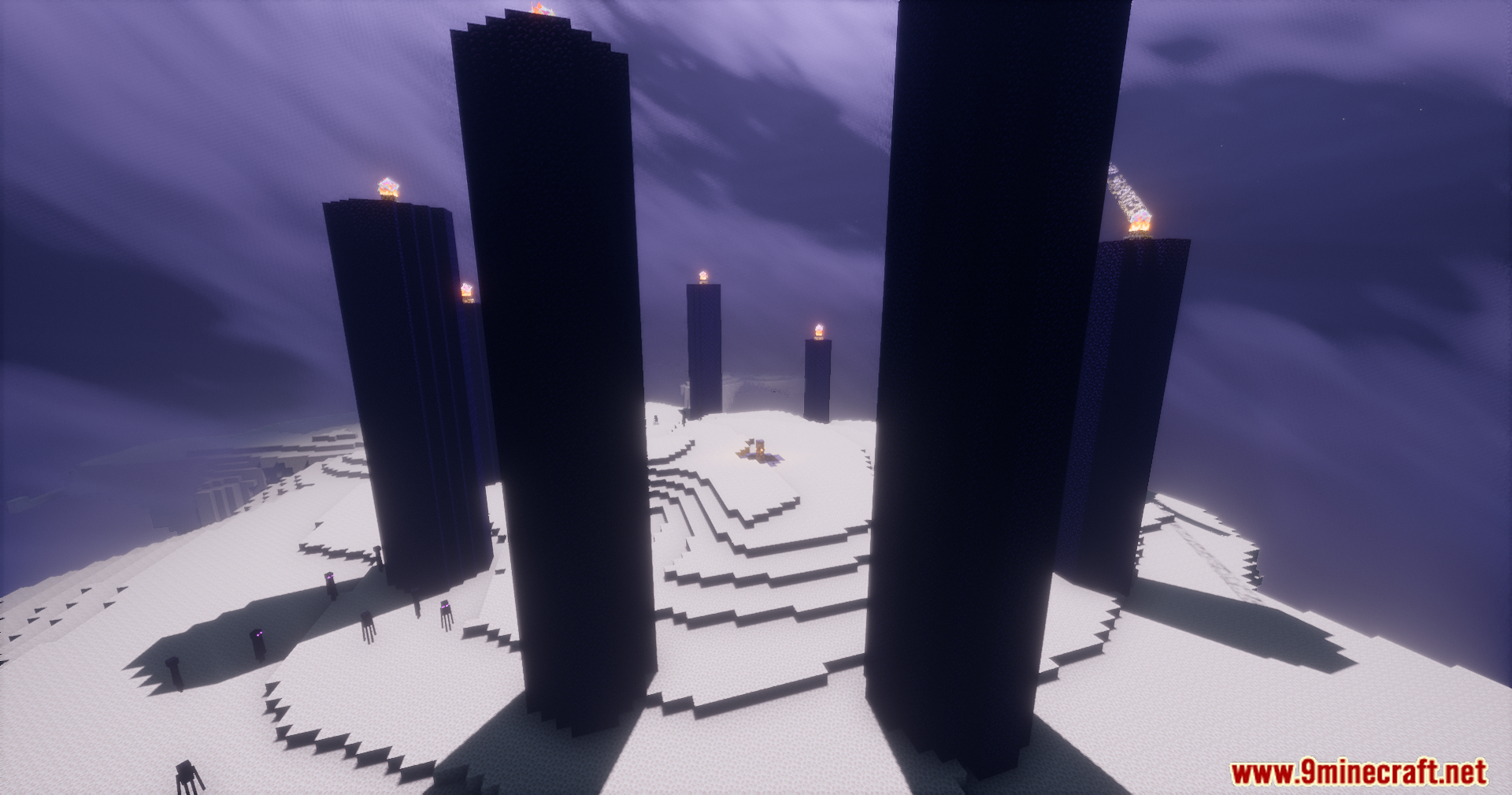
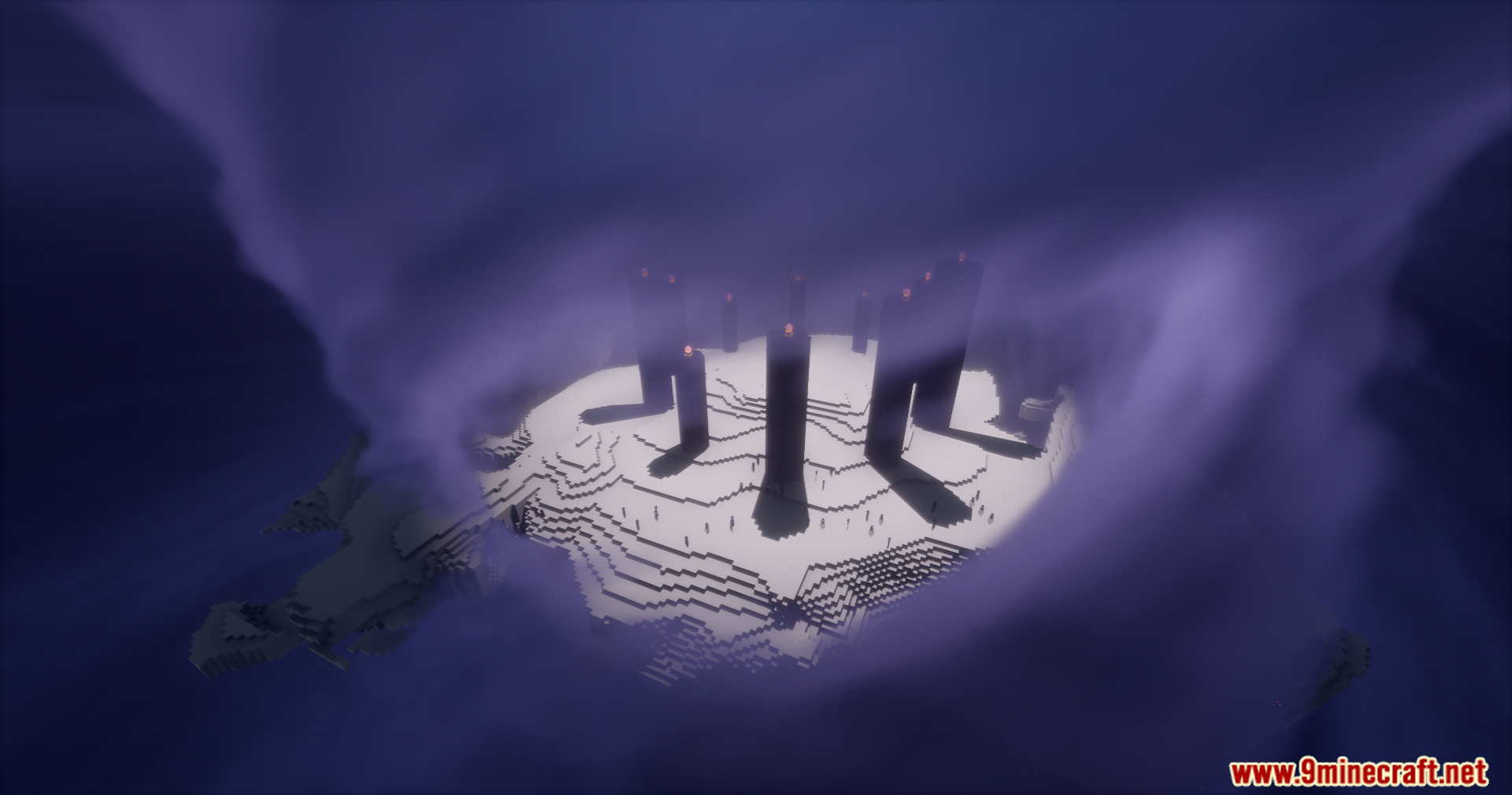
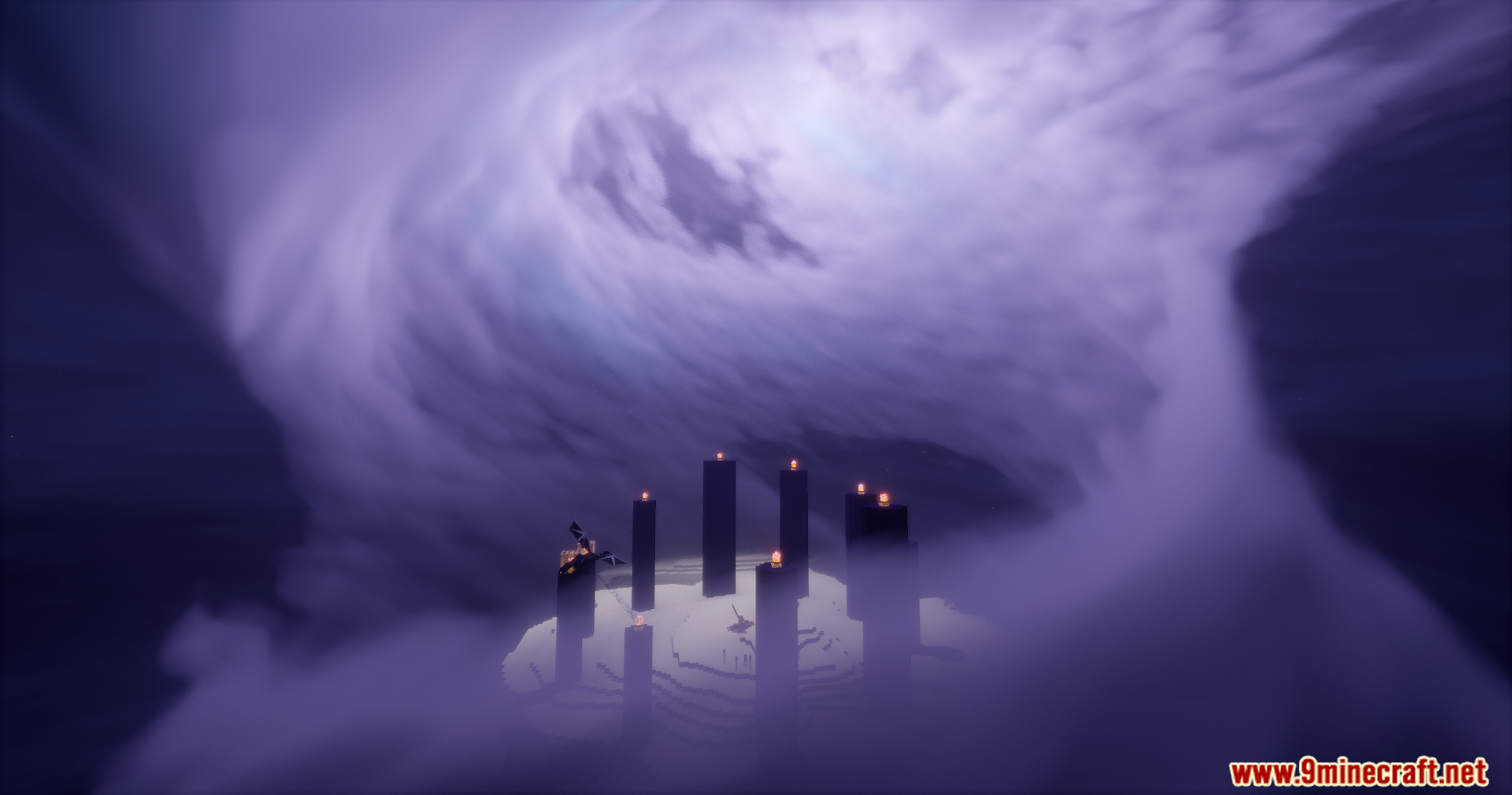
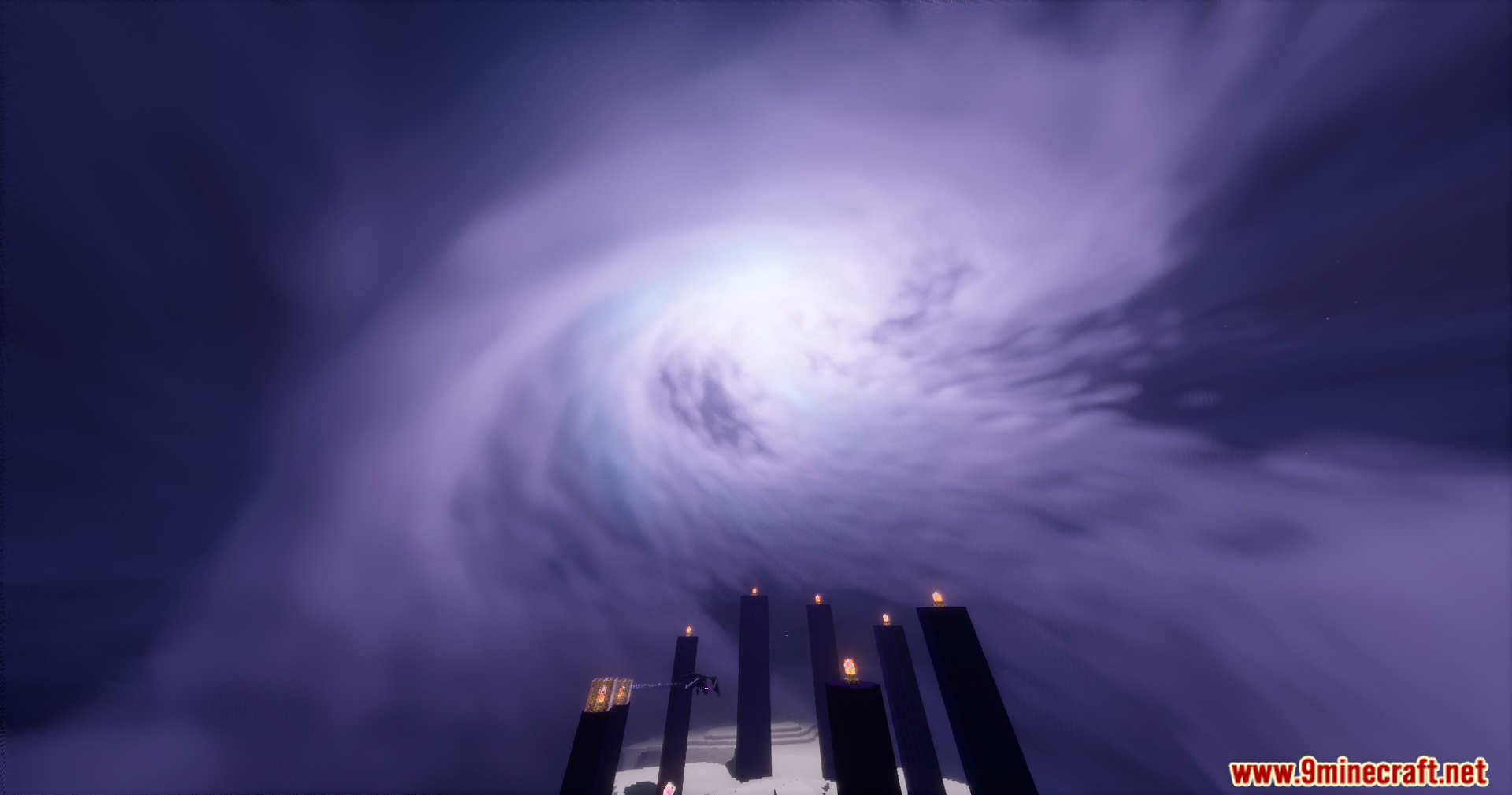
Eclipse Shaders focuses on expanding celestial rendering, weather visuals, and world interaction effects while keeping Bliss as its technical base. It introduces dynamic moon behavior, including orbital changes and eclipses, along with enhanced cloud layers and atmospheric elements. Environmental effects such as water interaction, grass animation, and surface overlays are also expanded.
Features:
- Custom moon orbit with eclipse support
- Moon phases with custom moon textures
- Aurora and rainbow rendering
- Additional cirrus and cumulonimbus cloud layers
- Distant Horizons chunk fading support
- Shader-based grass animation
- Water wave simulation affecting the player
- Handheld light sources casting shadows
- Snow overlays and rain ripple effects
- Improved emissive handling for blocks and items
- Emissive ores and armor trims
- Enhanced lightning with cloud illumination and shadows
- Main End island light source with shadows
Shader Trailer
Screenshots:
Eclipse Shaders Download Links
- Edition: Minecraft Java
- File type: .zip (resource pack)
- Minecraft versions listed: 26.3, 1.20.1
- How to install: Download the .zip resource pack — do not unzip it. → Put it in .minecraft/resourcepacks. → Enable it in Options → Resource Packs.
- Where to get it: Opens on the file's original source — not every file is mirrored on our own servers.
Install steps are the general flow for this file type — see the MC Java Mods guides for the full walkthrough.
Eclipse Shaders (26.3, 1.20.1) – Advanced Sky And Environmental Effects is a free Minecraft Java shader. Compatible with Minecraft 26.3, 1.20.1. Download it and open it directly in the game.