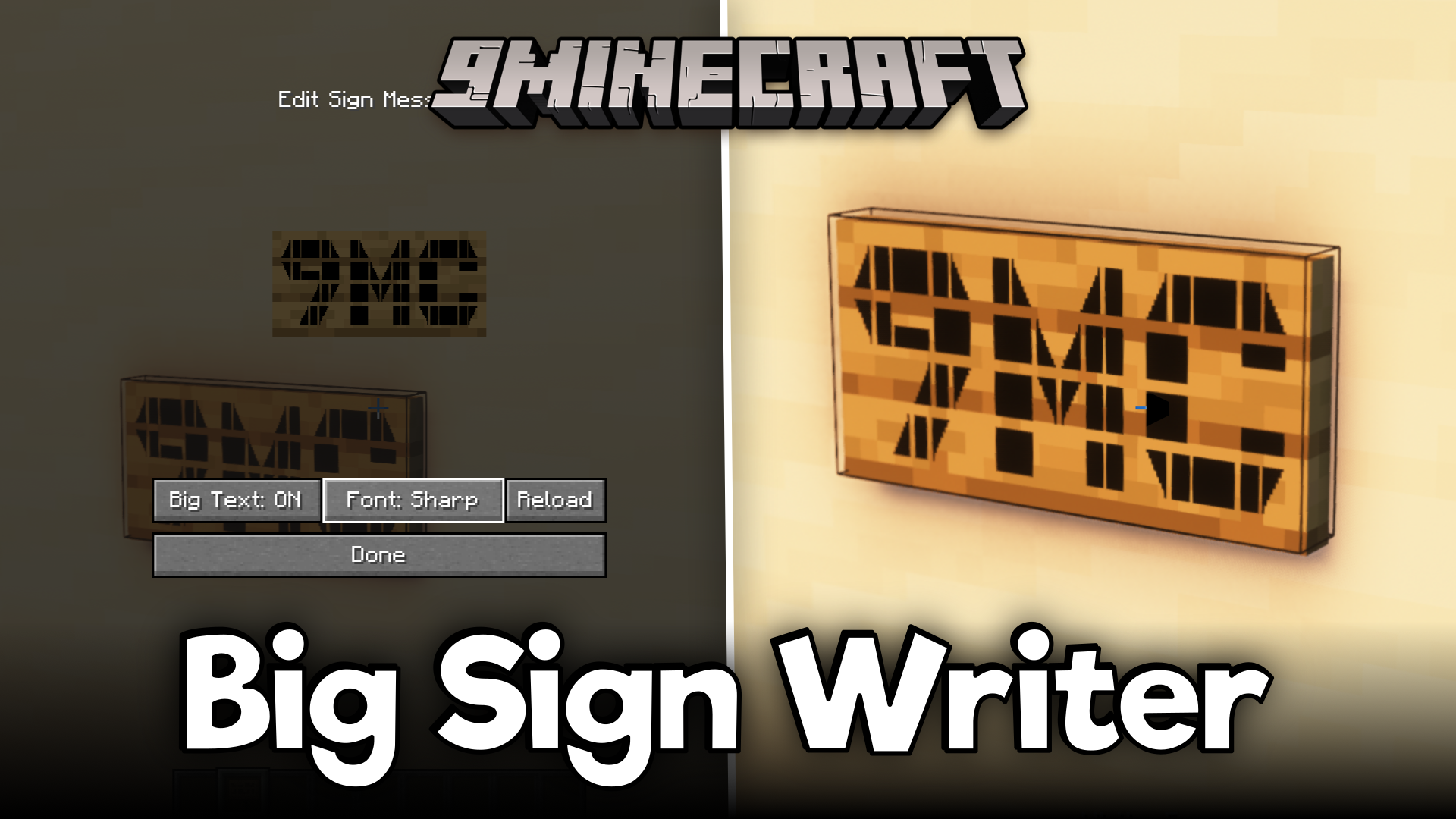
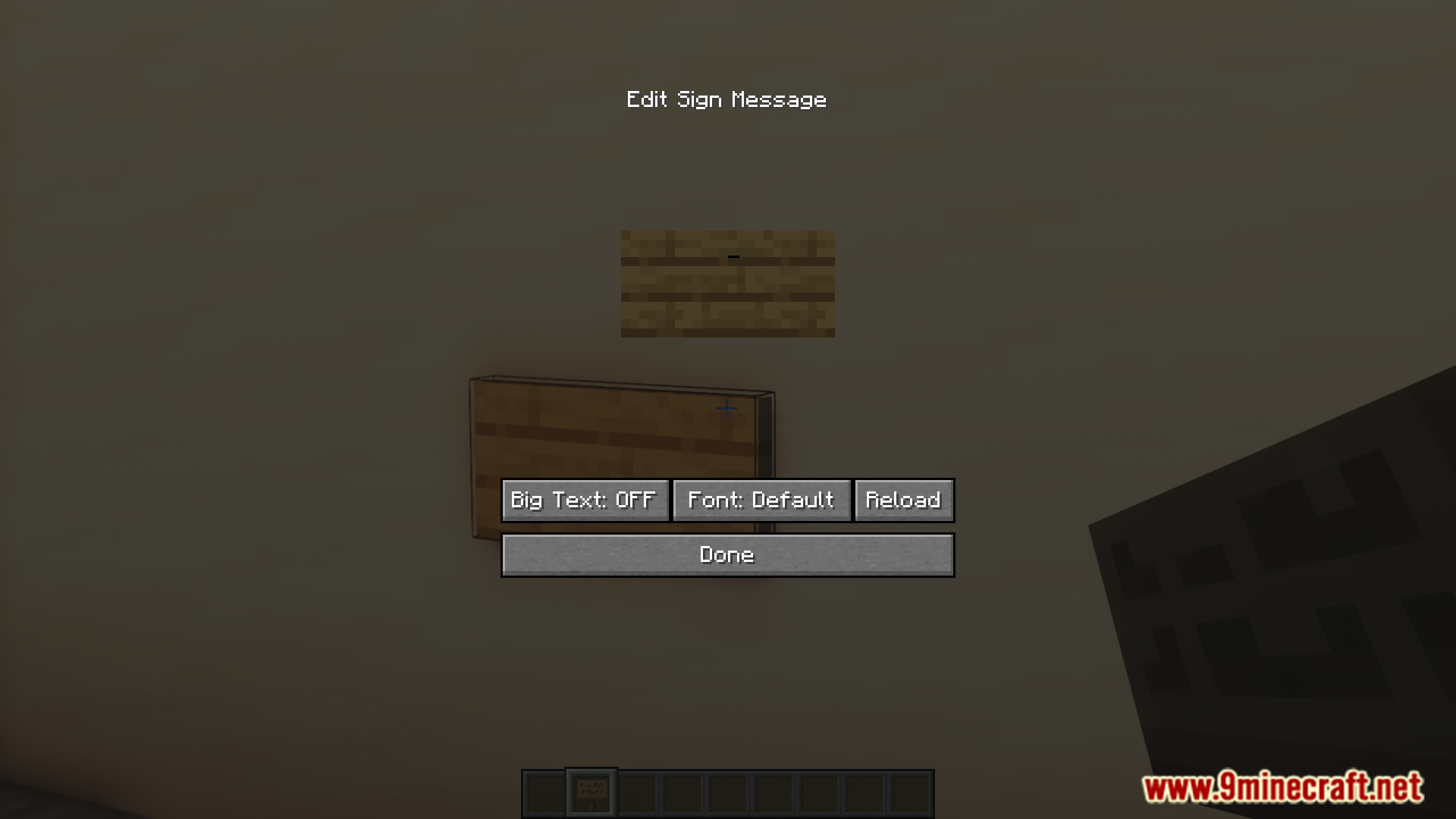
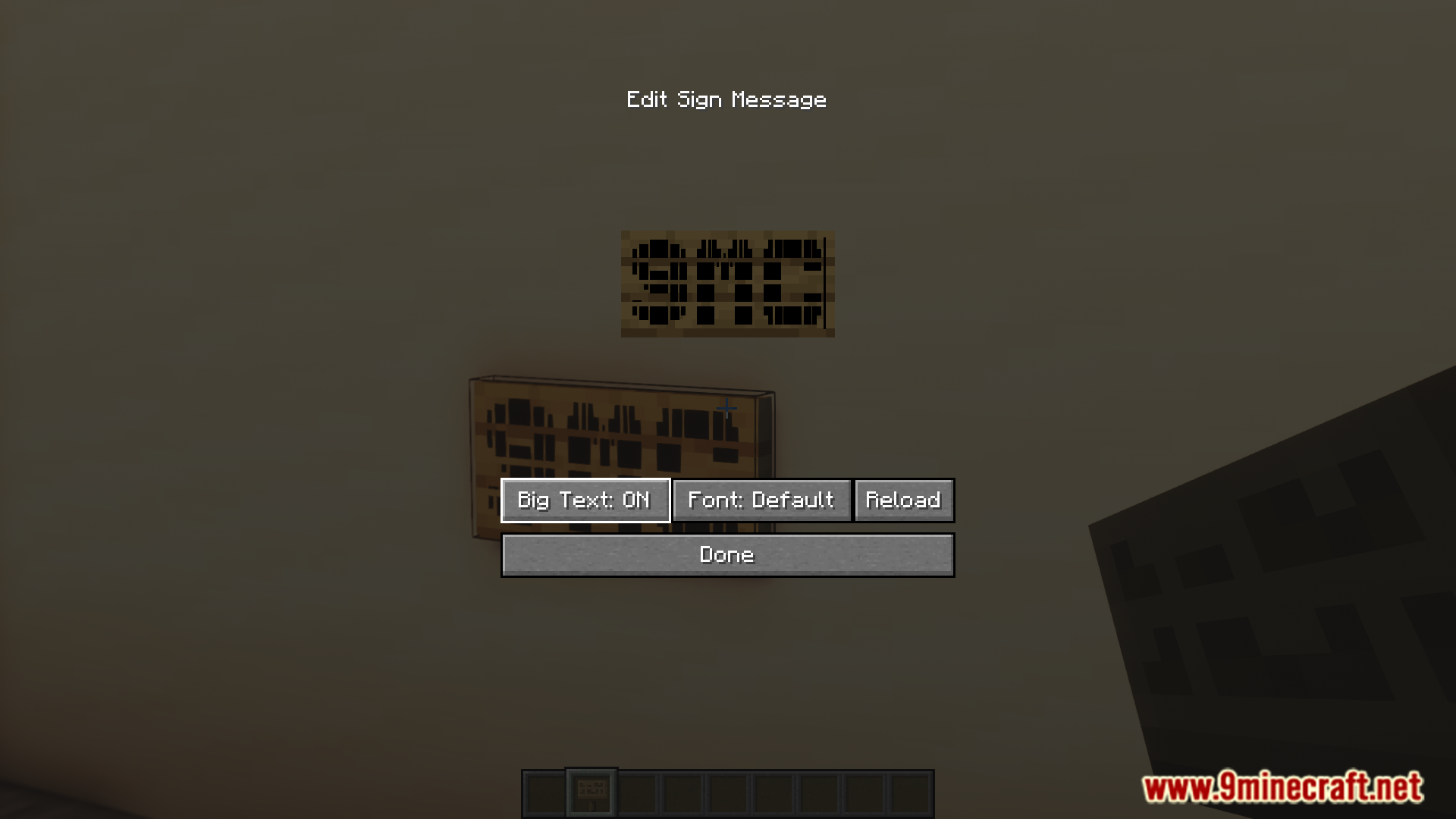
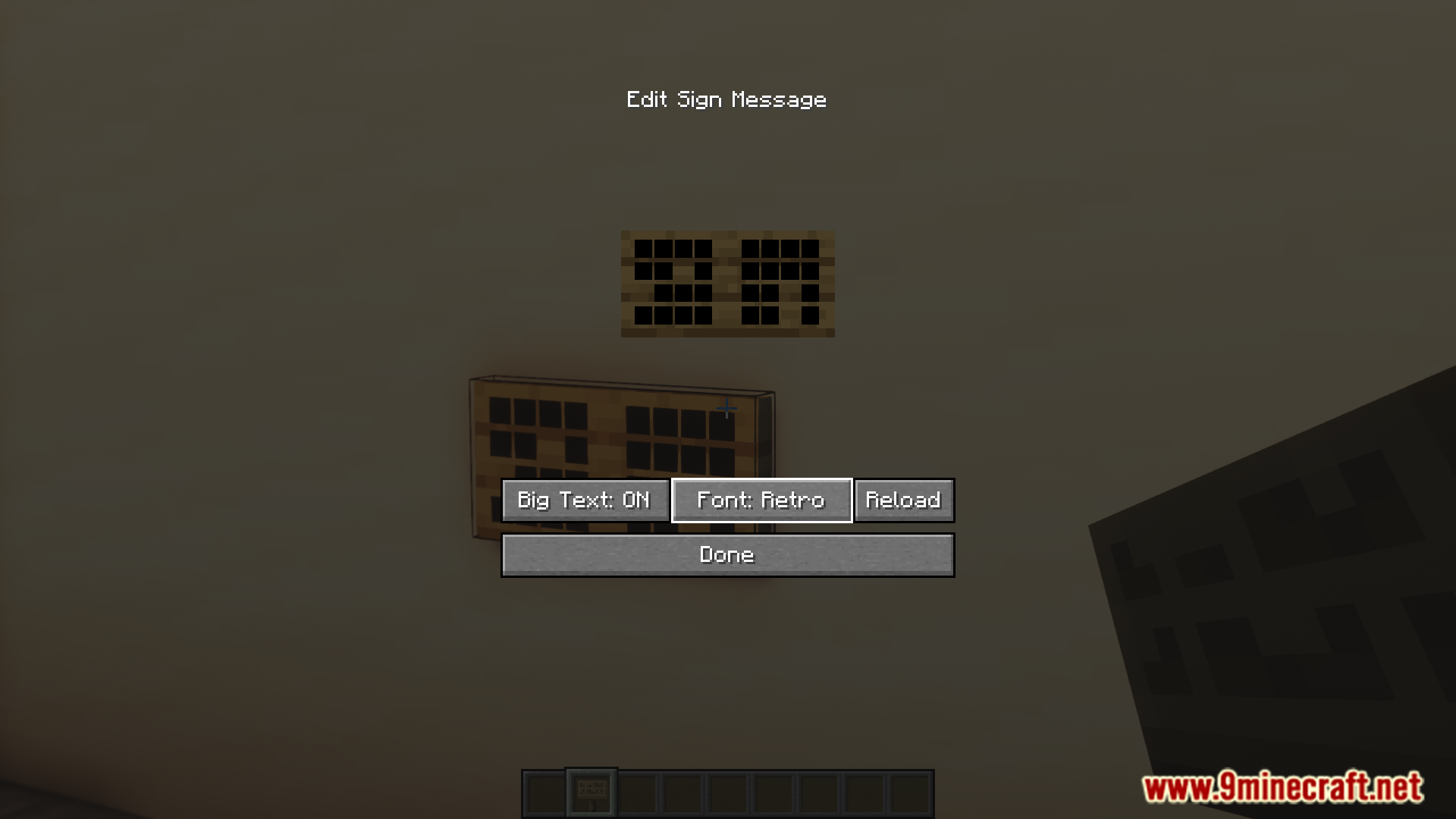
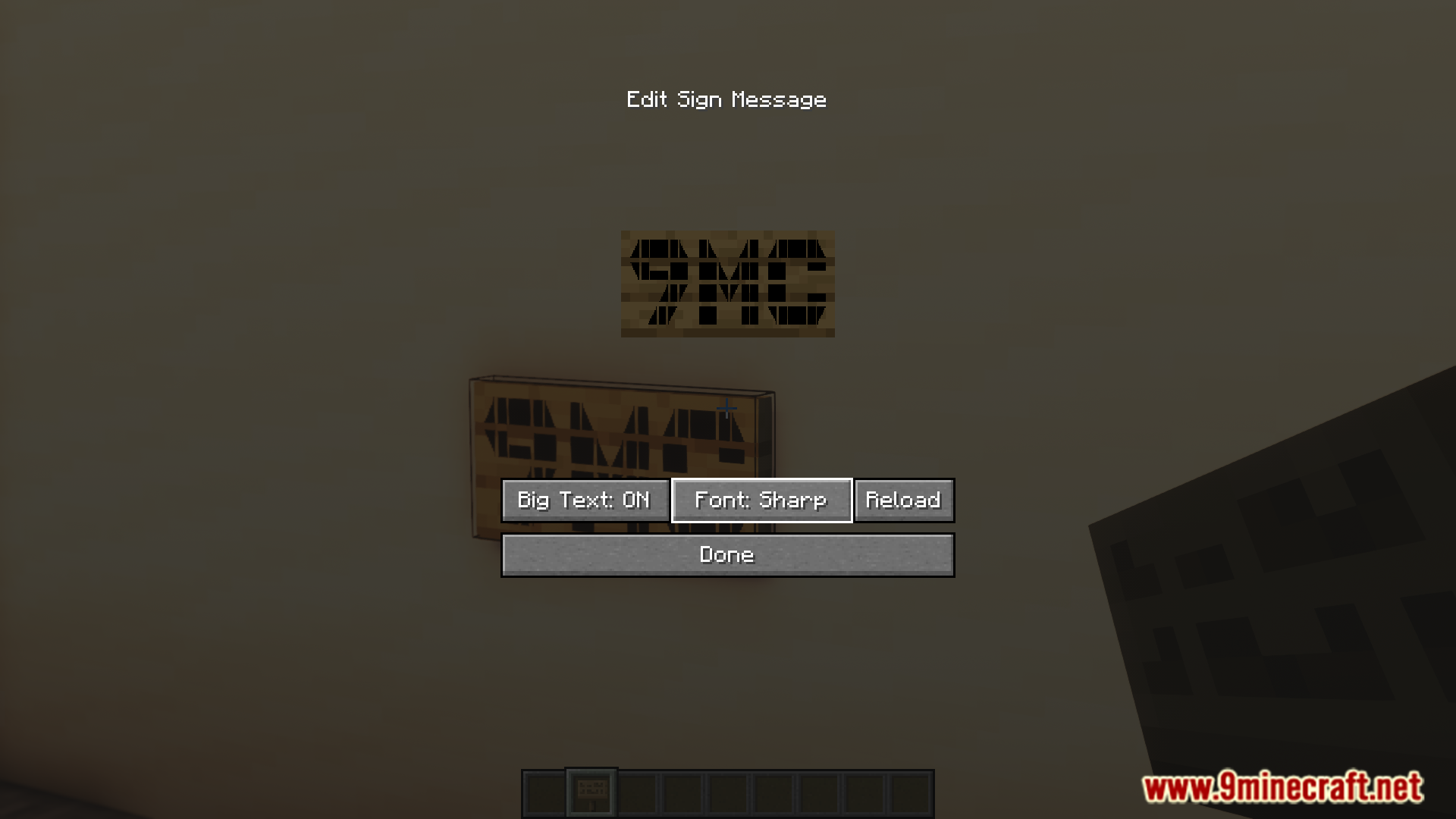


Signs are the only convenient method in the game to insert text content into your world. But the actual text that can be written into signs is very small and is only visible if the reader is close to the sign. You can make the text pop out by coloring the text or by adding a border to it. But this simply is not enough. Big Sign Writer Mod is here to change that. As the name suggests, this mod allows you to write bigger text content into signs. New buttons and options are added to the sign GUI for this purpose. The new GUI elements are very intuitive and easy to understand.
Features:
- Vanilla signs have small, hard-to-read text.
- This mod allows larger text on signs.
- Adds new GUI buttons and options.
- The interface is intuitive and easy to use.
Screenshots:
Big Sign Writer Mod Download Links
- Edition: Minecraft Java
- File type: .jar
- Minecraft version listed: 1.20.1
- How to install: Install the matching mod loader (Forge, Fabric or NeoForge) for your Minecraft version. → Download the .jar. → Put it in the .minecraft/mods folder and launch that loader profile.
- Where to get it: In MC Java Mods, or directly above on this page.
Install steps are the general flow for this file type — How to install Minecraft Java mods & modpacks walks through it step by step.
- Downloads as 83382.mcaddon
- Download size: 269 KB
- Download link checked 23 Sept 2026 — working
- Mirrored on our own servers — the download does not depend on the original host
These come from our own check of the pack file, not from the source page.