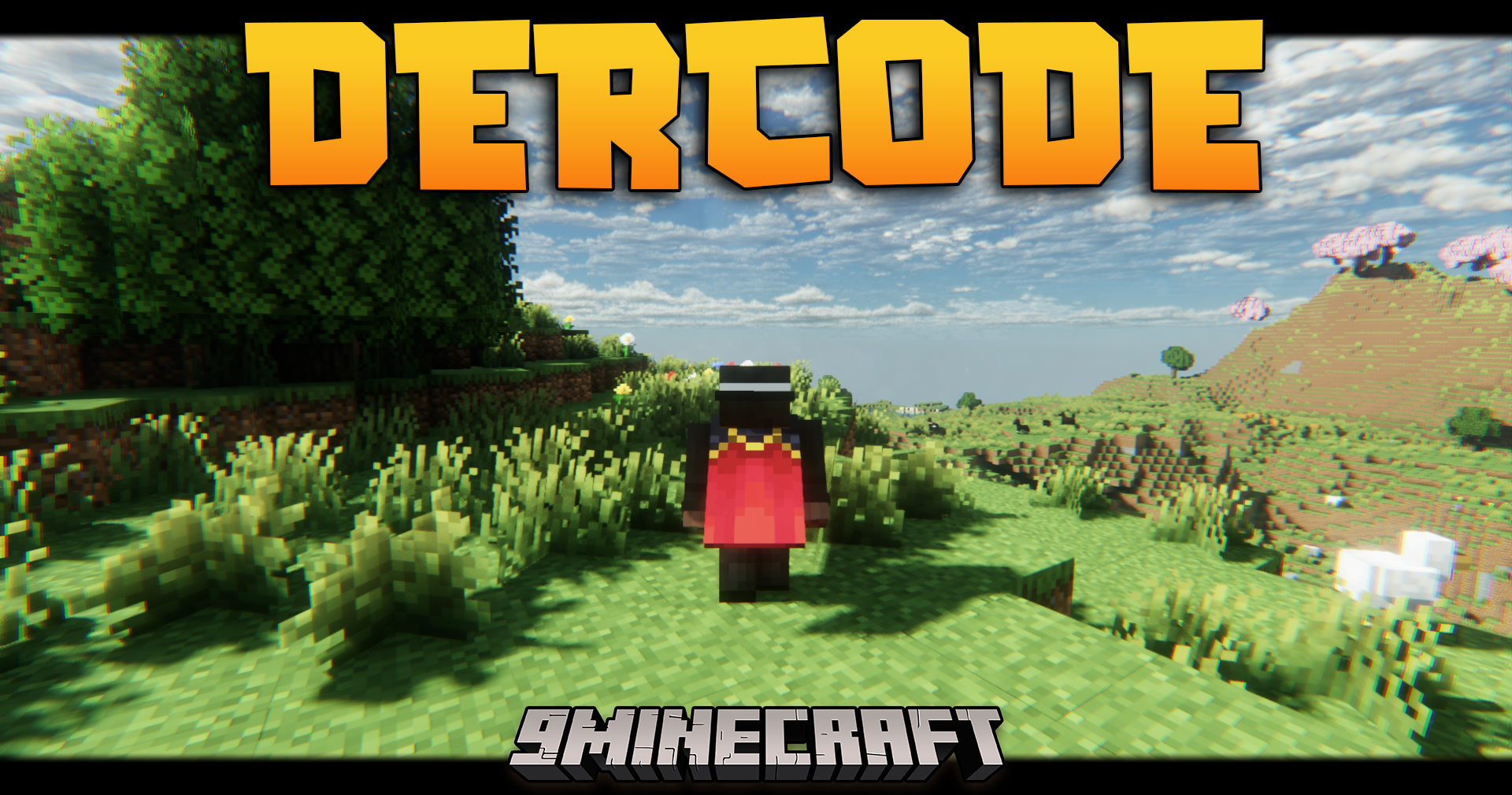
Dercode Shaders (26.3, 1.20.1) – Volumetric Lights & Raytracing
Java shader pack listed for Minecraft 1.20–26.x. File opened and checked on 29 Oct 2026; downloads from the MC Java Mods app on Android.
⬇ Download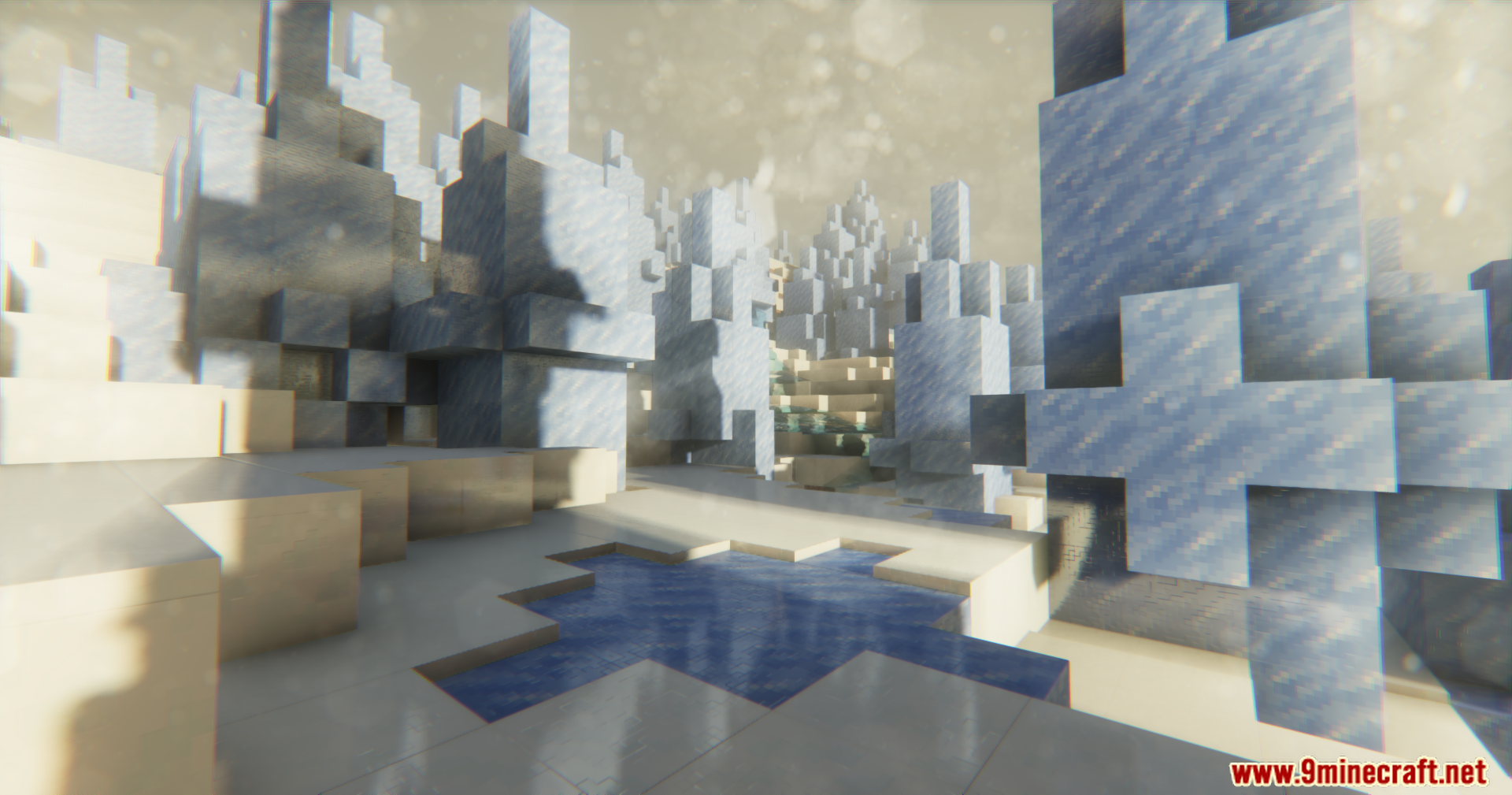
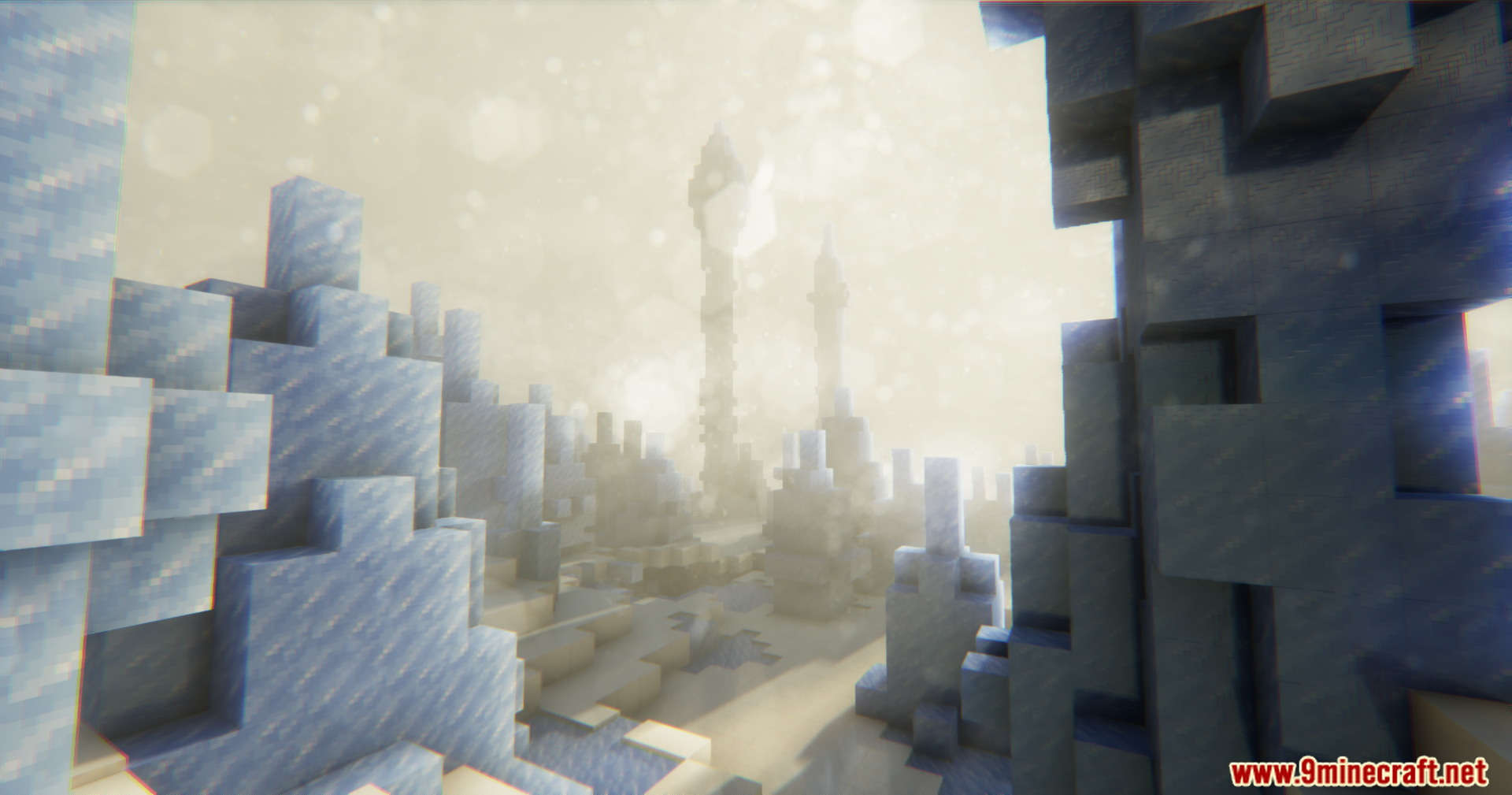
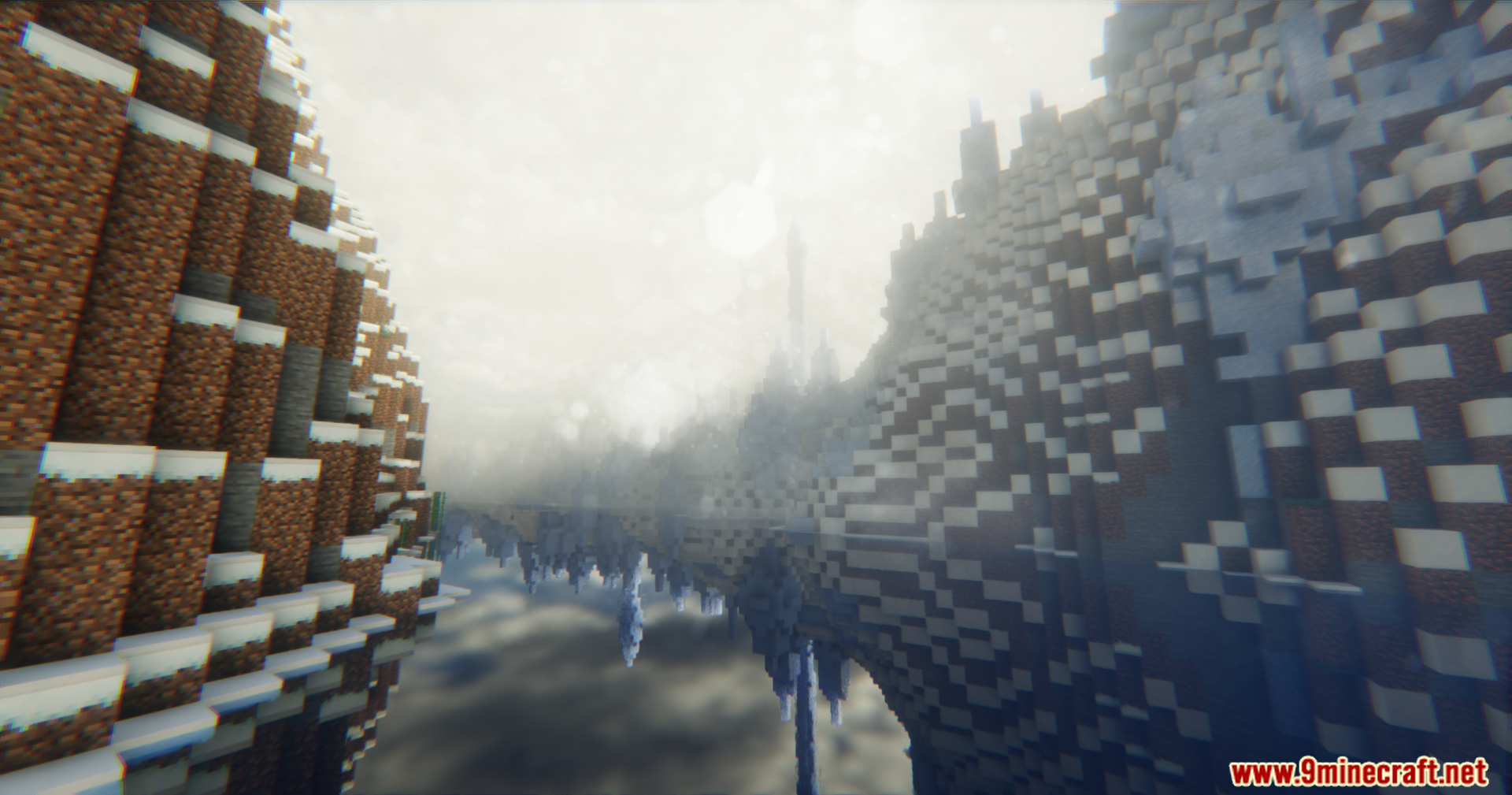
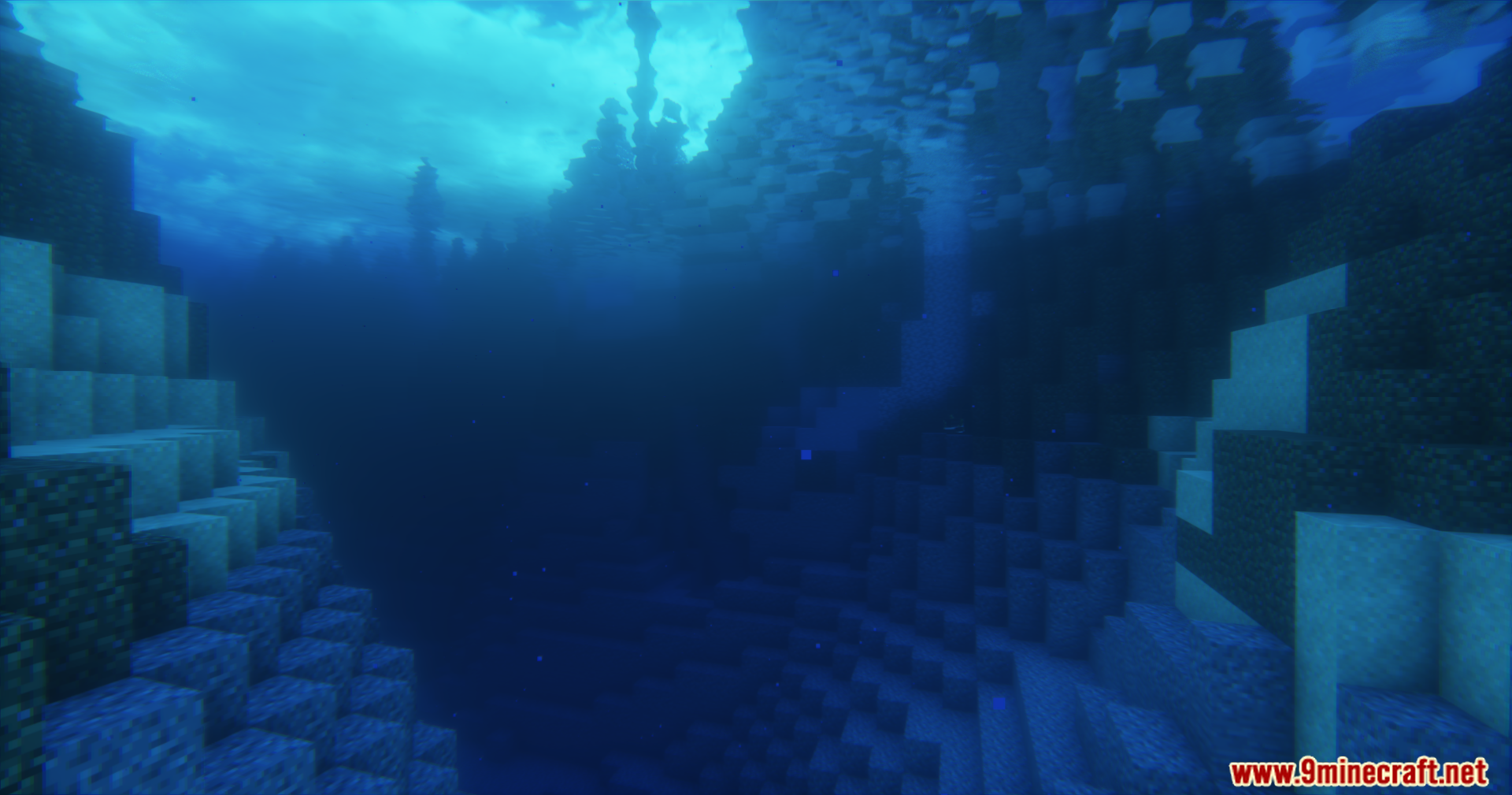
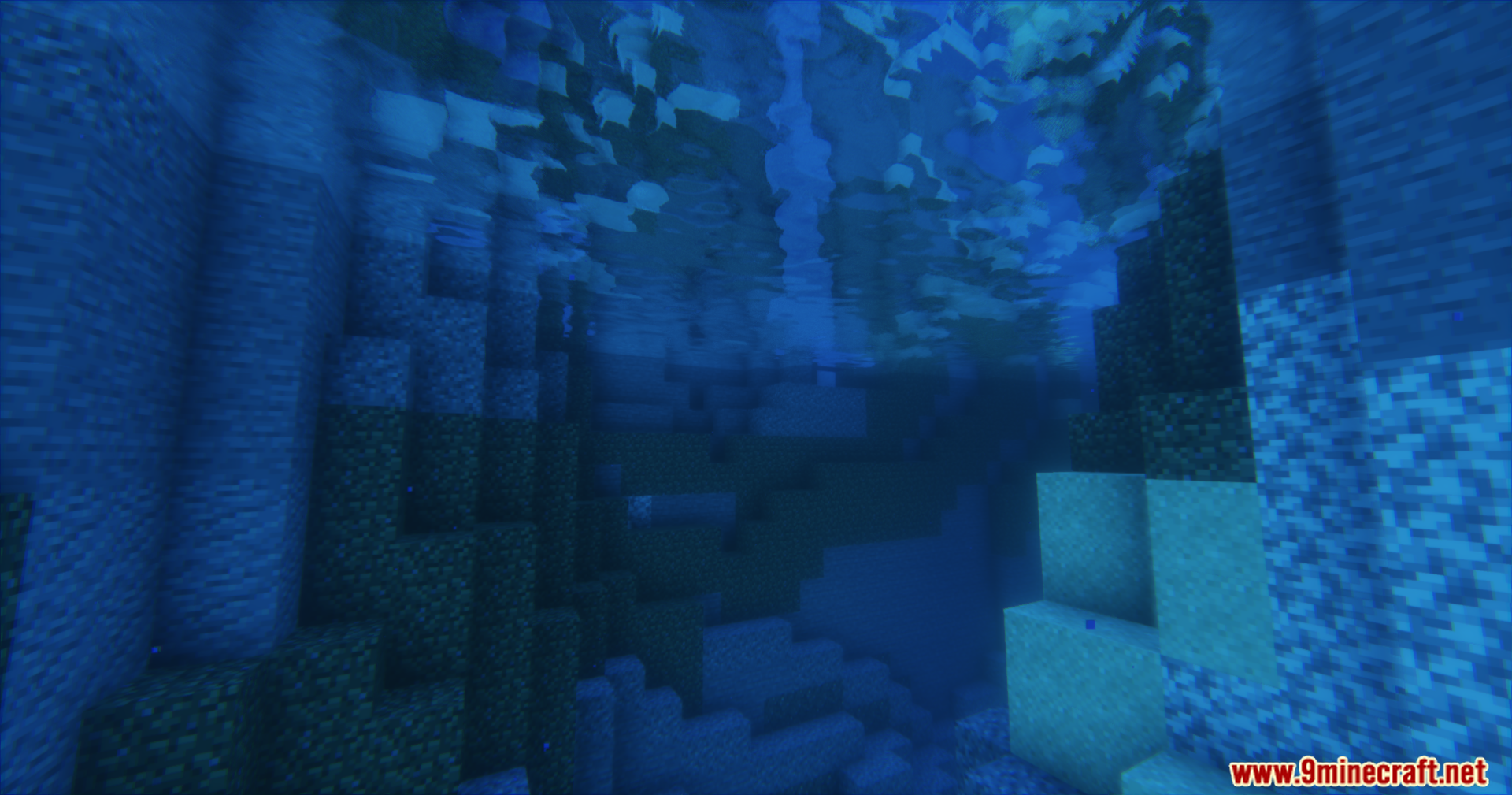
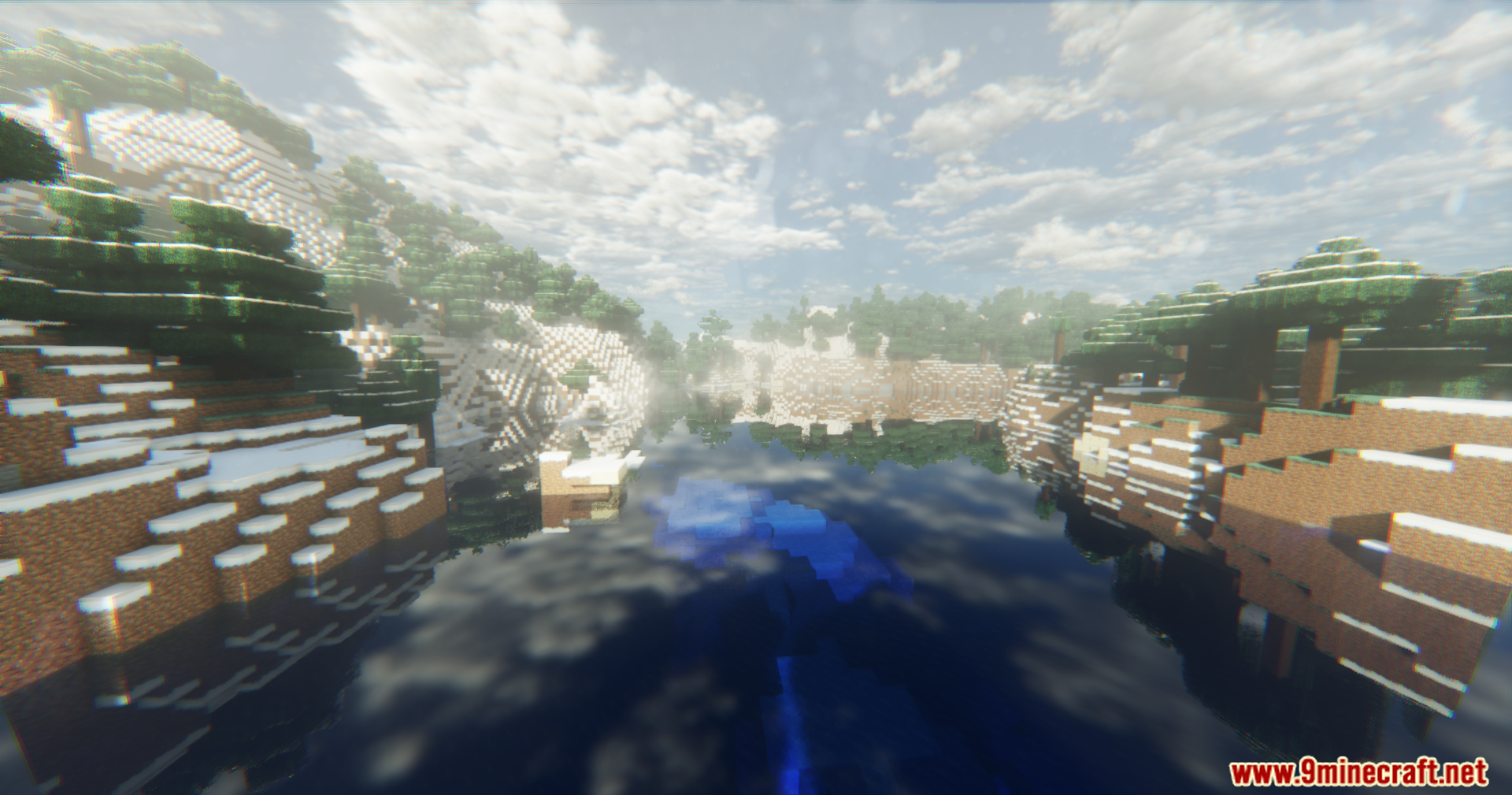
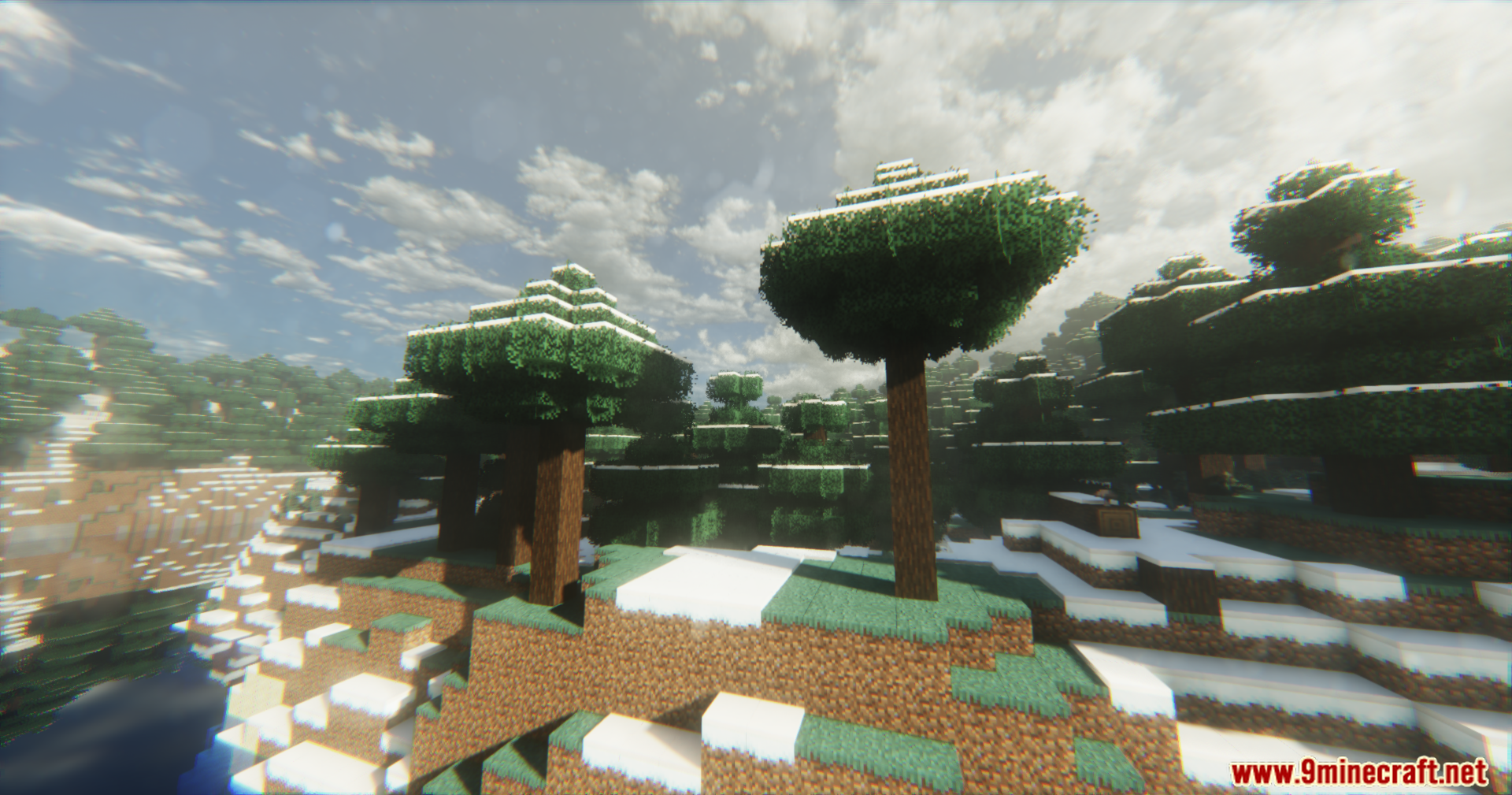
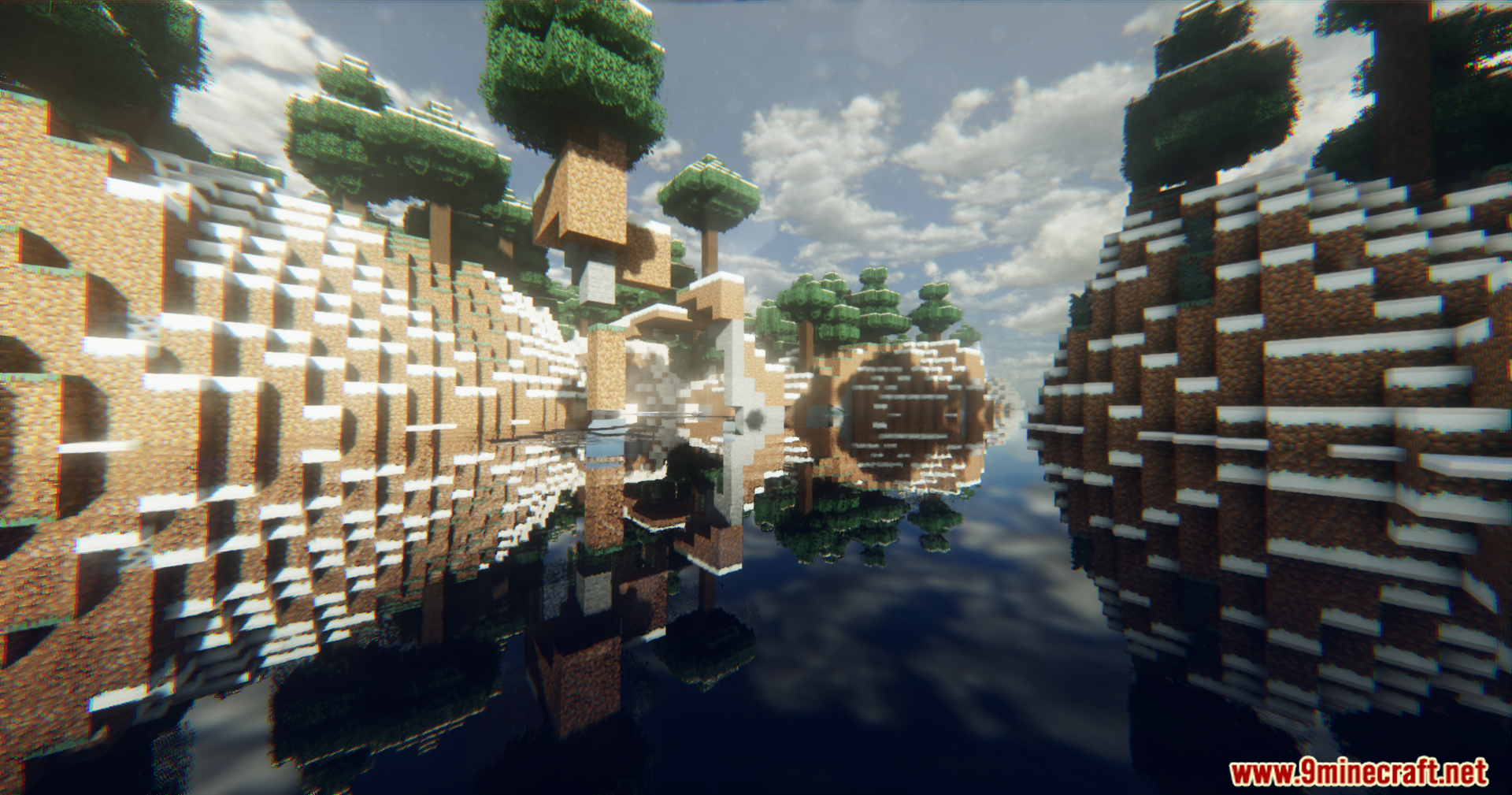
Dercode Shaders adds depth to your world with a mix of realistic and fantasy styles. It builds on the original Derivative shader to bring better graphics and smoother frame rates. This shader pack focuses on giving you fast frames per second even on older graphics cards. You get beautiful visuals without slowing down your game. It packs in cool additions like volumetric lights, custom skyboxes, and dirty lens effects. You can also play with nice reflections and a reworked End dimension.
Features:
- Optimized Frames: Keeps your game running smoothly with fast frame rates on many graphics cards.
- Volumetric Lighting: Adds light rays that shine through trees and clouds during day and night.
- Advanced Reflections: Casts specular reflections on water and wet surfaces.
- Works with the Distant Horizons mod so you can see landscapes far away.
- Adds a dirty lens and bodycamera effect for a unique camera style.
- Changes the skybox to give the sky a fresh and detailed look.
- Reworks the End dimension with a large vortex effect in the sky.
- Makes certain blocks and ores glow in the dark for better visibility.
- Updates rain effects to make storms look more natural.
- Includes a raytracing mode for better lighting and shadows.
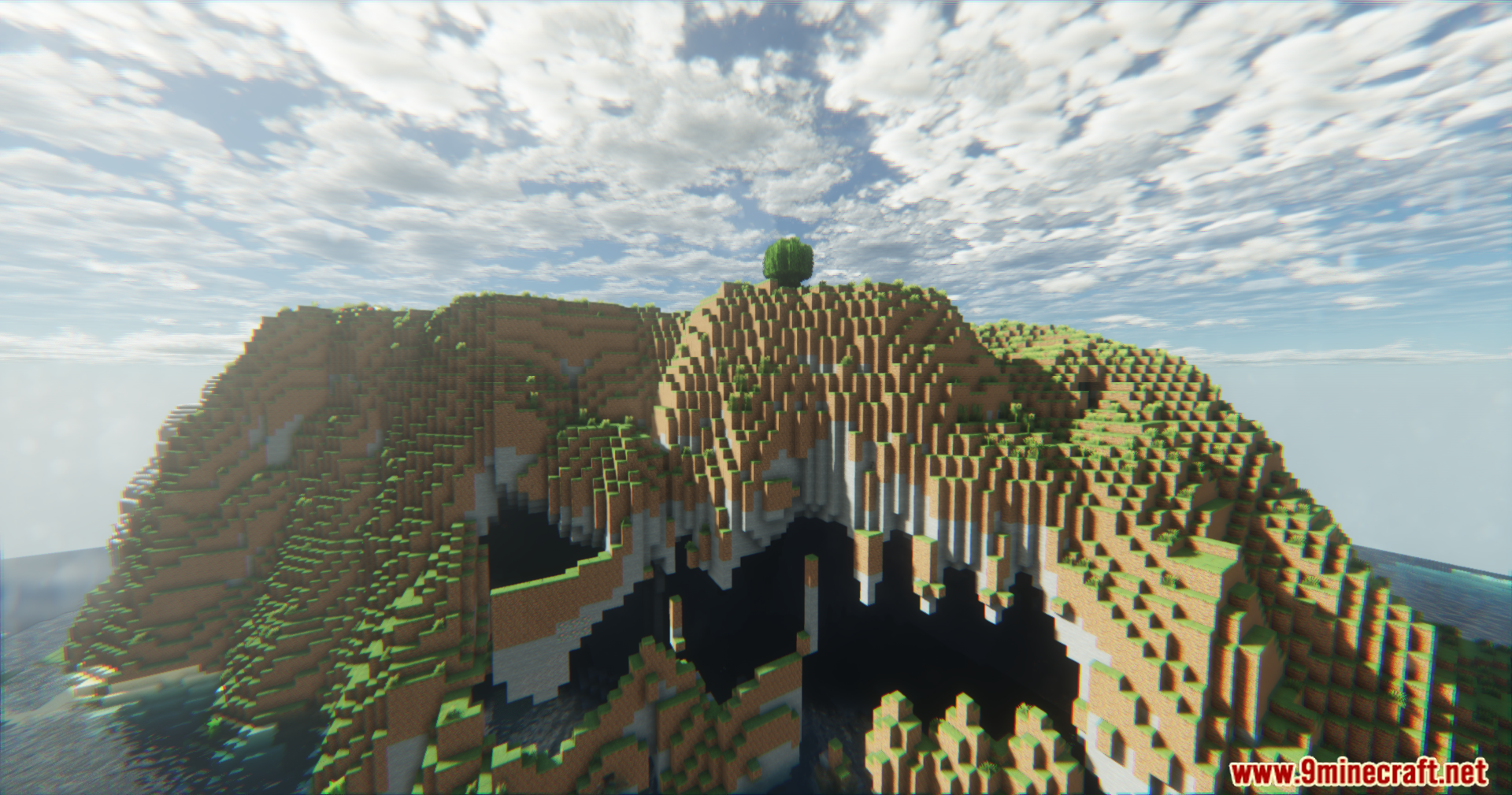
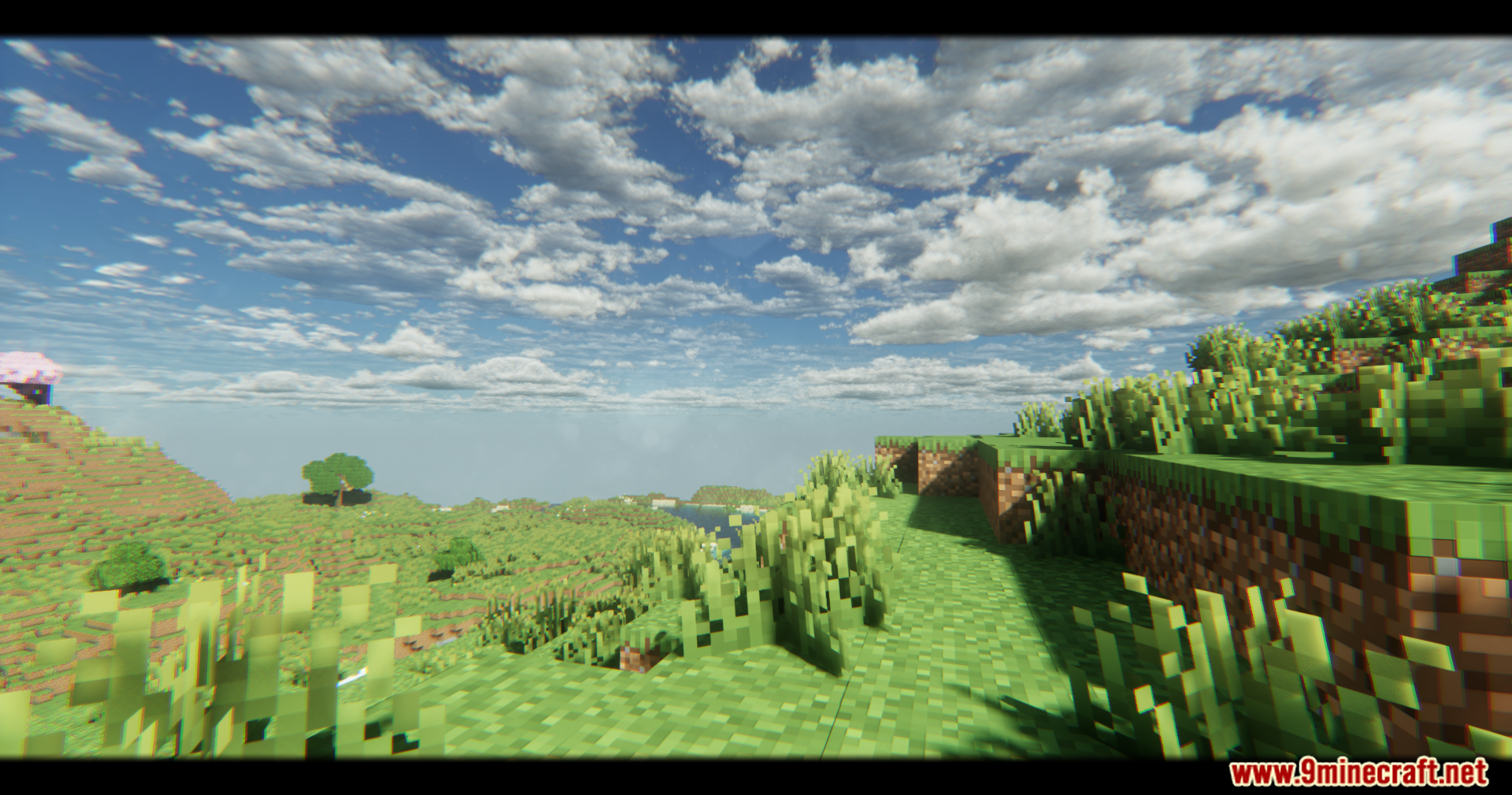
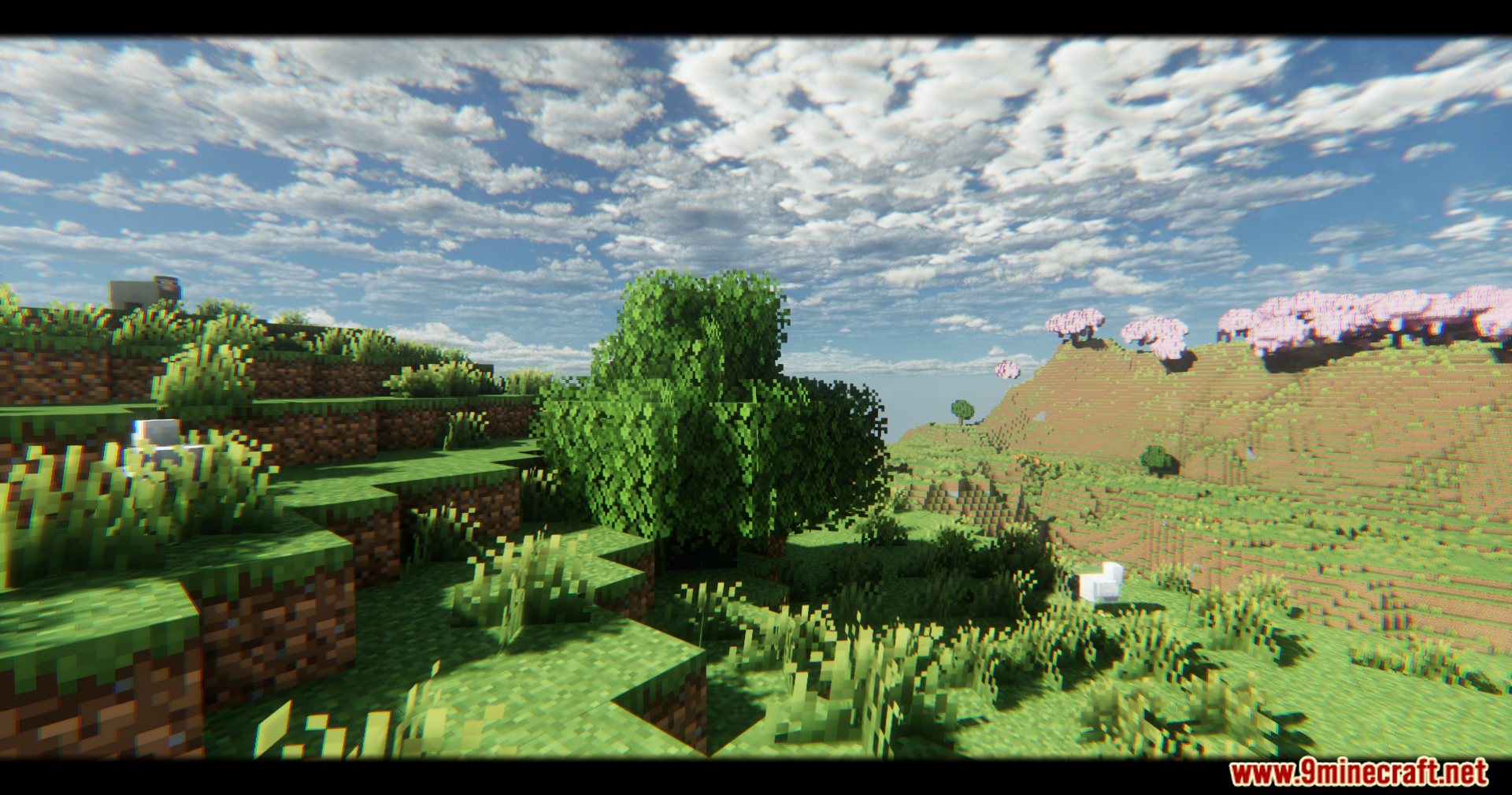
Screenshots:
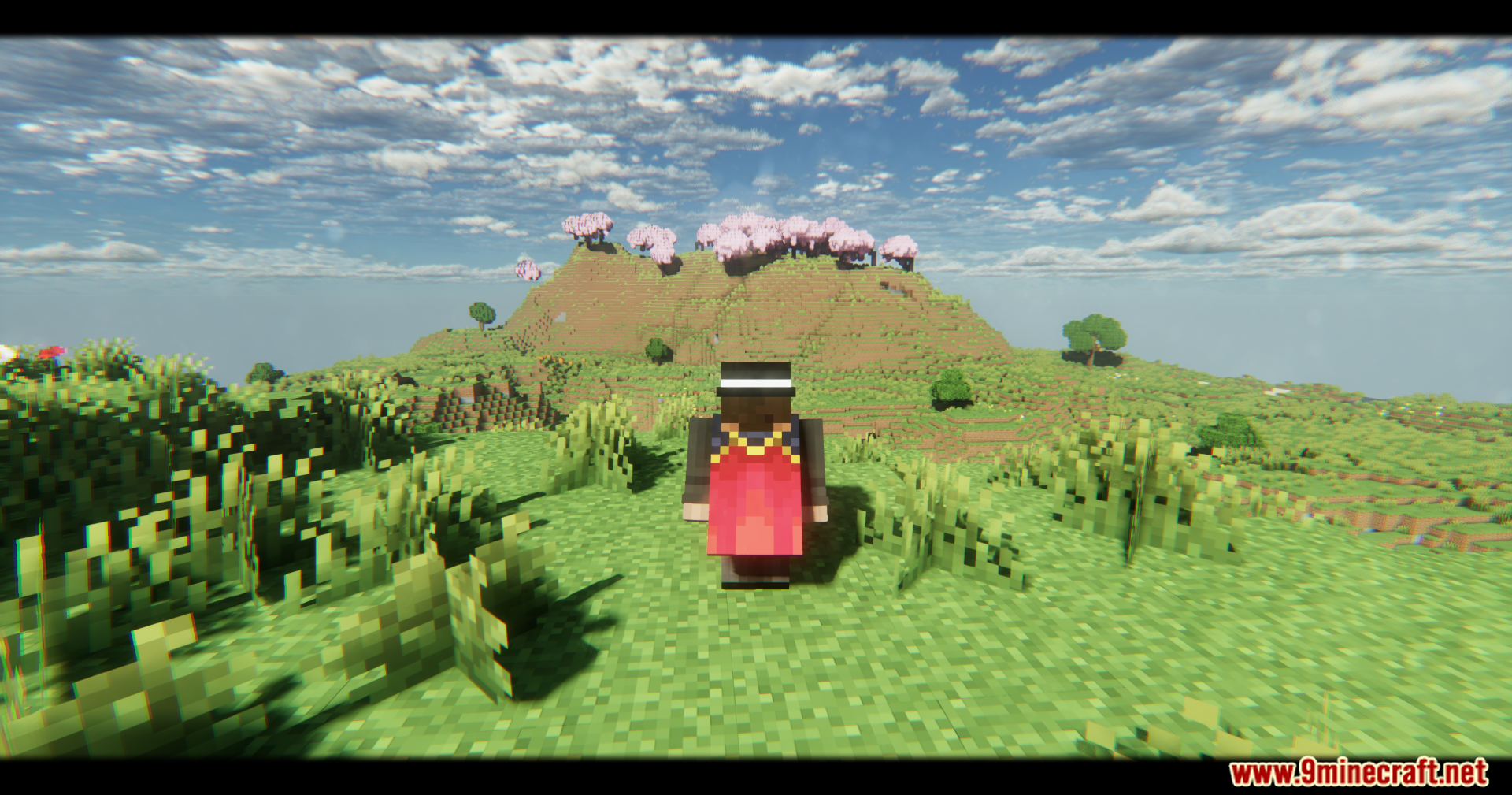
Dercode Shaders Download Links
- Edition: Minecraft Java
- File type: .zip (resource pack)
- Minecraft versions listed: 26.3, 1.20.1
- How to install: Download the .zip resource pack — do not unzip it. → Put it in .minecraft/resourcepacks. → Enable it in Options → Resource Packs.
- Where to get it: In MC Java Mods, or directly above on this page.
Install steps are the general flow for this file type — see the MC Java Mods guides for the full walkthrough.
Dercode Shaders (26.3, 1.20.1) – Volumetric Lights & Raytracing is a free Minecraft Java shader. Compatible with Minecraft 26.3, 1.20.1. Download it and open it directly in the game.