ShadersJava
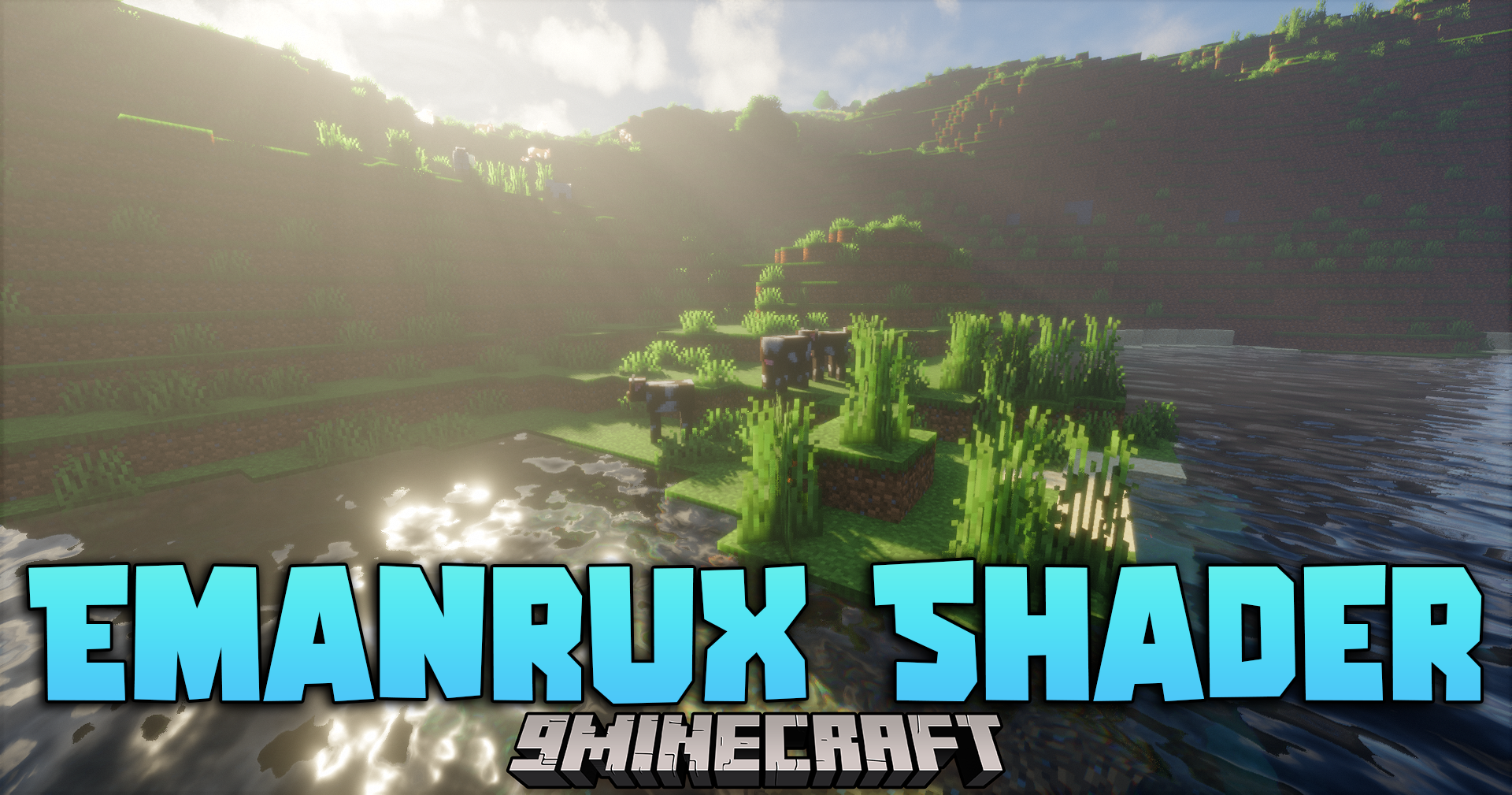
Emanrux Shaders (26.3, 1.20.1) – Adds Realistic Skies And Reflections
Java shader pack listed for Minecraft 1.20. Download on the author's site.
⬇ Download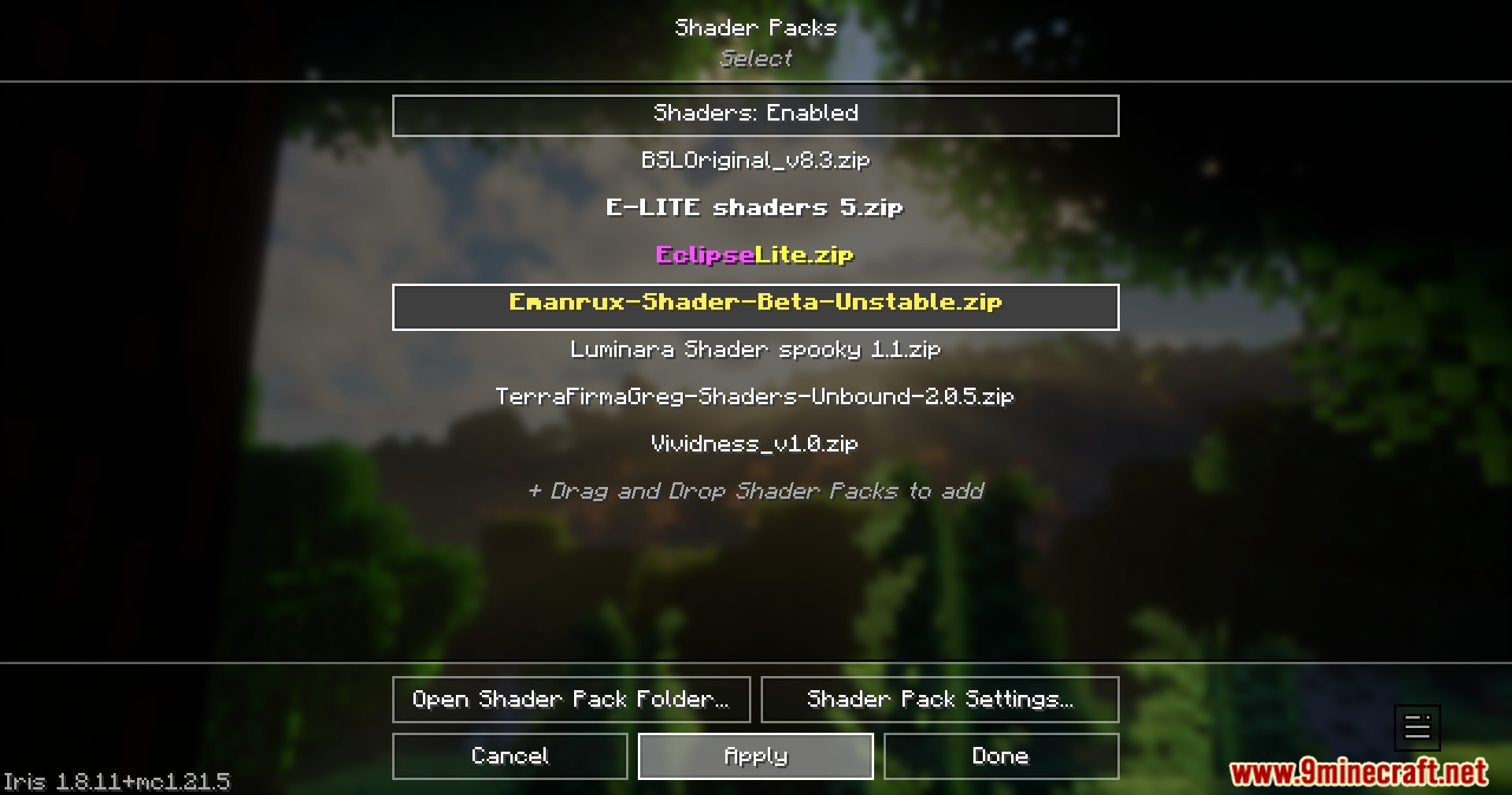
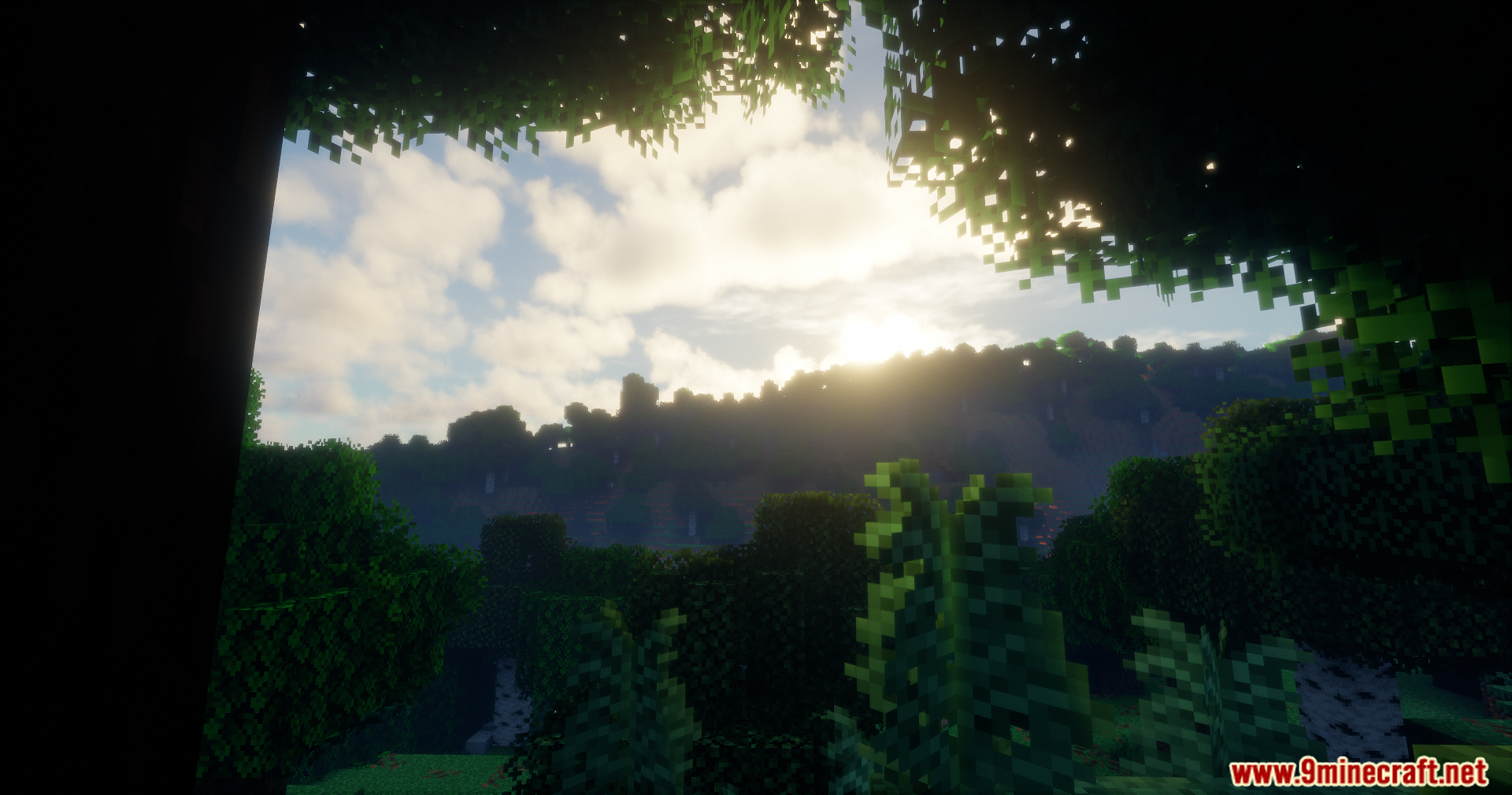
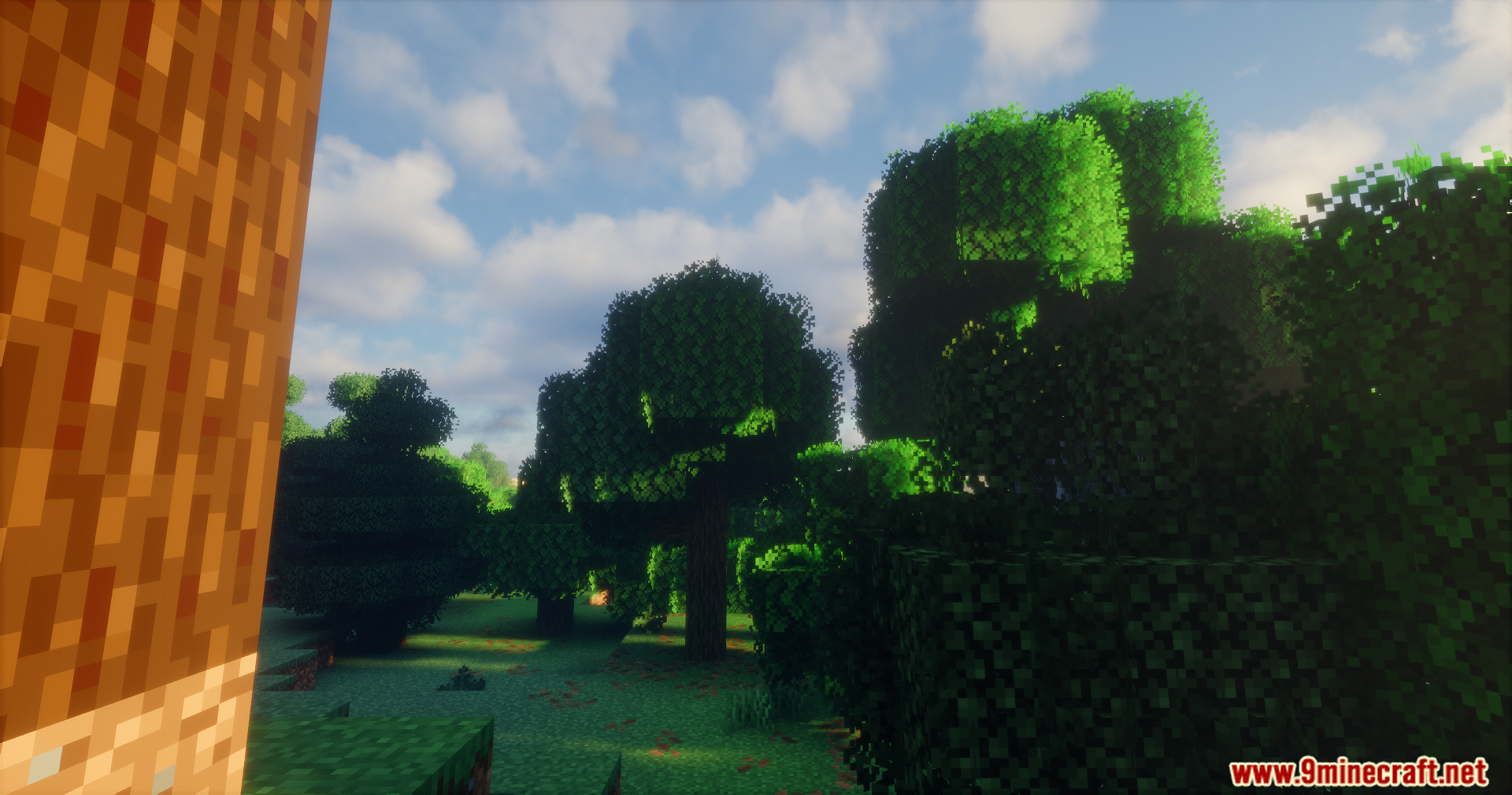
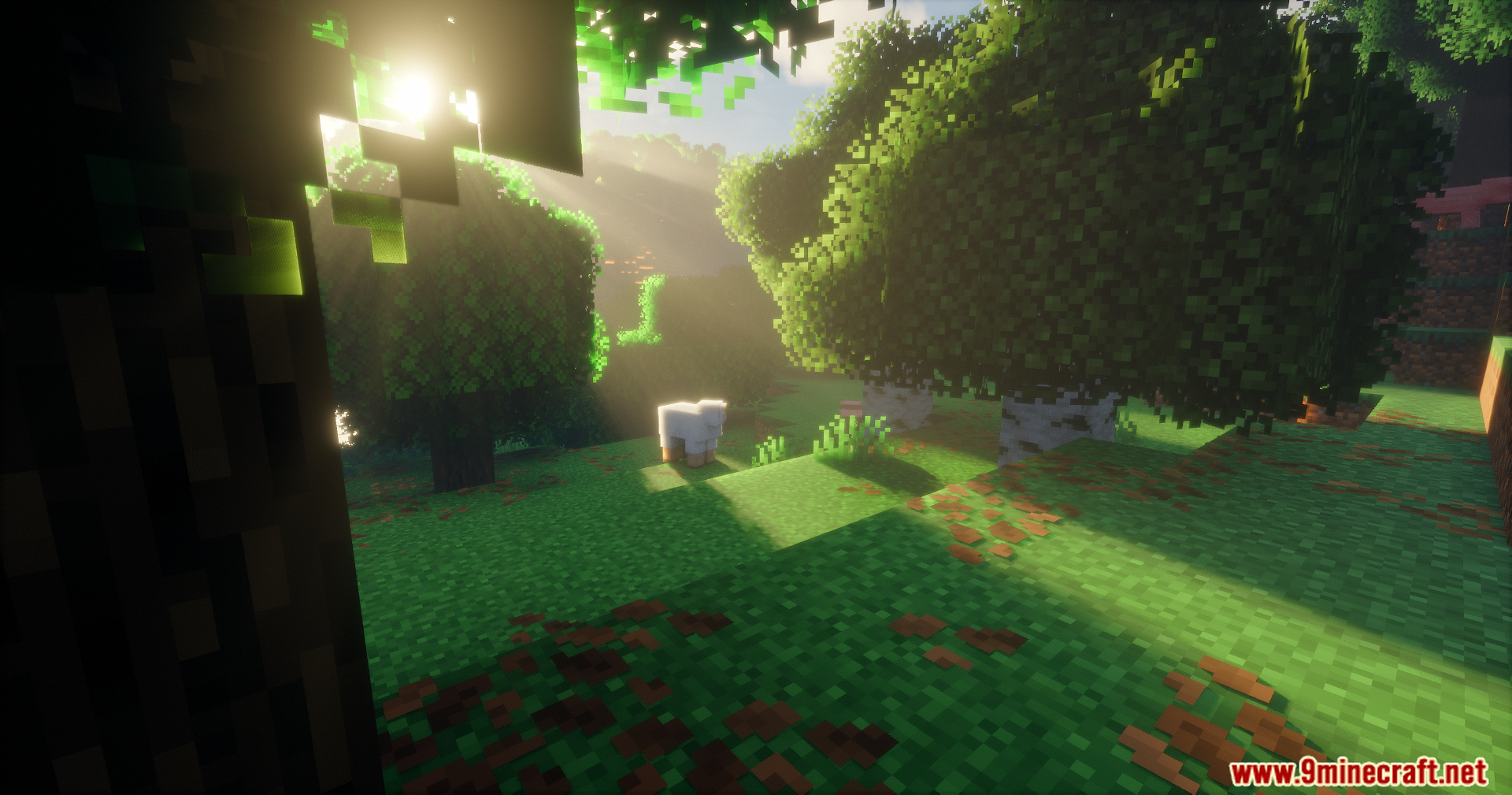
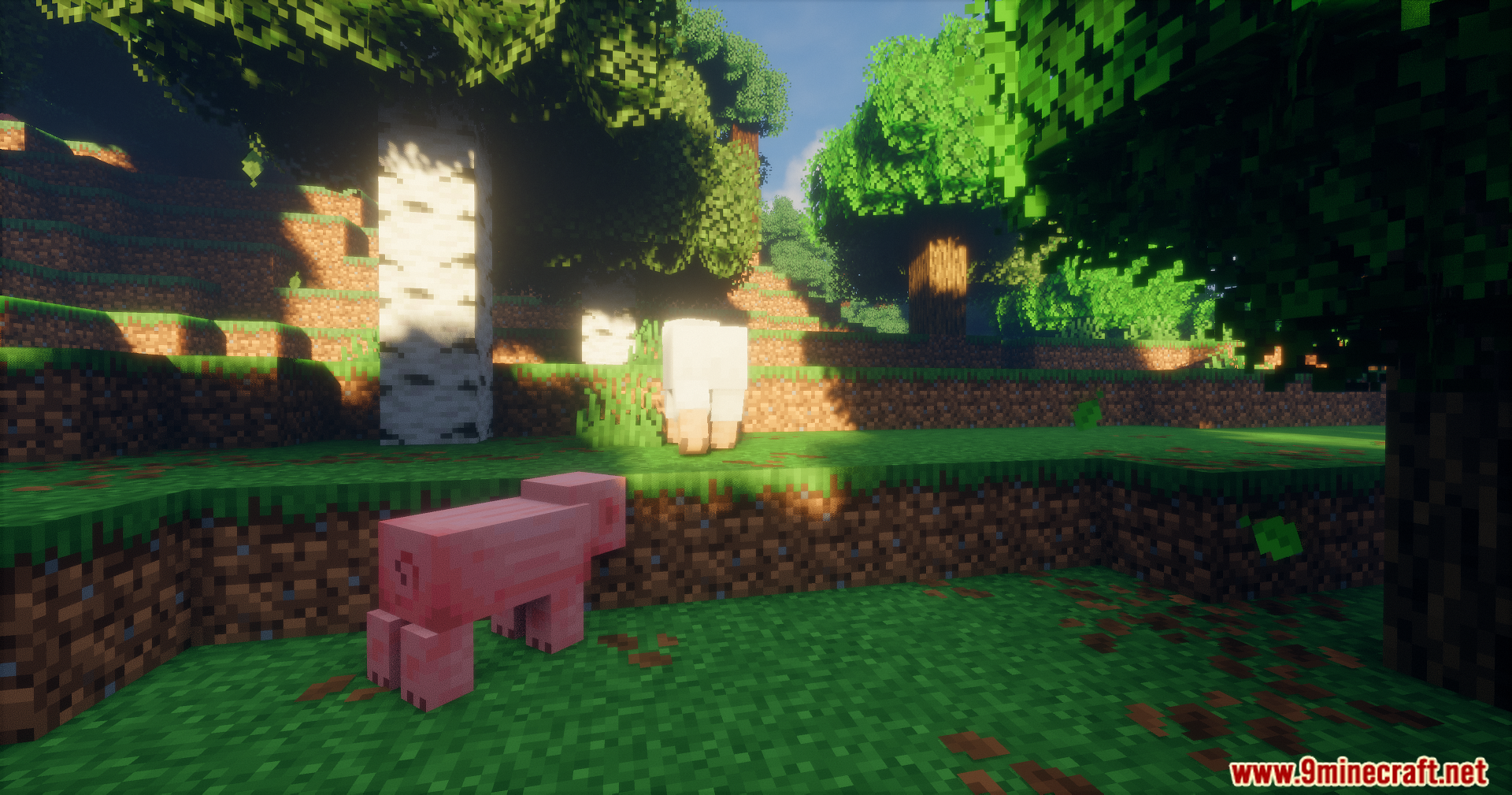
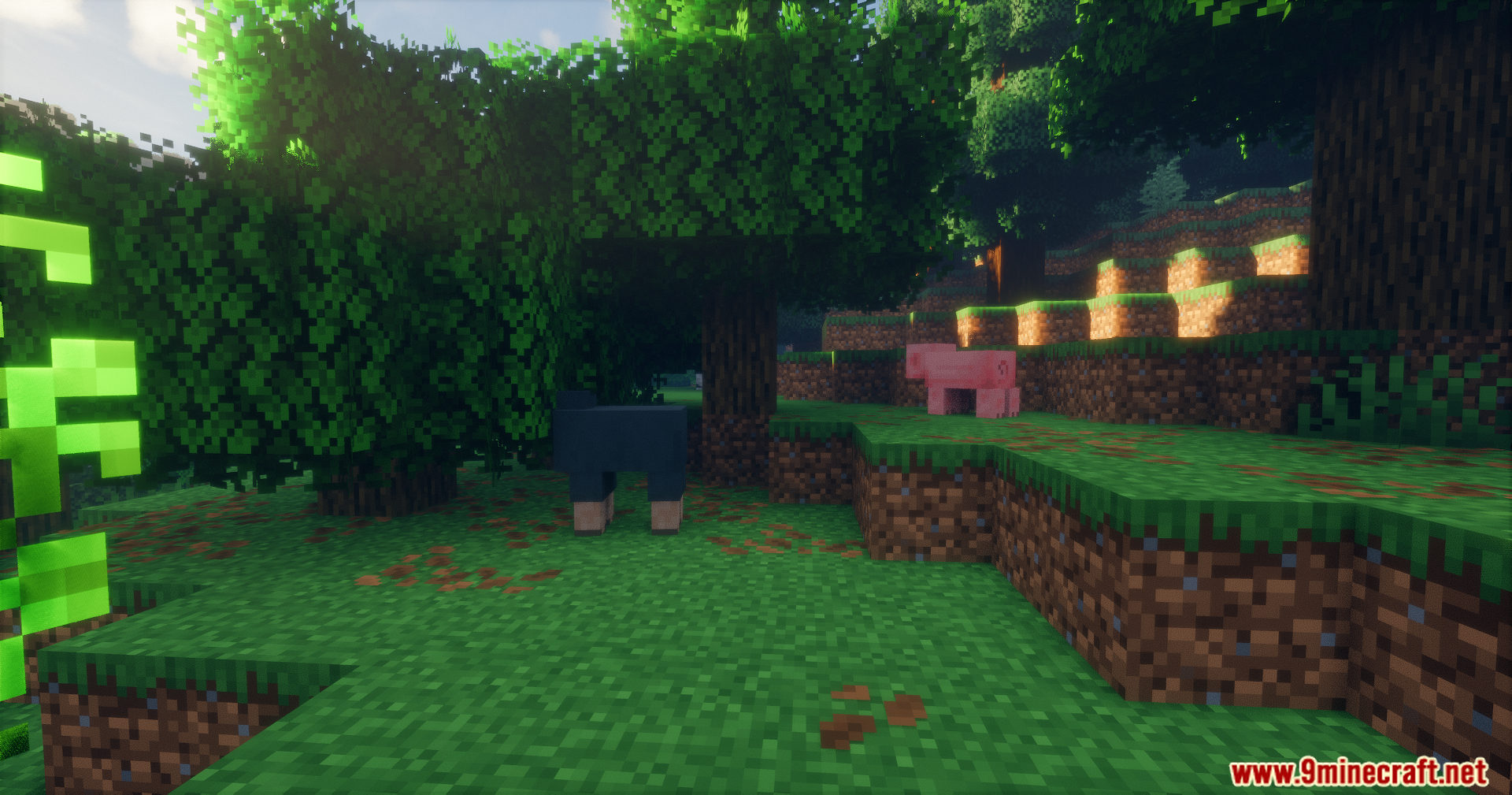
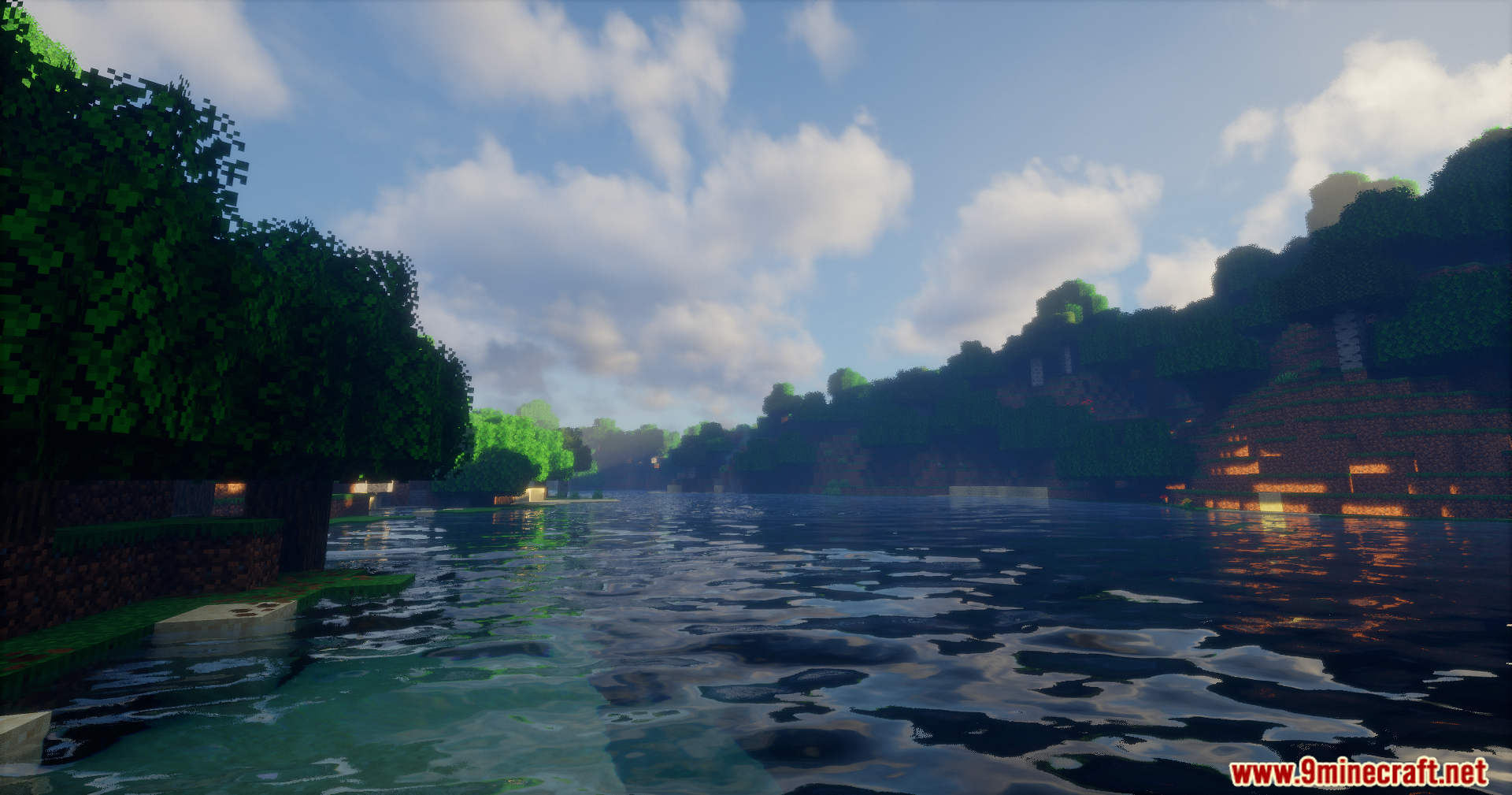
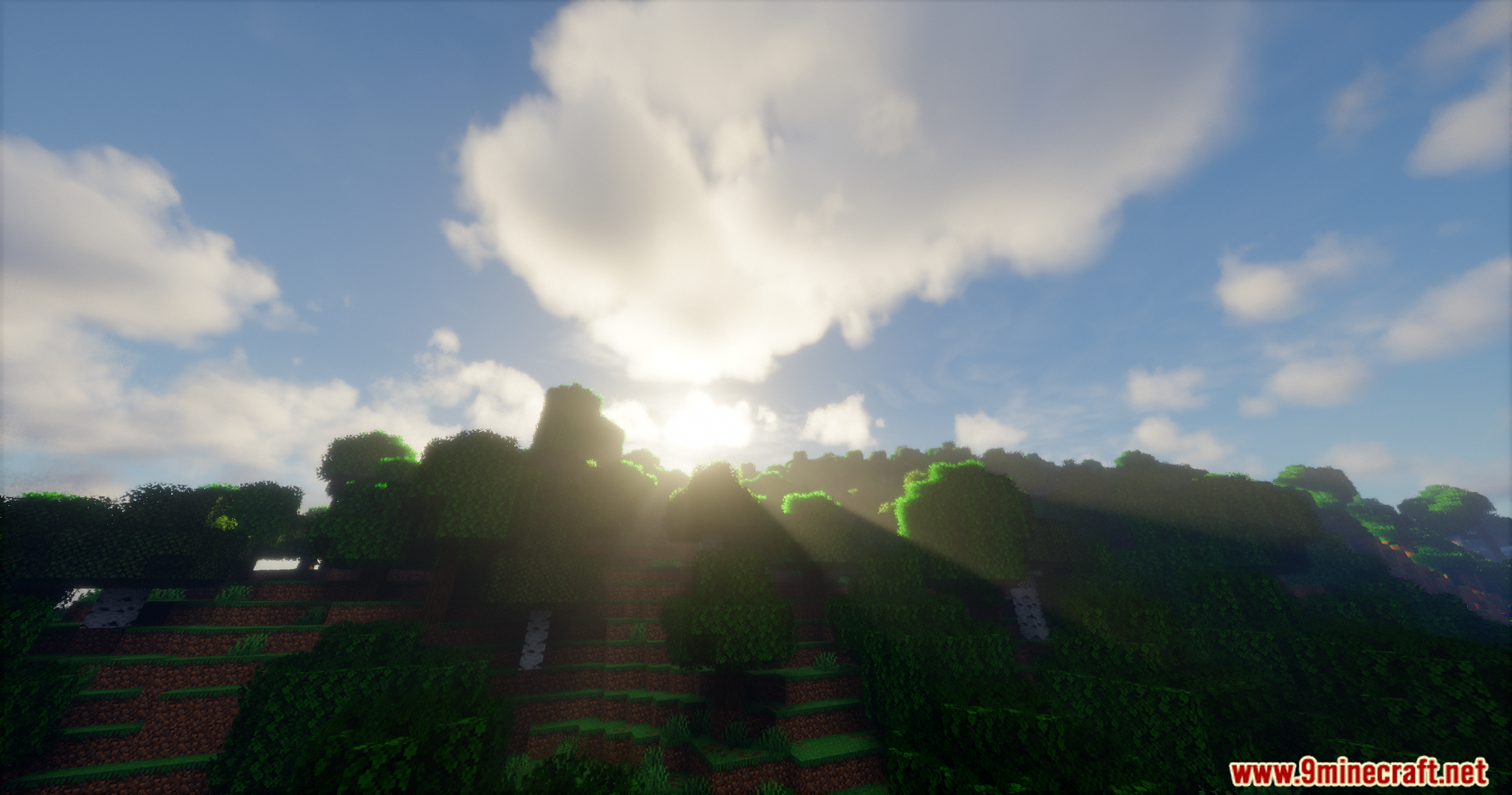
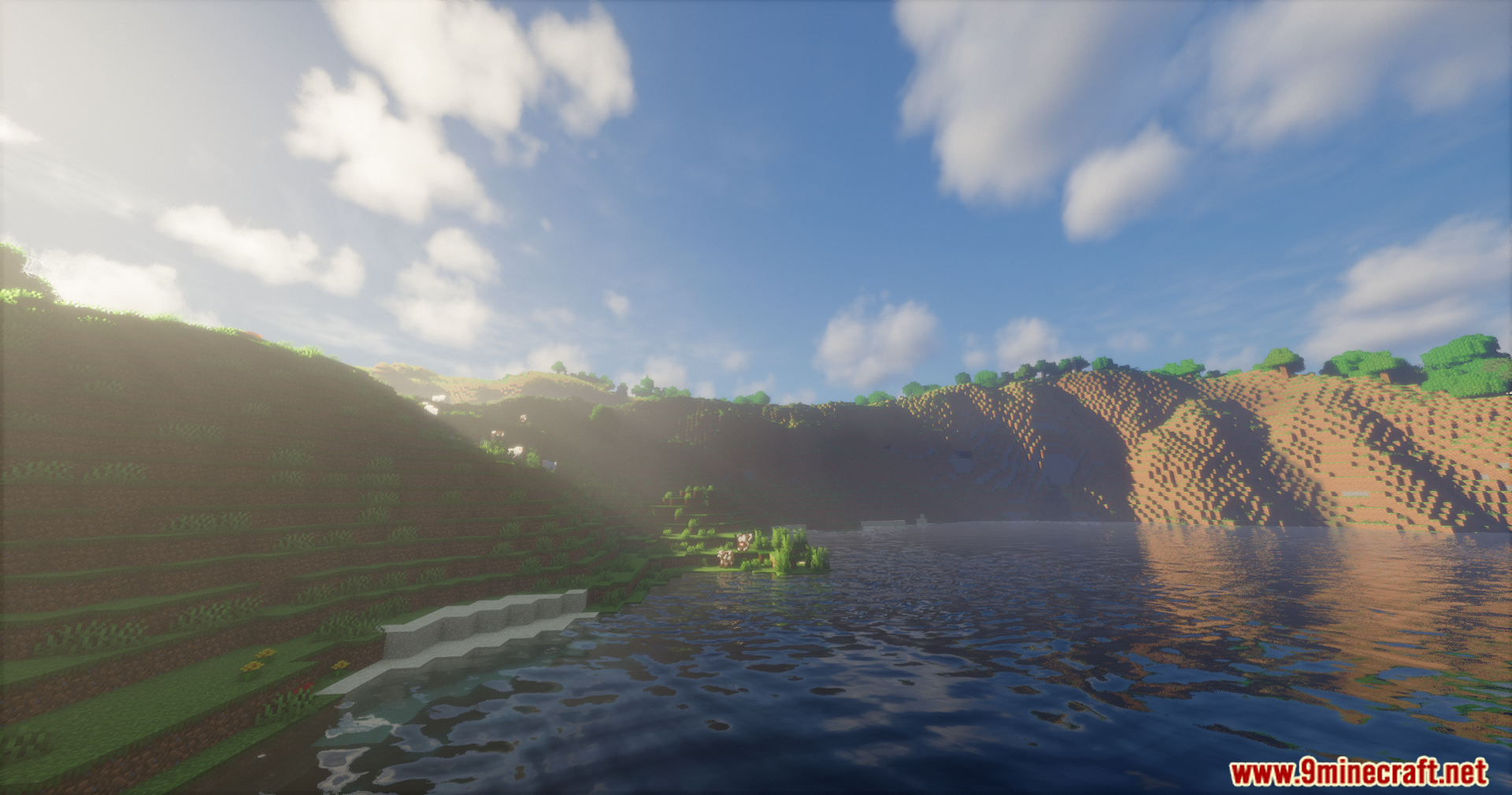
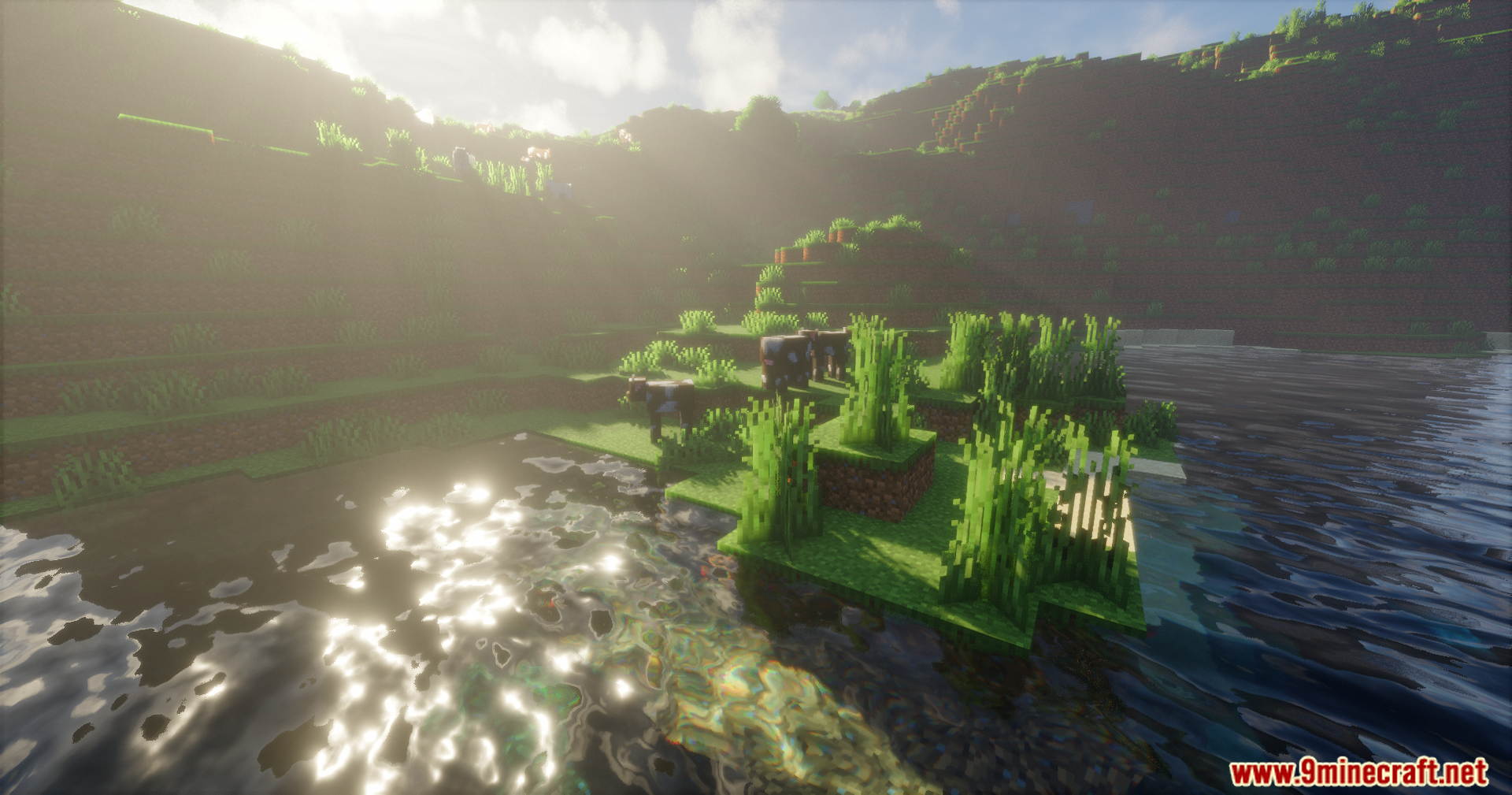
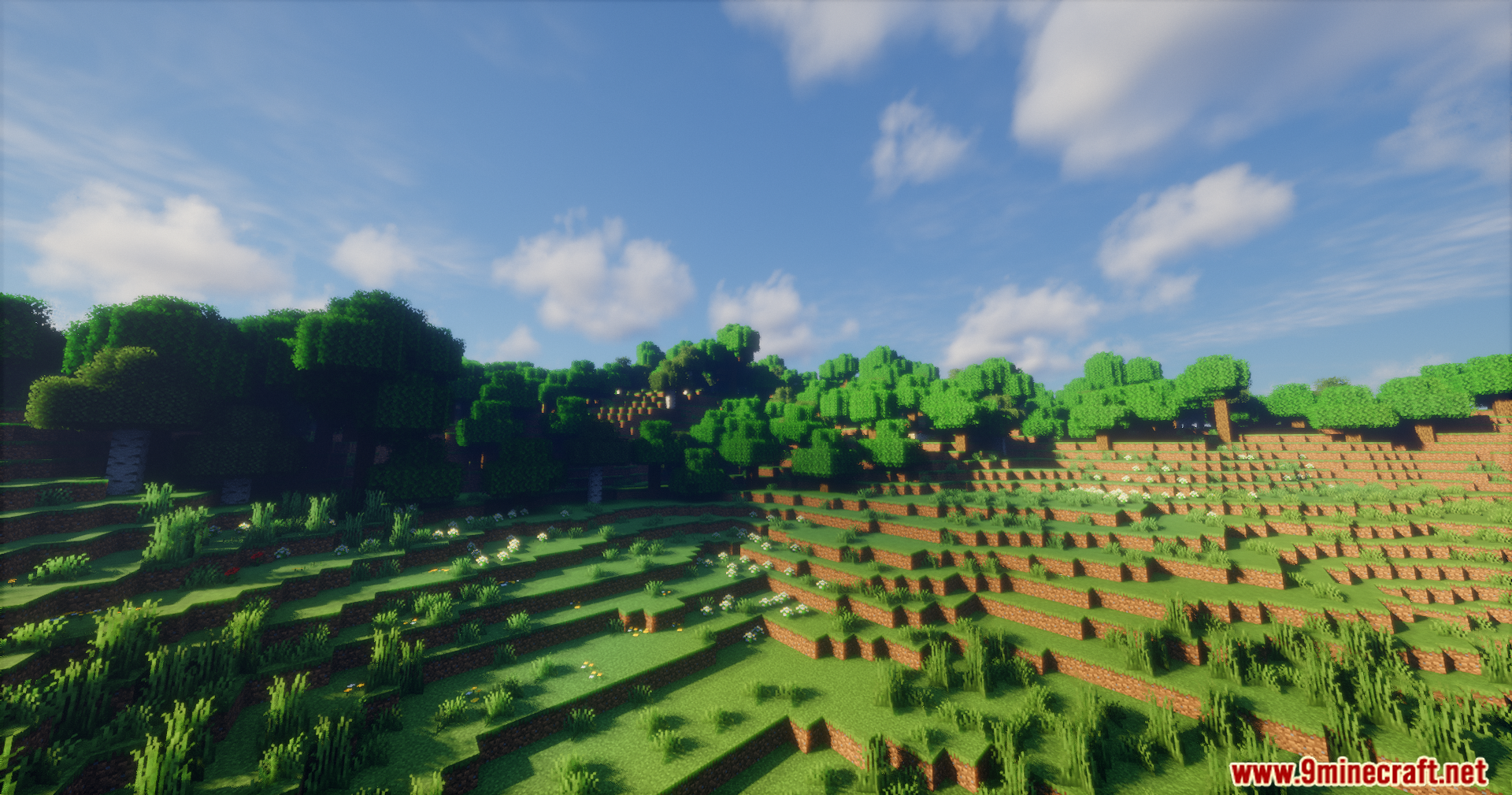
Emanrux Shaders changes the way light, water, and skies look in your game. It gives you a great balance between pretty graphics and fast game speed. This shader brings beautiful sun rays, realistic rain, and glowing blocks to your world.
Features:
- Galaxy Sky: Look up to see stars, planets, and even black holes in the night sky.
- Rain on Glass: Watch raindrops slide down your windows just like in real life.
- Frosted Glass: Windows get a cold frost effect when you build in snowy areas.
- Connected Glass: Makes your glass blocks look clear and connected without needing an extra texture pack.
- Block Reflections: See reflections on shiny blocks like quartz and purpur.
- Glowing Ores and Blocks: Ores are brighter so you can find them easily, and blocks like Redstone give off their own light.
- Custom Nether Portal: Portals get a cool new spiral look.
- Cinematic Dark Mode: Makes the dark areas look deeper and more dramatic.
- Better Clouds: Changes the clouds so sunlight passes through them better.
- Faster Game Speed: Removes extra grass effects to help your game run faster with higher FPS.
- Multiple Languages: You can read the settings menu in English, Spanish, French, German, Portuguese, Russian, and Chinese.
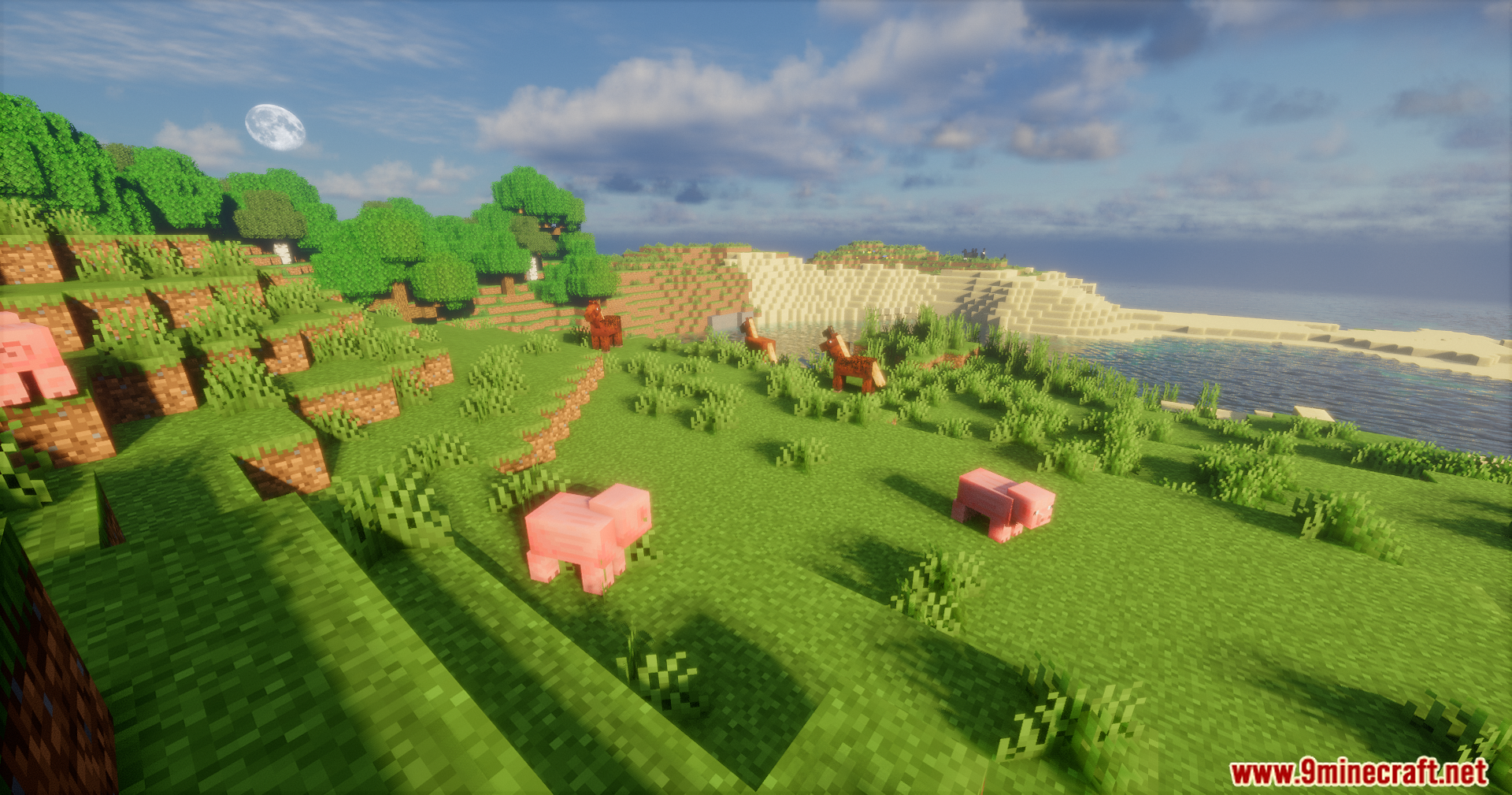
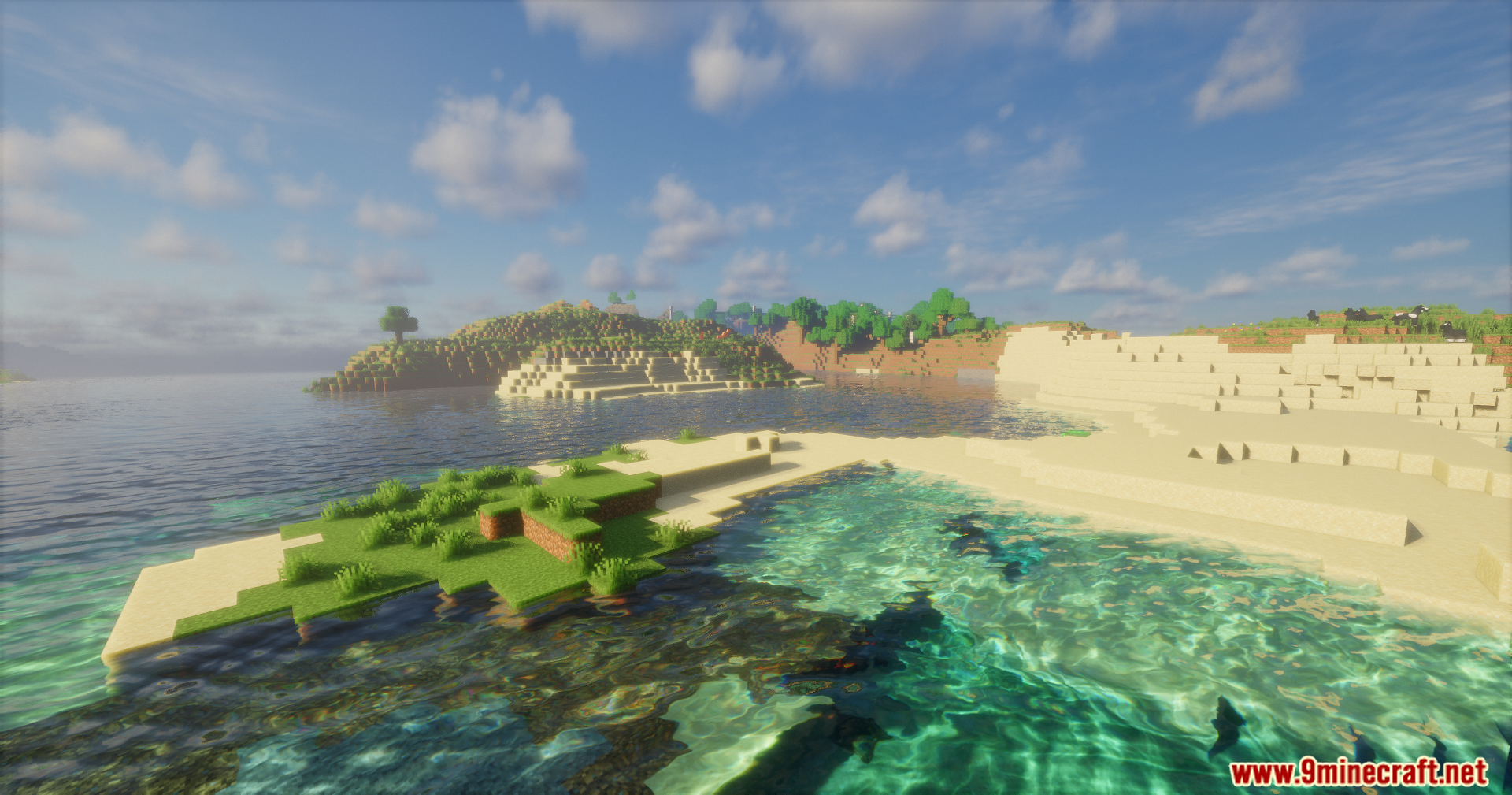
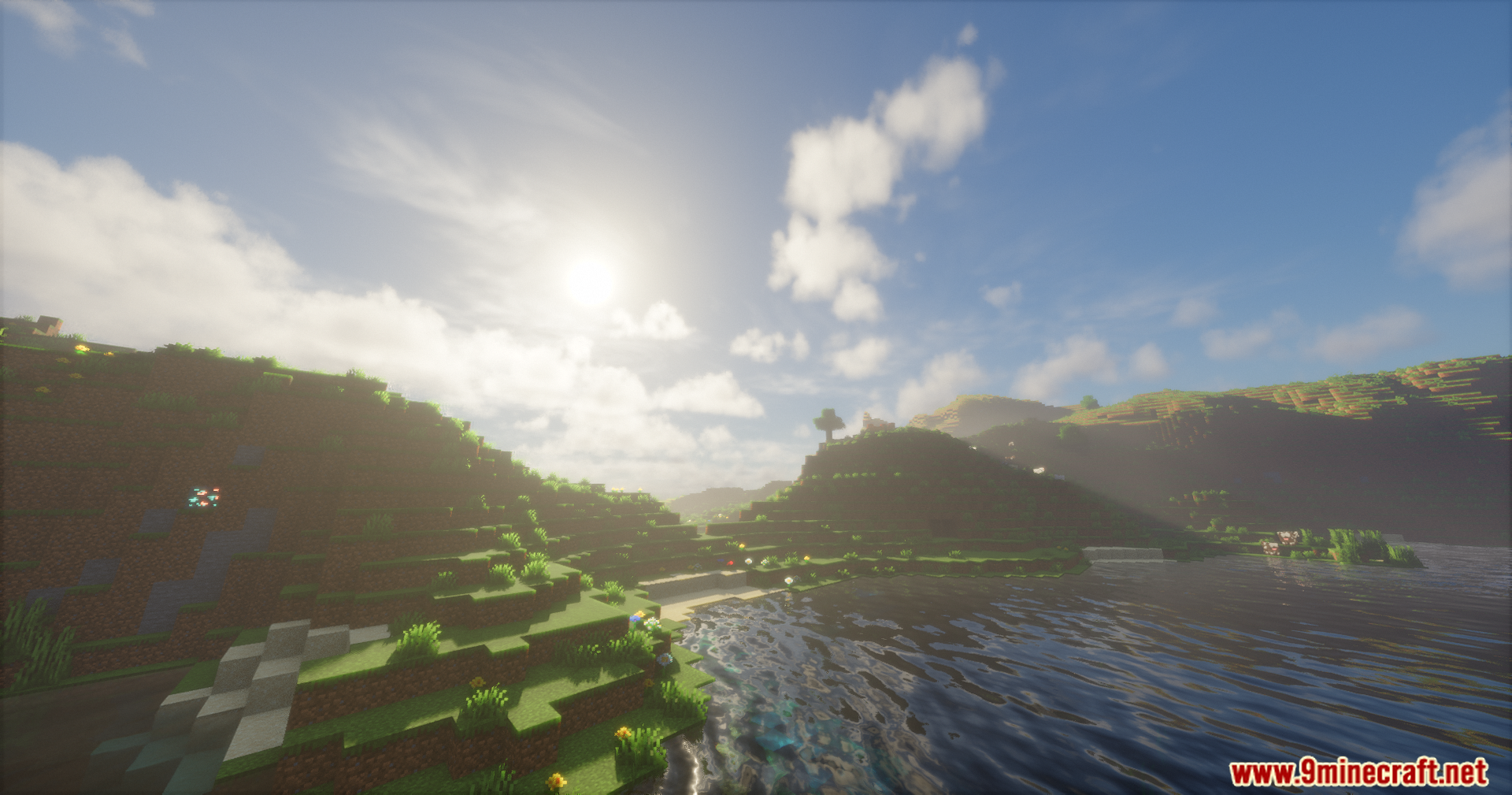
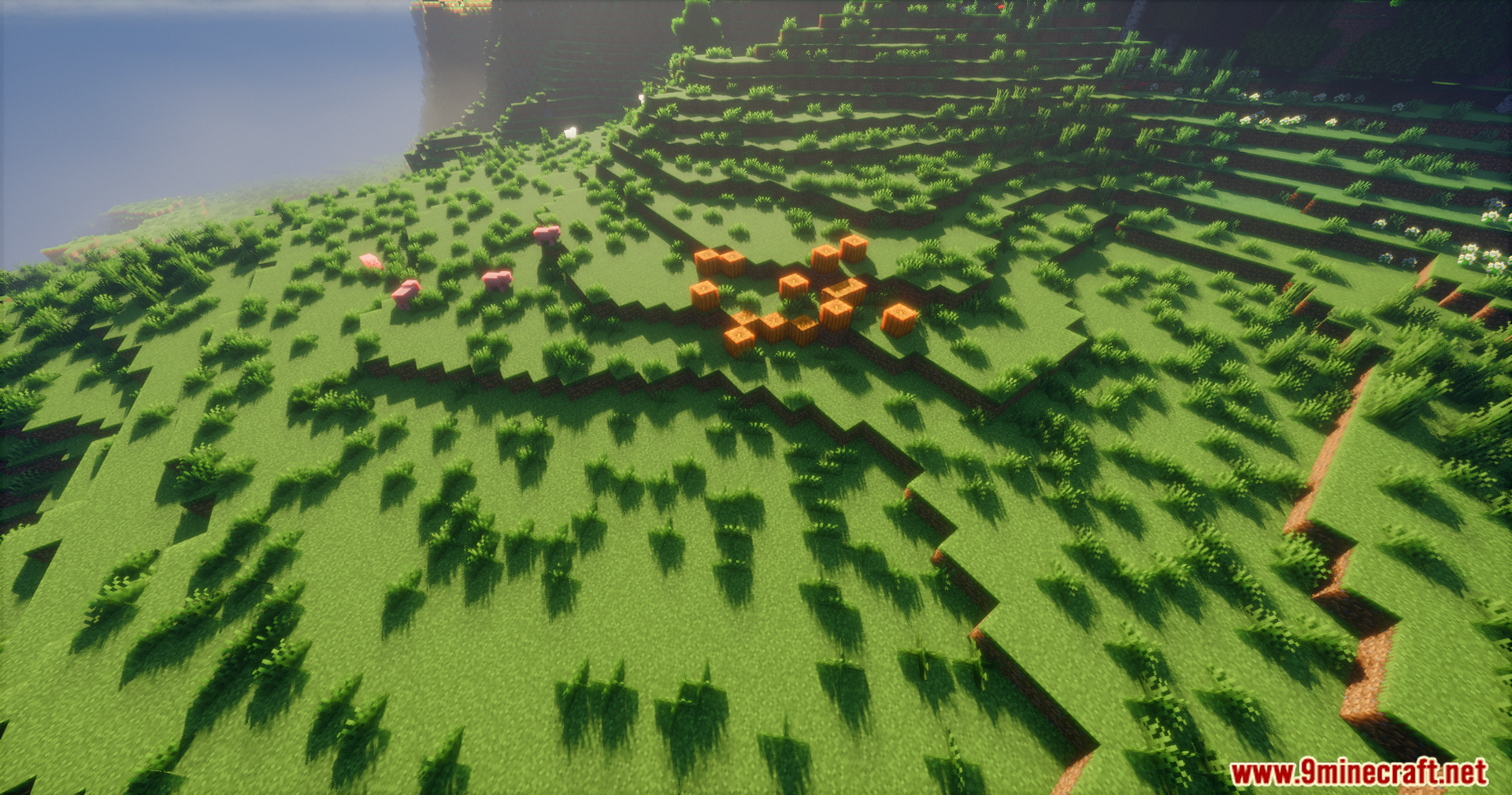
Screenshots:
Emanrux Shaders Download Links
Quick facts
- Edition: Minecraft Java
- File type: .zip (resource pack)
- Minecraft version listed: 1.20.1
- How to install: Download the .zip resource pack — do not unzip it. → Put it in .minecraft/resourcepacks. → Enable it in Options → Resource Packs.
- Where to get it: Opens on the file's original source — not every file is mirrored on our own servers.
Install steps are the general flow for this file type — see the MC Java Mods guides for the full walkthrough.
Emanrux Shaders (26.3, 1.20.1) – Adds Realistic Skies And Reflections is a free Minecraft Java shader. Compatible with Minecraft 1.20.1. Download it and open it directly in the game.